
Alice Wonderland "Flamingo Croquet" ~ Series 1
Print Profile(1)

Description
Caution
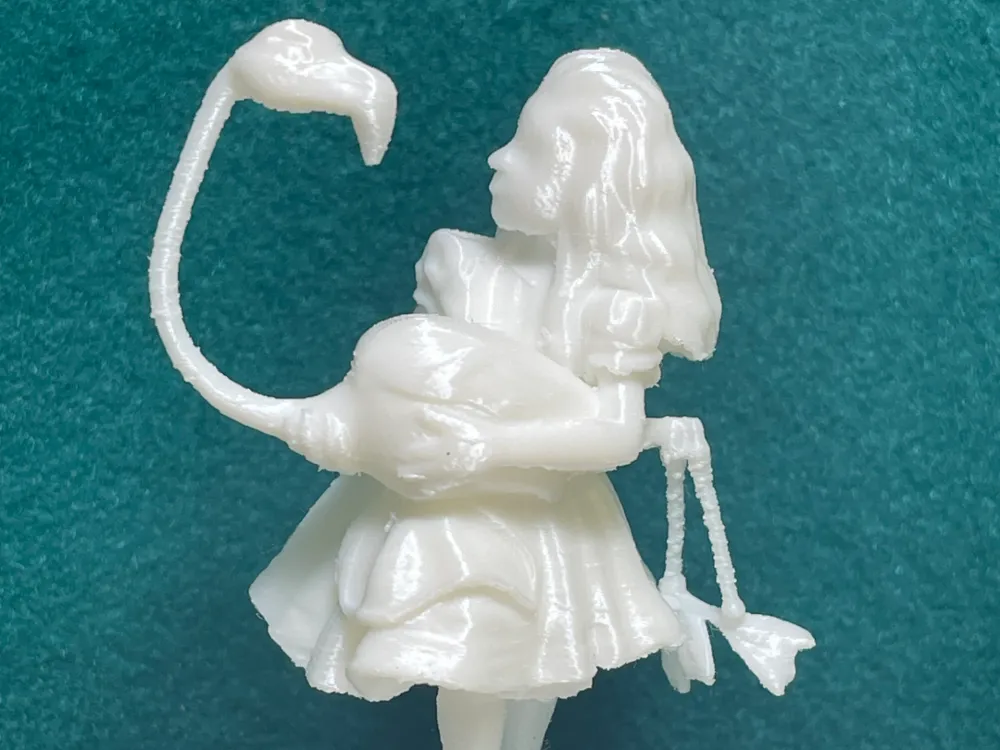
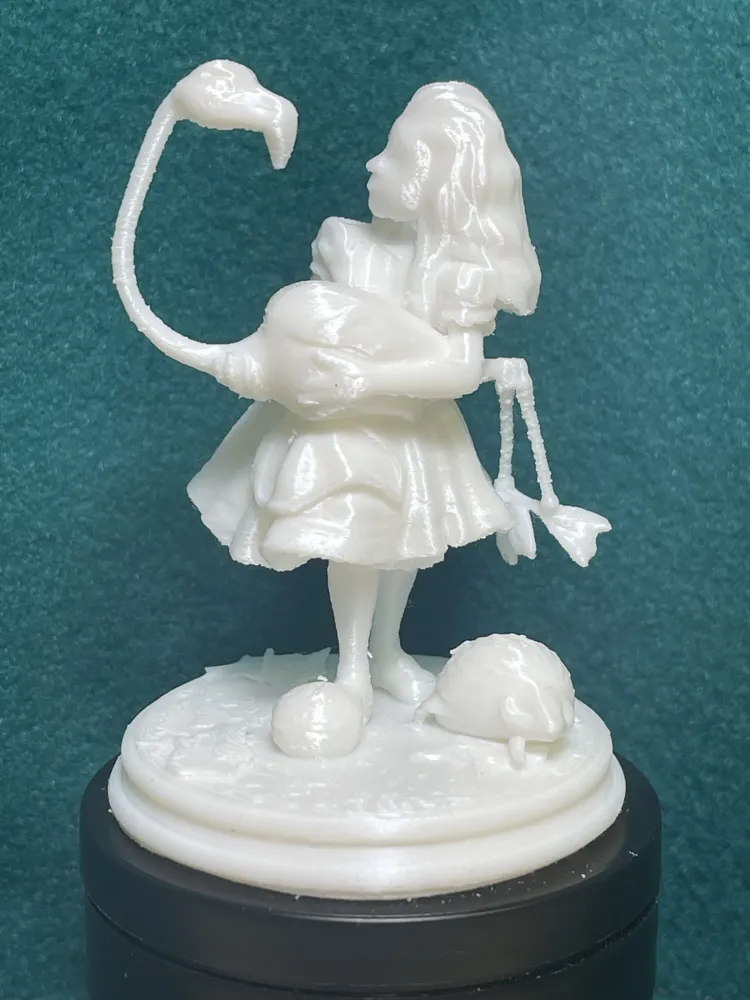
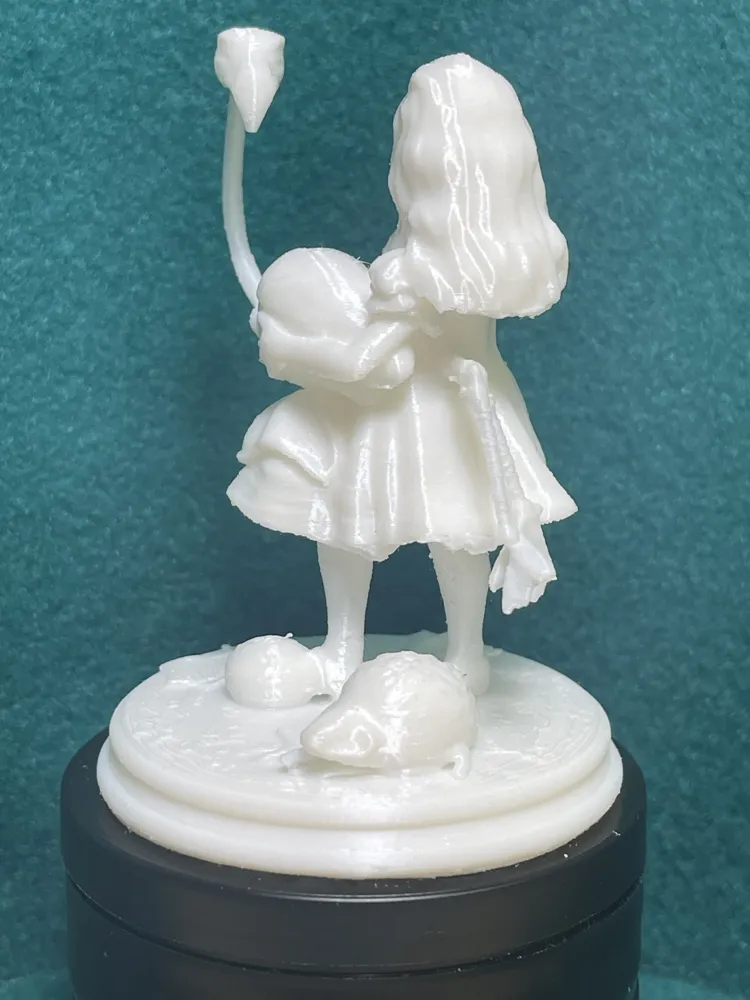
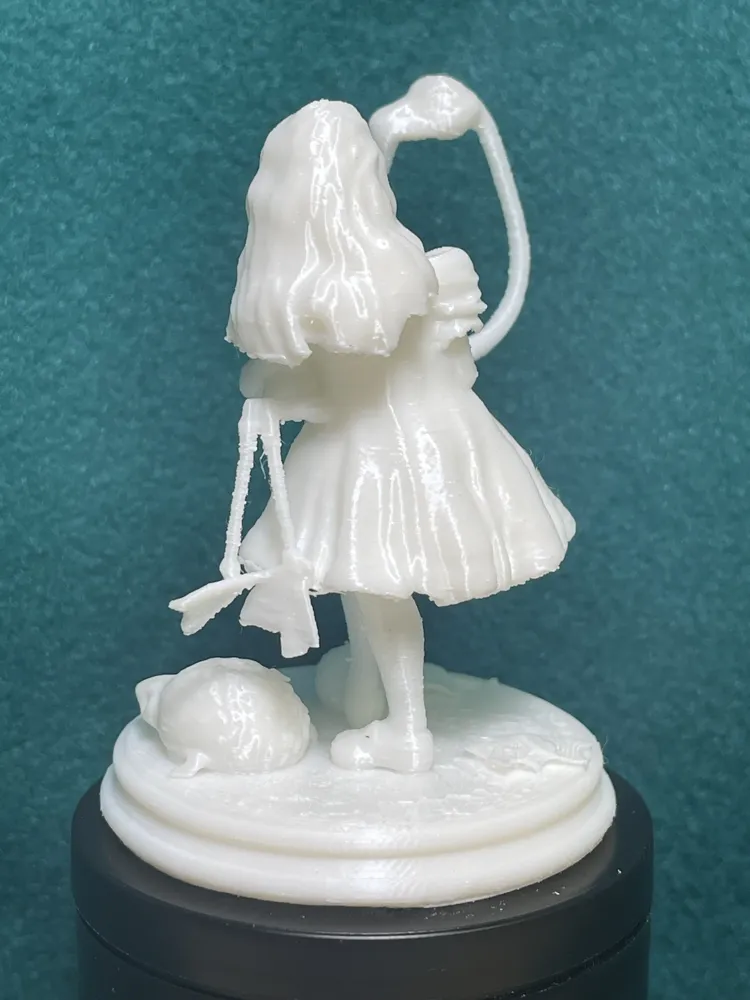
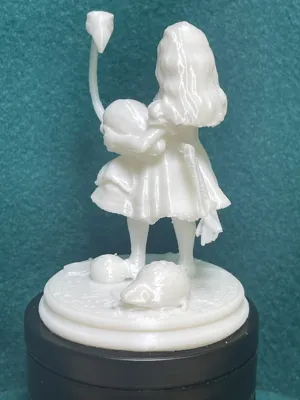
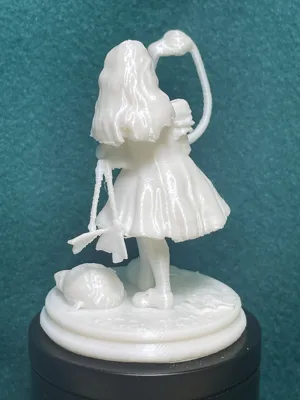
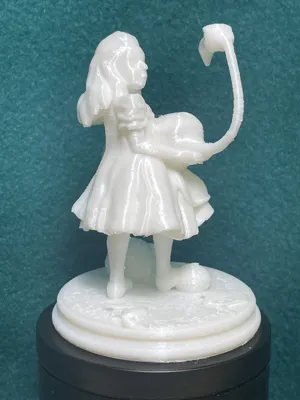
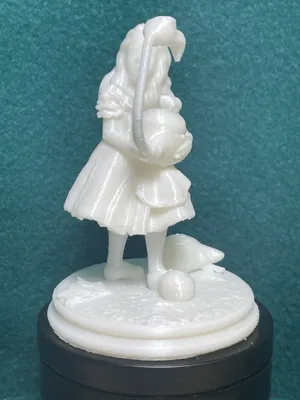
This is a tricky one. I used 'Tree' supports. It took some time but I managed to remove all the supports without breaking any part of the model. Just a warning. Set aside some time, a cup of your favorite drink, and take your time. Well worth it! ~ Clyde
🃏 Alice in Wonderland – Series #1
8/49 Flamingo to club ~ Model Title
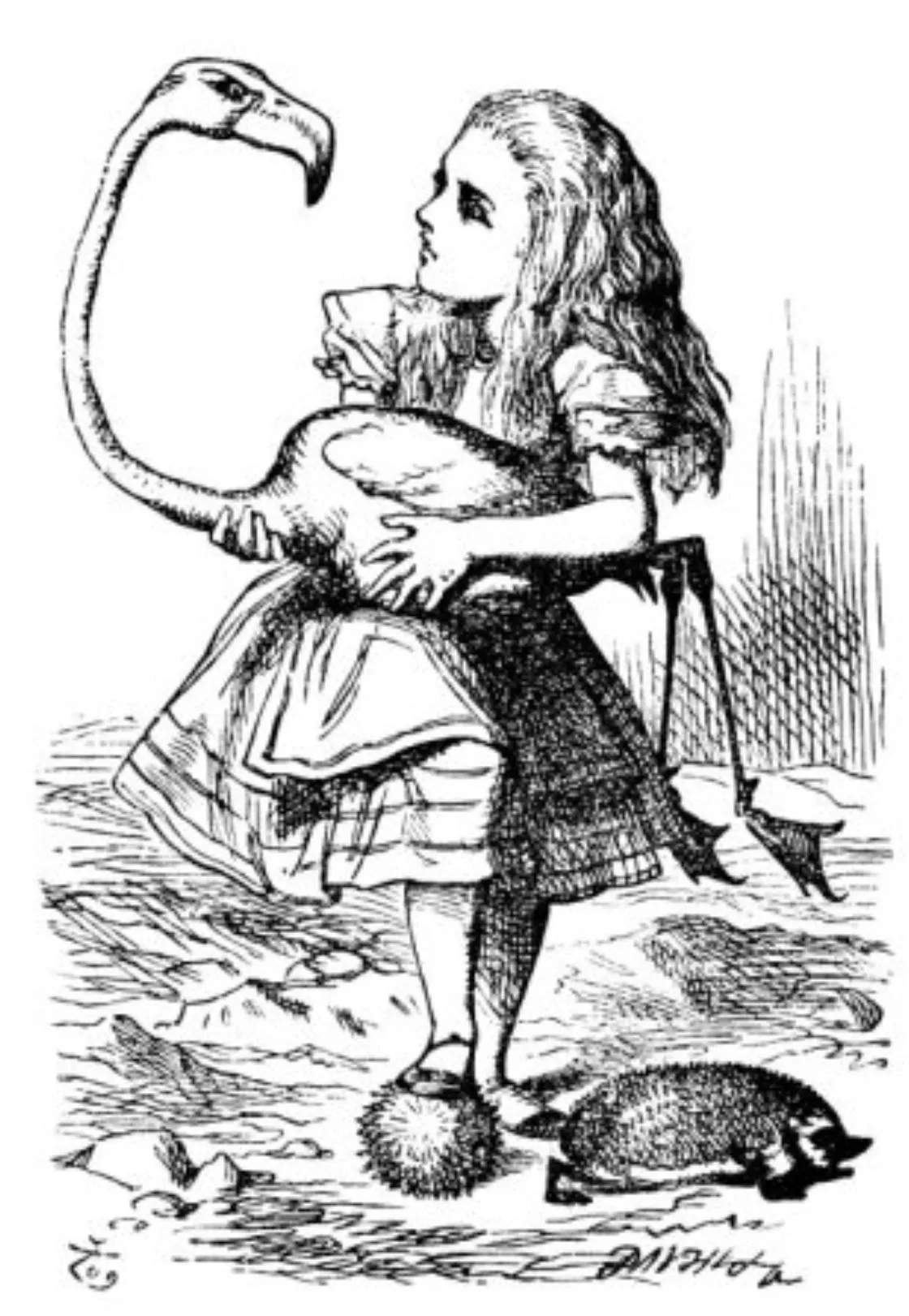
Inspired by the 1865 classic Alice’s Adventures in Wonderland by Lewis Carroll, illustrated by Sir John Tenniel.
This 3D printable scene recreates a moment from the original tale:
https://archive.org/details/AlicesAdventuresInWonderland
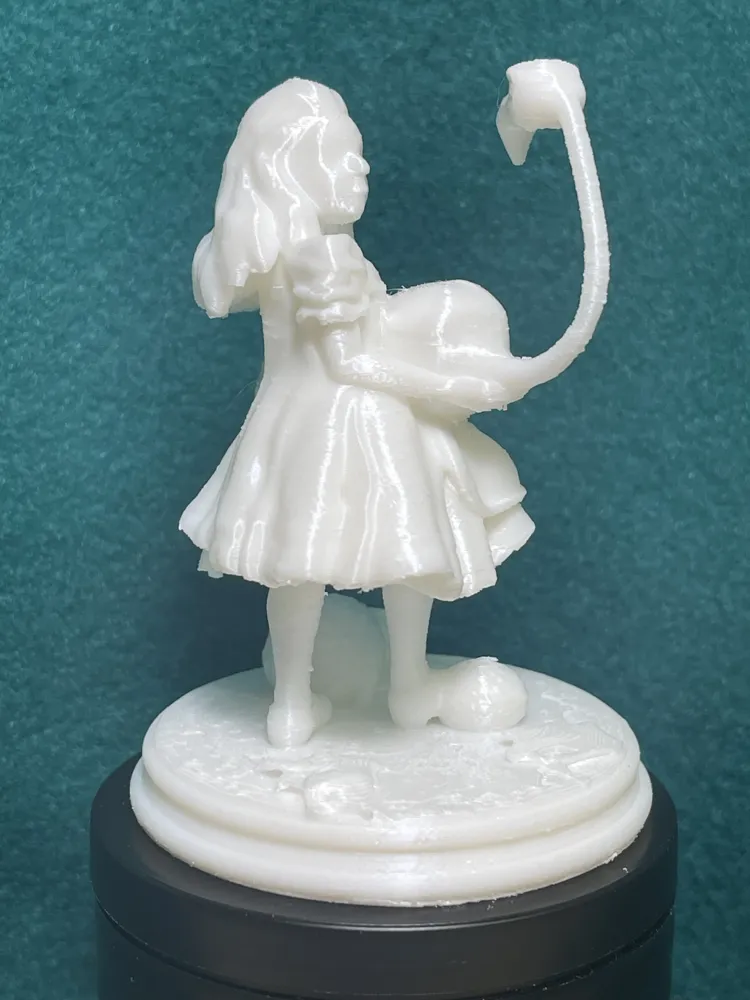
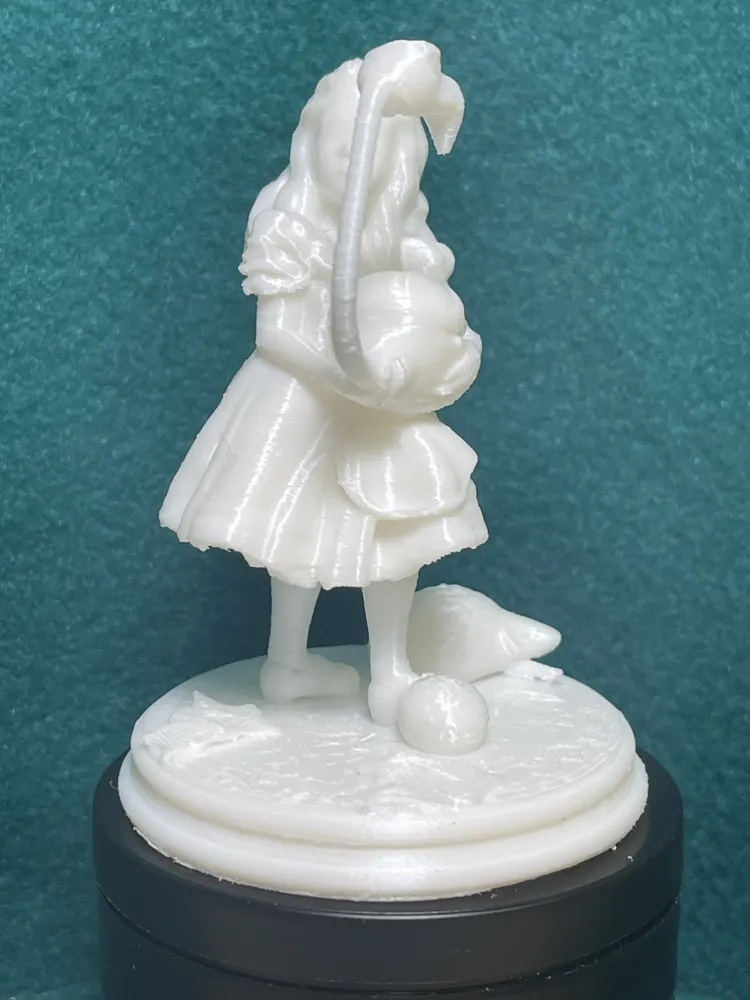
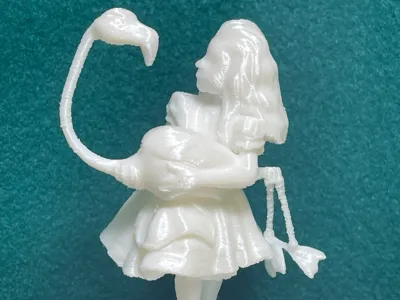
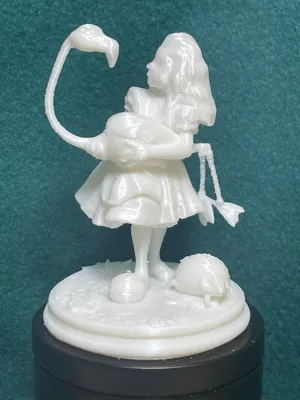
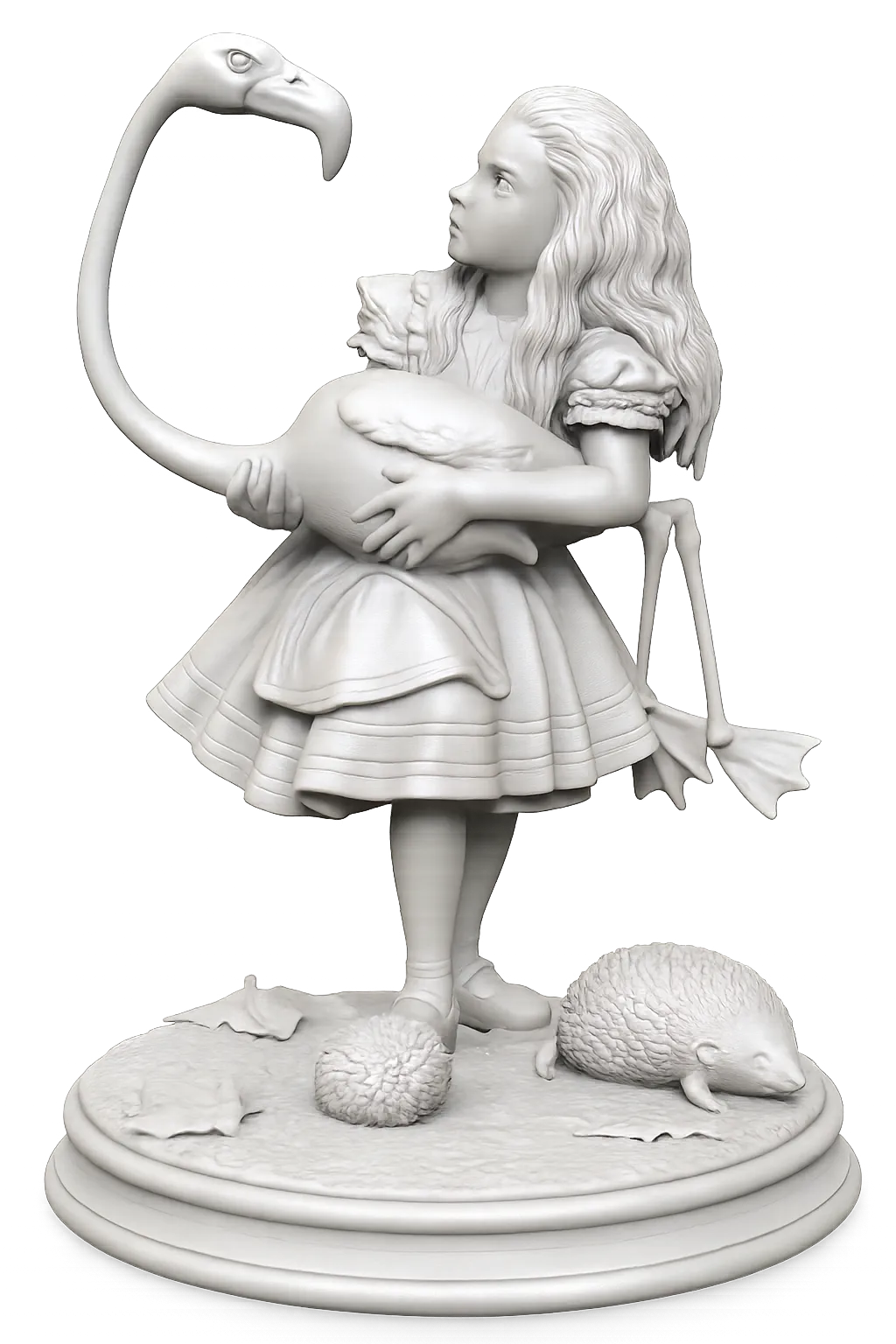
In a scene that swings between absurdity and grace, Alice prepares for a most unusual game of croquet. Holding a flamingo as her makeshift mallet, she stares at its confused face while a hedgehog curls near her feet, ready to be used as a ball. The flamingo, uncooperative and very much alive, cranes its neck inquisitively, refusing to stay straight—making this one of the most delightfully impractical moments in Wonderland. Alice’s expression is a portrait of bewildered patience, as the rules of logic and sport crumble around her.
👑 Characters Featured:
• Alice
• Flamingo
• Hedgehog
• -
🎨 Design Process:
This scene was built using a multi-step, AI-assisted workflow:
1 Chipi interprets the original Tenniel illustration and drafts prompts.
2 Sora renders visual drafts based on those prompts.
3 The selected version is converted into a 3D model by MakerLab’s OBJ generator.
4 Clyde refines and validates the model.
5 The model is sliced using Cura, Creality Print, or EufyMake Studio.
6 Final upload prepared in Bambu Studio as a .3mf for MakerWorld.
📸 MakerLab Preview
🛠️ Printing Tips:
• Supports: Tree Supports recommended
• Layer Height: 0.12–0.2 mm
• Material: PLA or matte PLA
• Orientation: Let your Slicer help with this.
• Assembly: None, unless noted.
• NOTE: Extreme care is needed to remove supports at times. Re-scale to size that makes it easier for support removal.
16 models in Series when Complete!
📜 Note to the reader:
This description was composed in collaboration with Chipi, an AI assistant (yes, it named itself). While much of the phrasing and rhythm comes from AI assistance, all decisions on tone, structure, and content were directed and refined by me. This Wonderland tribute is a fusion of Victorian imagination and 21st-century design — plastic and pixels working in harmony.


License

You shall not share, sub-license, sell, rent, host, transfer, or distribute in any way the digital or 3D printed versions of this object, nor any other derivative work of this object in its digital or physical format (including - but not limited to - remixes of this object, and hosting on other digital platforms). The objects may not be used without permission in any way whatsoever in which you charge money, or collect fees.


Comment & Rating (10)