
Jiabaile 1/43 scale RC Car Tires (TPE)
Print Profile(1)

Description
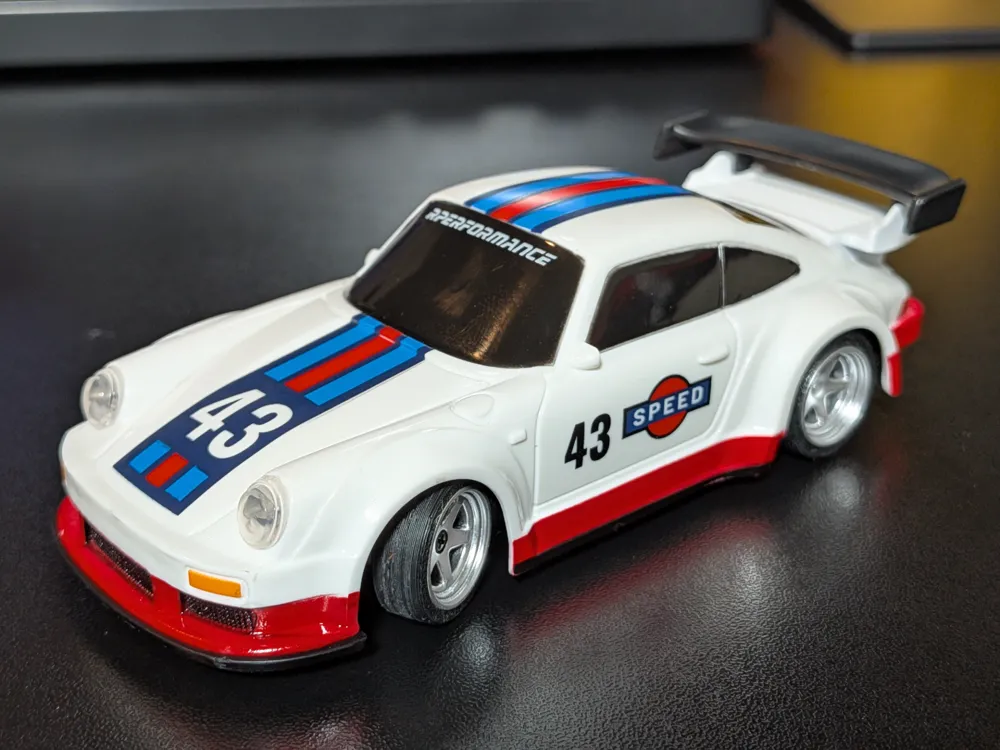
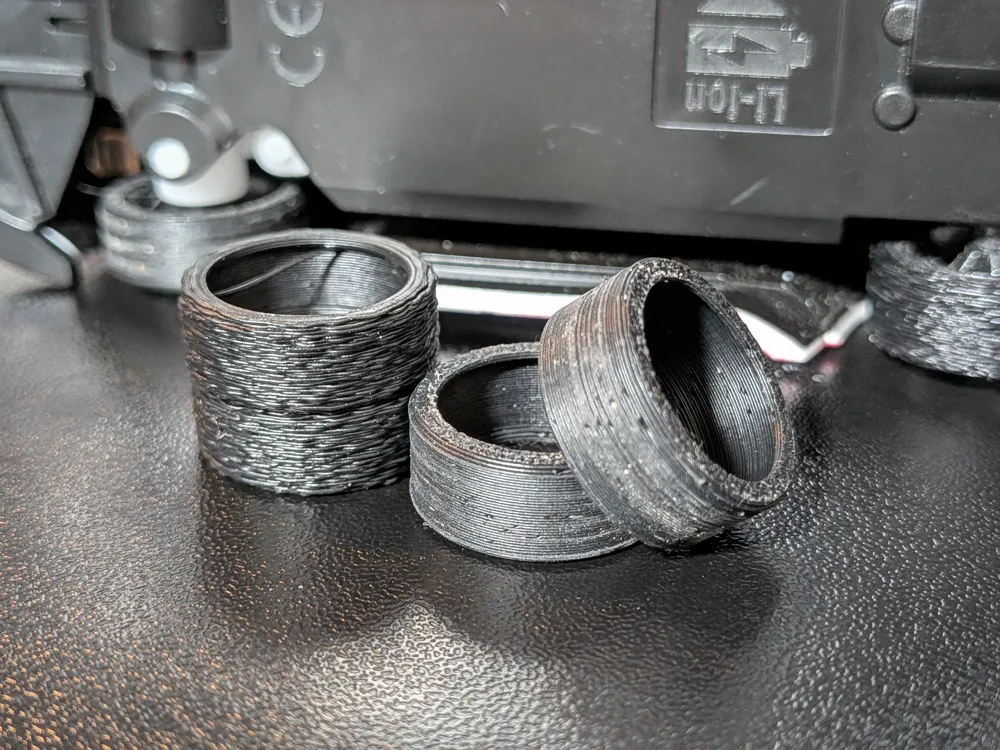
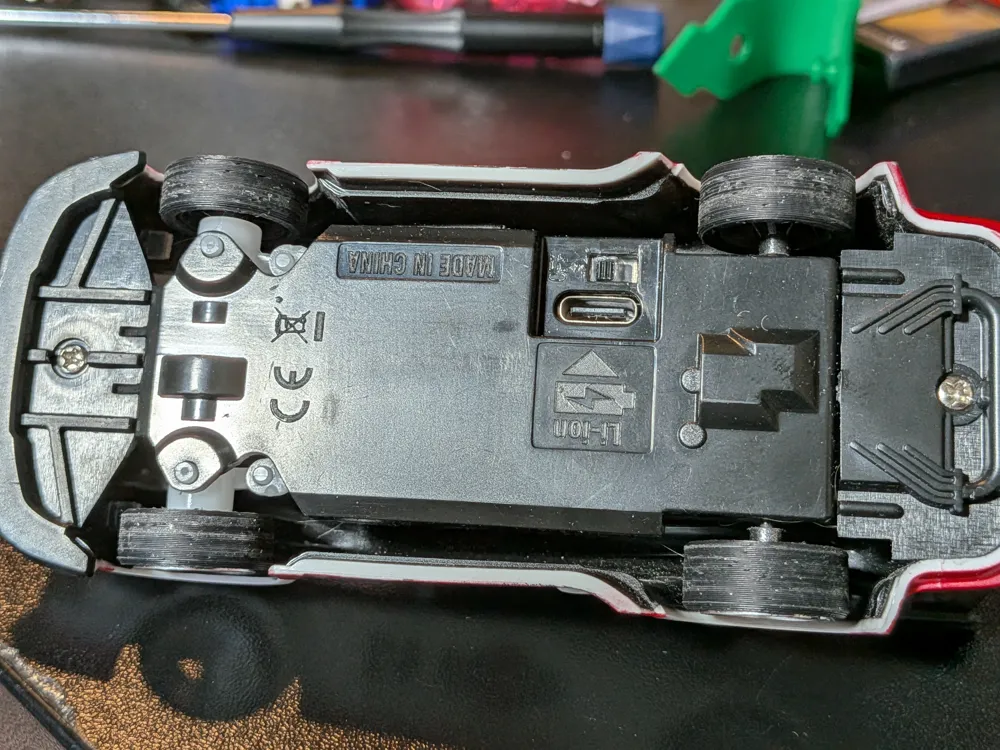
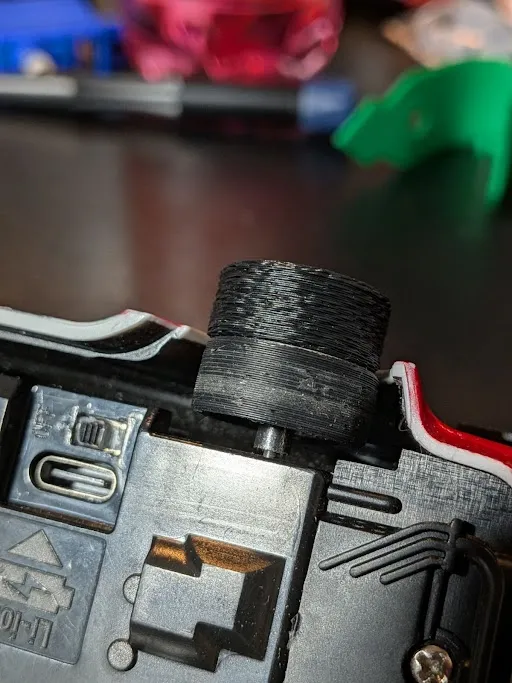
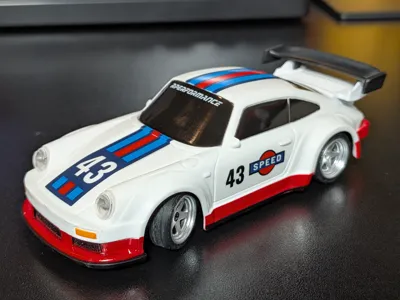
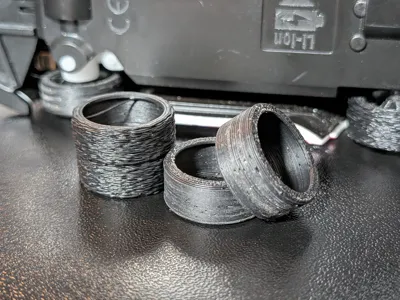
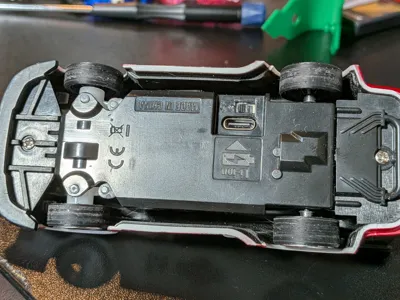
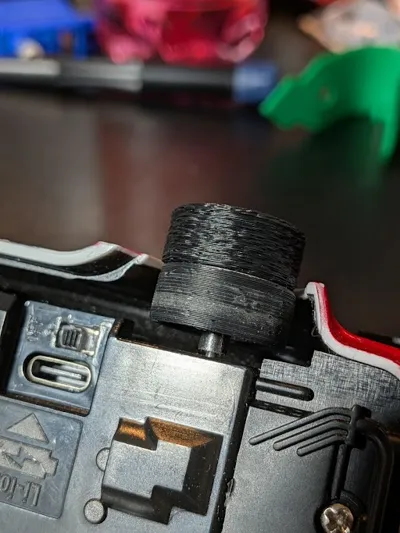
Here are some tires for the excellent Jiabaile 1/43 scale drift car. I'm printing in eSun 83a TPE on my A1 from the external spool.
This car already comes with both hard plastic and soft rubber tires, but neither worked very well on my vinyl plank flooring. The plastic was far too slippery and the rubber was so grippy that it actually made the car hard to control. These TPE tires strike a really nice balance. They're not as soft as the rubber tires that are included but are much grippier than the hard plastic. It's really easy to drift around in my house now. Control is excellent but not twitchy like the rubber.
You can also get a little bit of texture on the tires by turning on the fuzzy skin mode in the slicer with default settings!
I'm sure you can also make these with less soft TPU (90a and 95a) but I haven't tested it to see how much grip can actually be had from those. I assume it's at least a wee bit better than the hard plastic. Let me know if you try it.
Printing this extra soft filament on the A1 isn't super easy so here are some tips:
- Lower all speeds to 25mm/s
- I had good luck with 232c nozzle temp
- In the filament options:
- Start with the 90a shore TPU as a base, then change flow to 1.165 and temp to 232c
- In the setting overrides 1mm retraction, 50mm/s retraction and detraction, turn on wipe and wipe distance
- One key change is setting a random seam line so the tires don't have a bump in a specific spot
- 3 top and 3 bottom layers for balance
- no brim or support
- Don't make the printer pull the filament off of the roll, it's too stretchy and will cause tons of under extrusion. Instead pull some off the roll ahead of time. A couple of feet to a meter should be more than enough for each tire.
- Dry the filament and keep it as dry as possible
- Use a scraper to get each tire off the bed; I've ripped a few between layer lines pulling them off by hand
- I like to print one at a time to avoid stringing between multiple
- It's challenging to feed the soft filament into the extruder; it helps to remove the 4-1 adapter temporarily and feed it by hand (prior to starting the print, still running it through the adapter and reattaching after)
Some credit to the channel CreativeMaker on Youtube for help with the settings for this filament.
License



Comment & Rating (2)