
Soap dispenser - No Hardware
Print Profile(2)

Bill of Materials



Description
Membership
🔹 Want to sell your prints? Click here to get a commercial license!
Boost Me (for free)
By supporting me, you're not just supporting my work – you're helping me publish even more free models for everyone's enjoyment!

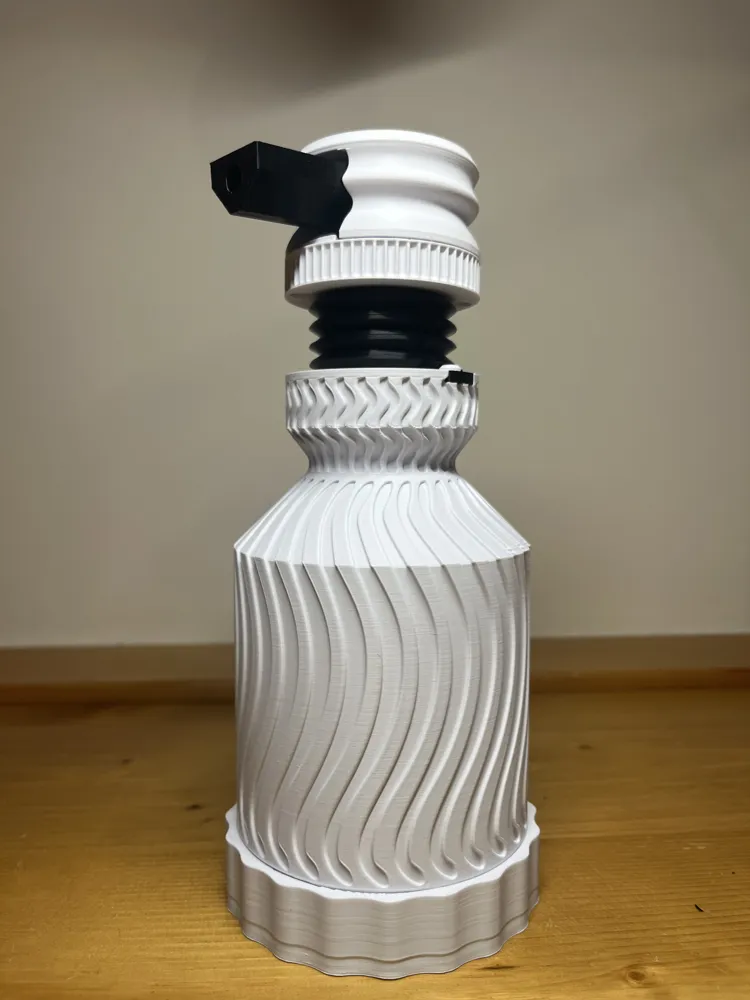
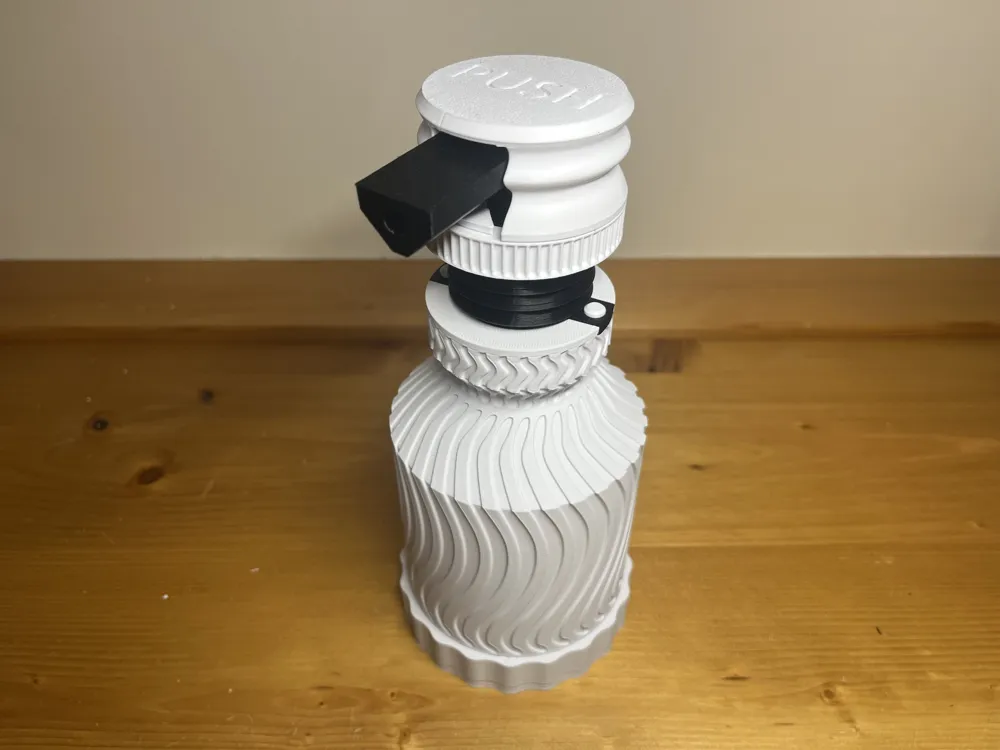
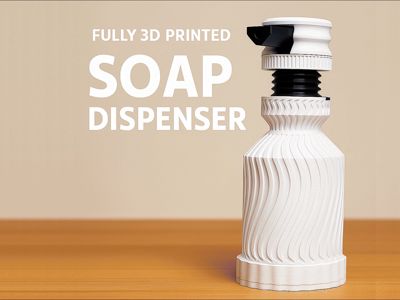
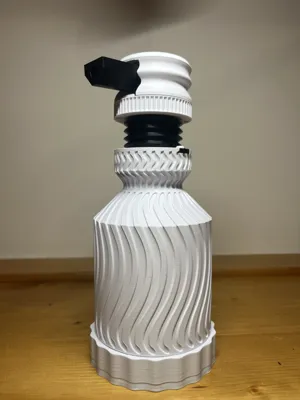
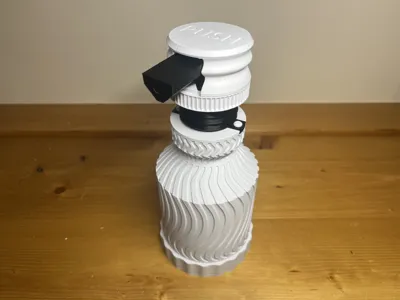
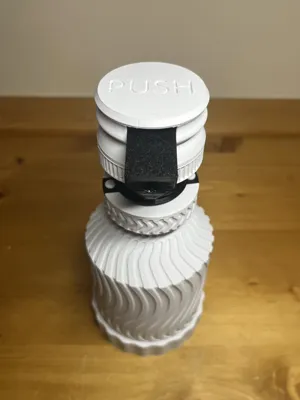
🧼 Fully 3D Printable Soap Dispenser – No Hardware Needed
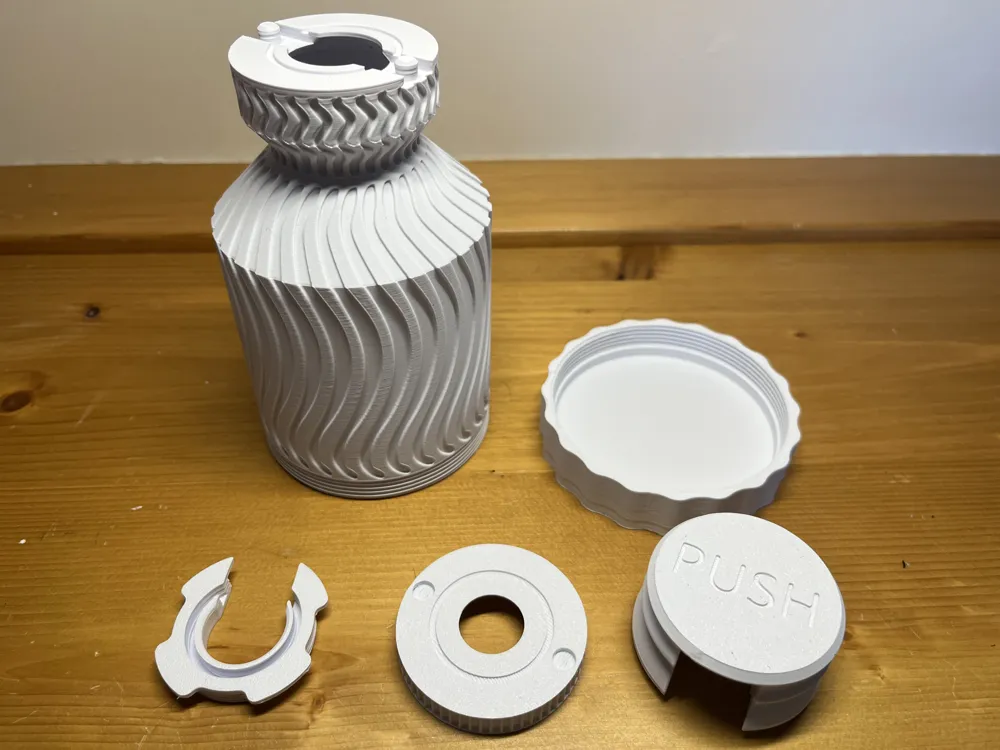
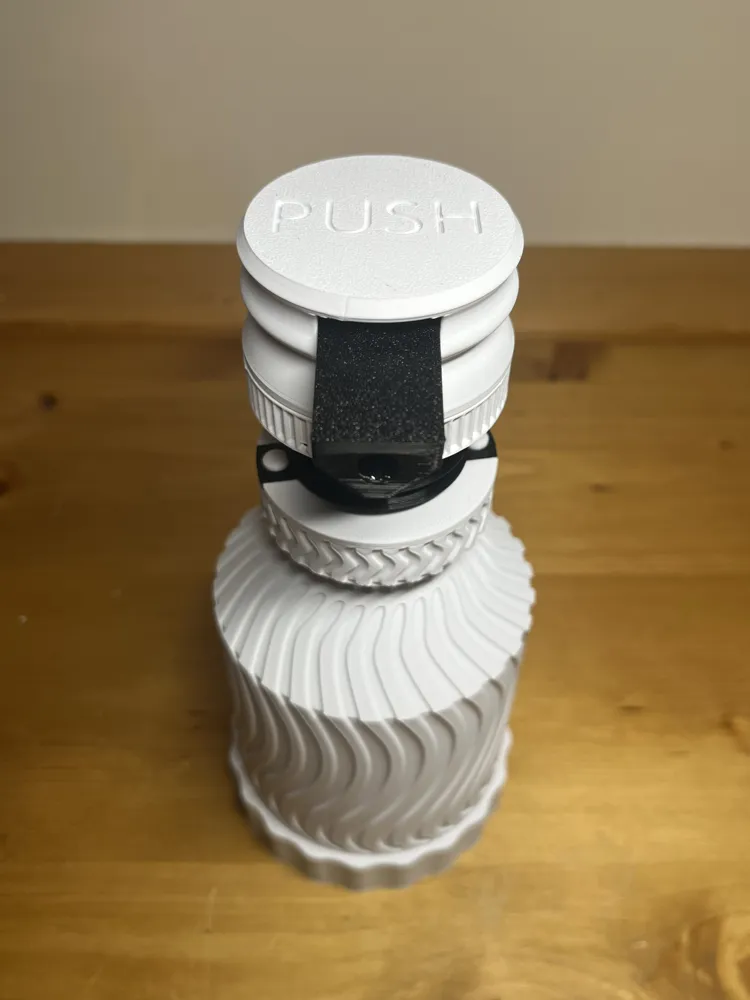
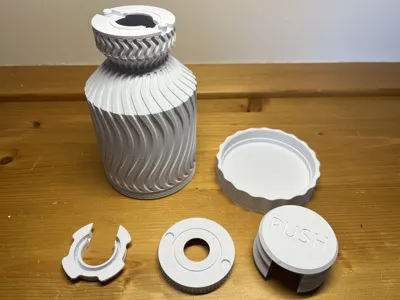
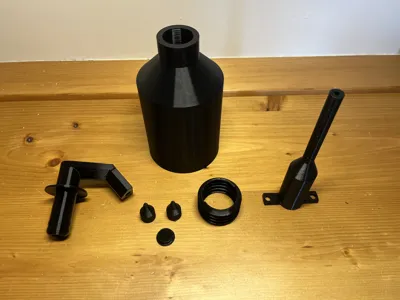
This soap dispenser was designed to be entirely 3D printable without any additional hardware.
All parts assemble using a snap-fit system, requiring no screws, no glue, and no tools.
To ensure a smooth build, please follow the step-by-step assembly video provided below.
🔁 Refillable & Easy to Disassemble
The model is fully refillable and can be easily taken apart for cleaning or maintenance.
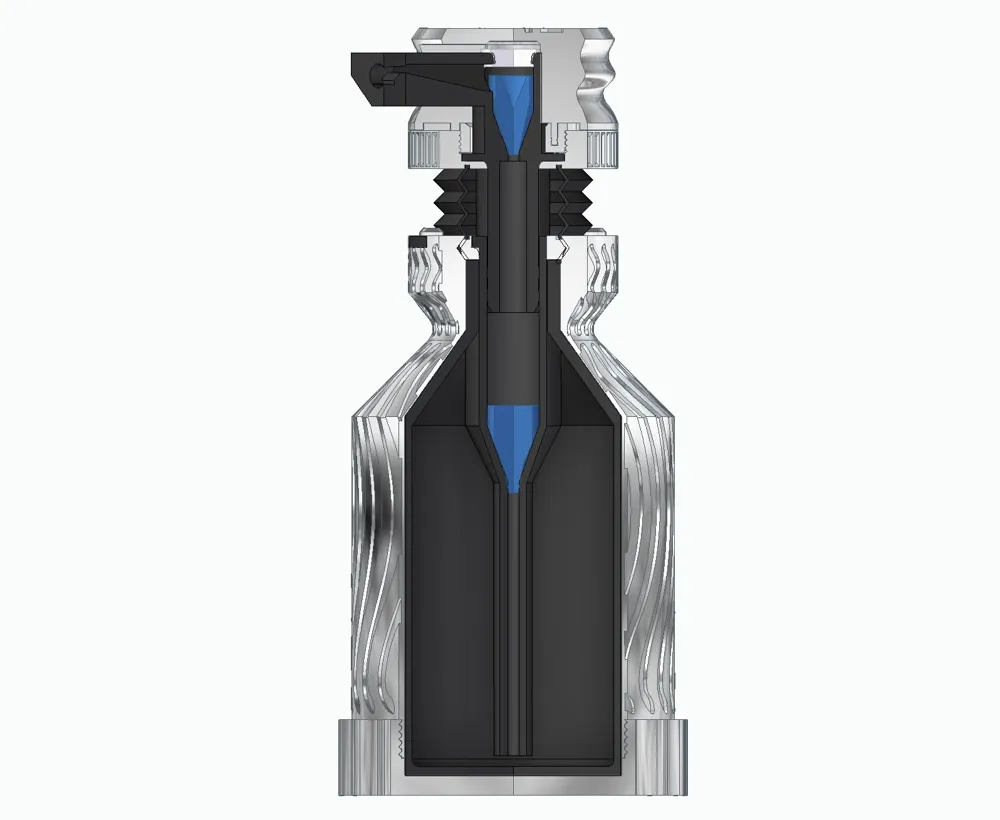
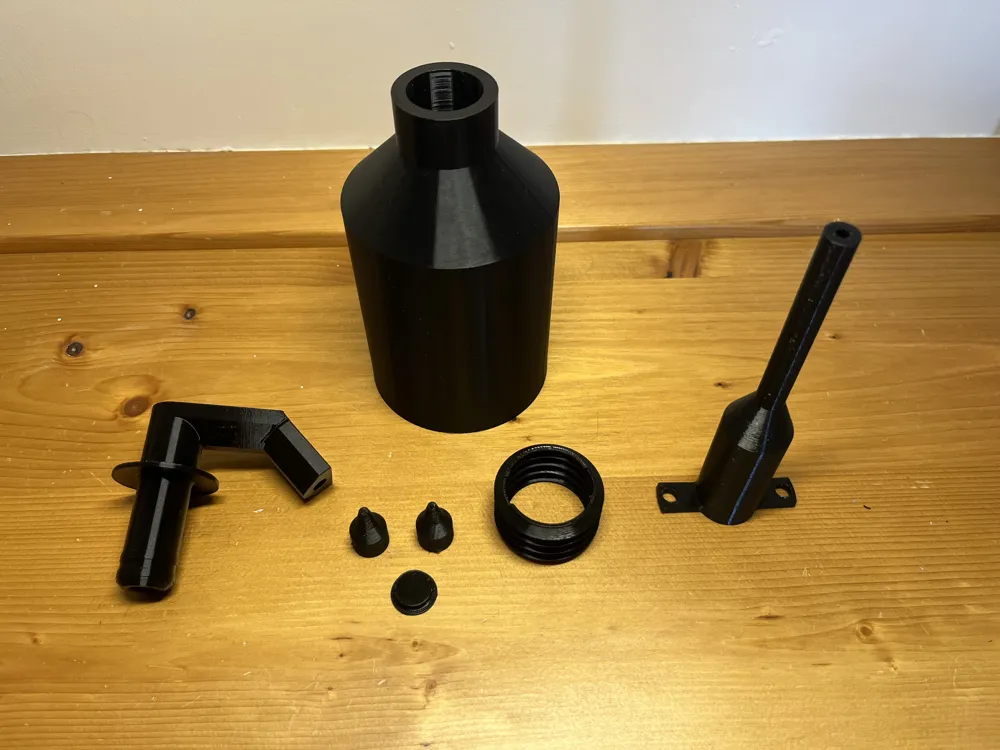
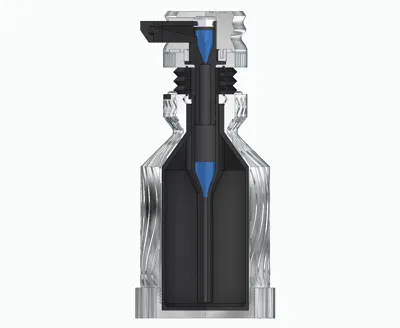
💧 Pump Mechanism with Dual Check Valves
The soap pump mechanism relies on two check valves to function properly:
- When you press the button, the liquid is pushed upward only, thanks to the first valve.
- When the button returns to its original position (thanks to the TPU 95A printed spring), the valves switch roles:
- One blocks the top hole
- The other draws liquid from the reservoir below
This mechanism ensures smooth and consistent soap flow.
👉 Note: On first use, you’ll need to prime the pump by pressing it ~10 times to fill the mechanism with soap. Once primed, it will operate normally. If you're unable to pump soap, try lubricating the pumping mechanism directly with liquid soap. This will help the piston seal better against the chamber.
⚠️ Usage & Material Notes
- This model was successfully tested with standard liquid soap
- Avoid using thick gel soaps as they may clog the pump
All parts that come in contact with the soap are printed in TPU 95A, chosen for its durability, flexibility, and watertightness.
The entire pump mechanism is also printed in TPU 95A, so tight sealing is essential for proper function.
🖨️ Printing Tips for TPU 95A
For the best results with TPU 95A:
- Always ensure excellent layer adhesion and watertight seals
- If you encounter issues, please refer to the "Print Settings Guide for TPU 95A" PDF included below
If you downloaded the STL files and plan to print them using a different slicer, make sure to read the print settings guide first to ensure proper function.
Documentation (1)
License

You shall not share, sub-license, sell, rent, host, transfer, or distribute in any way the digital or 3D printed versions of this object, nor any other derivative work of this object in its digital or physical format (including - but not limited to - remixes of this object, and hosting on other digital platforms). The objects may not be used without permission in any way whatsoever in which you charge money, or collect fees.


Comment & Rating (99)