
Injora Swamp Claw RC Tire Insert 70x21x1.3 Piranha
Print Profile(1)

Description
Features:
- Now you can print without supports
- Dual stage performance
- Thicker walls and better toolpathing to provide easier printing
- Vents are now diamond to print cleanly
NOTES:
- Print profiles included for A1Mini and P1S (check inside Studio). It presets the most important settings such as Arachne Walls
- Still adjust your filament. Calibration made a big difference for me
Also, looking for a different size insert?
1.9" Wheels - 1/10 scale
RC Tire Insert - 1.9" Piranha - Multiple Sizes by fajitas21
Tire Insert for 1.9" Beadlocks 1/10 Dual Stage RC by fajitas21
1.0" Wheels - 1/18 and 1/24 scale
RC Tire Insert - 1.0" Piranha by fajitas21
RC Tire Insert - 1.0" - Piranha - Outer Ring by fajitas21
1.55" Wheels - 1/10 and 1/18 scale
RC Tire Insert - 1.55" - UTB18 Capra, RC4WD by fajitas21
2.2" Wheels - 1/8 scale
Tire Insert 2.2" Bubble - Dual Stage RC by fajitas21
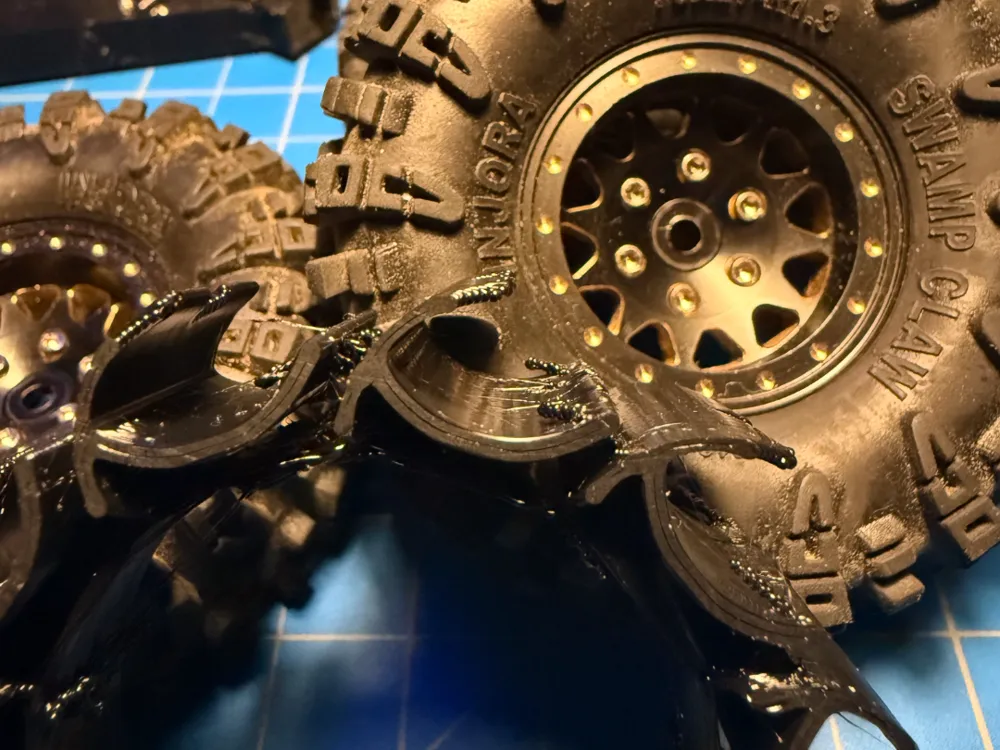
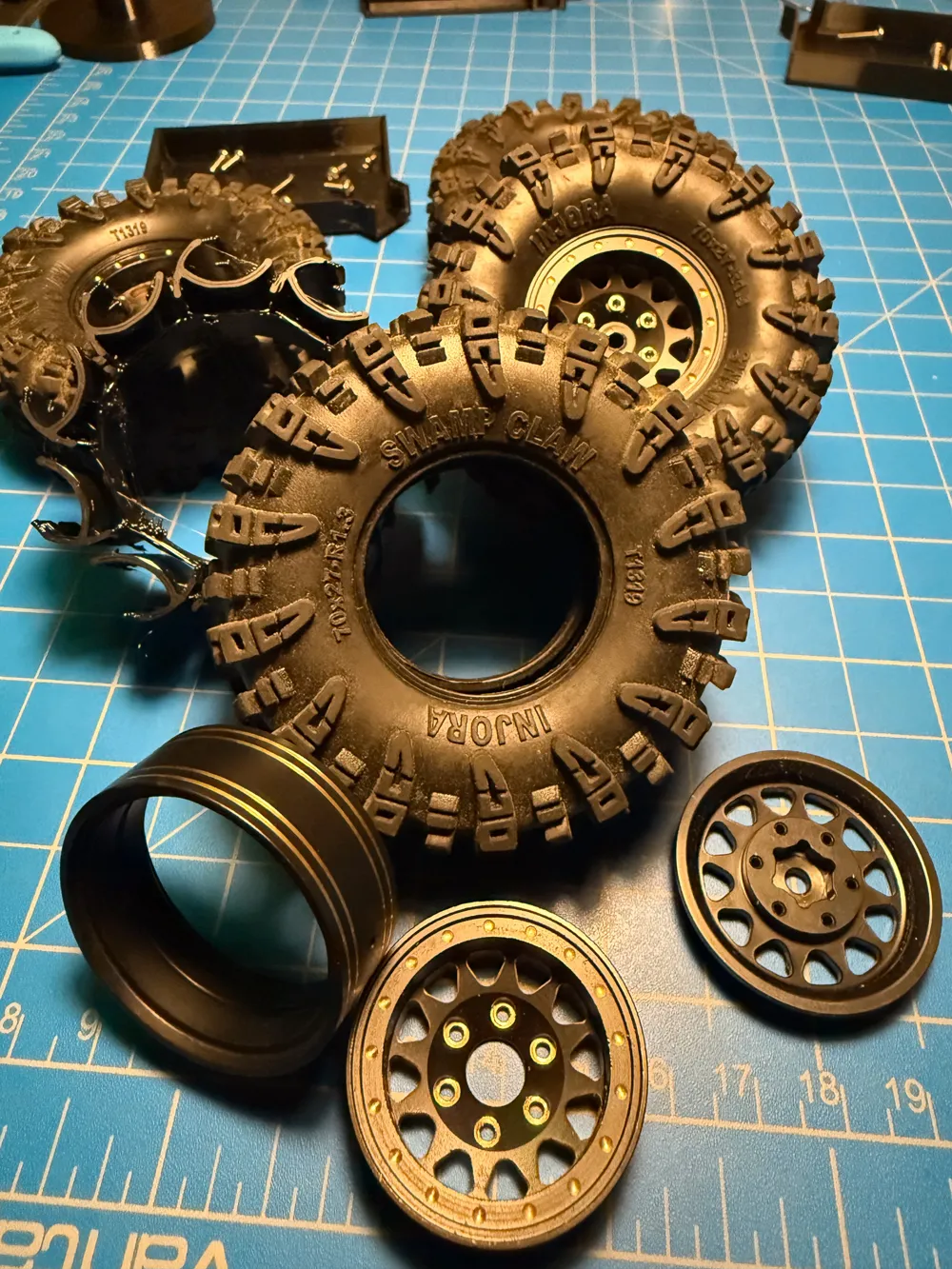
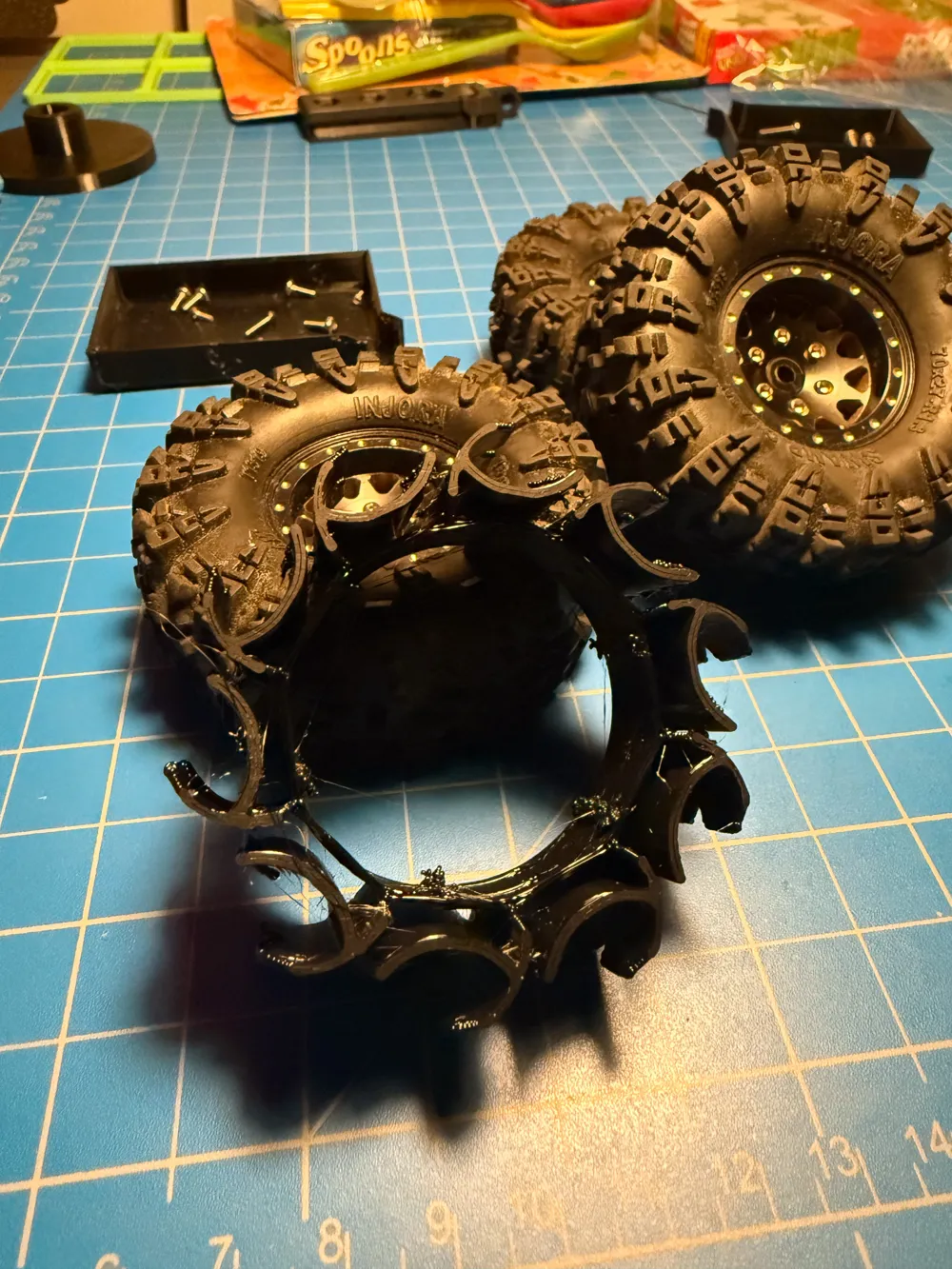
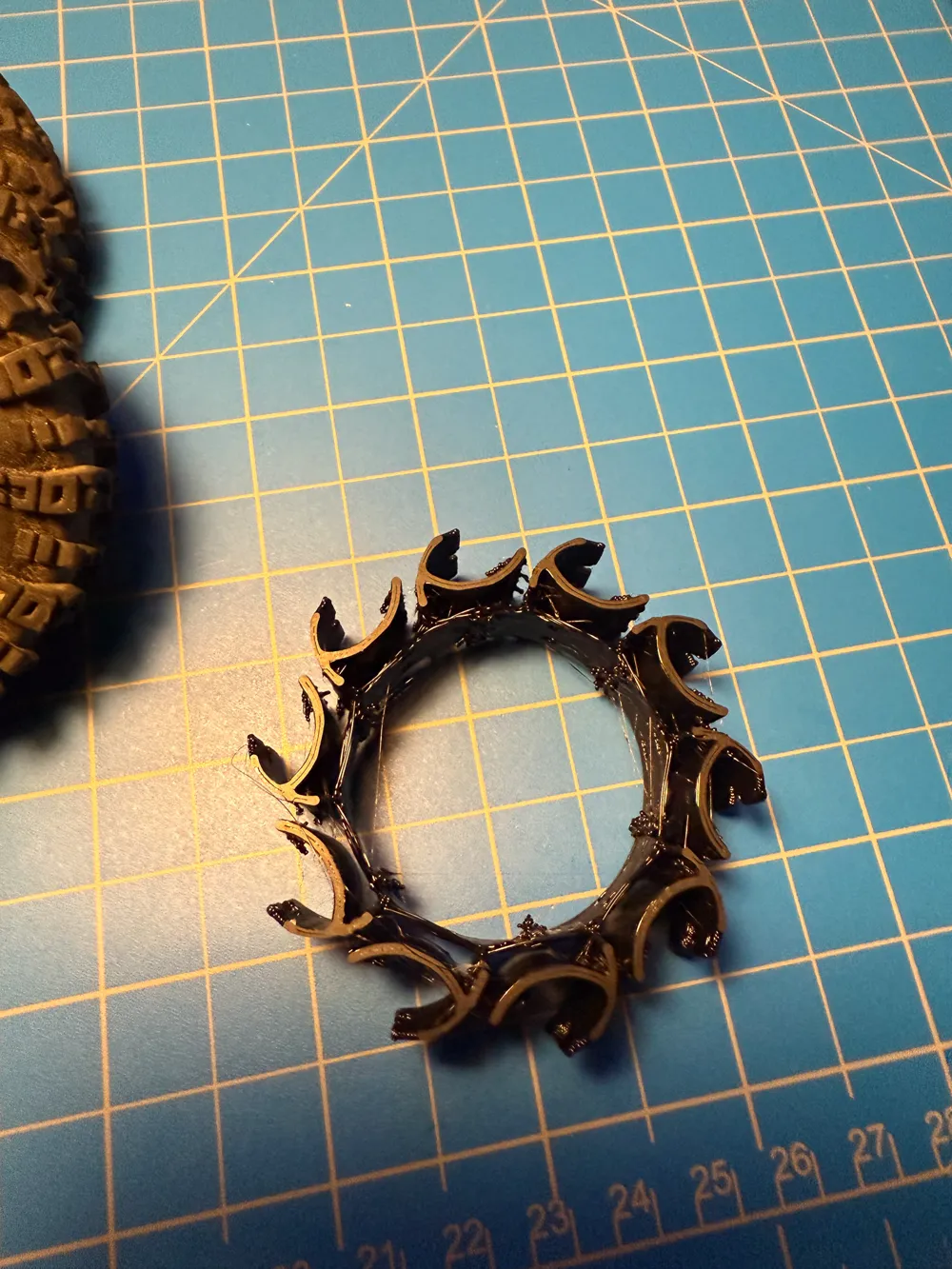
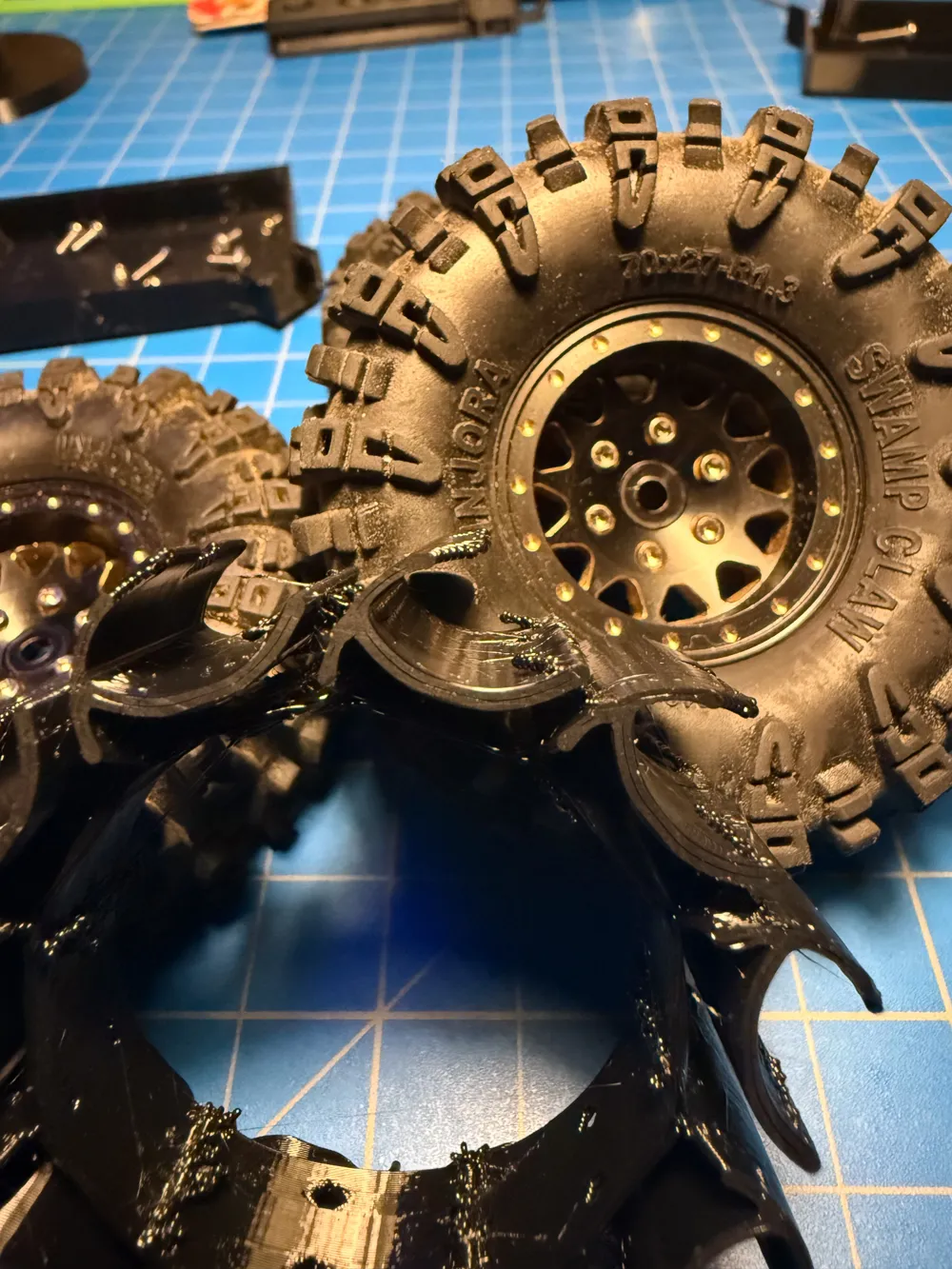
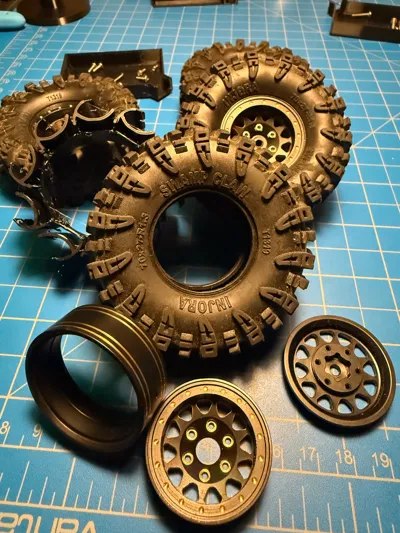
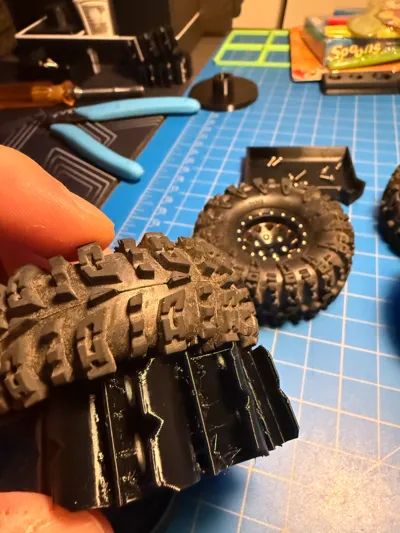
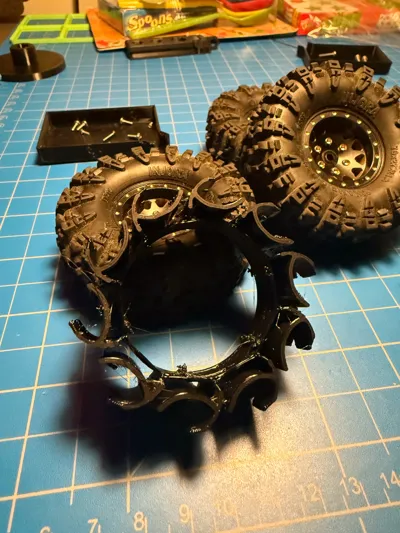
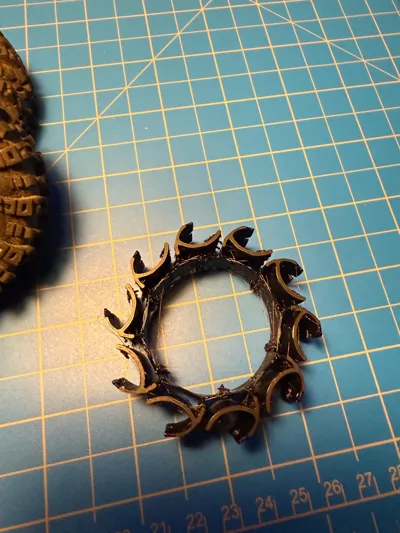
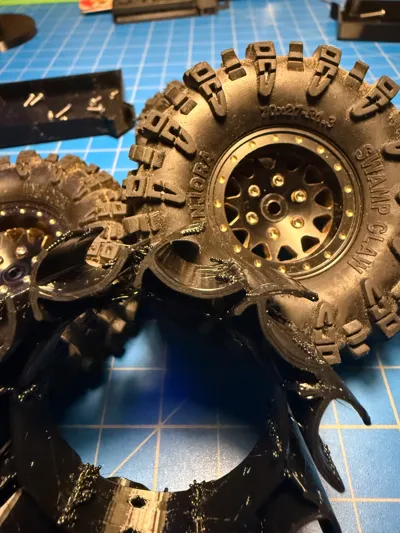
I present to you my Piranha TPU printed tire inserts. While making them, they reminded me of the Piranha plants of Mario. Plus they bite well, so it fits. Please note I've posted several sizes, check which size you're printing.
Need help installing the beadlock cause you can't compress it? Try this tool I made:
RC Beadlock Tool - 1.0" wheels by fajitas21 MakerWorld: Download Free 3D Models
These work really well specifically on TRX4-M and Axial SCX24 and AX24 tires with some of the Injora and other tires you'll find in the 1.0" beadlock space. There's plenty of basic inserts out there, but the ones like this are typically behind a paywall, or the files aren't shared at all.
Features:
- These are medium-soft compression inserts, and you can adjust depending on the filament
- 95A is going to make them medium.
- 90A is going to make them soft
- One off custom designed for the following conditions:
- 0.8mm walls designed to print with a 0.4mm nozzle and minimize travels
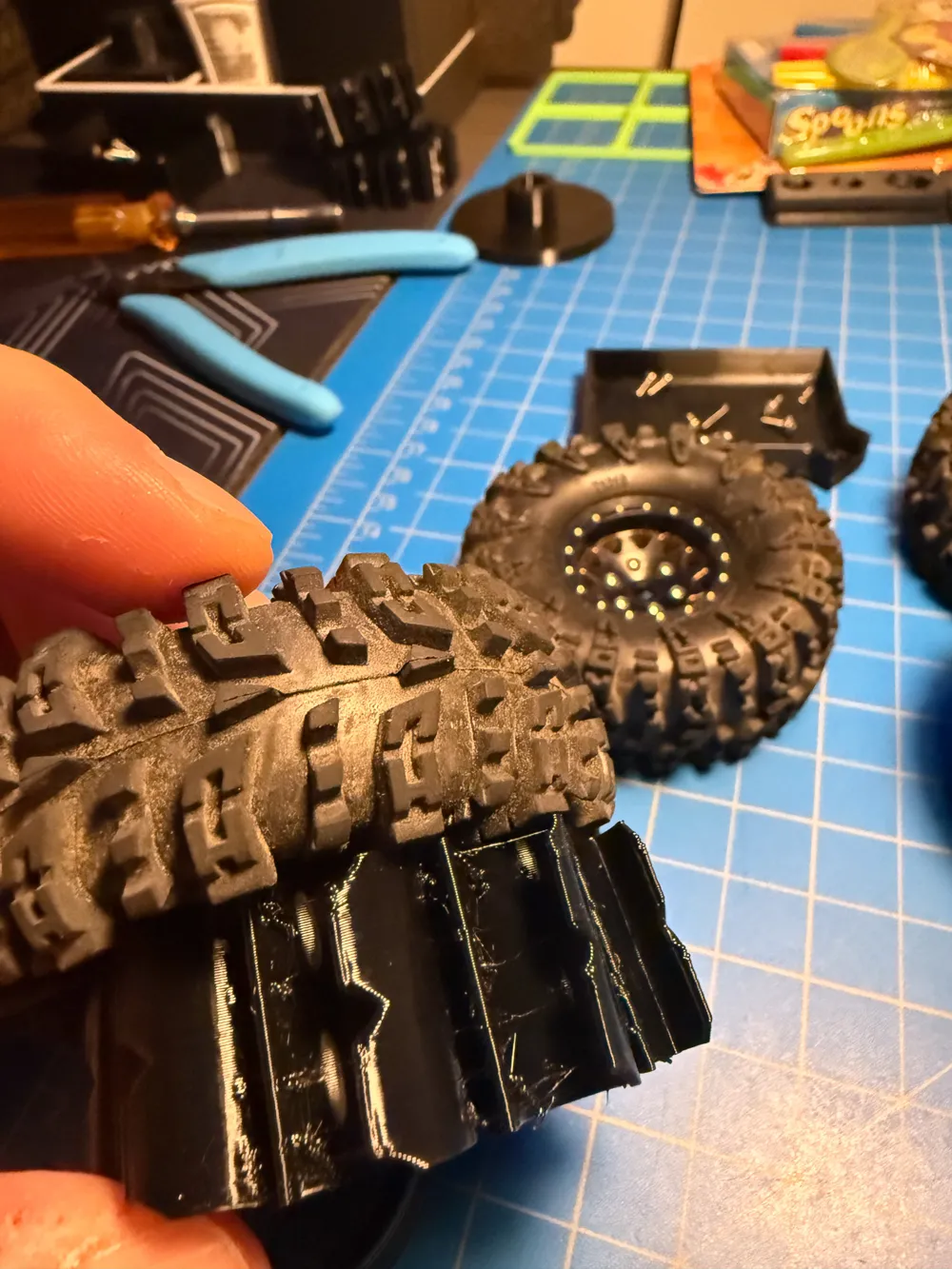
- No outer ring, the turbines act as the first compression stage, the smaller fins create the second stage. These are progressive, and use the shell of the rubber tire to keep them in place.
- You must use a beadlock wheel, but you already knew that if you're into this kind of stuff.
- I wanted minimal sidewall flex, but still some give.
- Water proof. They won't work differently in water, which means you can safely vent your tires for better performance. I used to do sidewall vents but now just vent along the outer treads to fling the water our at higher speed.
Printing Notes:
These are designed for TPU. I've tried:
Sainsmart 95A - It prints a bit stiff, but prints nicely. Nice stuff overall.
Eryone 90A - Tough to print, very soft
Overture - a bit stringy but soft. I suspect their 95A is more like 90A.
Hatchboxx - a bit stiffer, prints nicer, but 95A is firm.
TronXY - easy print, quite stiff, maybe 98A
NOTE: These inserts can be challenging to print, but a few notes to make it go better:
- Textured PEI beds are fine, but I'd use a release agent like Magigoo, TPU is tough to remove at times.
- I find smooth beds with glue are easiest. Think Wham BAM PEX, and Smooth PEI Bambu plate.
- It might come out stringy due to all the travels and retractions. Adjust settings, but know the functional part is what matters.
- Don't use Tree supports. I have been printing without supports and it's been working fine.
- Dry that TPU if it's tough to print.
- I tried to make the print profile as simple as possible, but you may decide you need to tweak a bit.
- Things to consider tweaking
- ENSURE ARACHNE WALL GENERATION!
- Make sure there's no infill, these are designed to just be 2 wall loops on a 0.4mm nozzle. There shouldn't be infill at all.
- Don't do top or bottom layers, just slows print time and doesn't add anything. Consider this you printing all infill, in a way.
- Wall loops are designed to be 2.
- Slow the print down if its struggling. TPU doesn't like to go too fast. Max volumetric speed around 2.5 - 3.2 mm/s or so.
- Consider retraction settings, do some research online, but a good place to start is 0.4mm retraction (default) to instead, try 0.7mm retraction. You will find this setting in your filament process.
- Reduce or remove Z Hop. I set it to 0.
- Things to consider tweaking
License

You shall not share, sub-license, sell, rent, host, transfer, or distribute in any way the digital or 3D printed versions of this object, nor any other derivative work of this object in its digital or physical format (including - but not limited to - remixes of this object, and hosting on other digital platforms). The objects may not be used without permission in any way whatsoever in which you charge money, or collect fees.


Comment & Rating (1)