
Print Profile(2)


Description
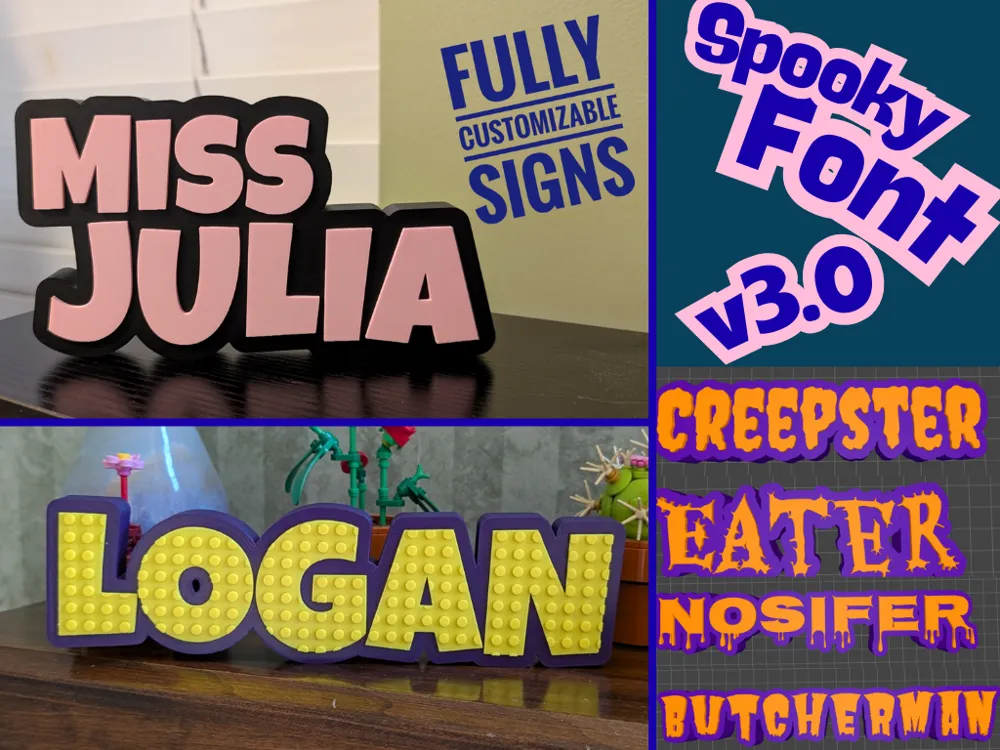
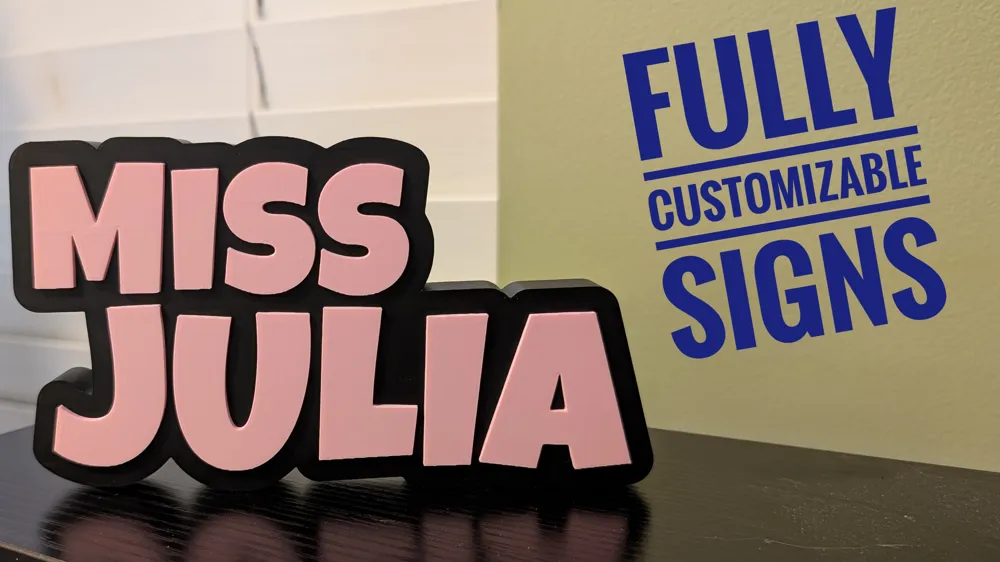
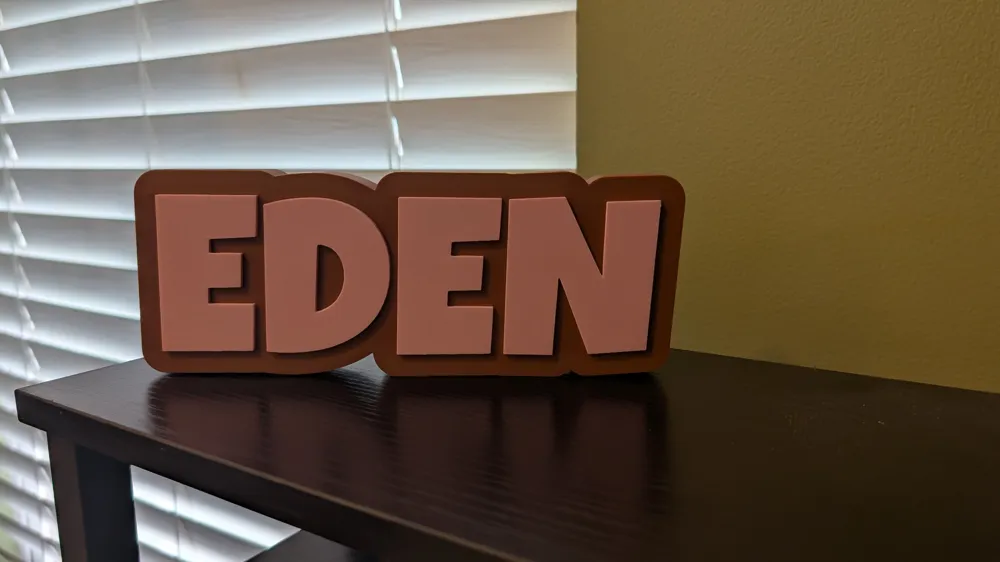
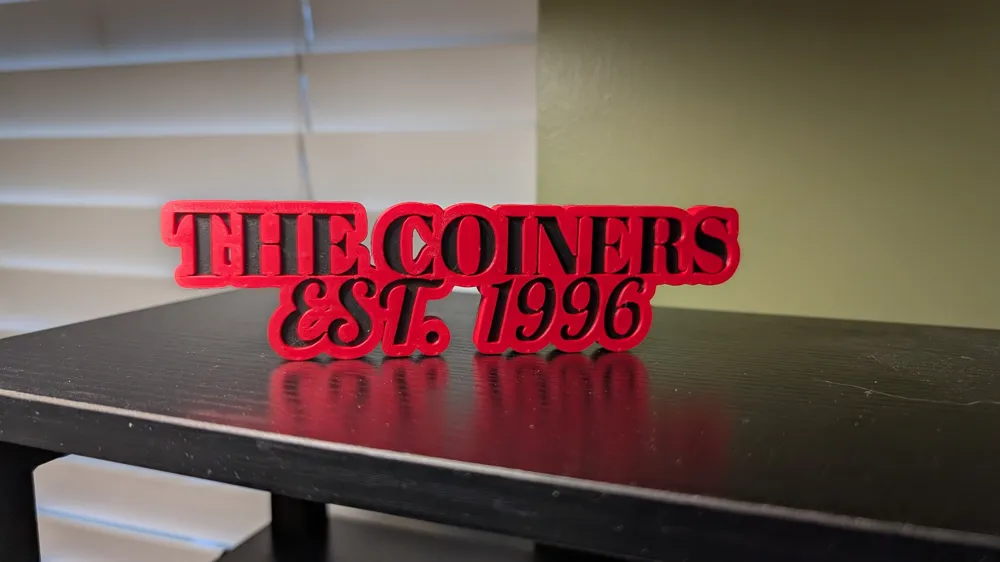
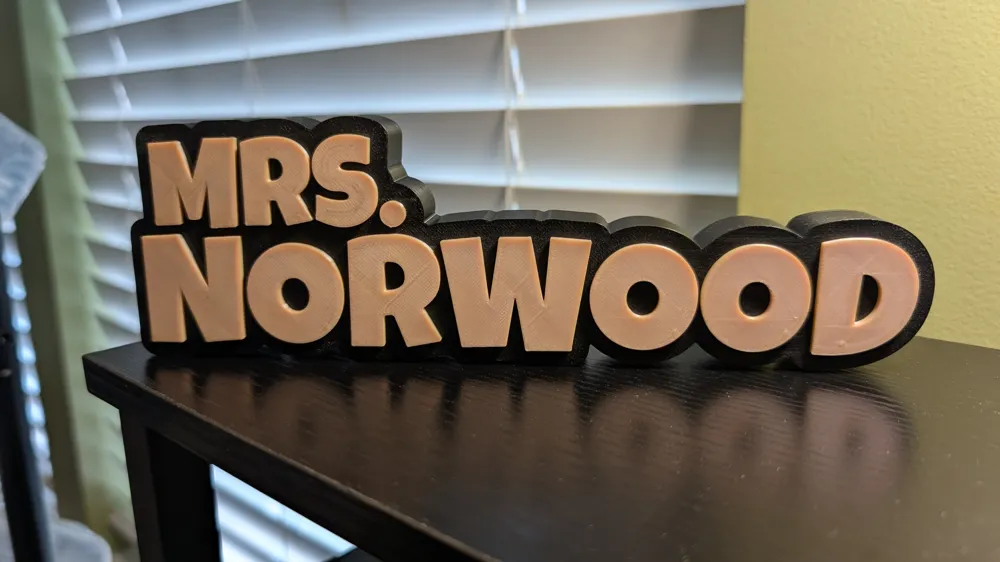
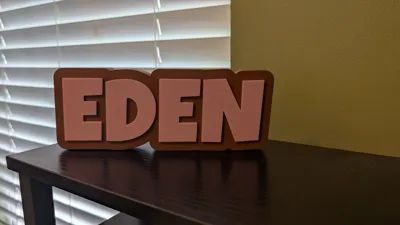
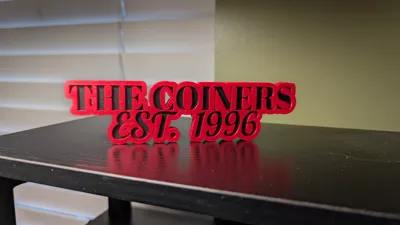
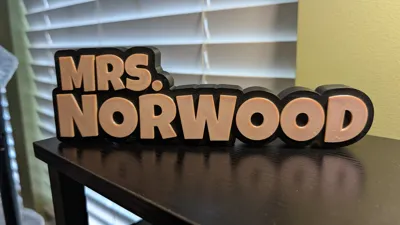
Add a personal touch to your home or classroom, or craft the perfect thoughtful gift with this Fully Customizable 1 or 2-Line Desk Sign! You can create a unique nameplate for your desk that truly reflects your style. Perfect for teachers! With individual font control for each line and flexible horizontal alignment, your imagination is the only limit!
Boost Me (for free)
I'm so grateful for all the boosts, likes, and downloads. I'm thrilled that so many people are enjoying this model. Thank you❤️!
New in Version 3.0! Spooky font added.
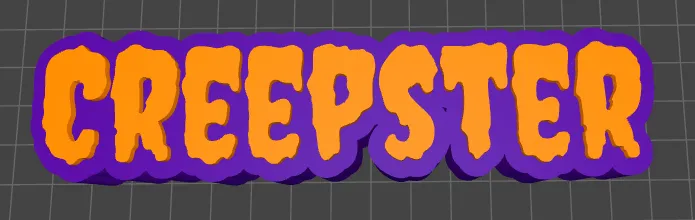
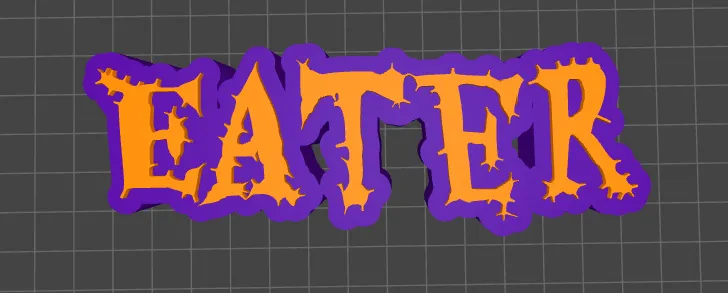
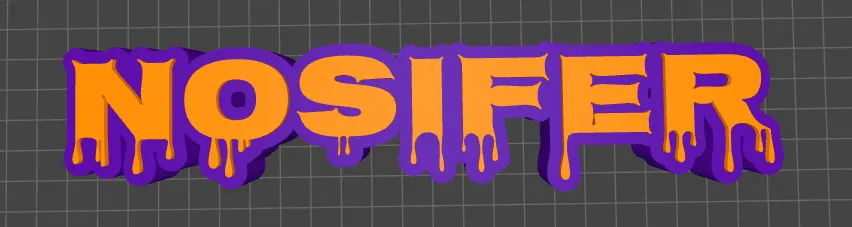
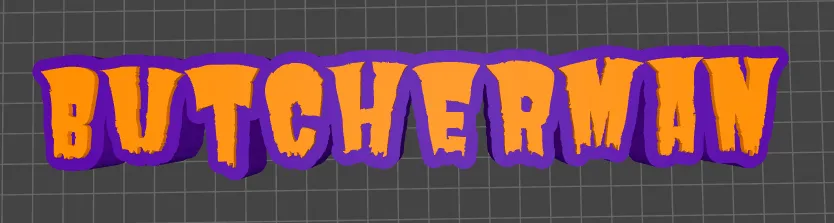
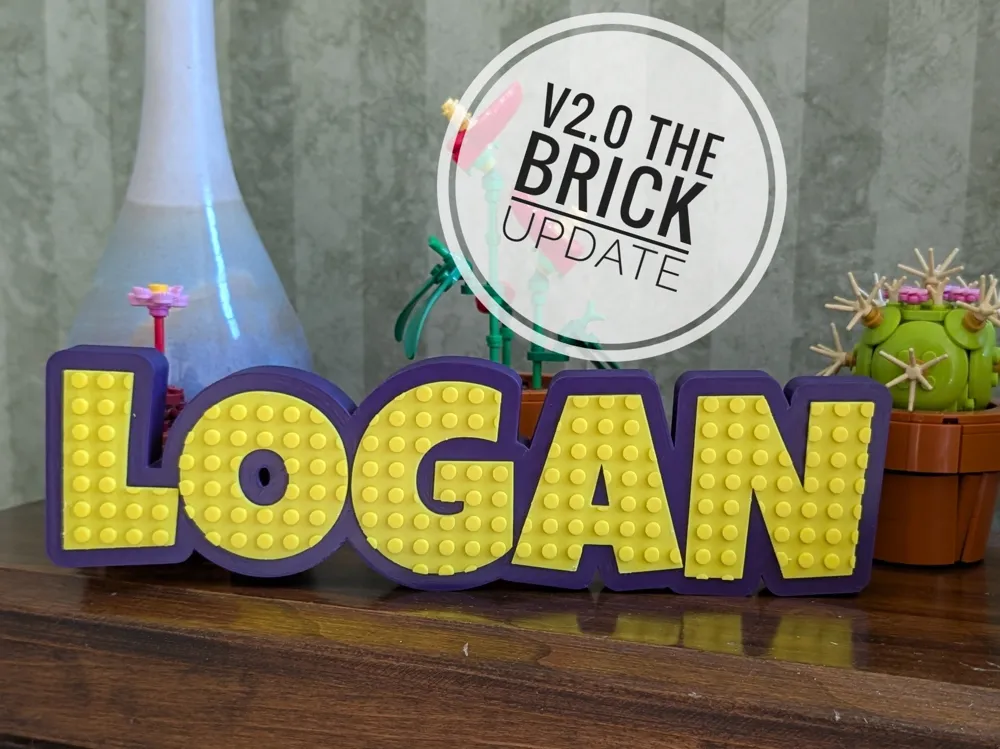
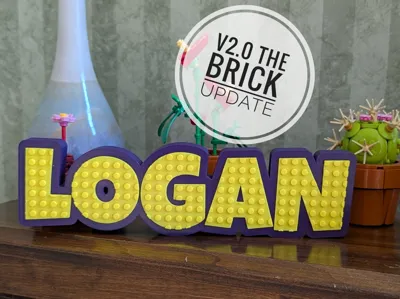
New in Version 2.0! Customizable Brick Stud option for the raised text.
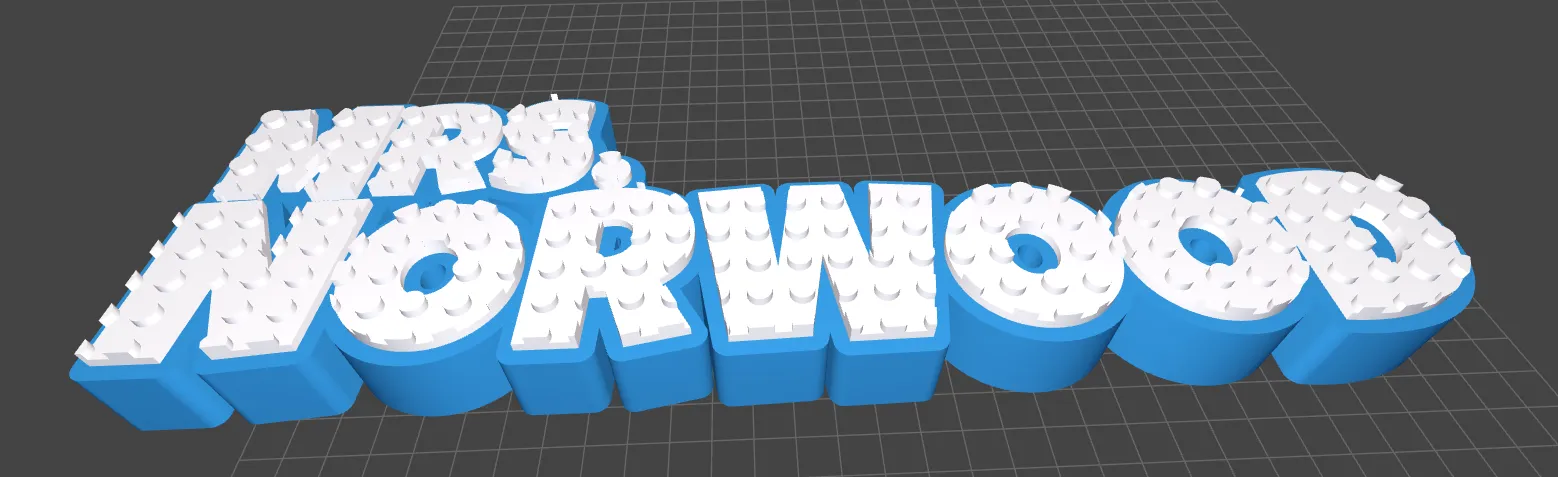
Key Features & Ultimate Customization:
- Building Brick-Style Studs (NEW in V2.0): Add building brick-compatible studs to the surface of your Raised text!
- One or Two-Line Personalization: Design with one or two lines of text,, perfect for names and titles.
- Individual Line Control:
- Separate Text Sizes: Set unique sizes for each line of text.
- Precision Positioning for Line 1: Adjust Line 1's horizontal (left/right) and vertical (up/down) position independently for perfect alignment and visual balance.
- Independent Font Selection Per Line: Choose a different font for Line 1 and Line 2, allowing for creative pairings! Select from 20 different font types (e.g., Luckiest Guy, Coiny, Lobster) to match any aesthetic.
- Separate Font Sizes: Set unique sizes for each line of text.
- Precision Positioning: Adjust Line 1's horizontal (left/right) and vertical (up/down) position independently for perfect alignment and visual balance.
- Flexible Horizontal Alignment: Align your entire sign's text to the Left, Center, or Right.
- Font Library: Choose from 20 different font types to match any aesthetic, from elegant scripts to bold, modern styles.
- Three Unique Text Styles: Select how your text appears on the sign's surface:
- "Raised": Text stands out in 3D, creating a classic, tactile effect. (Ideal for vibrant multi-color prints!)
- "Debossed": Text is neatly recessed into the sign, offering a sophisticated, engraved look.
- "Flat": Text is flush with the sign's surface, perfect for seamless single-color designs or advanced techniques like ironing for a smooth finish.
- Print Face Down Option: If you choose the "Flat" text style, you can opt to flip the model 180 degrees. This allows you to print the text side directly on your build plate.
Customizable Sign Body:
- Adjust the sign body thickness to your preference, from sleek to substantial.
- Define the border thickness around your text, creating a clean, framed appearance.
Things to Watch Out For:
- Text Length & Size: While highly flexible, very long text strings at very large font sizes may result in a very wide sign. Check the preview to ensure it fits your desired space.
- Flat Text Style for Best Surface: For the smoothest text surface, especially with single-color signs, experiment with the "Flat" text style and "Print Face Down" option combined with your slicer's ironing setting.
Printing Guidance:
- Recommended Filament: PLA is highly recommended for its ease of printing, excellent detail reproduction, and vibrant colors. PETG can also be used for increased durability.
- Nozzle Size: 0.4mm (Standard)
- Layer Height: 0.2mm provides a good balance of detail and print speed. For a finer finish, especially with smaller fonts or detailed styles, consider 0.16mm.
- Infill Percentage & Pattern: 15% Gyroid or Cubic infill is usually sufficient for a sturdy sign.
- Walls: 3 Walls recommended
- Supports Needed?: No supports are required for this model
- Brim/Raft Needed?: Not typically needed. However, for very large signs or if you experience bed adhesion issues, a small brim can be helpful.
- Print Orientation: Print flat on the build plate. If you select "Flat" text style and "Print Face Down," the model will automatically orient itself for optimal smoothness.
- Other Slicer Settings:
- (OPTIONAL) Ironing Type: Top Surfaces
- Wall Generator: Arcane
Quick Start Guide: Design Your Custom Desk Sign! (Updated in 2.0)
Create the perfect personalized desk sign for your office, home, or as a unique gift! Follow this guide to use all the powerful customization options available in the MakerWorld Customizer.
1. Line 1 Content & Font
- Line 1: Enter the text for your first line. To create a one-line sign, leave the "Line 2" field blank.
- Font Type Line 1: Choose a specific font for just the first line.
- Line 1 Text Size: Adjust the text size for the first line.
- Line 1 Letter Spacing: Adjust the space between letters (v2.5).
2. Line 1 Position Adjustments
- Line 1 Left/Right Adjust: Fine-tune the horizontal position of Line 1.
- Line 1 Up/Down Adjust: Fine-tune the vertical position of Line 1
3. Line 2 Settings Content & Font
- Line 2: Enter the text for your second line. To create a one-line sign, leave the "Line 1" field blank.
- Font Type Line 2: Choose a specific font for just the second line.
- Line 2 Text Size: Adjust the text size for the second line (v2.5).
- Line 2 Letter Spacing: Adjust the space between letters.
4. Text Layout
- Horizontal Alignment: Choose the overall alignment for both lines: Left, Center, or Right.
- Line Spacing: Control the vertical distance between the two lines.
5. Sign Style & Dimensions
- Text Style: Select how your text appears: "Raised", "Debossed", or "Flat".
- Raised Text Height & Debossed Text Depth: Adjust the height or depth of your text based on the chosen style.
- Sign Body Thickness: Define the overall thickness of the main sign.
- Border Thickness: Set the width of the border around your text.
- Print Face Down:
- Only for 'Flat' text style.
- Turn to print face-down for a smoother top surface.
6. Studs / Nubs
- Add Studs to Text: Set to true to add building brick-style studs to the top of the Raised text.
- Stud Diameter & Height: Adjust the size of the individual studs.
- Stud Spacing: Control the distance between the studs.
- Width & Height Correction: Use these to adjust if toppings are cut off from certain fonts.
7. Colors
- Base Color: Choose the color for the sign body.
- Text Color: Select the color for the text and studs.
- Note: These colors are for visualization. Actual multi-color prints are set in your slicer.
8. Generate & Download
- Once your custom sign looks perfect, click "Generate Model" then "Download" to get your unique STL of 3MF file!
License

You shall not share, sub-license, sell, rent, host, transfer, or distribute in any way the digital or 3D printed versions of this object, nor any other derivative work of this object in its digital or physical format (including - but not limited to - remixes of this object, and hosting on other digital platforms). The objects may not be used without permission in any way whatsoever in which you charge money, or collect fees.


Comment & Rating (146)