
Print Profile(1)

Description
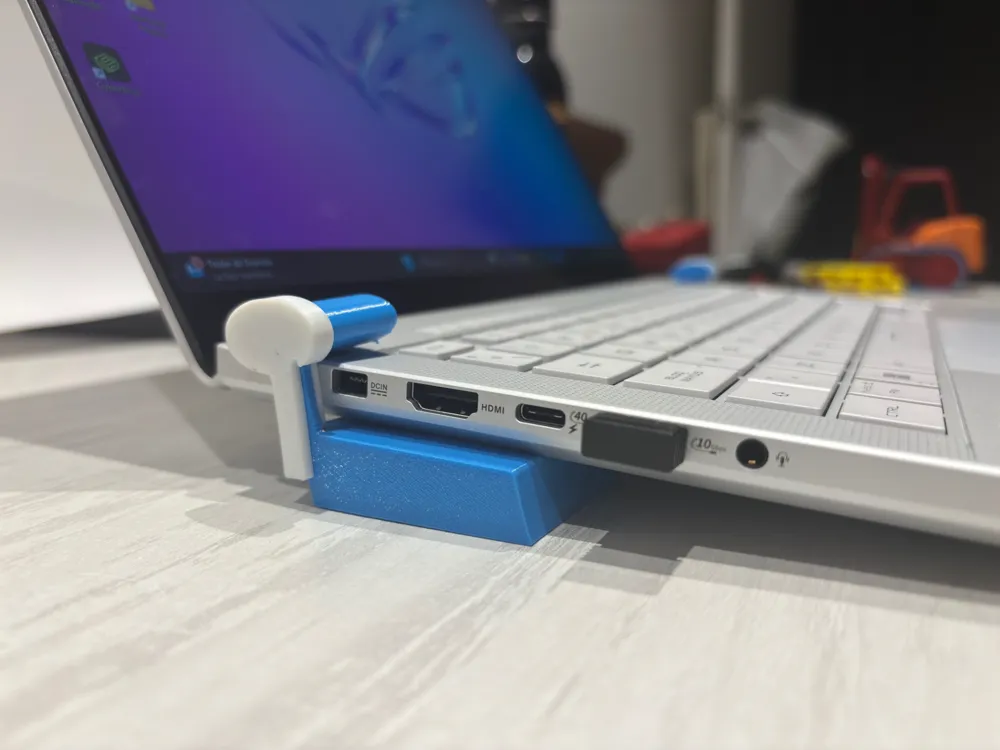
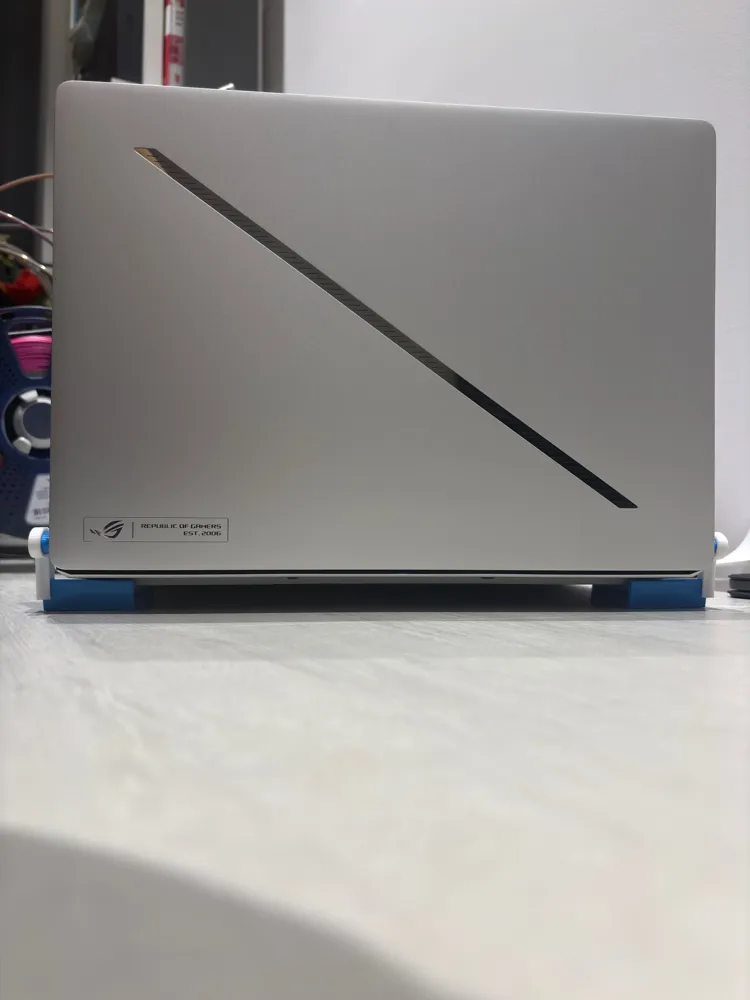
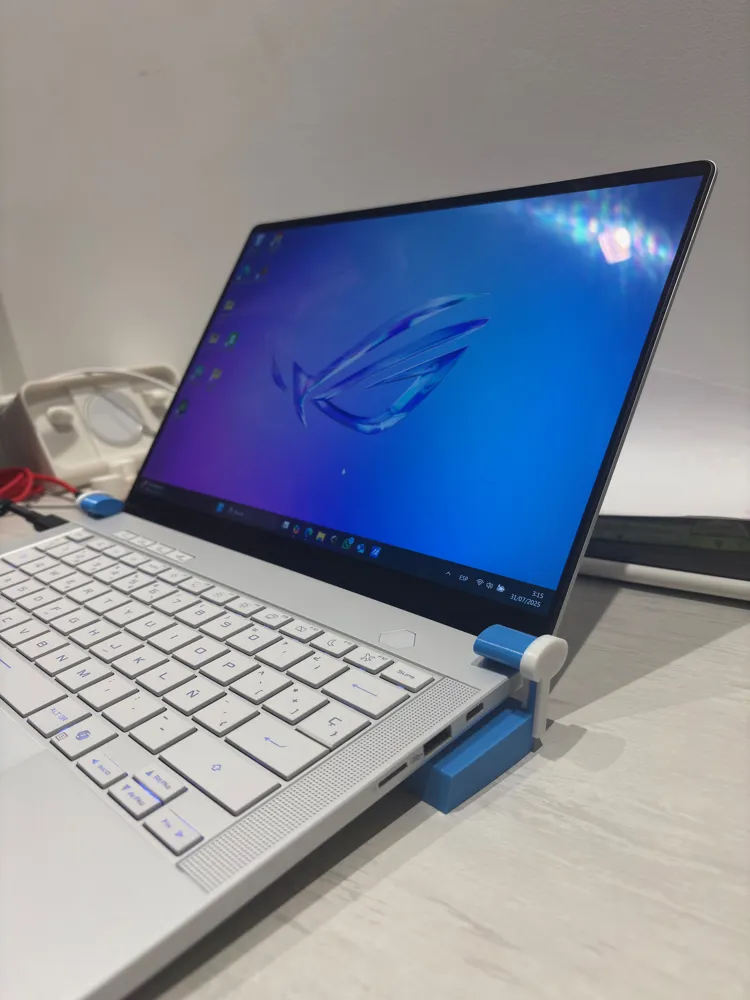
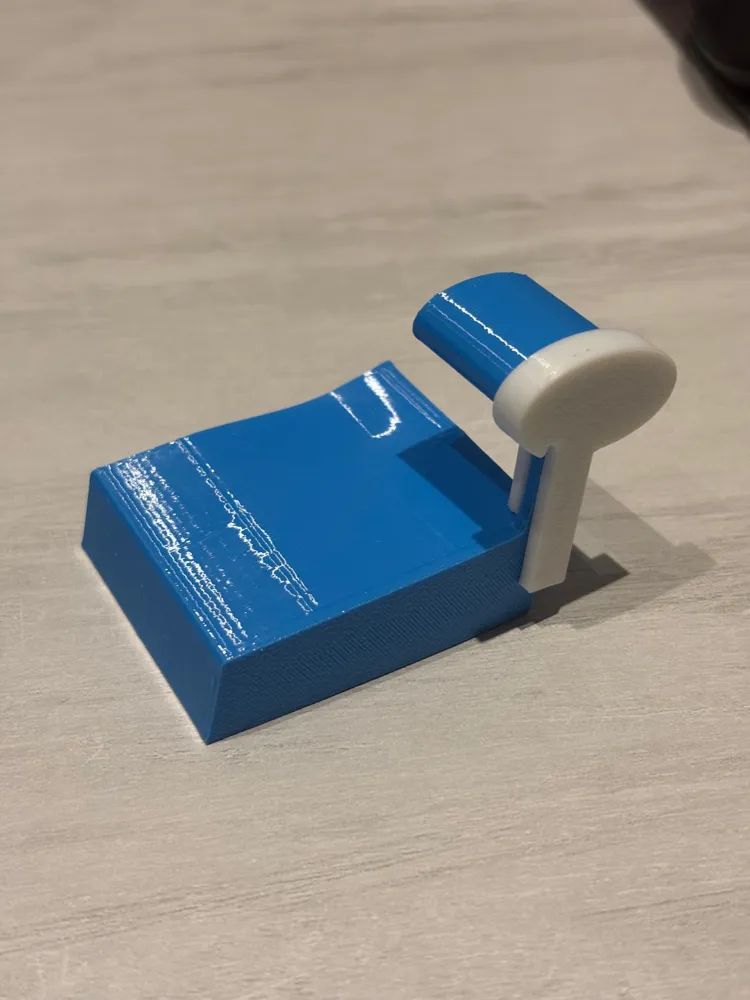
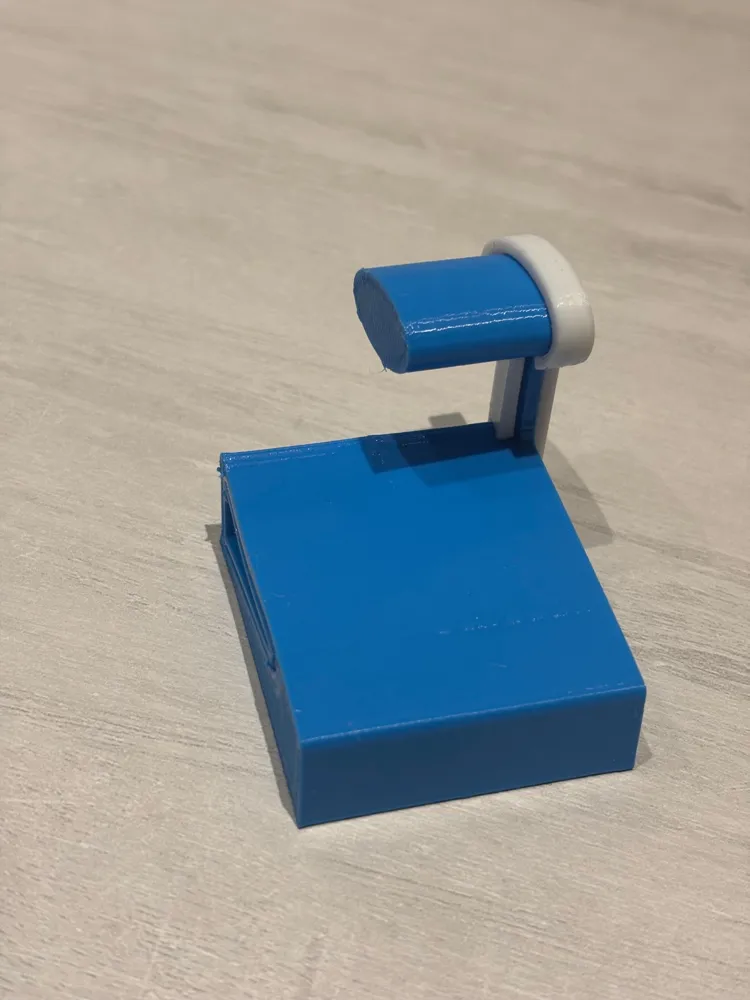
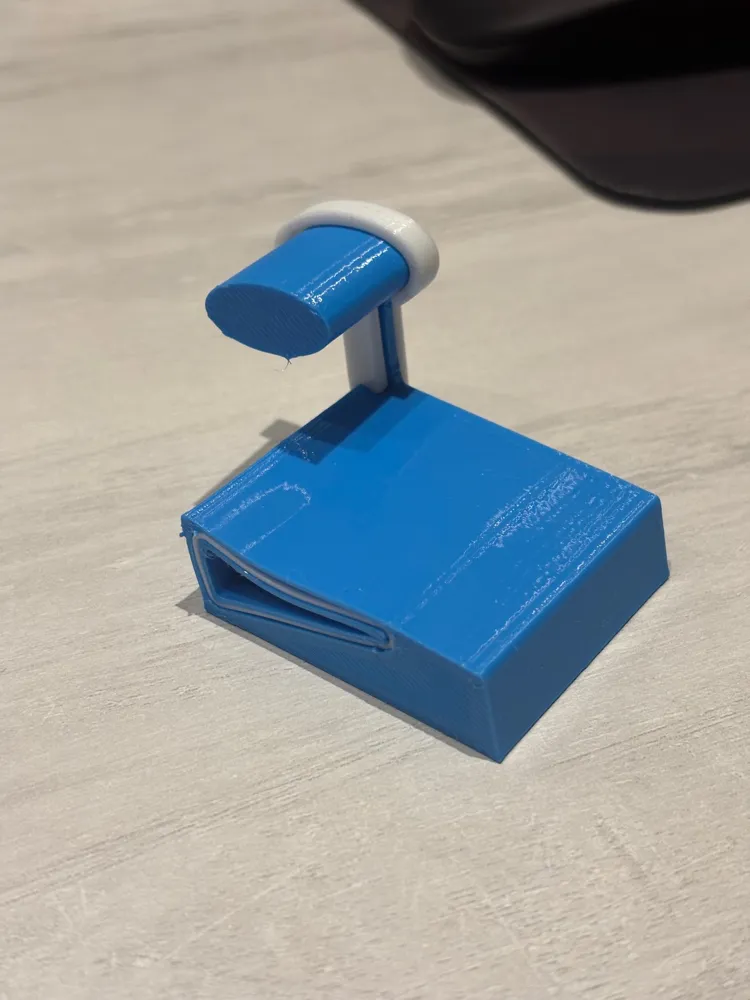
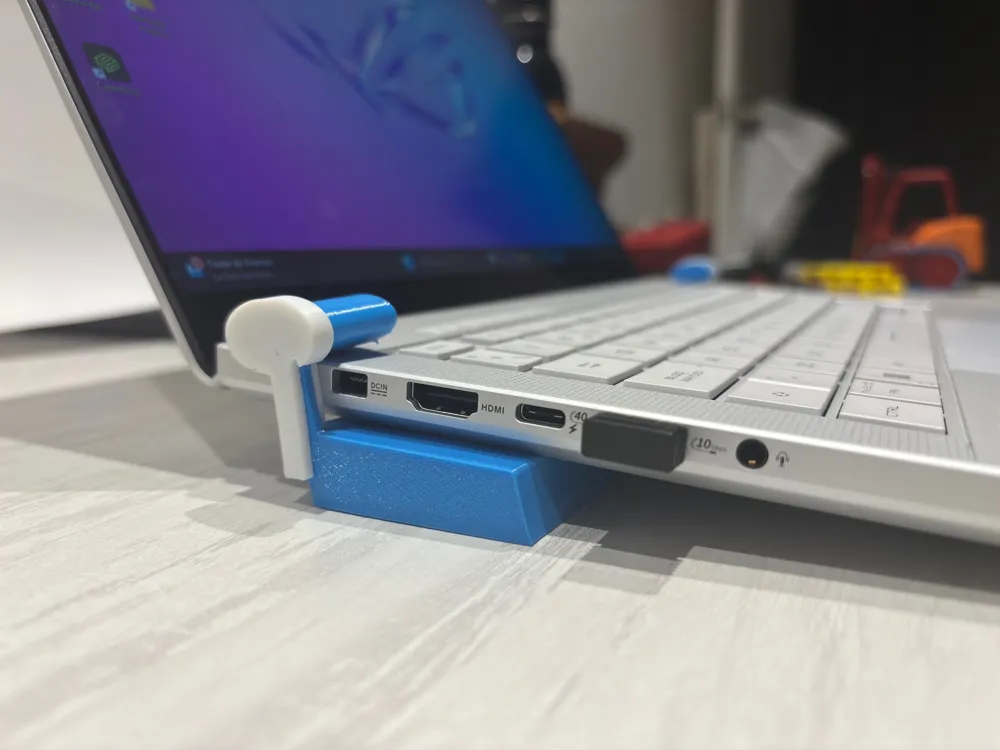
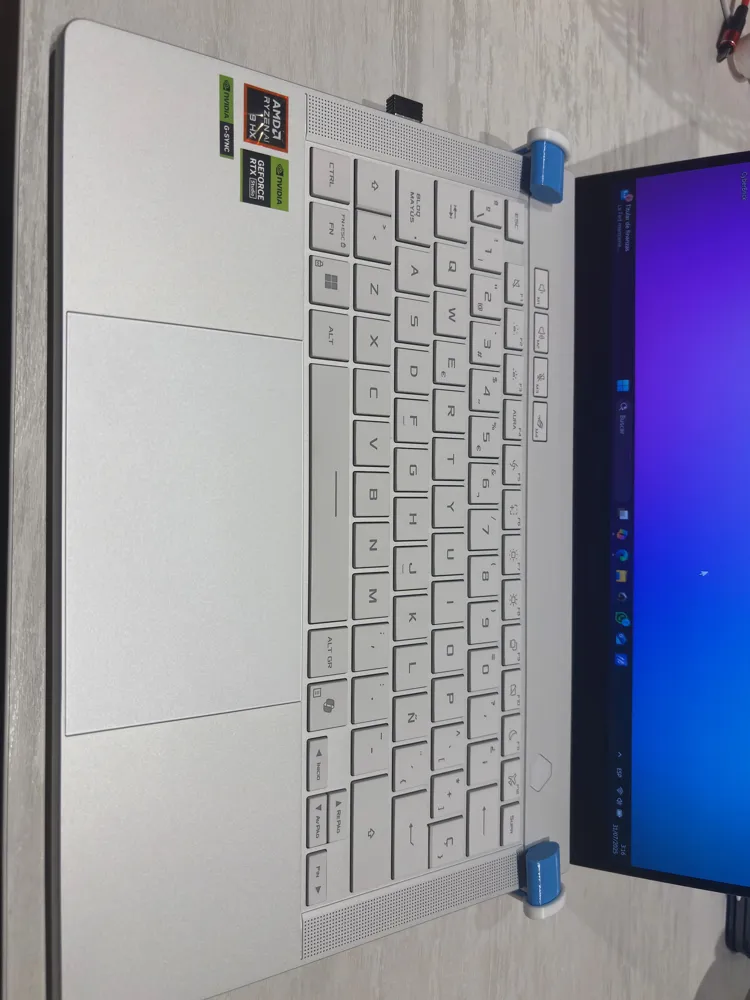
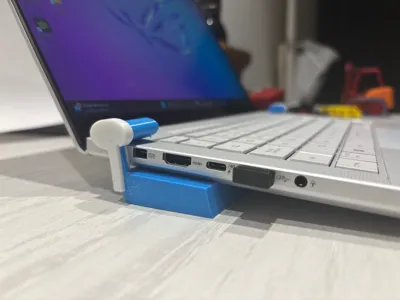
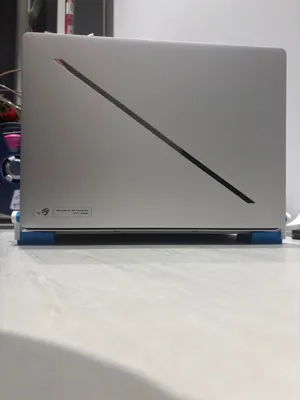
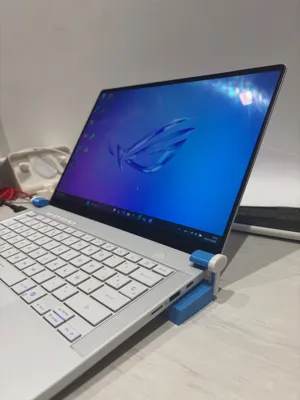
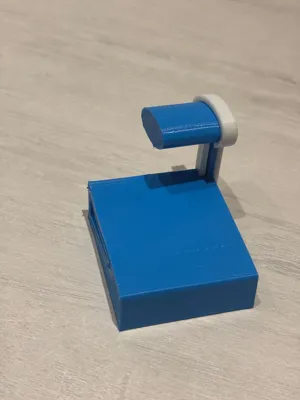
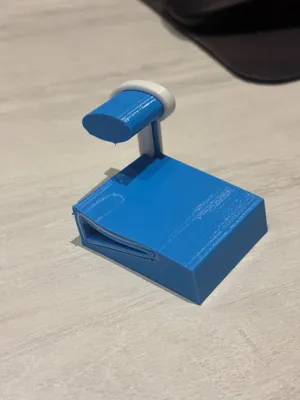
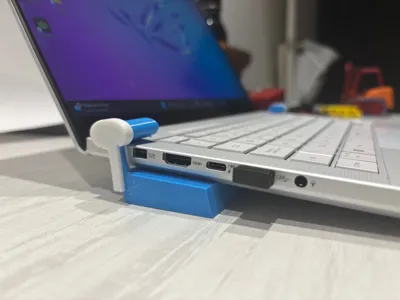
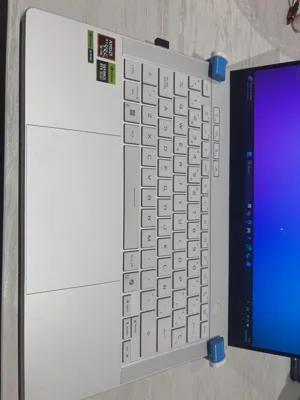
FlexiLift Pods are modular 3D-printed supports designed to elevate the rear of a laptop, significantly improving airflow and thermal performance. Each pod is composed of two integrated materials:
- Rigid PLA Core: Provides a strong and durable internal structure, ensuring stability even under the weight of large laptops.
- Flexible TPU Outer Shell: Offers cushioning, non-slip grip, and protection for delicate surfaces. Its elasticity also helps absorb small vibrations.
Key Advantages:
- Enhances passive ventilation without the need for external fans.
- Ergonomic and compact design, easy to carry and use anywhere.
- Optimized dual-material integration, showcasing the synergy between flexibility and rigidity.
- NO need for AMS.
- Compatible with all laptop sizes.
This design not only solves a practical problem, but also demonstrates the creativity and technical mastery in working with flexible materials. Ideal for intense work environments, gaming sessions, or simply to extend the device’s lifespan.
ASSEMBLY:
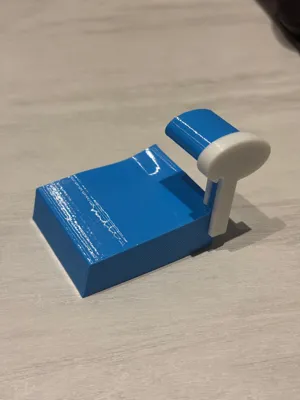
Assembling the FlexiLift Pods is incredibly simple and intuitive. Each leg consists of three 3D-printed components:
- Main Body (TPU): The flexible outer part that makes direct contact with the surface and provides grip and vibration absorption.
- Core (PLA): Slides smoothly into the TPU body without any need for glue or fasteners. It gives the pod its internal structure and strength.
- Reinforcement Ring (PLA): Optional but recommended. This outer ring wraps around the TPU body's neck to prevent excessive flexing and adds extra rigidity, allowing for a better hold against the laptop.
Steps:
- Step 1: Slide the PLA core into the main TPU body. No force or adhesives needed—it should fit effortlessly.
- Step 2: If you're using the reinforcement, align it with the TPU body and stretch it gently over, taking advantage of the TPU’s flexibility. This is the most delicate part, but still very straightforward. Once in place, it will grip tightly and improve stability.
- Step 3: Double-check the orientation—the legs are mirrored! Ensure each pod is positioned correctly before attaching it to your laptop.
If you have any questions or run into any issues during assembly, feel free to reach out in the comments, I'm happy to help!
License

You shall not share, sub-license, sell, rent, host, transfer, or distribute in any way the digital or 3D printed versions of this object, nor any other derivative work of this object in its digital or physical format (including - but not limited to - remixes of this object, and hosting on other digital platforms). The objects may not be used without permission in any way whatsoever in which you charge money, or collect fees.


Comment & Rating (2)