
22-Style Mini Folding Utility Knife-Locking Button
Print Profile(23)



Bill of Materials


Description
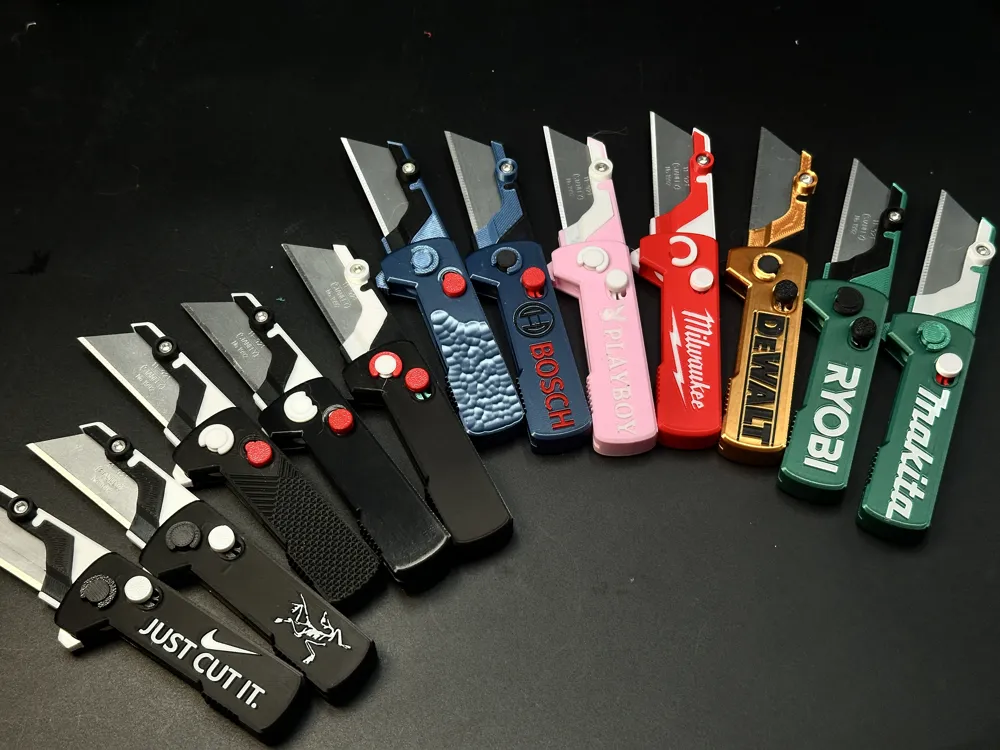
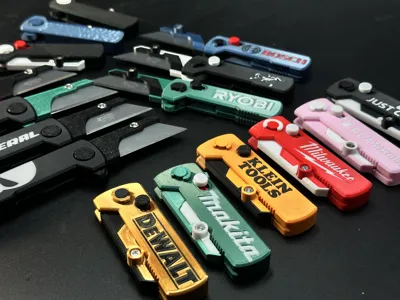
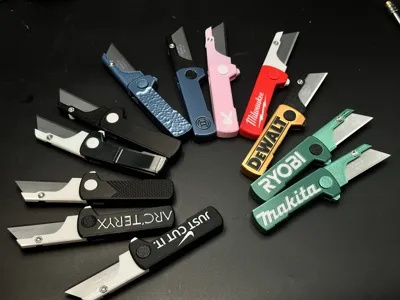
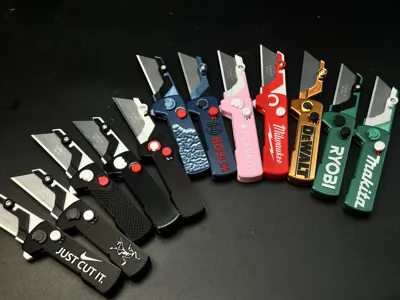
22 Handle Styles:
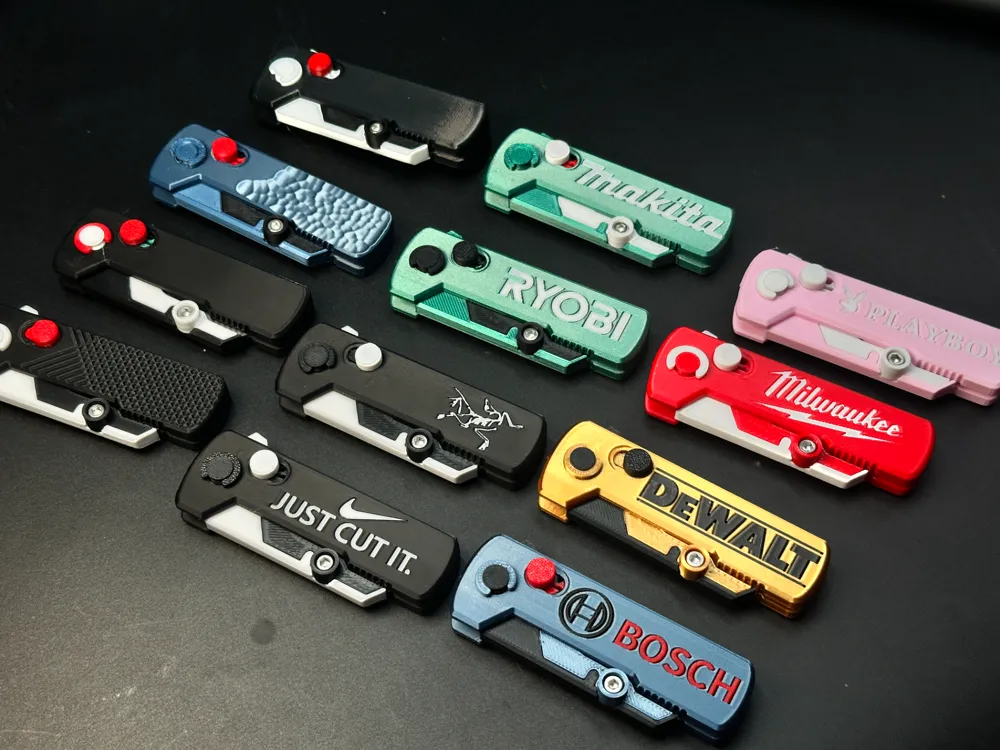
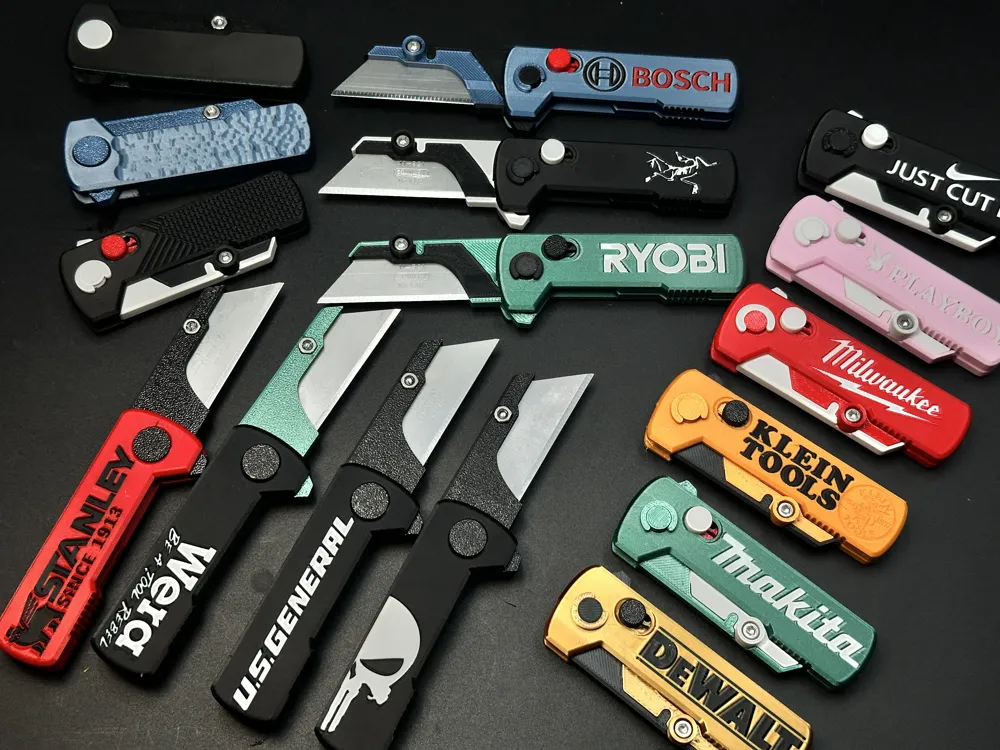
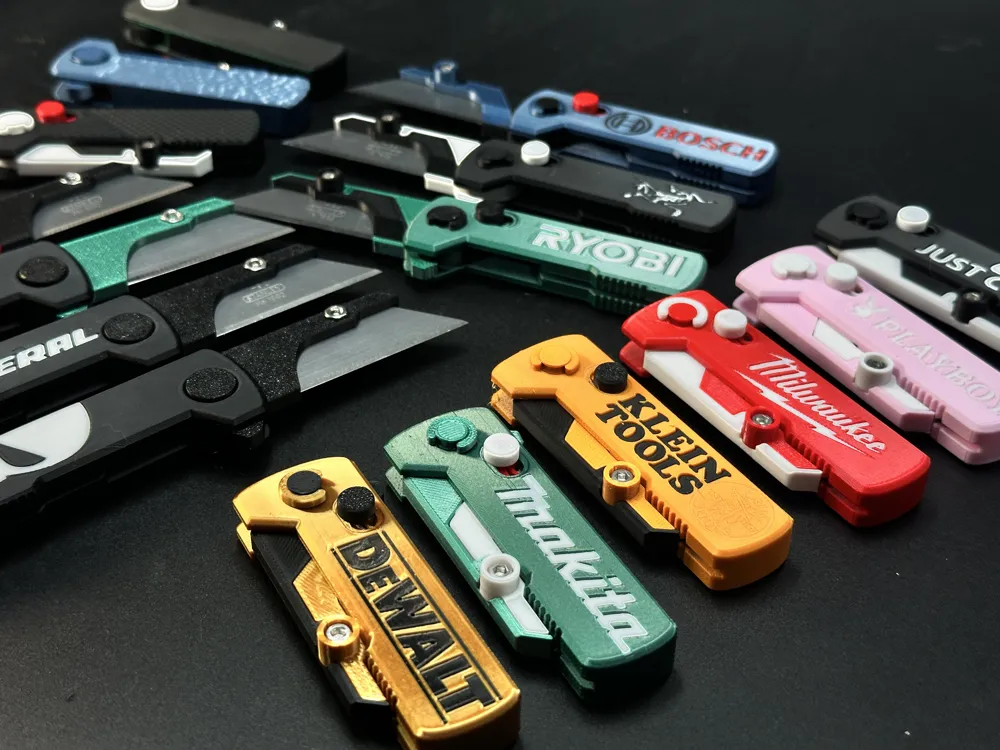
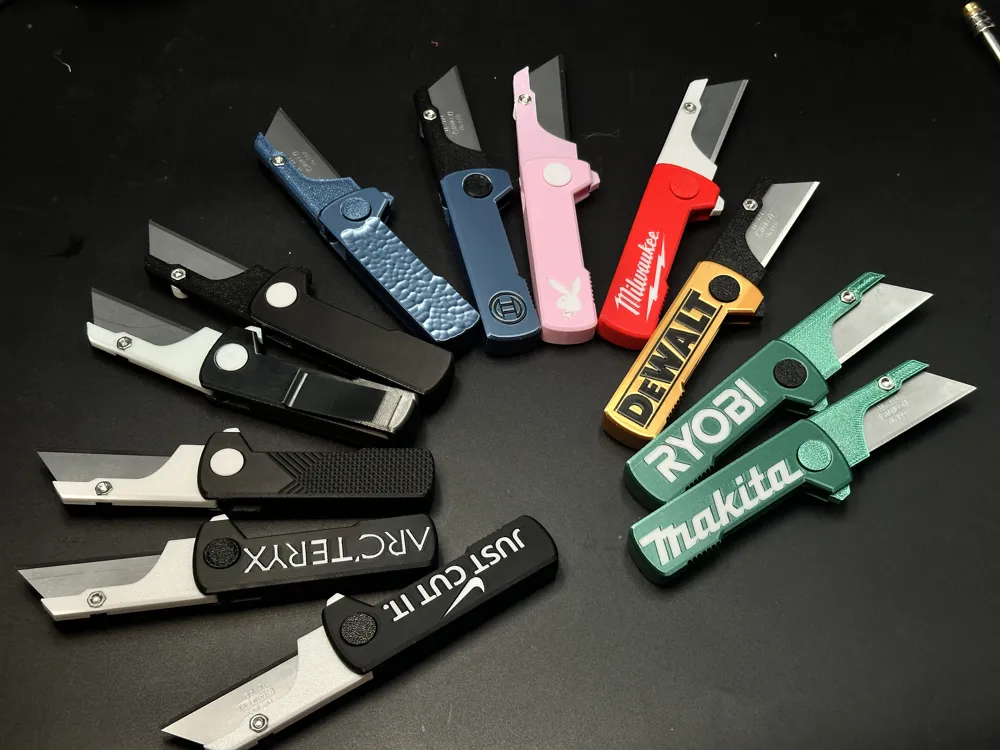
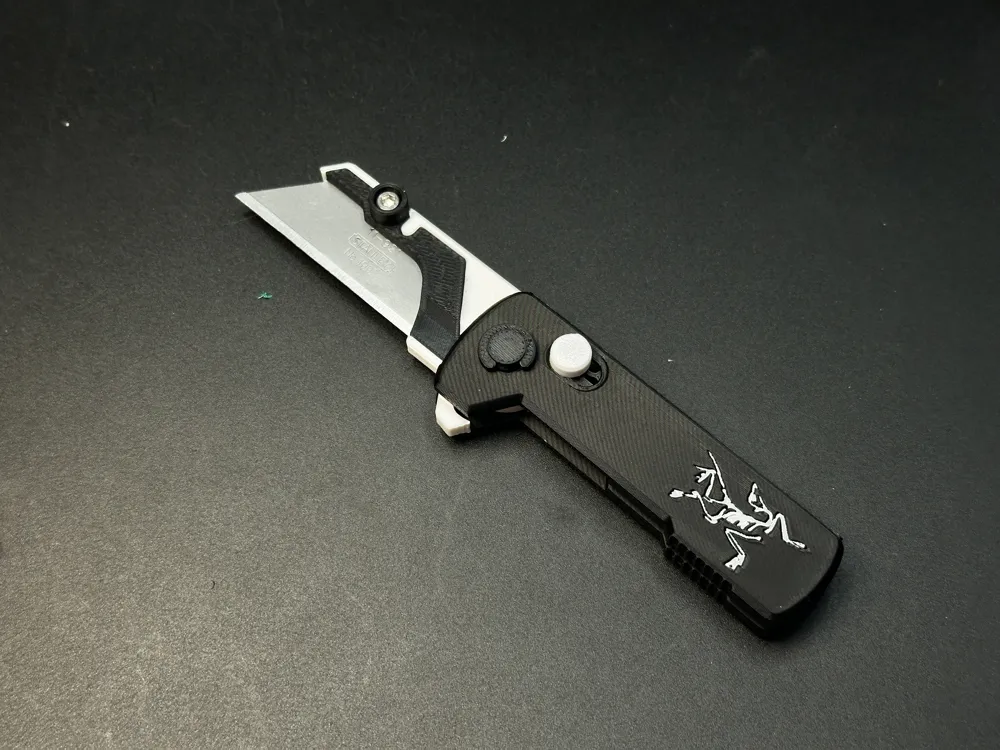
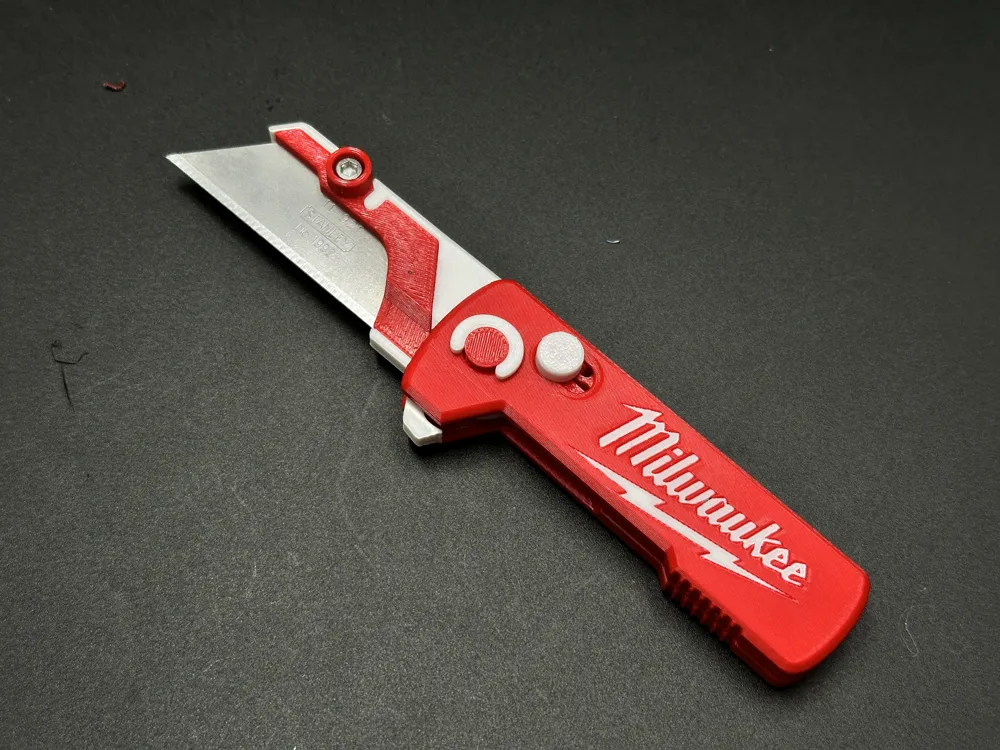
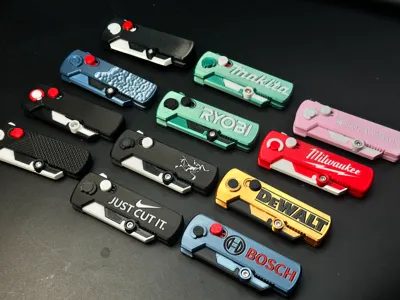
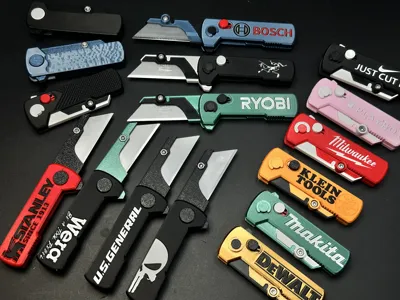
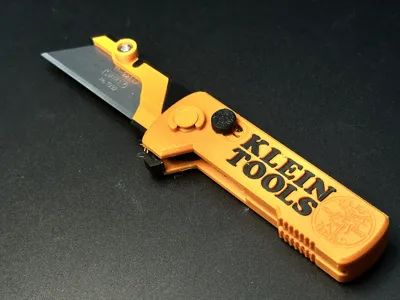
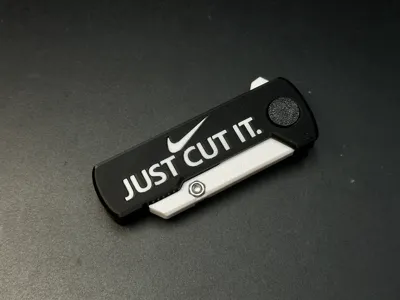
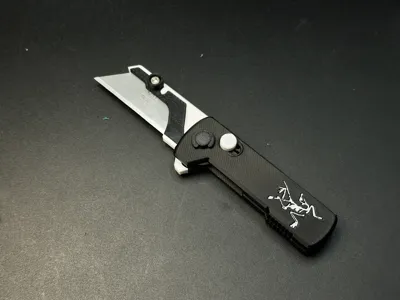
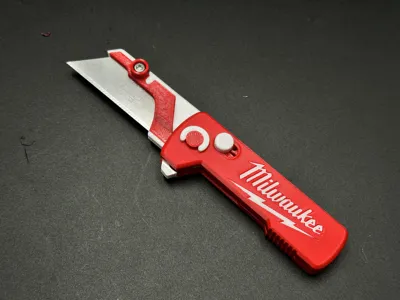
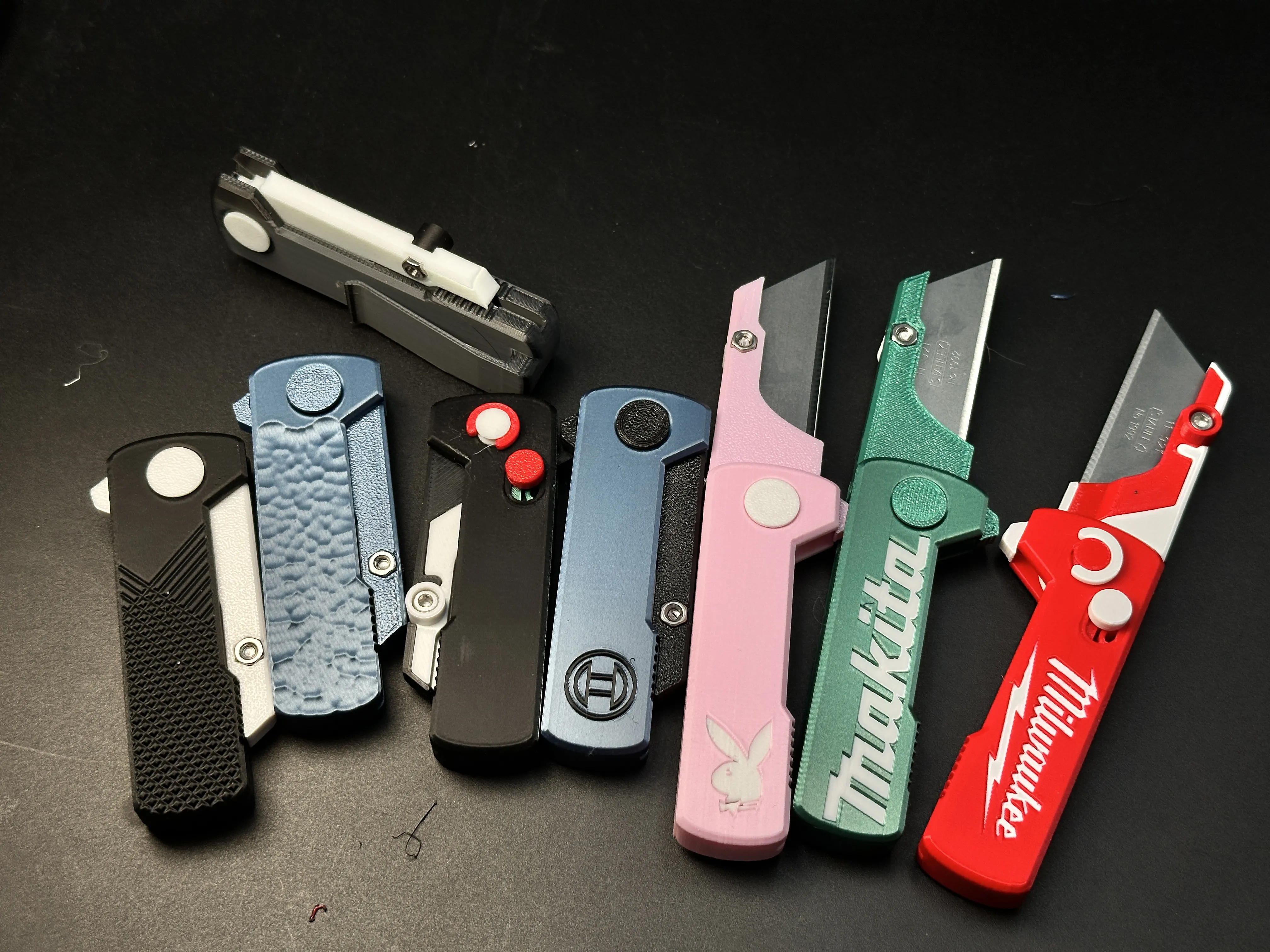
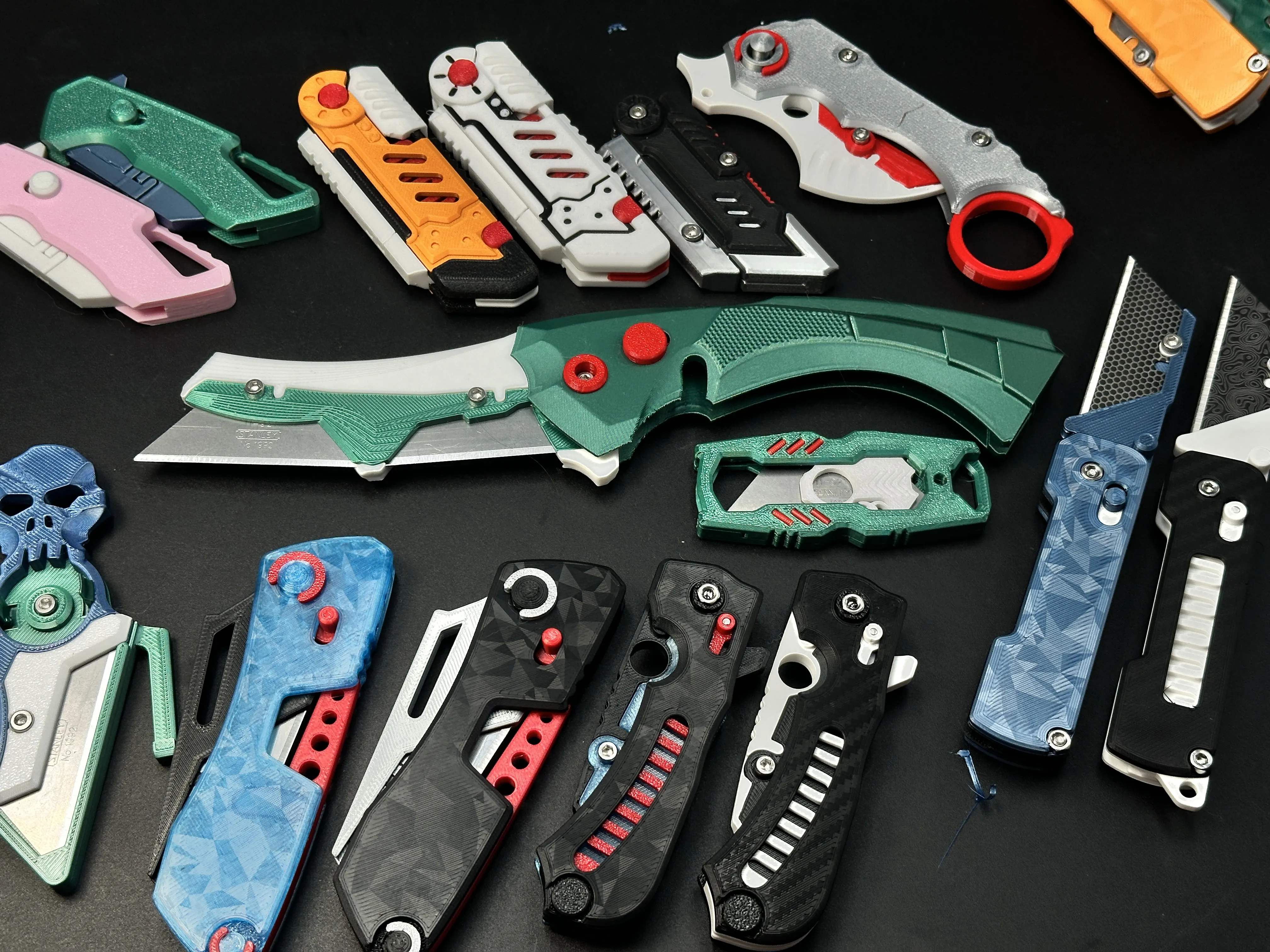
So many handle styles available for download! The photo below can't show them all—each .3mf file comes with actual photos. Check them out!
- Basic Edition (smooth texture)
- Pocket Clip Edition
- Knurled Grip Edition
- Hammered Texture Edition
- BOSCH® Logo Edition
- MAKITA® Logo Edition
- MILWAUKEE® Logo Edition
- PLAYBOY® Logo Edition
- DeWALT® Logo Edition
- RYOBI® Logo Edition
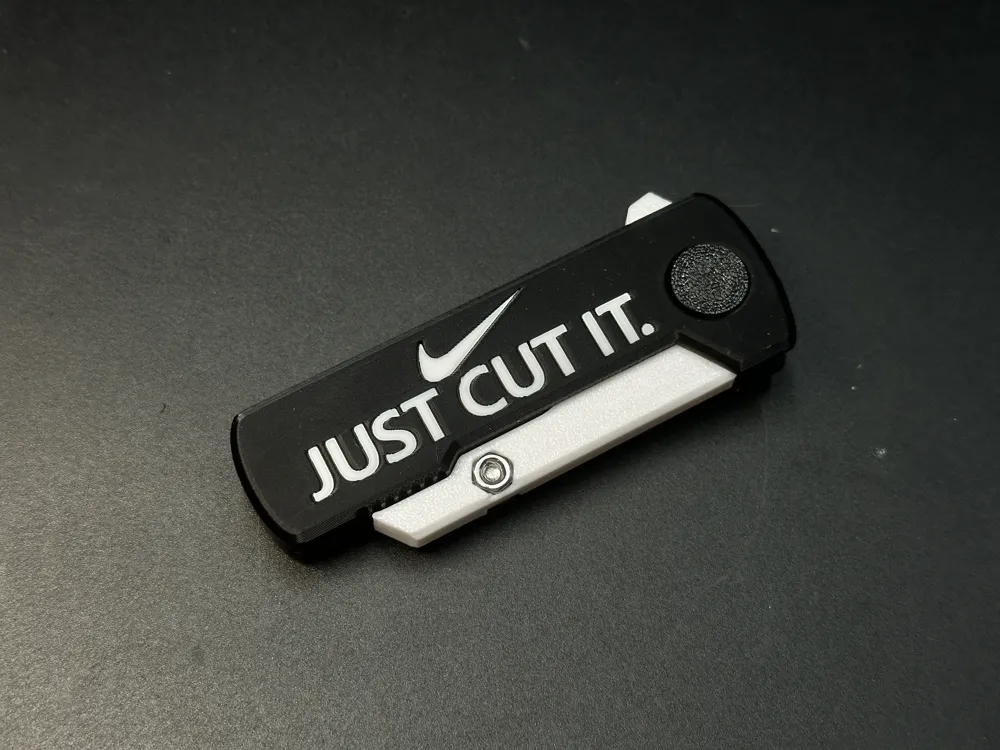
- Nike - Just cut it
- Arc'teryx® Logo Edition
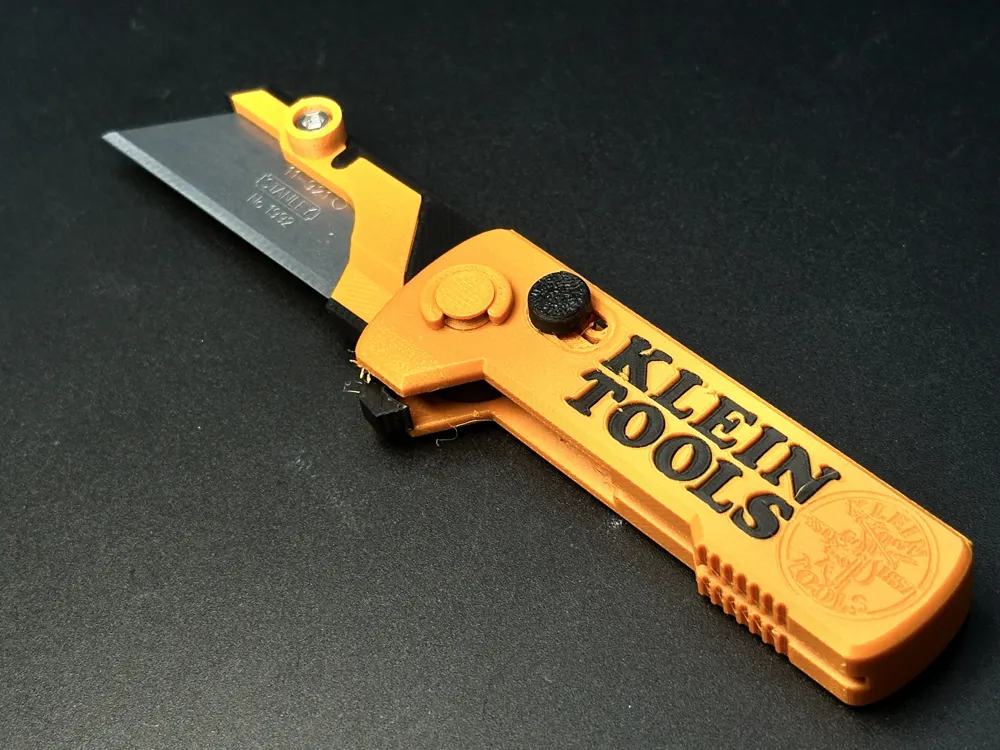
- KLEIN TOOLS® Logo Edition
- The Punisher
- US General.® Logo Edition
- Wera® Logo Edition
- STANLEY® Logo Edition
- Snap-on® Logo Edition
- HILTI® Logo Edition
- Würth® Logo Edition
- FESTOOL® Logo Edition
- CRAFTSMAN® Logo Edition
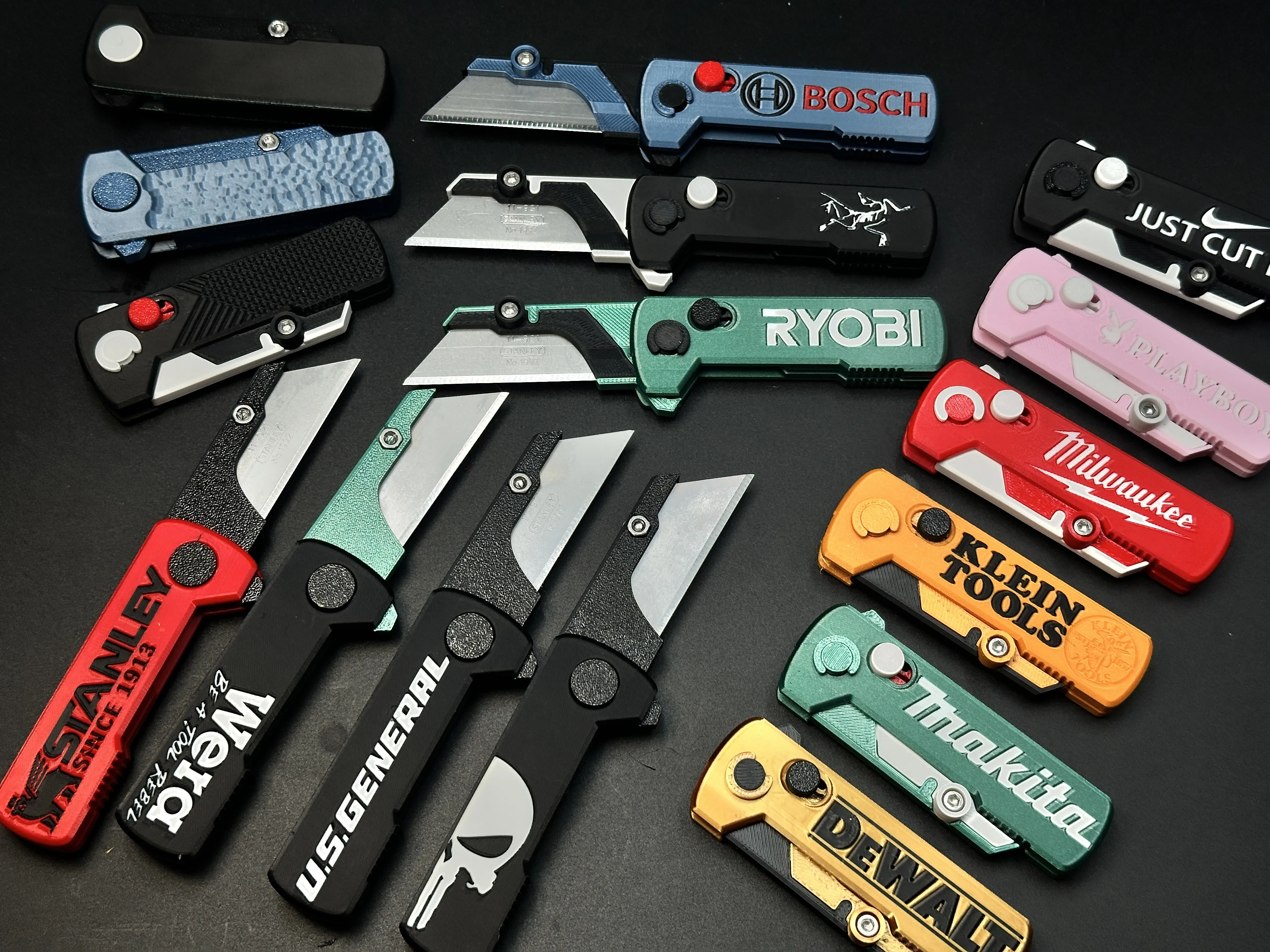
This project will have long-term updates! If there's a tool brand you'd love to see, drop a comment—I'll do my best to make it happen!
Description:
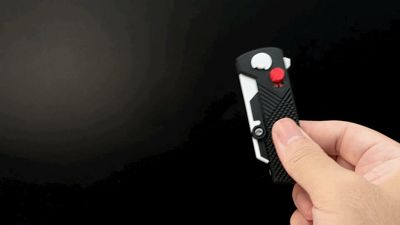

This mini folding knife features a locking button that:
- Securely locks the blade when open

- Provides resistance to prevent accidental opening when closed

- Allows intentional blade deployment even if locked (the button will auto-release under force, preventing structural damage)
Printing:
- Simple process with minimal supports (easy to remove)
- Tested successfully with multiple prints(Recommend using PETG)
Assembly:
- Moderate difficulty (read instructions carefully!)
- Requires the included 3D-printed tool for lock mechanism installation
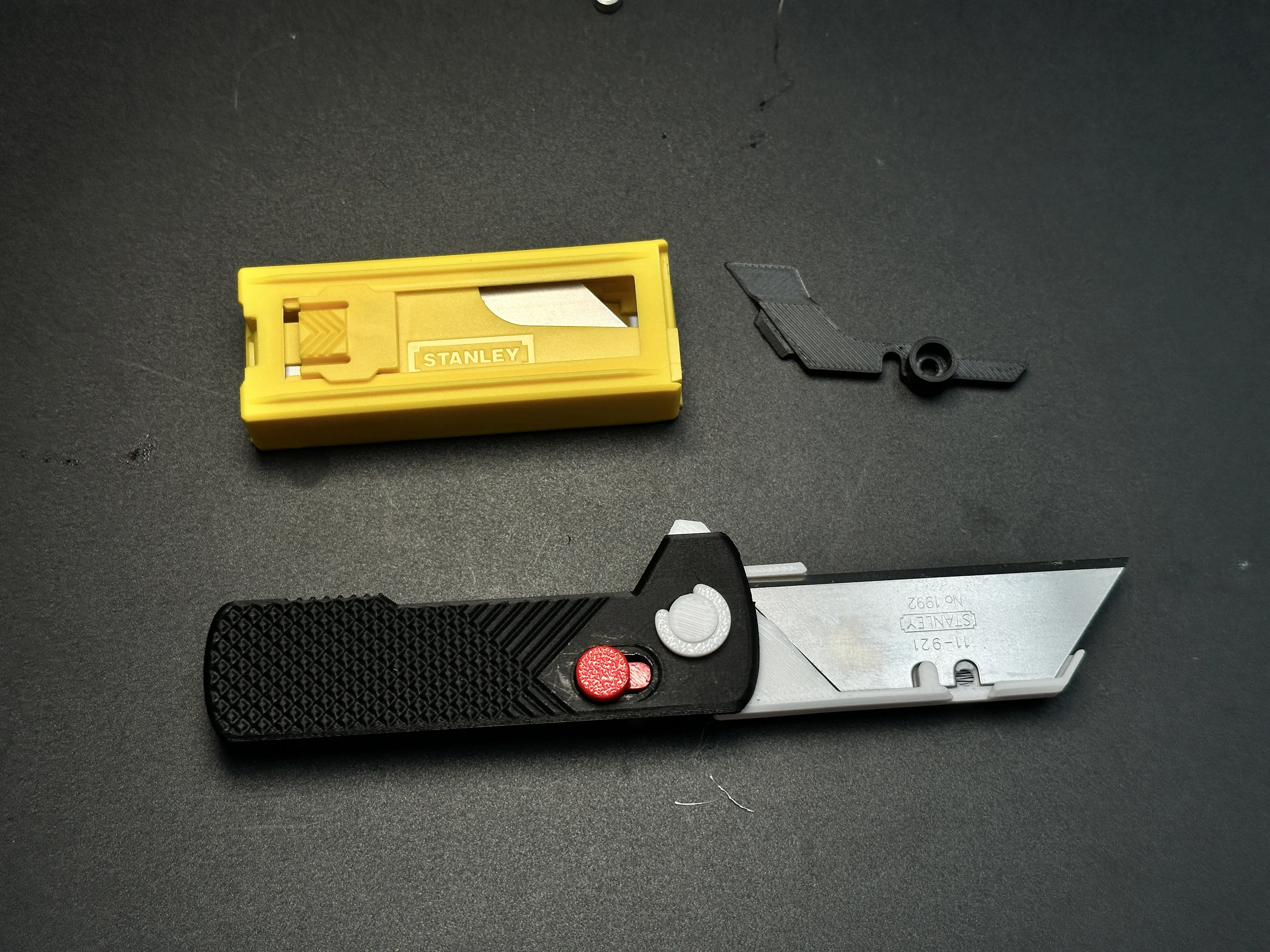
- Hardware: 1×M3-6mm screw + nut for blade fixation
Blade Compatibility:
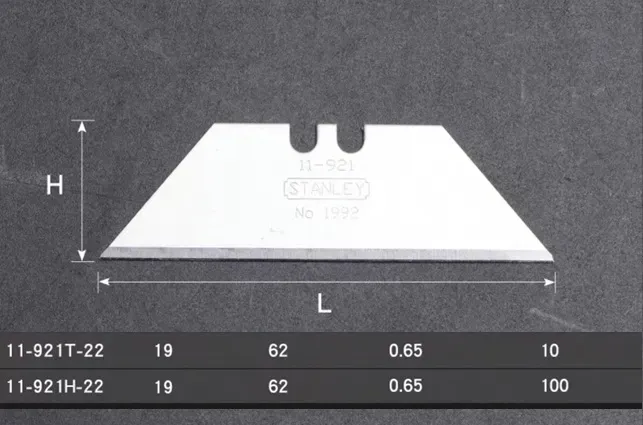
- Designed for Stanley® blades
- Fits slightly smaller blades | Not compatible with larger blades
Assembly Guide
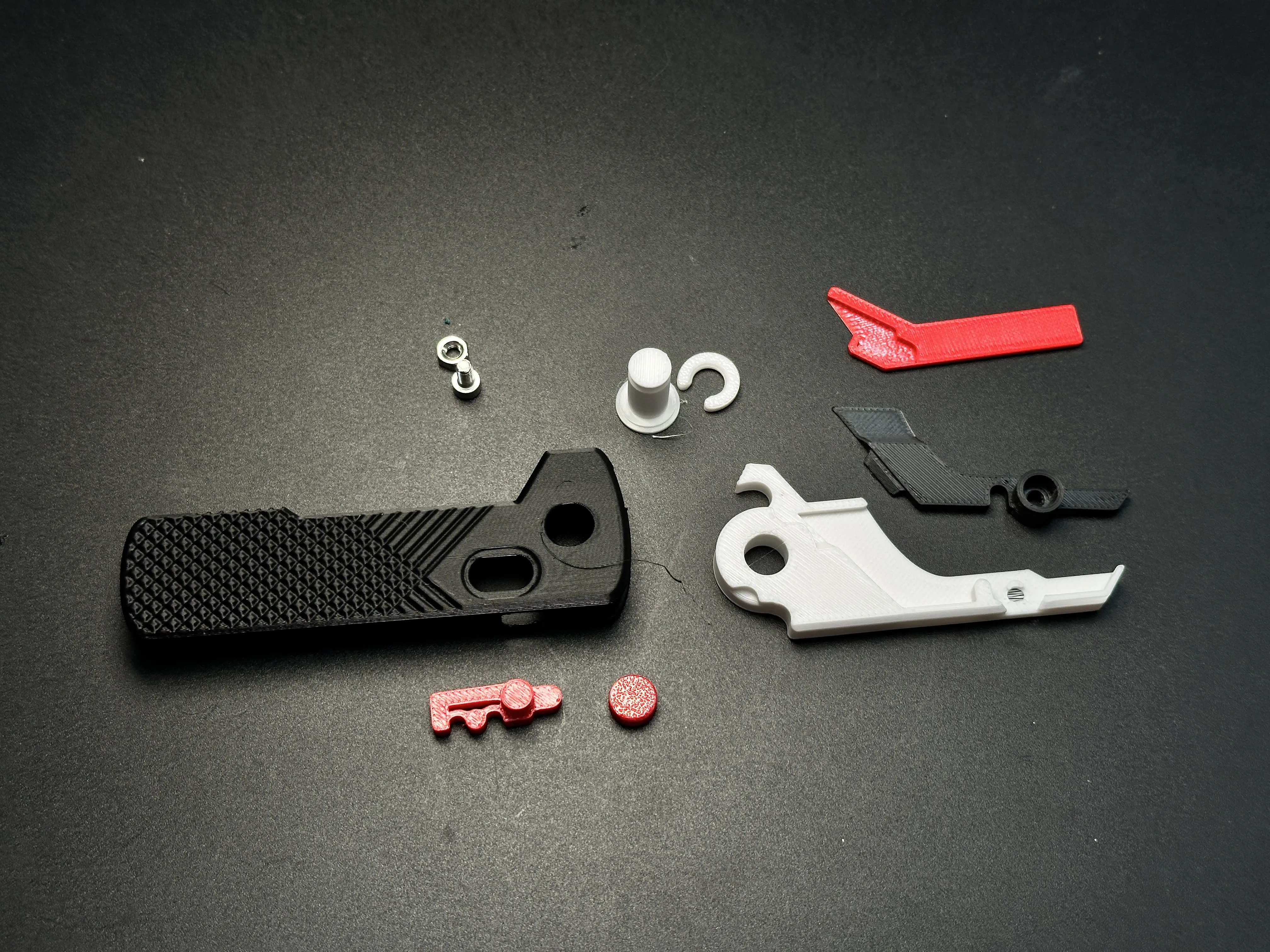
Parts overview
Install lock mechanism:
Please see the GIF .


2.1 Clip the spring with the red 3D-printed tool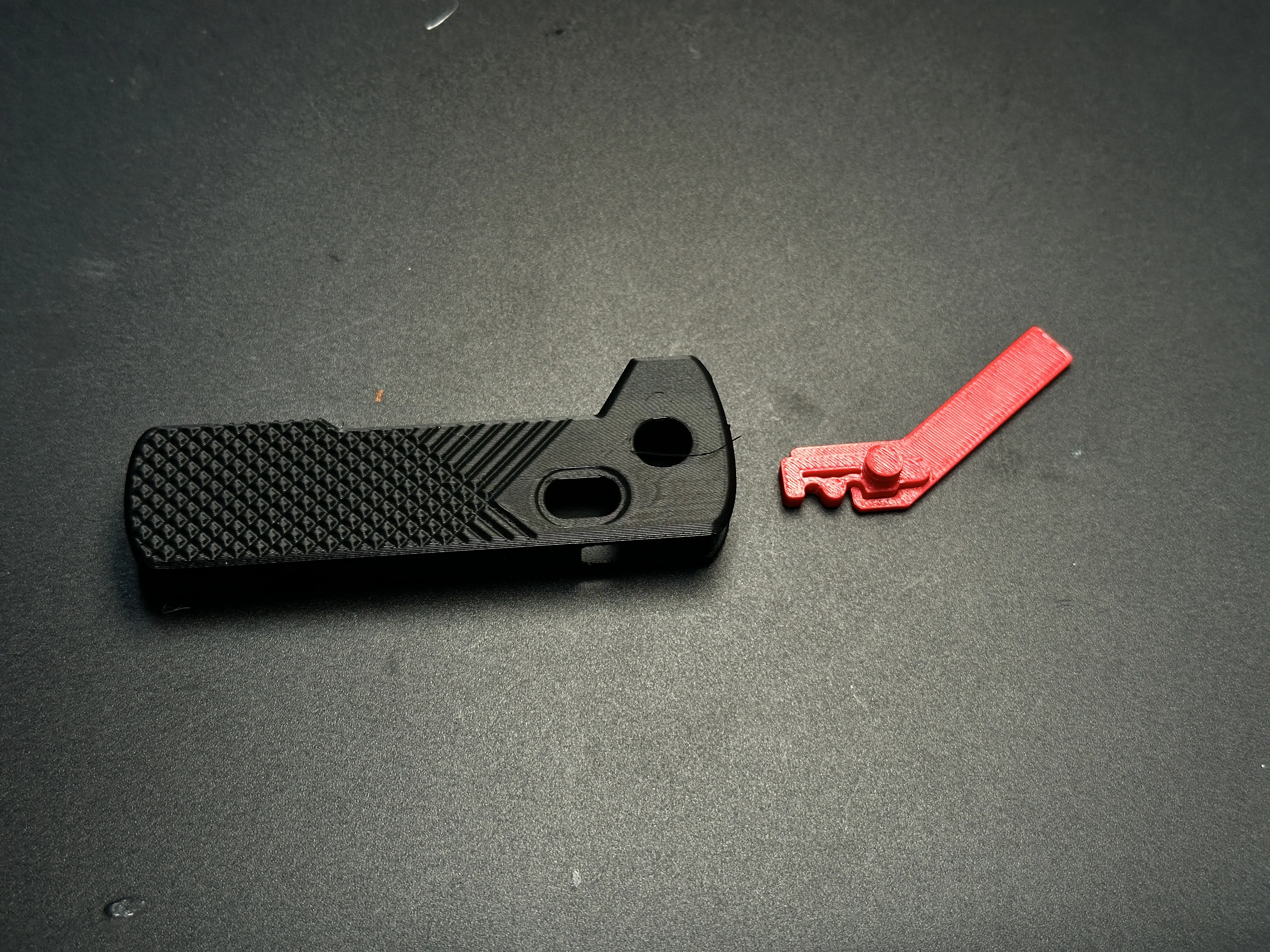
2.2 Slide the assembly into the handle’s front slot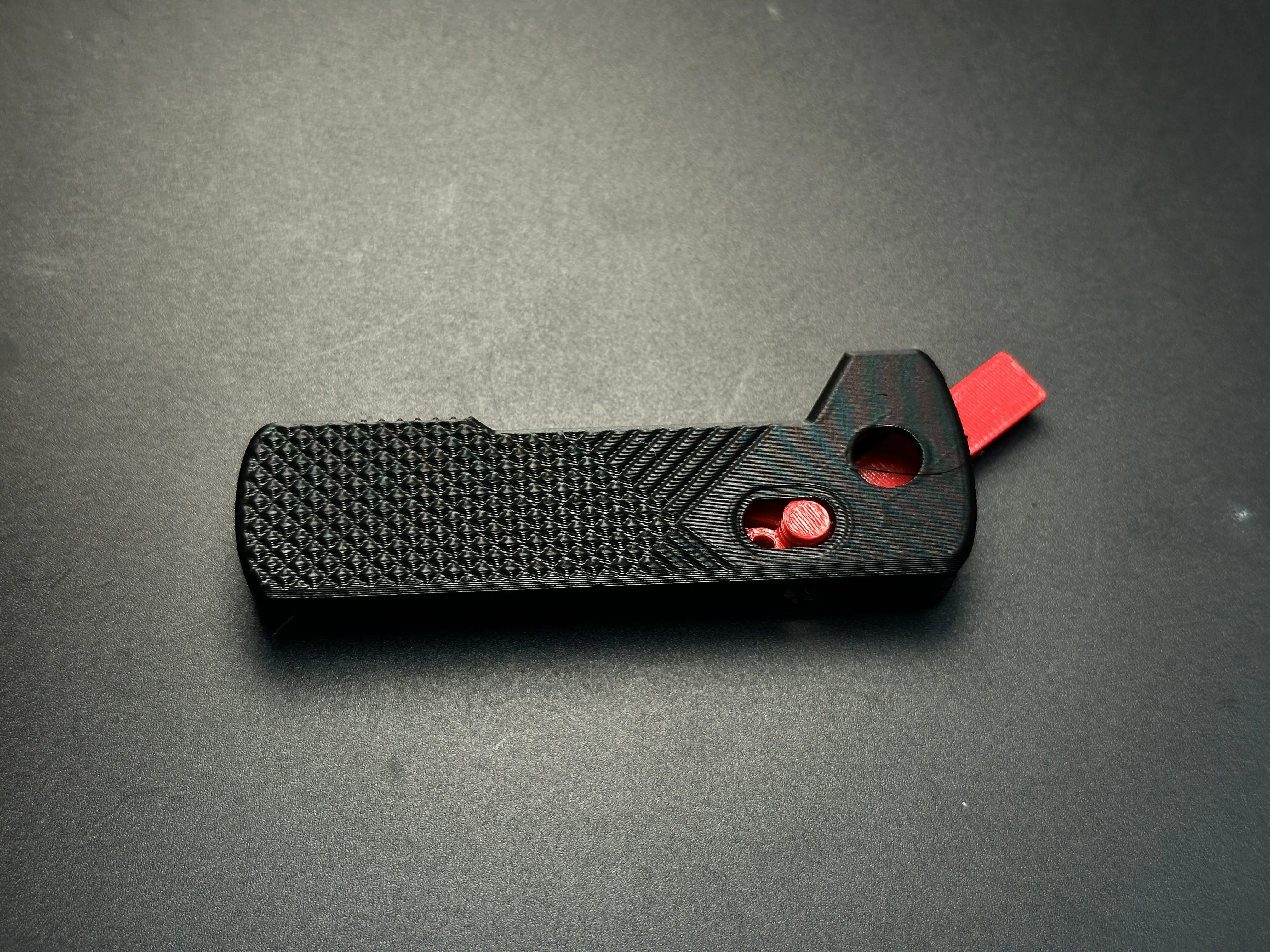
2.3 Attach the red button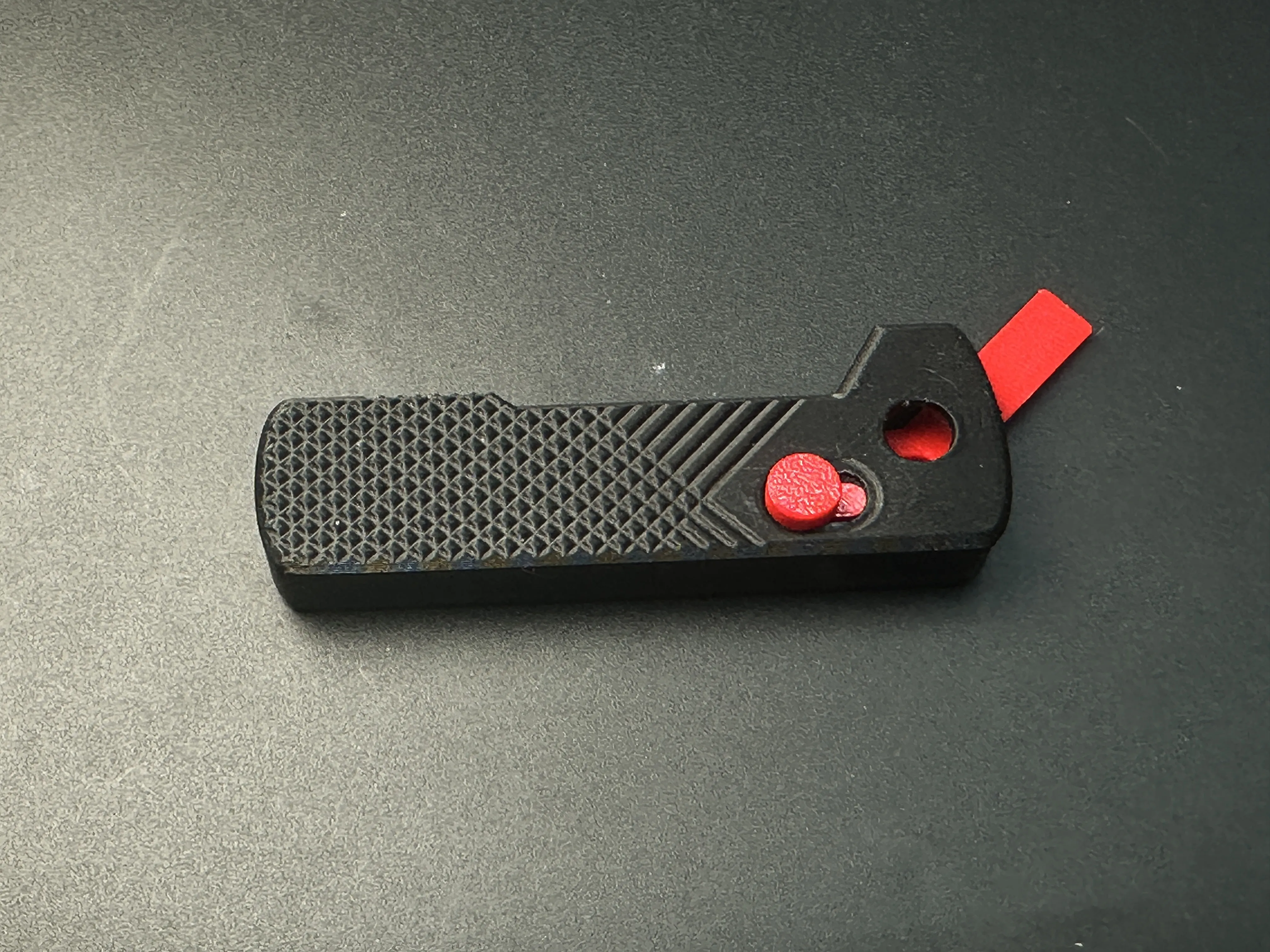
2.4 Insert the helper tool → Press the spring flush against the inner handle → Tighten the button
※ Verify the lock slides smoothly with the tool inserted!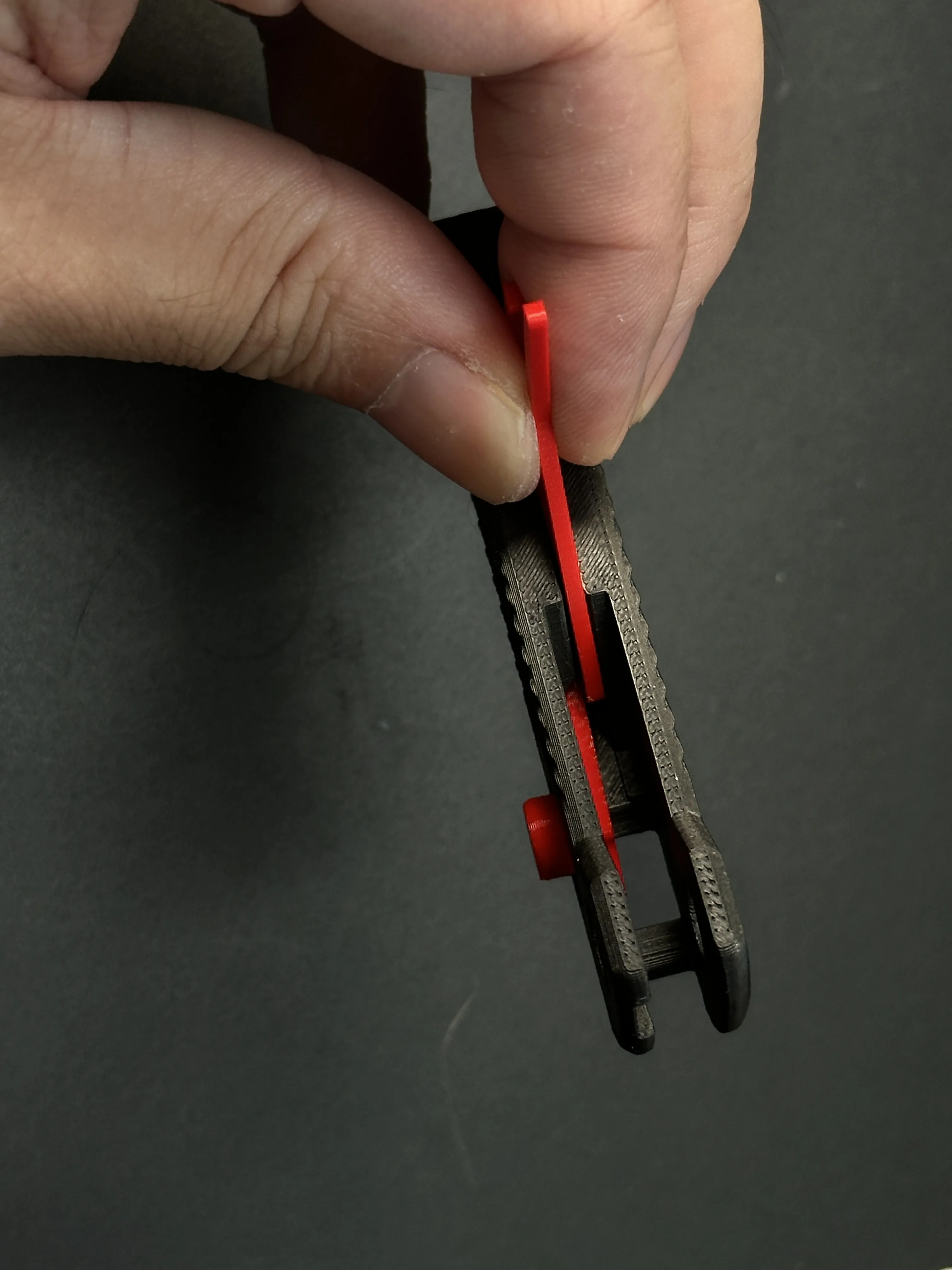
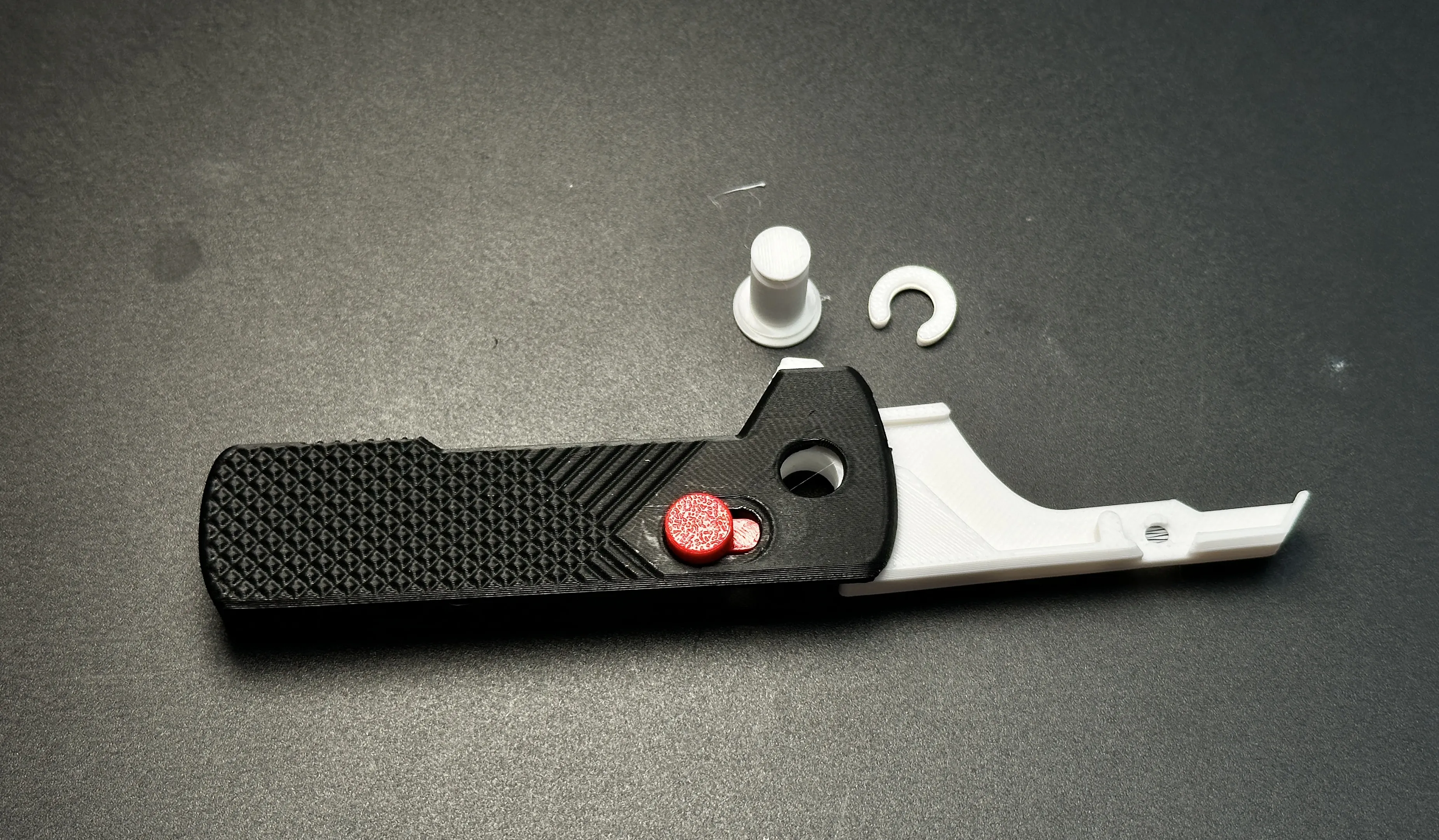
Attach the blade holder to the handle via pivots
Secure the blade with the black clamp + M3-6mm screw/nut
Initial folding may show minor resistance—smooths after a few uses 🔧
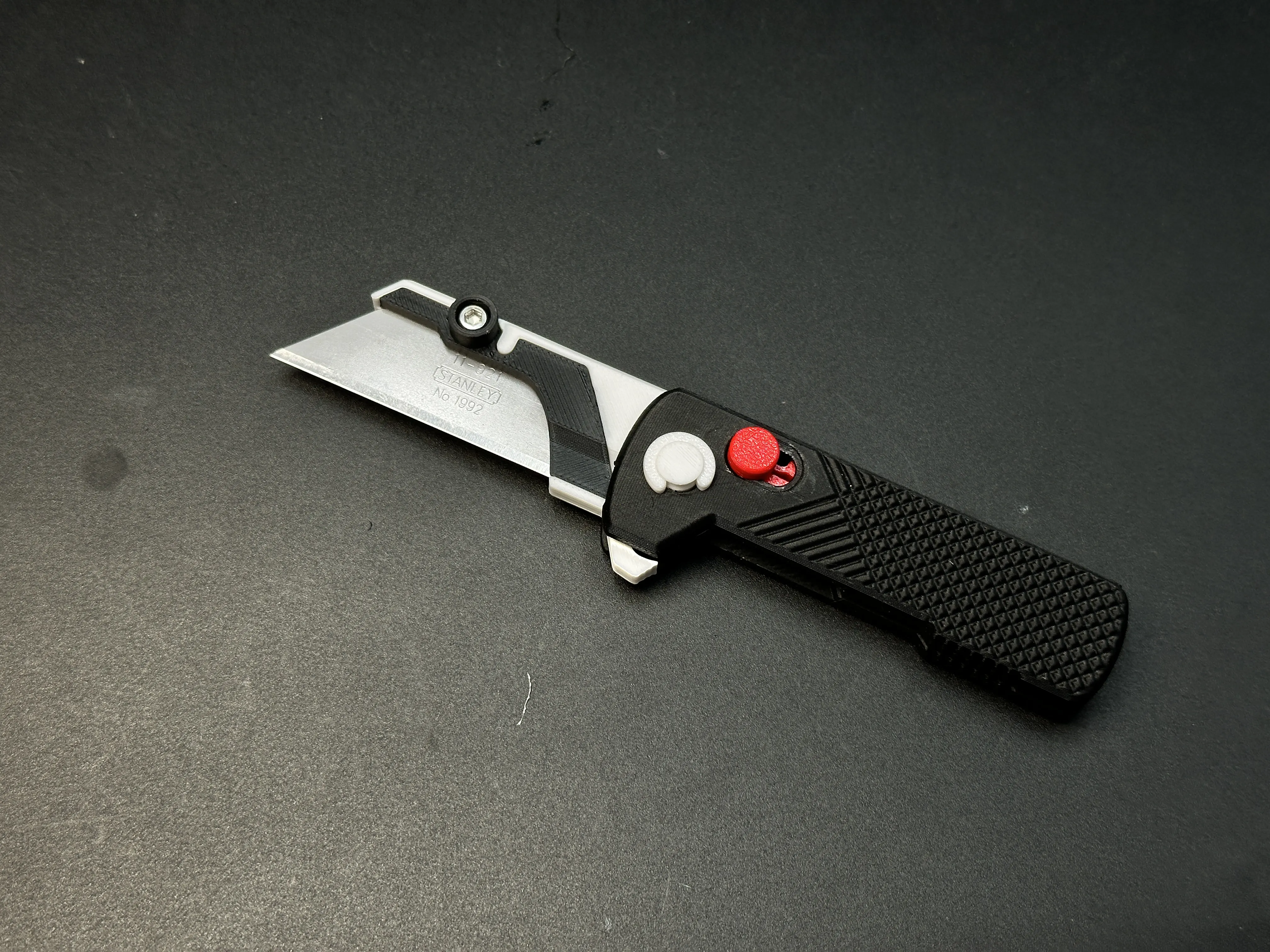
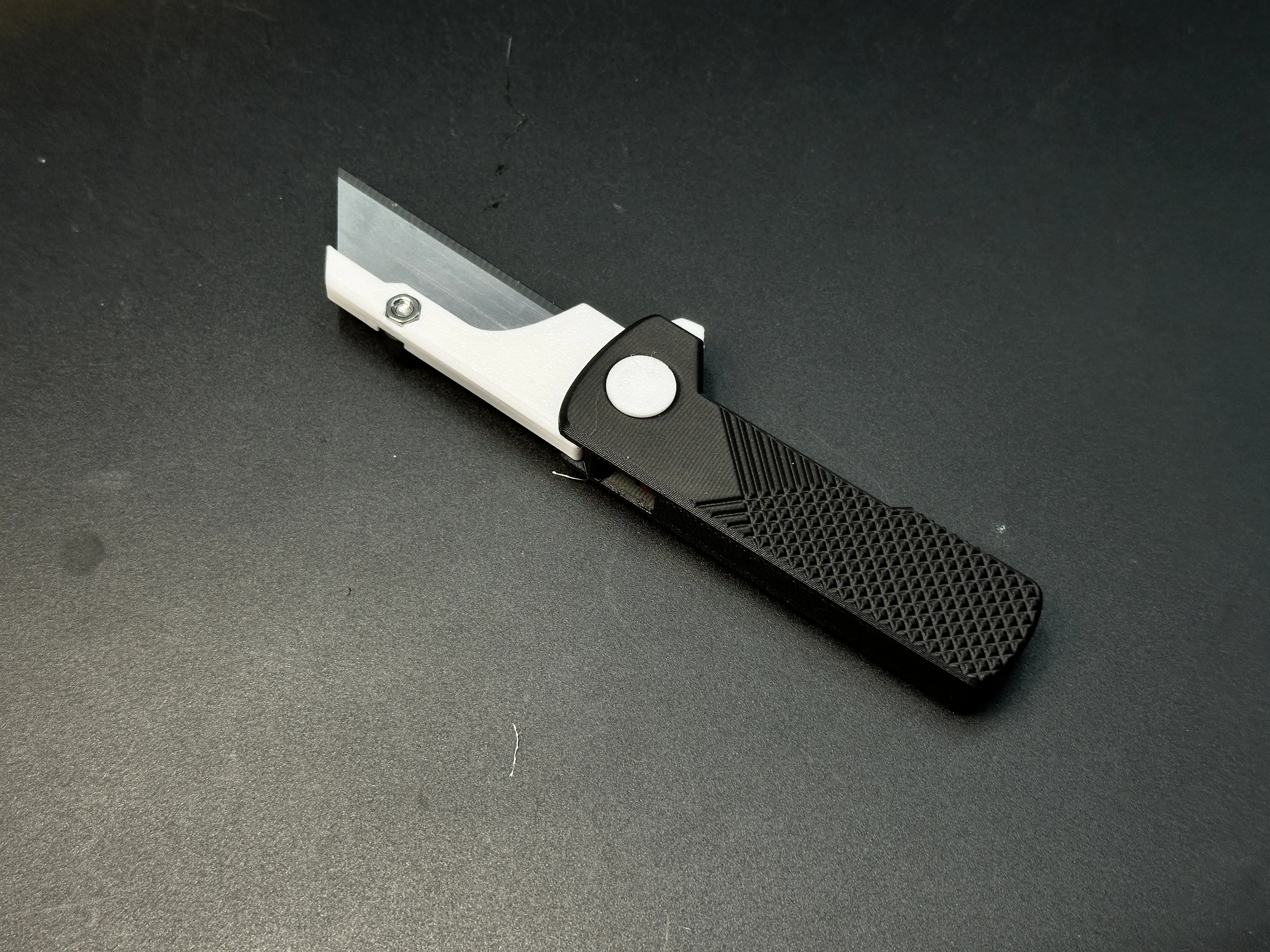
The strength of 3D-printed knives cannot be guaranteed and they are suitable only for light-duty tasks, such as cutting paper or opening Amazon packages. Unless otherwise specified, all of my knife designs are intended for light-duty use only.
My similar projects, click on the picture
Membership
License

You shall not share, sub-license, sell, rent, host, transfer, or distribute in any way the digital or 3D printed versions of this object, nor any other derivative work of this object in its digital or physical format (including - but not limited to - remixes of this object, and hosting on other digital platforms). The objects may not be used without permission in any way whatsoever in which you charge money, or collect fees.


Comment & Rating (693)