
Allen Key T-Handle Set [ Pause & Insert ]
Print Profile(4)



Description
Hey fellow makers and workshop heroes!
Tired of those small, fiddly L-shaped Allen keys that hurt your hands and never give you enough leverage? I've designed this comprehensive, fully parametric set of ergonomic T-handles to solve that problem once and for all.
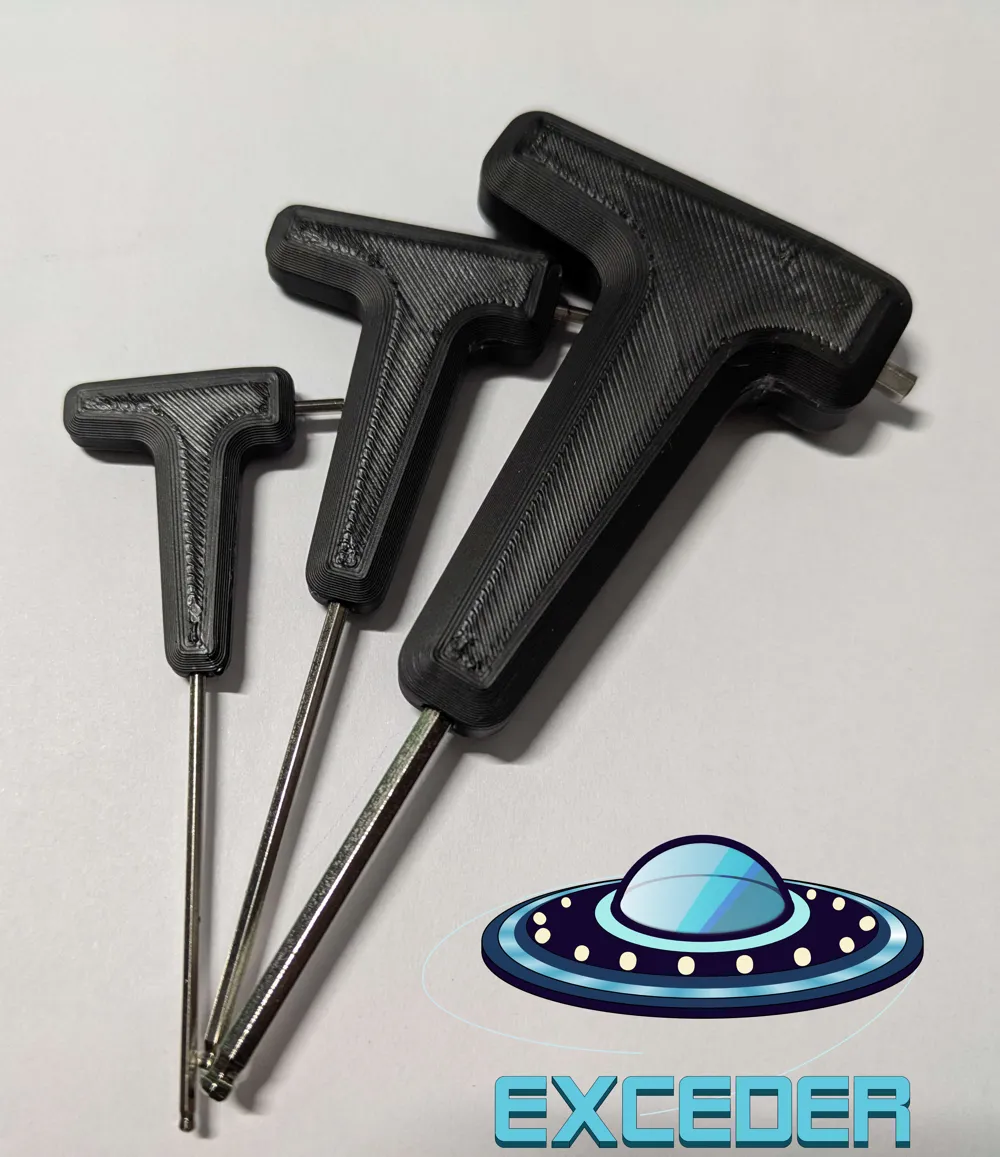
This isn't just a simple handle; it's a permanent upgrade for your tools. Using a "pause at height" print, the metal Allen key is permanently encapsulated inside the plastic handle, creating an incredibly strong and durable tool that feels great in the hand and lets you apply serious torque.
Features:
- Massive Torque & Comfort: The T-Shape provides a comfortable, powerful grip, making it easy to tighten or loosen even the most stubborn bolts.
- Permanent & Secure: The key is embedded during the printing process, it will never slip, twist, or fall out.
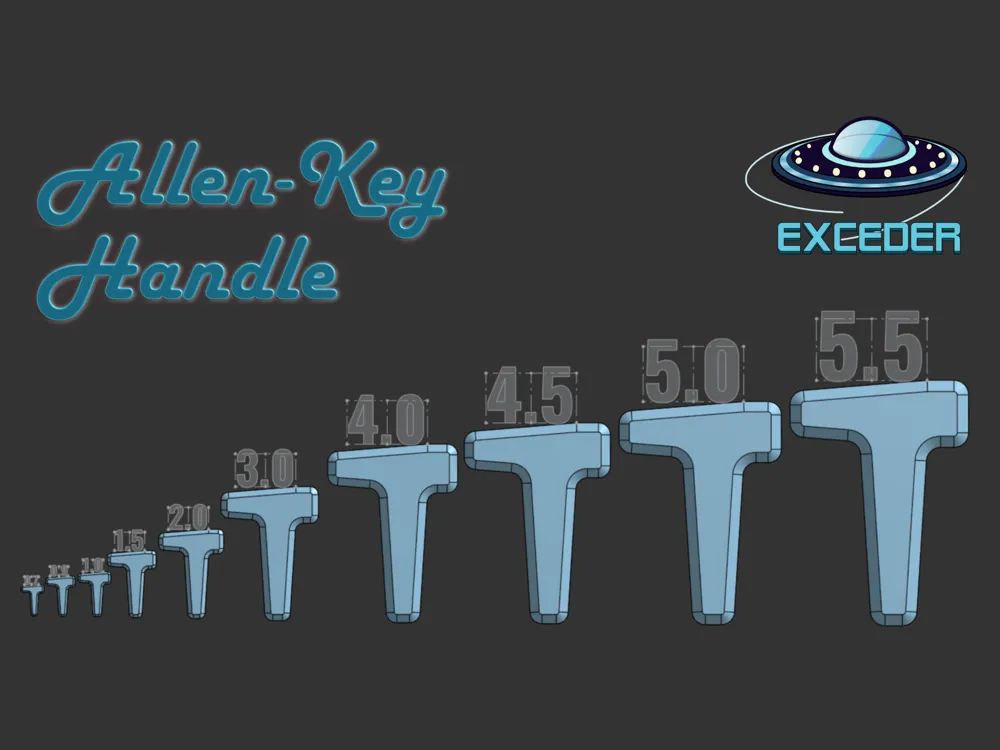
- Full Size Range: This set covers all common sizes, from a tiny 0.7mm all the way up to a 5.5mm, with the size clearly embossed on each handle for easy identification.
- Pause-&-Insert: Every Handle has a specific Pause-Height where the printer will stop to insert the Allen-Key.
- Optimized for Printing: Designed for easy, support-free printing.
Printing & Assembly Instructions:
This design has a "Pause at Height" command already set in the slicer. Every size has a specific Pause Height, but everything is already set up for you. Ready to Print!
When the Printer reaches it's Pause Height, it will stop and it's time for you to put in the Allen-Key.
Press the Allen-Key firmly into place, and check with your finger that it fit's flat!
--→ONLY CLICK CONTINUE AFTER YOU'VE PUT IN THE ALLEN KEY!←--
The Printer will resume with the print, done! Lean back and wait for your Print to finish.
I would greatly appreciate your feedback, a like, and especially photos of your finished make.
Happy Printing!

© Logo by ExCos3D – All rights reserved
Boost Me (for free)
If you like the model.. 👍 ..consider giving it a Boost! This helps me create more cool Models! 🚀
License

You shall not share, sub-license, sell, rent, host, transfer, or distribute in any way the digital or 3D printed versions of this object, nor any other derivative work of this object in its digital or physical format (including - but not limited to - remixes of this object, and hosting on other digital platforms). The objects may not be used without permission in any way whatsoever in which you charge money, or collect fees.


Comment & Rating (3)