
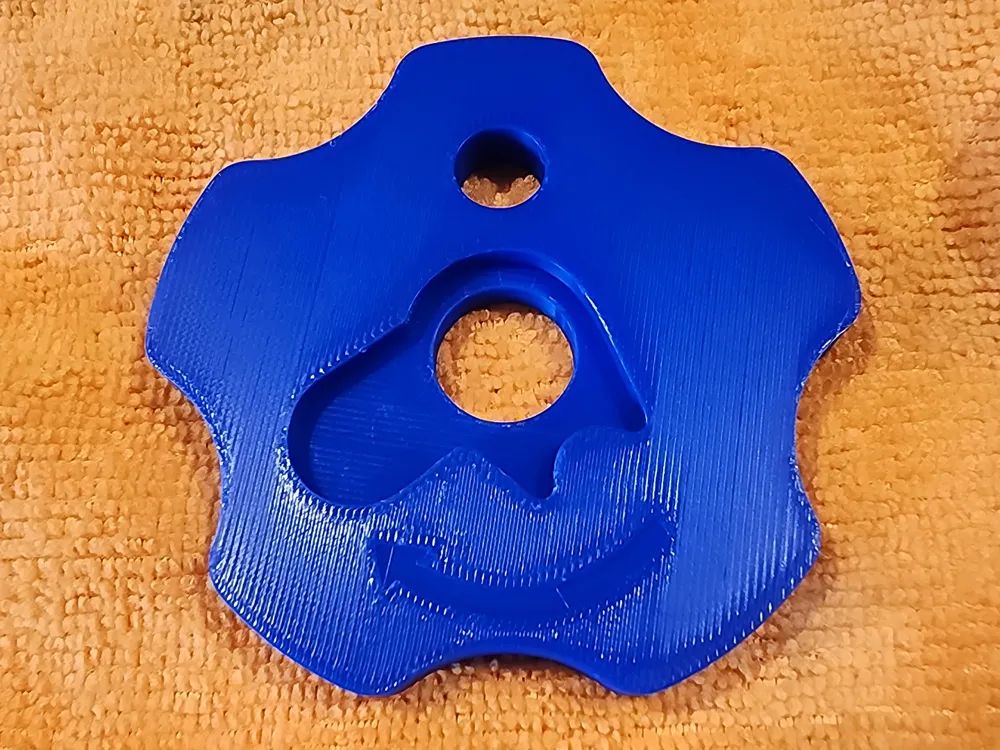
Print Profile(1)

Description
Use to remove Spring and retainer along with the front bushing of 1911s. Standard Gov size. (large)
Simple to use.
- Align barrel with the bushing.
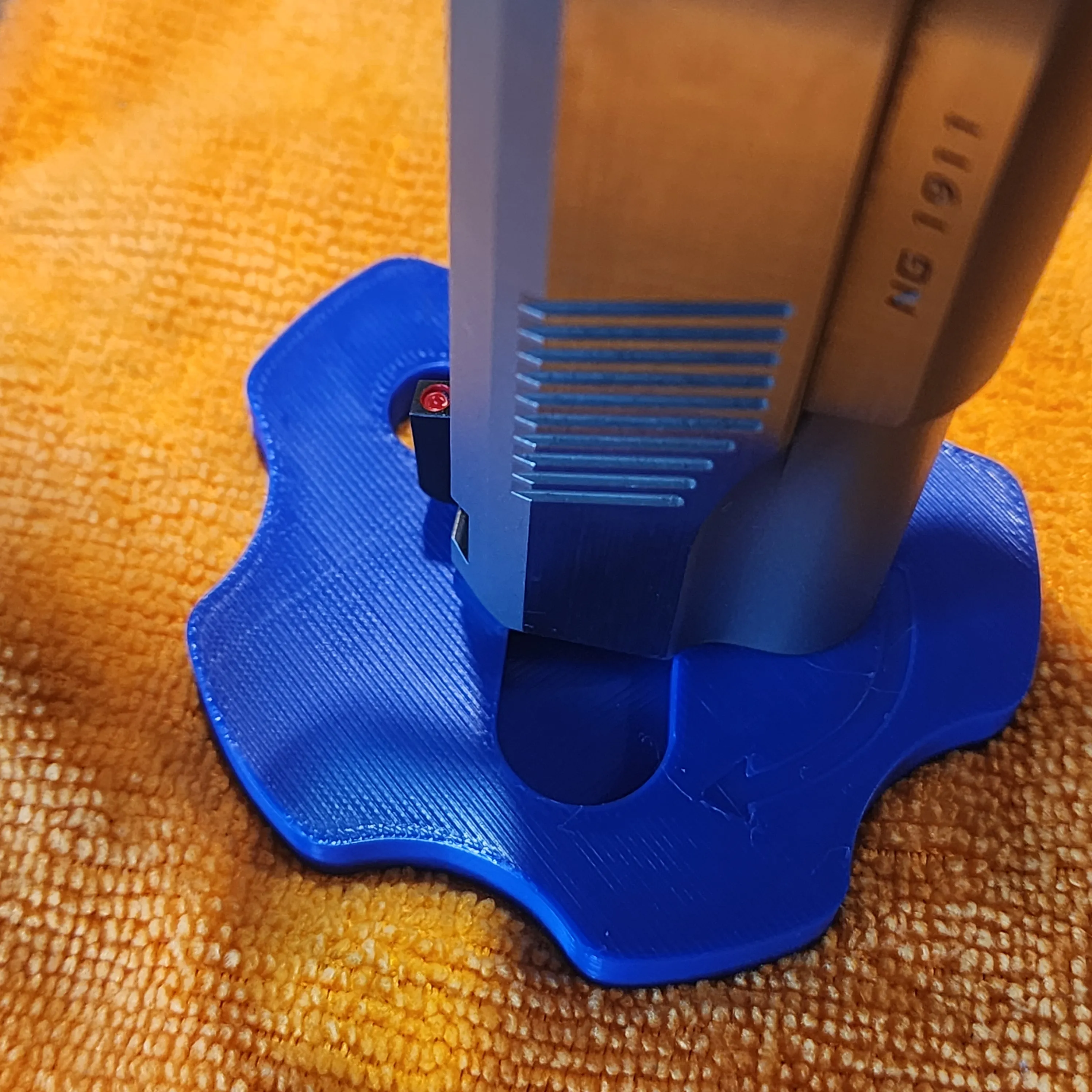
2.Push And turn Clockwise until the retainer clicks into the opening
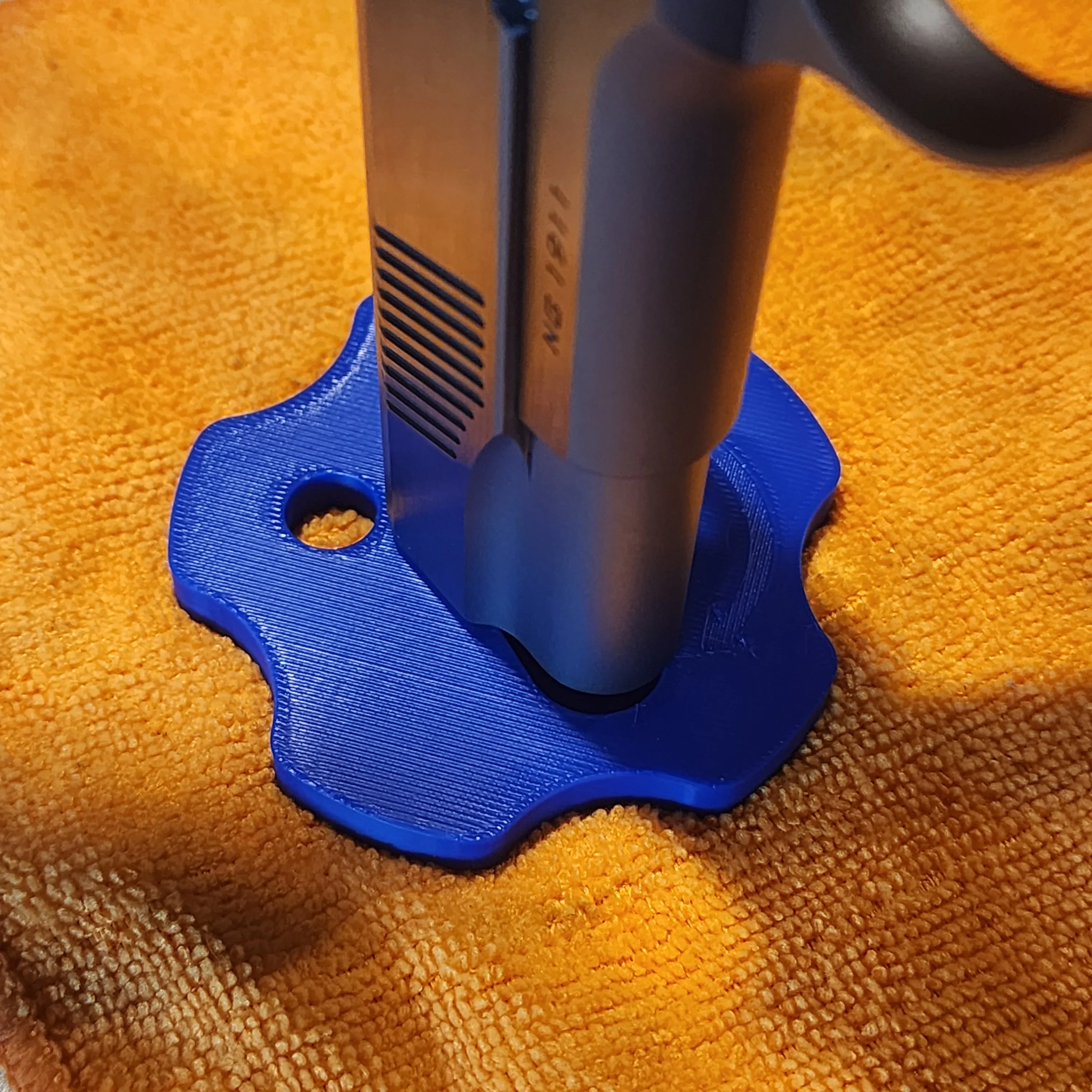
3. Continue to hold down, while slowly releasing spring pressure
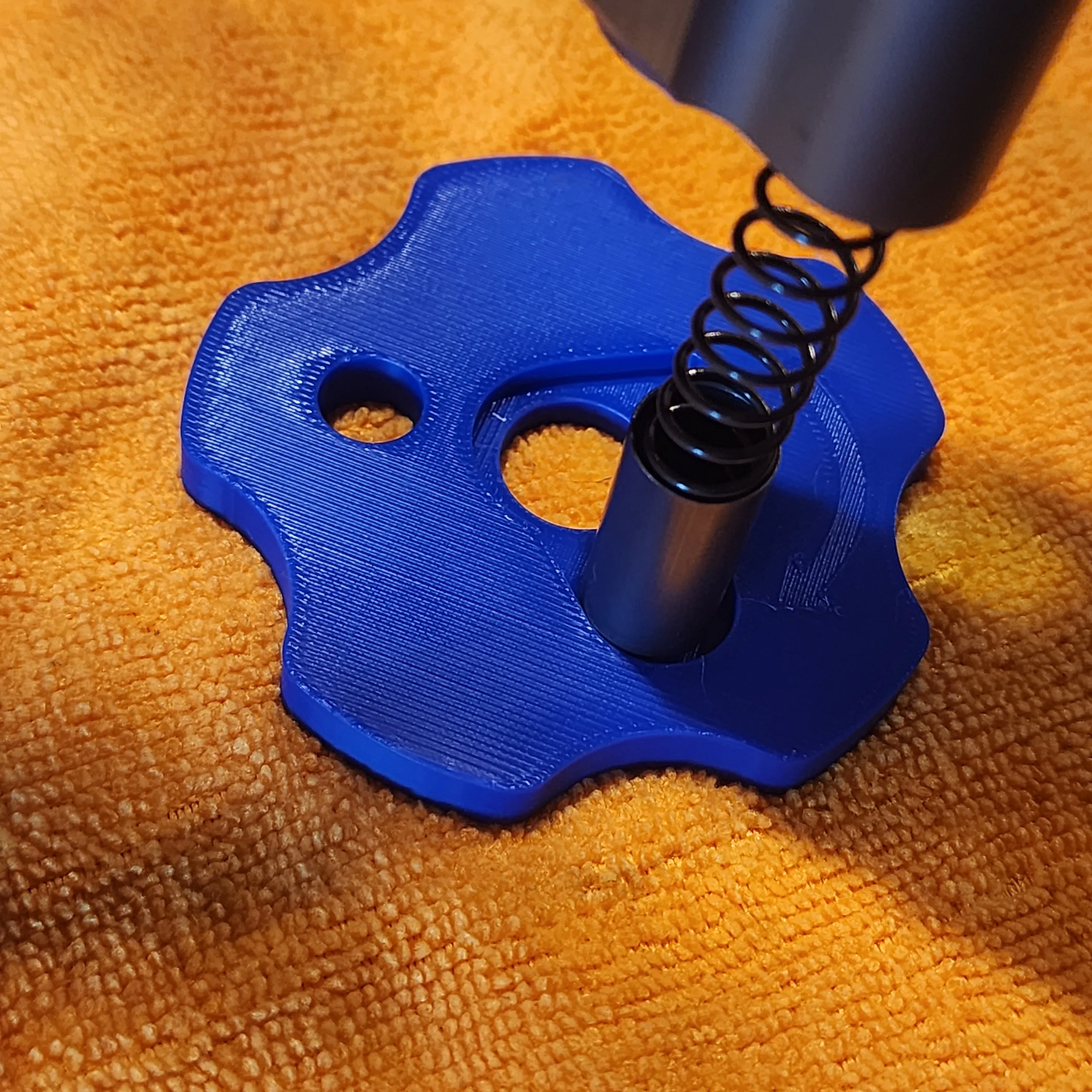
4. To reinstall, Start halfway between the left opening and right seated position and turn counter clockwise
While holding down pressure.
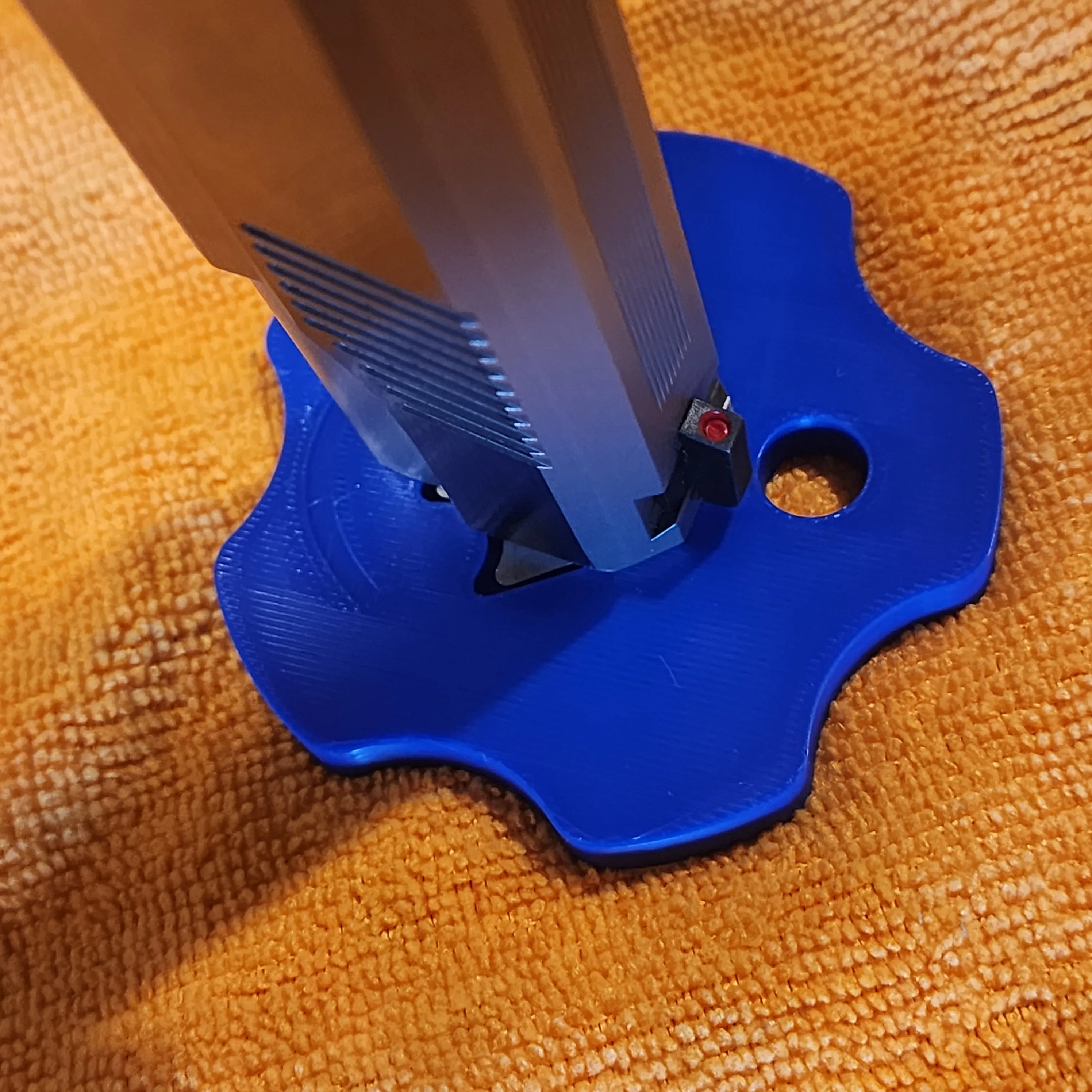
5. Keep turning until clicks and locks back into Place, and you are done.
License

You shall not share, sub-license, sell, rent, host, transfer, or distribute in any way the digital or 3D printed versions of this object, nor any other derivative work of this object in its digital or physical format (including - but not limited to - remixes of this object, and hosting on other digital platforms). The objects may not be used without permission in any way whatsoever in which you charge money, or collect fees.


Comment & Rating (4)