
Orange Pi-3LTS Micro-PC + UPS
Print Profile(1)

Description
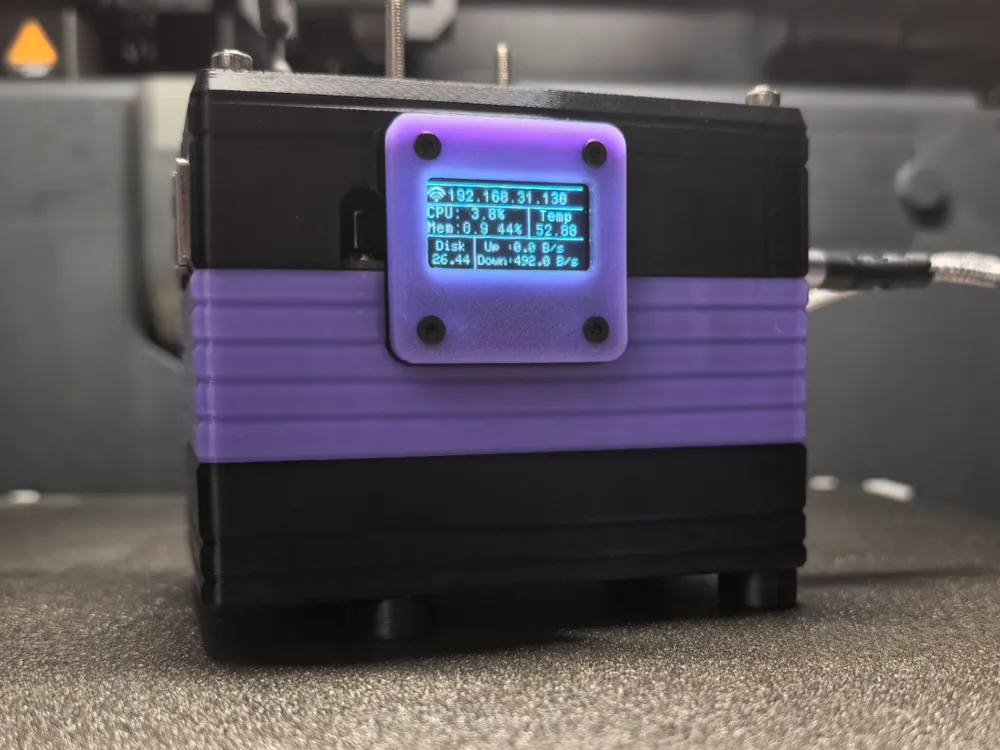
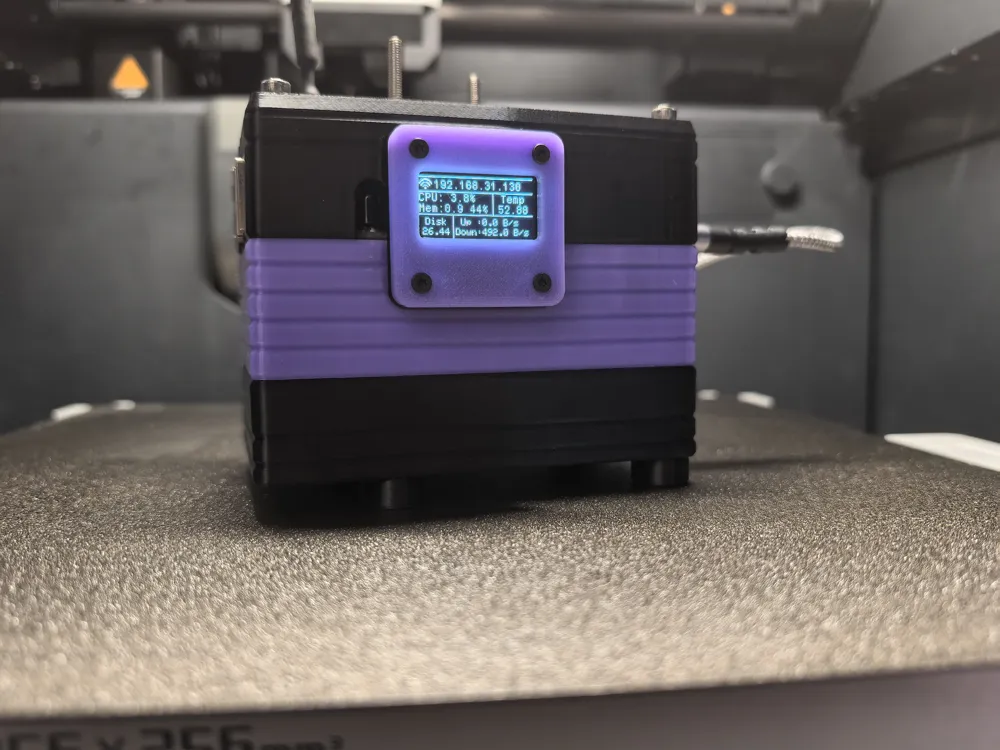
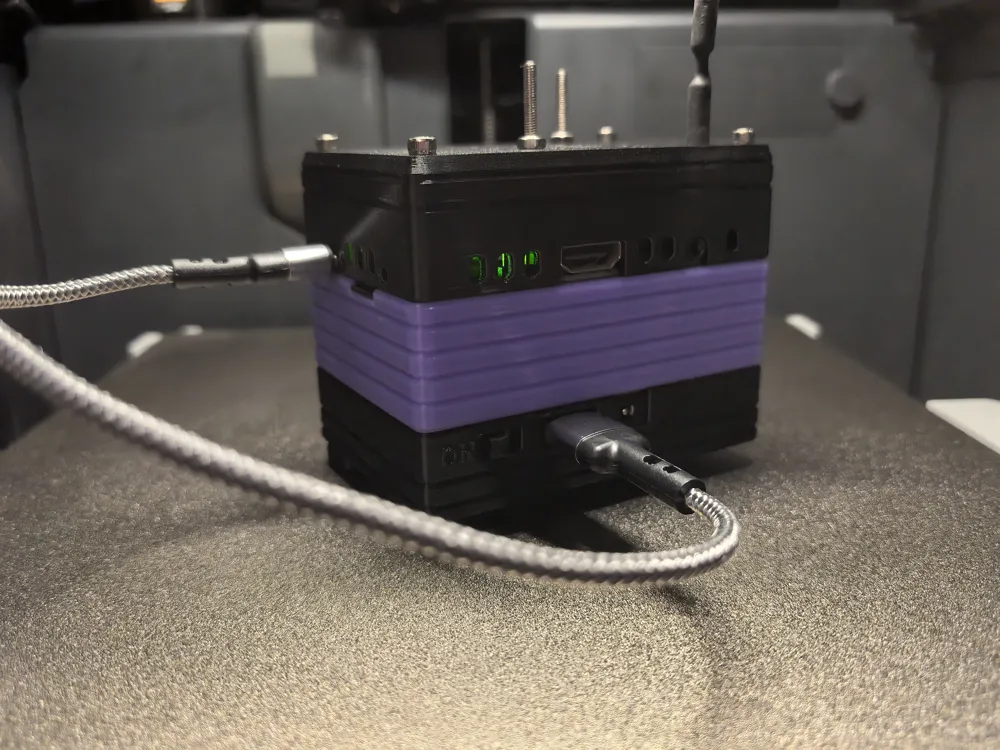
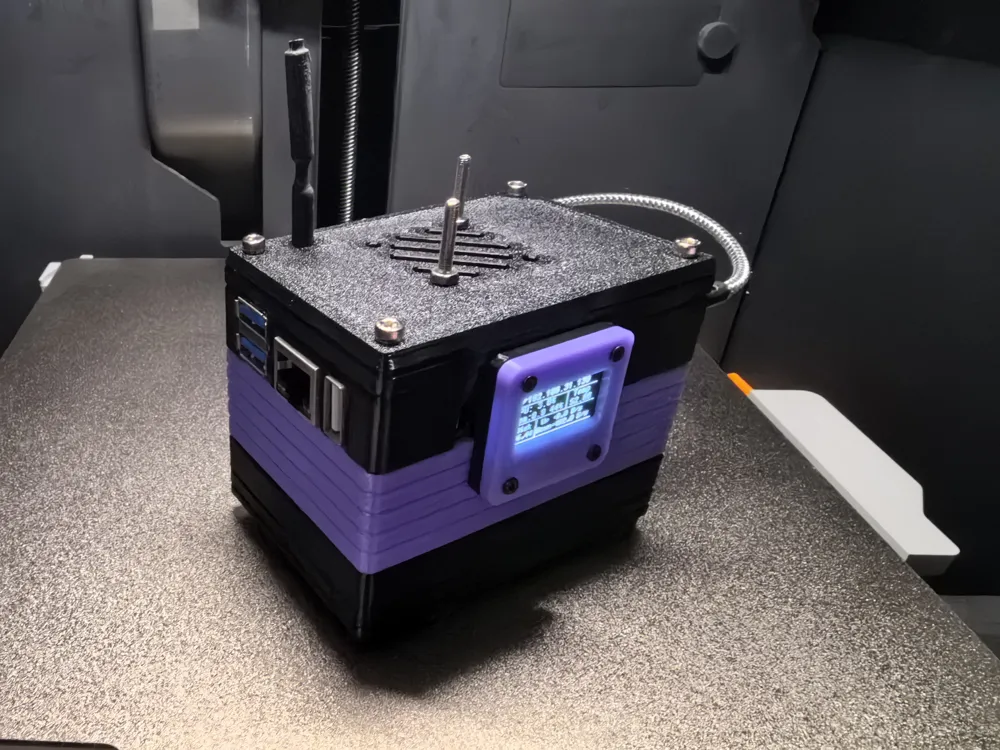
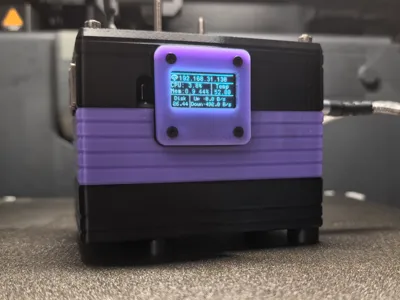
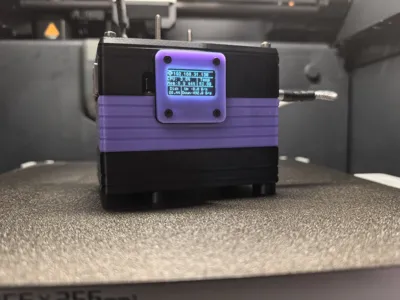
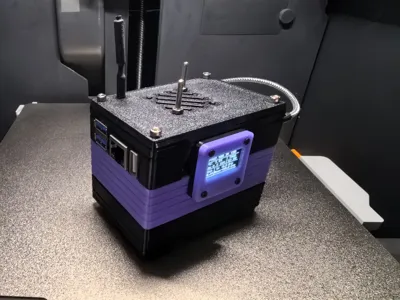
A micro-PC designed for the Orange Pi 3LTS
Preface:
Domestic single-board computers haven't achieved high status, resulting in limited supporting accessories. However, relatively speaking, Orange Pi still offers a good price-performance ratio. This is an old host computer left over from playing with Klipper. Following the principle of maximizing utilization and avoiding waste, I recently used it to install a Linux system and Home Assistant. Due to peak electricity consumption during summer, frequent power outages in the building are common, so I purchased a second-hand Raspberry Pi UPS module and combined the two.
Hardware:
- orangepi 3Lts
- Micro UPS HAT (header power supply)
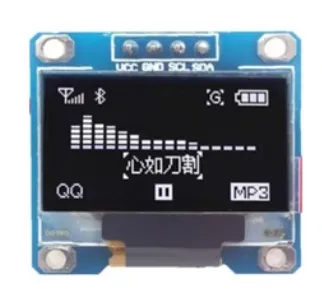
- 0.96-inch OLED screen, SSD1306 driver
- 3010 or 4010 cooling fan, 5V
- Several 2.0 DuPont wires
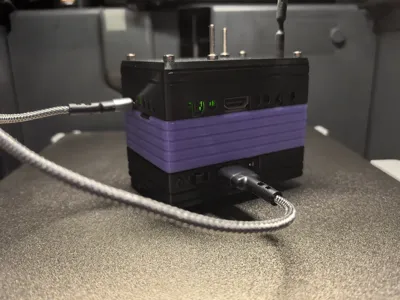
USB to Type-C short cable (for power supply)
The following are hardware parts
- M3x30mm pan head screws - 4Pcs
- M3x25mm pan head screws - 4Pcs
- M3x14mm pan head screws - 4Pcs
- M2x12mm flat head screws - 4Pcs
- M3 nuts - 4Pcs
Notes:
The screw holes of the 0.96 OLED screen are oval.
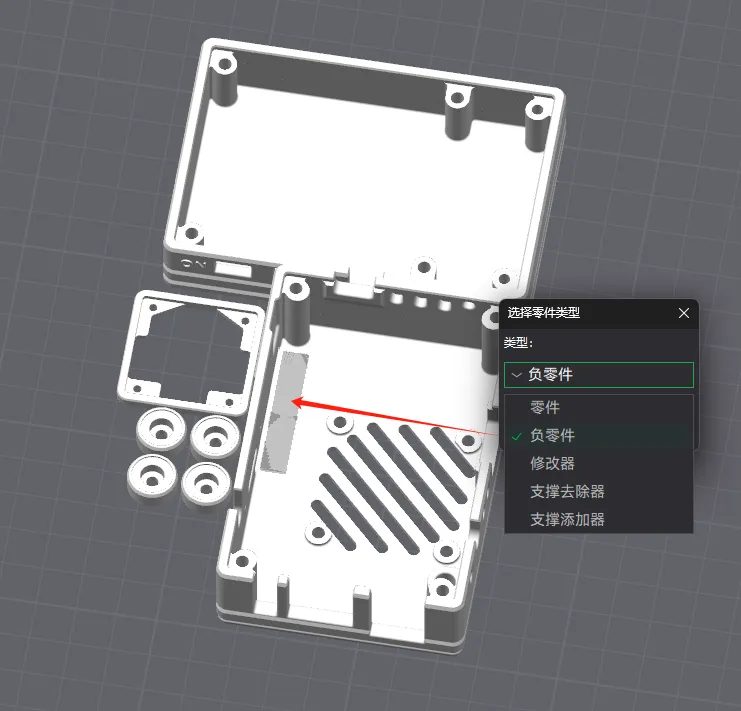
The original design didn't leave the header pins of the development board exposed because the functionality was already finalized.
If you need to use the header pins for testing,
Please change the parts in this area to negative parts in your slicer software before slicing.
About printing:
The cooling fan wires are connected to the header pins on the UPS HAT module; openings are provided at the corresponding locations for easy cable routing.
Two versions with different cooling fan specifications are provided. These are the 3010 and 4010 fan versions; you can print the version corresponding to the parts you have on hand.
The Orange Pi's WiFi antenna pass-through hole uses a 0.1 aperture expansion compensation during slicing. If the antenna cannot pass through, please use a drill bit to enlarge it yourself because I'm unsure if all antenna specifications are consistent.
OLED Information Screen Tutorial
The memory information obtained is not very accurate. If anyone can write a better program, please contact me (I am a novice and do not understand programming very well).
Installation Order:
- Install the OLED screen and secure it to the top cover part with the cooling fan.
- Connect the DuPont wires to the OLED screen.
- Install the cooling fan; pay attention to cable routing.
Connect the four wires of the display screen to the corresponding pins of the development board.
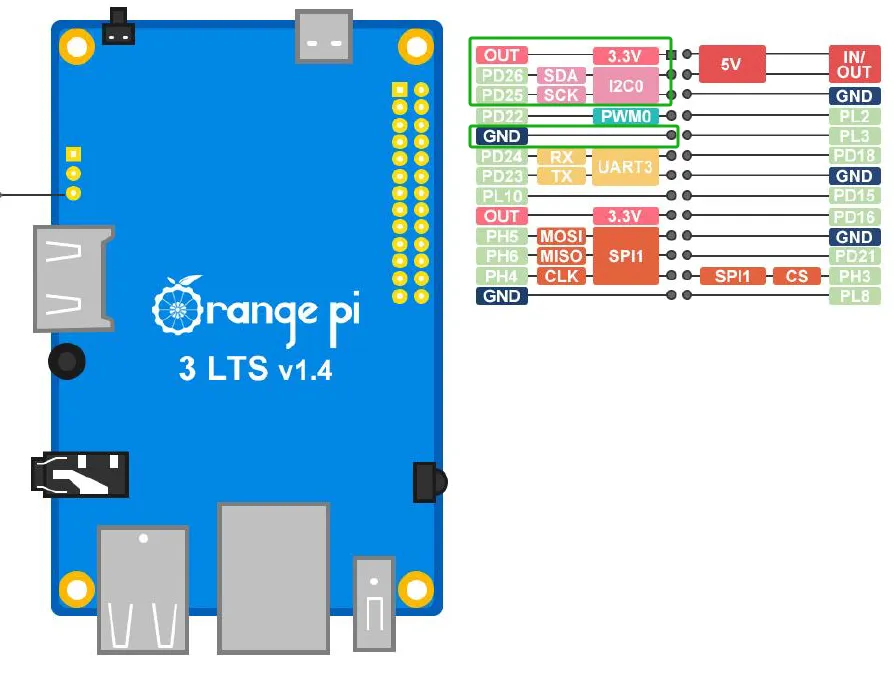
- Install the Orange Pi on the top cover printed part; neatly arrange the wires.
- Secure the middle frame and top cover with M3x30mm screws.
- Install the UPS HAT on the bottom cover part; the battery should be facing upwards.
- Connect the positive and negative poles of the fan to the 5V and GND header pins of the module.
- Assemble the bottom cover to the middle frame; neatly arrange the wires.
- Use M3x25mm screws and four risers to secure the bottom cover part.
- You can stick 10mm diameter anti-slip pads to the risers.
License

You shall not share, sub-license, sell, rent, host, transfer, or distribute in any way the digital or 3D printed versions of this object, nor any other derivative work of this object in its digital or physical format (including - but not limited to - remixes of this object, and hosting on other digital platforms). The objects may not be used without permission in any way whatsoever in which you charge money, or collect fees.


Comment & Rating (0)