
Custom Card Sleeve
Print Profile(1)

Description
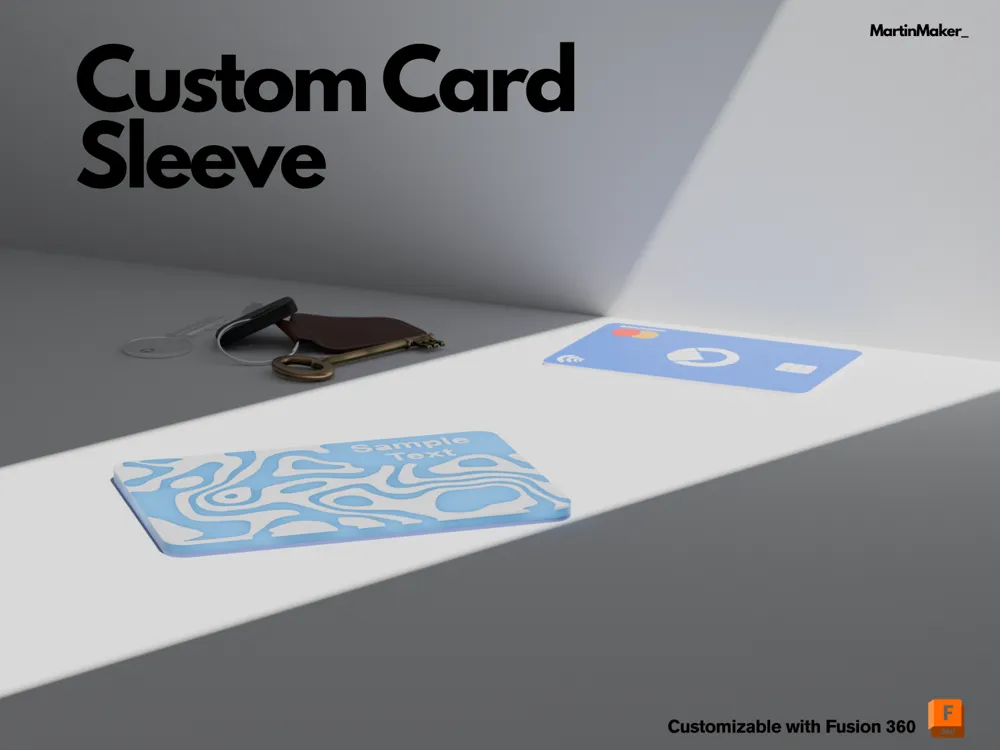
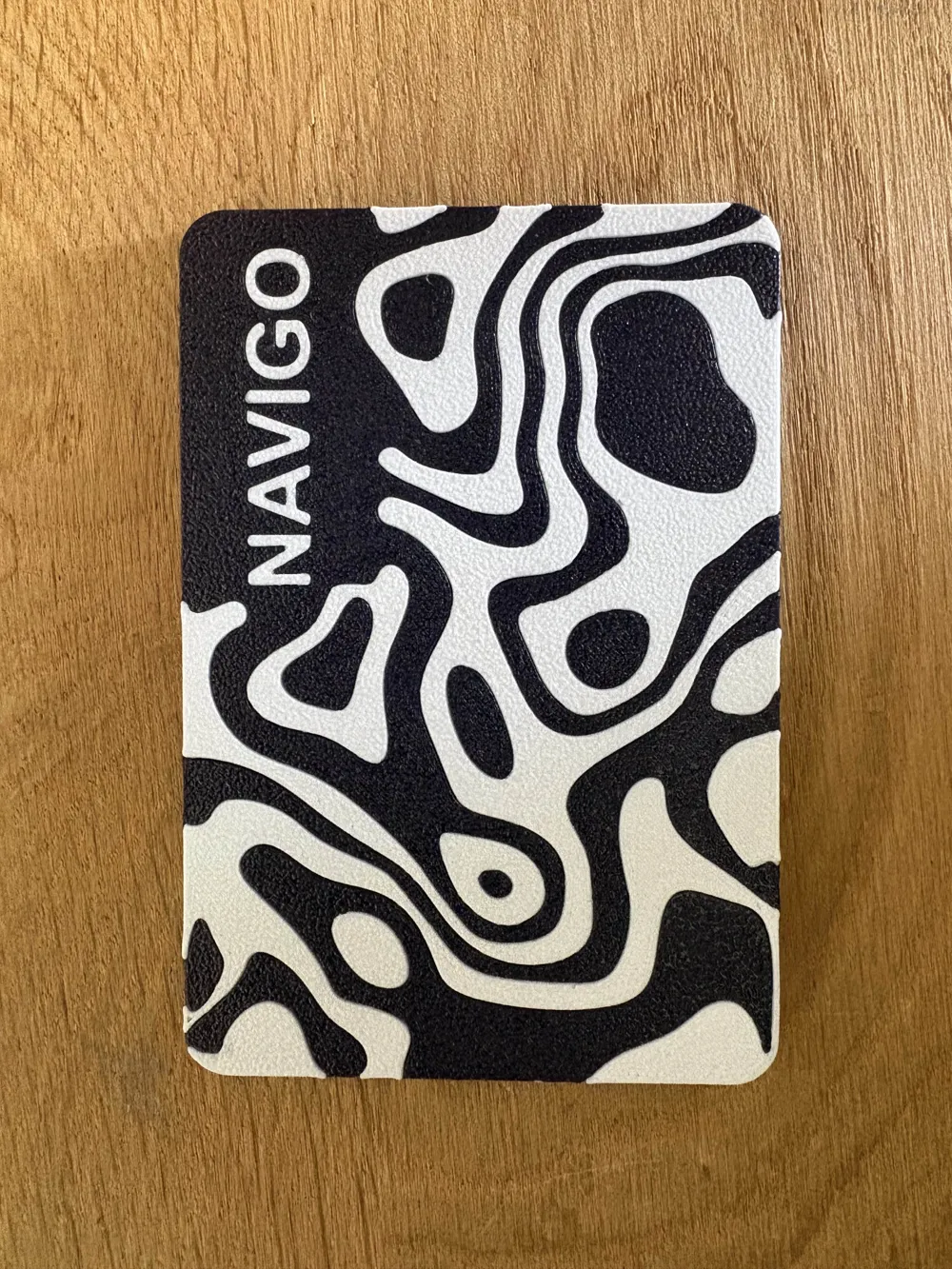
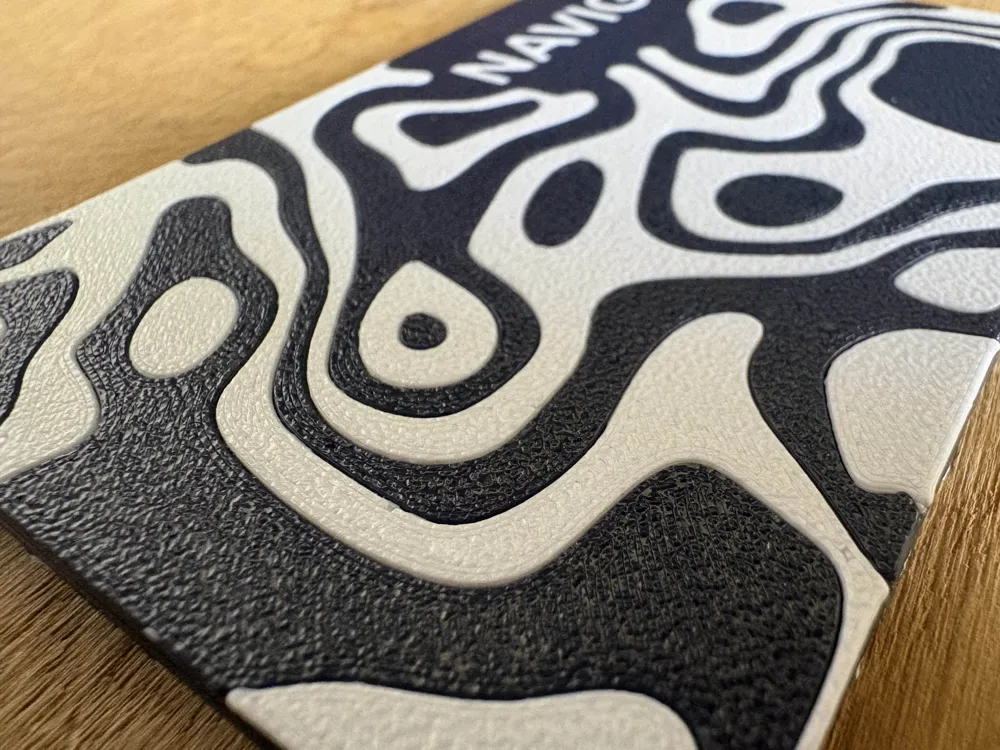
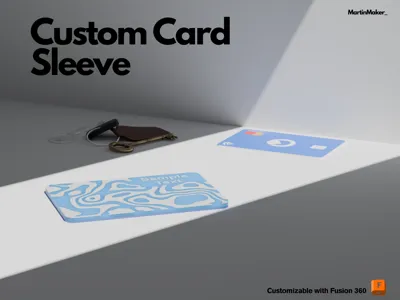
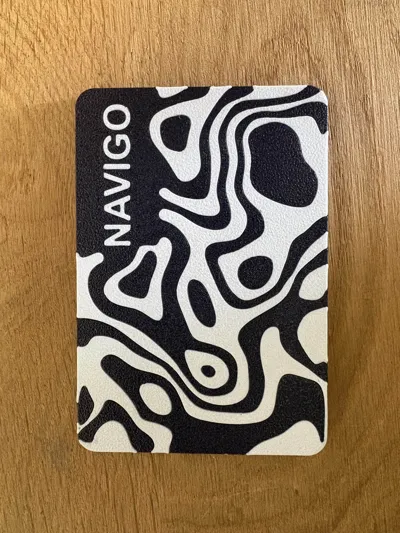
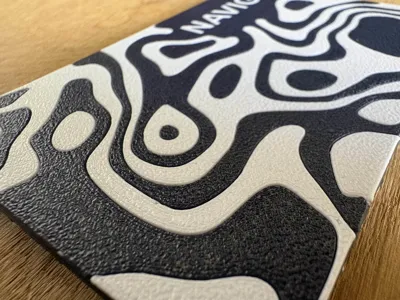
I designed a custom card sleeve for my French Navigo pass.
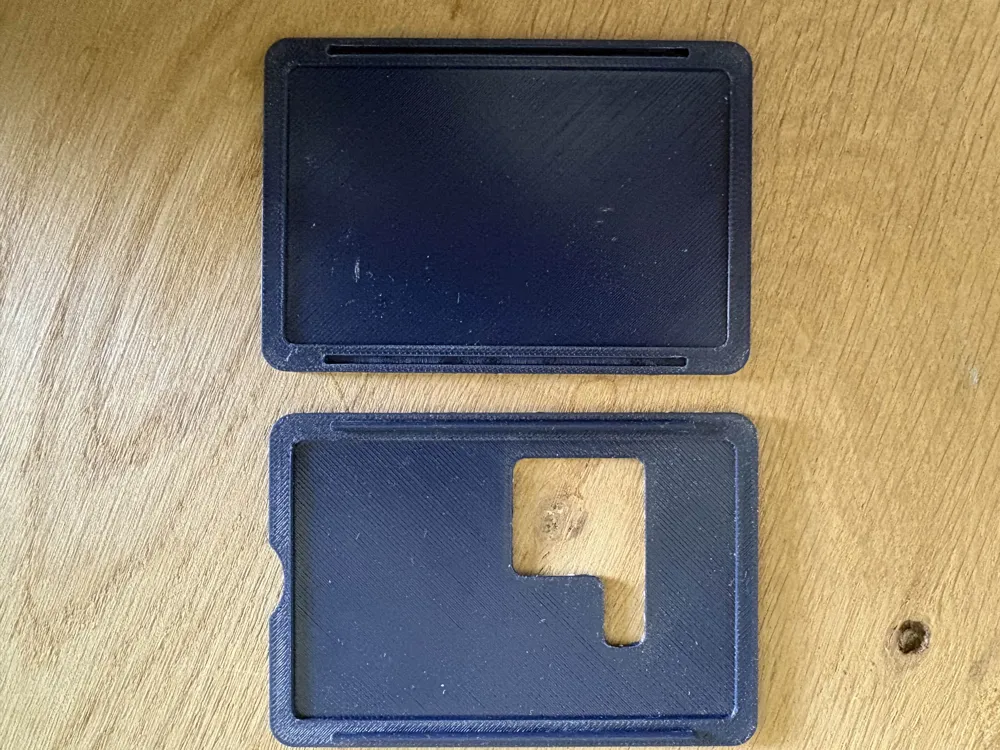
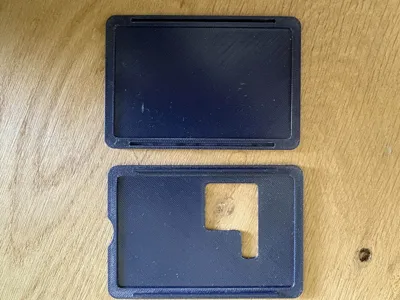
It’s fully customizable so you can adapt it to your own needs. You can edit the text via the parameters, adjust the ID_window to display your photo and ID number, and resize the overall dimensions to fit your card perfectly.
Don't use the makerworld slicer, work on fusion with teh f3D. files or with the step
How to slice it:
You need to download the four parts separately by hiding the other components each time. This will give you four distinct files, corresponding to the different layers.
Next, import both files Top Face - Main Bodies and Top Face - Secondary Bodies into your slicer at the same time — or alternatively, the Bottom Face versions.ies.
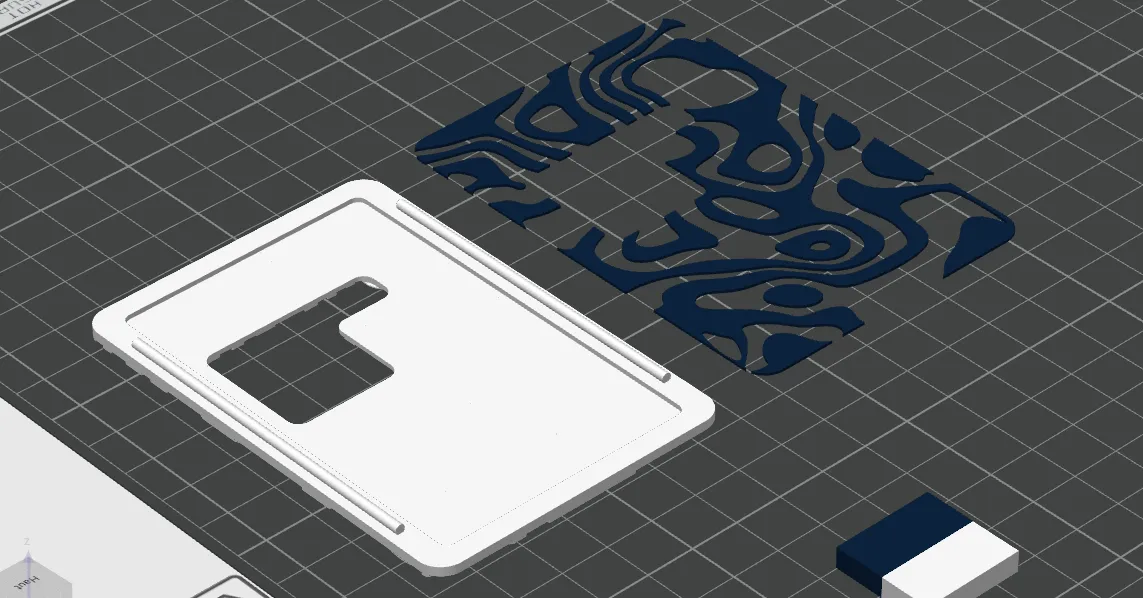
This step is crucial to merge the two designs. Assign a different filament color to one of the body types. Then use the auto-orientation function in Bambu Studio and center both parts on the build plate.
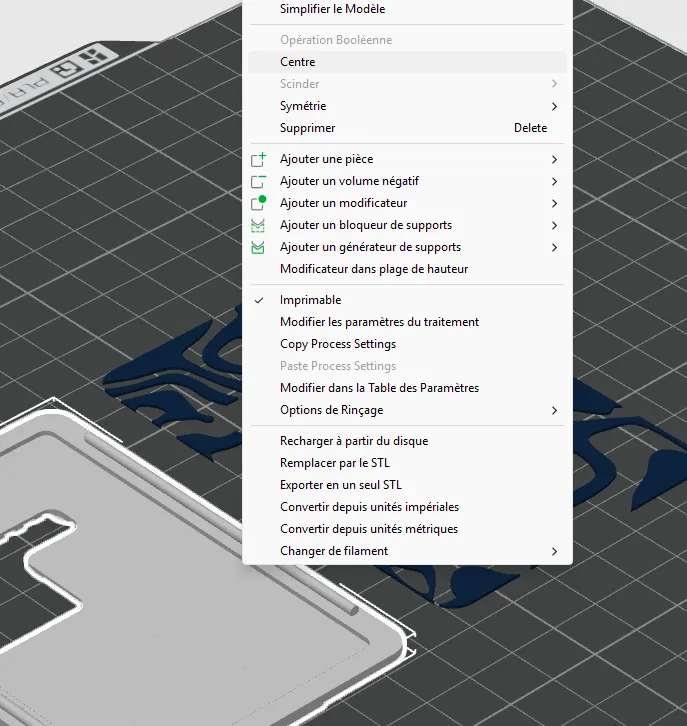
Select both files and move them together to the desired position on the plate.
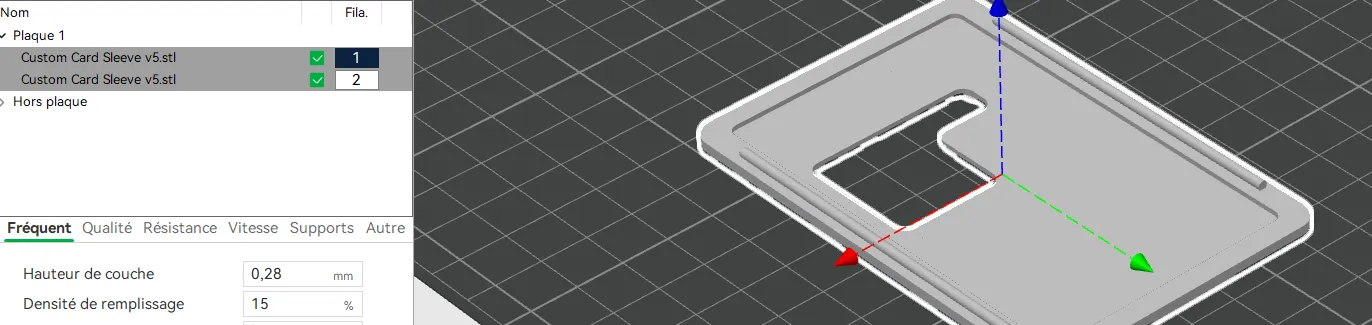
When importing Top Face - Secondary Bodies, make sure to apply the following parameters (→ [add parameters here if applicable]).
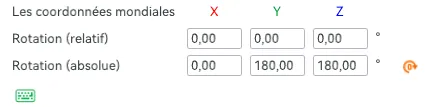
Then repeat the process for the other face. You should end up with a layout that looks like this on the top
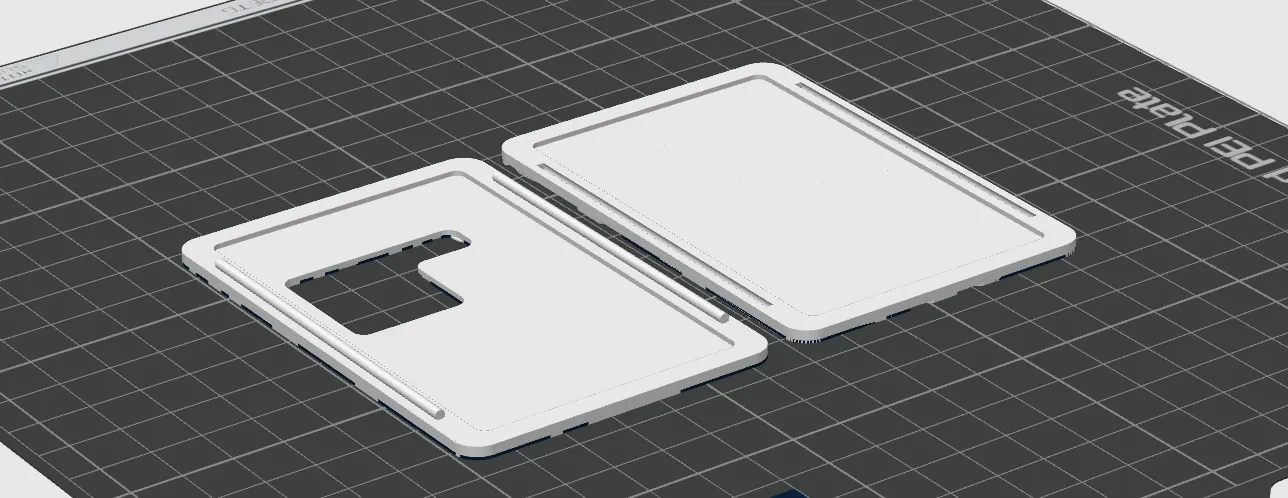
and this on the bottom
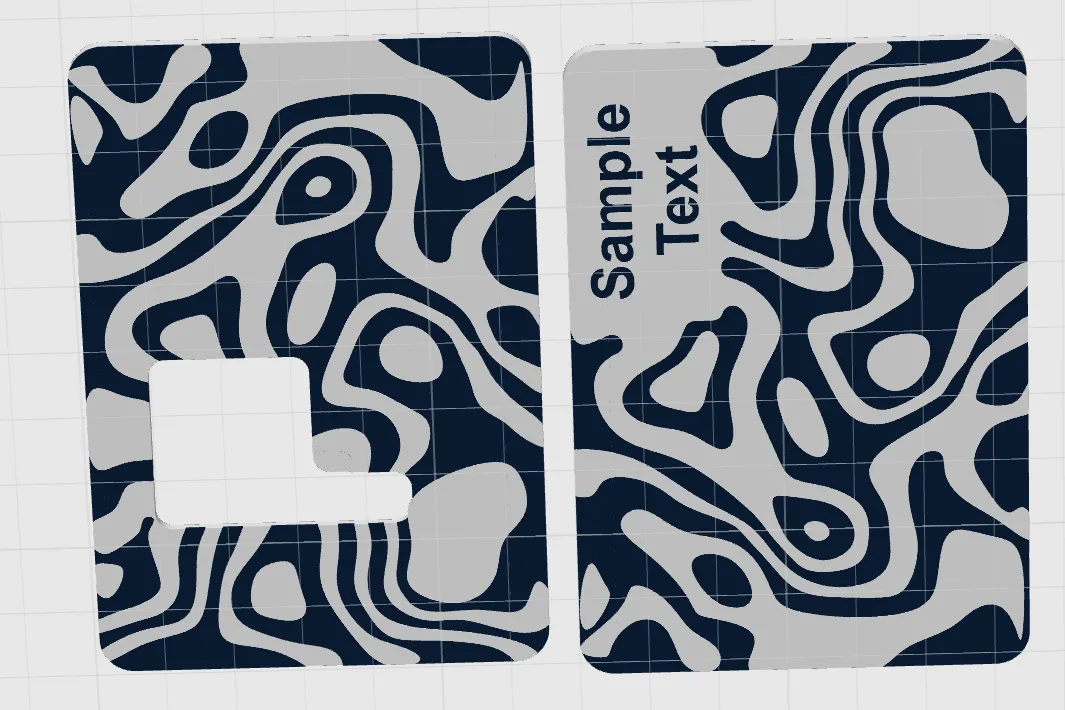
not like this
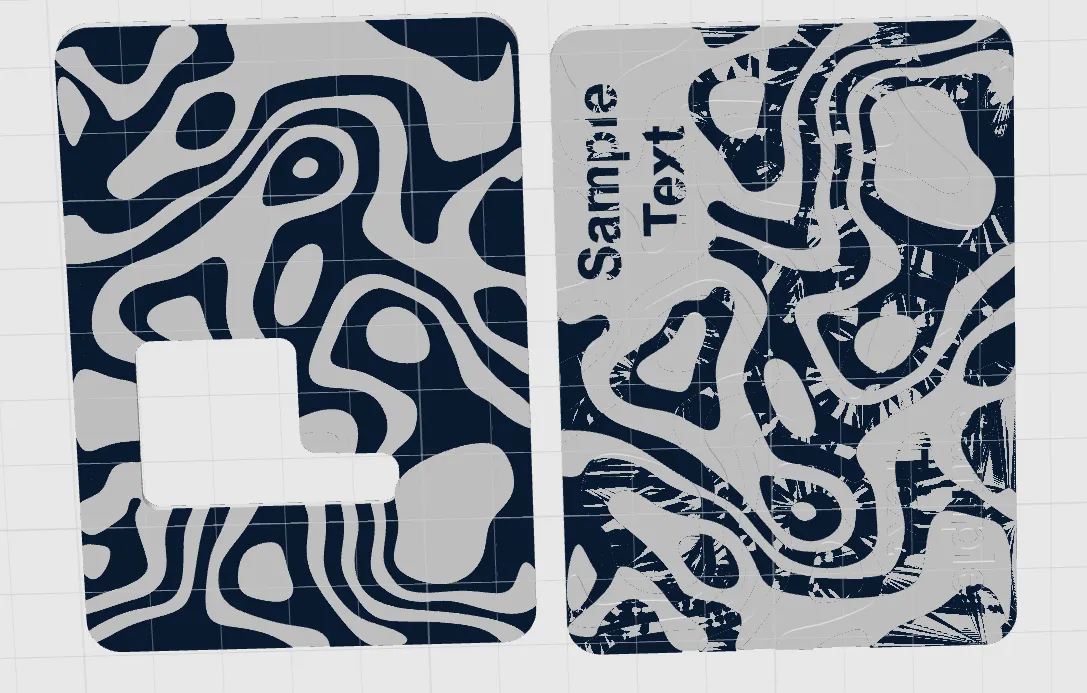
Common Troubleshooting:
- If the ID_window shifts when moved, go to the Extrude Modifier and reselect all the bodies.

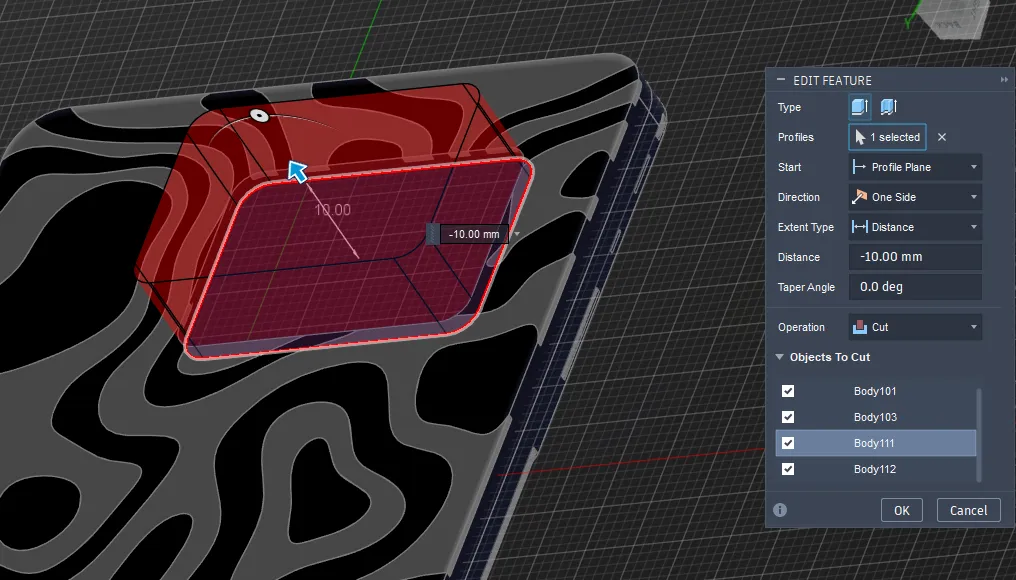
If you have other issues or questions, feel free to contact me on MakerWorld — I’ll be happy to help and improve the design further.
ENJOY !
License

You shall not share, sub-license, sell, rent, host, transfer, or distribute in any way the digital or 3D printed versions of this object, nor any other derivative work of this object in its digital or physical format (including - but not limited to - remixes of this object, and hosting on other digital platforms). The objects may not be used without permission in any way whatsoever in which you charge money, or collect fees.


Comment & Rating (0)