
Print Profile(1)

Description
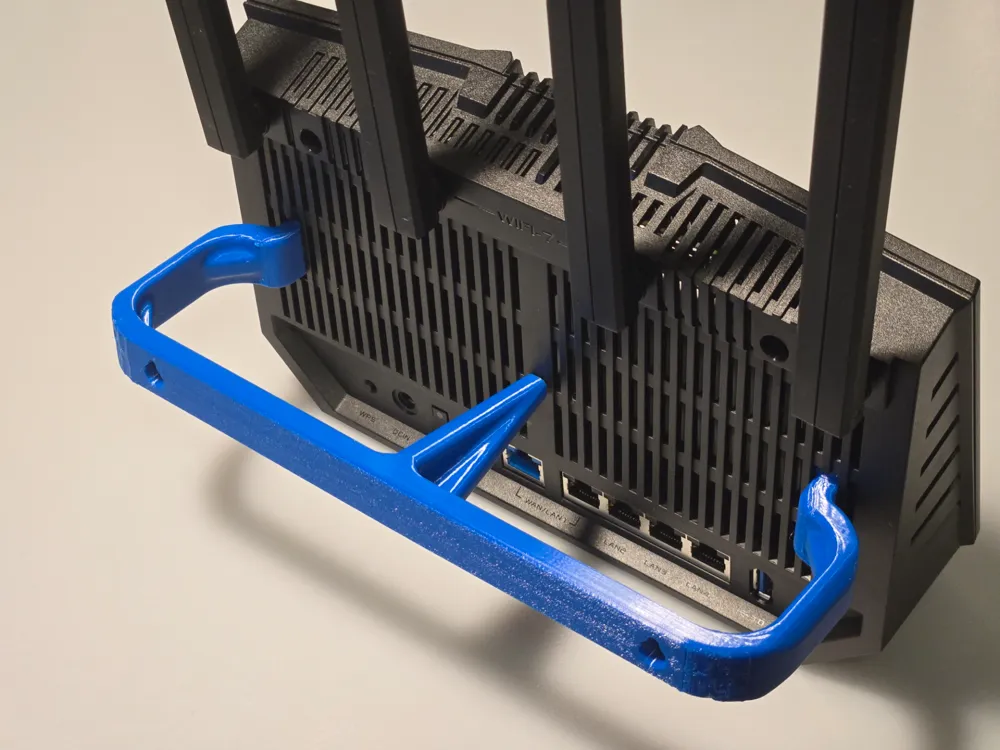
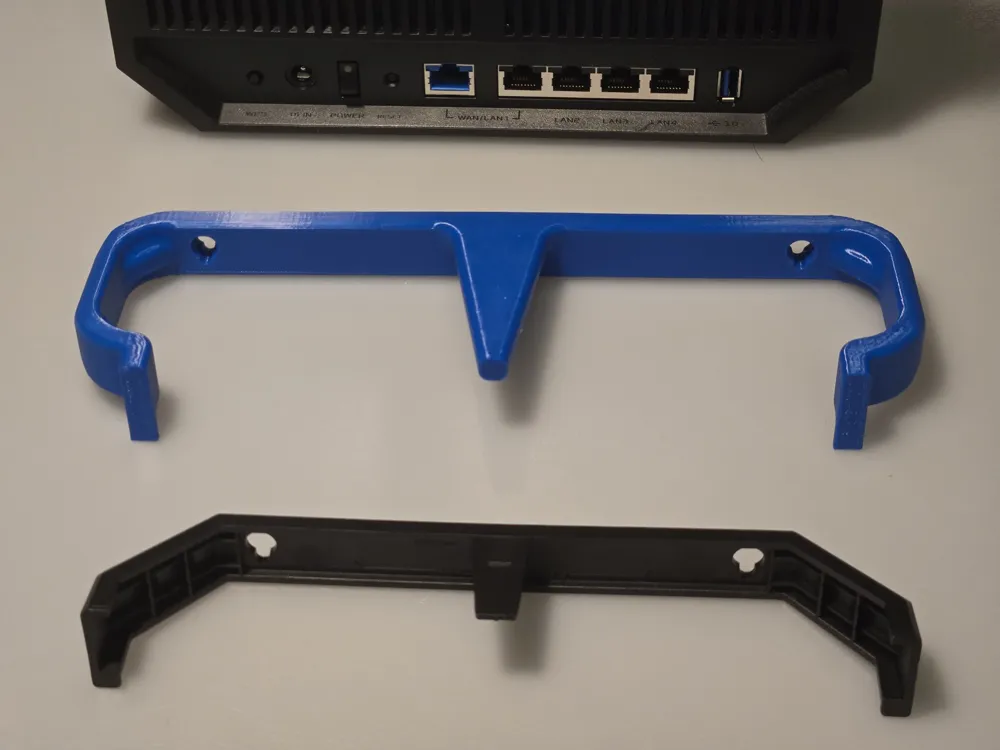
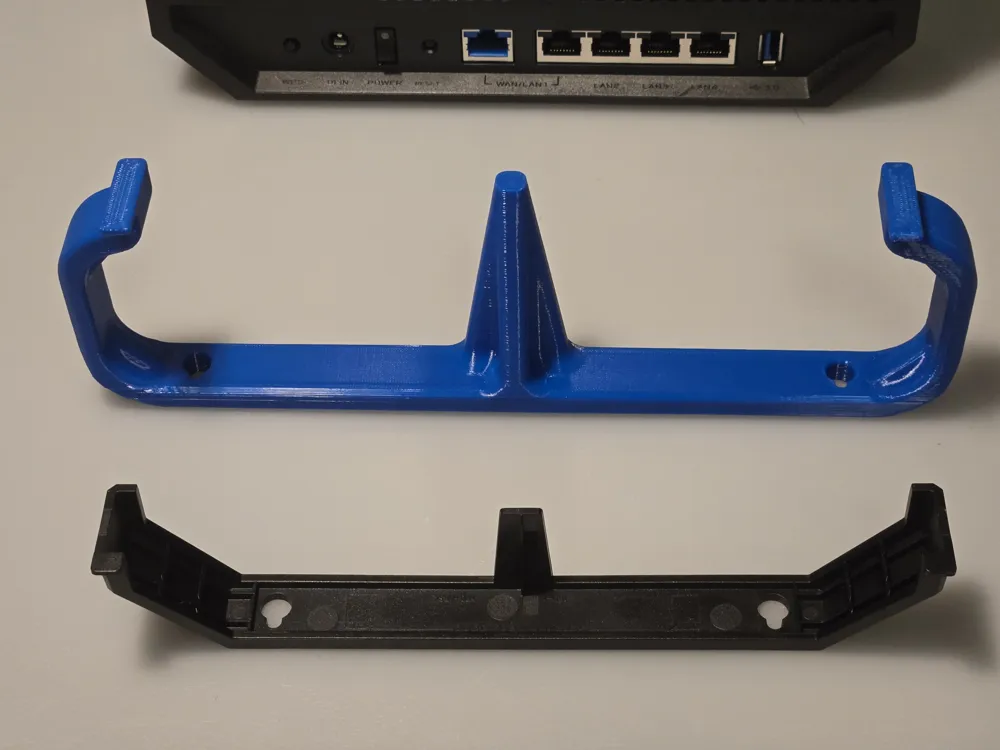
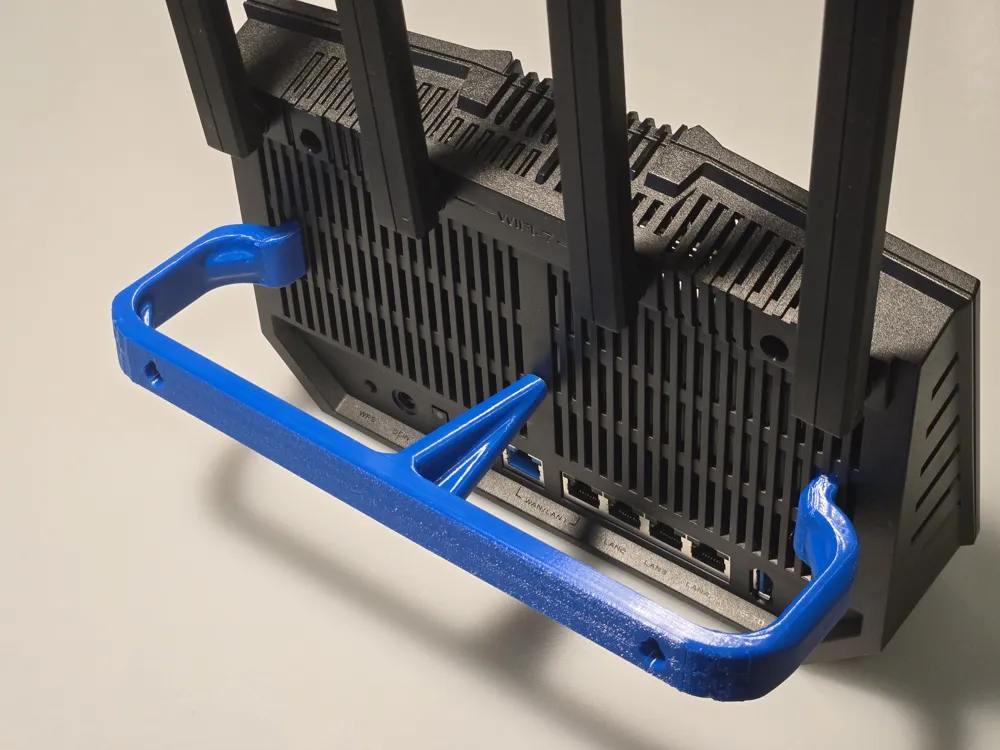
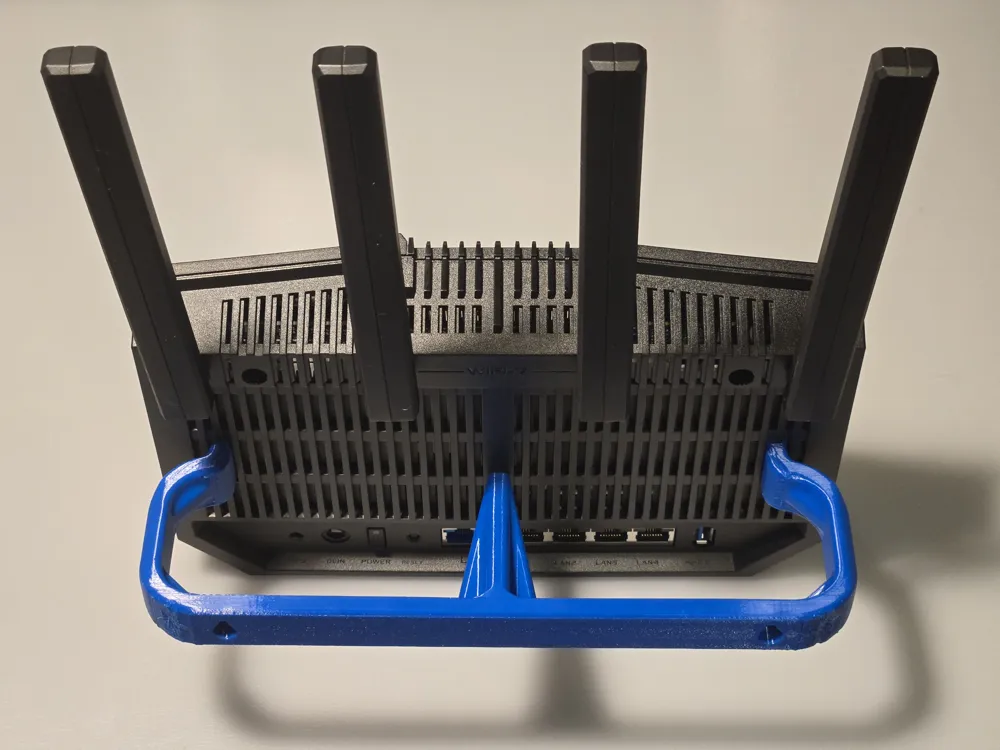
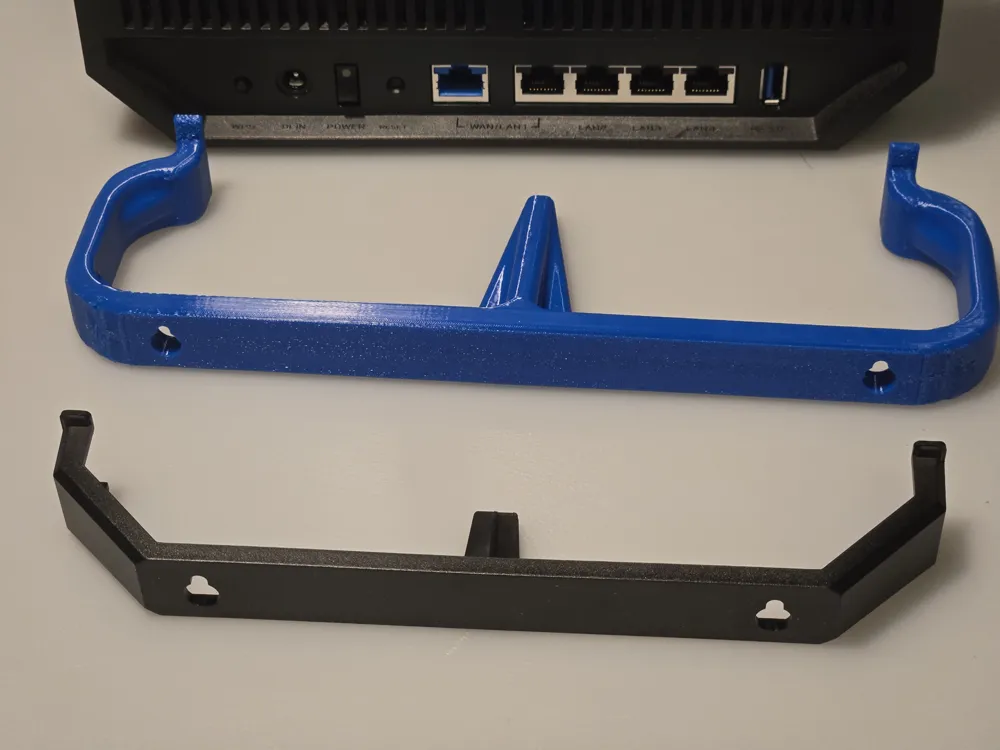
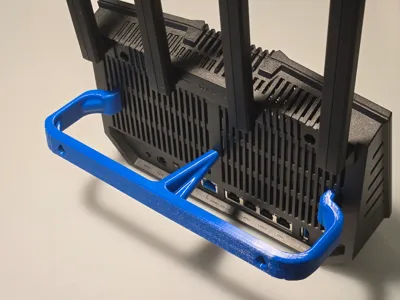
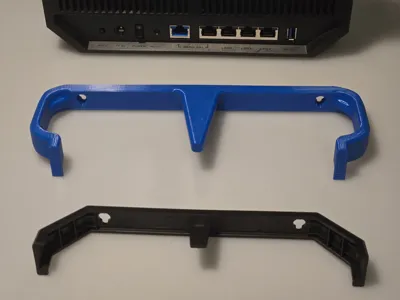
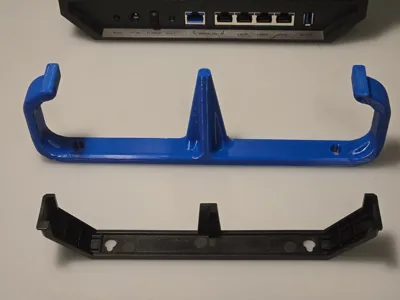
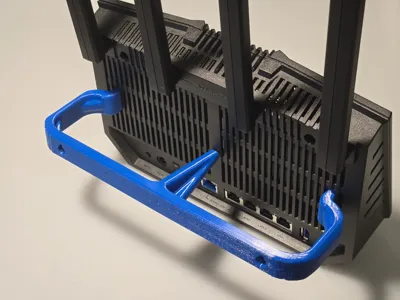
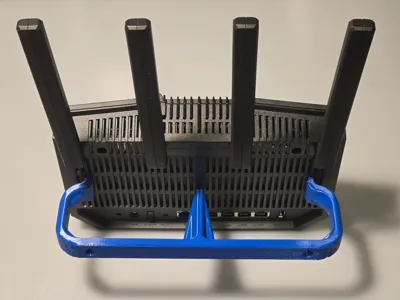
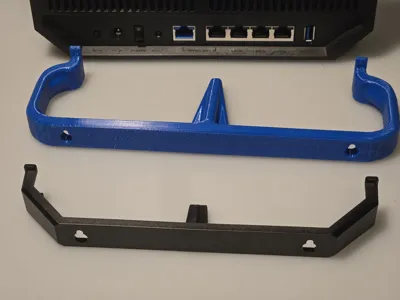
Had an existing router mounted with 180mm hole spacing and didn't feel like patching/drilling another hole in the wall, and the stock Asus mount was also a bit shallow, so here's what's probably the most overdesigned mount I could fit on the A1 Mini's bed.
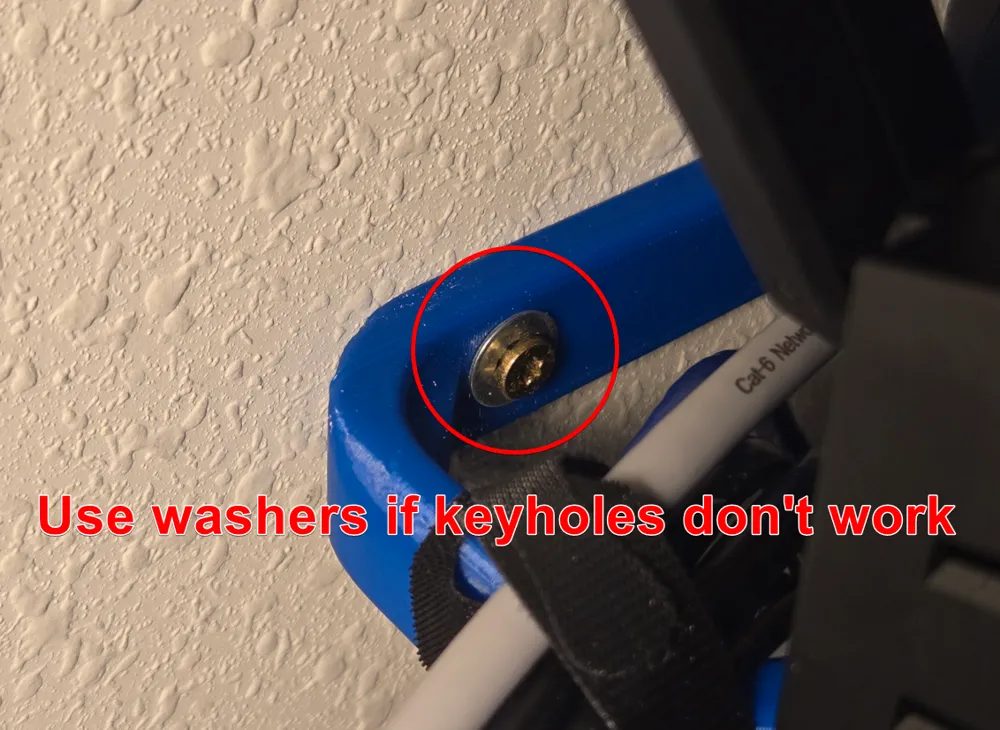
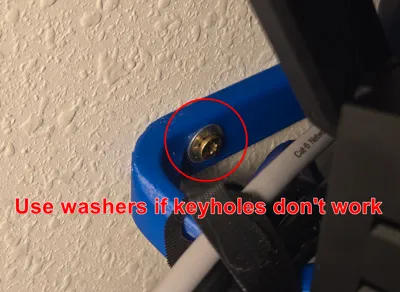
I modeled the stock mount keyholes in but they didn't work for my reused screws, so I just mounted with washers instead.
You can use primitives in Bambu Studio to cover up the keyholes and put new holes where you need them.
Supports are needed, and I didn't have any issues with warping when printing in PETG, but mileage may vary depending on your filament and temps.
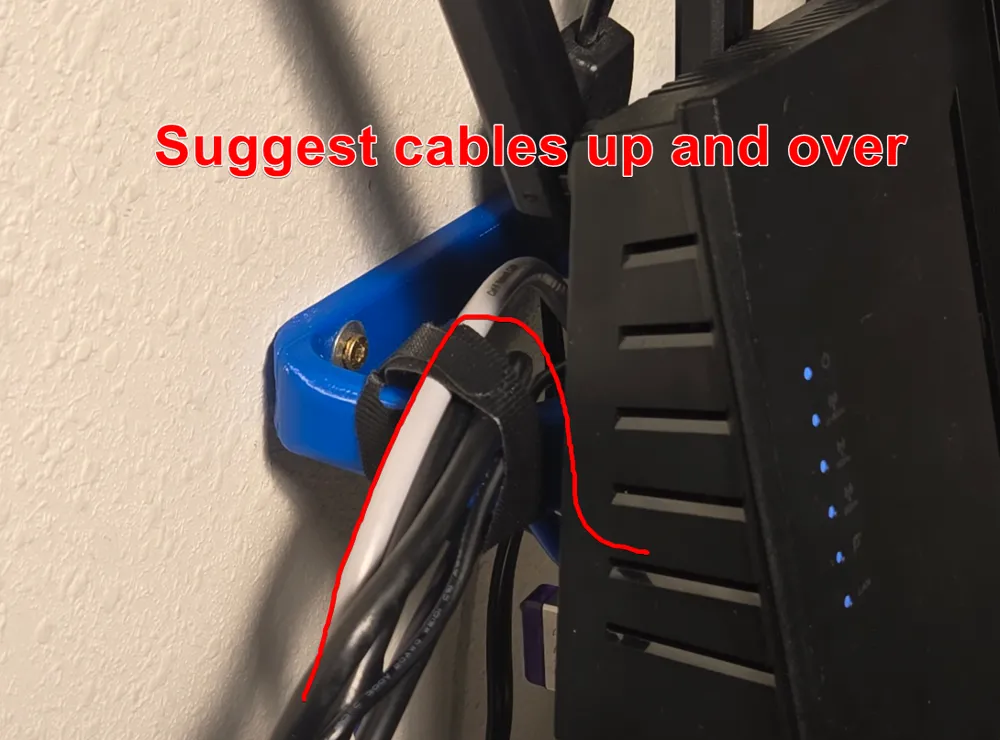
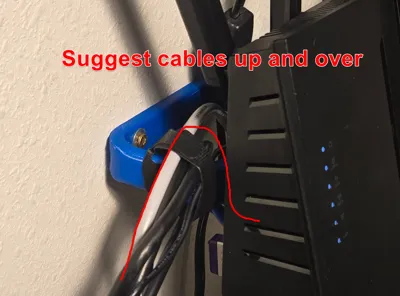
I suggest routing cables up and over the mount then back down to plug into the router (if possible), since with cables going directly from below the weight/strain tends to tilt the router backwards. The router needs to be tilted backwards to be put into the mount so non-movable bracing on top wouldn't have worked, and movable braces don't seem great either.
License



Comment & Rating (2)