Search models, users, collections, and posts


Print Profile(0)
Add the first print profile to earn points
Boost
35
55
2
1
73
4
Released
Description
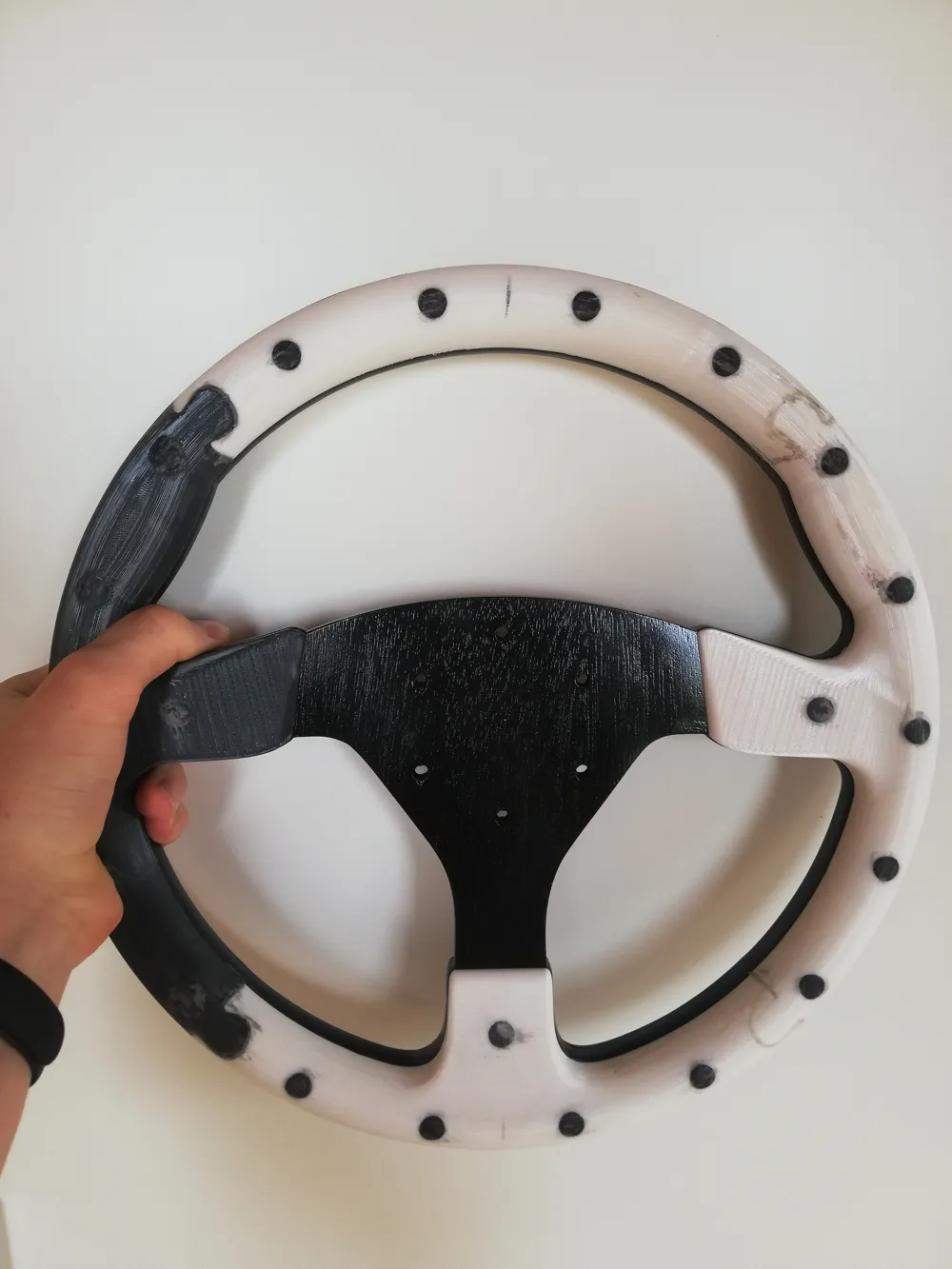
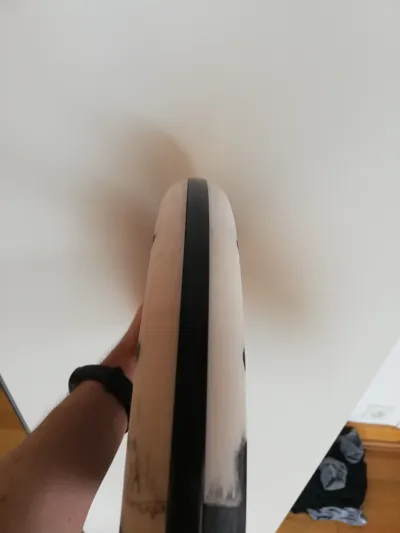
Disclaimer: This is a rally/drift steering wheel made for simracing. Do not use this in a real car.
The shape and dimensions of the wheel are based on the sparco R383 but it is not a perfect replica.
INTRODUCTION
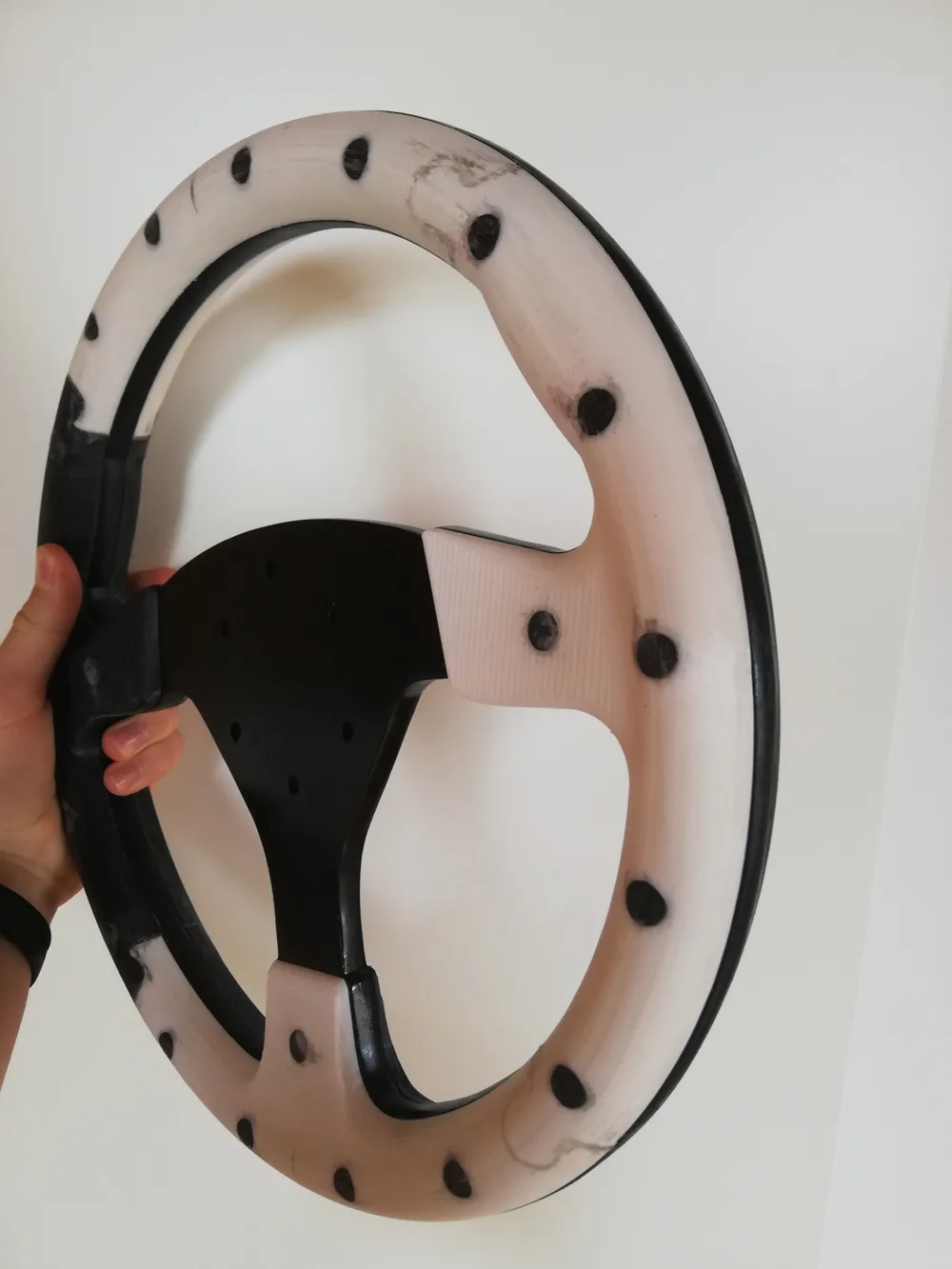
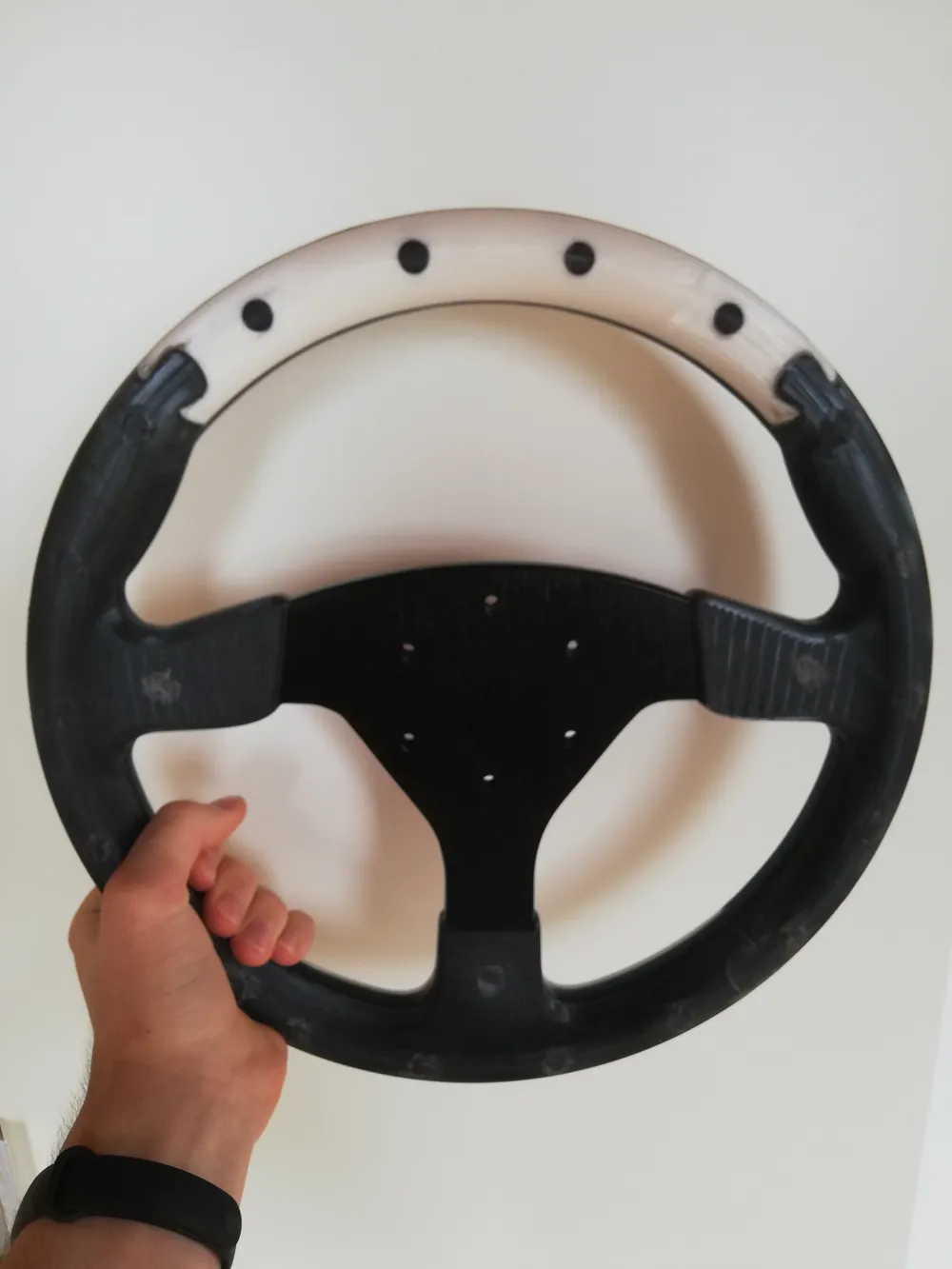
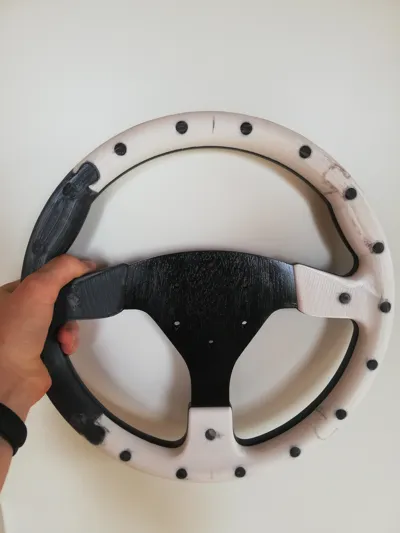
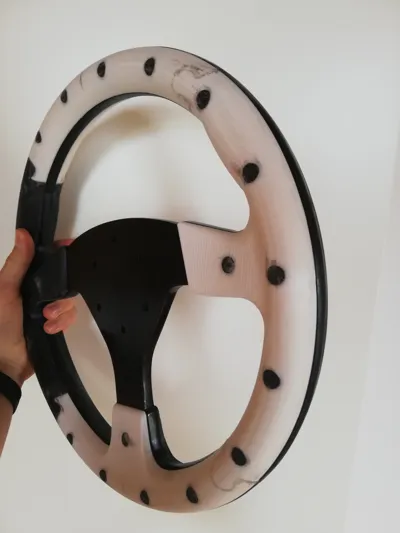
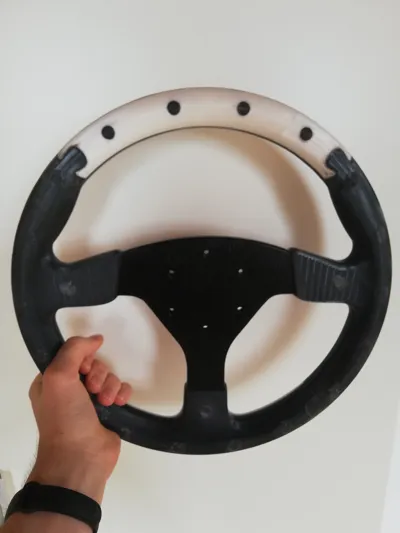
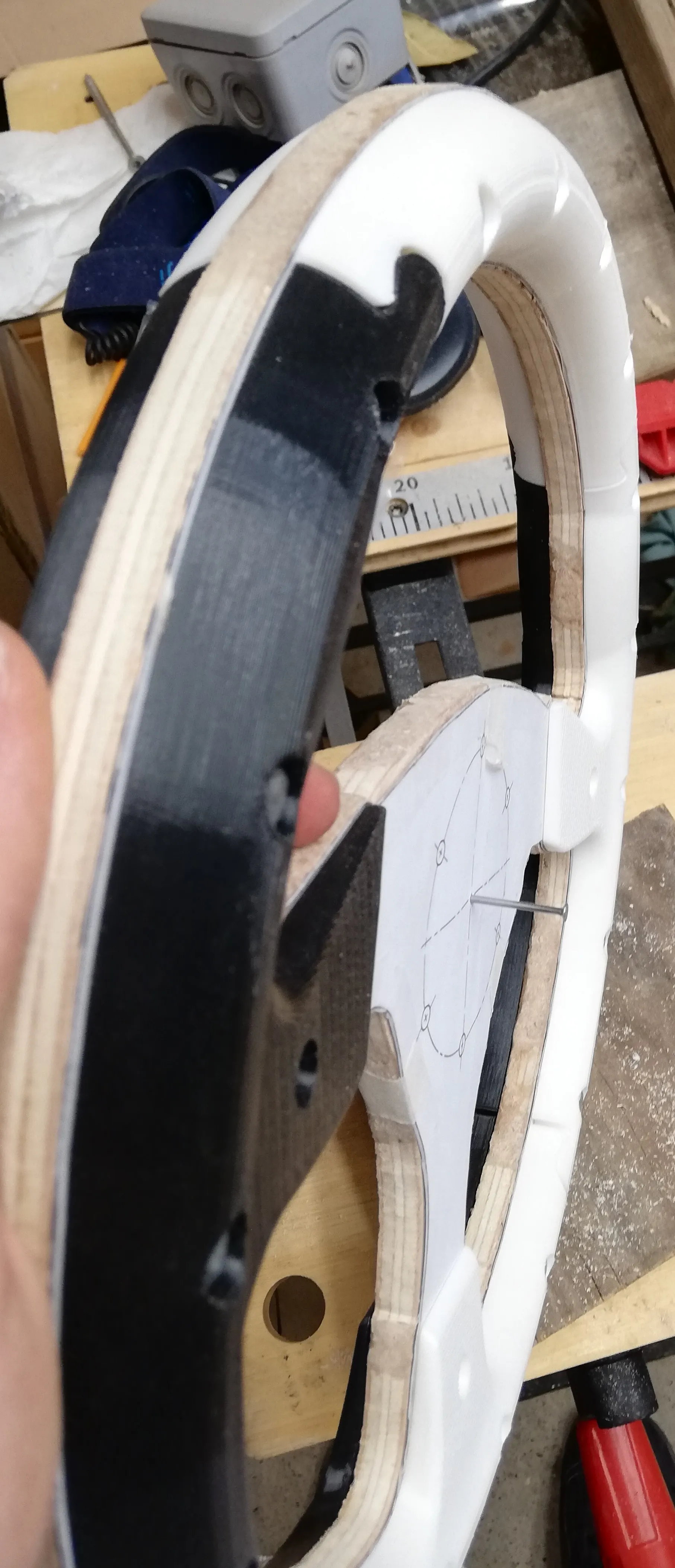
This steering wheel is built using wood and 3D-printed parts in order to make it durable and solid.
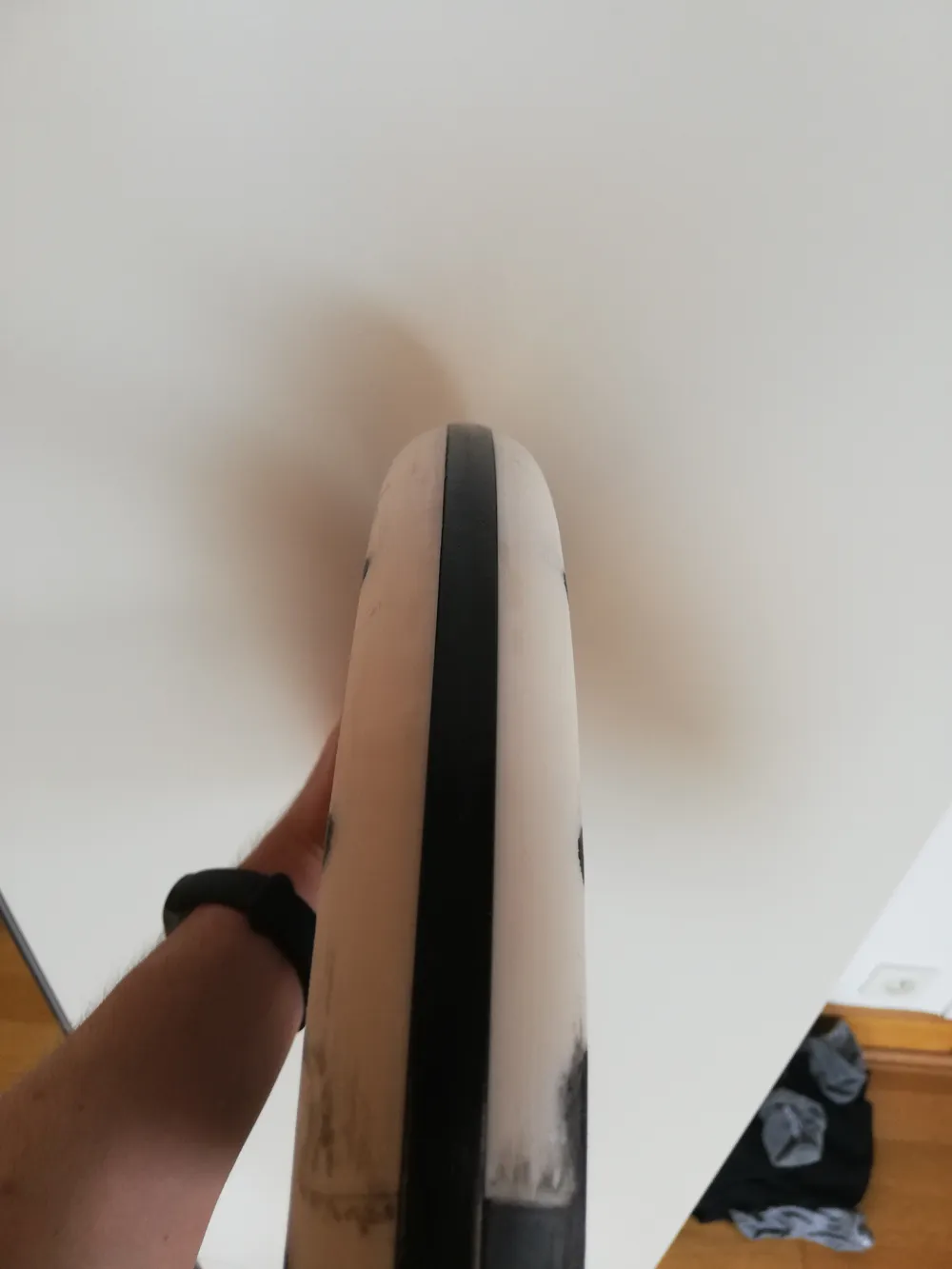
The wood forms the central frame of the wheel and is sandwiched between two 3D-printed pieces that give the wheel its shape.
I know woodworking can seem intimidating but in this case it is not that difficult (just long). This was one of my first woodworking project and I manage to get what I think is a good result even through I made a plenty of mistakes (wood glue + sawdust works great to fill holes and cracks :).
HARDWARE
- 18× M4 30mm hex head bolts
- 3× M4 16mm bolts
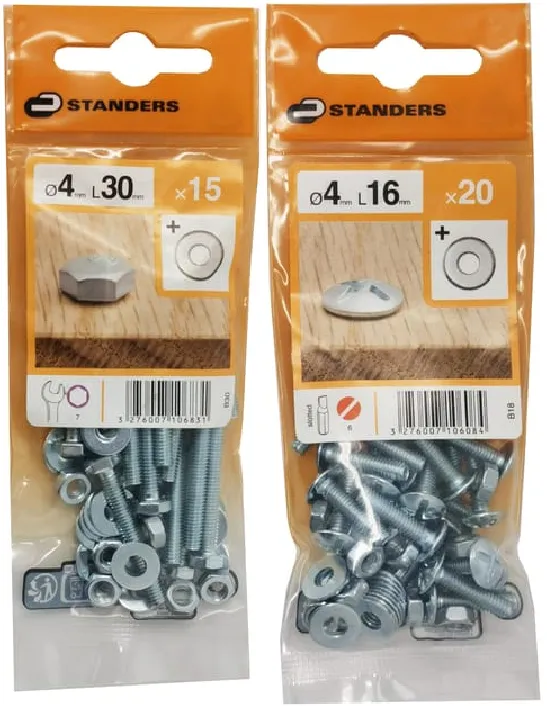
I personally used this but you can adapt the model to use different bolts.
All the source files are in the file named “SteeringWheel-Source.step”
You do not need washers.
- A 1cm thick plywood board, large enough to fit a 33cm diameter circle
- Hot glue
- Some tools to cut wood (like a jigsaw if you want life to be easy), a drill (with 4 and 5mm wood bits), a file and sand paper
- Finishing materials: paint, fabric, leather, handlebar tape… your choice
PRINTING
- Print the 8 wheel parts. I recommend writing the part name on the underside after printing to make assembly easier.
Naming convention: Front/Back - Position - Left/Right (e.g.,B-Hand-R= Back part of right-hand section). - Print the 36 rim caps and 6 spoke caps. Again I highly recommend to name each cap to make assembly easier (I personally marked each cap with a dot of colored marker inside, and made a legend to match.).
- Print 2 M4 tools
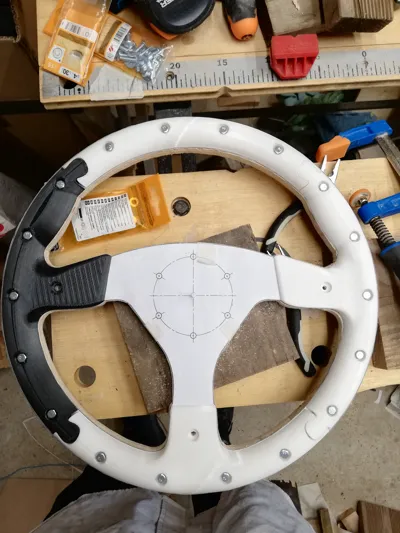
- Print the wood cutting template (standard 2D printing):
Make sure to print at 100% scale. The title block borders should match the page edges, and the full wheel diameter should measure 33cm.
You can either print 3 A4 pages, cut, and glue them together, or print the A2 version in one piece.
ASSEMBLY
I.Cutting the wood
- Cut out the wheel shape from the printed template and attach the template to the plywood plank.
- Cut and file the plywood to match the wheel shape.
II.Drilling
- Drill the five 5mm mounting holes.
- Place your 3D-printed parts on the wheel to check alignment.
- Start by drilling the 4mm screw hole for one part (not through a spoke hole). Insert a bolt to align the part, then drill its remaining holes. Make sure holes are straight and align with the back-side part. Take one of the parts that goes next to the part you just placed and repeat the process (the gap between the 3d printed part border and the wood is normal)
III. Shaping the wood
- Screw two bolts with nuts into each 3D-printed part to hold them temporarily (just place the other screws in their holes without nuts).
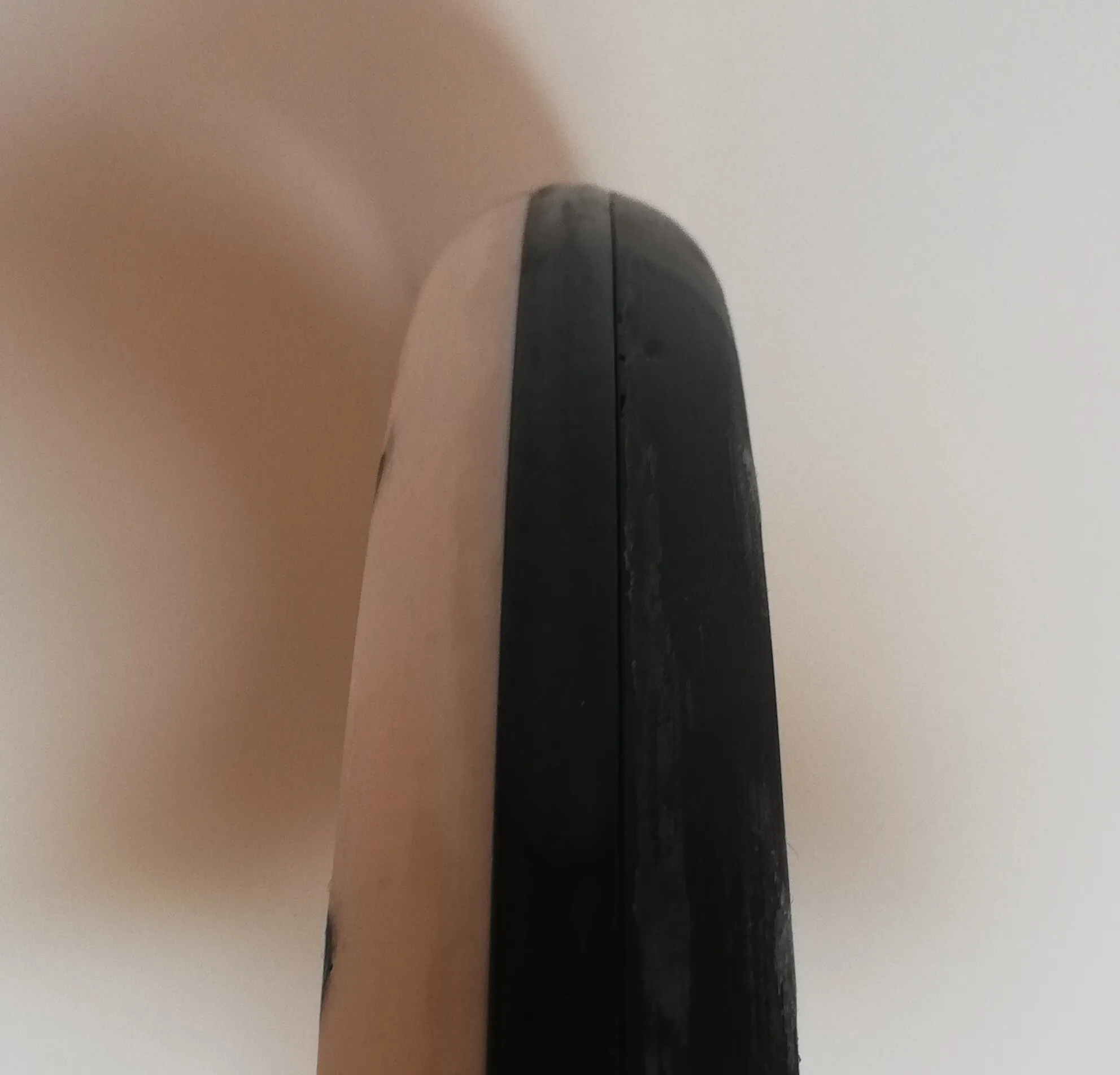
- Now shape and round the exposed wood edges to match the printed parts.
Use files and sandpaper to get a smooth transition.
IV. Final assembly & finishing
- Optional: Unscrew the printed parts and paint or treat the wood now, before final assembly.
- Attach all 3D-printed parts using the M4 tools (don't over tighten: the tools are thin plastic).
- Test the fit and orientation of all spoke caps.
- For front caps: unbolt the screw, and test fit the cap over the unbolted screw: if the cap is stuck you can push the screw to get the cap out.
- For back caps: test fit over the nut alone: if the cap is stuck you can push the it through the hole to get it out.
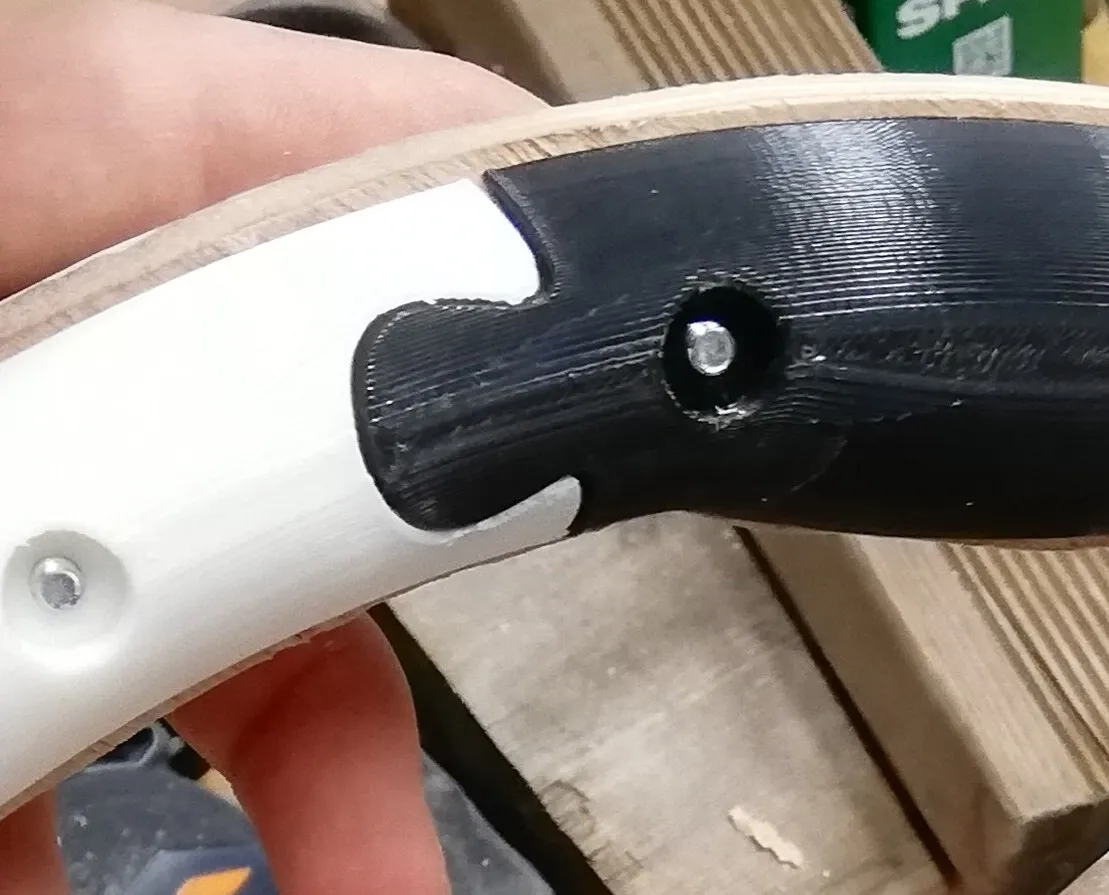
Spoke caps will need sanding to fit well. - Glue the caps on the screws: put a bit of hot glue inside the cap and place it over the screw/bolt. Make sure to align the cap.
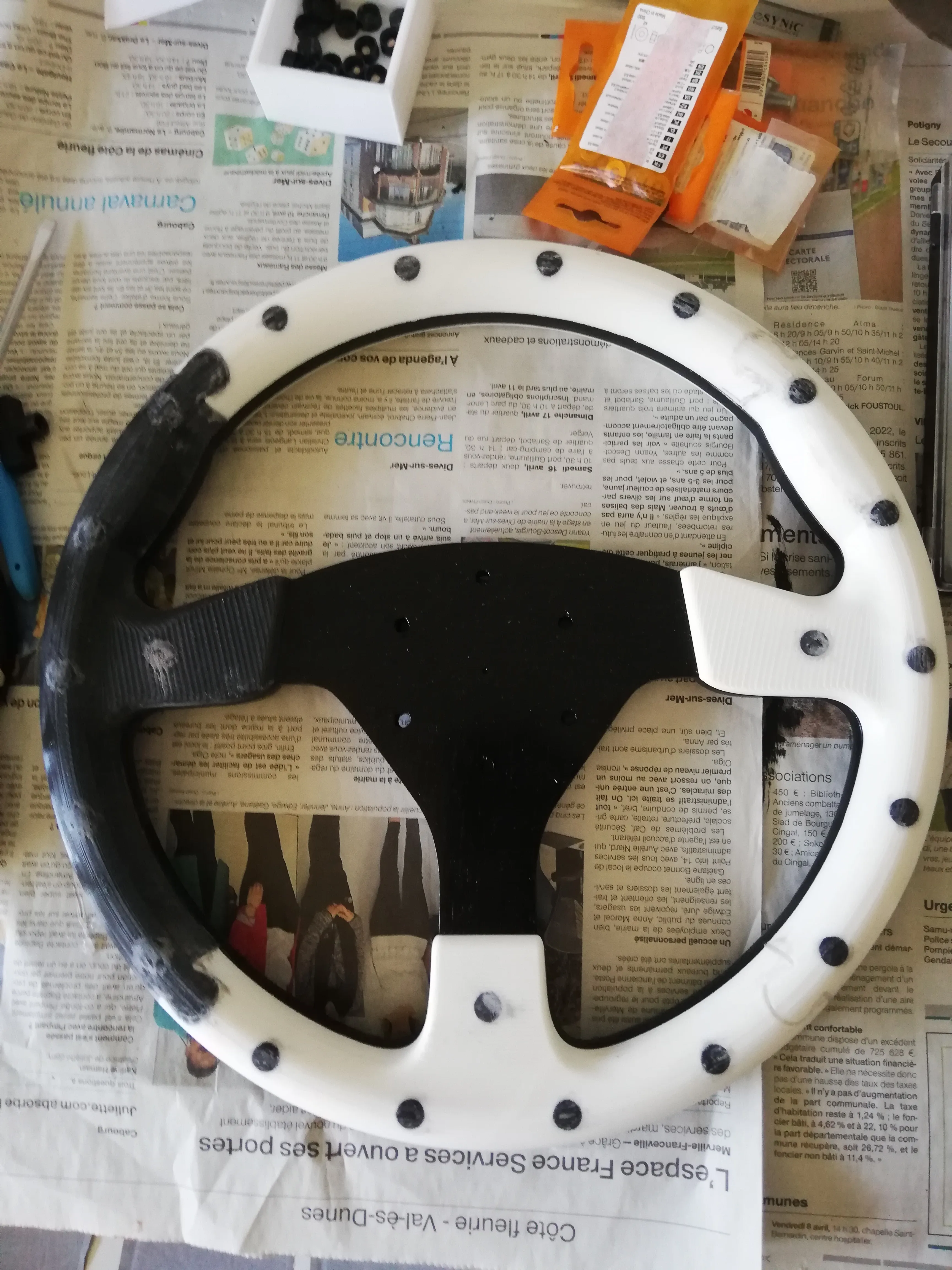
- Use hot glue to fill the gaps between the 3d printed parts puzzle connections and around the caps if they not fit perfectly.
- Sand the full wheel for a smooth finish. (Tip: Trim any hot glue overflow with a cutter before sanding.)
- Optional: Wrap the rim with handlebar tape, leather, racket grip, fabric,… for better comfort and grip.
Changelog
07/17/25: Original release
Documentation (4)
Bill of Materials (4)
a4-left.pdf
a4-right.pdf
a4-bottom.pdf
a2-complete.pdf
License

This user content is licensed under a
Creative Commons Attribution-Share Alike


Comment & Rating (2)