
Grid for Hive Pocket edition
Print Profile(1)

Description
Update 19 November 2025
⬢ Parametric Hive Tile Tray (Customizable)
A fully customizable storage tray for Hive tiles. Designed to be Parametric, meaning you can change the size, shape, and layout to fit your specific edition of the game (Pocket, Standard, or Carbon) and your specific 3D printer bed size.
👉 Click "Customize" to generate your perfect tray!
✨ Features
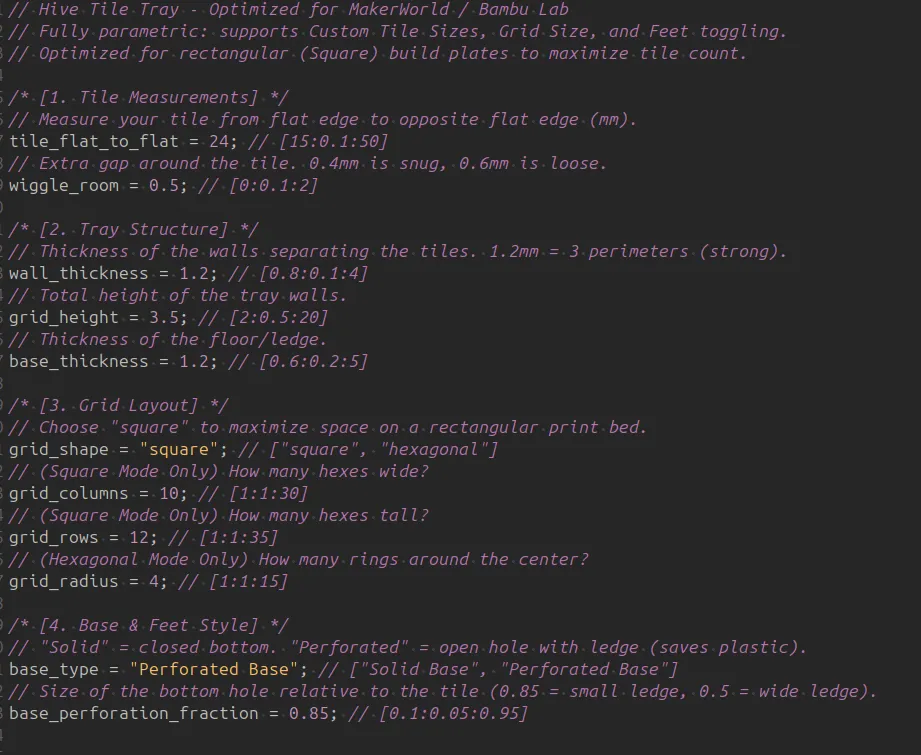
- Perfect Fit: Define the exact size of your tiles (Tile Measurements).
- Bed Optimization: Switch Grid Shape to "Square" to create a rectangular array that fills your build plate efficiently (no more wasted space from hexagonal shapes!).
- Material Saver: Use the "Perforated Base" option to create "feet" (ledges) instead of a solid floor. This holds the tiles securely while saving 30-40% filament and print time.
- Bambu Lab / Prusa Friendly: The "Square" mode creates axis-aligned rows perfect for efficient travel moves.
⚙️ Settings Guide
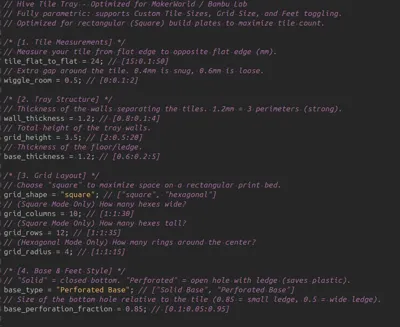
1. Tile Measurements
- Tile Flat to Flat: Measure your tile from one flat side to the opposite flat side (in mm).
- Standard Hive: Approx 38mm (Check your specific set!).
- Pocket Hive: Approx 24mm ggle Room: Tolerance gap. 0.5mm is standard. Increase to 0.8mm if you want them to fall in loosely.
2. Grid Layout
- Grid Shape:
- Select Square to make a rectangle (uses Columns/Rows settings). Best for storage boxes.
- Select Hexagonal to make a honeycomb shape (uses Radius setting). Best for table display.
- Grid Columns/Rows: Defines the width and height in "Square" mode.
3. Base & Feet
- Base Type: Select "Perforated Base" to cut holes in the bottom, leaving a ledge (feet) for the tile to rest on.
- Perforation Fraction: Controls the size of the ledge. 0.85 leaves a small rim. 0.50 leaves a wide rim.
Non customizable version:
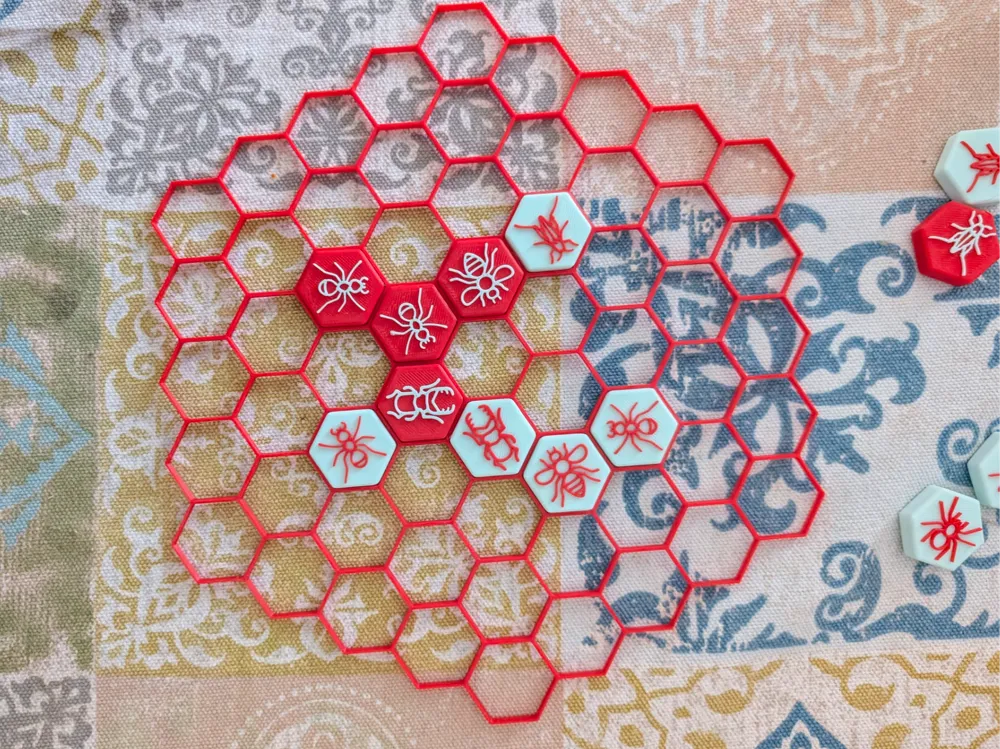
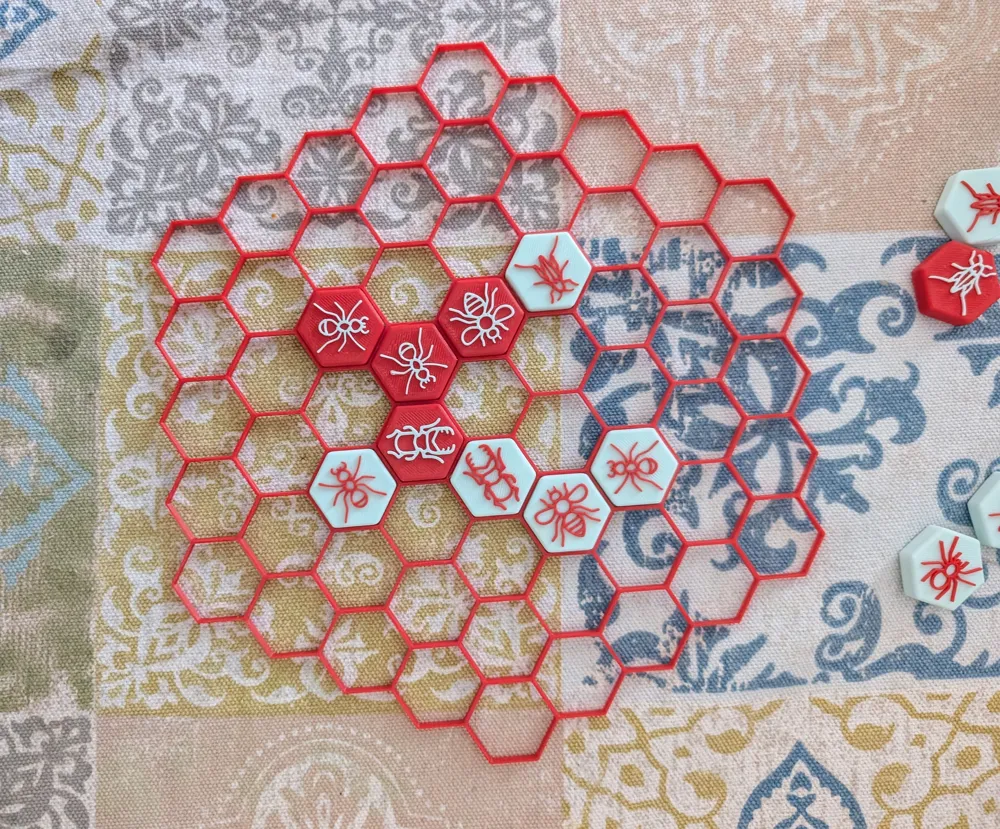
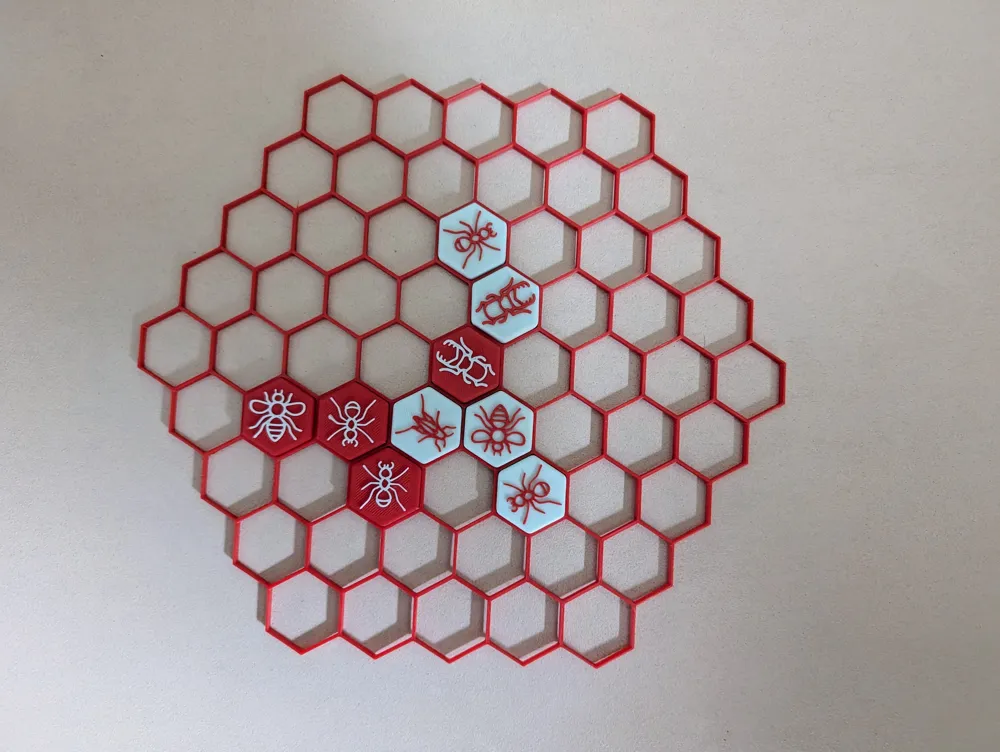
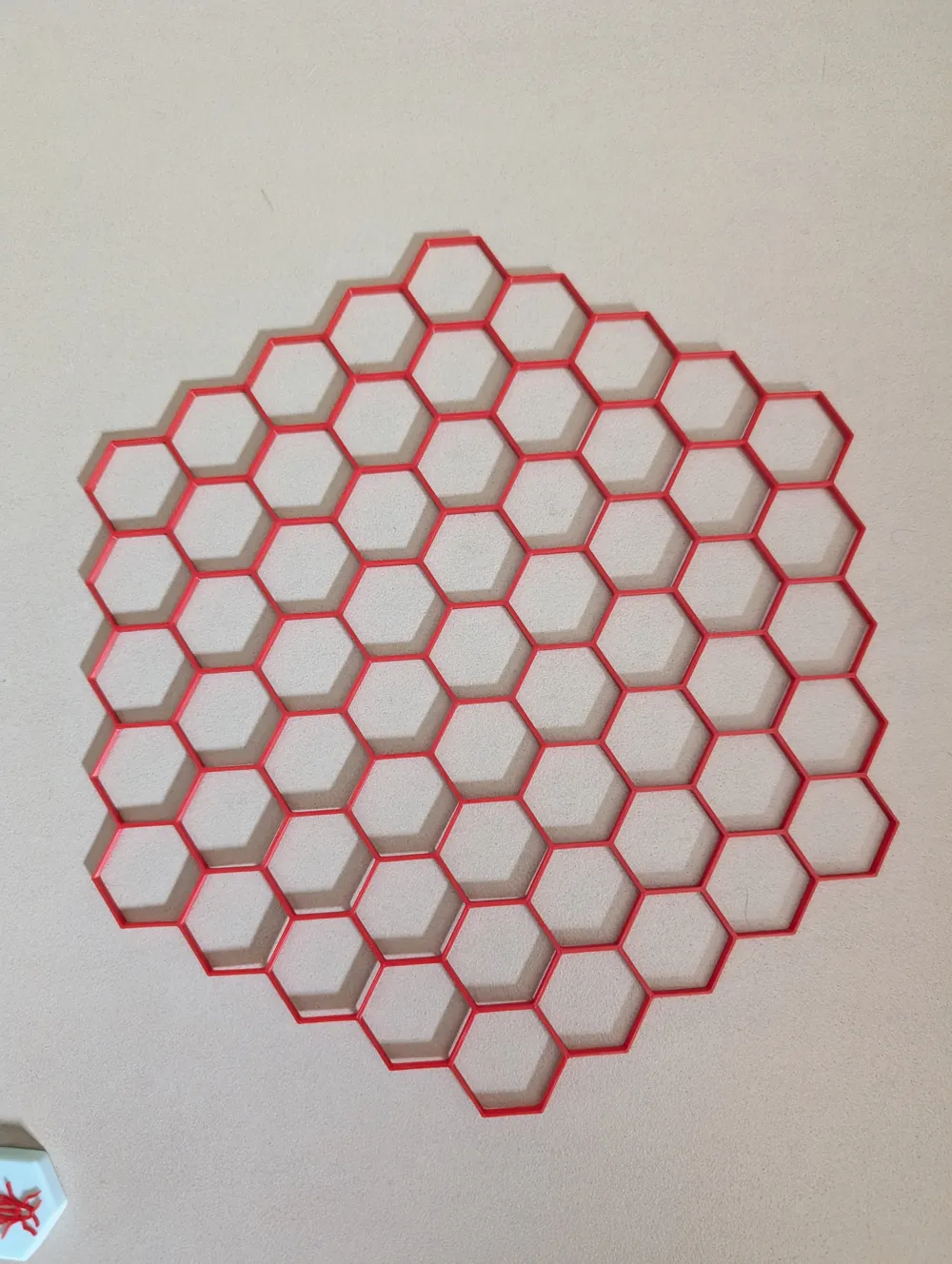

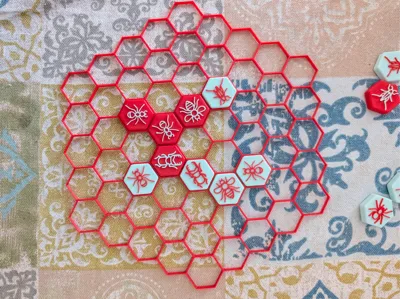
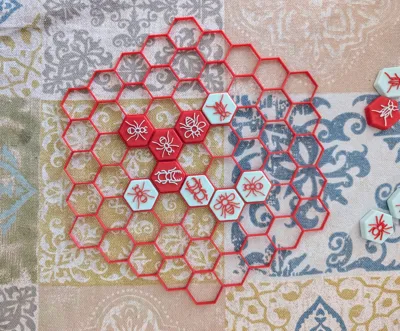
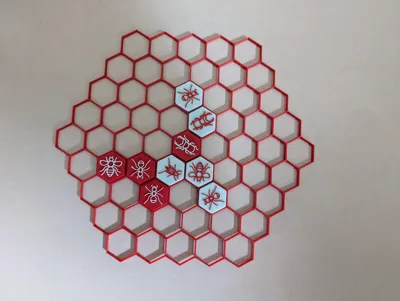
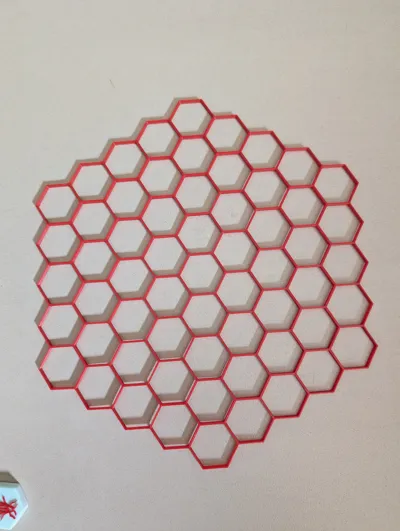
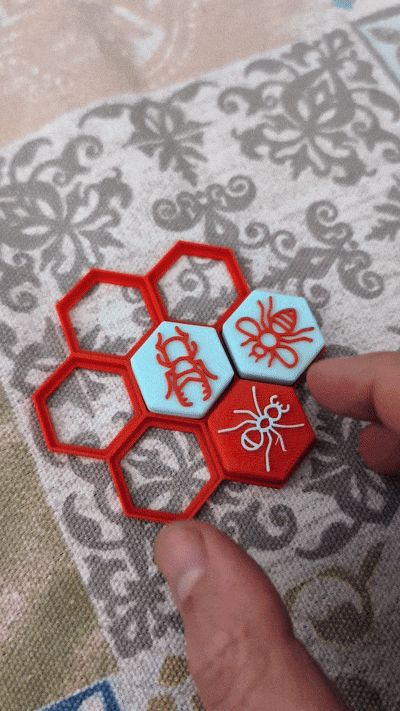
Enjoy this Grid to ease play for Hive Pocket edition Tiles.
I thoroughly enjoy the Hive pocket edition created by https://makerworld.com/en/@G__W__ with the tiles: https://makerworld.com/en/models/151315-hive-board-game-box-included#profileId-165174
However, if you are clumsy like me, you will find it is easy to stumble and fumble the pieces knocking them out of their board position.
Hence I created this grid for the POCKET EDITION. It will only work with tiles that measures 24mm from flat side to flat side
There are 4 plates to Choose from:
1) Bare bones, grid only - quick print
2) Grid with feet pads at the bottom, allowing the entire game to be picked up and moved elsewhere! Pretty cool!
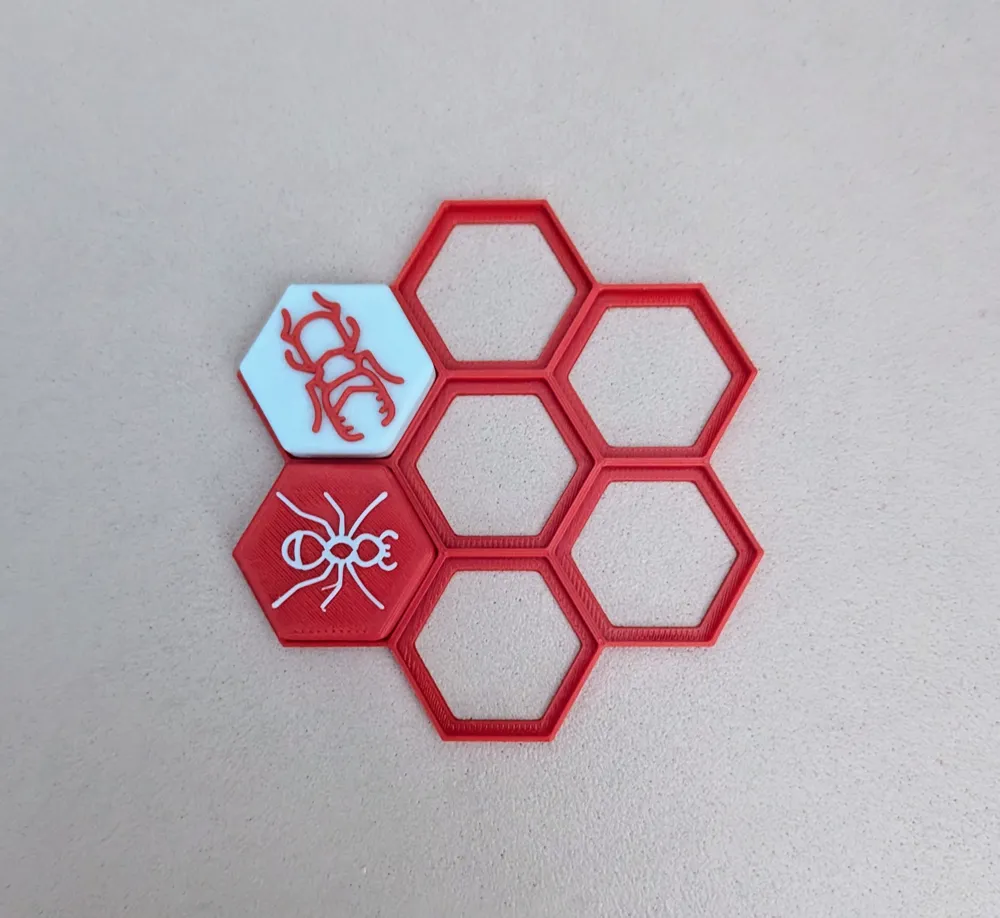
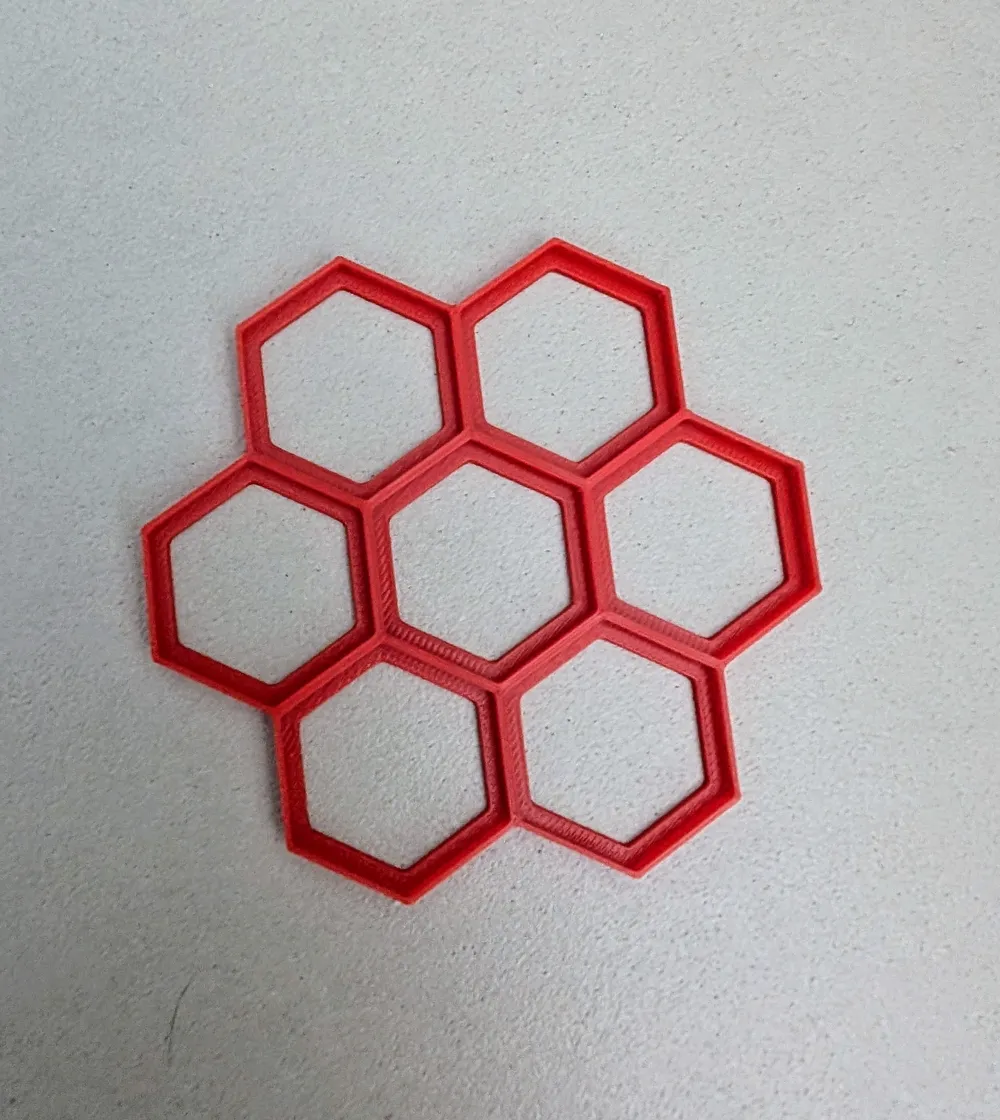
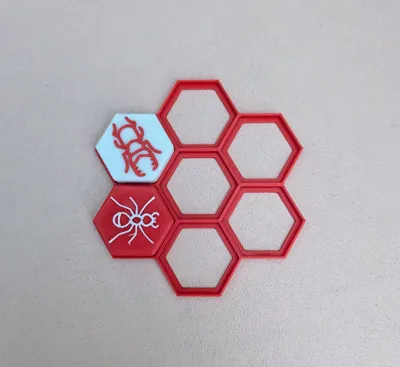
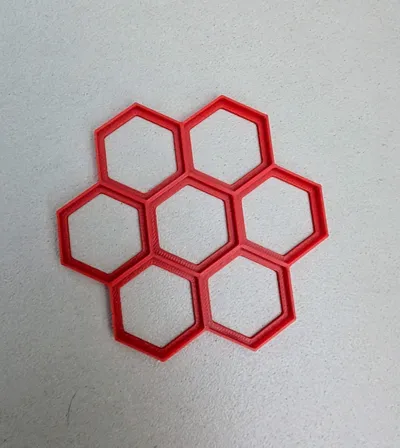
3) Crucially a size tester
4) A Multi-colour version of plate 2 if you feel fancy
I strongly recommend you print the size tester first (plate if you are using any other tiles other than these: https://makerworld.com/en/models/151315-hive-board-game-box-included#profileId-165174
Plate 1 can easily be printed on Sport mode or perhaps even Ludicrous (if you are feeling ludicrous ;) )
You can also use this to display a game you played or even store pieces in (for this purpose use the version with the feet pads, i.e. Plate 2 or 4)
NB: Do not scale this print otherwise your pieces won't fit!
Enjoy!
License

You may create derivative works based on this object, provided that all such derivative works are published exclusively on the MakerWorld platform and include proper attribution to the original creator. You may not share, upload, host, distribute, or publish this object—or any derivative work of this object—on any other digital platform, marketplace, or distribution channel. Commercial use of this object and any derivative works is strictly prohibited. This includes, but is not limited to, selling, renting, sublicensing, or using the object in any context in which you receive monetary compensation or other financial benefits.


Comment & Rating (9)