
TPU Dampened Speaker Stand
Print Profile(4)




Description
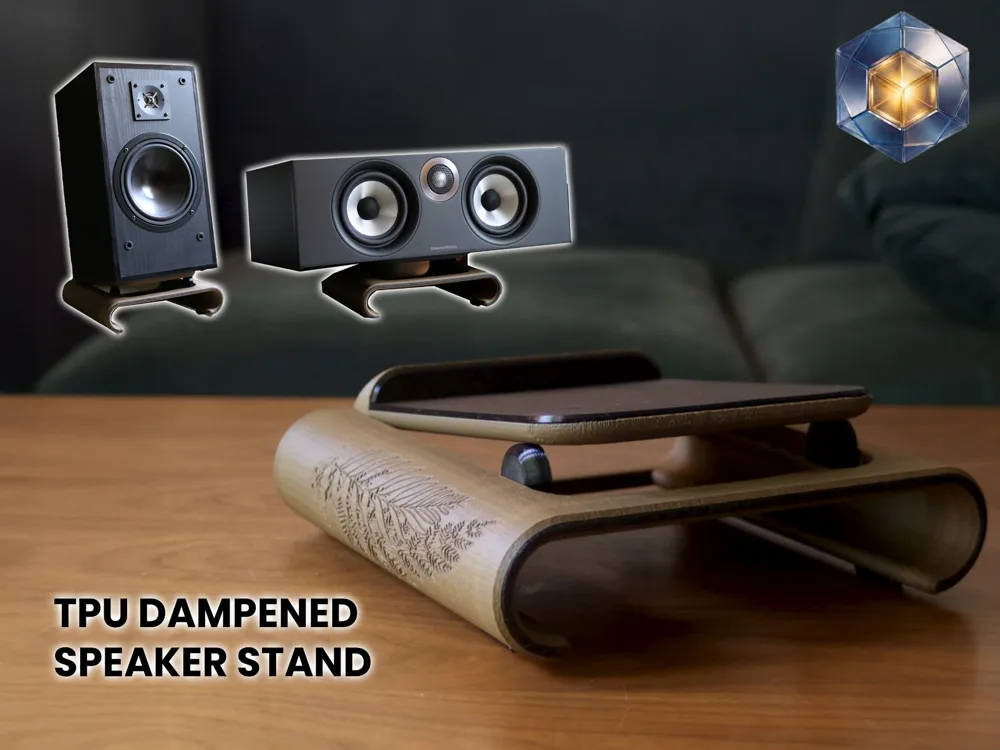
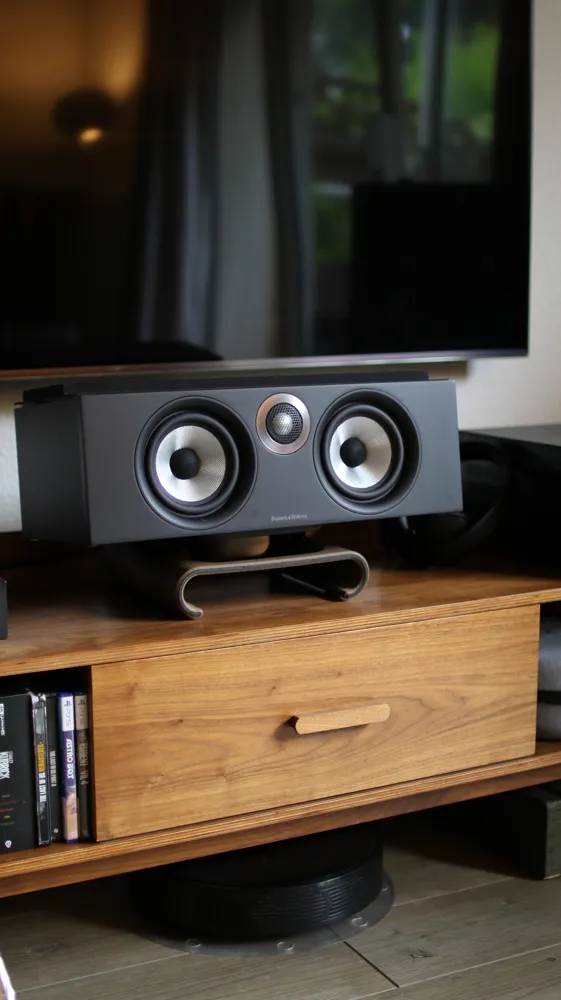
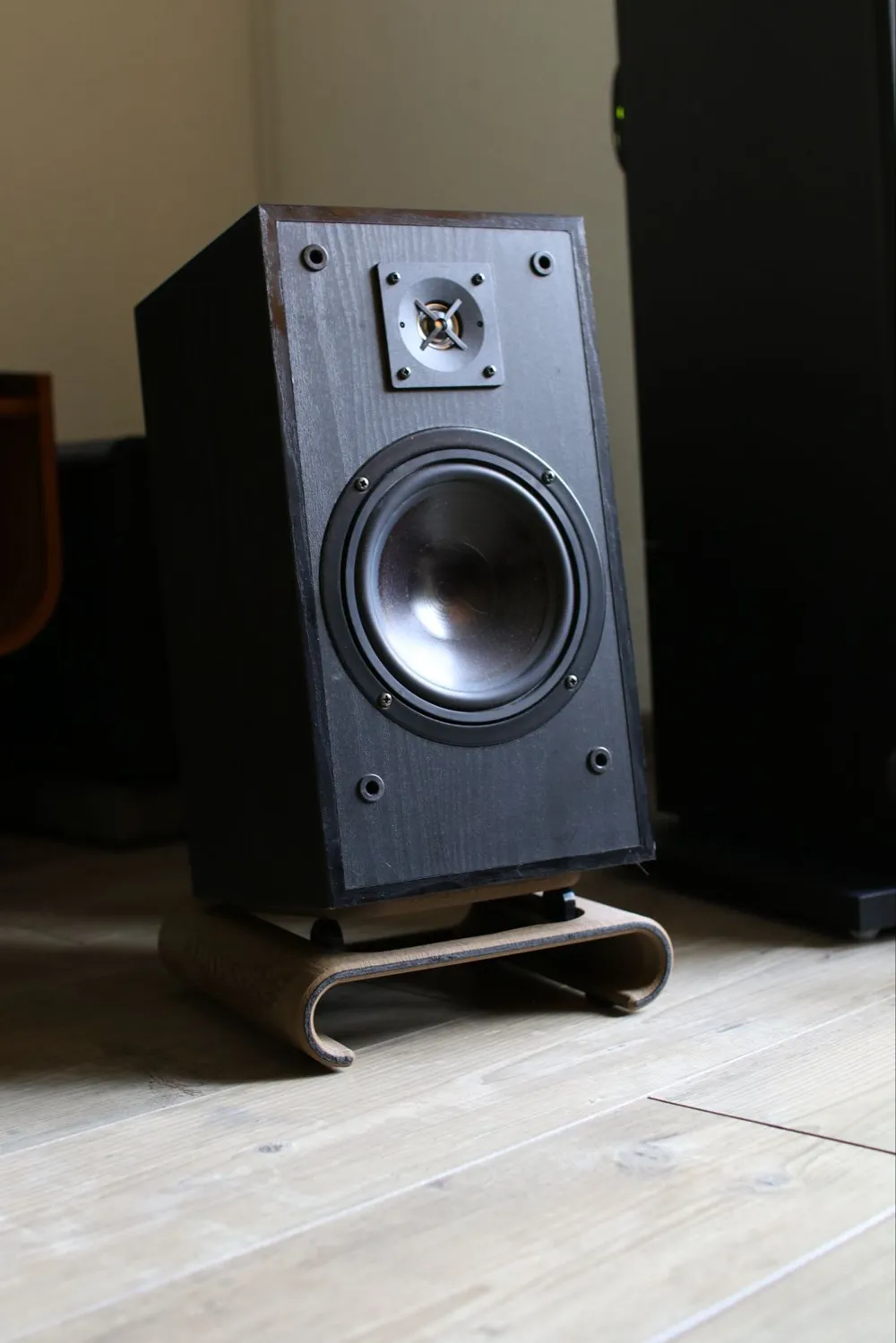
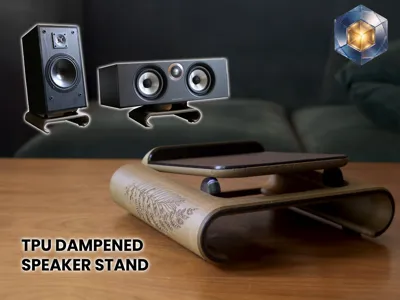
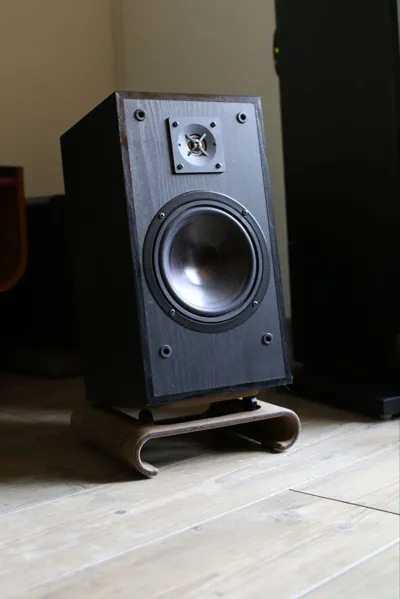
TPU-Dampened Desktop / Center Speaker Stand
A clean, support-free print-in-place design with fully integrated TPU damping and customizable wood carving.
This is a fully TPU-dampened evolution of my previous speaker stand, now enhanced with:
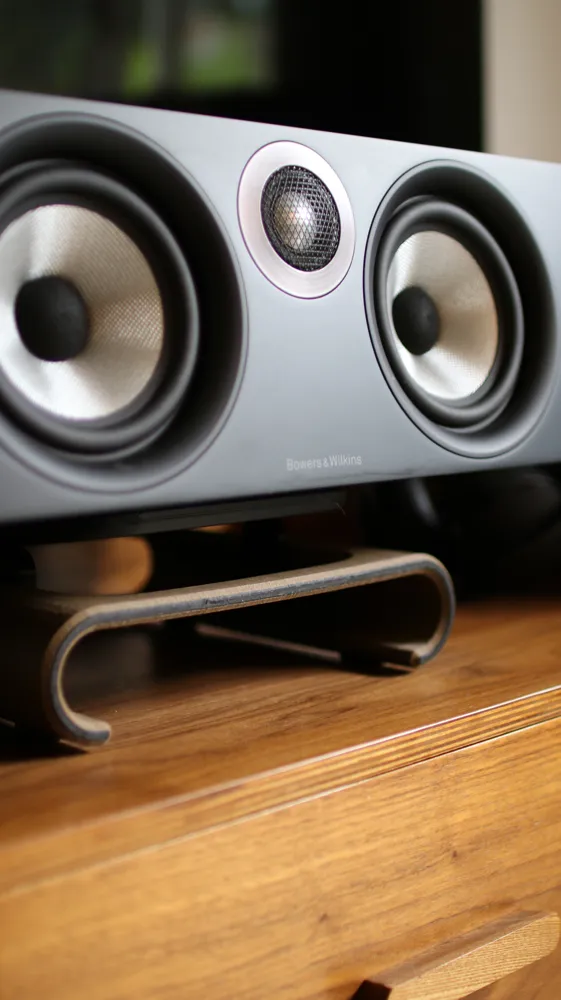
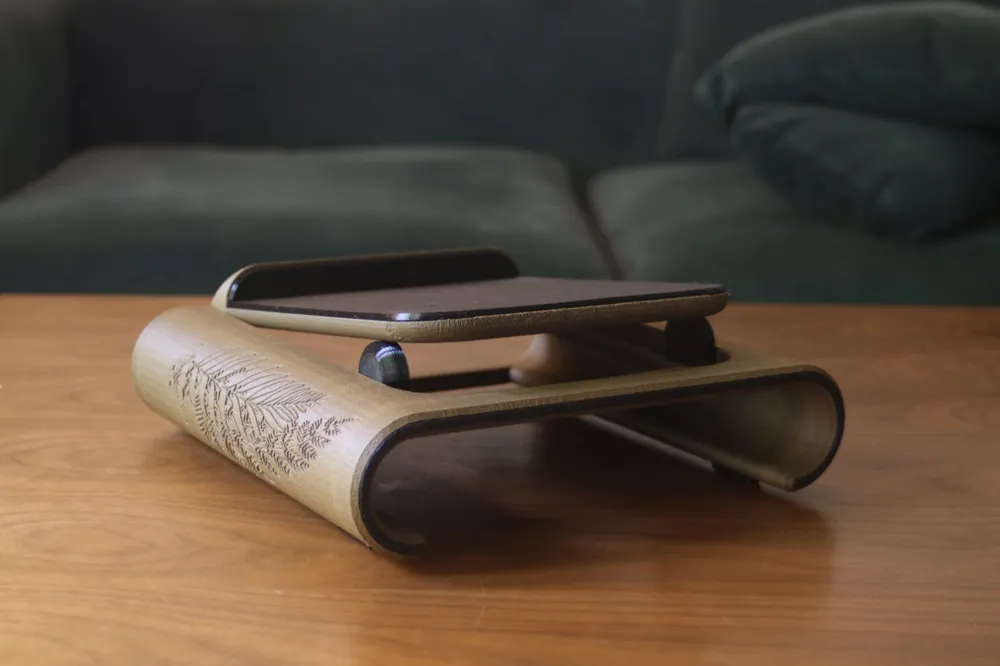
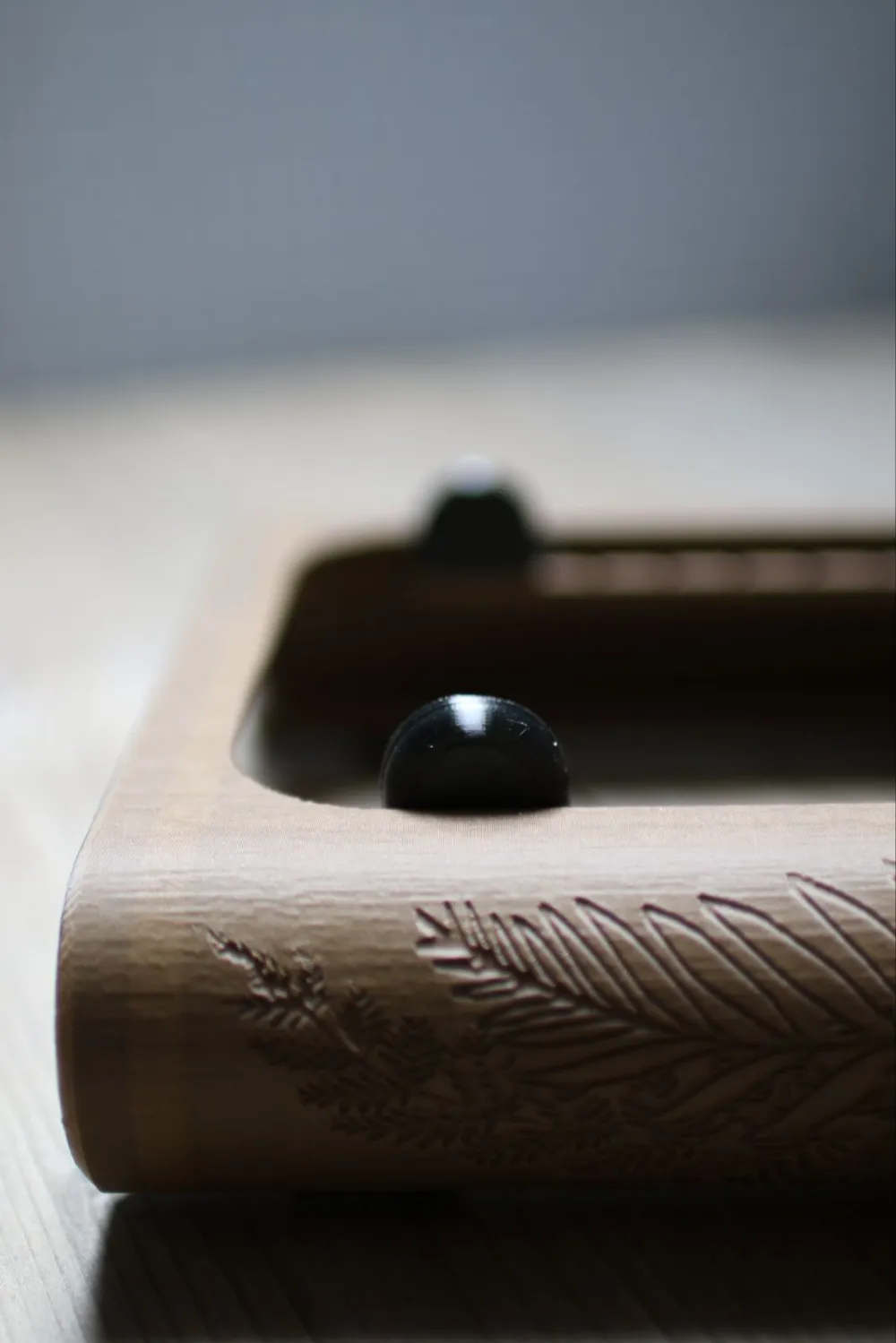
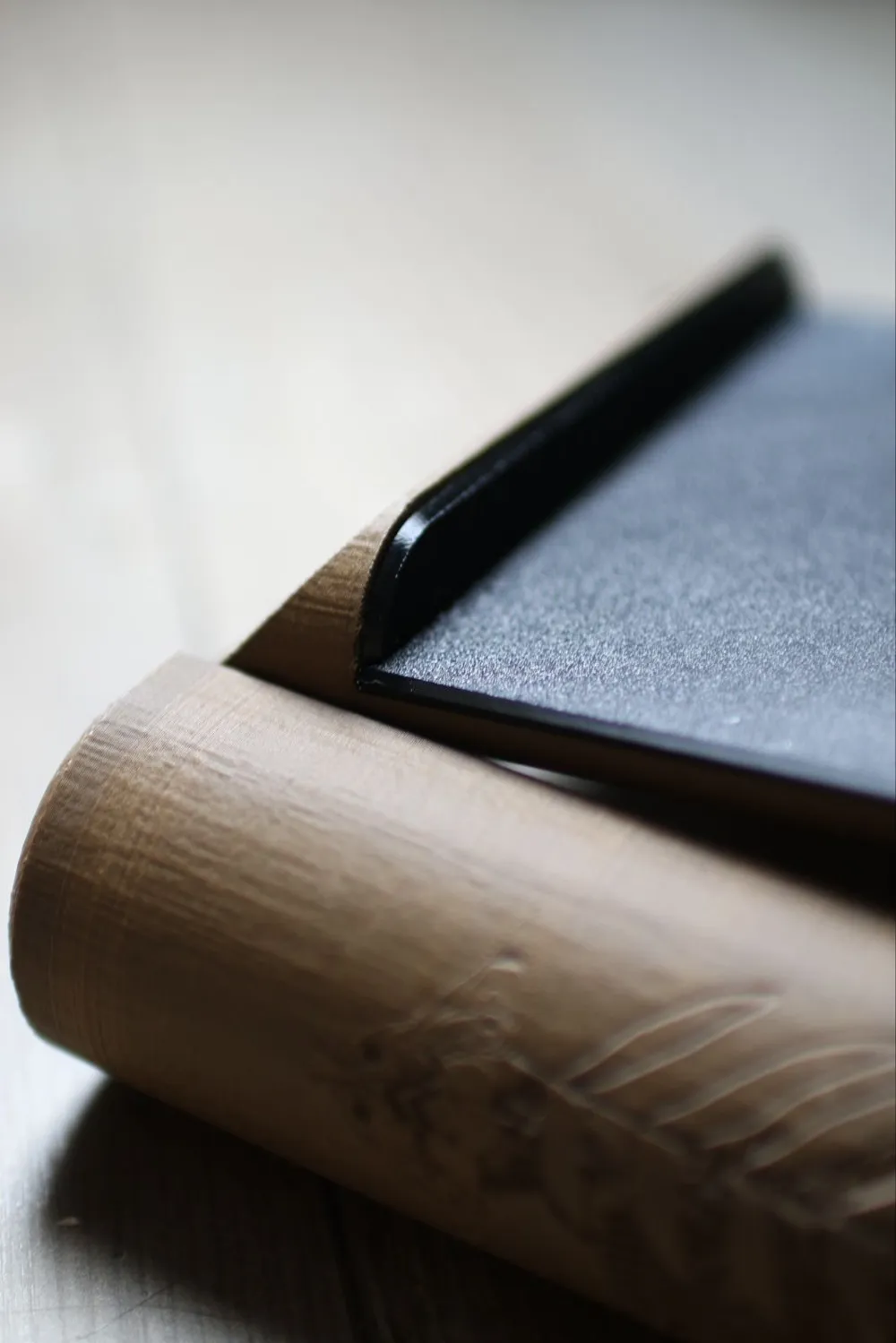
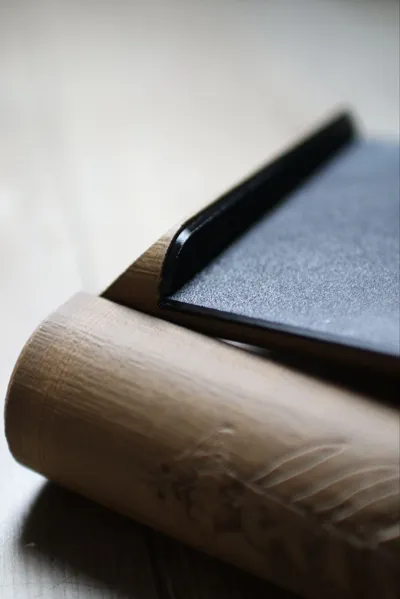
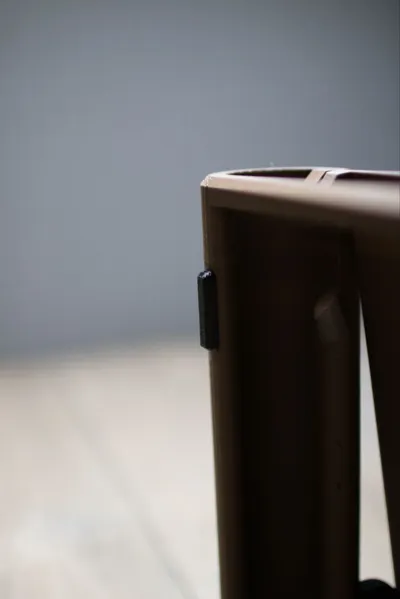
- TPU-dampened feet, tilt mechanism, and full speaker contact area
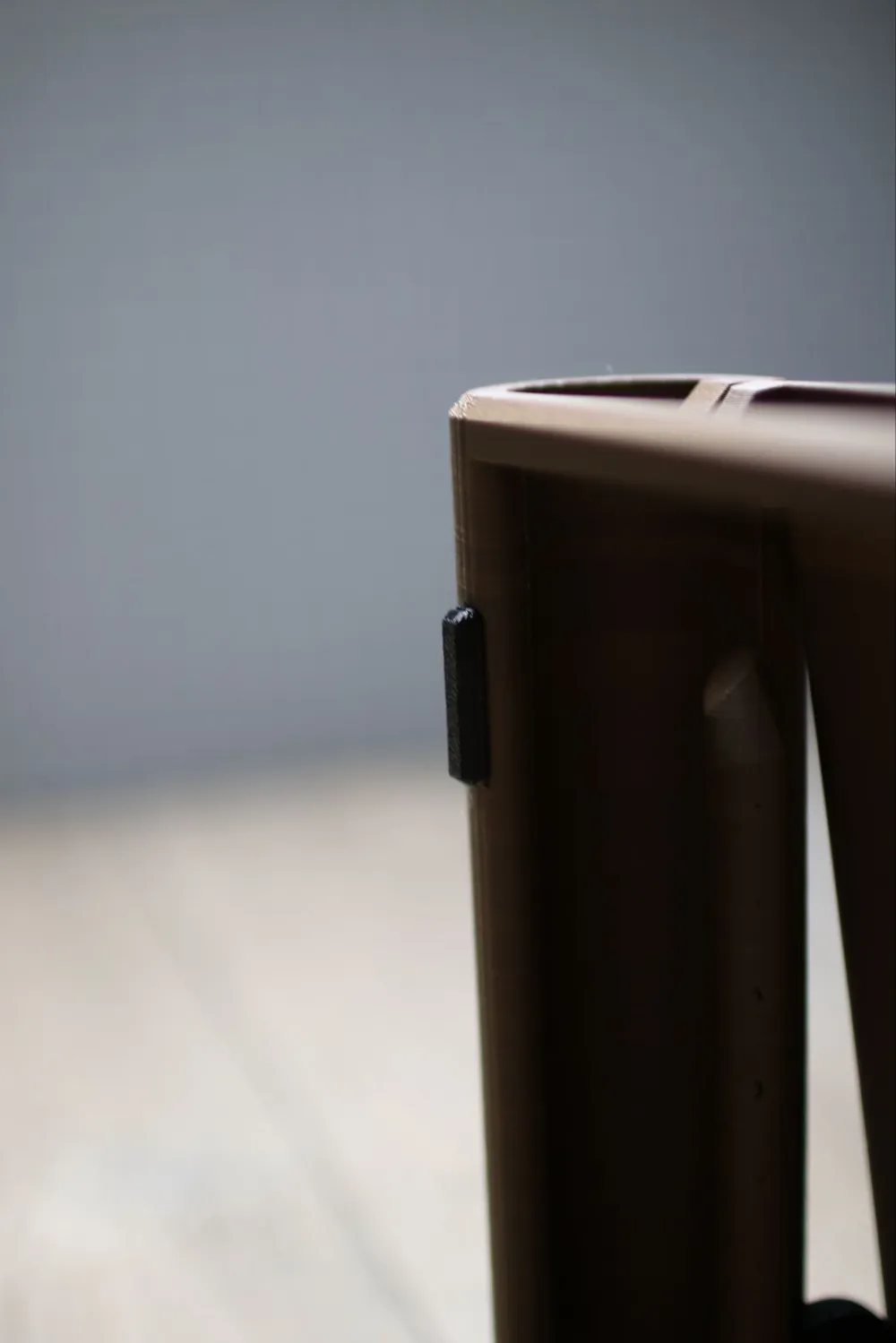
- Variable tilt angles (approx. 5°–25°) using swappable TPU inserts
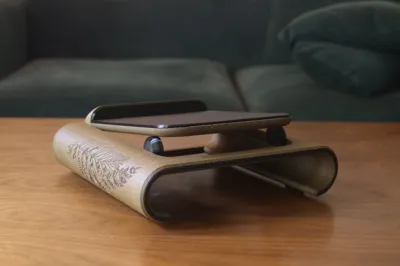
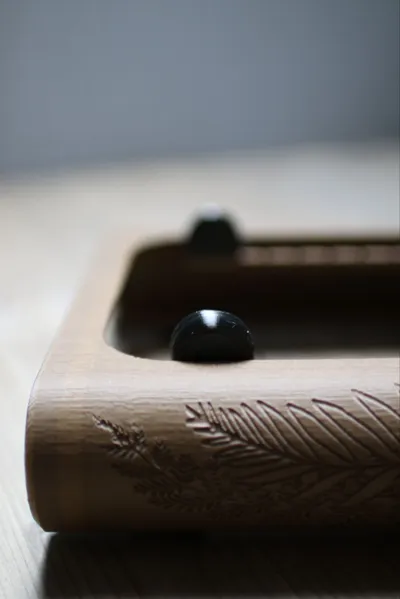
- Wood texture with editable side carvings (SVG-based)
- Fully support-free, print-in-place design
Included Print Profiles:
1a) SpeakerStandCarved – Customizable version with editable wood carvings (Download Files.zip)
1b) SpeakerStandUncarved – Same stand without any carving
2) TPU Parts – All damping inserts
3) SpeakerStandTLOU – With a hand-drawn carving of a well-known TLOU tattoo (Pictures made with this one)
The speaker stand profiles may warn about floating cantivlever, ignore that.
🎧 Key Features
Adjustable Tilt & Acoustic Decoupling
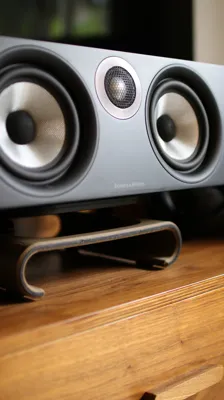
TPU inserts allow smooth tilt adjustments between ~5° and ~25° (depending on insert). These parts also decouple the speaker from the desk, reducing unwanted vibrations and improving clarity.
Full TPU Isolation
Inserts under the feet and speaker area ensure effective acoustic decoupling from all contact surfaces.
Enhanced Sound Directivity
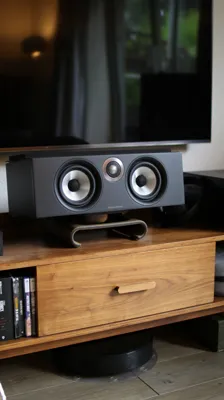
The angled setup improves mids/highs and stereo imaging—ideal for nearfield listening or home theater setups.
Clean Desk Bonus
The elevated platform creates storage space underneath for pens, notes, or compact media devices like an Apple TV or HDMI switch.
No Supports, No Assembly
Designed for clean print-in-place 3D printing. Moving parts are fully integrated—just slice, print, and enjoy.
📏 Speaker Compatibility
The usable depth of the speaker platform is approx. 20 cm.
Make sure your speaker fits by testing on your desk edge or shelf before printing.
📐 TPU Insert Angle Guide (approximate, without speaker weight):
| Insert Size (mm) | Tilt Range (°) |
|---|---|
| 10 | 5 – 14 |
| 15 | 9 – 22 |
| 20 | 11 – 25 |
| 25 | 15 – 30 |
You don’t need to use all inserts—just pick the one that gives you the tilt you want.
🛠️ How to Customize the Carving (Windows only)
- Download the customizable version (1a)
Unpack Files.zip into C:\svg\ - Edit the artwork
Open carving.png, replace it with your design. - Convert PNG → SVG
Use convertio.co or similar tools. Swap SVGs in Bambu Studio
- Open 1a) SpeakerStandCarved
- Go to Process → Objects
- Right-click SVG → Edit SVG → Click arrow → Change File
- Replace both carving.svg files with your custom ones
- If you want to share your profile like my TLOU version: Bake the SVGs before sharing a profile
- Right-click SVG → Edit SVG → Click arrow → Bake into profile
Clean print, sleek design, improved sound.
Happy listening!
Documentation (1)
License

You shall not share, sub-license, sell, rent, host, transfer, or distribute in any way the digital or 3D printed versions of this object, nor any other derivative work of this object in its digital or physical format (including - but not limited to - remixes of this object, and hosting on other digital platforms). The objects may not be used without permission in any way whatsoever in which you charge money, or collect fees.


Comment & Rating (0)