
Print Profile(3)


Description
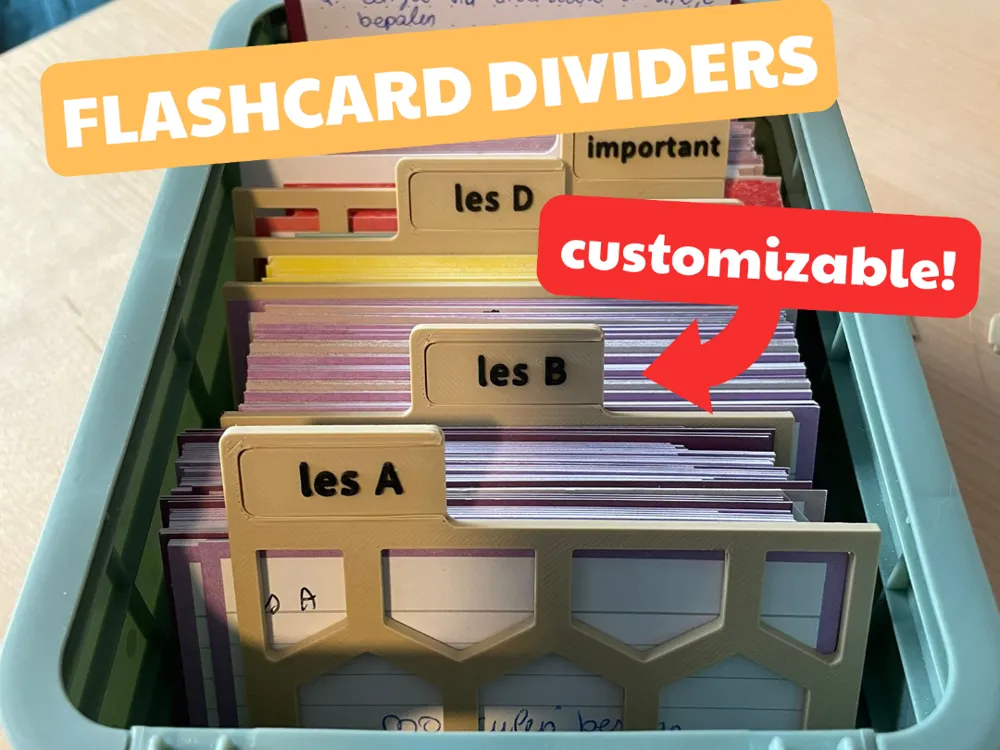
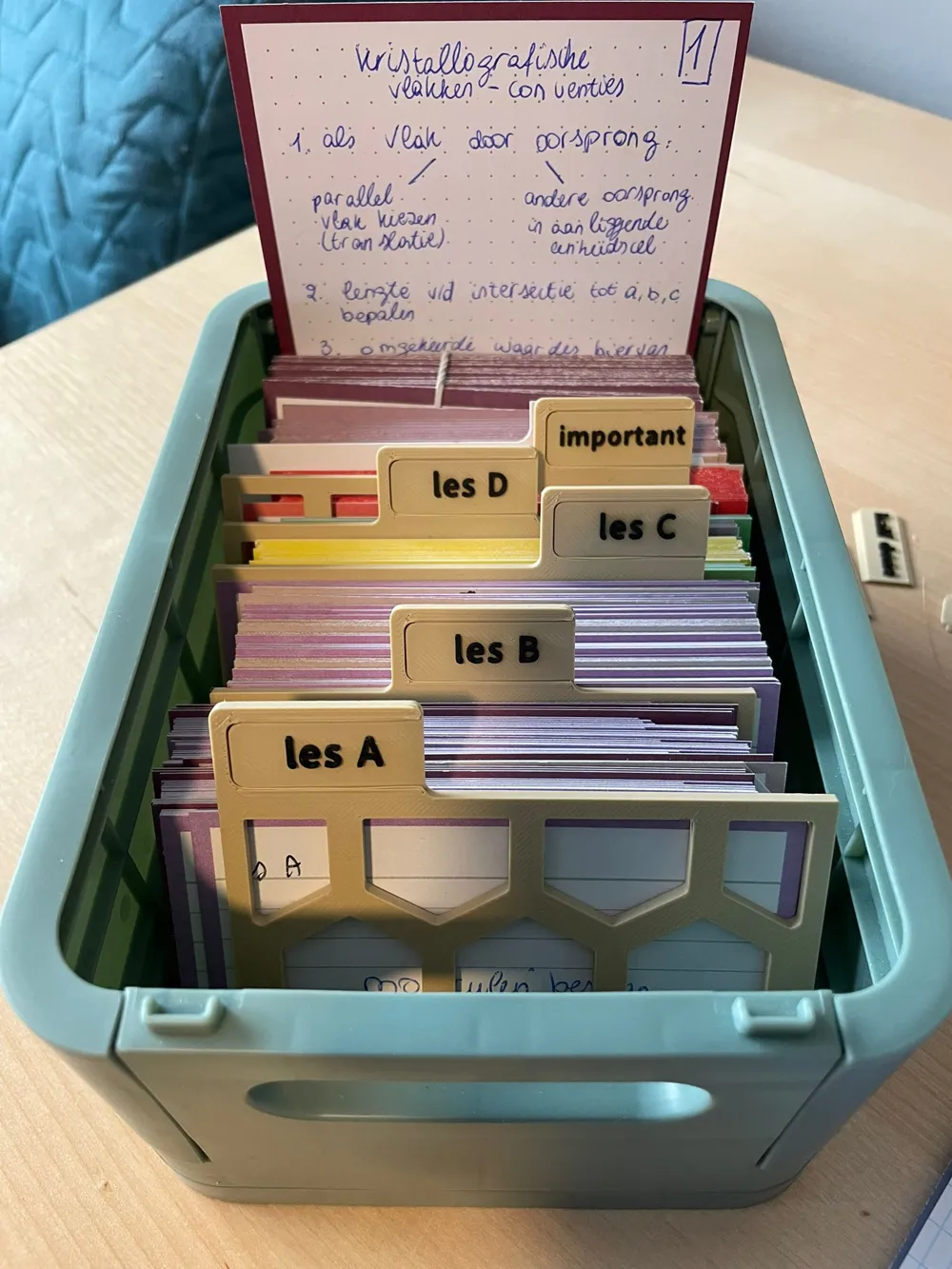



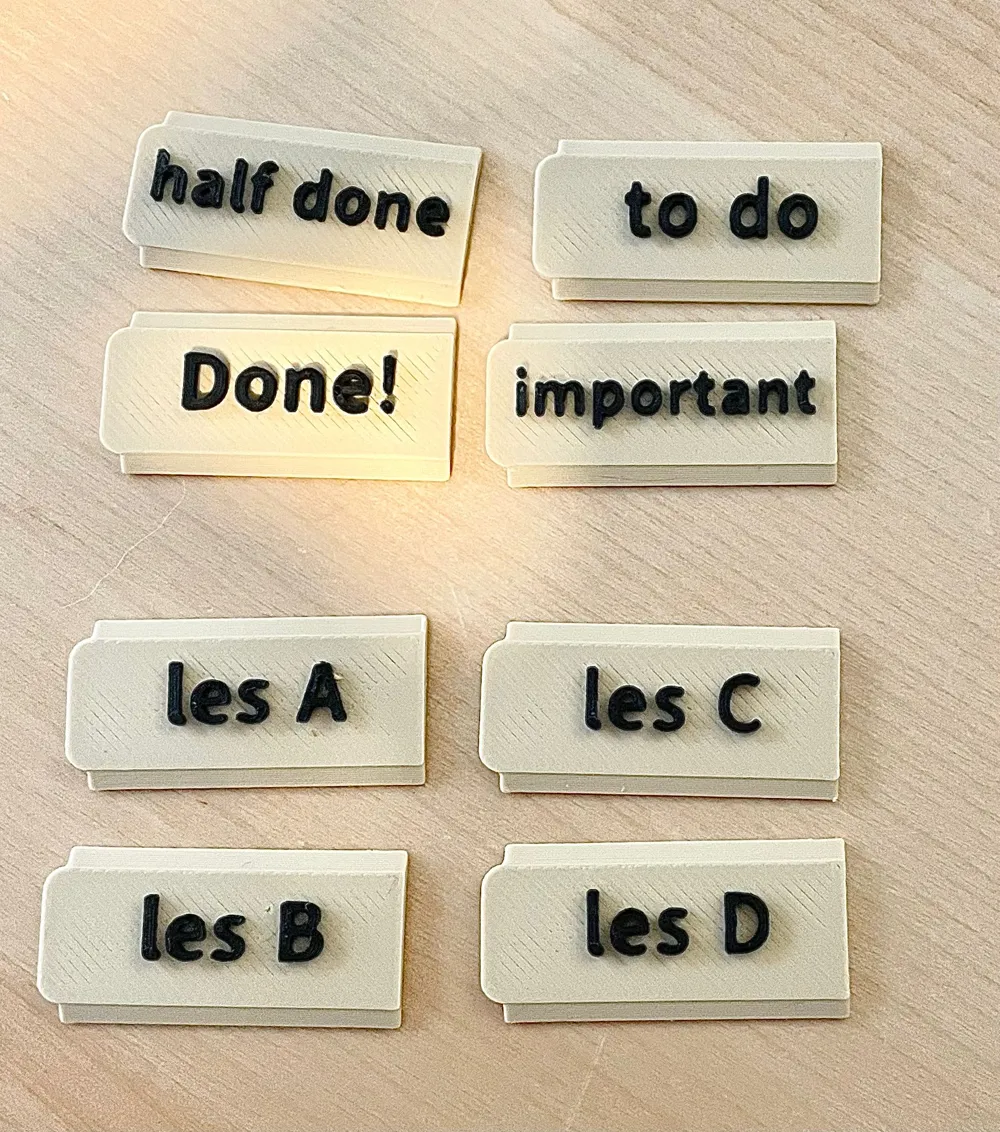
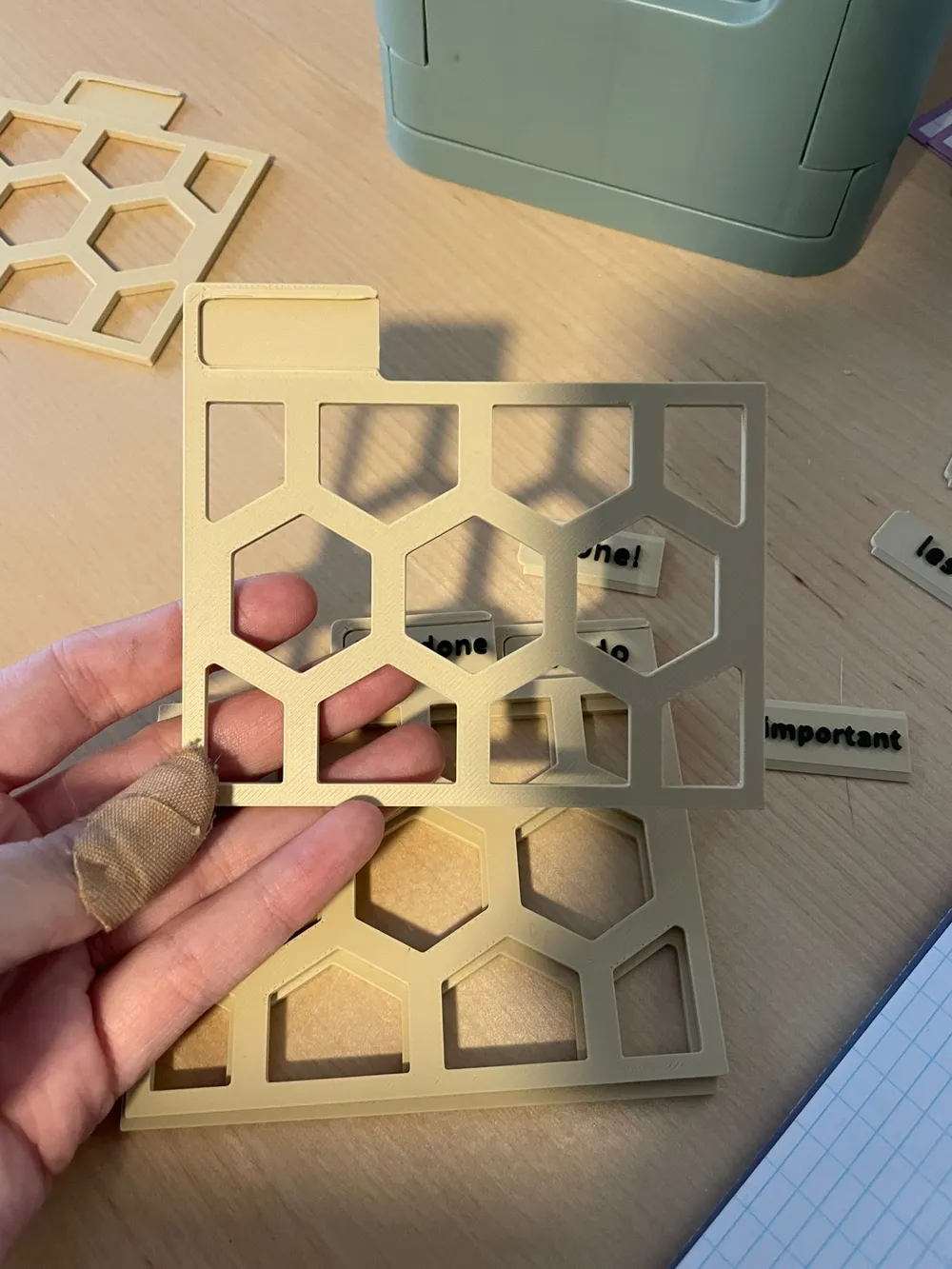
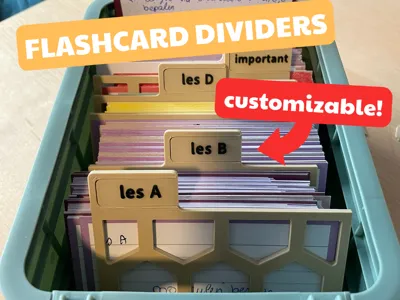
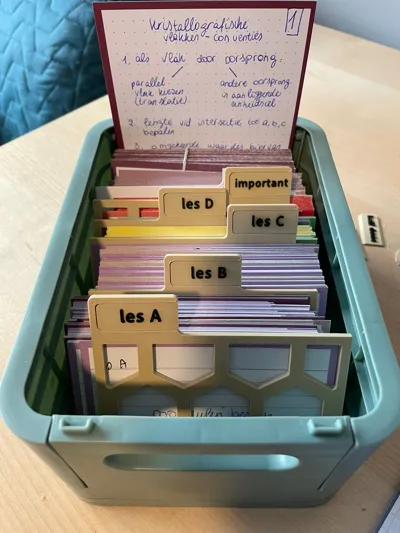
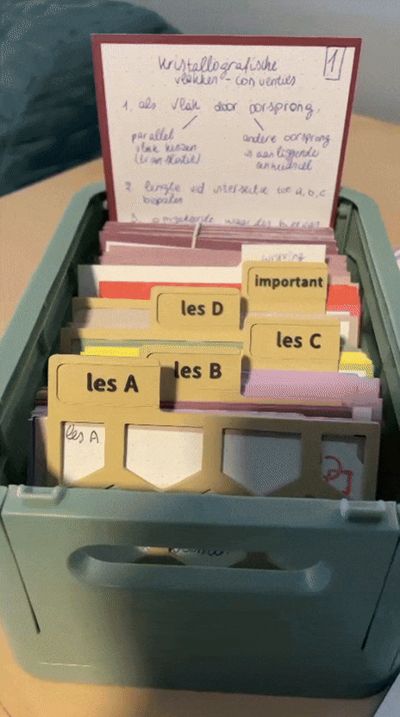
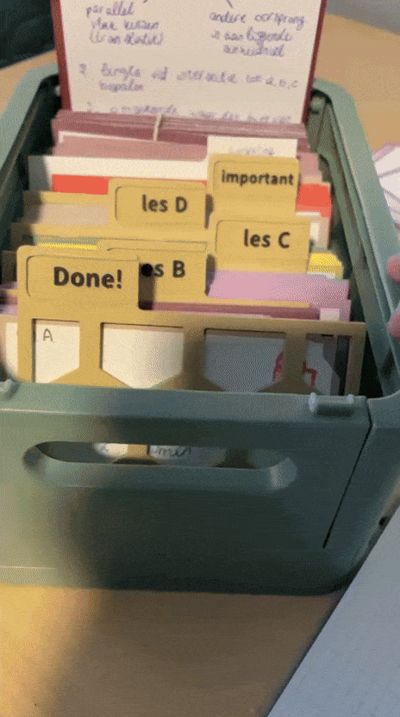
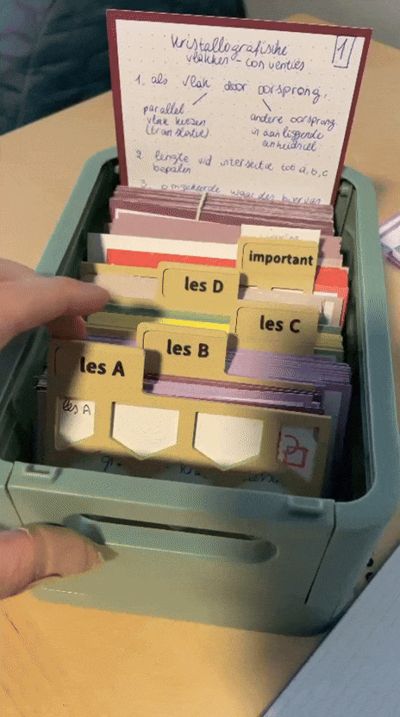
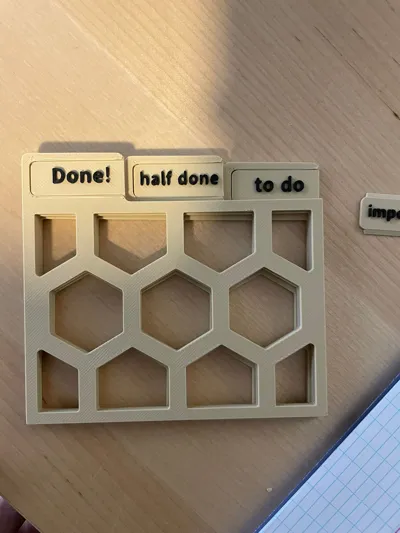
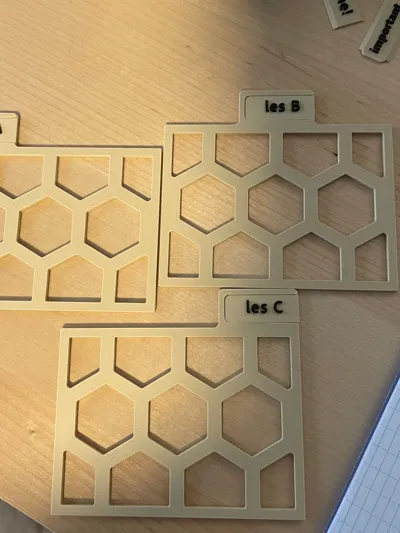
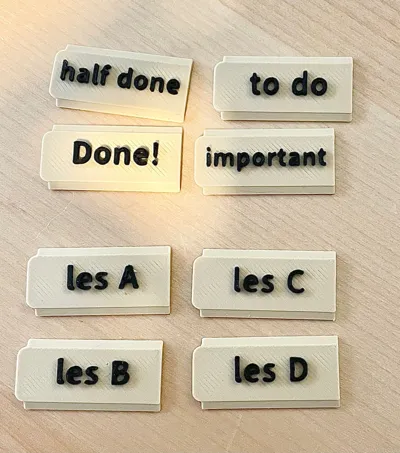
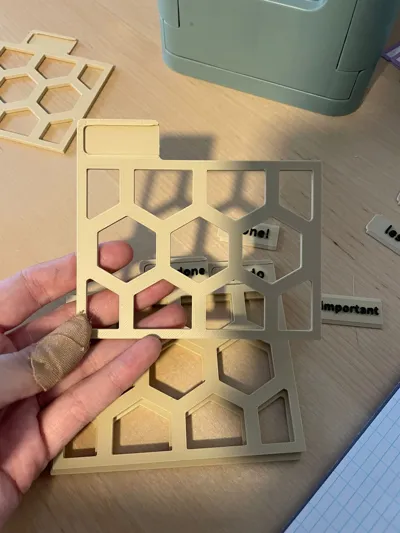
I designed the dividers so you can easily organize your chapters but also switch out the labels! The text on the inserts is easily customizable in BambuStudio.
Please let me know if you have any suggestions to improve the design!
Flashcard dividers
Types
| type | print time | filament | |
|---|---|---|---|
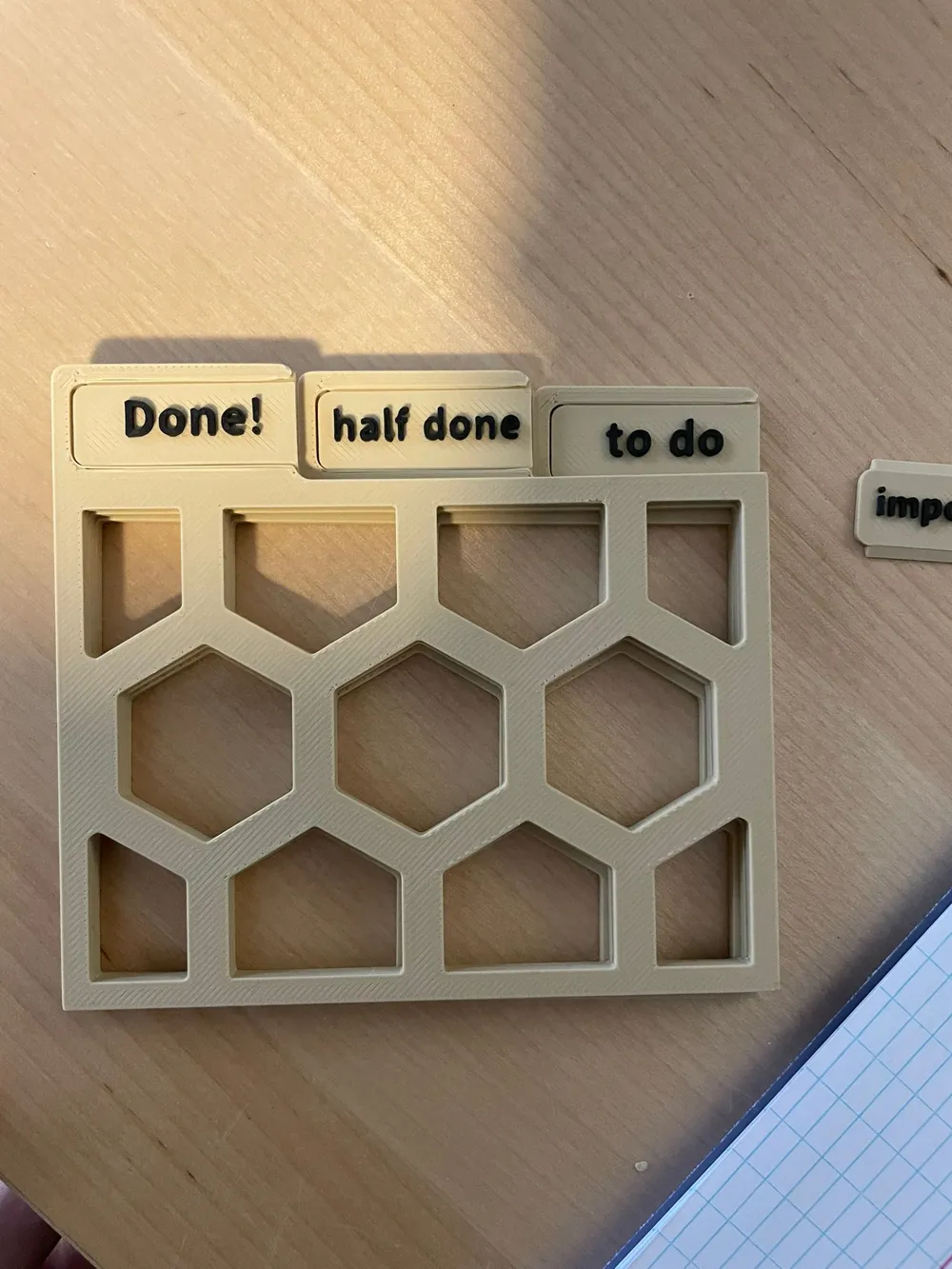
| hexagonal | 1h 5 min | 31.98 g |
|
| striped | 59 min | 37.42 g |
|
| full | 1h 18 min | 60.75 g |
|
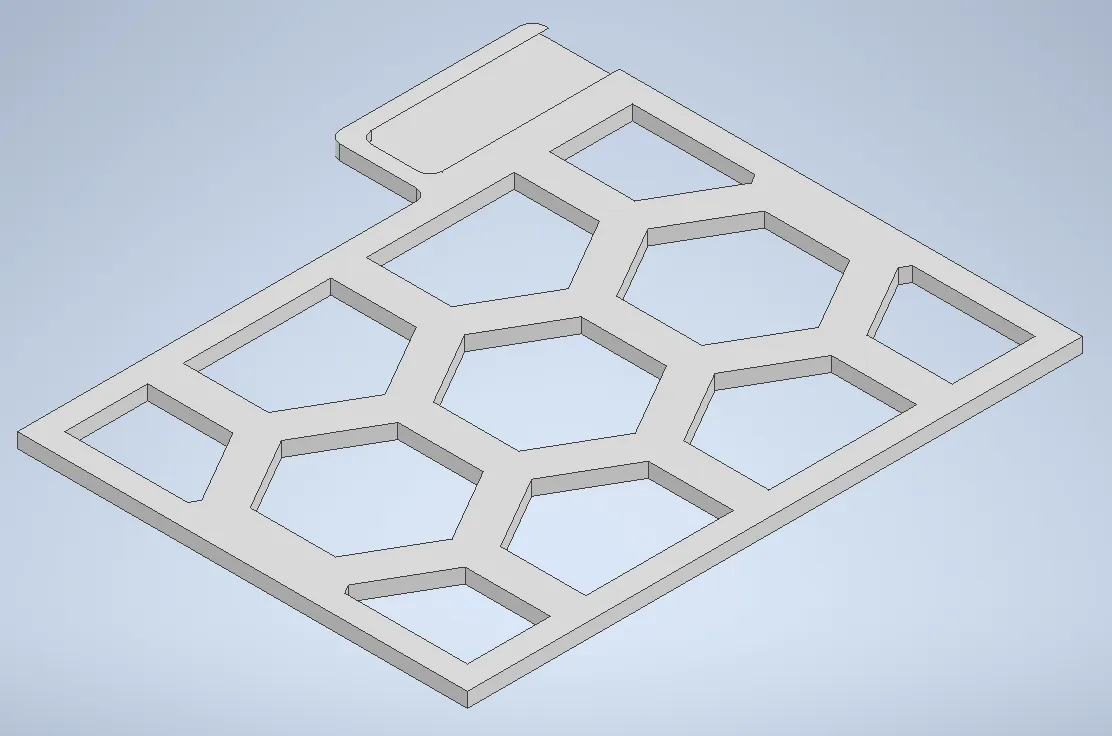
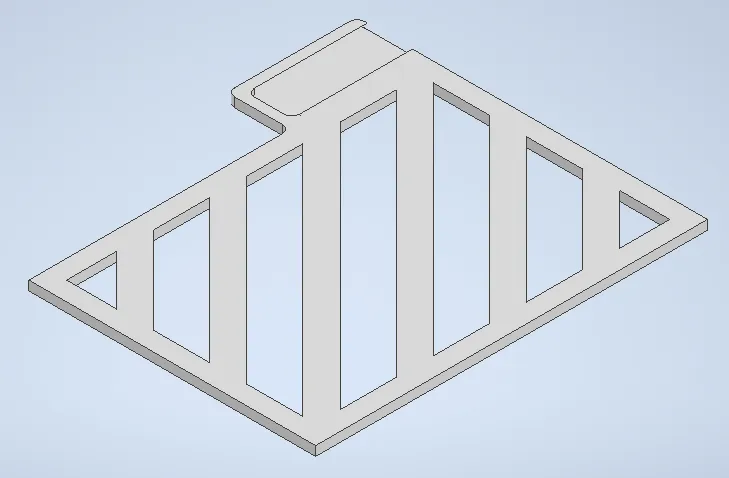
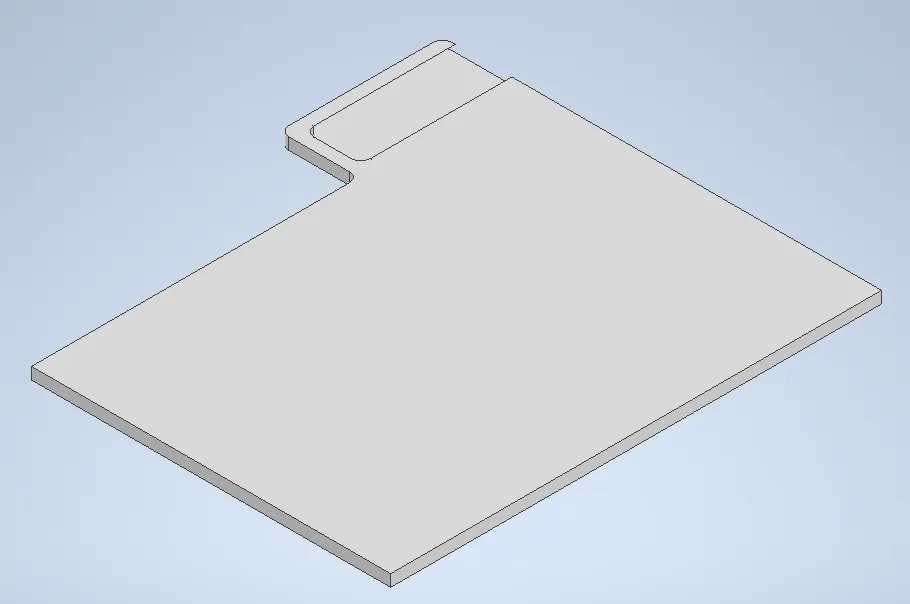
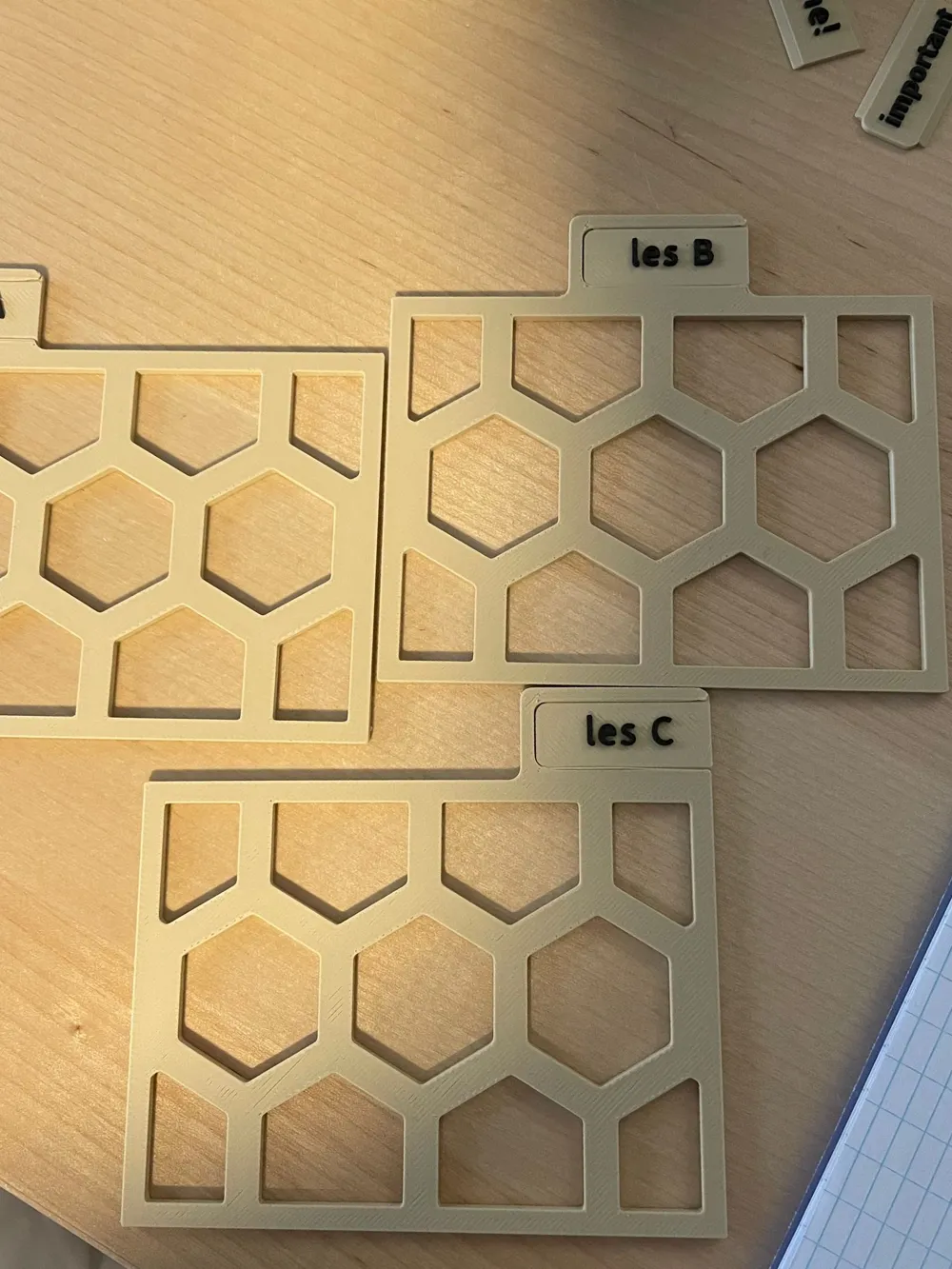
Hexagonal
This one uses the least amount of materials and it's the only one I printed which is why I don't have a print profile for any others yet
Striped
I decided to also design a striped version and added the files if you like this aesthetic better!
Full
I figured some people would like the aesthetic of a classic divider without any holes to save on material so I also included the files for a full version.
This one uses almost double the amount of material compared to the hexagonal one so I also don't have a real picture for this one.
How to print
I have not tested printing without support so please share your experiences!
support:
- normal
- snug
- uncheck “remove small overhangs” (because the support is only for small overhangs)
- I also modified the angle to 45 degrees
I recommend using brim ears around the corners of the dividers especially if the printing time is long or if you're printing many at the same time.
Inserts
How to customize
Open the user profile, you will see some inserts with text. Look through the object list and find the “text shape” object.
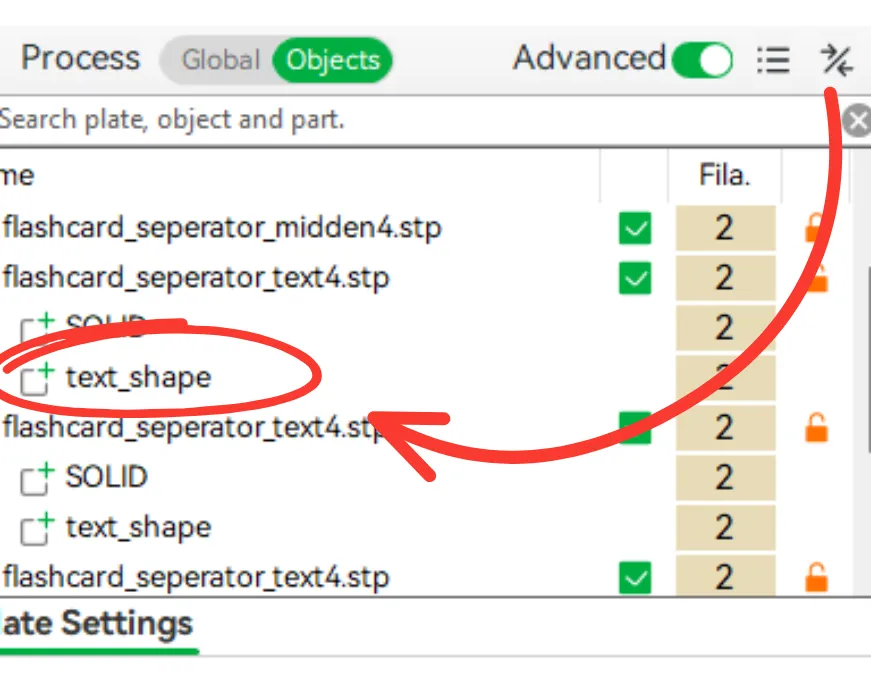
Right click there and choose the “edit text” option
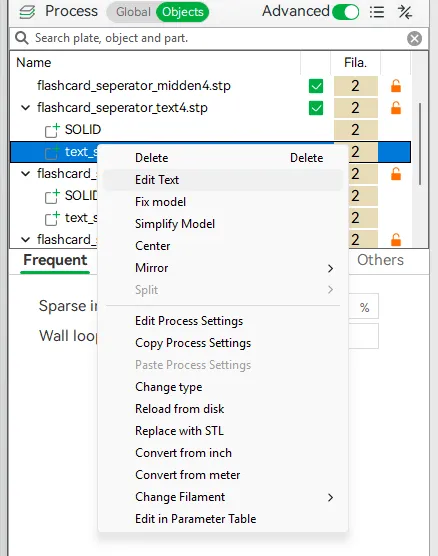
You will the see this window:
Here you can just edit the text or even change the font if you'd like
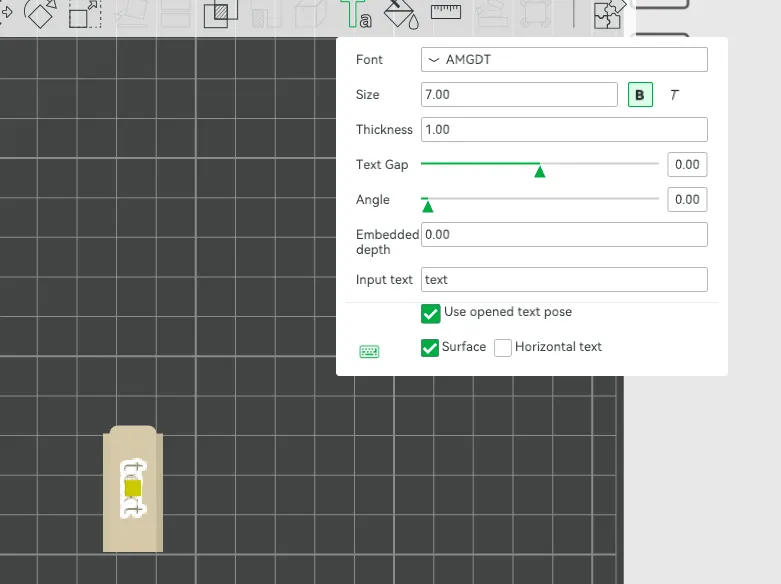
Enjoy customizing and organizing your flashcards!
License

You shall not share, sub-license, sell, rent, host, transfer, or distribute in any way the digital or 3D printed versions of this object, nor any other derivative work of this object in its digital or physical format (including - but not limited to - remixes of this object, and hosting on other digital platforms). The objects may not be used without permission in any way whatsoever in which you charge money, or collect fees.


Comment & Rating (2)