Search models, users, collections, and posts

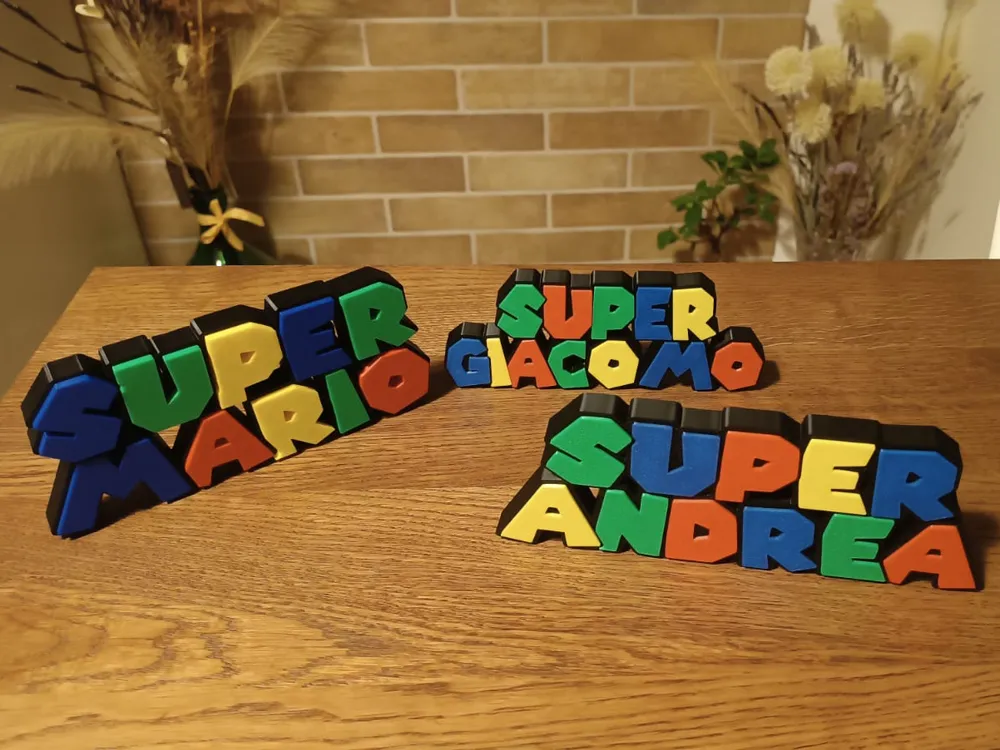
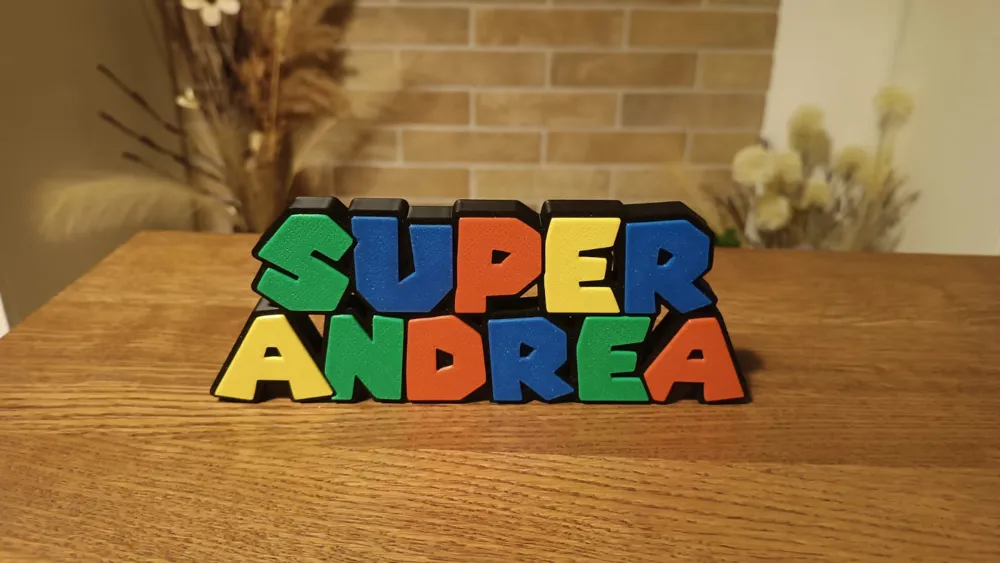
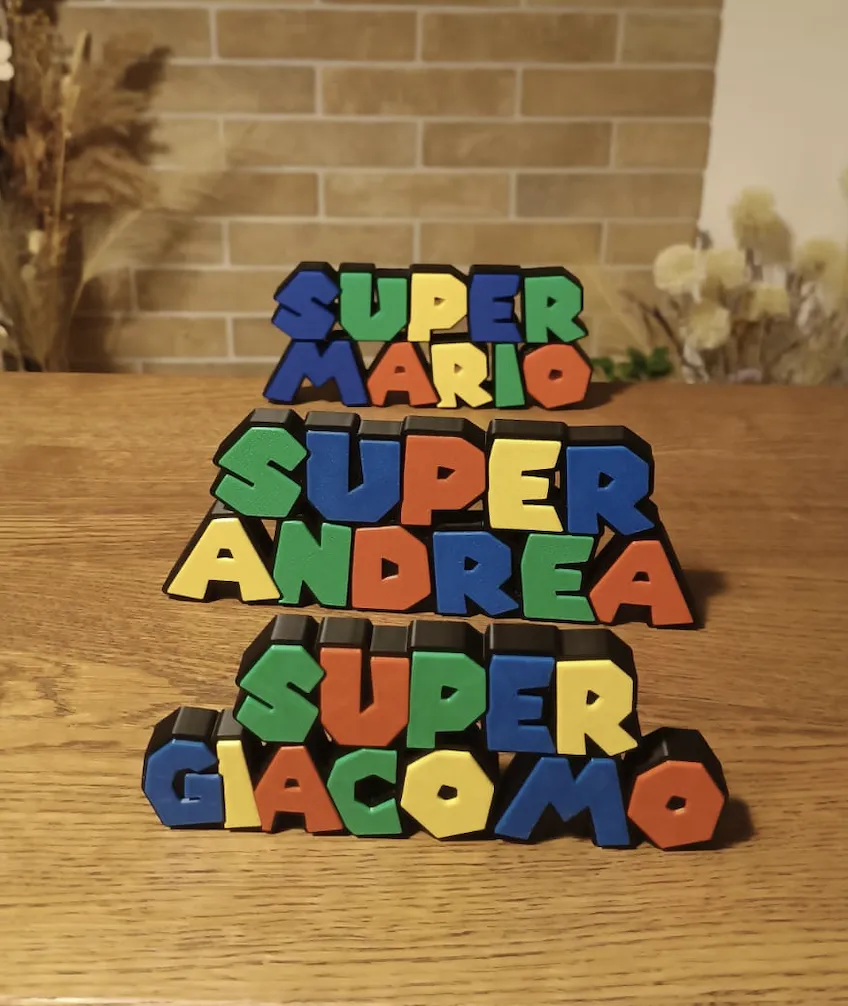
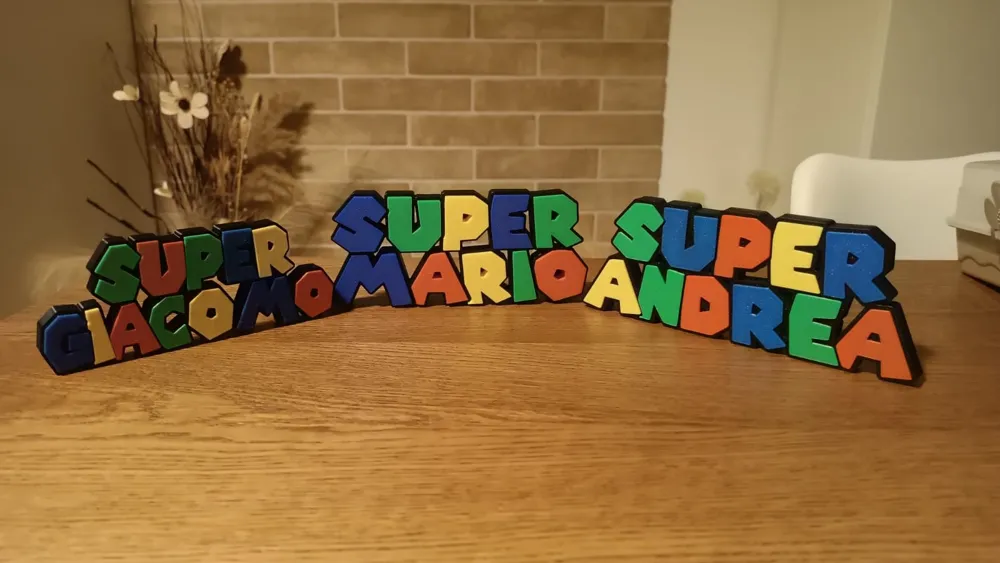
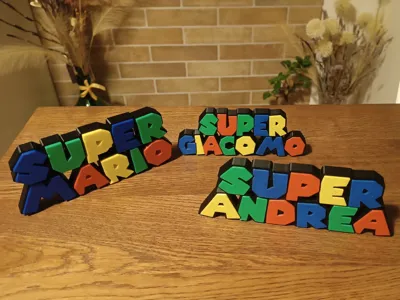
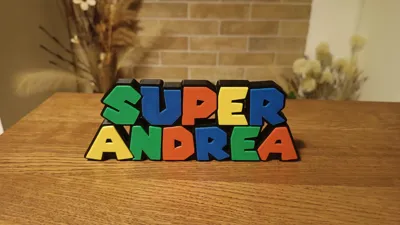
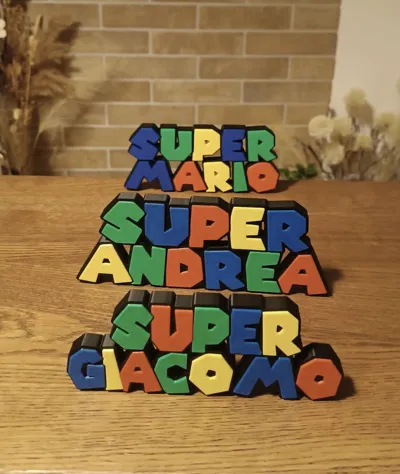
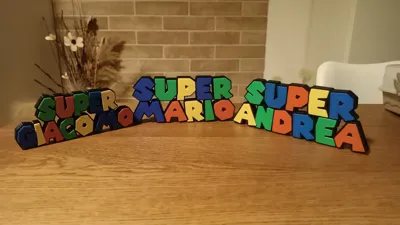
Super Mario Name Custom

IP Report
This model is created by Parametric Model Maker
Make Your Model

Print Profile(1)

All
A1
X1 Carbon
X1
P1S
X1E
H2D
P1P
H2D Pro
H2S
P2S
H2C
X2D
A2L

0.2mm layer, 2 walls, 15% infill
Designer
1.9 h
1 plate
5.0(4)

Open in Bambu Studio
Boost
2048
5197
73
115
3.3 k
997
Released 

Description

Membership

Want to sell prints of my models? Get a Commercial License and obtain the right to legally sell physical prints of my designs. Your support helps me continue creating high-quality models and releasing new designs.

Join

Boost Me (for free)

Want more custom projects? Click here and leave a comment or send me a private message.

                                   How to personalize your name – a complete step-by-step guide.         Required (AMS)


Don’t forget to take out the black filament when the letter colors start changing. Insert blue instead to get a 5-color result.
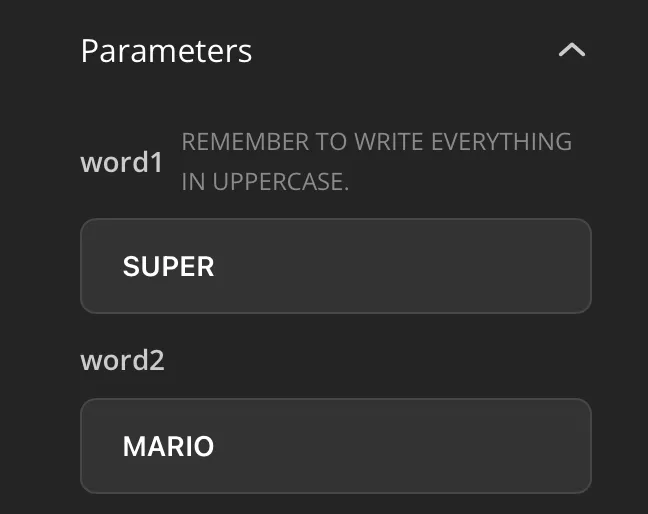


               Type the name you want, and remember to enter it in uppercase letters.
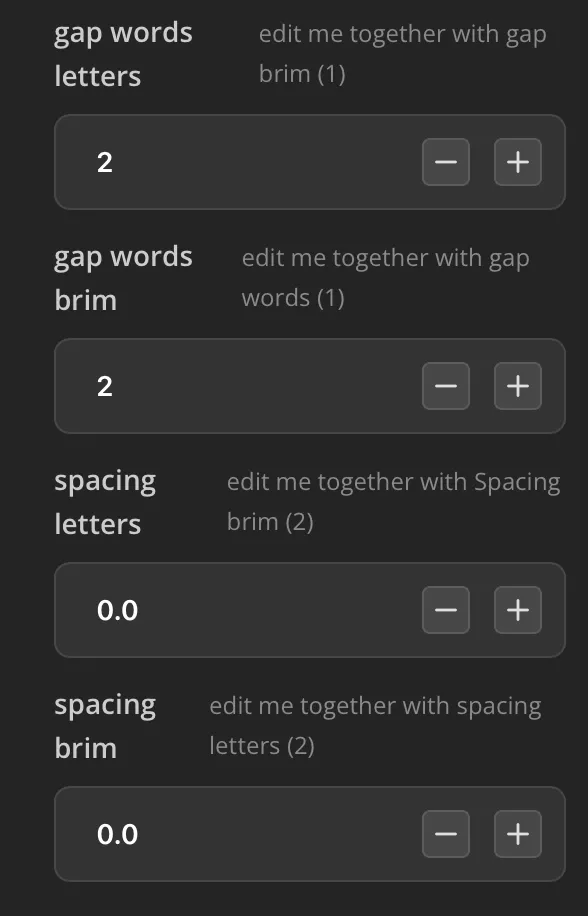


.     Adjust these parameters only if the letters are too far apart; otherwise, leave them as they are.
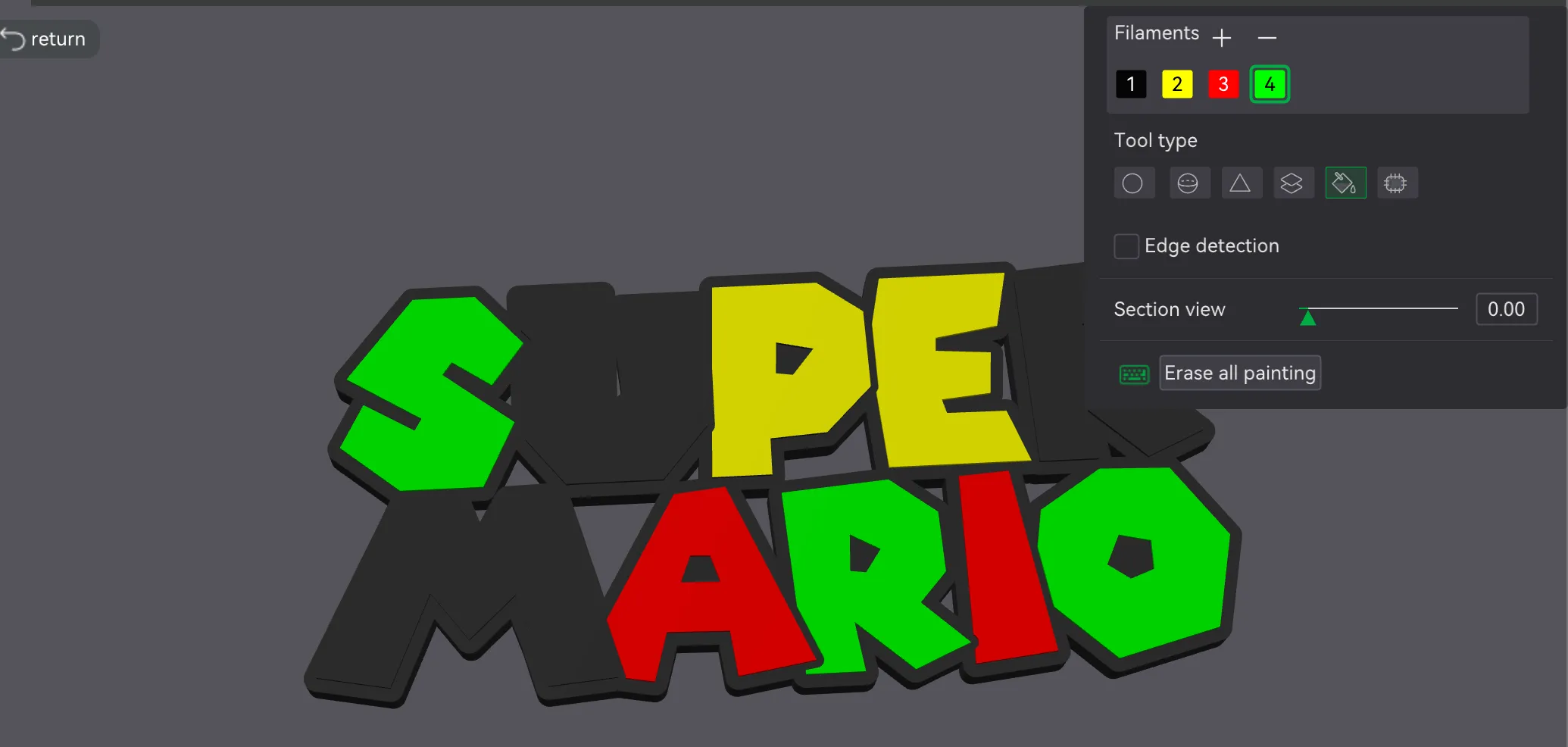


Set 4 colors on your AMS: Black, Yellow, Green, and Red. The blue filament will be manually replaced in the AMS when the printer starts the first color change.You need to color the entire body of the letter by deselecting the "edge detection" option.
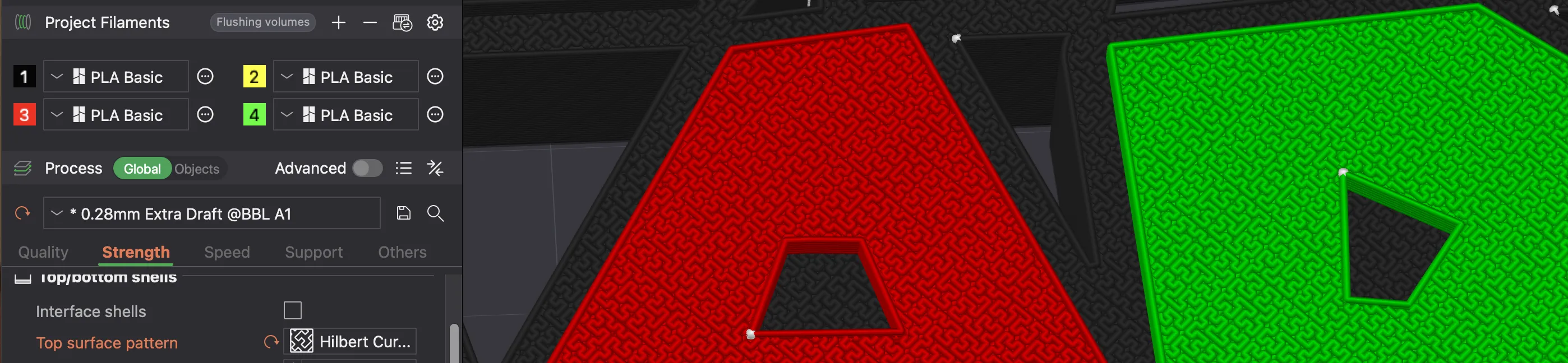


Set the top surface with this pattern (definitely the best one I’ve tried)
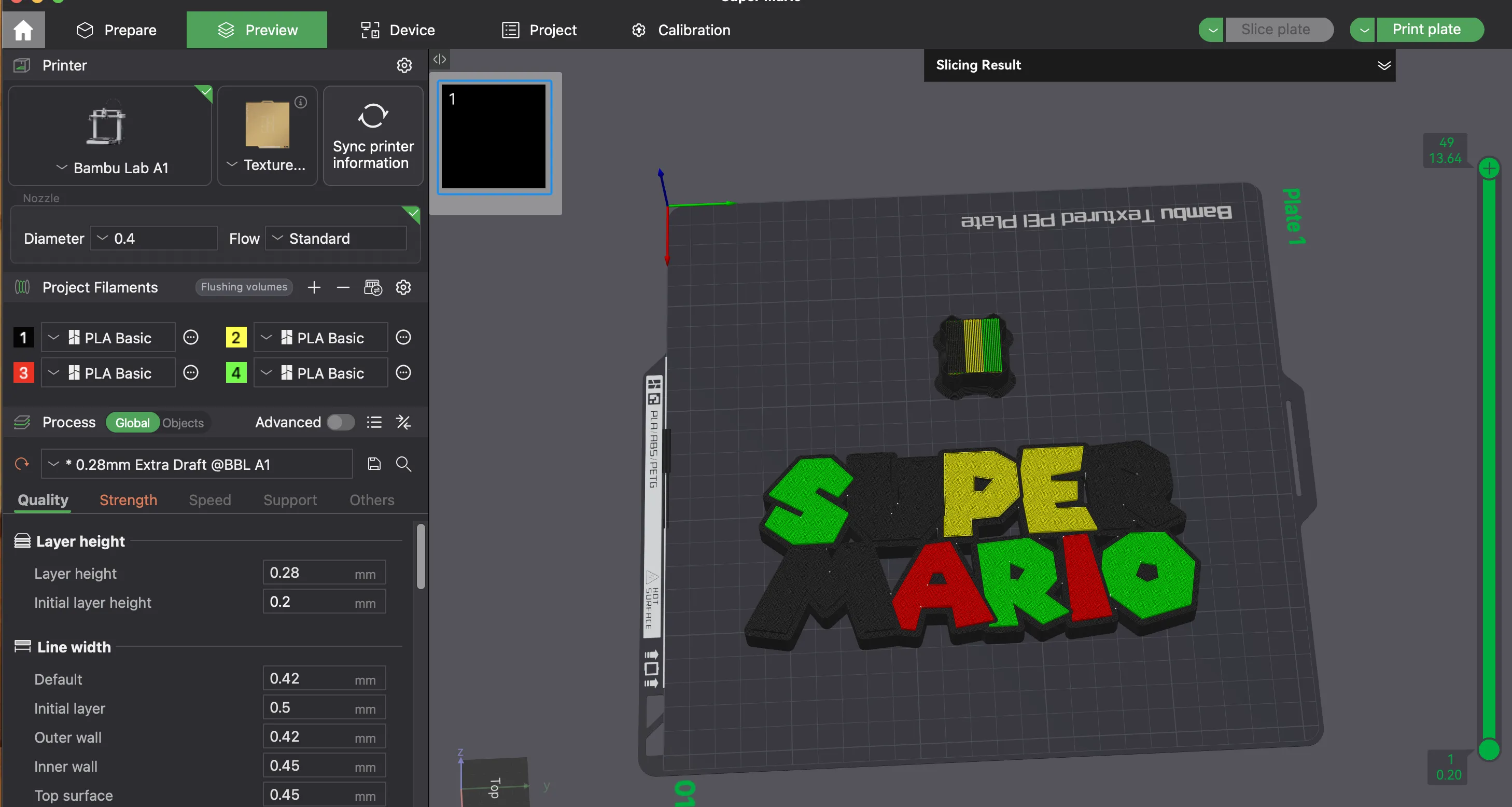


Now you're ready to print!


Don’t forget to take out the black filament when the letter colors start changing. Insert blue instead to get a 5-color result.
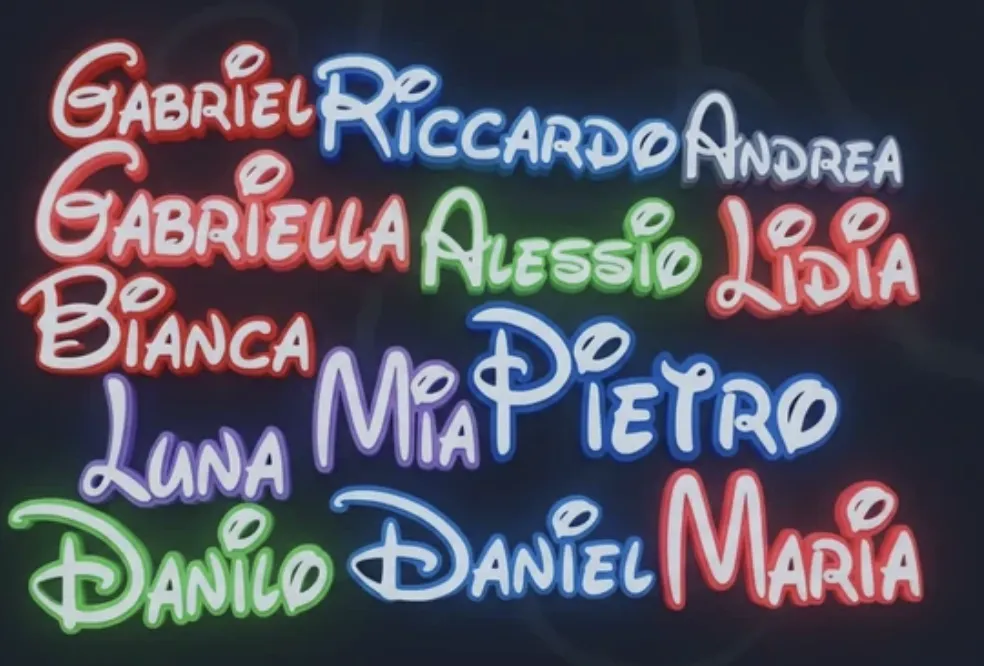


  Discover the Disney Collection.

👉🏻https://makerworld.com/it/collections/6072398-decorative-disney-names
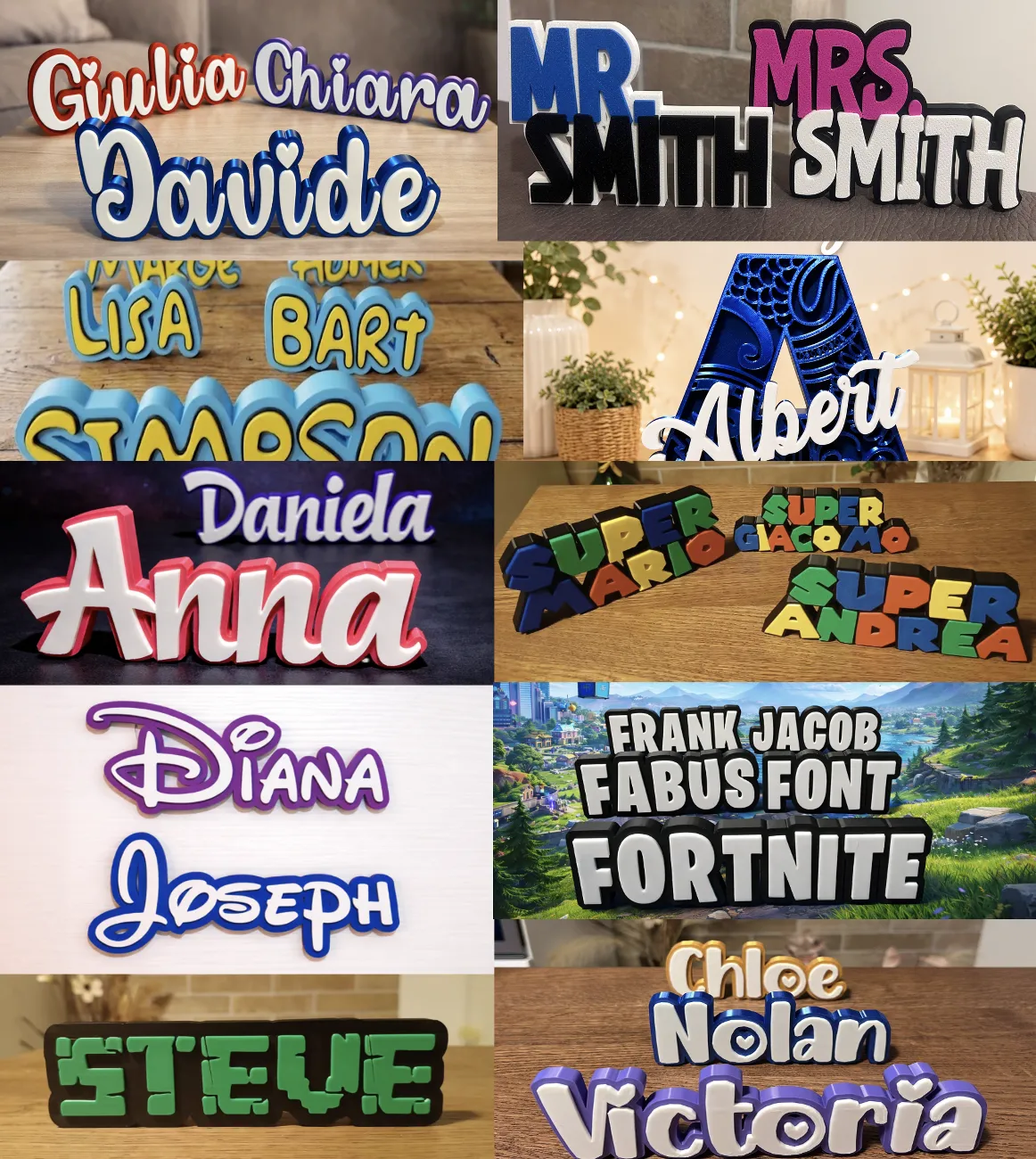


Discover Customizable Projects.

👉🏻https://makerworld.com/it/collections/9227228-decorative-name-fonts

Comment & Rating (73)

(0/1000)

Pinned by Designer
I inverted the design and flipped to face down the plate to have a better finish. I separated the color layers from the black layer and did both face down to have a better finish.
The designer has replied
designer
3
Reply
did you print face down and the black part without supports?
0
Reply
Replying to @MakeronFabus :
Hi MakeronFabus, I did a mini tutorial of what I did for anyone interested.
designer
2
Reply
Boosted
You created me one for my son & it came out great so you deserve a boost!
The designer has replied
5
Reply
Thanks, it turned out beautiful.
0
Reply
How can I add colors to the project? It's only generating a single color
The designer has replied
Show original
0
Reply
Hi! To color the letters, just use the command on Bambu Studio. The bodies can be colored because they are separate from the rest of the piece. If you have any problems, read the description. If you don't manage it, let me know where you're having trouble.
0
Reply
I also didn't know how to add colors
Show original
0
Reply
Replying to @chentewii :
Great design and thanks for sharing. I'm also struggling to add colours? The customisation export is in a single colour. Is that correct? How do you add colours afterwards? I'm using Bambu A1 with AMS. Thank you!
0
Reply
Beautiful text ..Thank you... I was missing some colors so I decided to use white so I could color it .. 😄😄😄
(Edited)
Show original
2
Reply
Hello, I'm from Brazil. Is there any way to enable or add accent marks?
The designer has replied
0
Reply
if you want a quick response i recommend messaging them on makerworld
0
Reply
For now, it's not possible, but I'll work on it!
1
Reply
Boosted
amazing print! checked in on it at layer 60 to do the filament swap. worked out perfect! thanks!
1
Reply
Awesome!
1
Reply
Can you explain the changing filament step? I never did that mid print Do you mean you have to watch the printer selecting a color and then pause the print? and then quickly just pull out the black filament and put in blue? Do i need to pause the print?
The designer has replied
4
Reply
you need one ams for this project, read the description please
0
Reply
This print turned out WAY better than expected Smooth layers, perfect sizing, zero issues. We added magnets to the back and it instantly became fridge-worthy. You can tell real effort went into this design—definitely printing more from you!
0
Reply
Great print, but for some reason it printed a blue border around all the letters. I swapped blue in for black after it started printing other colors, but when it went to start printing the blue letters (still black in Bambu Studio), it first did an entire layer of blue border, then directly into the first blue letter. Not sure what I did wrong, but there wasn't even a pause after the blue outline before it went to the blue letters, so I couldn't have done a color swap.
The designer has replied
3
Reply
The error you encountered started when you colored the letters using Bambu Studio. You need to color the entire body of the letter by deselecting the "edge detection" option.
2
Reply
I am still very new to this. All I do is go to models. Find something I like click on it and print. How do I use Studio? I don’t know how to customize anything but I have so many ideas I want to learn.
1
Reply
Boosted
don’t open it in studio. open it on makerworld website, and next to the download in the project page you’ll see a button that says customize. from there you’ll see a screen that resembles the instructions in the profile
0
Reply
Replying to @Andy_G :
Thanks bro. I appreciate your help. I really do between you and YouTube. I should be able to get it. 😶‍🌫️👍
0
Reply

License

If you want to use this model commercially, please join my membership.
Join Now
This user content is licensed under a Standard Digital File License.

You shall not share, sub-license, sell, rent, host, transfer, or distribute in any way the digital or 3D printed versions of this object, nor any other derivative work of this object in its digital or physical format (including - but not limited to - remixes of this object, and hosting on other digital platforms). The objects may not be used without permission in any way whatsoever in which you charge money, or collect fees.
