
Sliding Puzzle Tower V2
Print Profile(2)


Description
People really seem to like my previous Sliding puzzle tower so I decided to make another one.

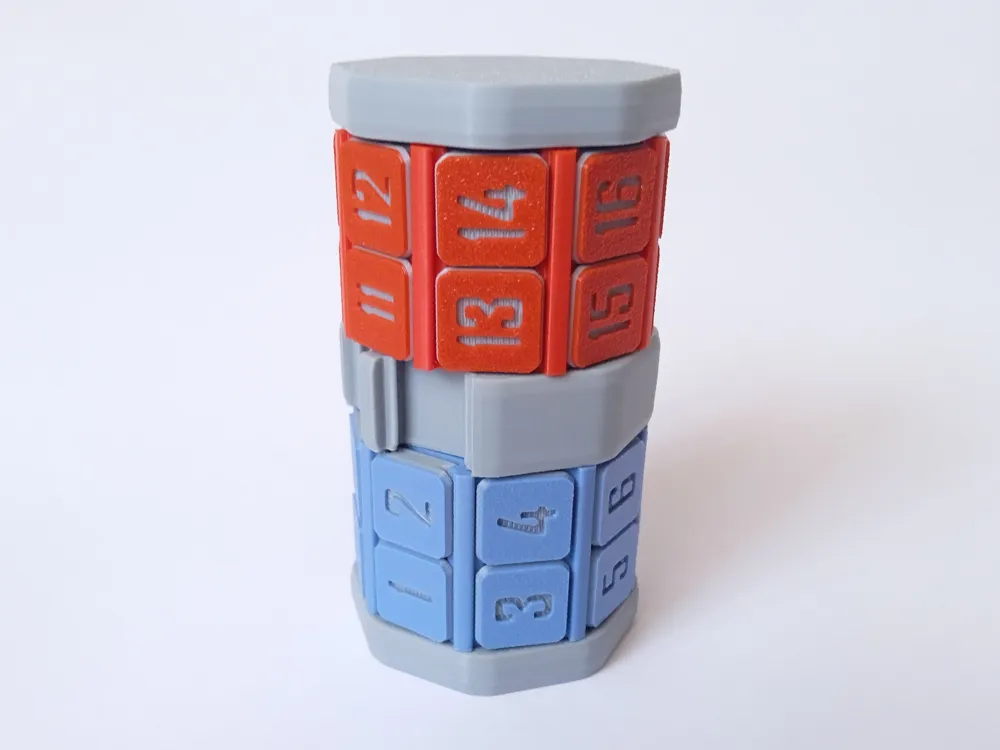
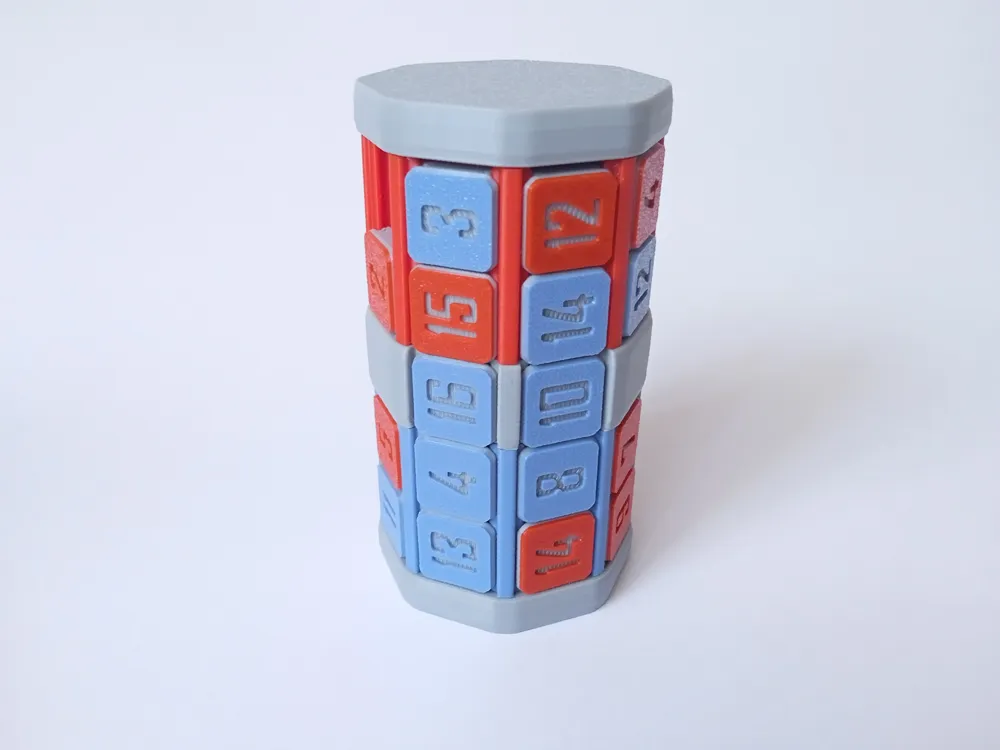
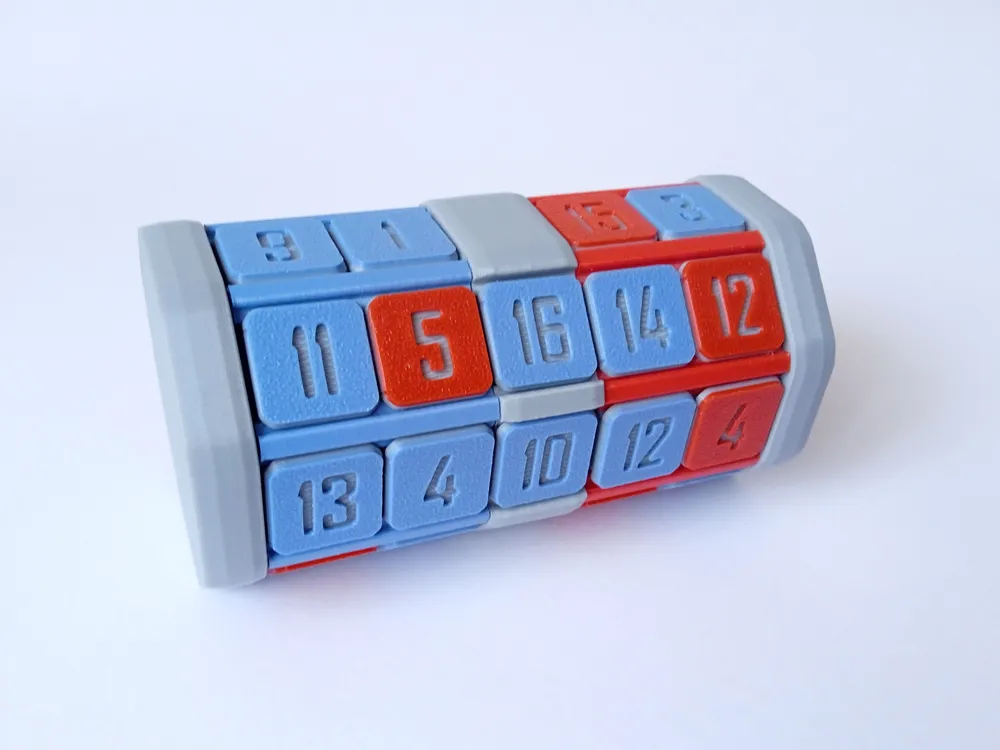
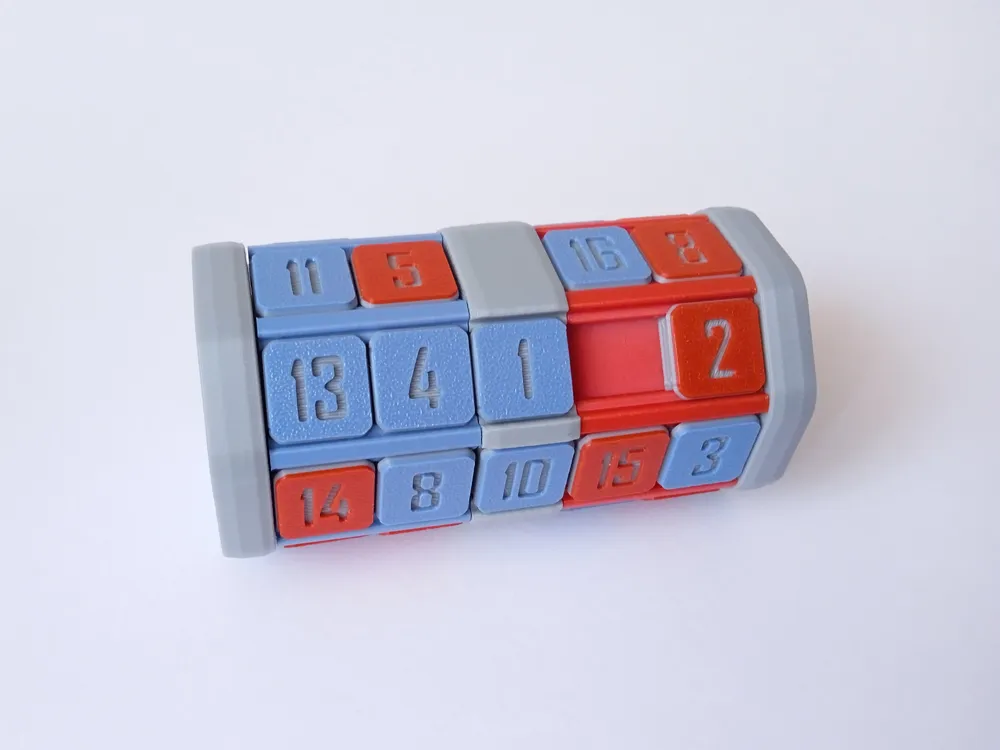
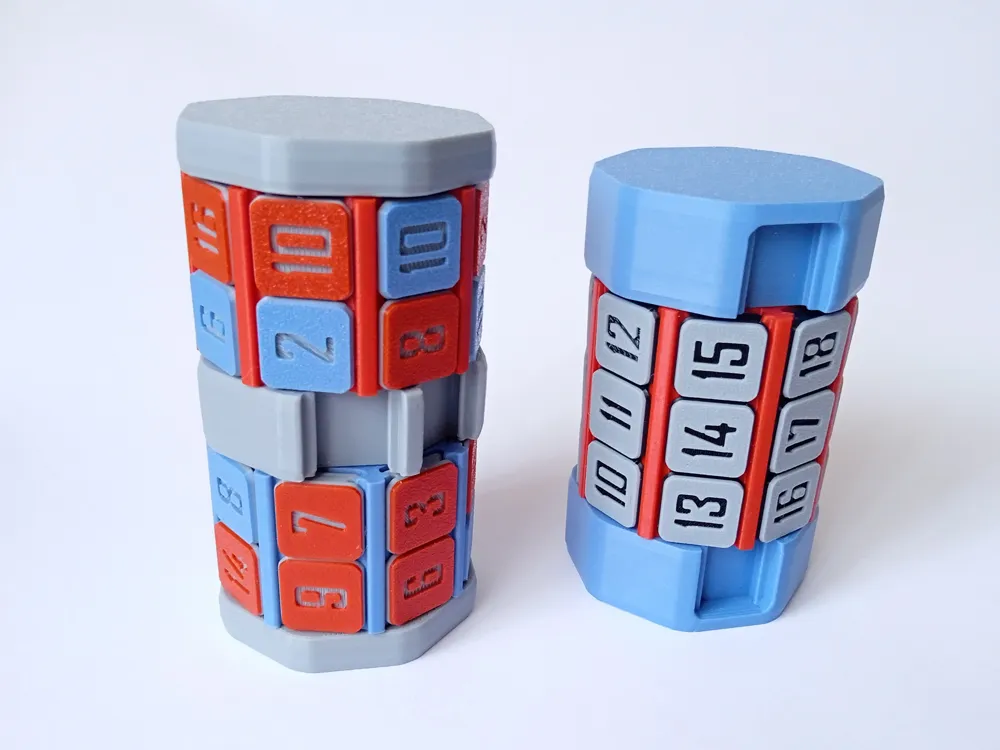
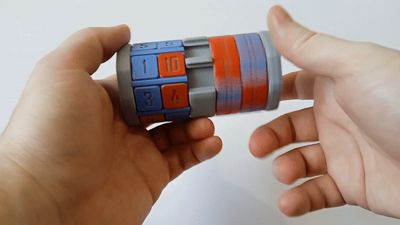
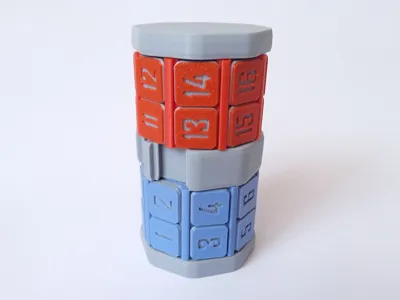
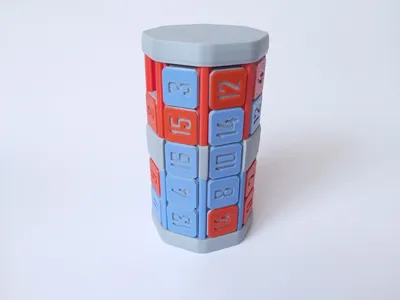
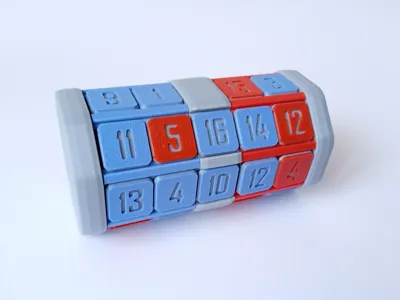
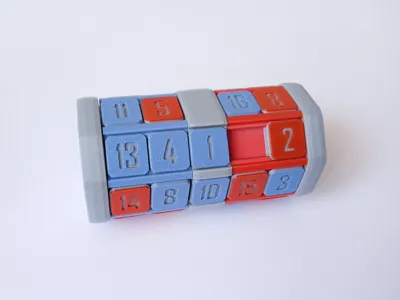
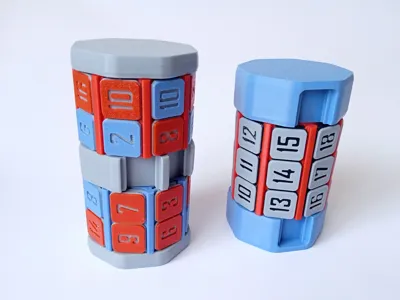
This puzzle consists of 2 cylinders with 16 tiles on each cylinder. Cylinders are free to rotate and tiles can be moved left-right. Two openings on the center ring allow you move tiles from one cylinder to another and to mix or solve the puzzle. Tiles and cylinders have matching colors.
Goal of the puzzle is to arrange the tiles in the correct order on the correct cylinder. However this is not the only way you can arrange the tiles. For example you can make the checkered pattern by alternating the tile colors. Or you can place all even numbers on one cylinder and all odd numbers on the other.
Because the cylinders on this puzzle have only 2 rows of tiles, it is easier to swap positions of 2 tiles and therefore this puzzle is not quite as challenging as the last one. However you do have to deal with more tiles and they need to be placed on the matching cylinder. Also you have more ways you can arrange the tiles.
Boost Me (for free)
If you like the model.
Printing instructions:
All parts of the puzzle are 100% 3d printed without any supports and you don't require glue or any additional tools for assembly.
I've included different plates for the tiles: 2 color AMS, single color, and 2 color with manual filament swap. You only have to print one of these plates for each tile set. If you're printing 2 color version with manual filament swap, print will pause at 5th layer where you have to swap filament to the second color.
Assembly instructions:
Assembly is fairly simple and straightforward.
Start by inserting the inner cylinder into the center ring. Pay attention to the part orientation, 3 guides are not equally spaced. There is only one way the parts will fit correctly. Press down until parts snap into place.
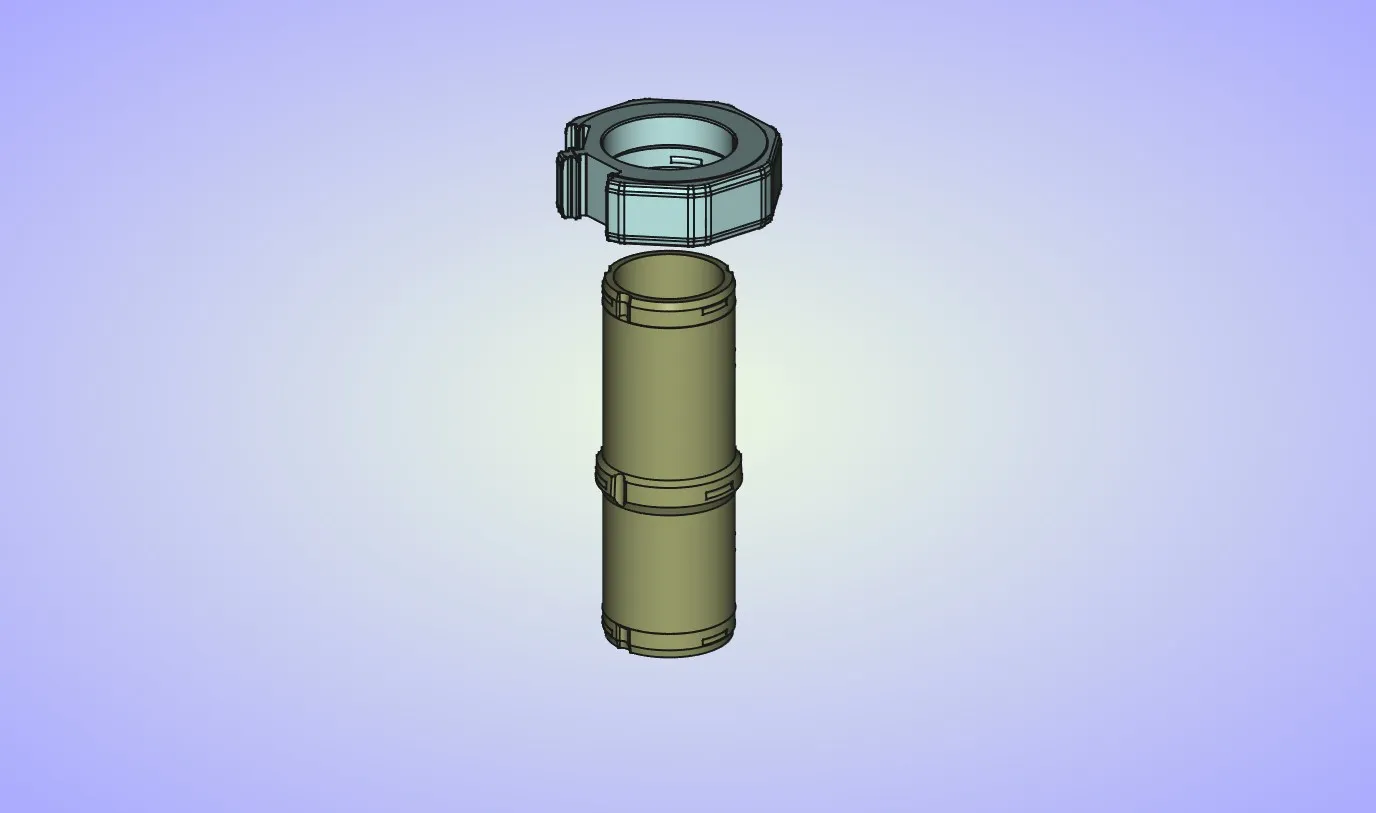
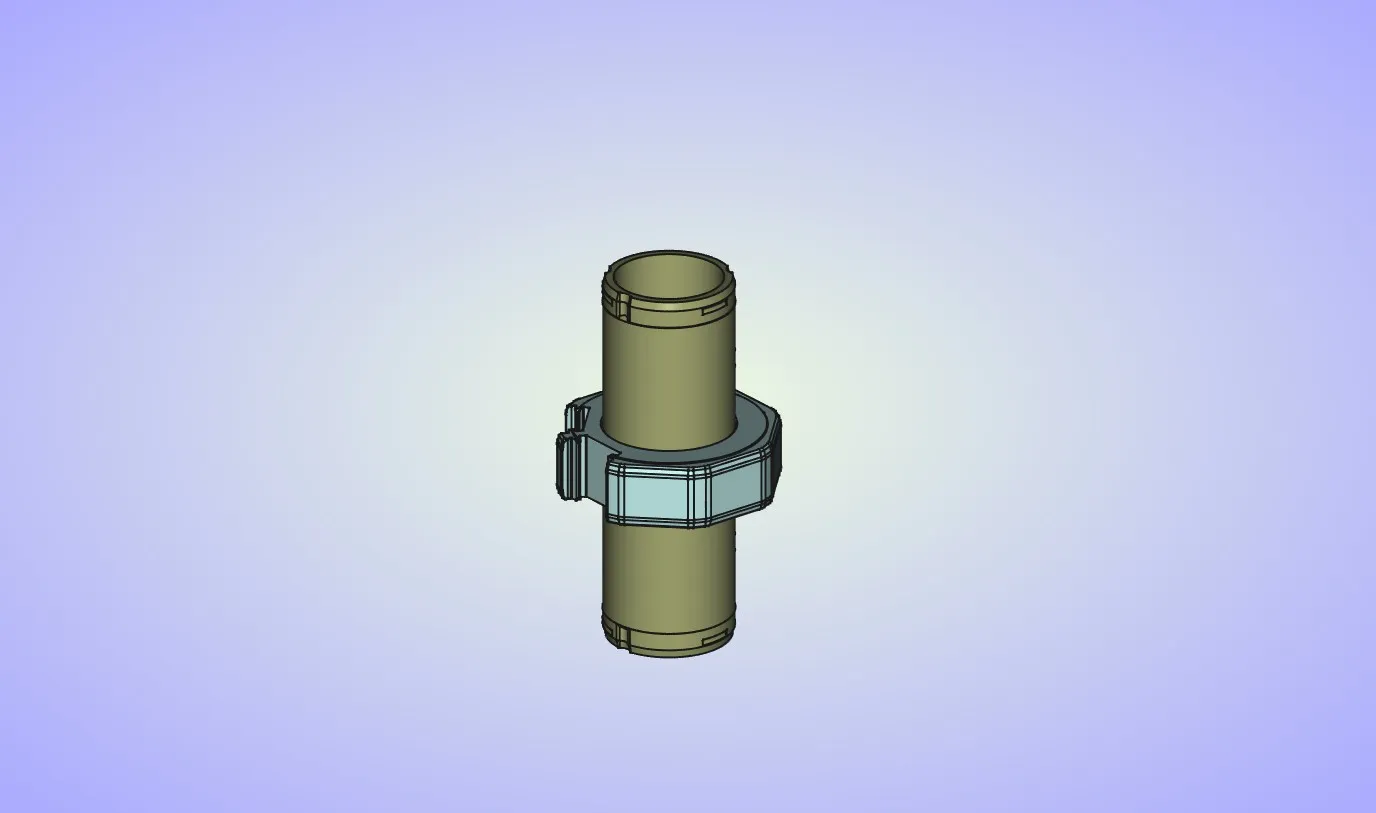
This step is optional. If you want the lower cylinder to spin freely you can skip it. If you want it to index in 8 positions you can install the spring into the lower side opening in the inner cylinder.
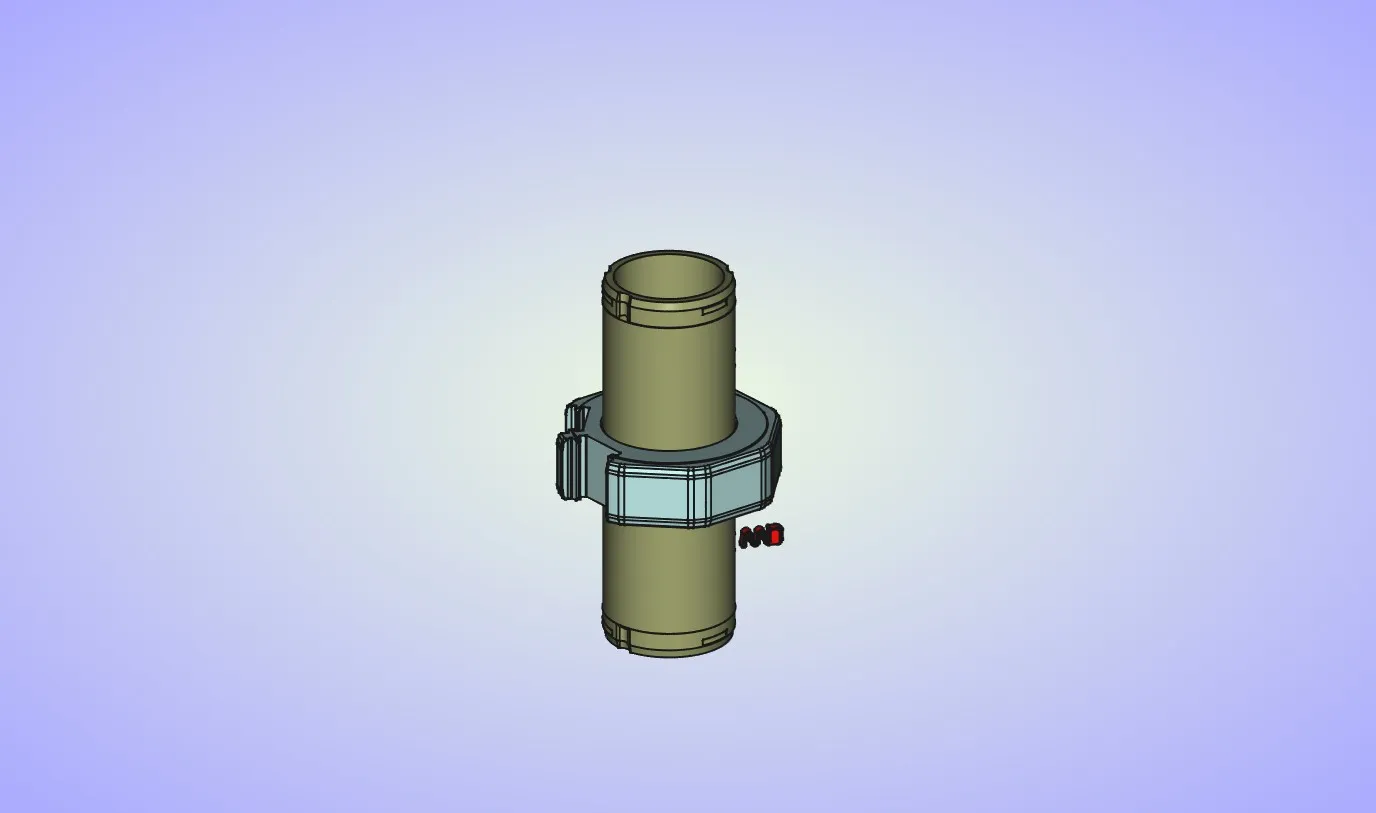
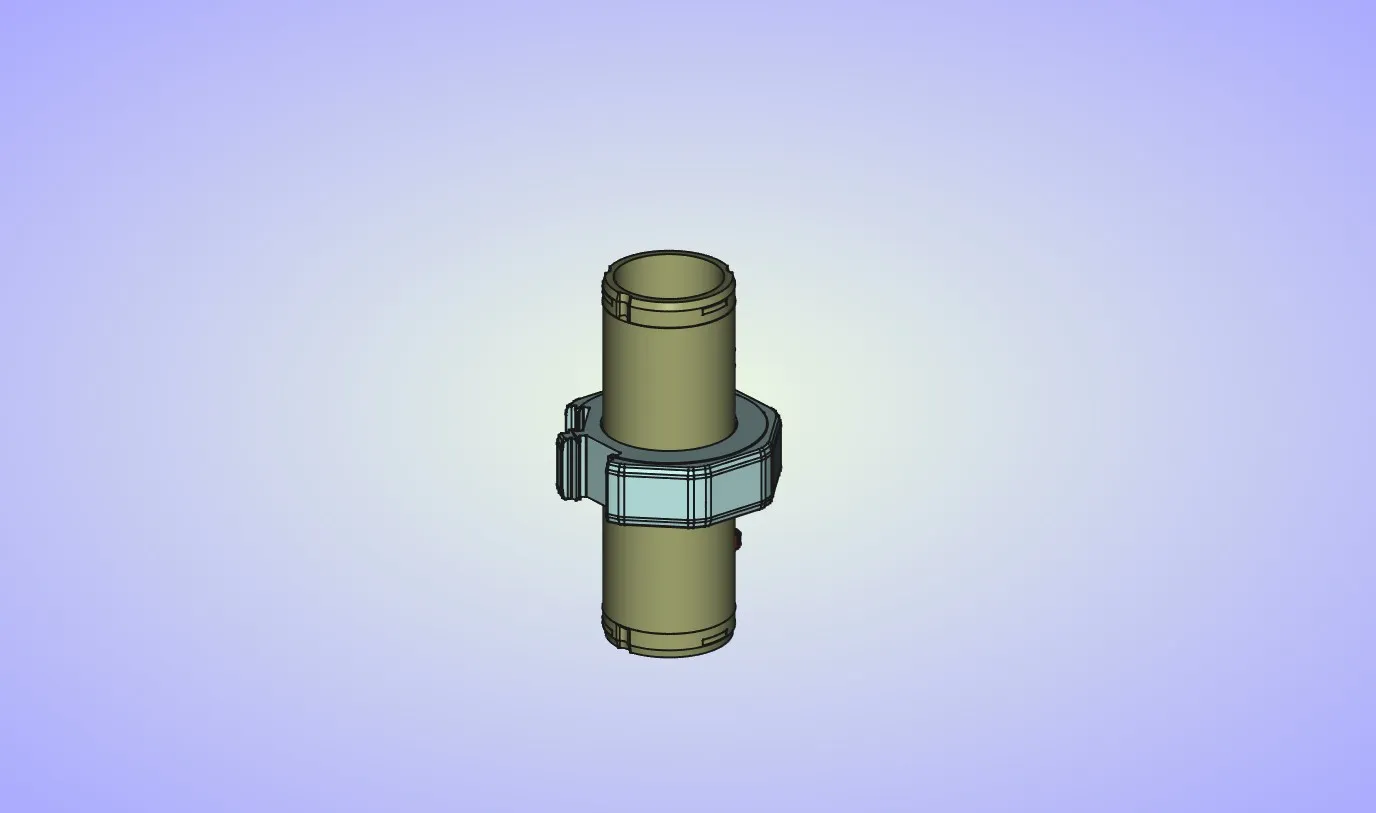
Install the lower cylinder into the inner cylinder. Make sure you don't mix up the lower and upper cylinder. Lower cylinder will have small spacer on its top surface. Upper cylinder doesn't have this feature. Also make sure that the spacer on the cylinder is pointed towards the center ring.
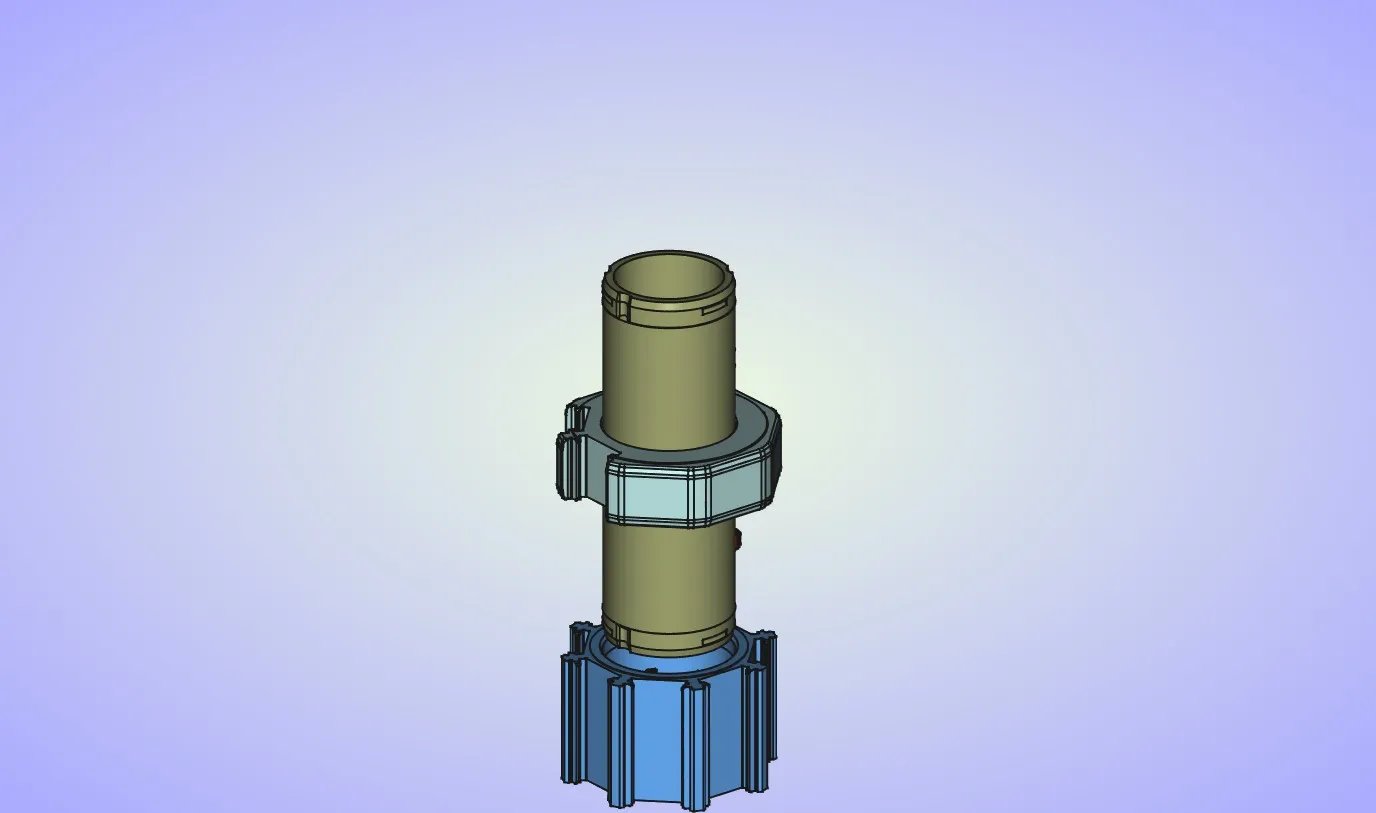
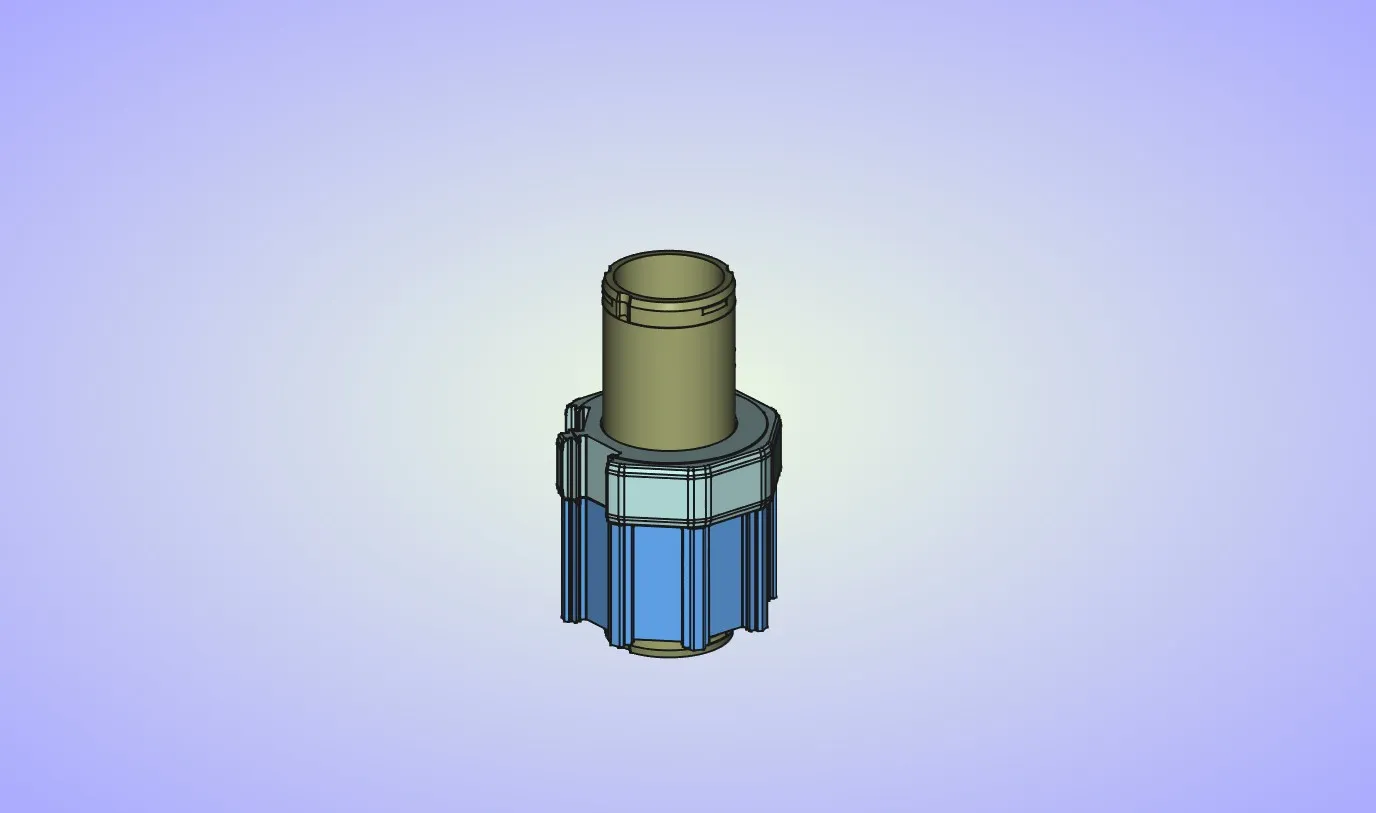
Install the bottom endcap. Pay attention to the part orientation, 3 guides are not equally spaced. There is only one way the parts will fit correctly. Press down until parts snap into place.
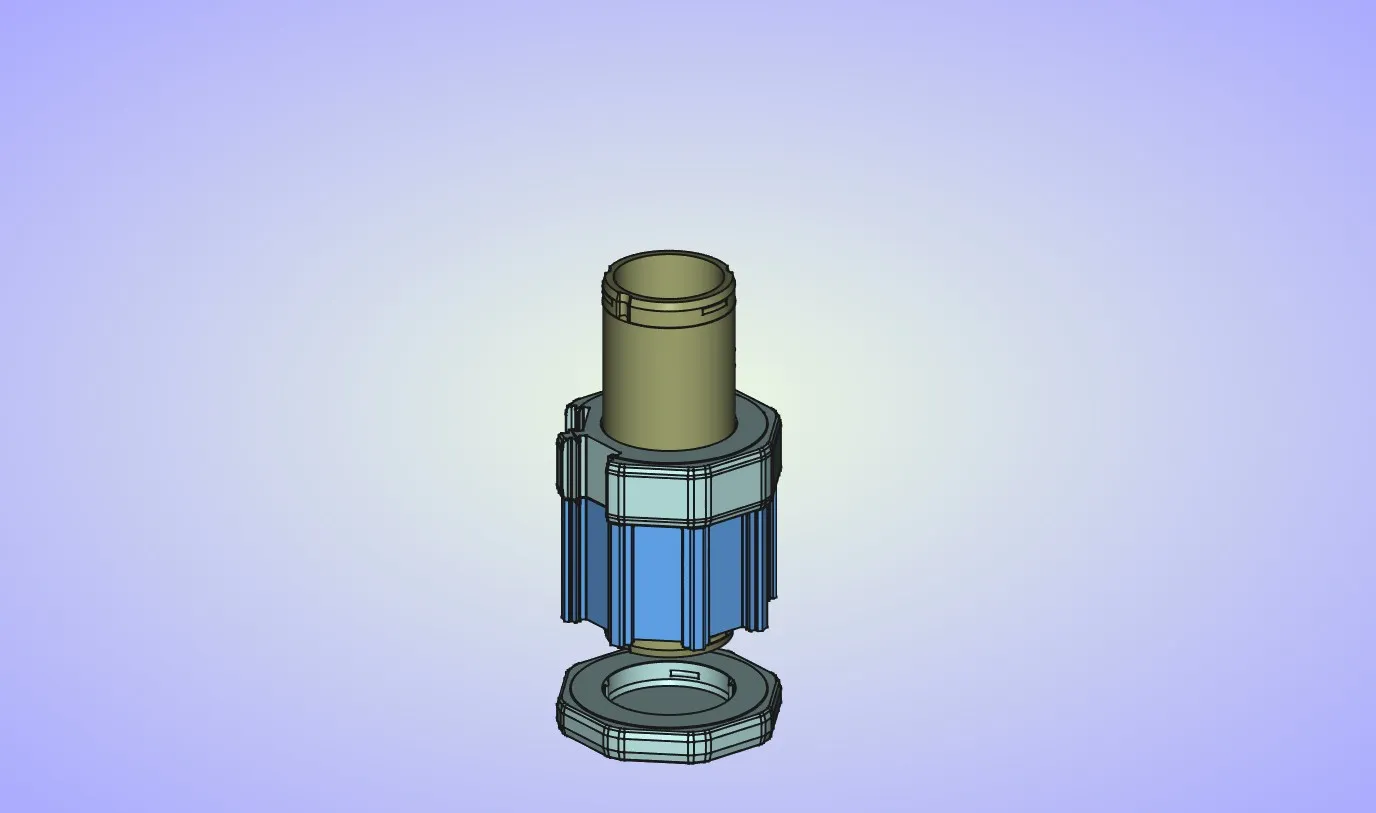
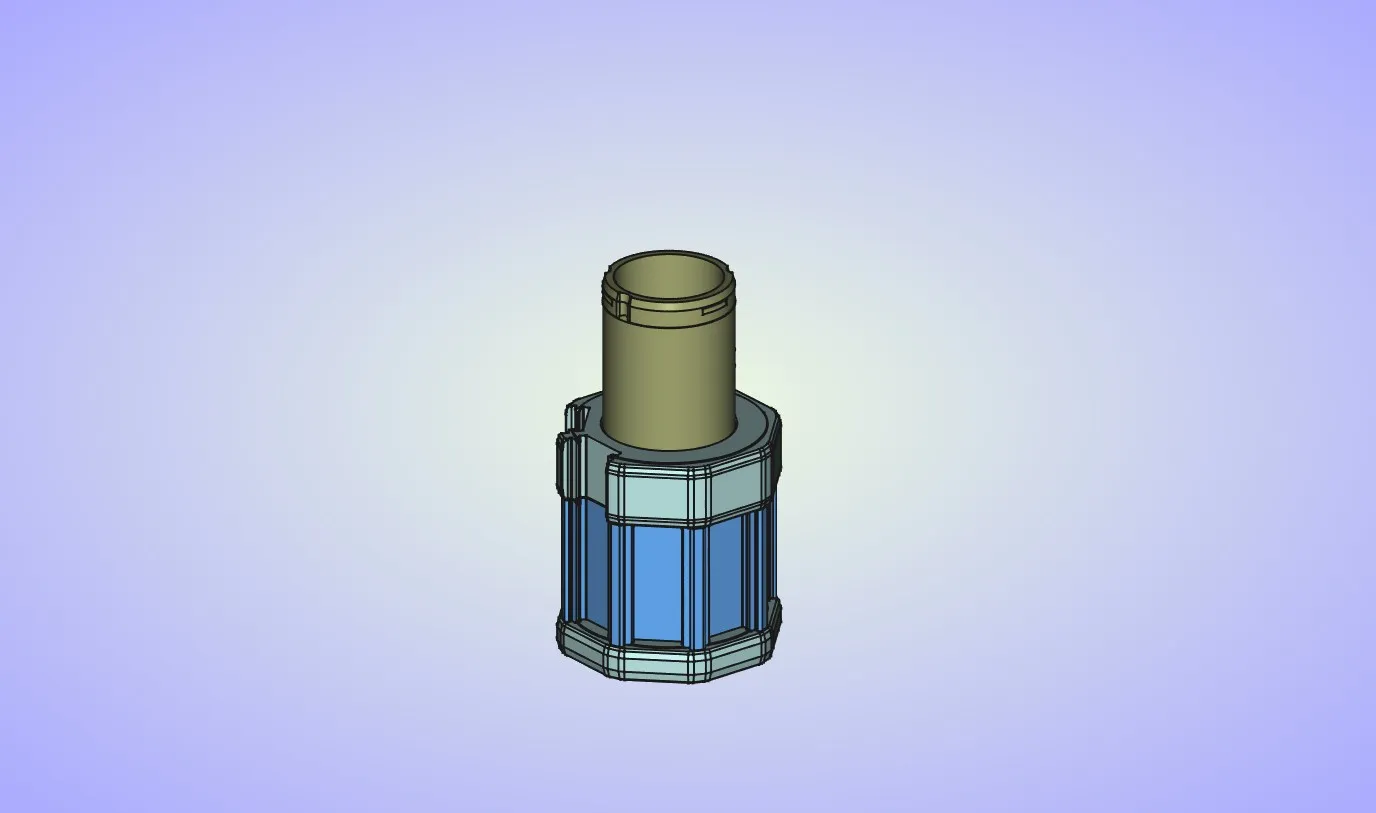
Place the tiles on the lower cylinder. You can use 2 openings on the center ring to place them.
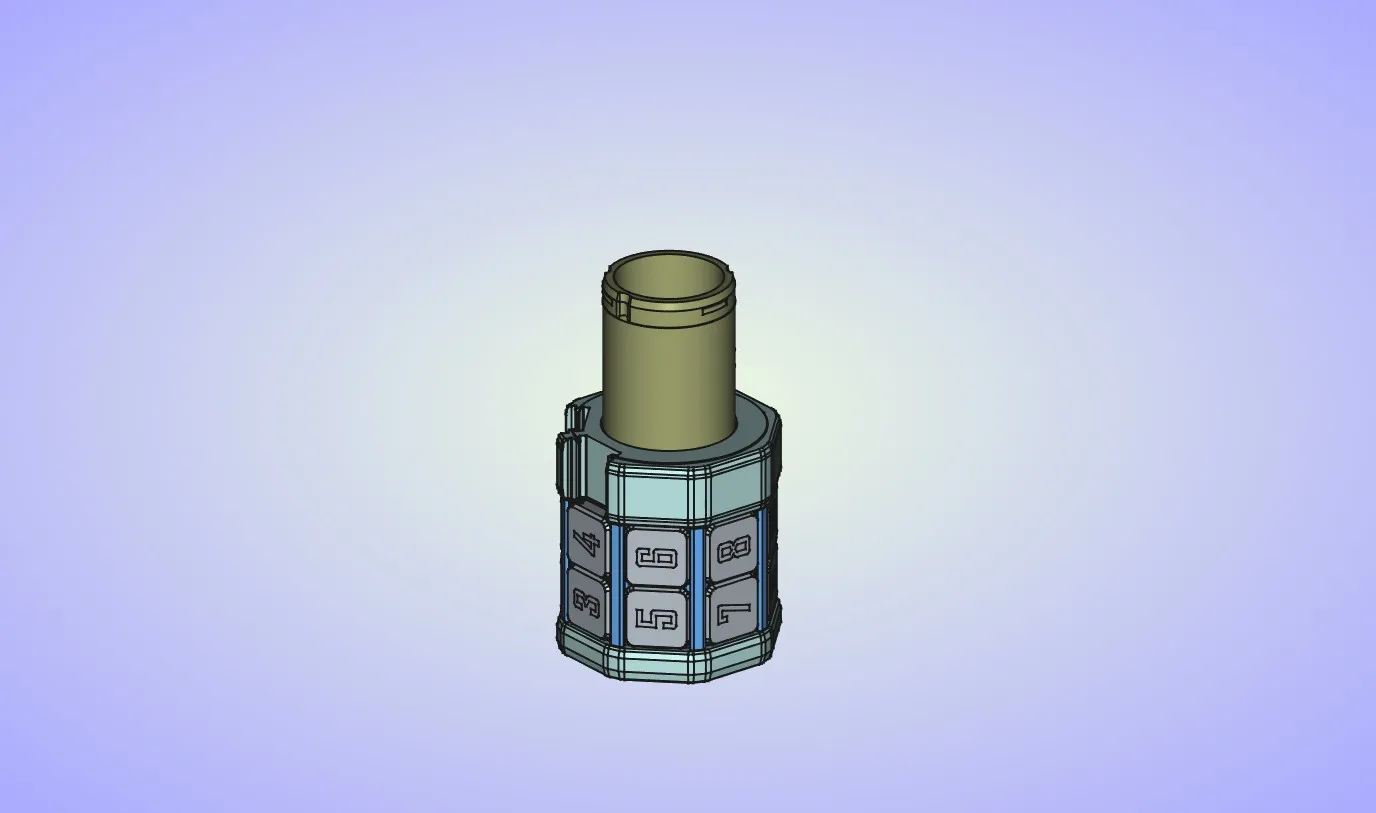
This step is optional. If you want the upper cylinder to spin freely you can skip it. If you want it to index in 8 positions you can install the spring into the upper side opening in the inner cylinder.
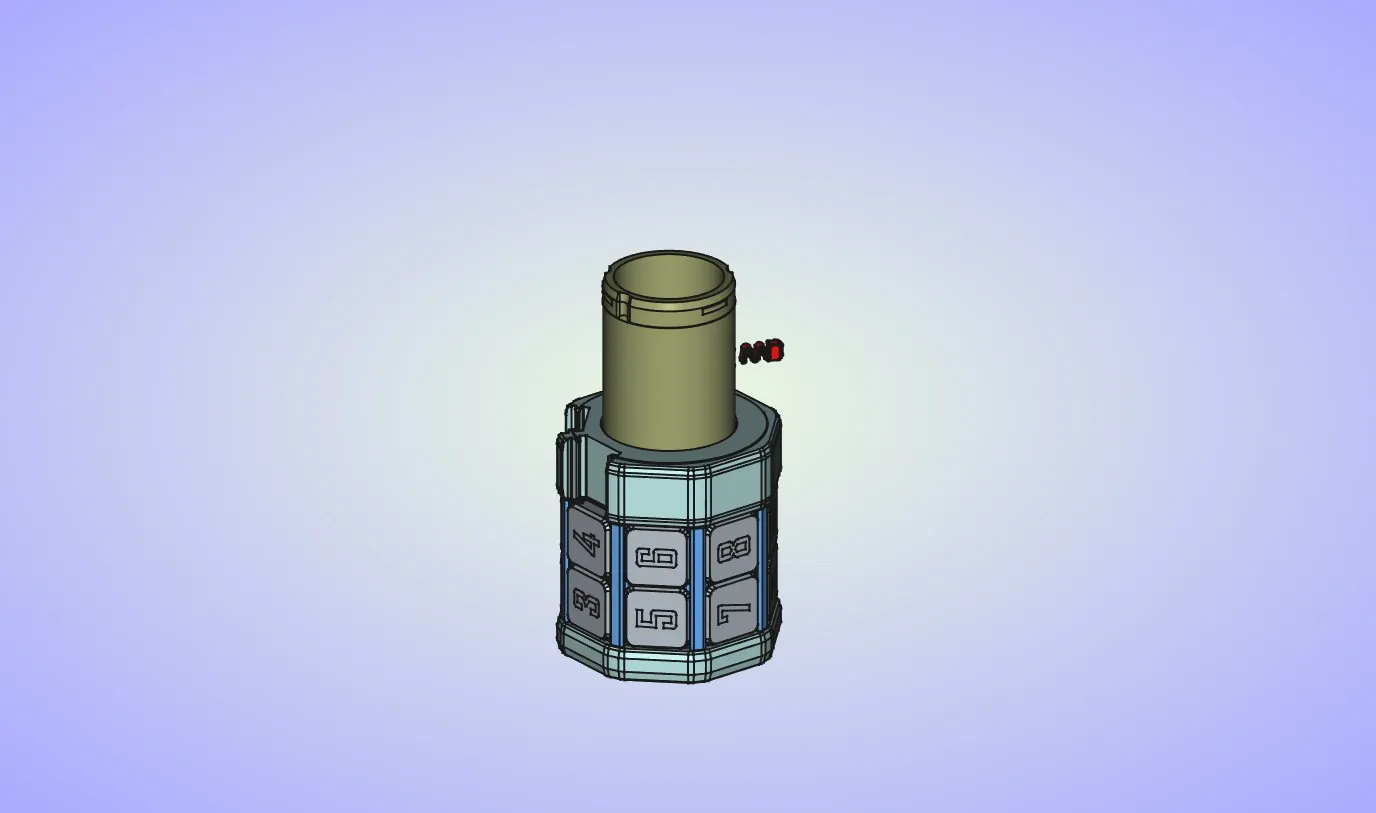
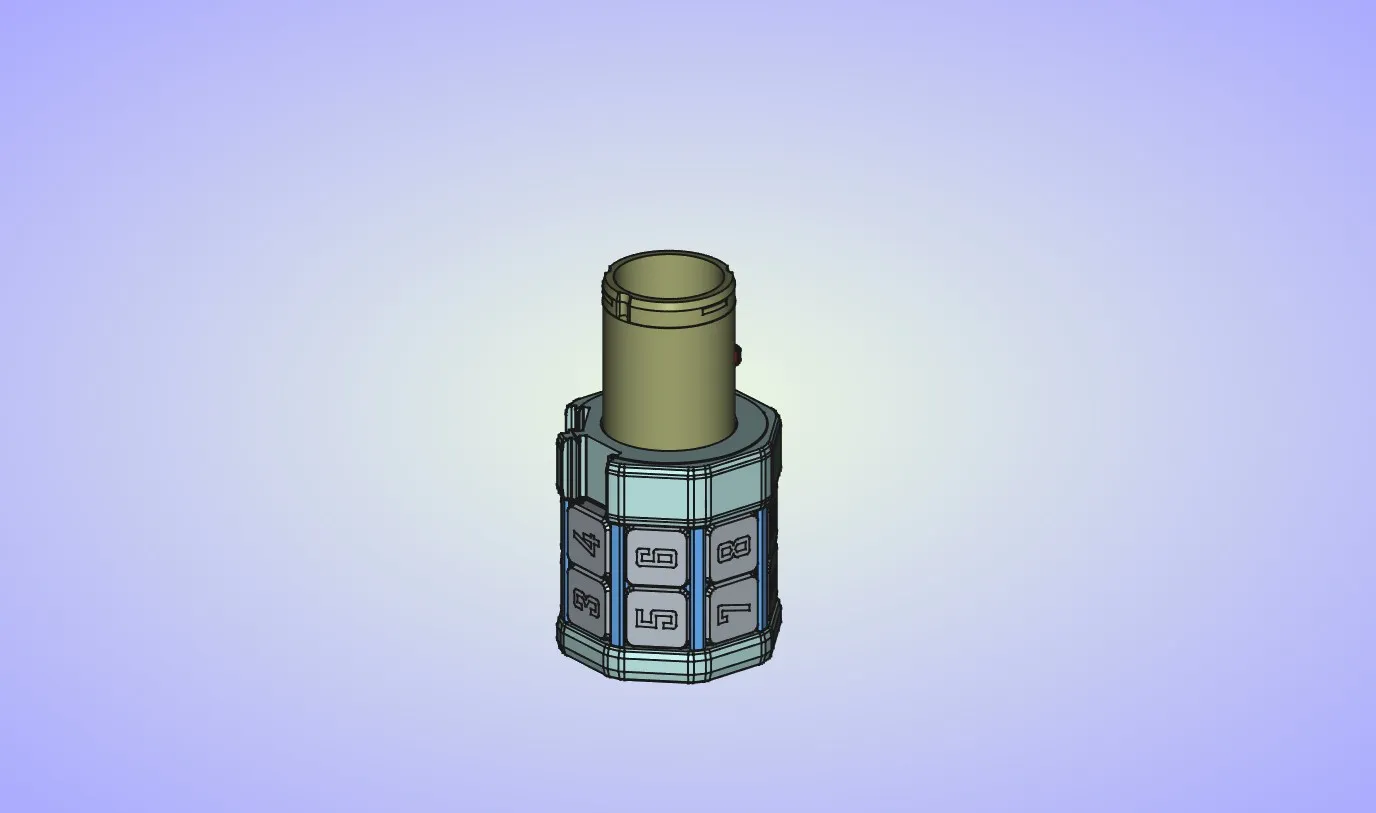
Install the upper cylinder into the inner cylinder. Make sure that the surface that was on the print bed is pointing up.
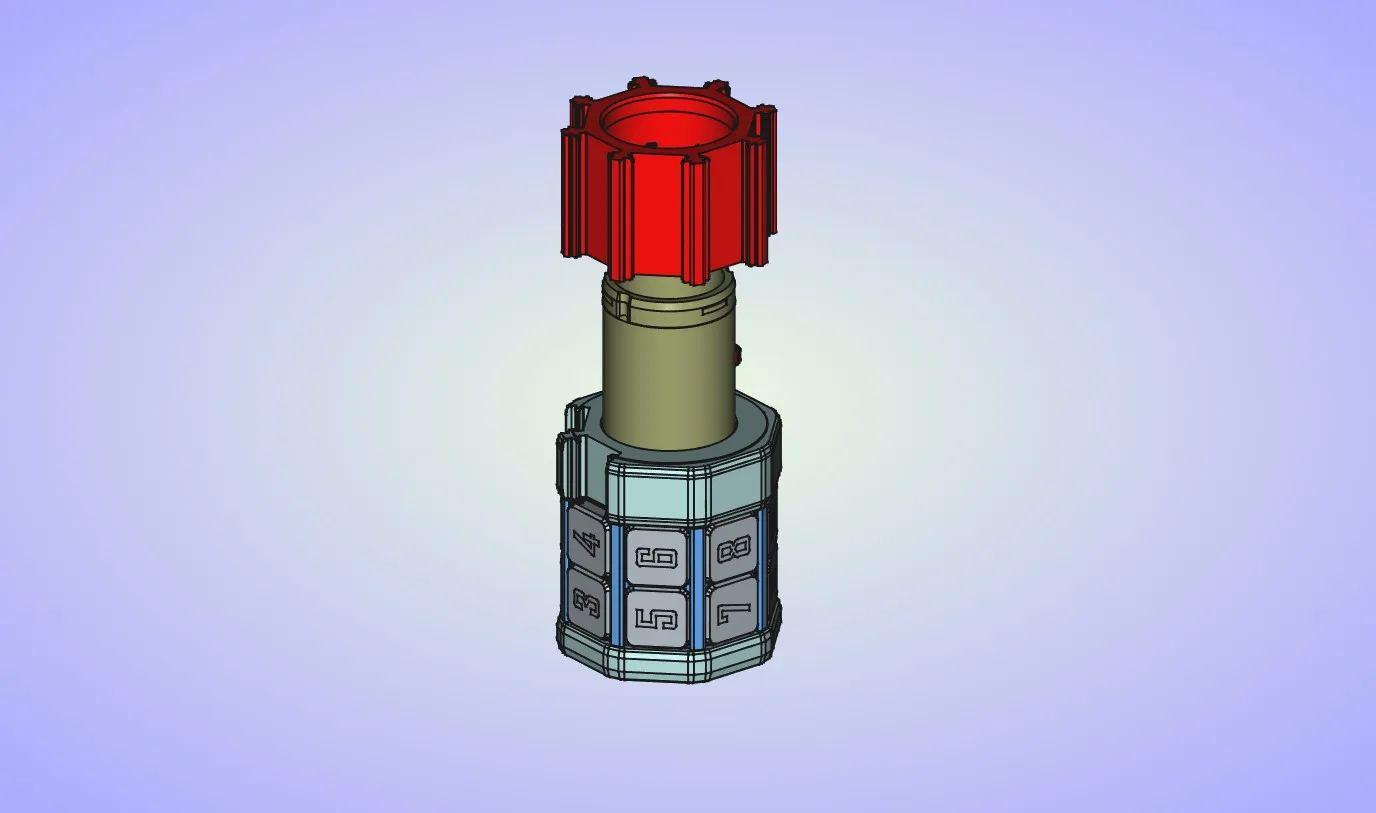
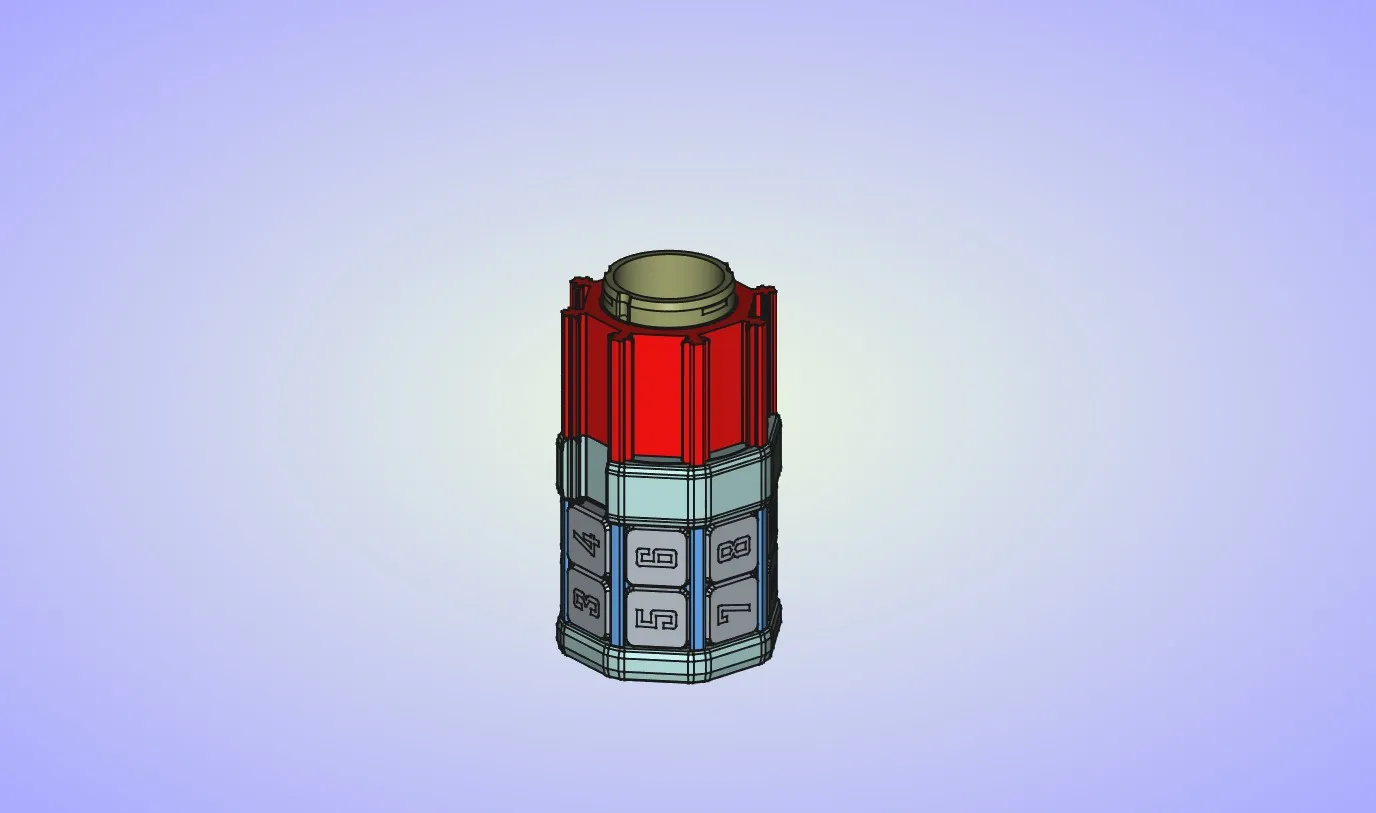
Place the tiles on the upper cylinder.
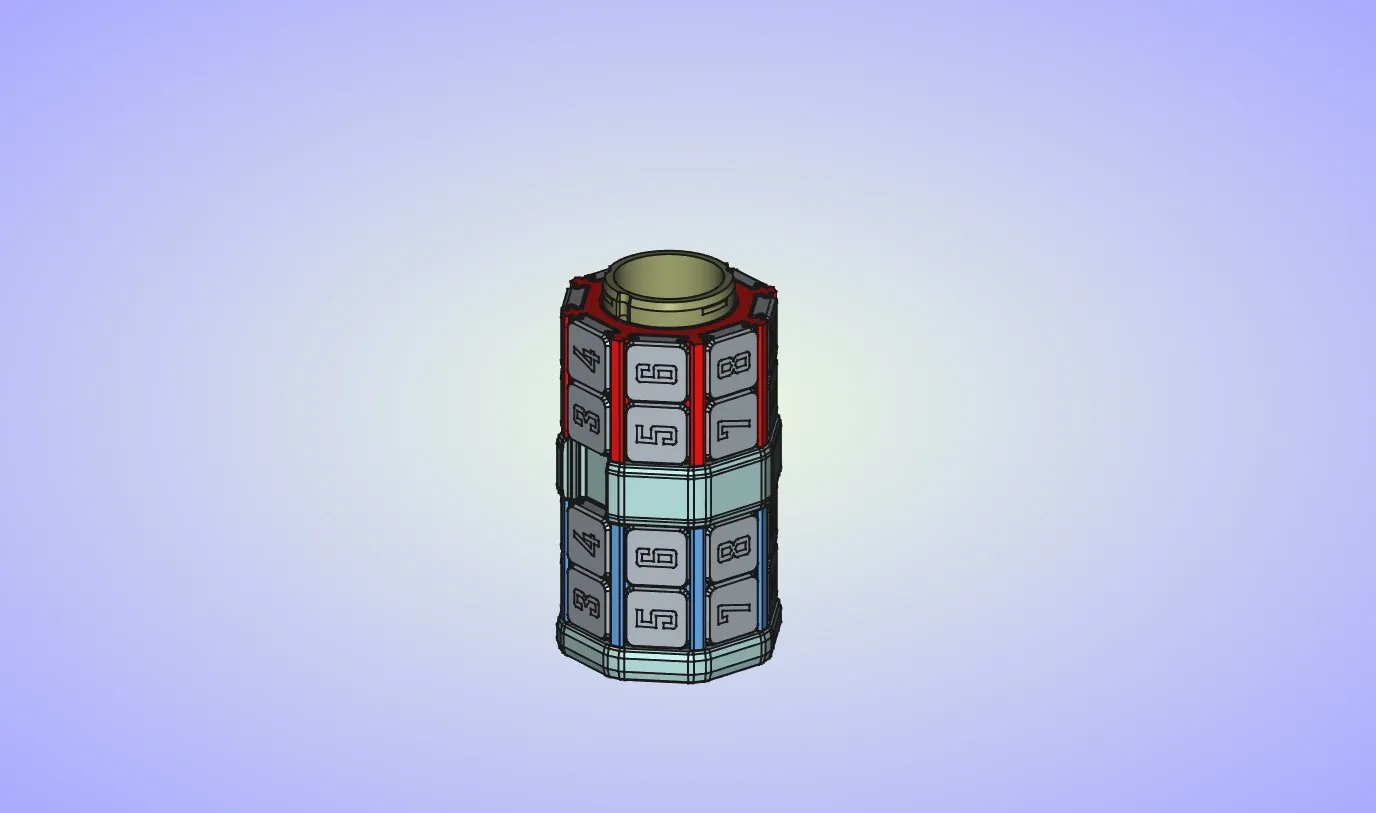
And finally install the top endcap. Pay attention to the part orientation, 3 guides are not equally spaced. There is only one way the parts will fit correctly. Press down until parts snap into place.
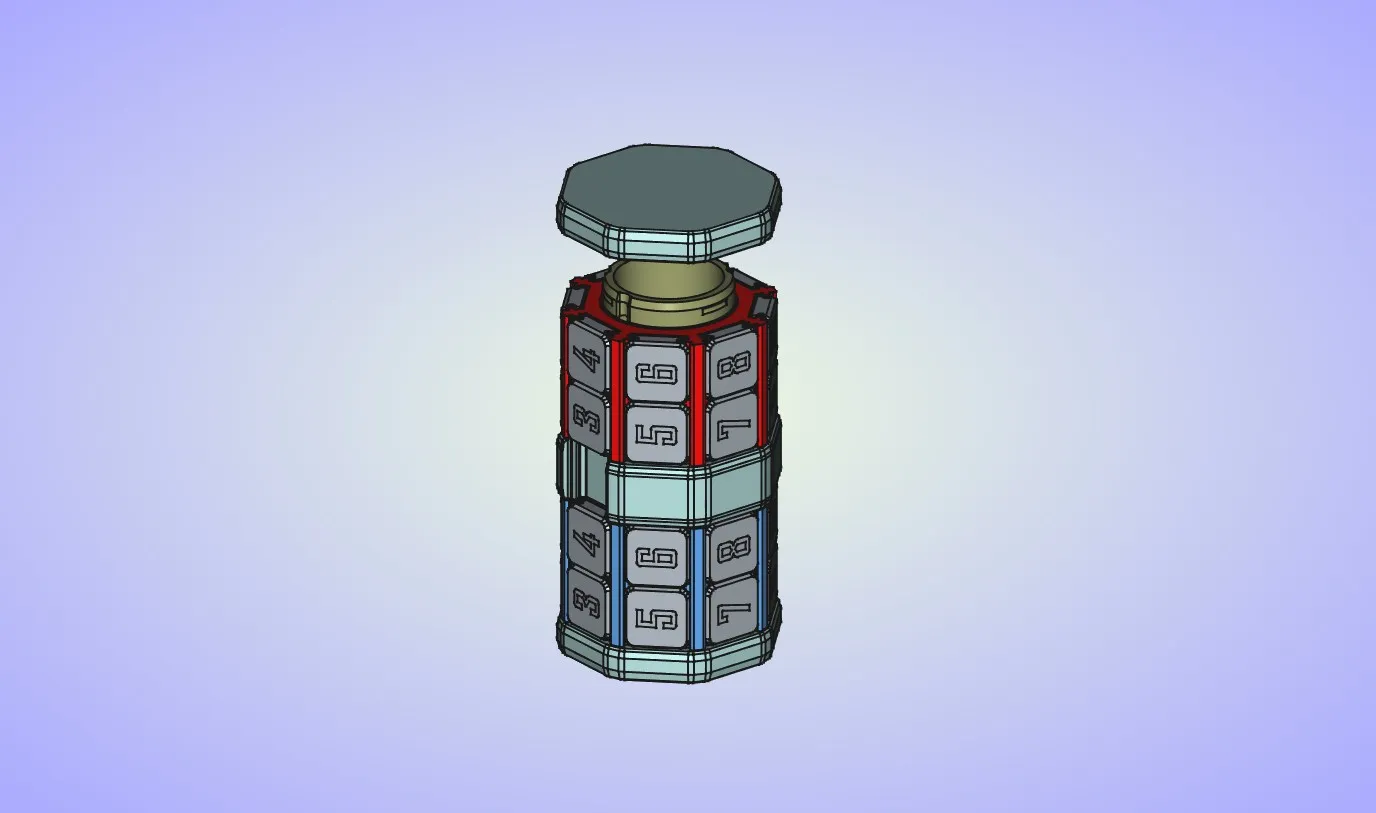
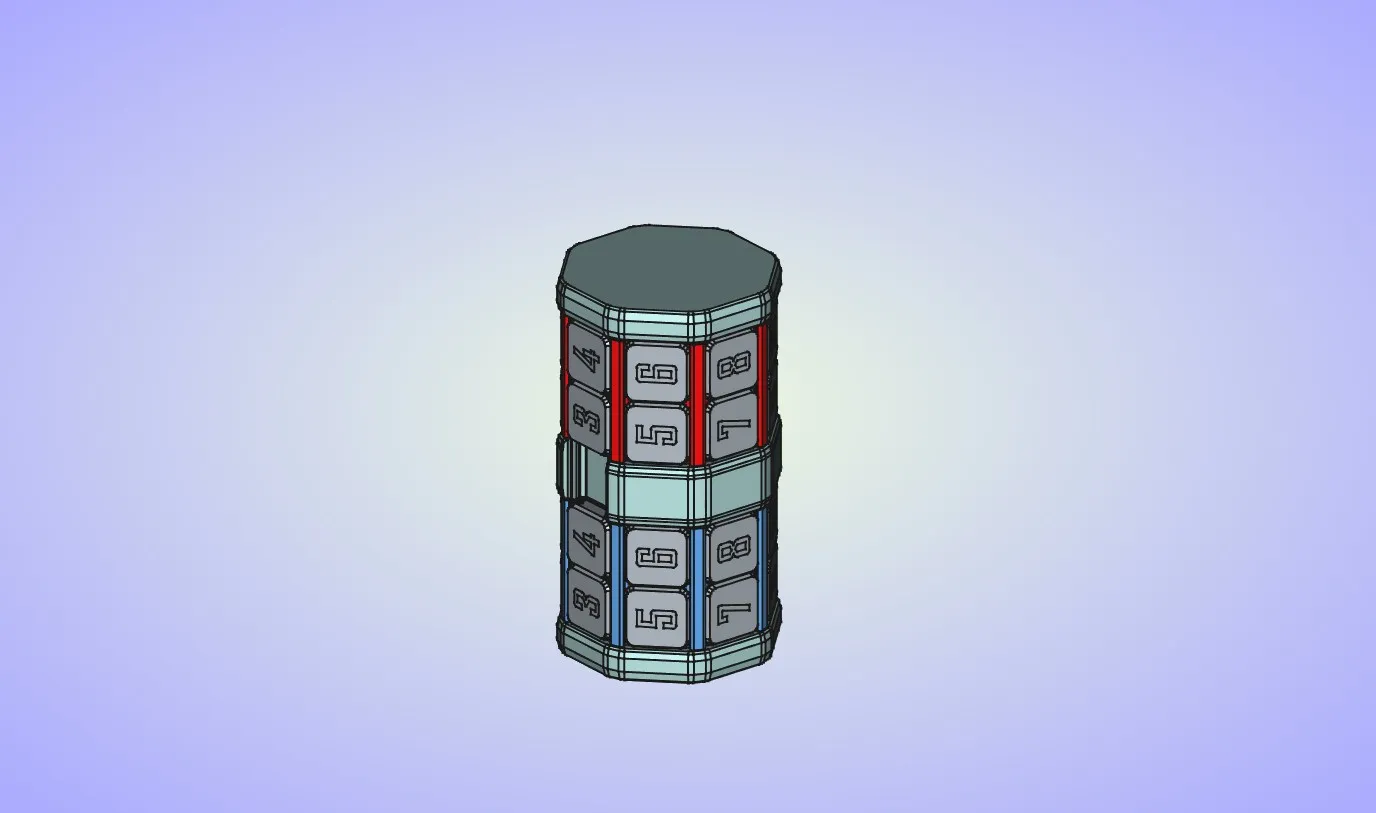
- In case that the endcaps are slightly loose because of the part shrinkage you may want to use some super glue to keep them in place. On my puzzle top endcap fits really tight, and bottom endcap is slightly loose so I added little bit of glue to keep it in place.
License

You shall not share, sub-license, sell, rent, host, transfer, or distribute in any way the digital or 3D printed versions of this object, nor any other derivative work of this object in its digital or physical format (including - but not limited to - remixes of this object, and hosting on other digital platforms). The objects may not be used without permission in any way whatsoever in which you charge money, or collect fees.


Comment & Rating (148)