
My Tray - Modular Tray Generator - Flat / Stairs
Print Profile(1)
Description
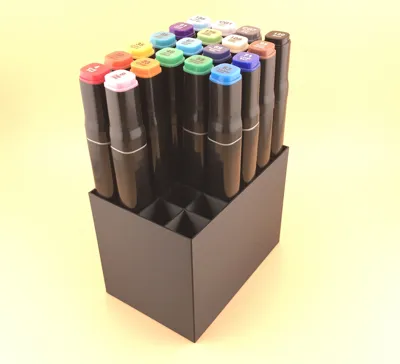
Fully Customizable Organizer for Painting, Tools & More
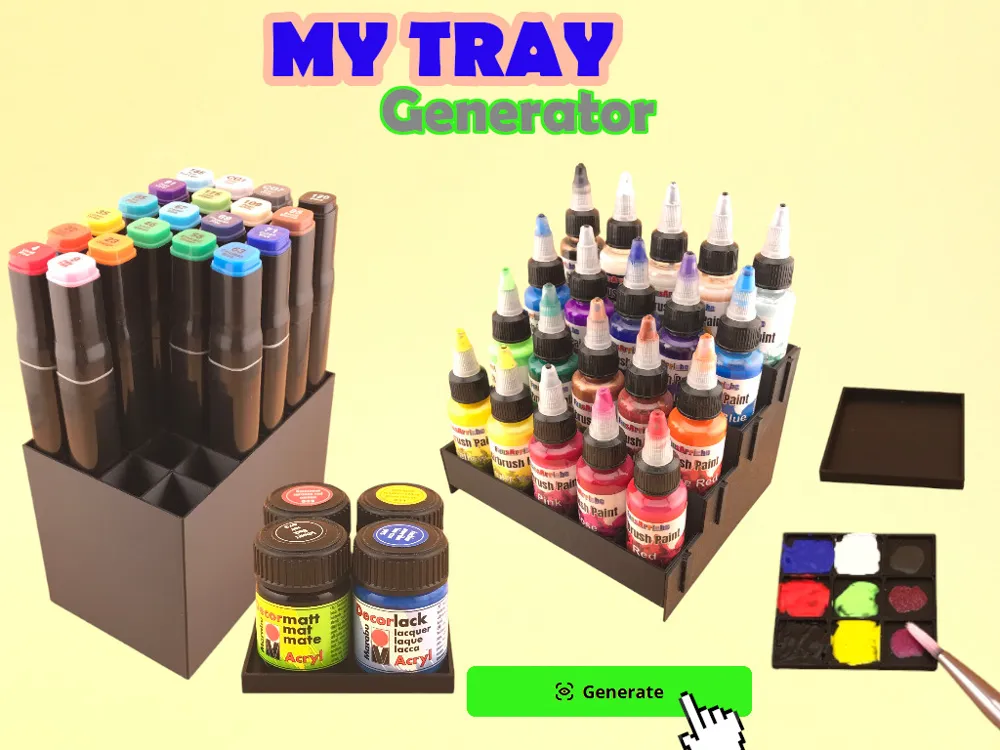
This tray generator is a powerful tool for creating customizable, 3D-printable storage trays. Whether you're organizing paint bottles, airbrush supplies, pens, brushes, or even nail polish, this script gives you complete control over the layout and dimensions of your trays.
🔧 Key Features
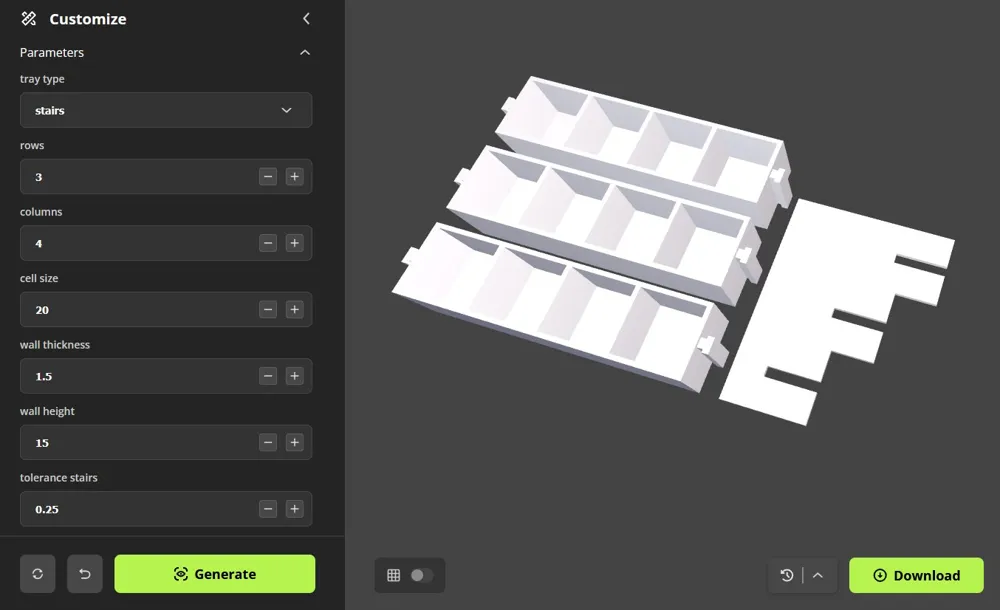
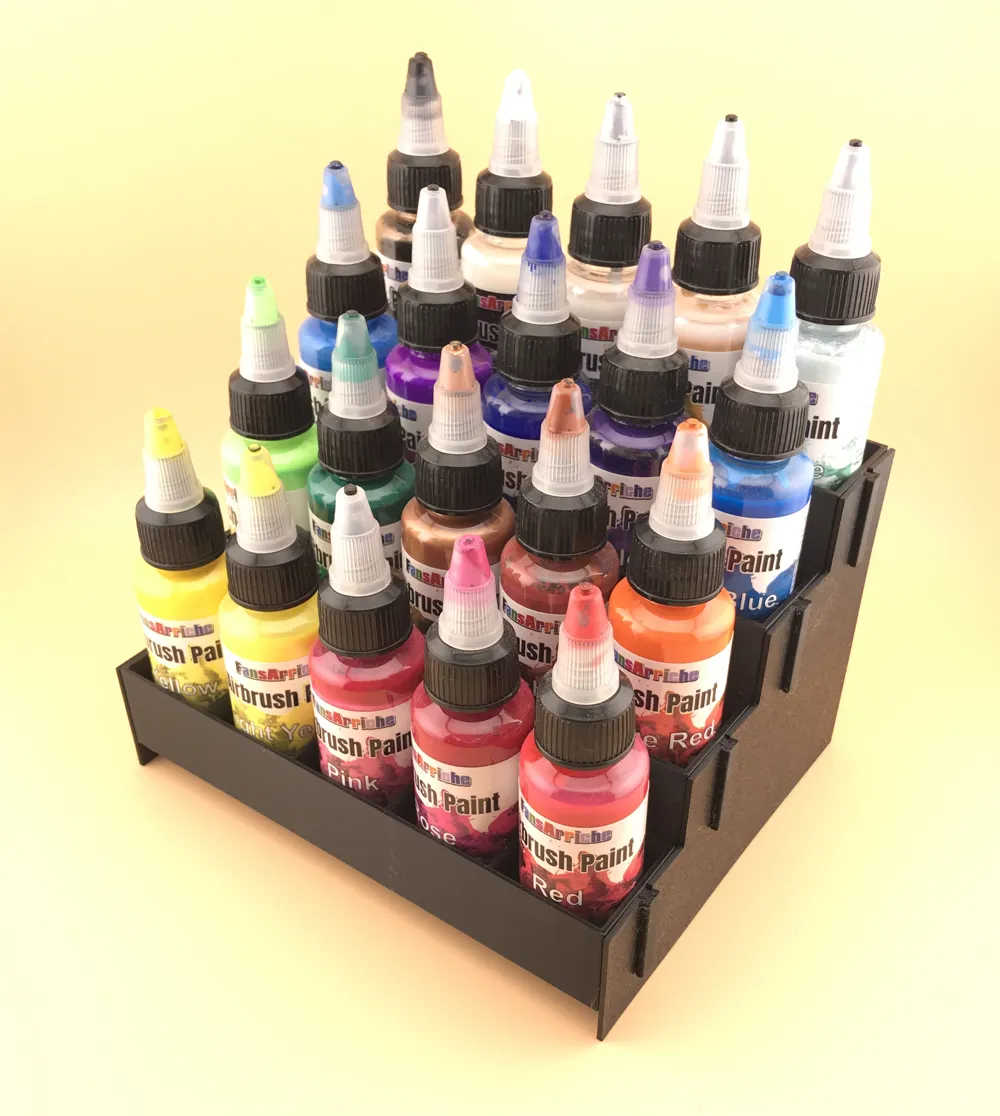
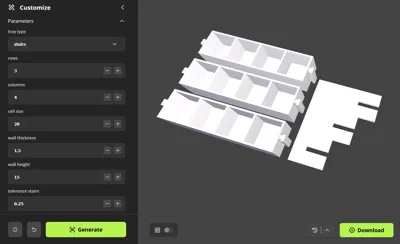
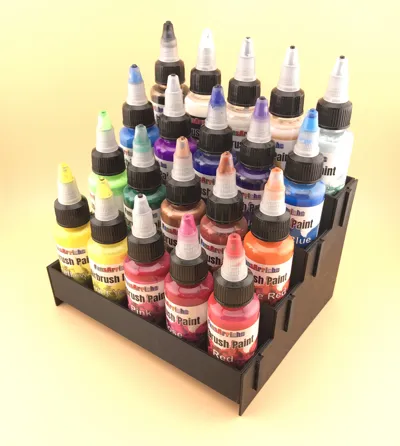
- Flat or Stairs Mode: Choose between a flat tray layout or a stepped (stairs) configuration—ideal for better visibility and access.
- Step Height: In Stairs Mode, each tray row is elevated by 80% of the wall height, creating a clear, stair-step structure.
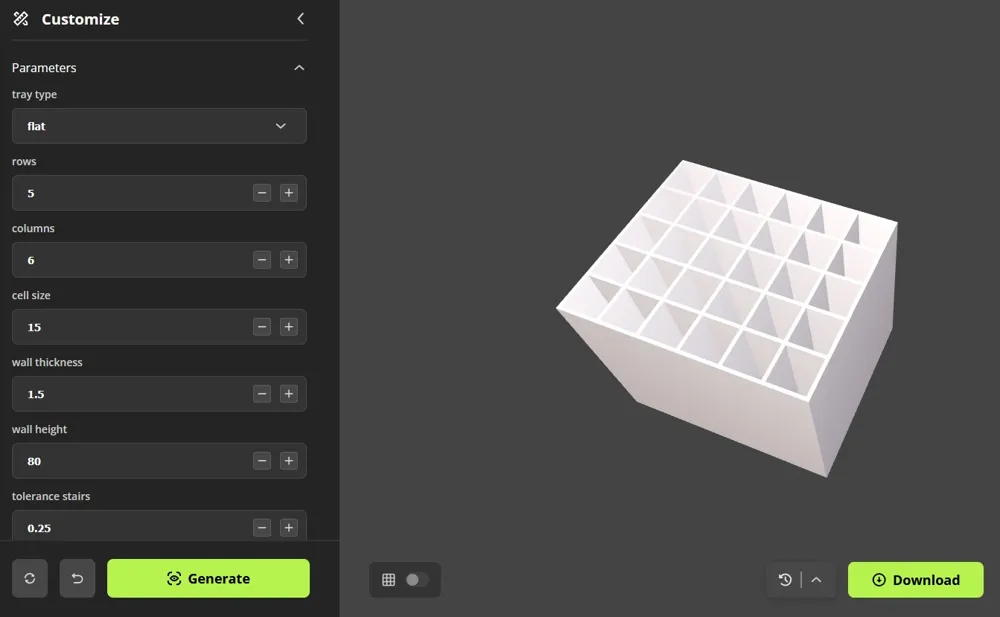
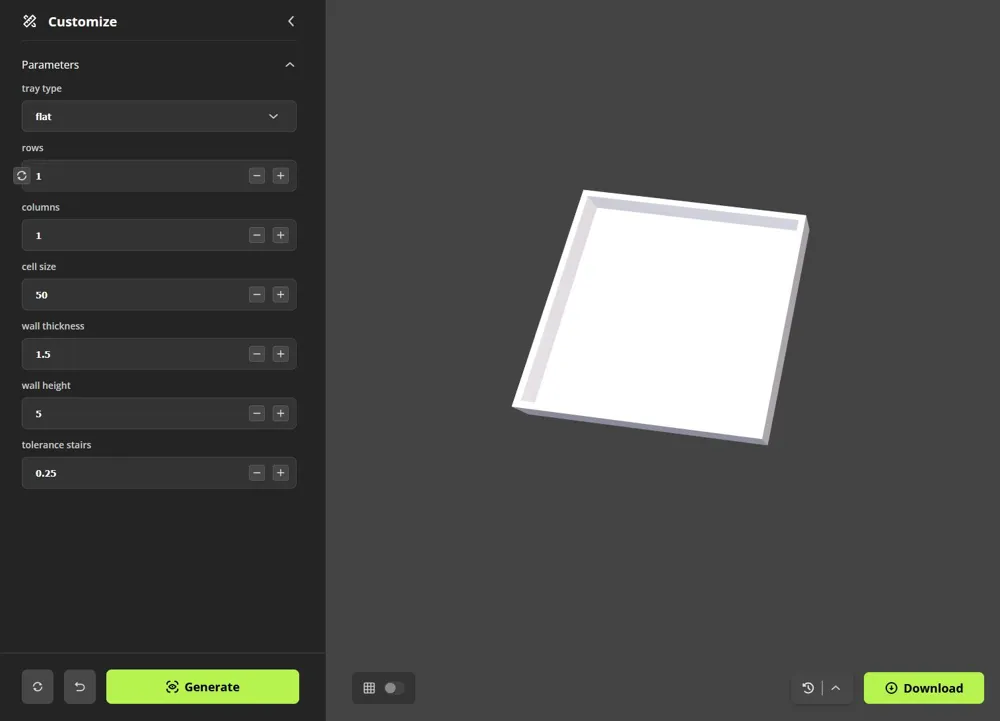
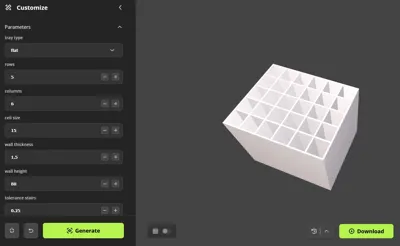
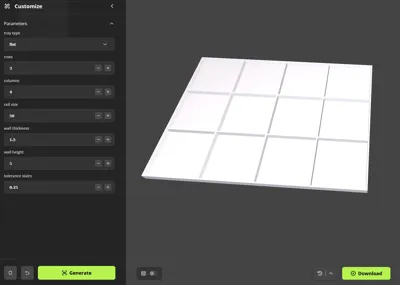
- Fully Adjustable: Define the number of rows and columns, cell size (square), wall thickness, and wall height to perfectly match your storage needs.
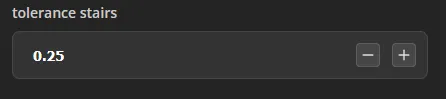
Tolerance Control: Includes a “tolerance stairs” parameter to fine-tune the fit between trays and side walls in stairs mode, ensuring compatibility across different printers.
➤ Recommended value: A tolerance of 0.25 mm has worked well in most test prints.
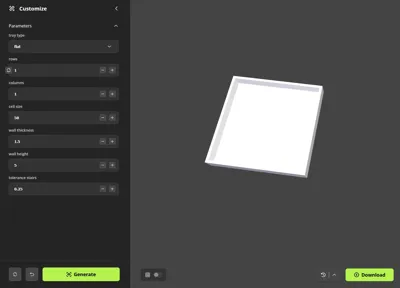
- Test Print Friendly: Start with a 1x1 cell print to test the fit before committing to a full-sized tray.
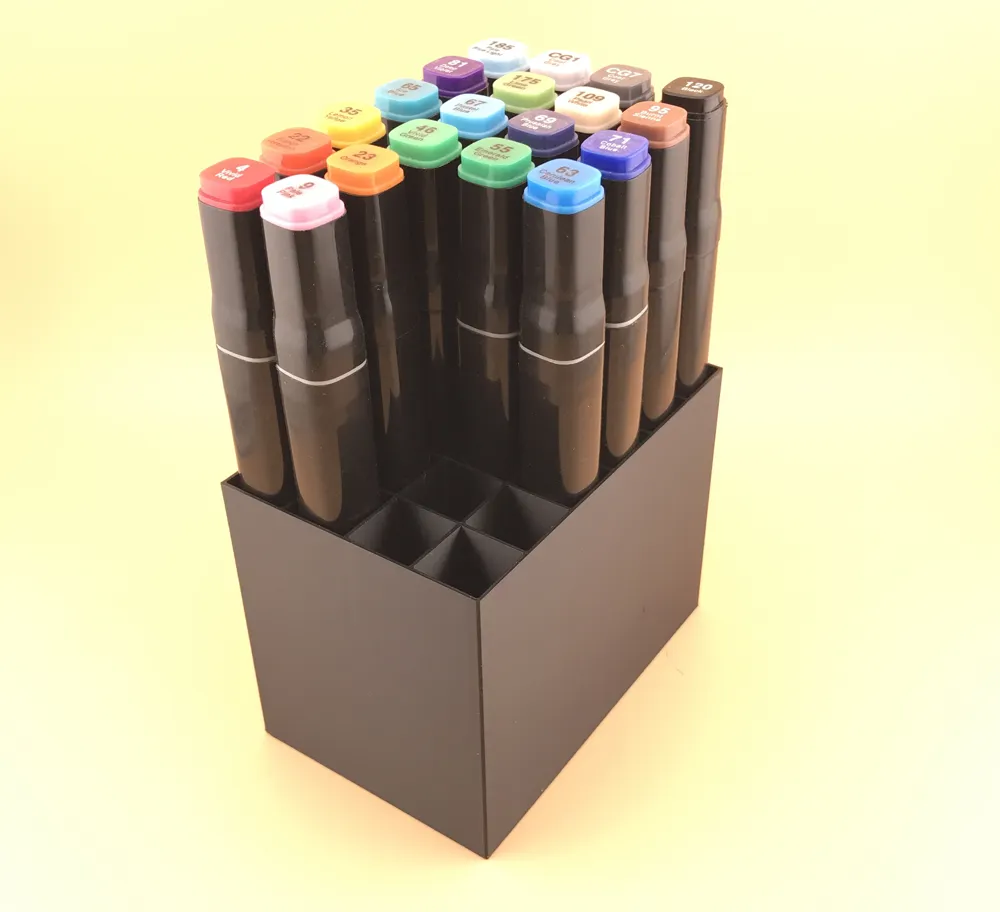
Multi-Purpose Design: While ideal for hobbyists and painters, this tray system is also great for organizing electronics, jewelry components, desk supplies, or for display purposes.
- No supports
- No glue
- No screws
🎨 Example Use Cases
- Paint bottle holder for Citadel, Vallejo, or Army Painter paints
- Pen or brush stand for artists or calligraphers
- Nail polish rack with tiered visibility
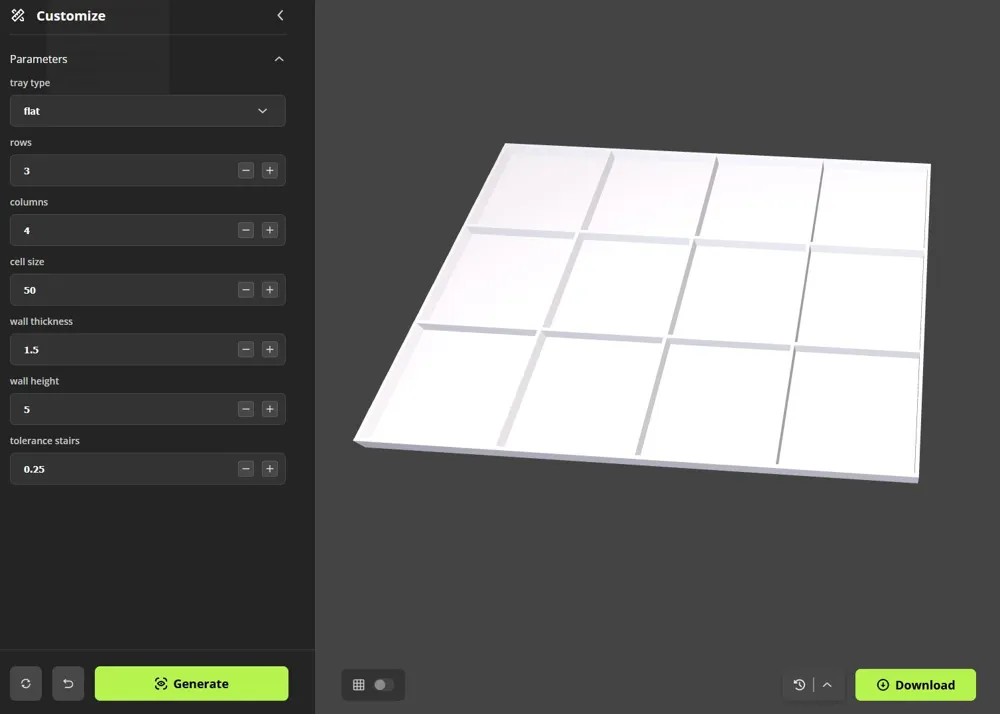
- Mixing palette for miniatures and model painting
- Small parts tray for screws, electronics, or crafting
- Coin, dice, or game piece organizer
- Display stand for collectible miniatures or small products
🛠 Note: In Stairs Mode, only one side panel is generated by the script. To create both sides, duplicate the part in your slicer (e.g., Bambu Studio).
This customizable tray generator helps you bring order to your workspace—whether it's for painting, crafting, or just staying organized. Easy to modify and print, it's the perfect solution for practical makers and creative minds.
***
My other generators / customizer:
***
🛠 How to Use the Tray Generator
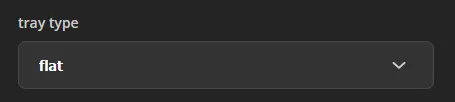
- Select Tray Type
Choose whether you want a flat tray layout or a stairs mode configuration.- Flat: All trays are at the same height.
Stairs: Each row is vertically offset by 80% of the wall height for better visibility.
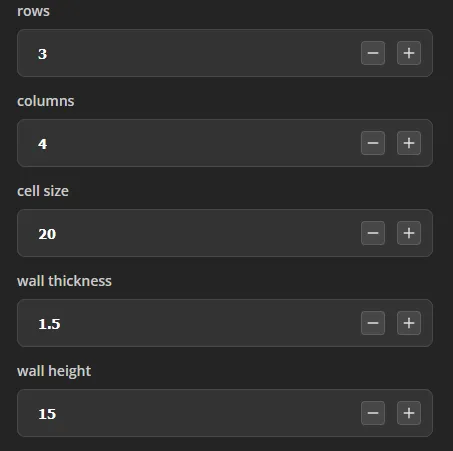
- Set Basic Parameters
Define the structure of your tray:- Rows: Number of tray rows
- Columns: Number of tray columns
- Cell Size: Width/length of each square cell
- Wall Thickness: Thickness of the outer and inner walls
Wall Height (inner): Height of the tray compartments
- Configure Tolerance (for Stairs Mode)
Set the “tolerance stairs” value, which adjusts the fit between the trays and the side wall in stairs mode.- Default: 0.25 mm
- This tolerance creates a small clearance between the T-connectors on the trays and the grooves in the side walls.
- It helps to prevent trays from getting stuck due to small inaccuracies in extrusion or printer calibration.
✅ Tip: I’ve had good results with a value of 0.2–0.25 mm, but this may vary depending on your printer.
Boost Me (for free)
Small click, big smile 😊.
License

You shall not share, sub-license, sell, rent, host, transfer, or distribute in any way the digital or 3D printed versions of this object, nor any other derivative work of this object in its digital or physical format (including - but not limited to - remixes of this object, and hosting on other digital platforms). The objects may not be used without permission in any way whatsoever in which you charge money, or collect fees.


Comment & Rating (4)