
MAXi Train - Motorization Box For Diorama
Print Profile(1)
![[V1.0] 0.2mm layer, 2 walls, 15% infill](https://makerworld.bblmw.com/makerworld/model/USa5cbc603077731/359373892/instance/2025-07-22_566c7ea54b98a8.jpg?x-oss-process=image%2Fresize%2Cw_100%2Fformat%2Cwebp)
Bill of Materials


Description
This model is part of the MAXi Train collection.
Discover more designs and follow the full series here: MAXi Train Collection on MakerWorld
MAXi Train is a remix based on the Mini Train Collection of BamBam Design, applying a 2.5x upscale ratio to make it maxiiii…
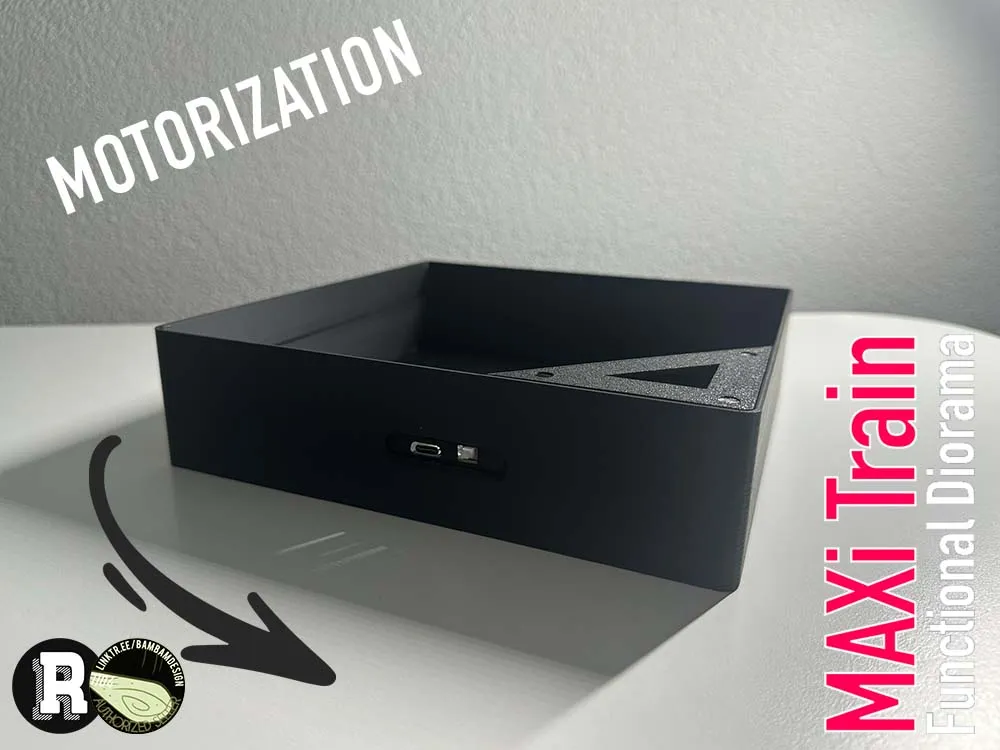
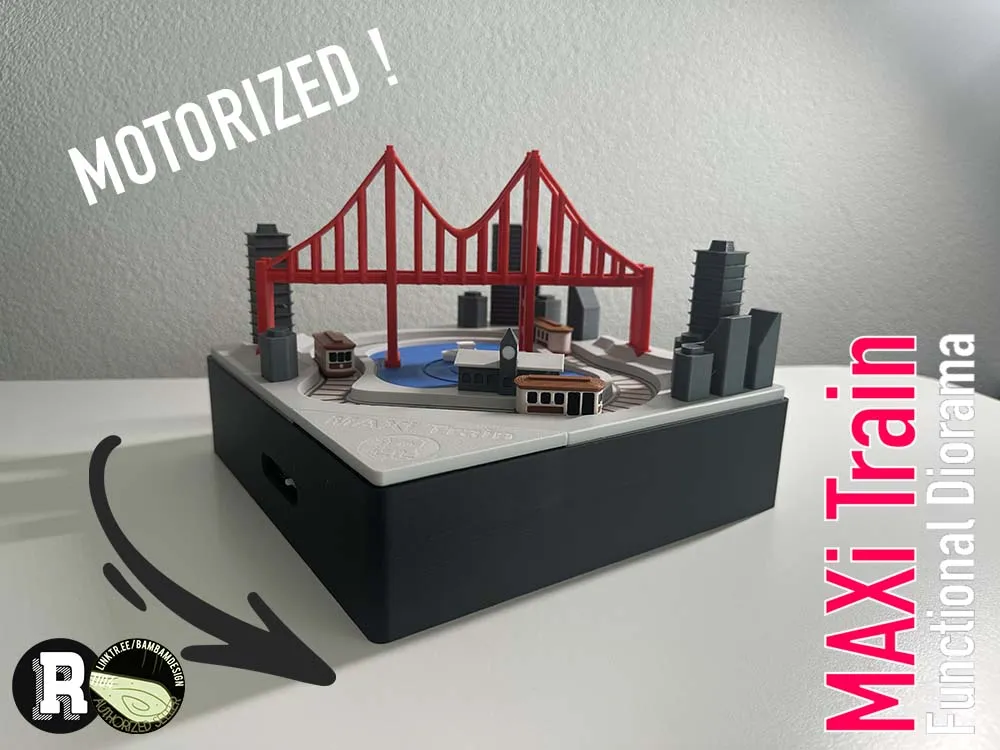

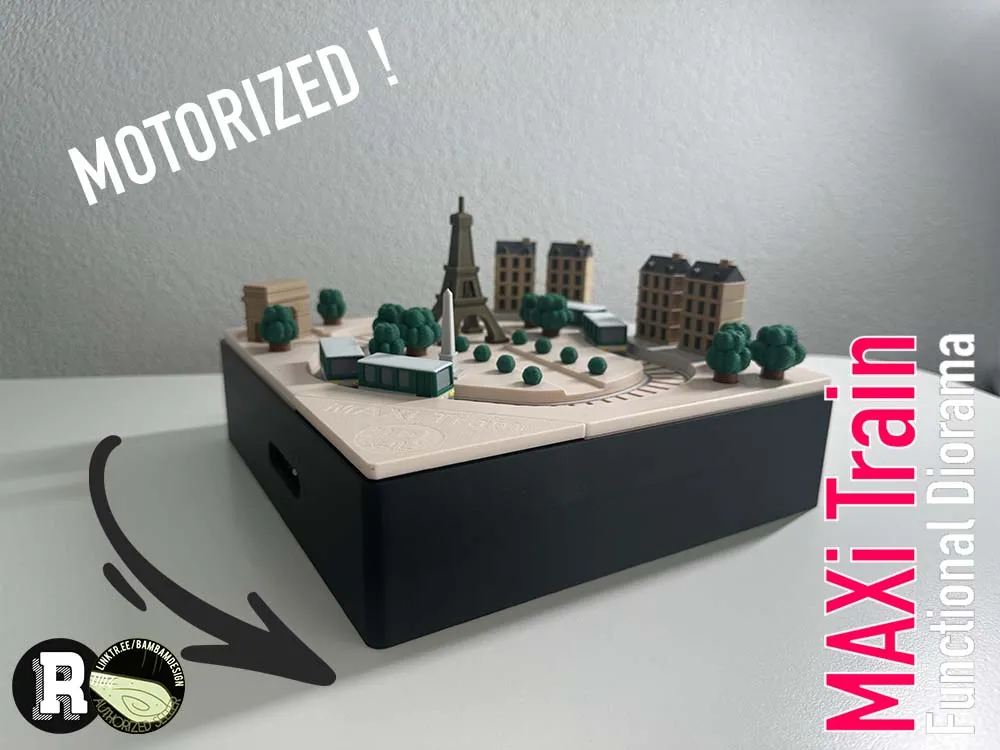

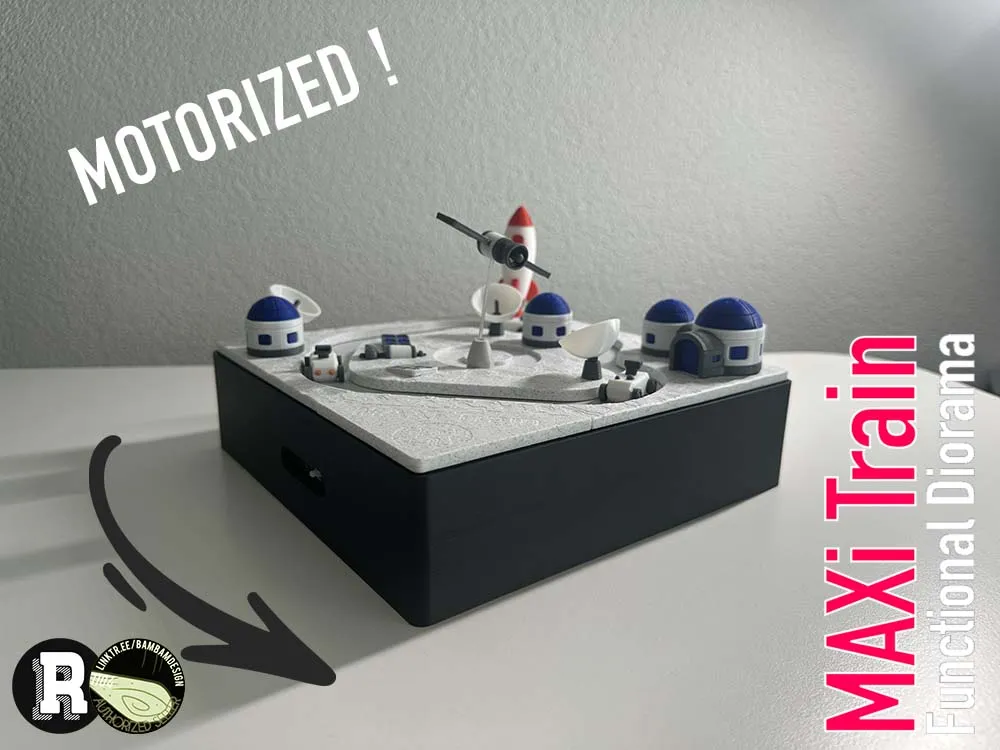

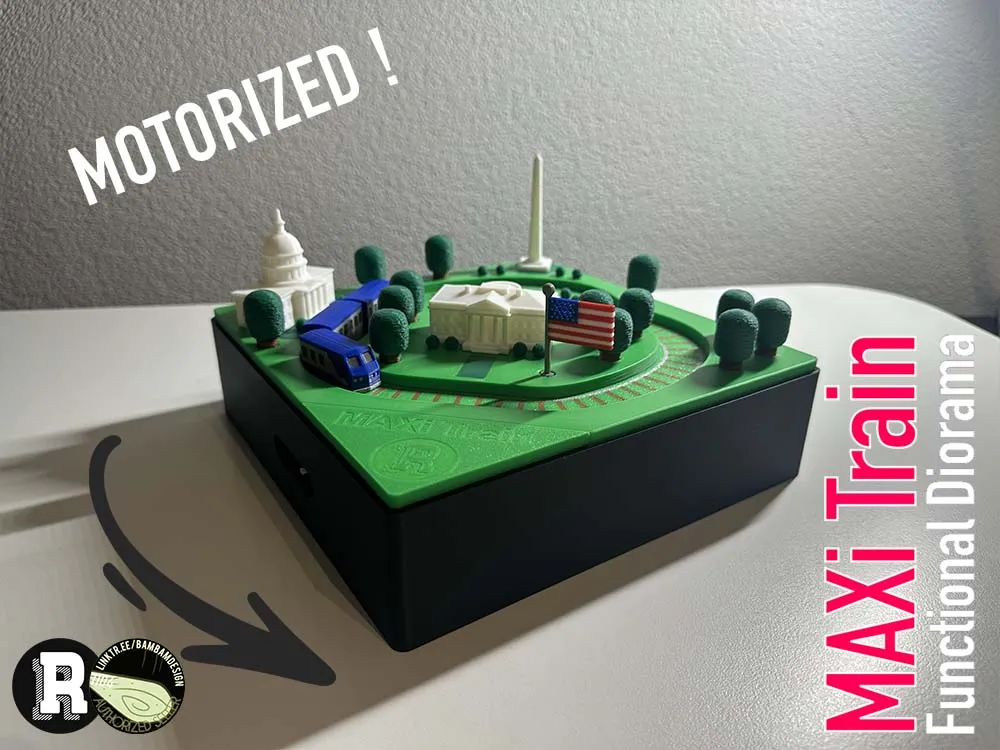

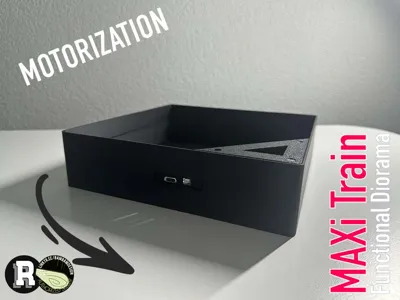
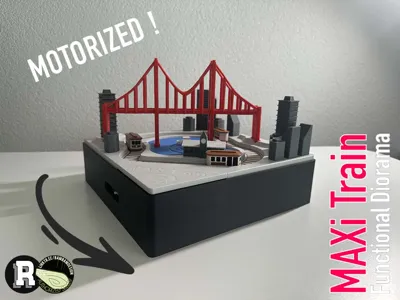
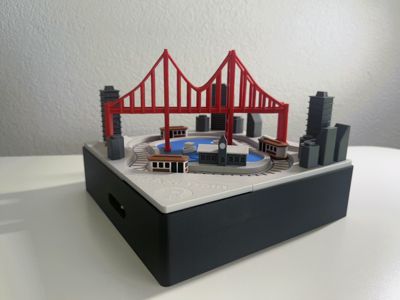
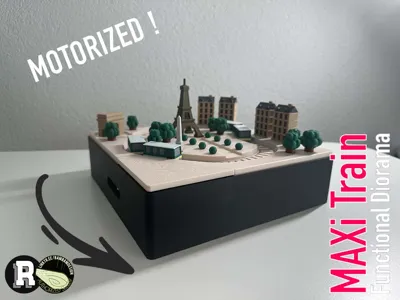
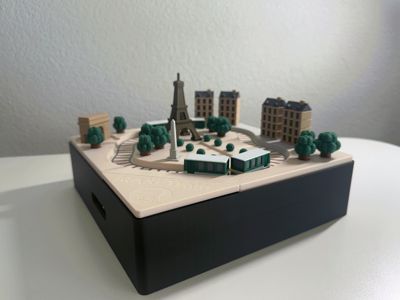
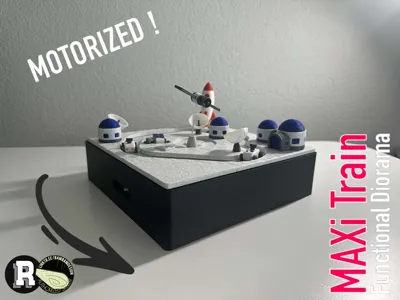
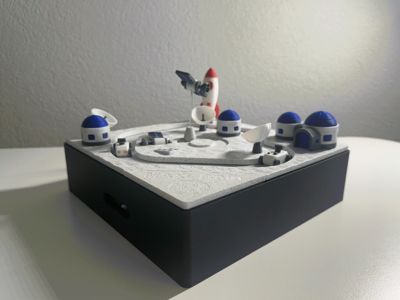
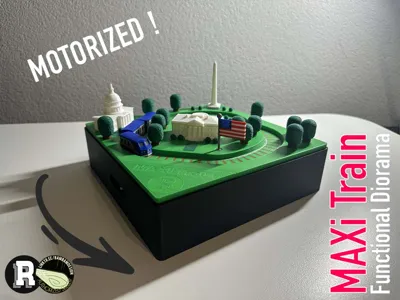
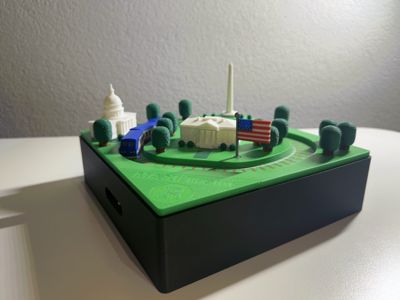
The MAXi Train series evolves with the addition of a custom motorized base, designed to bring your dioramas to life. This compact yet powerful box houses a discreet motor mechanism, allowing the train to glide smoothly around your miniature world—adding a dynamic layer of realism and movement to the scene. Perfectly sized to integrate with all MAXi Train dioramas, the motorized base maintains the collection’s clean aesthetic while enhancing its interactivity. Whether you're watching the Amtrak circle Washington or a cable car loop through San Francisco, this motion system adds a new dimension to the experience. Like every element in the series, the motorized box balances design, precision, and charm — an essential upgrade for any collector looking to animate their favorite cities.
This new design is based on the Mini Train Collection of BamBam Design (https://linktr.ee/bambamdesign). This model is 2.5X bigger than usual BamBam Design Mini Train Collection. Don’t modify the scale of this model as the motor, battery and motherboard won’t fit anymore. This design is compatible with all 250% scale of BamBam Design Mini Train Collection.
Boost Me (for free)
Boost Me (for free)
Printing:
Following PLA Filaments are used:
- PLA Basic Black (10101)
Feel free to use any color you like!
Assembly:
Needed :
- N20 Reduction Gear Motor 150rpm (1PCS) - LA002
- Rechargeable Power Kit - ZC003
- 150mm ZH1.5 to SH1.0 Conversion Wire (5PCS) - XC007
Steps:
- Print the motor gear and the motor box.
- Attach the wheel to the LA002 150 rpm motor. Press down firmly, even with a small hammer if necessary.
- Connect the LA002 150 rpm motor to the motherboard using the conversion cable.
- Connect the battery to the motherboard using the default cable.
- Install all components in the motor box.
- You can use a bit of glue or double-sided tape to hold the motherboard in place.
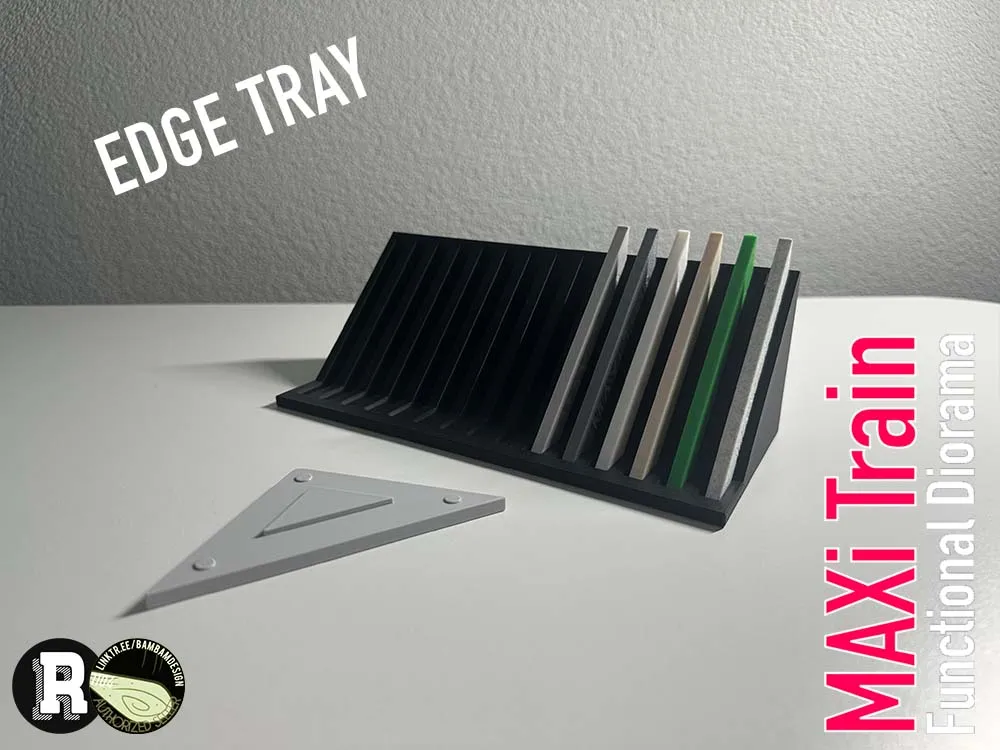
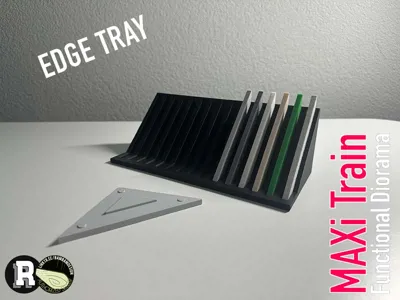
- (Optional) Print the edge and edge cover.
- Install the diorama in the motor box without forcing it.
- (Optional) Fix the edge and edge cover in the motor case.
- Press the button, and enjoy!
If you want to support me, you can simply follow, boost & like the model.
License

You may create derivative works based on this object, provided that all such derivative works are published exclusively on the MakerWorld platform and include proper attribution to the original creator. You may not share, upload, host, distribute, or publish this object—or any derivative work of this object—on any other digital platform, marketplace, or distribution channel. Commercial use of this object and any derivative works is strictly prohibited. This includes, but is not limited to, selling, renting, sublicensing, or using the object in any context in which you receive monetary compensation or other financial benefits.


Comment & Rating (8)