Search models, users, collections, and posts

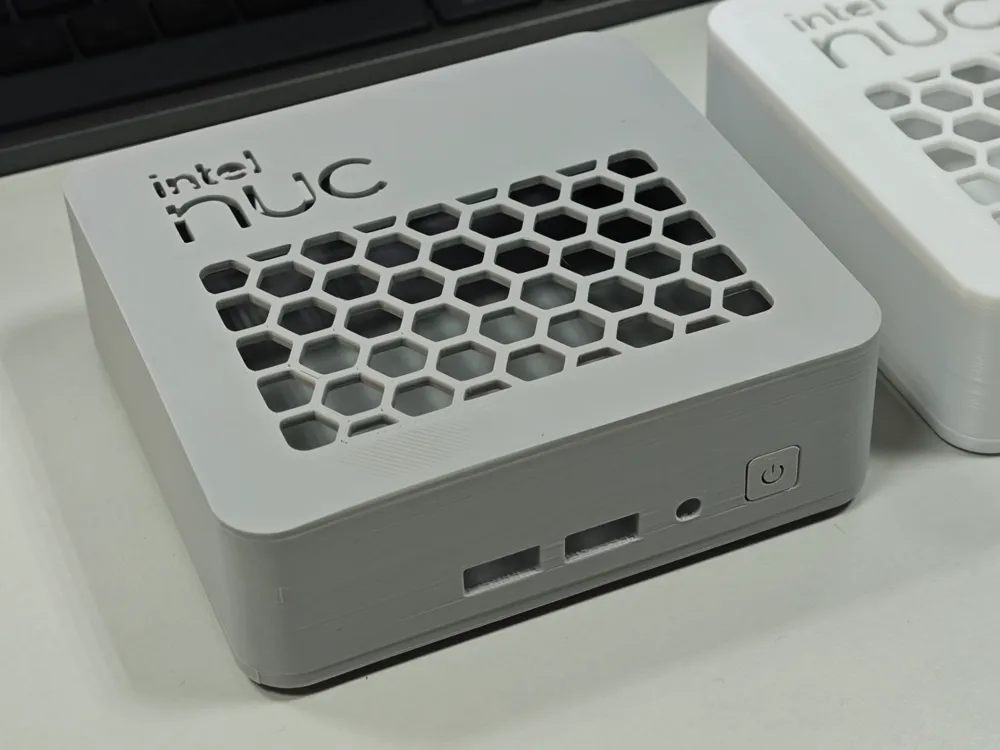
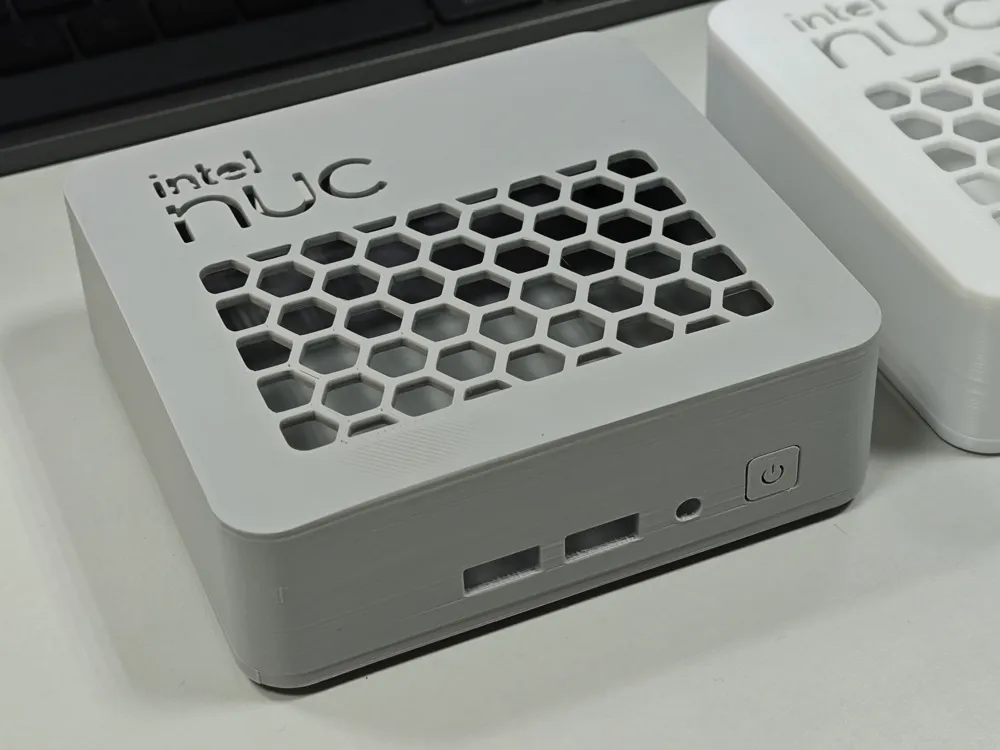
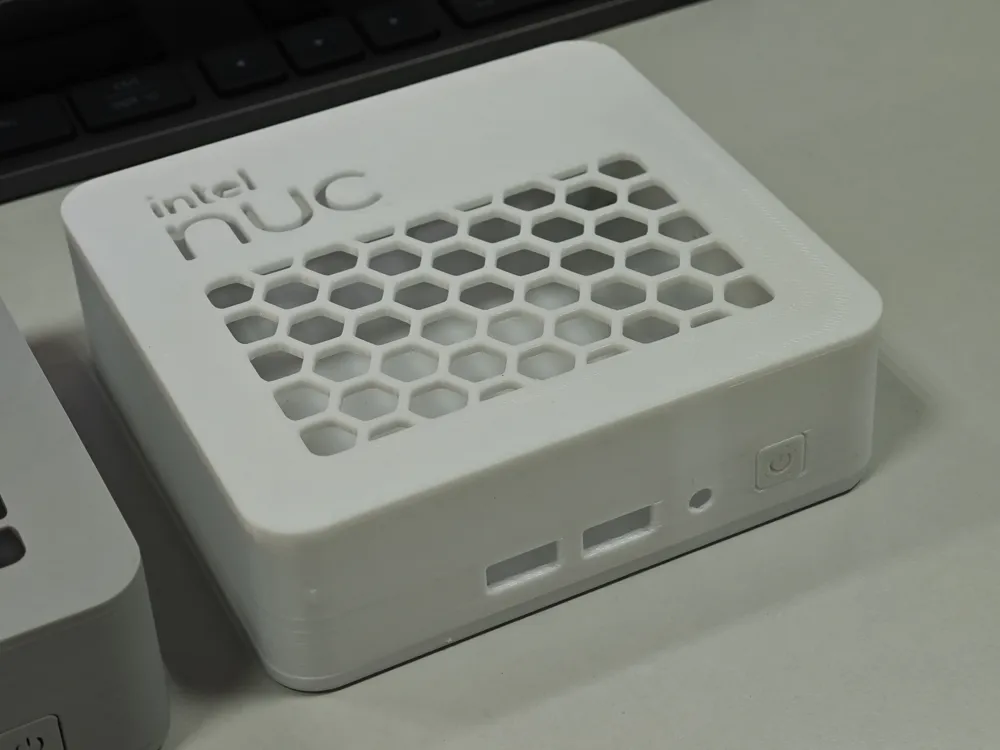
Intel NUC 13 Pro Enclosure
IP Report
Print Profile(1)

0.2mm layer, 2 walls, 15% infill
Designer
5.2 h
2 plates
Open in Bambu Studio
Boost
11
55
0
1
84
22
Released
Description
Content has been automatically translated.
What is this?
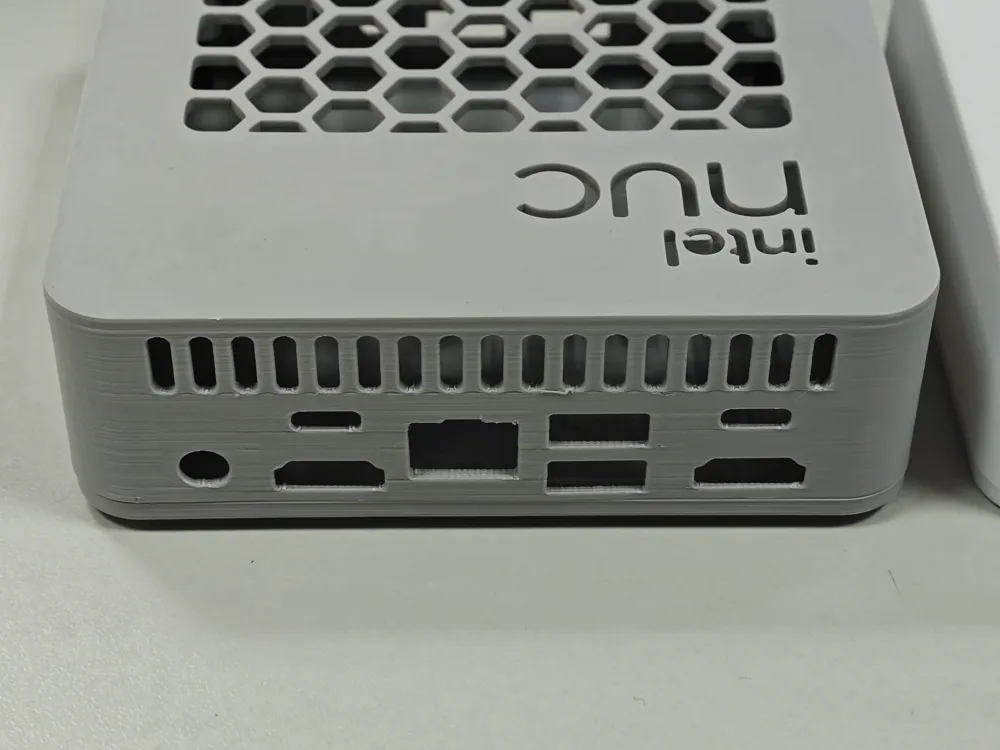
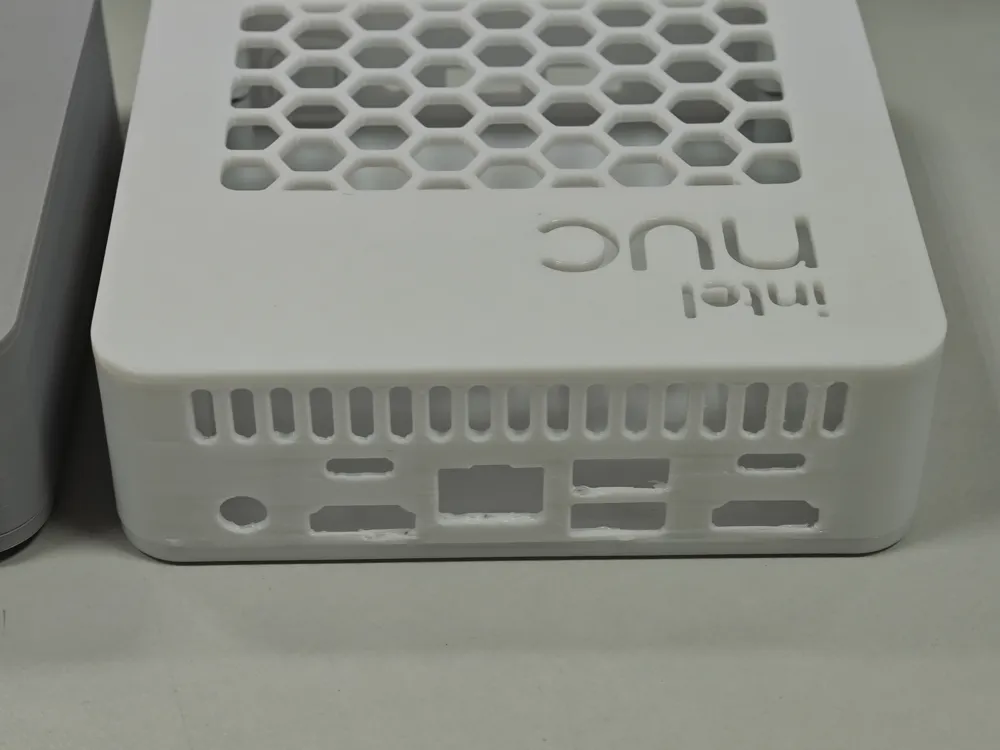
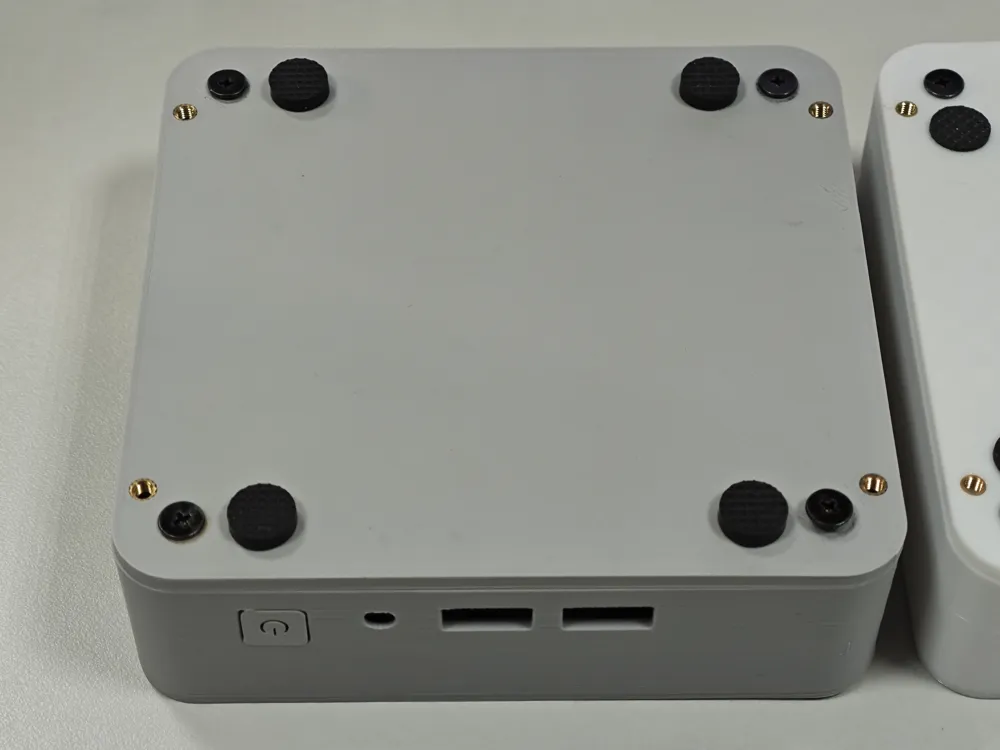
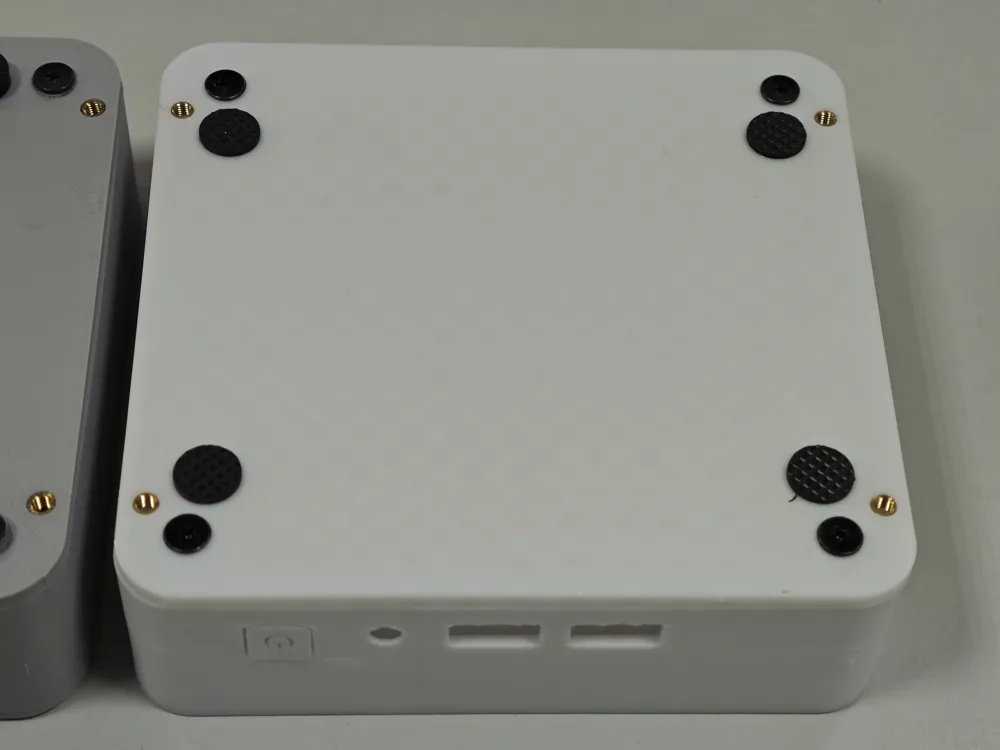
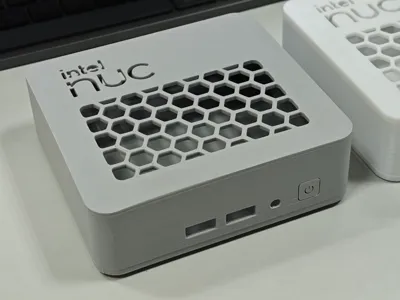
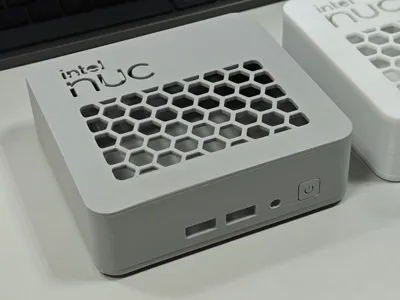
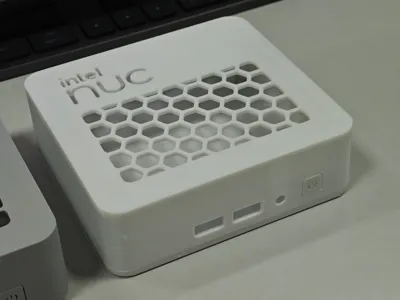
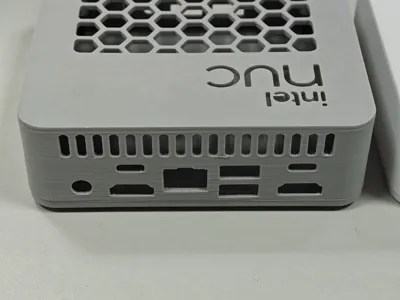
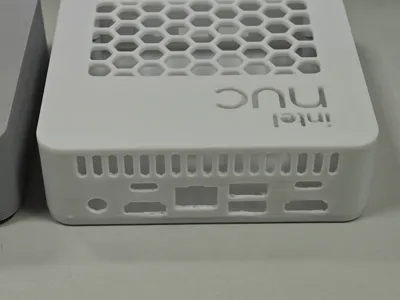
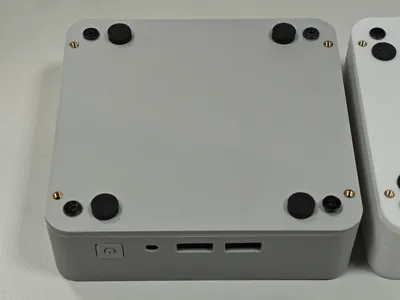
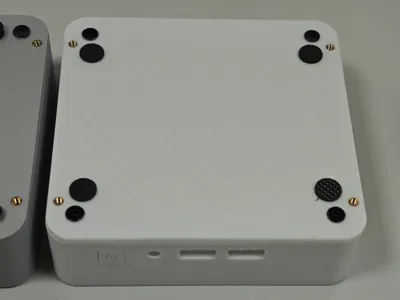
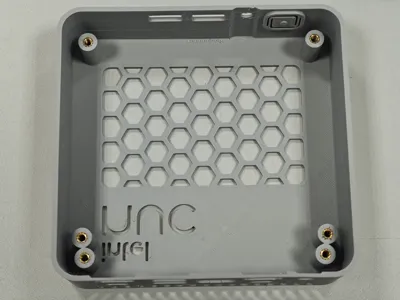
A 3D-printed enclosure for the Intel NUC 13 Pro series, based on the 1:1 official enclosure dimensions and redesigned for 3D printing.
Provides STEP files for modification (such as adding mounting holes or connectors), facilitating integration as an embedded platform for robots or drones.
*Hardware
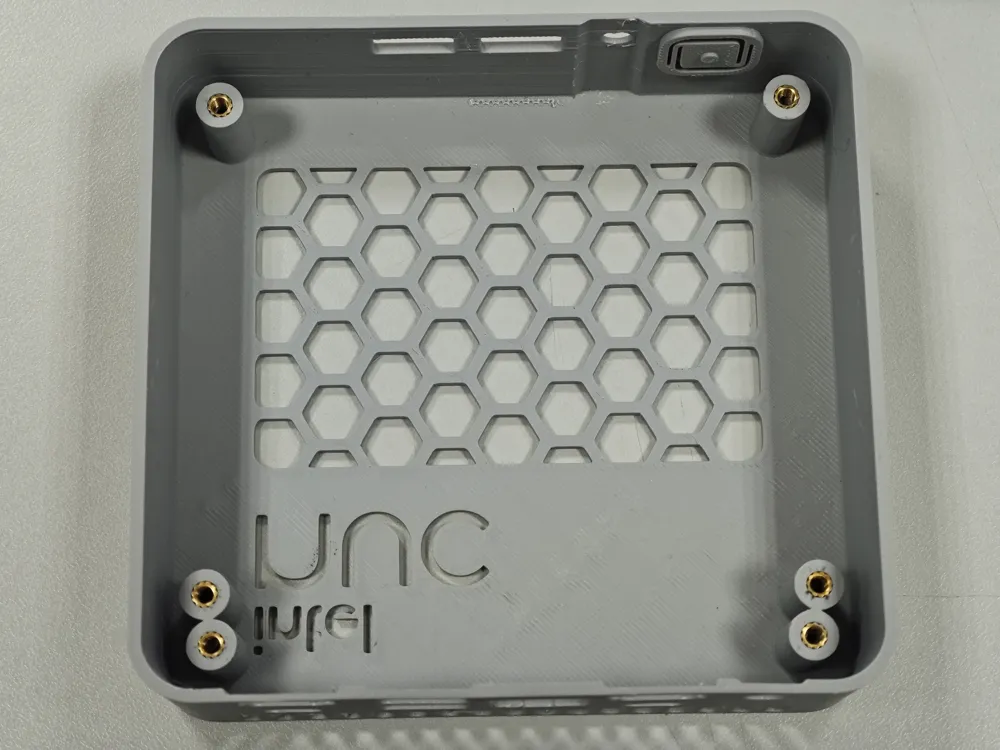
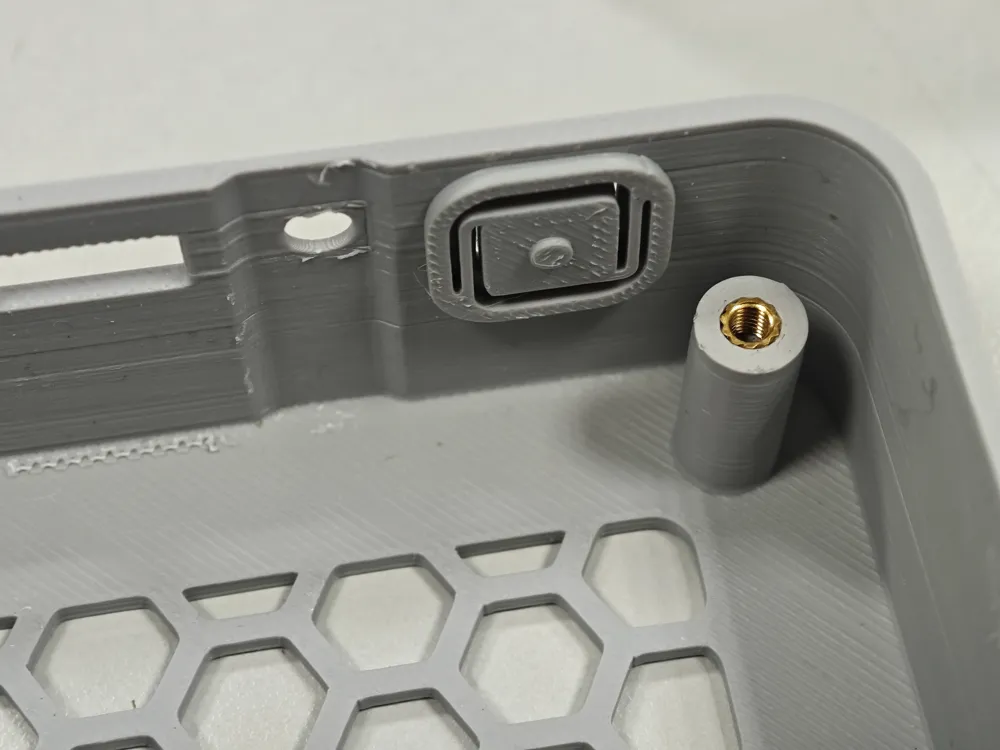
Top Cover: 6 x M3 heat-set nuts (outer diameter 4.0mm, height 3-5mm)
Bottom Cover (optional): 4 x M3 heat-set nuts (outer diameter 4.0mm, height 3mm)
Parts Assembly
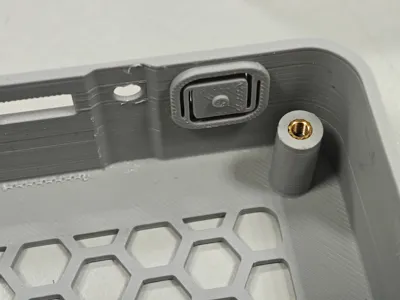
Embedding Heat-Set Nuts
Use tweezers, a soldering iron, or similar tools to embed the heat-set nuts into the mounting holes. A temperature of 250-280℃ is recommended.
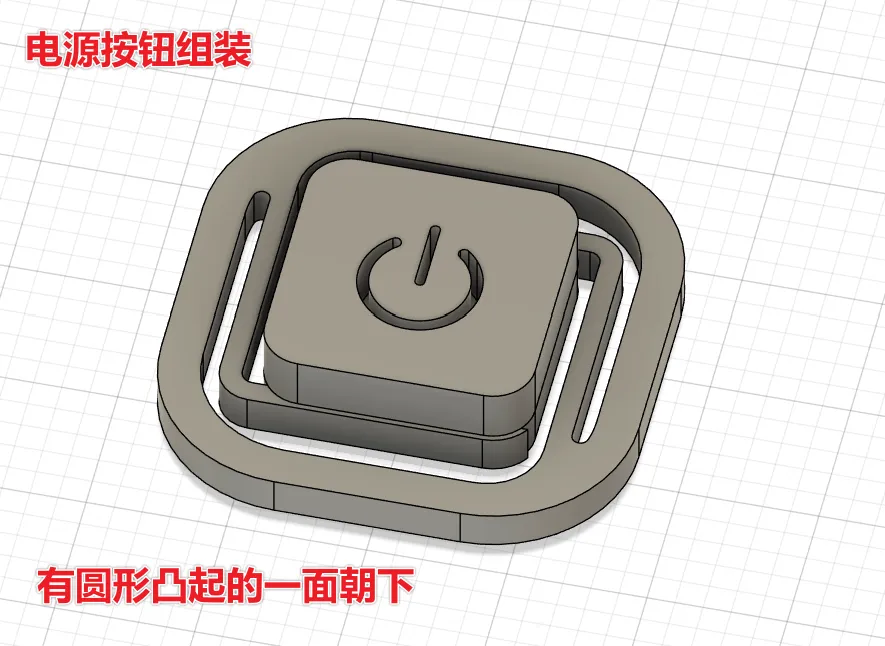
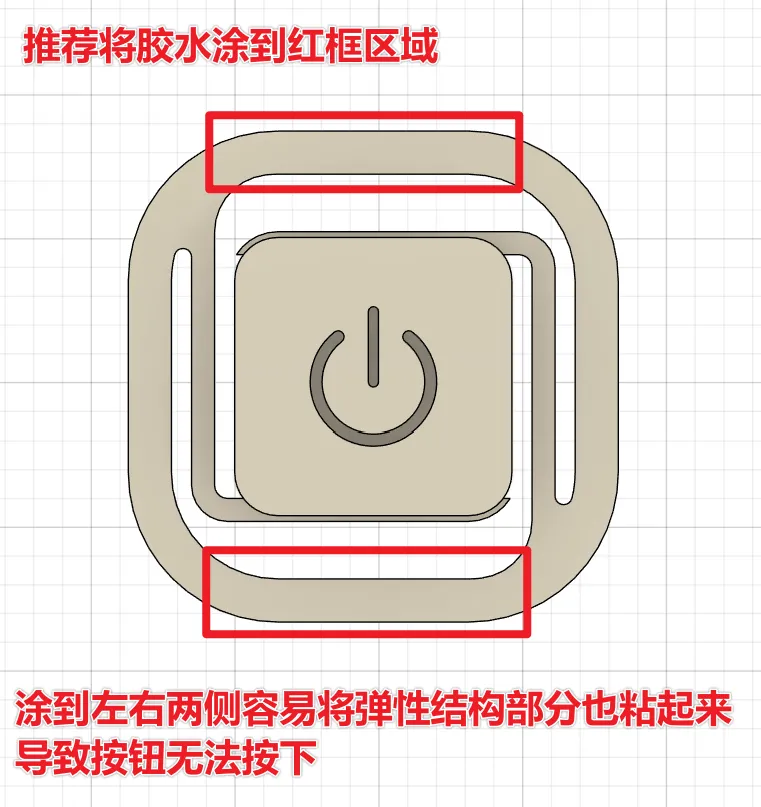
Adhering the Power Button Parts
Any adhesive that provides sufficient bonding strength is suitable. First, adhere the two parts together, then attach the assembled power button to the main top cover.
License

This user content is licensed under a
Creative Commons Attribution-Noncommercial-Share Alike


Comment & Rating (0)