Search models, users, collections, and posts

Accessory Kit for P1/X1/A1 3D Printing on T-shirt
Print Profile(6)

All
P1S
X1 Carbon
X1
A1
X1E
H2D
P1P
H2D Pro
H2S
P2S
H2C
X2D
A2L

0.2mm layer, 2 walls, 15% infill
Designer
6.8 h
1 plate
5.0(4)

0.2mm layer, 2 walls, 15% infill
Designer
1.7 h
2 plates
4.5(2)

0.2mm layer, 2 walls, 15% infill
Designer
38 min
1 plate
5.0(1)

0.2mm layer, 2 walls, 15% infill
Designer
7.7 h
1 plate
Click to see more

Open in Bambu Studio
Boost
114
279
24
112
131
38
Released 

Description

Boost Me (for free)

Thank you for your support!

If you are interested in A1 mini version, please check this https://makerworld.com/zh/models/1667846-accessory-kit-for-a1mini-3d-printing-on-t-shirt#profileId-1765351


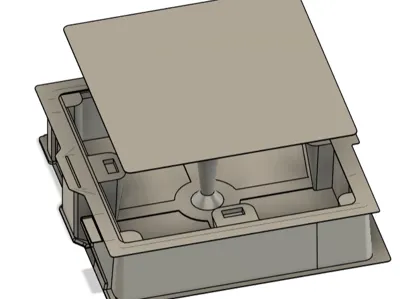
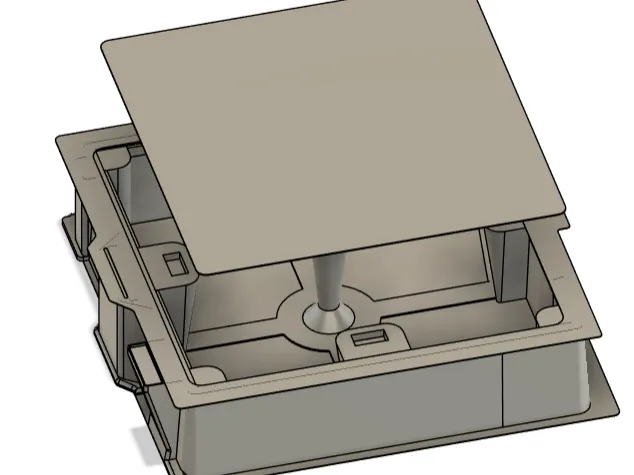
To make 3D printing on T-shirt easily, I developed this kit, including 3 pieces of metal (elastic steel plate) and some 3D printed parts.

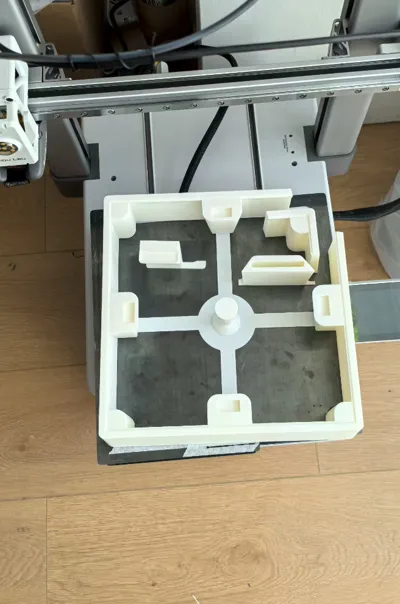
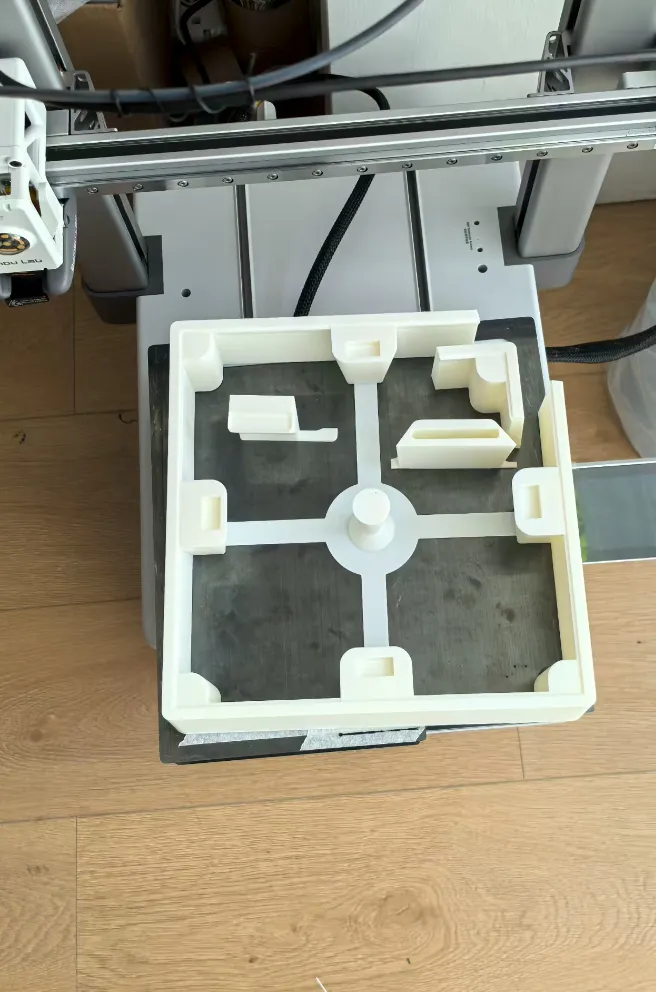
The main part is 244mm × 244mm × 60mm, unluckily it could not be printed as a whole on P1 or X1. 

I have to cut a corner to print it.
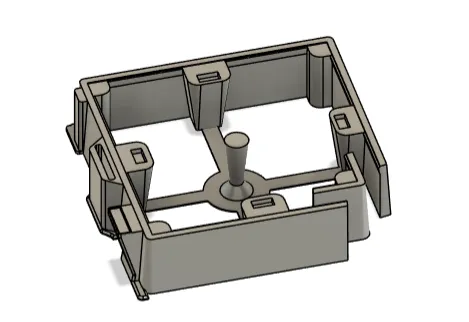
For A1 users, you could print the main body as a whole.

To assemble them, you need to use some glue, as strong as possible.

Here are some key points for assembling:
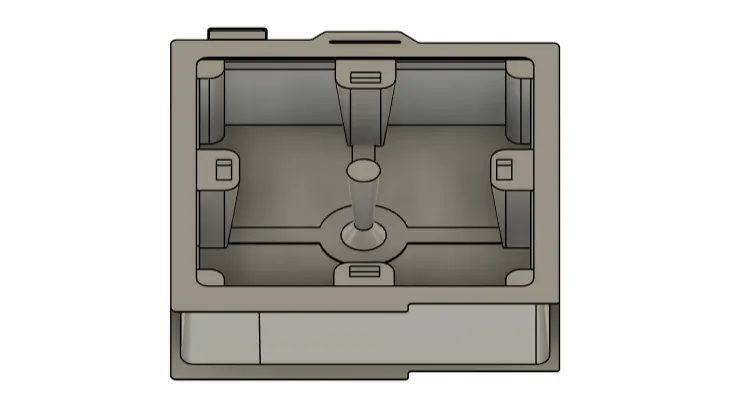
Notice the direction of the bottom and top plate.
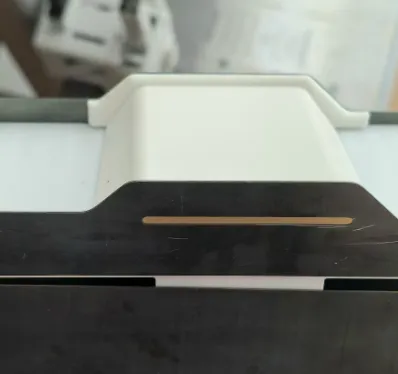
Center
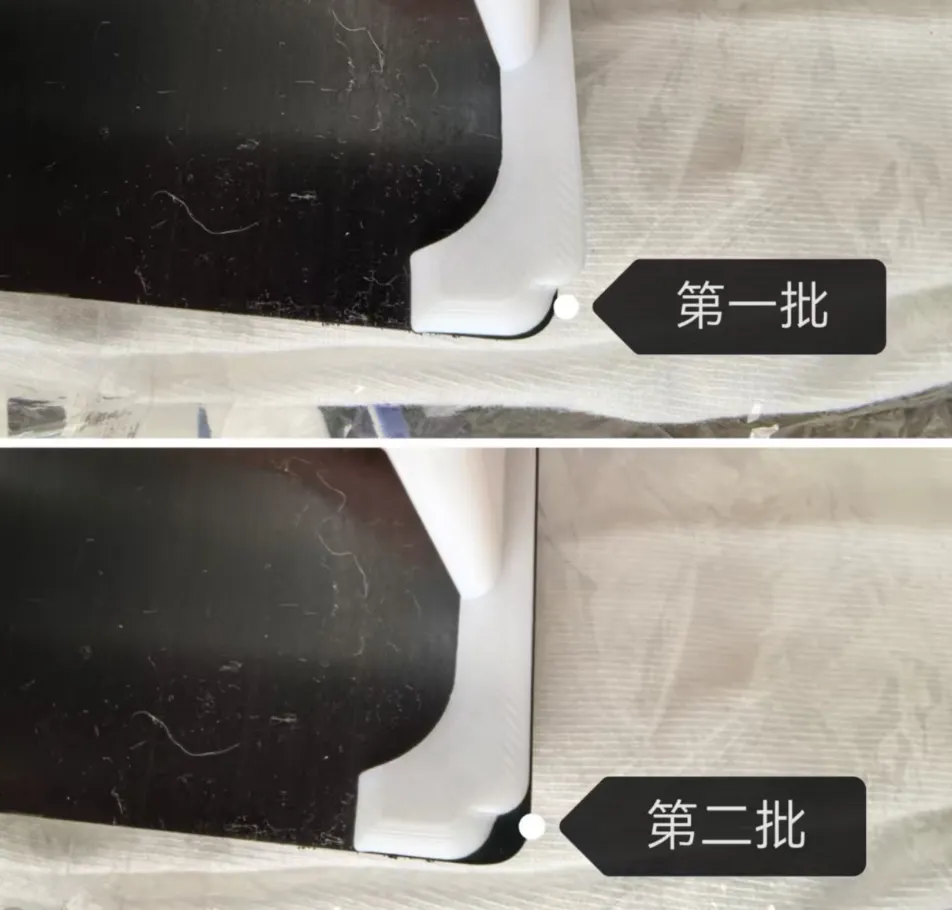
Right corner
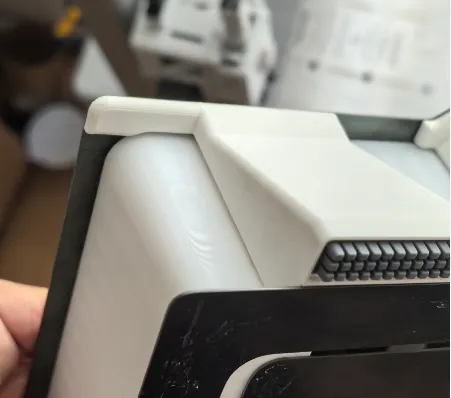
Left corner, for A1 only. DO NOT add this for P1 or X1.


I have tested 3 different mateterials of T-shirt or Polo, 100% cotton, 52% cotton, 100% polyester.

I have tested PLA, PETG and TPU for AMS, they both work. I like TPU more.

This accessory kit works for A1, P1S and X1C. I like A1 more.


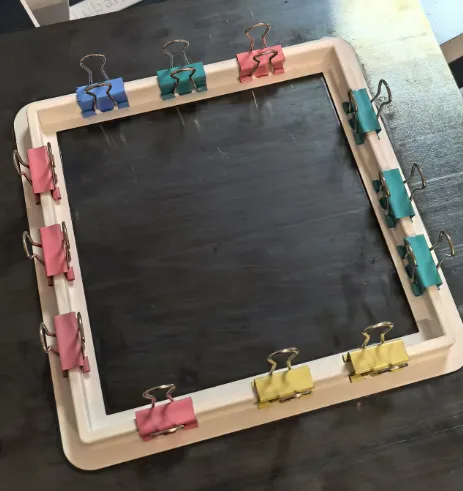
Don't forget you need at least 4 magnets of 20mm × 10mm × 5mm. To mount the T-shirt, you could use the same size magnets or any other N52 strong magnets. I also tried another way to fix T-shirt by using clips, feel free to try it.
 

If you are in China, you could easily purchase the metal plates from me.

If you are not in China, you may need to get two normal cool plates and cut one of them. The dxf file for laser cutter is also attached, you can cut it by yourself by using a high-power laser cutter or a waterjet.

If you need more support, feel free to contact me.


!!!Important reminder: This scheme has been applied for a patent, please do not use it for commercial purposes. You can print and cut it by yourself, but please do not sell it without permission.


Enjoy the printing.

Boost Me (for free)

Thank you!


Documentation (1)

Other Files (1)
P_X_A1_0725new.zip

Comment & Rating (24)

(0/1000)

isnt it remixable so you can just put a normal A1 coolplate on it, without the need of cutting it?
The designer has replied
0
Reply
Yes, cut the top flat and a normal plate could be used. I will update a new version soon.
1
Reply
Replying to @miccy16 :
Nice. Let me know when you uploaded it. Cant wait to print my Shirts
0
Reply
Replying to @miccy16 :
Hello, When will you update it? because i really want to try it
0
Reply
Will you be making a video of a shirt print with this kit on a P1S?
The designer has replied
Show original
1
Reply
Yes, I posted them on Xiaohongshu and Bilibili. Try this: https://space.bilibili.com/3546593737312868
0
Reply
Print Profile
0.2mm layer, 2 walls, 15% infill
clean print thank you for sharing. Hope to see someone used it already.
The profile uploader has replied
0
Reply
Thank you. There will be more than 40 users to use it next week :)
0
Reply
Replying to @miccy16 :
👍🏽👍🏽👍🏽
0
Reply
Dont you have an image of how is mounted with the metal plates?
The designer has replied
0
Reply
Hope these images could help
0
Reply
do you cold wash them? an do you always use tpu, i see your filament settings are PLA
The designer has replied
0
Reply
cold wash with washing machine is fine. I don't always use TPU, I used TPU for AMS which could be put in AMS for multicolored patterns. PLA is fine for fabric bags, not good for T-shirt.
0
Reply
Print Profile
0.2mm layer, 2 walls, 15% infill
Good idea, it would be easier with strong magnets at the top and bottom without a plate. Otherwise top
Show original
0
Reply
Hello what do I need to set on the A1 so that it travels over the print bed at height Greetings Kai
Show original
0
Reply
has anyone set this up on their P1S in 2026?
0
Reply
It is truly excellent it has everything that is needed
Show original
0
Reply
Print Profile
0.2mm layer, 2 walls, 15% infill
0
Reply

License

This user content is licensed under a Standard Digital File License.

You shall not share, sub-license, sell, rent, host, transfer, or distribute in any way the digital or 3D printed versions of this object, nor any other derivative work of this object in its digital or physical format (including - but not limited to - remixes of this object, and hosting on other digital platforms). The objects may not be used without permission in any way whatsoever in which you charge money, or collect fees.