
Zodiac - Cancer, Leo, Virgo Bookmark
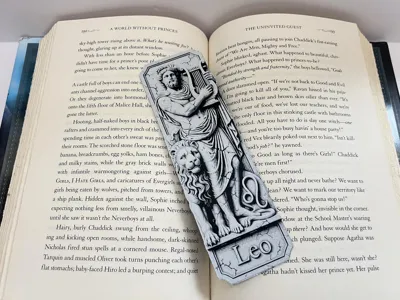
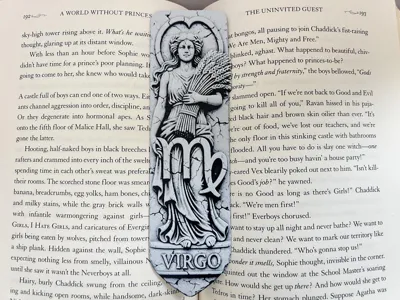
Print Profile(2)


Description
Thank you for downloading my works. If you would like to sell my designs, past and future, a commercial license can be obtained from my MakerWorld or Patreon page.
Membership
License to commercially sell my designs, past and future. Different tiers available. Thank you for your membership.
Boost Me (for free)
If you like the designs, please gift a boost. Thank you in advance for your support.
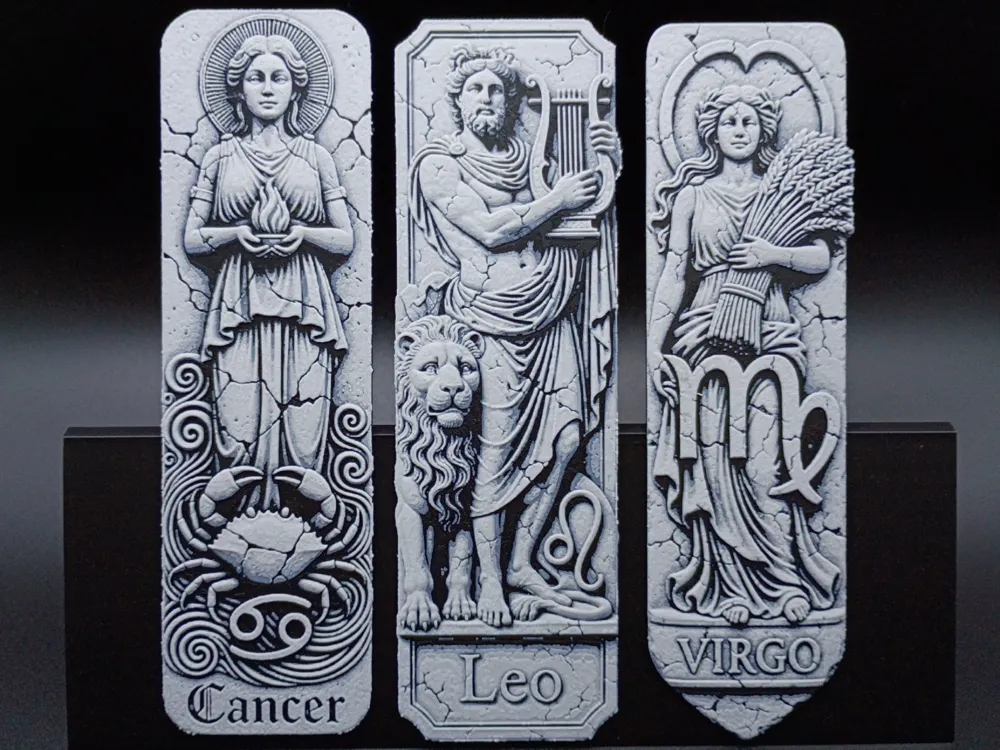
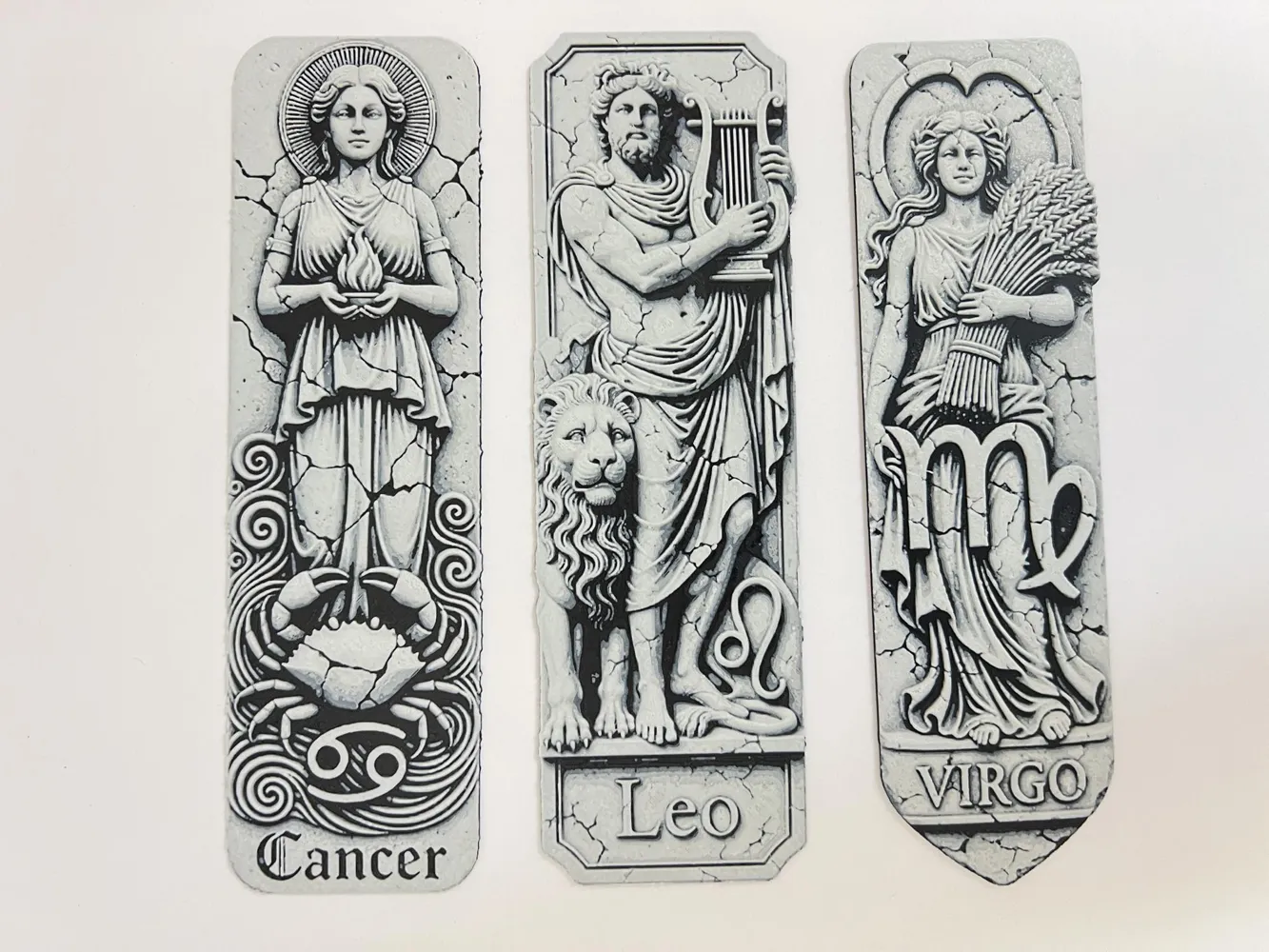
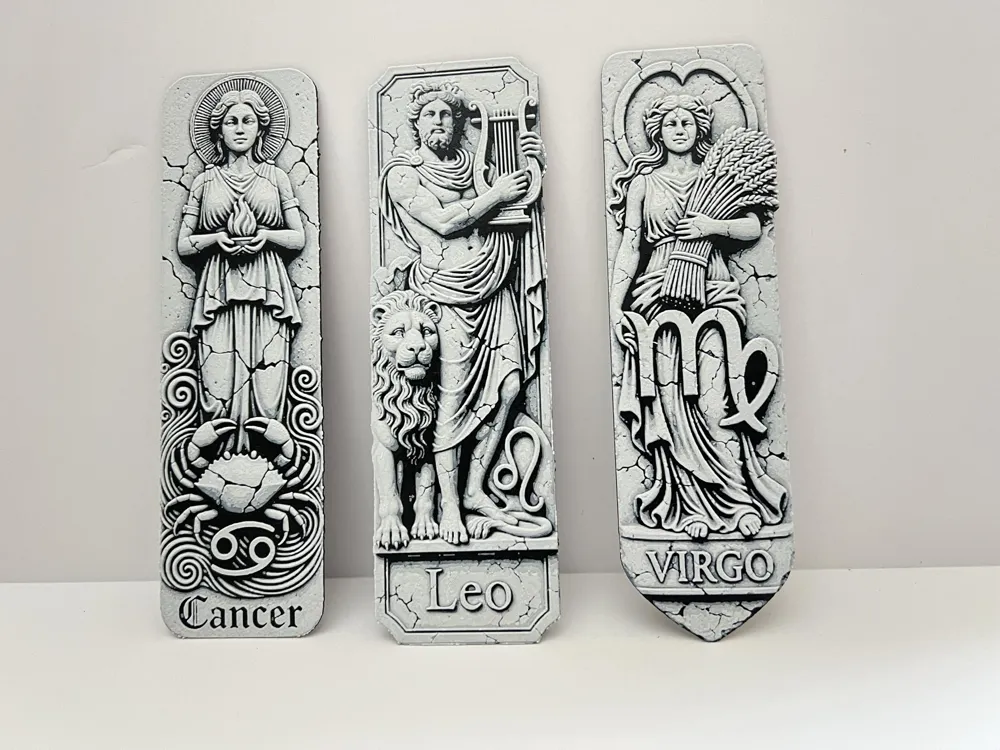
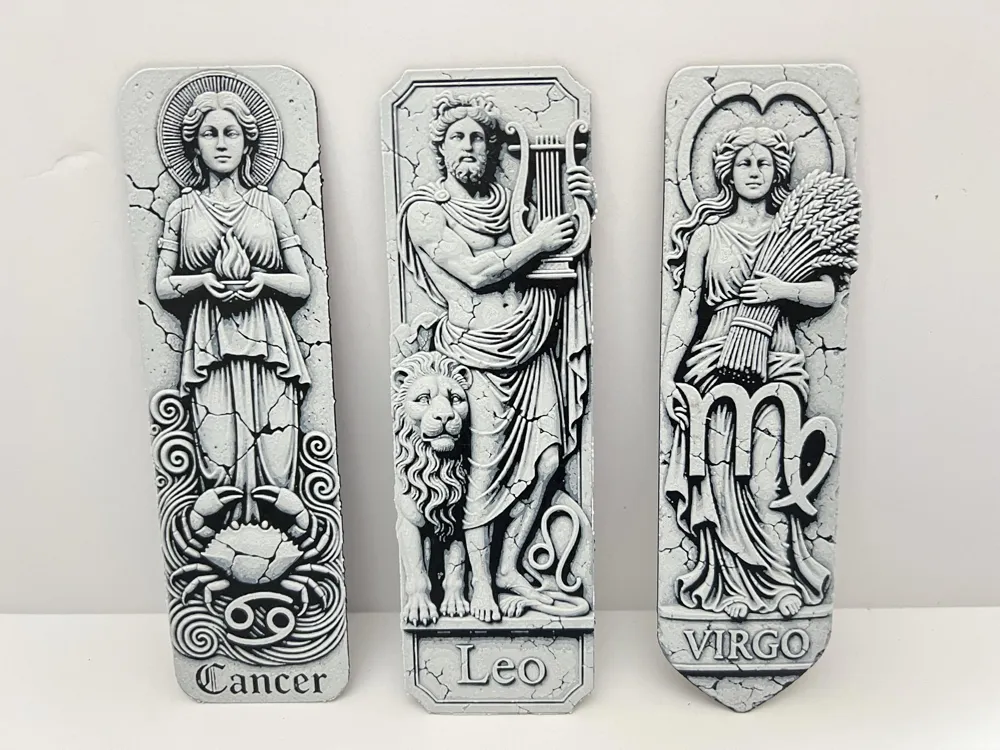
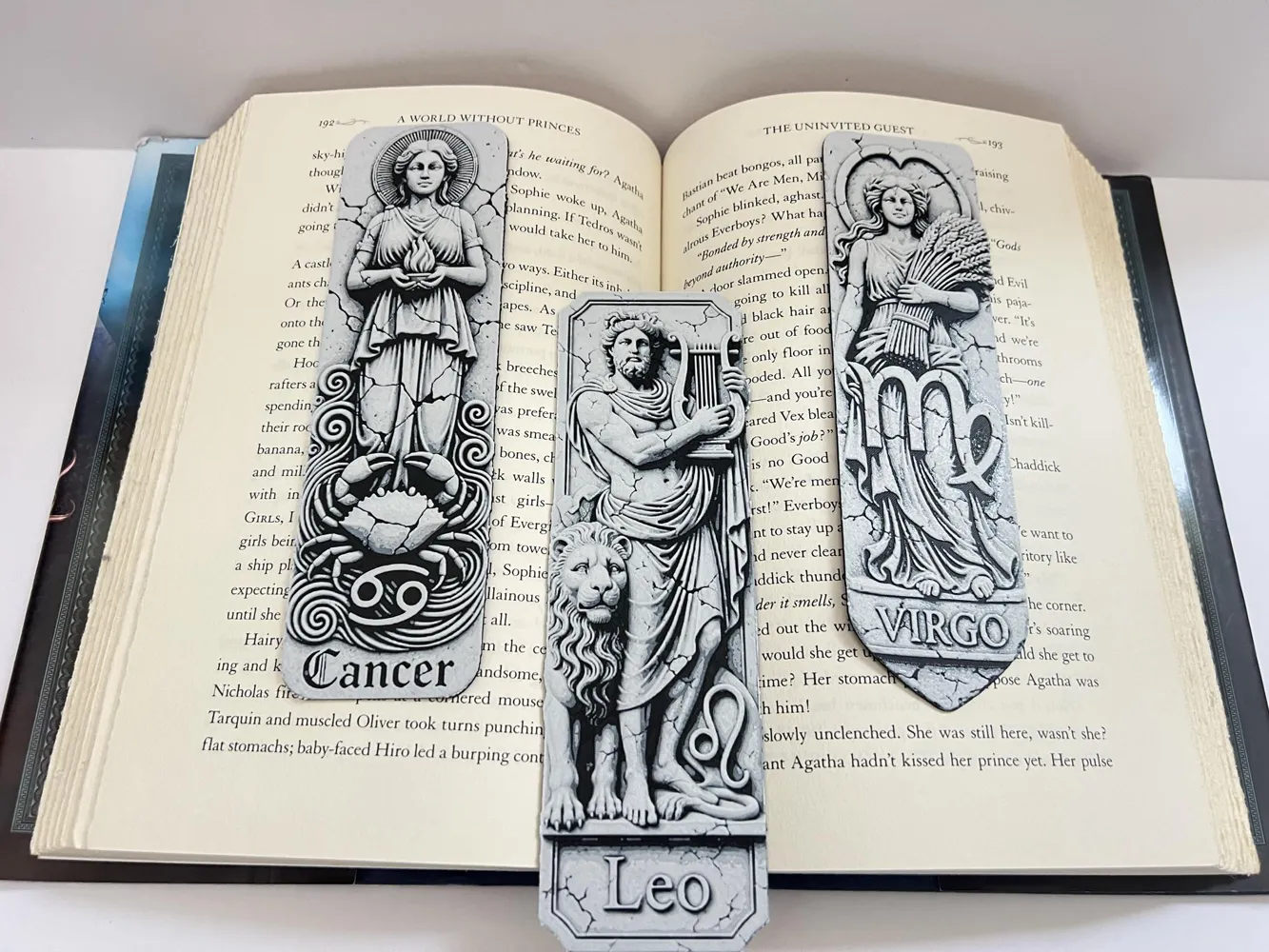
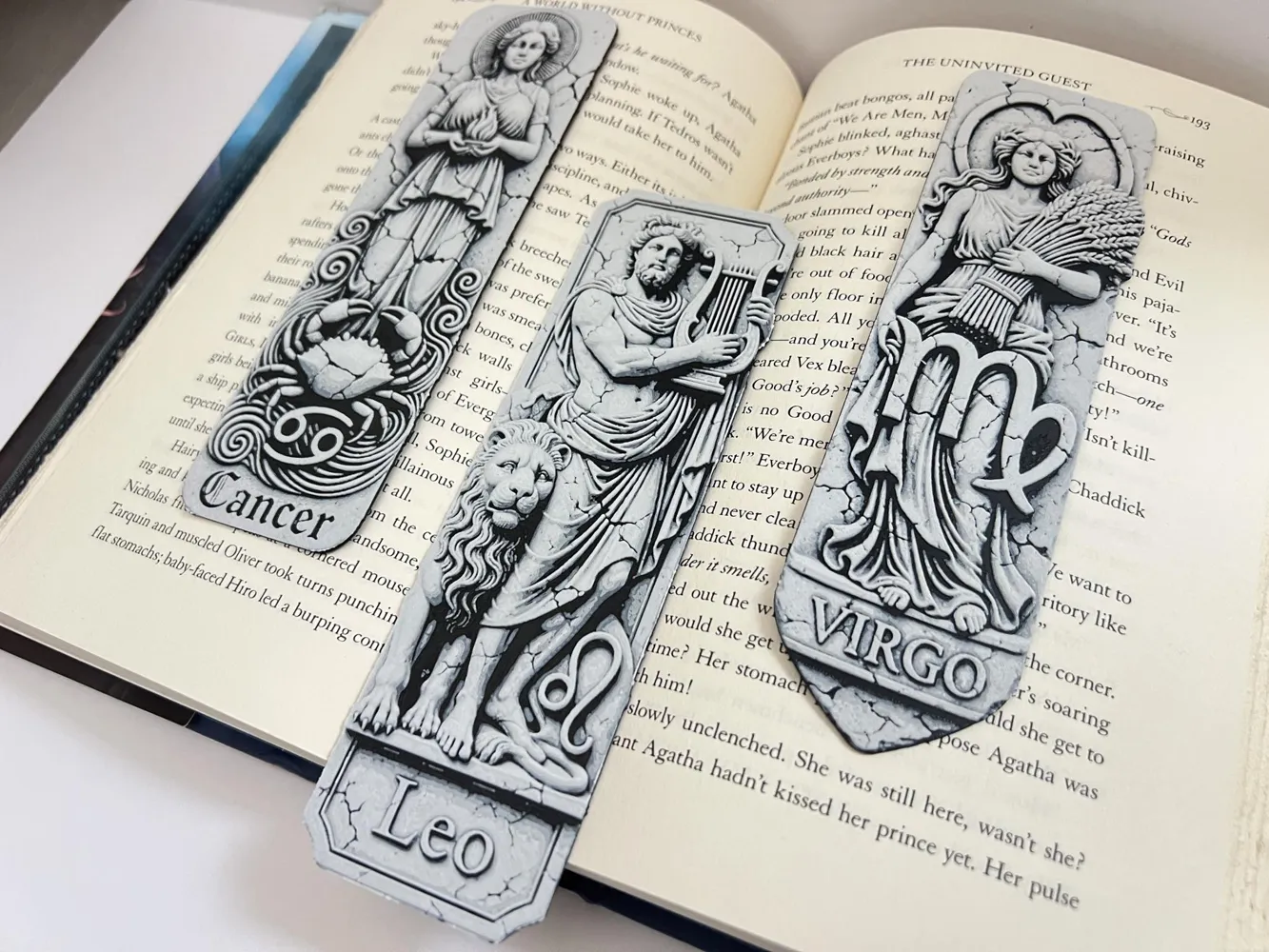
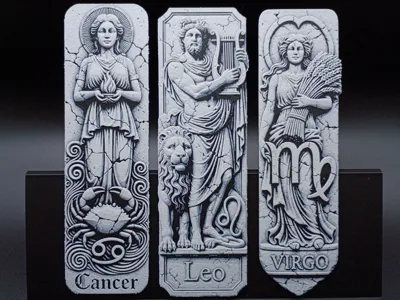
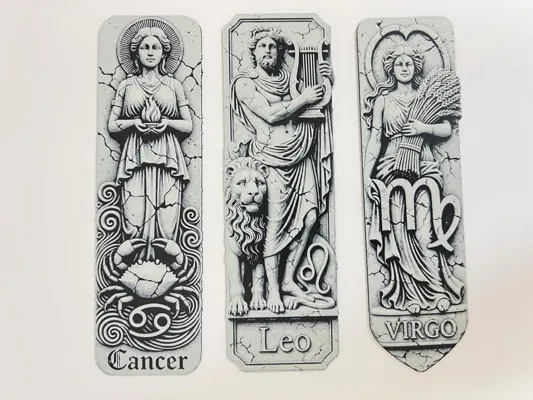
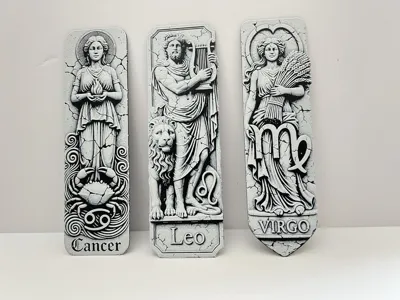
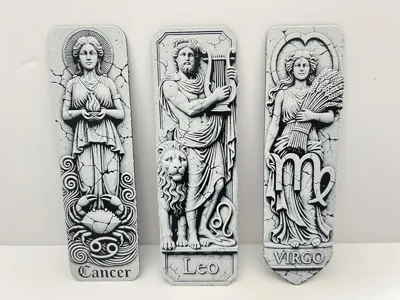
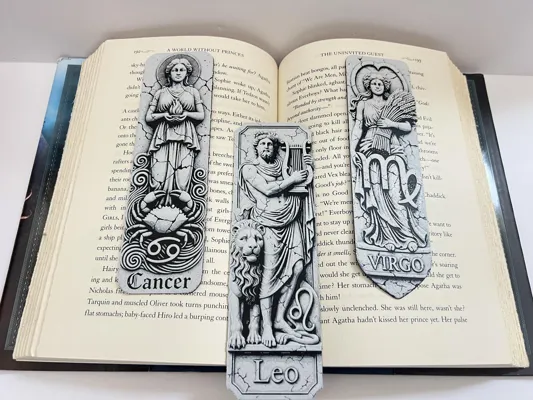
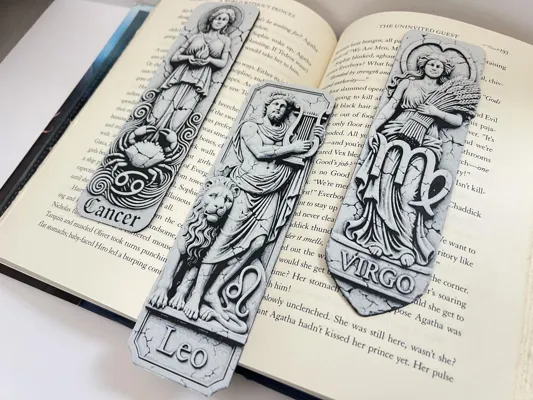
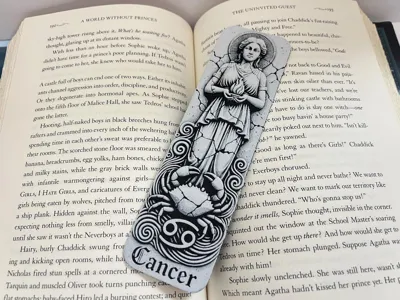
This is set 1 of 4 of the Astrology Set. Images shown are printed in an 0.2mm Nozzle. All bookmarks have same swaps. You can use 2 colors if you like. The beige can be substituted for white and vice-versa. You can print it as a set or individually.
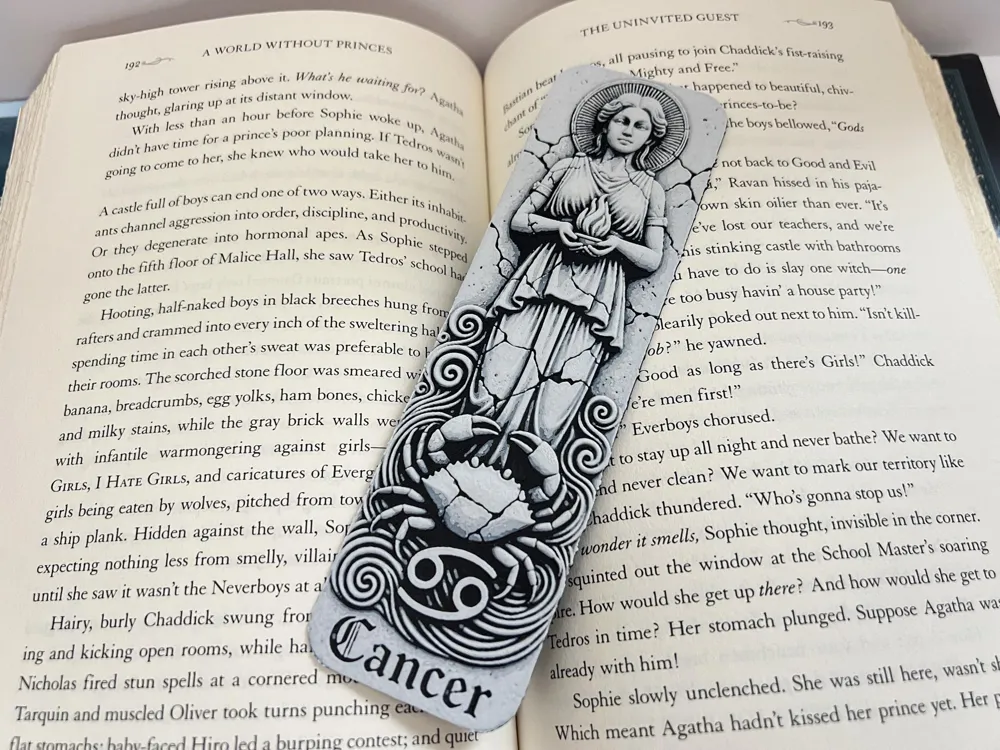
1. Cancer (June 21- July 22)
- Symbolism: Represented by the Crab and Hera (goddess of marriage and women)
- Element: Water sign.
Traits: Often associated with nurturing, emotional depth, intuition, and a strong connection to home and family.
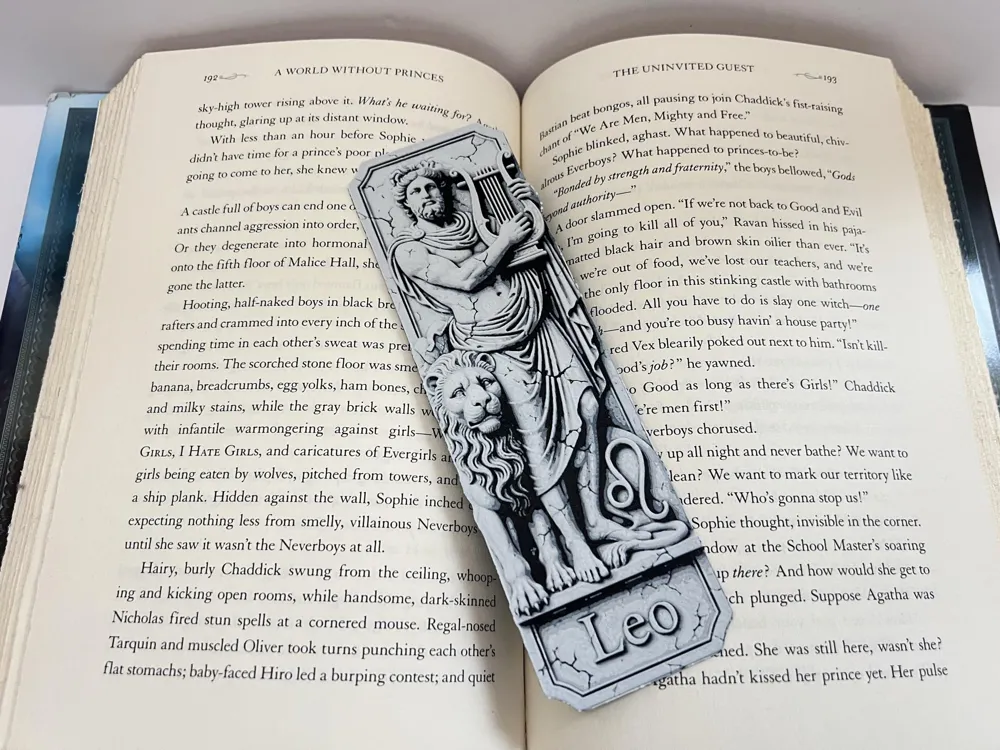
2. Leo (July 23 - August 22)
- Symbolism: Represented by the Lion and Apollo (god of the sun)
- Element: Fire sign.
- Traits: Known for being passionate, charismatic, confident, and natural leaders.
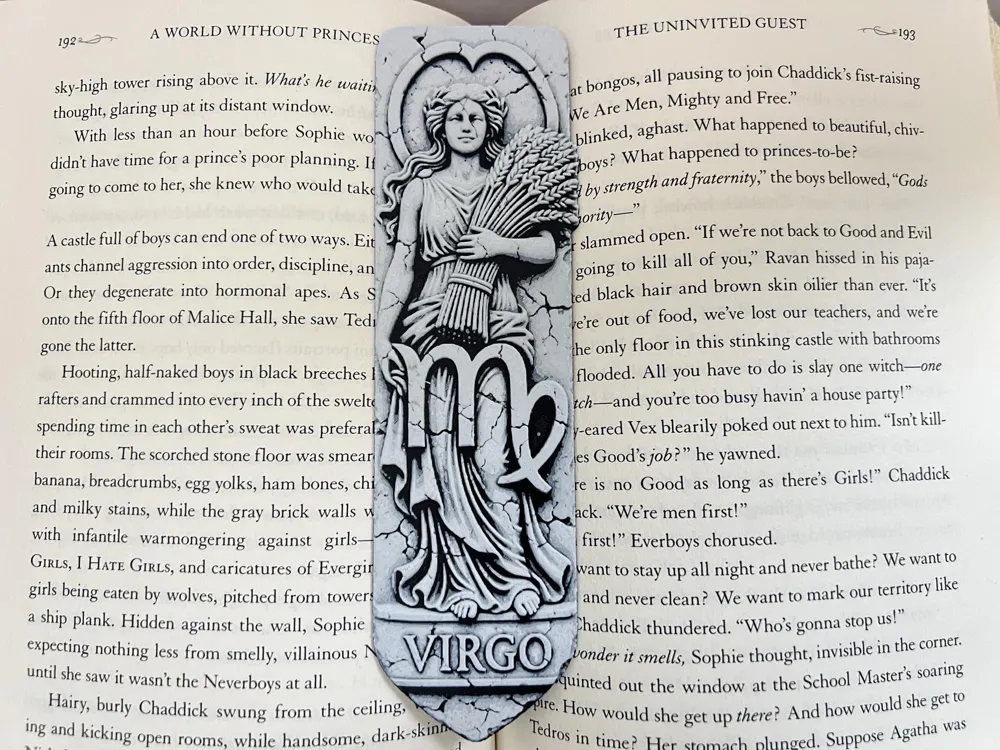
3. Virgo (August 23 - September 22)
- Symbolism: Represented by the Maiden and Demeter (goddess of agriculture)
- Element: Earth sign.
Traits: Typically characterized by practicality, analytical thinking, meticulousness, and a helpful nature.
Boost Me (for free)
If you like the creation, please gift a boost. Thank you in advance for your support.
Astrology Bookmark Set 1: Cancer, Leo, and Virgo
Print at 100% infill with a layer height of 0.08mm with a base layer of 0.16mm
Filaments Used:
PLA BambuLab Basic Black Transmission Distance: 0.6
PLA BambuLab Basic Beige Transmission Distance: 3.7
PLA BambuLab Basic Jade White Transmission Distance: 5
This print uses 3 unique filaments
Swap Instructions:
Start with Black
At layer (0.8mm) swap to Beige Print
At layer (1.04mm) swap to Jade White for the rest.
Can be resized to accommodate your printer or preference by adjusting the X and Y axis the same percentage while leaving the Z axis at 100%. The best way to achieve this: With Uniform Scale checked, adjust the Y axis to the desired size (this will ensure the X axis is the same proportion as the Y axis), uncheck the Uniform scale, adjust the Z axis back to 100%, slice plate, and print. Stringing may occur with Hueforge, just use a lighter to whisk them away.
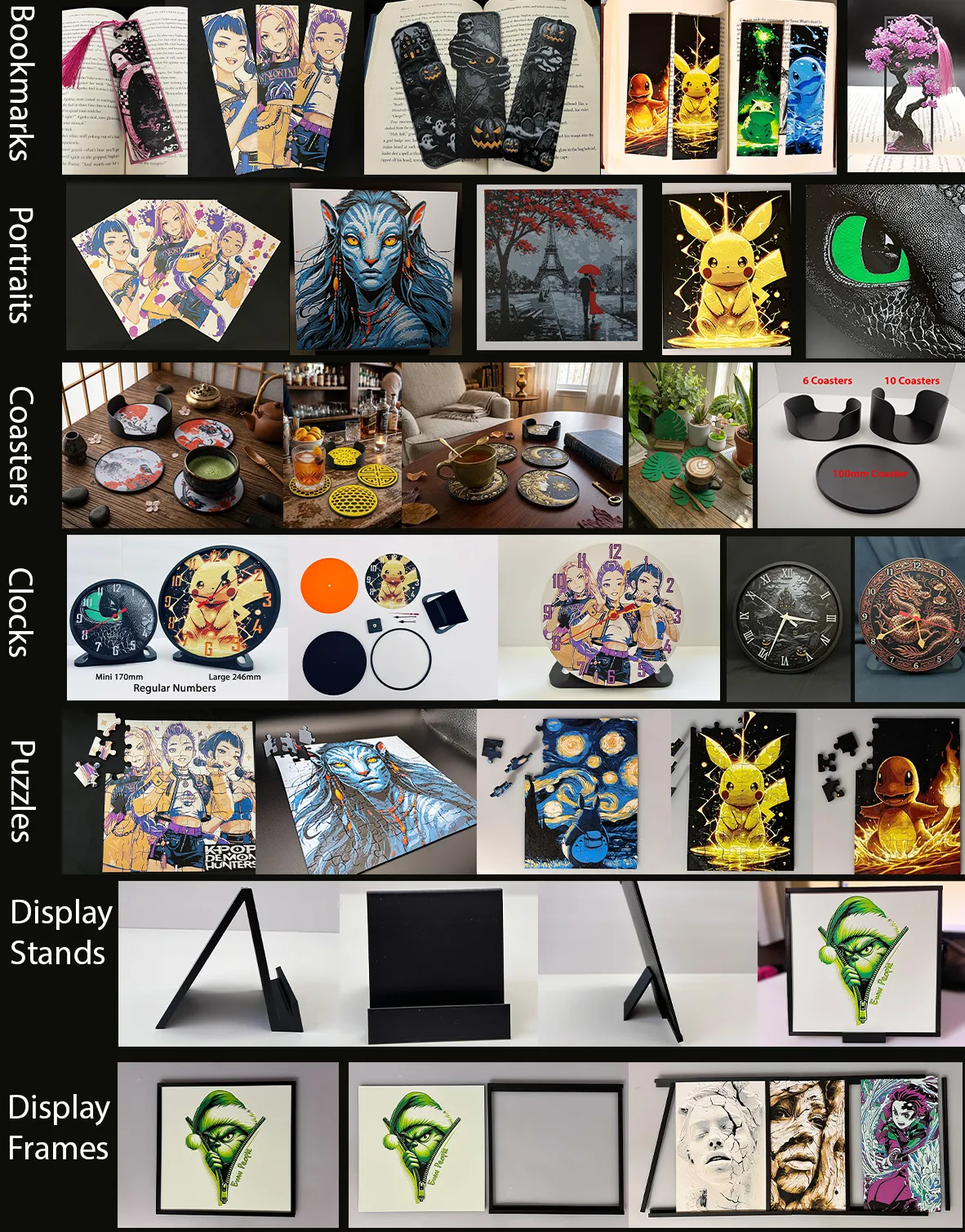
More prints: Bookmarks -- Portraits -- Coasters -- Clocks -- Puzzles -- Display Stands -- Display Frames
They are sorted and can be found in my Collections - https://makerworld.com/en/@3djd/collections
License

You shall not share, sub-license, sell, rent, host, transfer, or distribute in any way the digital or 3D printed versions of this object, nor any other derivative work of this object in its digital or physical format (including - but not limited to - remixes of this object, and hosting on other digital platforms). The objects may not be used without permission in any way whatsoever in which you charge money, or collect fees.


Comment & Rating (19)