
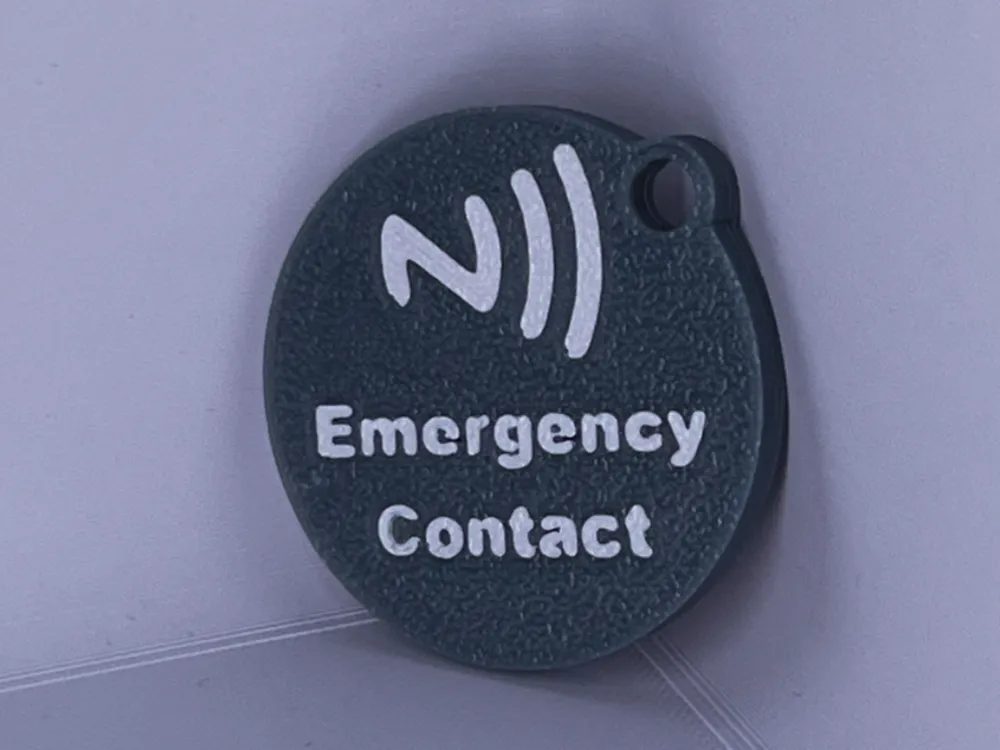
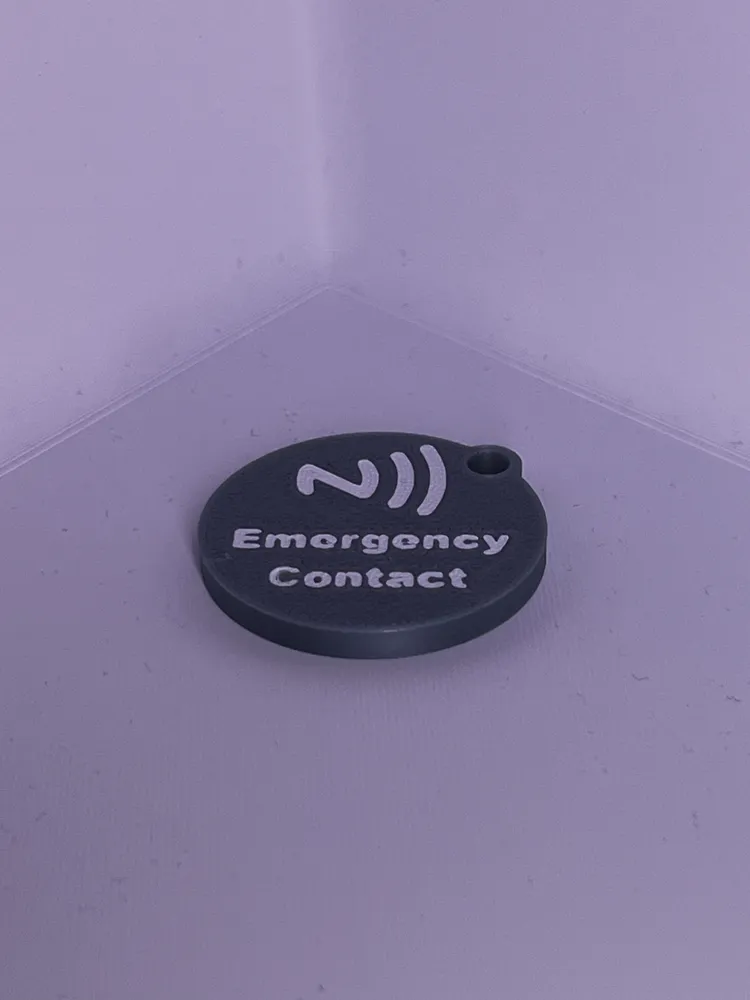
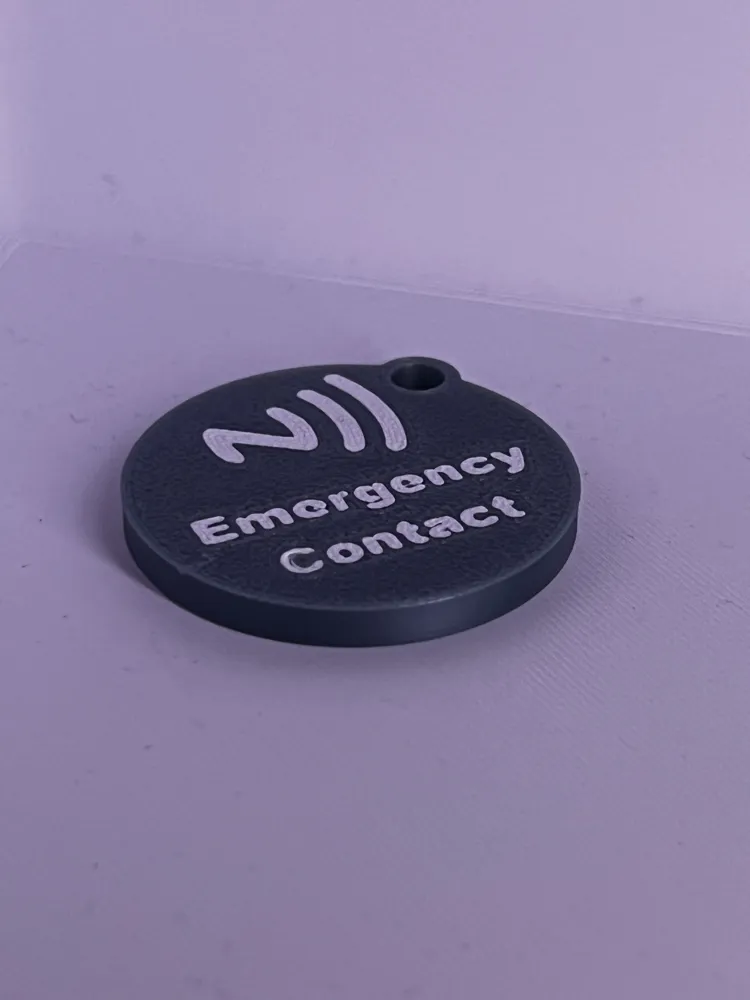
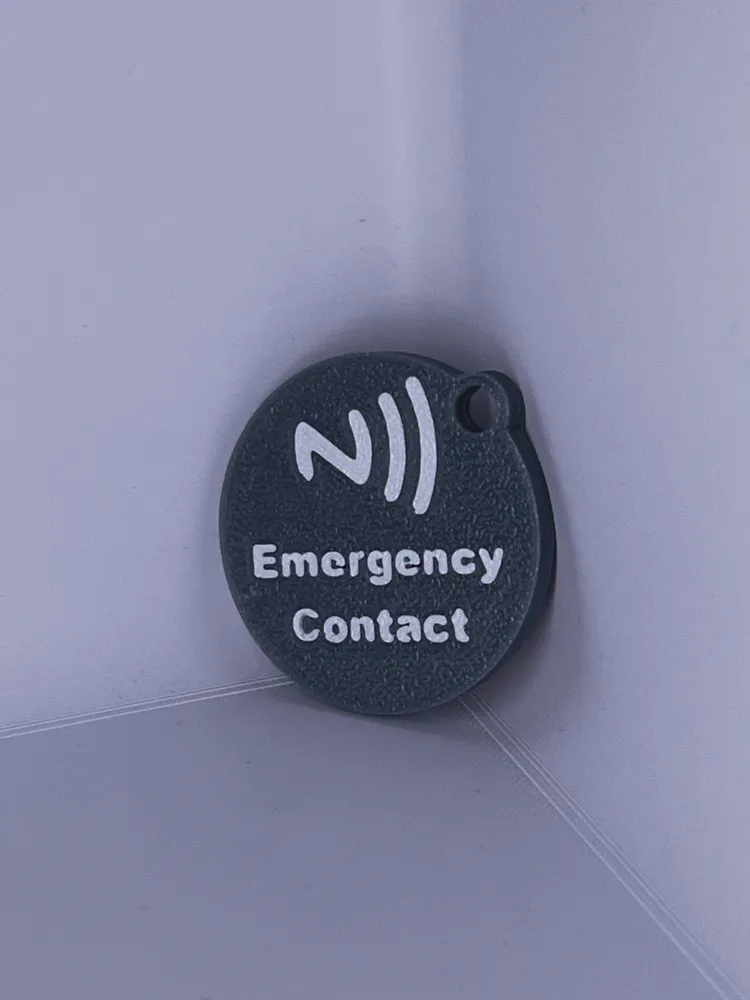
Print Profile(1)

Description
Model Design Documentation-(MDD) ("Please Read")
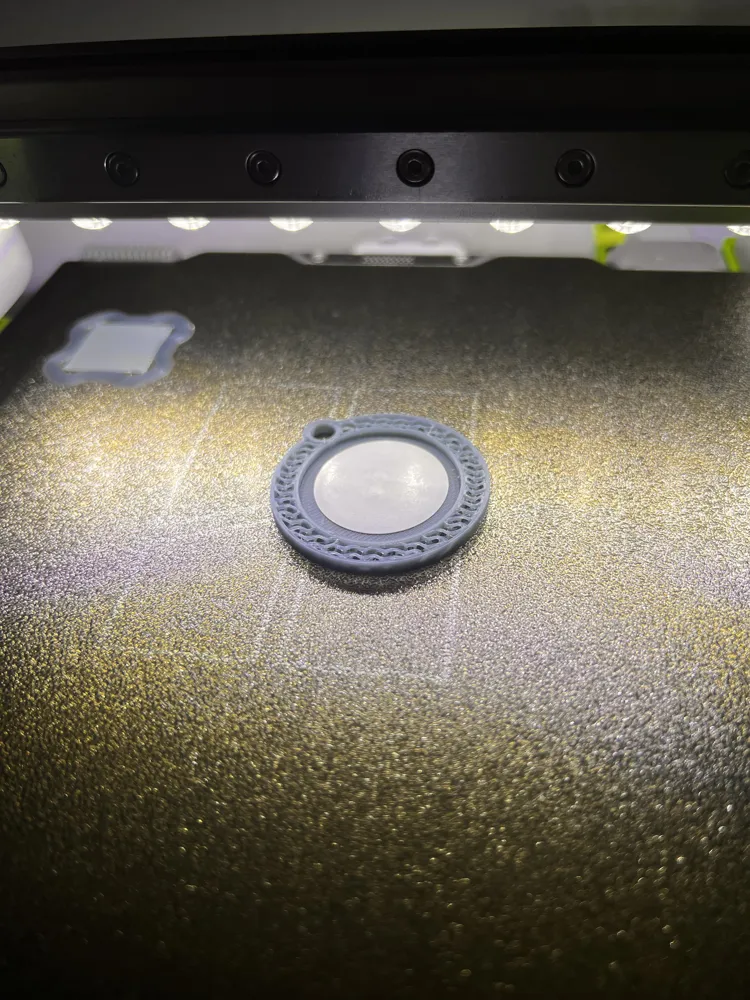
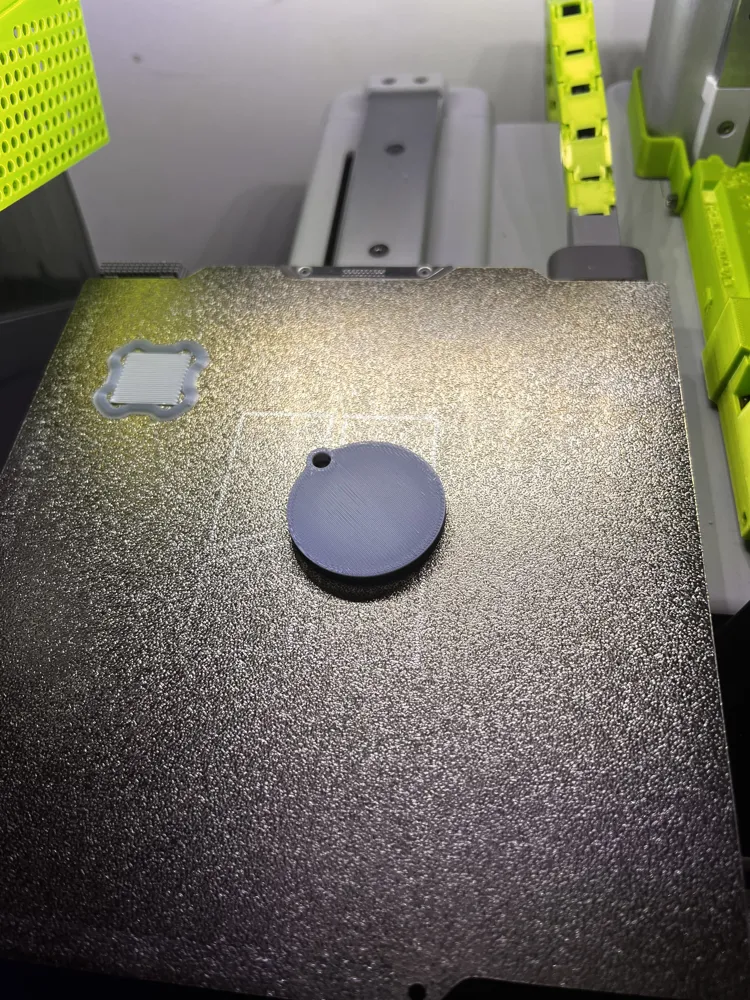
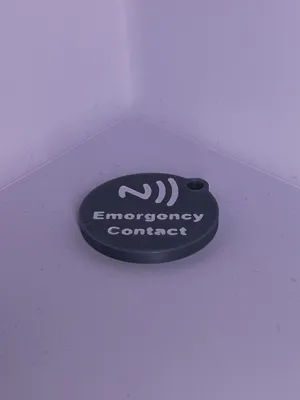
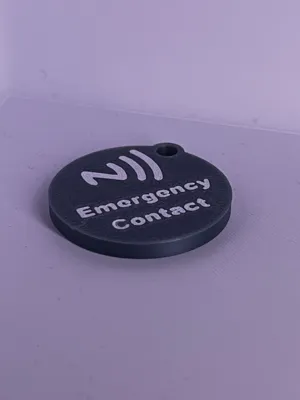
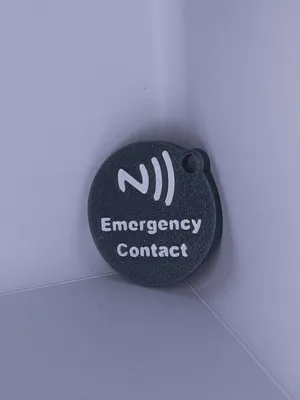
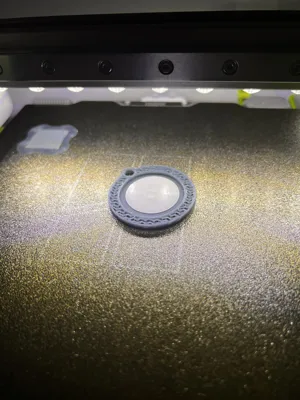
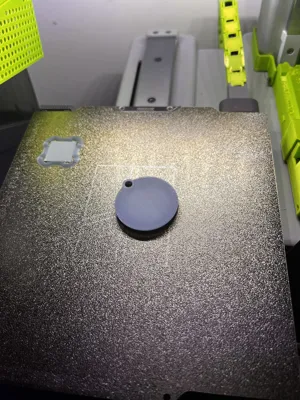
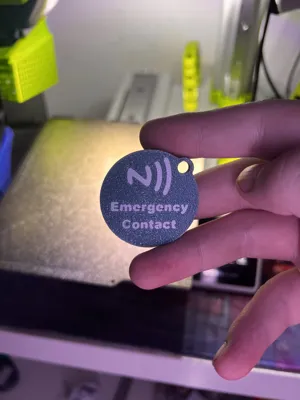
This print should have a pause on layer 14 to insert the NFC tag into the body of the print.
It is recommended that you set the printer to 50% Silent mode for the first layer to achieve a more accurate and precise NFC Logo and text. This is because the first layer is printed, which provides a cleaner look and finish to the model.
I understand that MakerWorld has its own 20-pack of NFC tags. I am unsure if this model will fit these. Feel free to try and report back to me. If they do not fit, I will make adjustments to the model and upload a modified file for you to use.
Please feel free to use these creators' videos to see how to set up the NFC tags and contact card.
YouTube Video: (Credit: Min2Be Designs)
(This will show you how to navigate the NFC Tools Application.)
Video Link: https://www.youtube.com/watch?v=SPsGfRgvcJU
YouTube Video: (Credit: That Drone Guy Ty)
(This will show you how to make your own personalised contact card, which shows up when scanned)
Video Link: https://www.youtube.com/watch?v=XN9OgtLpFsk&t=144s
Contact Card (vCard.link): https://www.vcard.link/card
App Store NFC Tools Download: https://apps.apple.com/gb/app/nfc-tools/id1252962749
Play Store NFC Tools Download: https://play.google.com/store/apps/details?id=com.wakdev.wdnfc&hl=en_GB
NFC tag I used:
If you need any assistance, please don't hesitate to reach out.
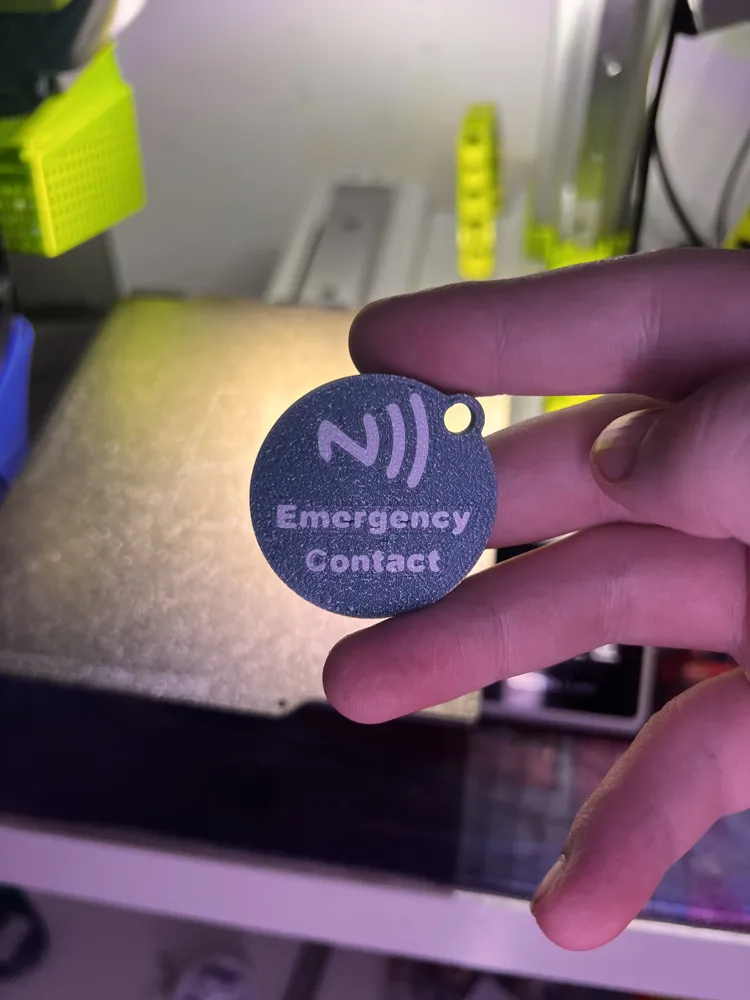
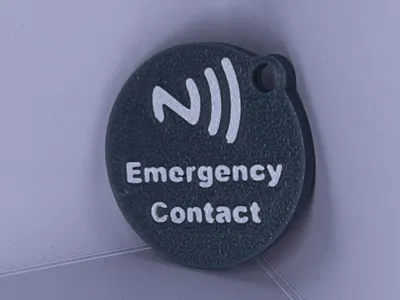
🛡️ NFC Emergency Contact Tag – Peace of Mind in Your Pocket
When seconds matter most, our NFC Emergency Contact Tag offers a simple yet powerful solution for child safety. Discreetly attached to your child’s belongings, this smart tag allows any passerby with a smartphone—Android or iPhone—to instantly access your chosen emergency contact information via a quick tap.
Whether it’s a moment of separation at a crowded theme park, school trip, or simply losing sight for a heartbeat in the playground, this tag connects the dots between lost and found. No apps, no fuss—just one tap to call the parent or caregiver directly.
Why parents love it:
- ✅ Instant contact with a trusted adult via NFC tap
- ✅ No battery or charging needed—always ready
- ✅ Durable, waterproof, and child-friendly design
- ✅ Works with iPhone and Android devices
Give yourself peace of mind and empower your community to help keep kids safe. It’s technology with heart—because every child deserves to feel found.
🌟 Additional Key Features
🔒 Privacy-First Design
Your contact information is stored securely on the tag—only accessible via close-range NFC scan. No public databases, no tracking.🧒 Child-Friendly Aesthetics
Available in fun, customizable designs that kids love—helping them stay safe without feeling “tagged.”📍 Location Guidance (Optional Feature)
Include a brief message with landmarks or instructions like “Bring me to the info desk” or “Call Mum”—so even if the caller can’t reach you, they know what to do.🆘 Multiple Contacts Support
Parents can set up more than one emergency contact—perfect for dual households or if one caregiver isn’t available.☁️ Easy Update Portal
Change contact details anytime through our secure online portal—no need to replace the tag when life changes.- 🚫 Tamper-Resistant Mounting
Designed to stay put—whether attached to a backpack, shoe, wristband or jacket.
This model follows the “Creative Commons Attribution NonCommercial-Share Alike” https://creativecommons.org/licenses/by-nc-sa/4.0/ Please read to understand your position when printing this model.
Anyone found selling or distributing this model will be reported for profits made.
License



Comment & Rating (5)