
RAK WisBlock RAK13011 Window & Door Alarm
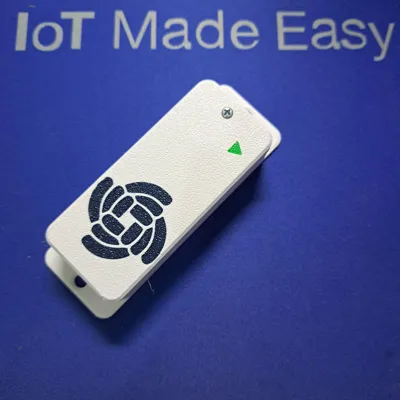
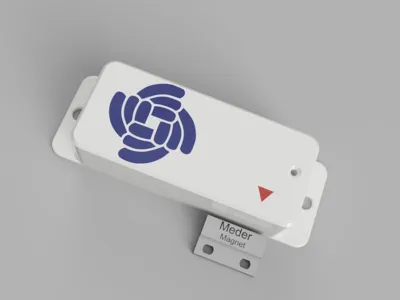
Print Profile(2)


Description
Checkout my enclosure and accessory collection for RAKwireless WisBlock, WisMesh Meshtastic and MeshCore devices ==> RAKwireless Origins.
All my models come with STEP files and Fusion 360 project files for customization.
-------------------------------------------------------------------------------------------------------------------------------
Build a door open counter and alarm sensor with WisBlock
Reed relays are often used for contactless switching in many applications. The reed relay is normally open, but when a magnet is getting close to it, the relay contacts will close.
Here we will use this feature to create door (or window) open/close detector. This can be useful for home alarm systems or in industrial applications where an automatic door in a production line requires to count how often it is opened and closed or to make sure that the door is actually working.
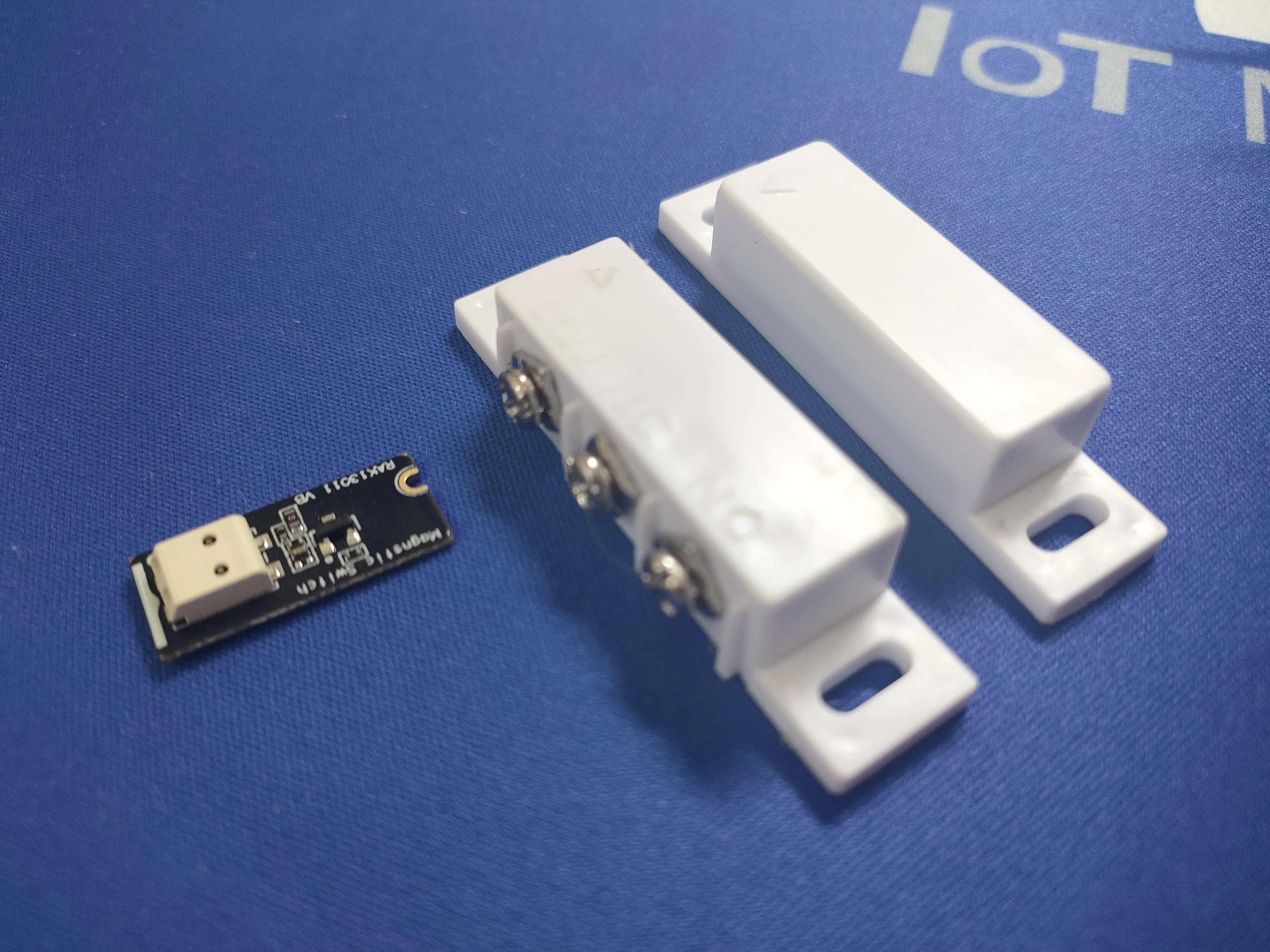
The RAK13011 magnetic switch module includes a WisBlock module, an external reed relay and a magnet to control the reed relay.
The RAK13011 module fits into a sensor slot, but due to its size it occupies two sensor slots. It is recommended to use Slot C of the RAK19003 Base Board or Slot D of the RAK19007 Base Board. Using these slots will not occupy two sensor slots, as they are designed for these longer sensor modules.
📝 NOTE
All the modules are available at the RAKwireless Store.
📝 NOTE
The source code of this application is open source and can be downloaded from the Github repos
A few things that have to be considered
Transmission interval
The application is using LoRaWAN to transmit the status through a gateway to a LoRaWAN server. Integrations connected to the LoRaWAN server can then be used to take actions.
As LoRaWAN is not a fast communication medium, a ring buffer is used to store open and close events in case they are happening faster than the WisBlock Core module can transmit the events.
The buffer is designed to keep up to 50 events, but it can be increased if required.
Debouncing of the relay contacts
The reed relay contacts do not have any debouncing mechanism. It can easily happen that the bouncing of the relay contacts triggers multiple interrupts. The debouncing is done in the application by checking if the status has changed since the last interrupt.
Arduino Open Source and RAKwireless RUI3 API
The application code is available in two versions.
- The first one is for the open source Arduino BSP and PlatformIO. It works with the WisBlock Core modules RAK4631, RAK11310 and RAK11200 (with RAK13300 LoRa module).
The application is based on the WisBlock-API-V2. Instead of running endless in the loop(), it is using timers and events to keep the MCU in idle/sleep mode as much as possible. - The second version is for RUI3 and works with the RAK4631-R and the RAK3372 Core modules.
⚠️ WARNING
Due to a GPIO conflict with the RAK3372, The RAK13011 does not work when using Sensor Slot C. With the RAK3372 the RAK13011 must be used in another Sensor Slot.
Enclosure
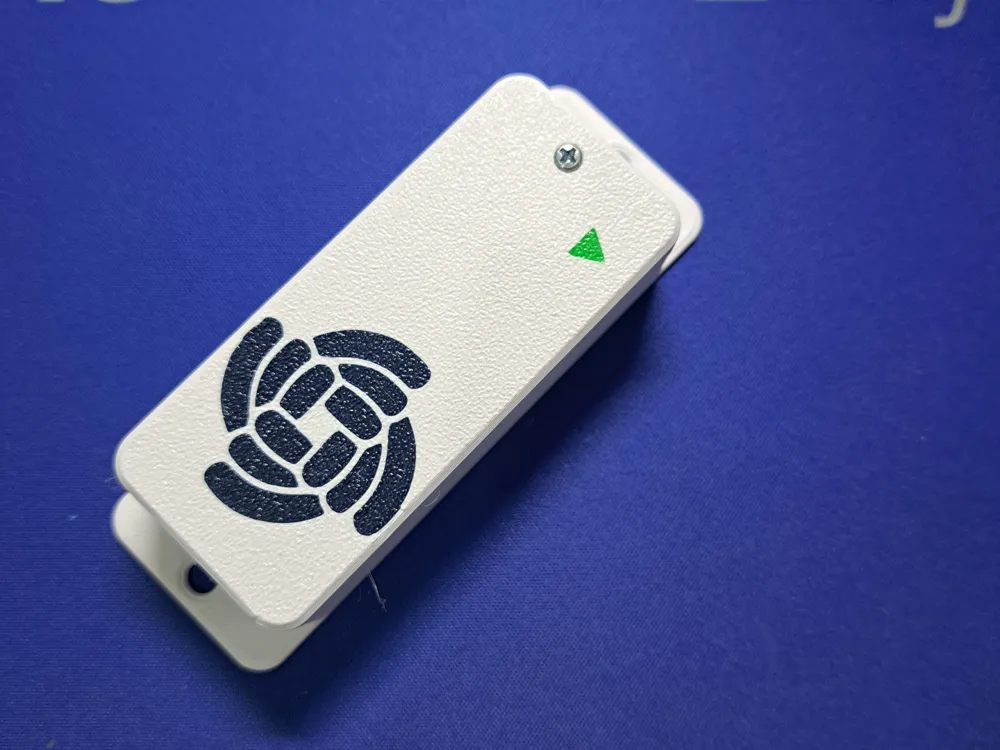
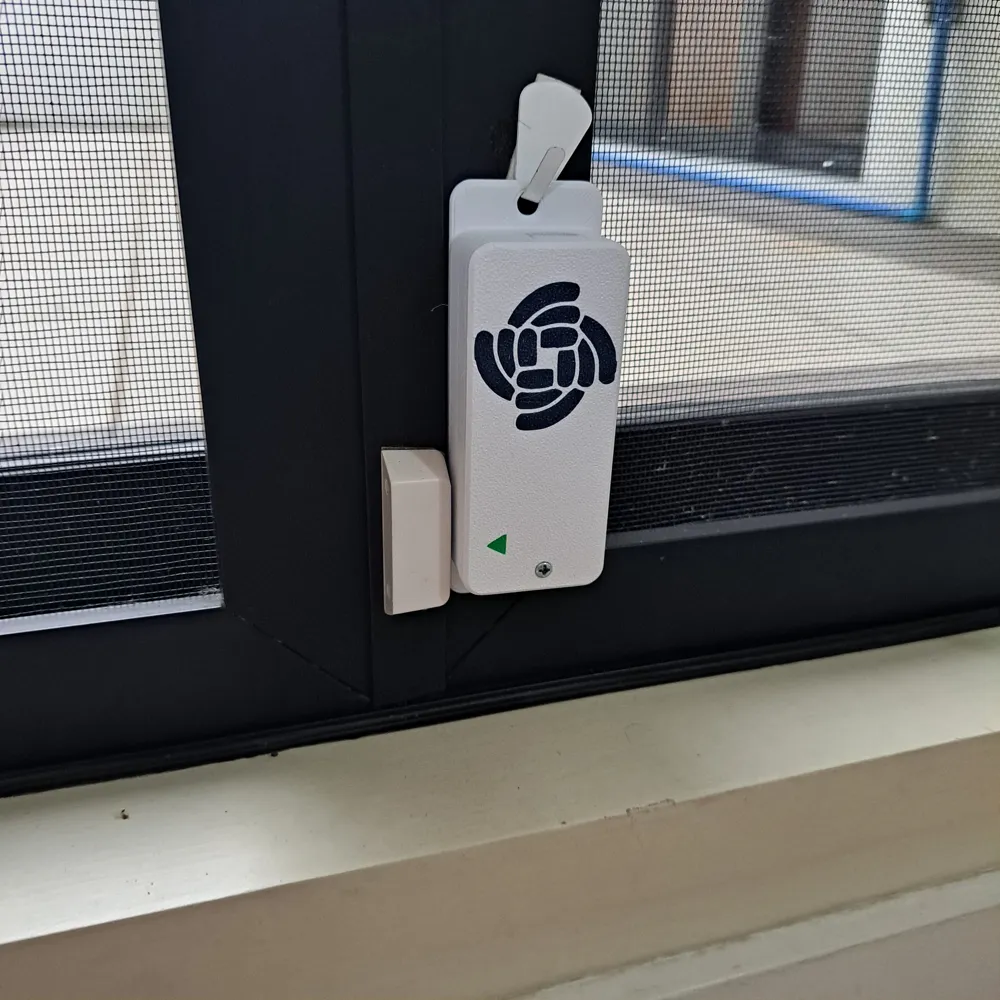
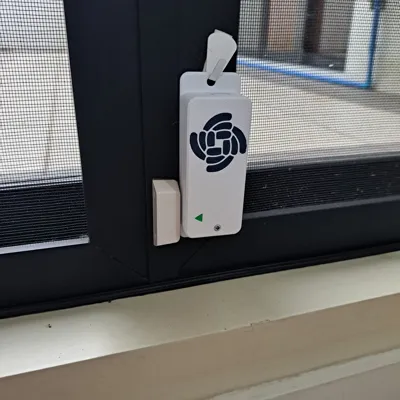
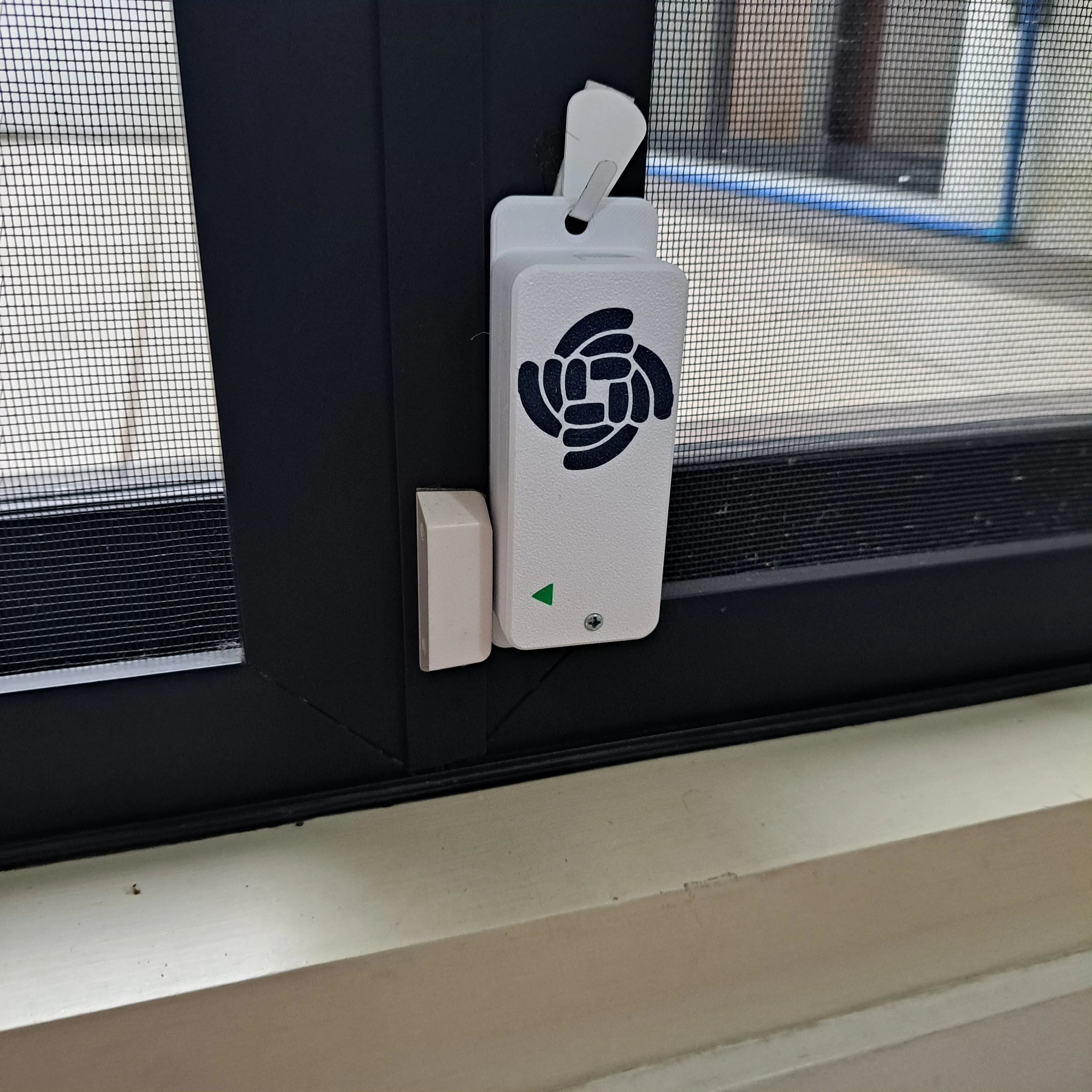
When using as a window or door sensor, there are three options to deploy the sensors.
- Use the encapsulated reed relay and magnet parts and connect the RAK13011 with wires. But this is not a very elegant solution and can look very ugly.
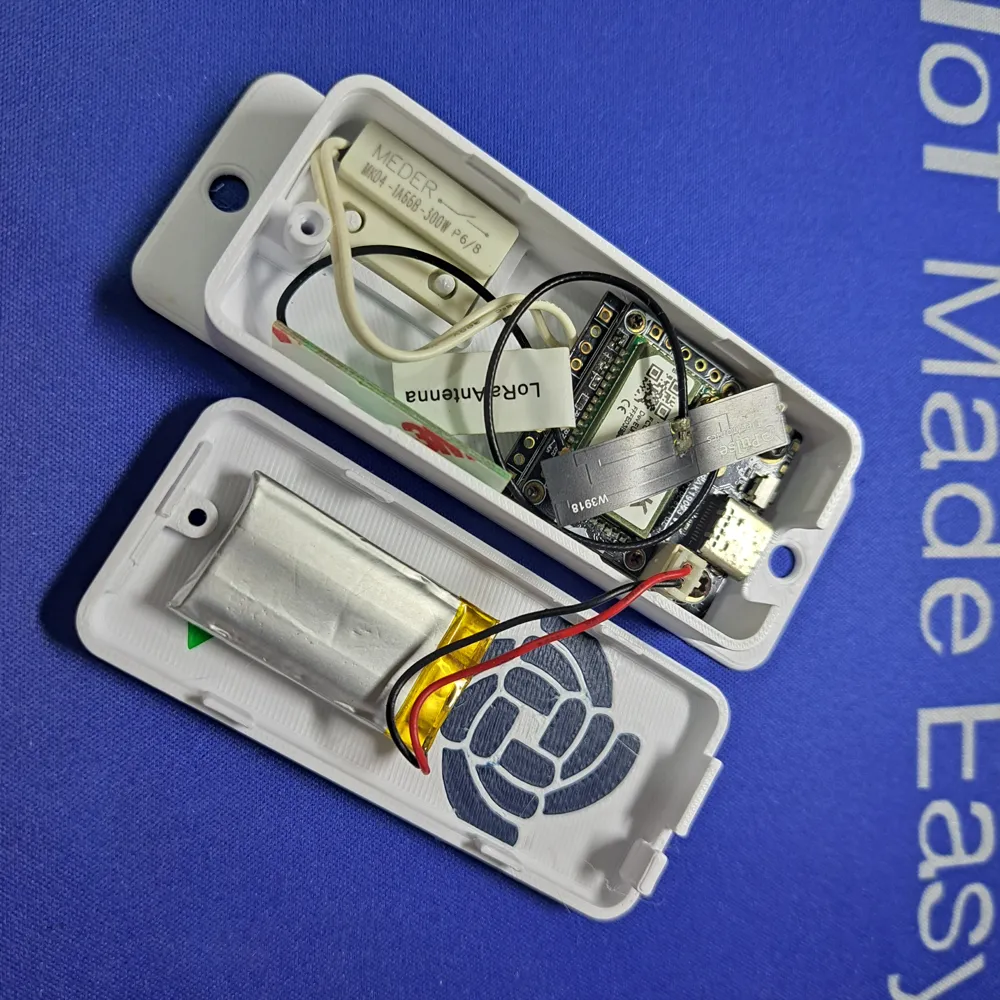
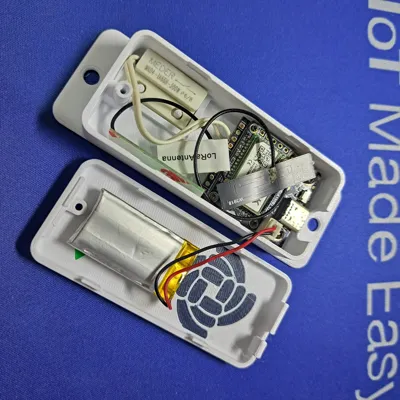
- Take the reed relay out fo the encapsulated part (or just buy a separate reed relay) and put the WisBlock modules, the battery and the reed relay into a small custom enclosure.
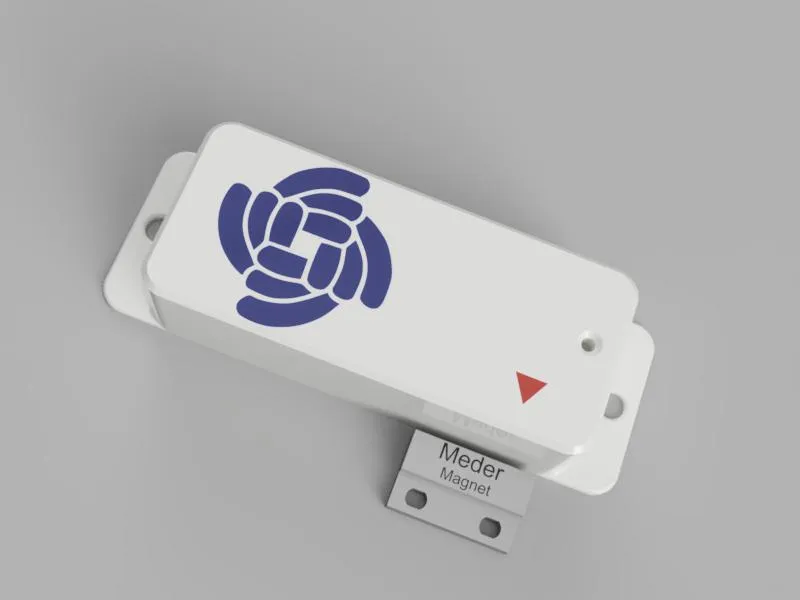
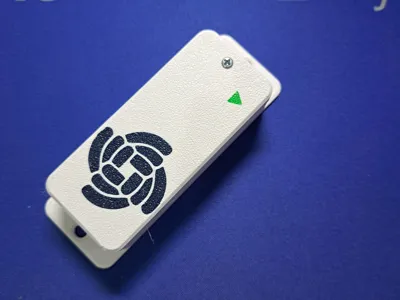
- Use the small encapsulated reed relay and place inside the same enclosure as the WisBlock modules.
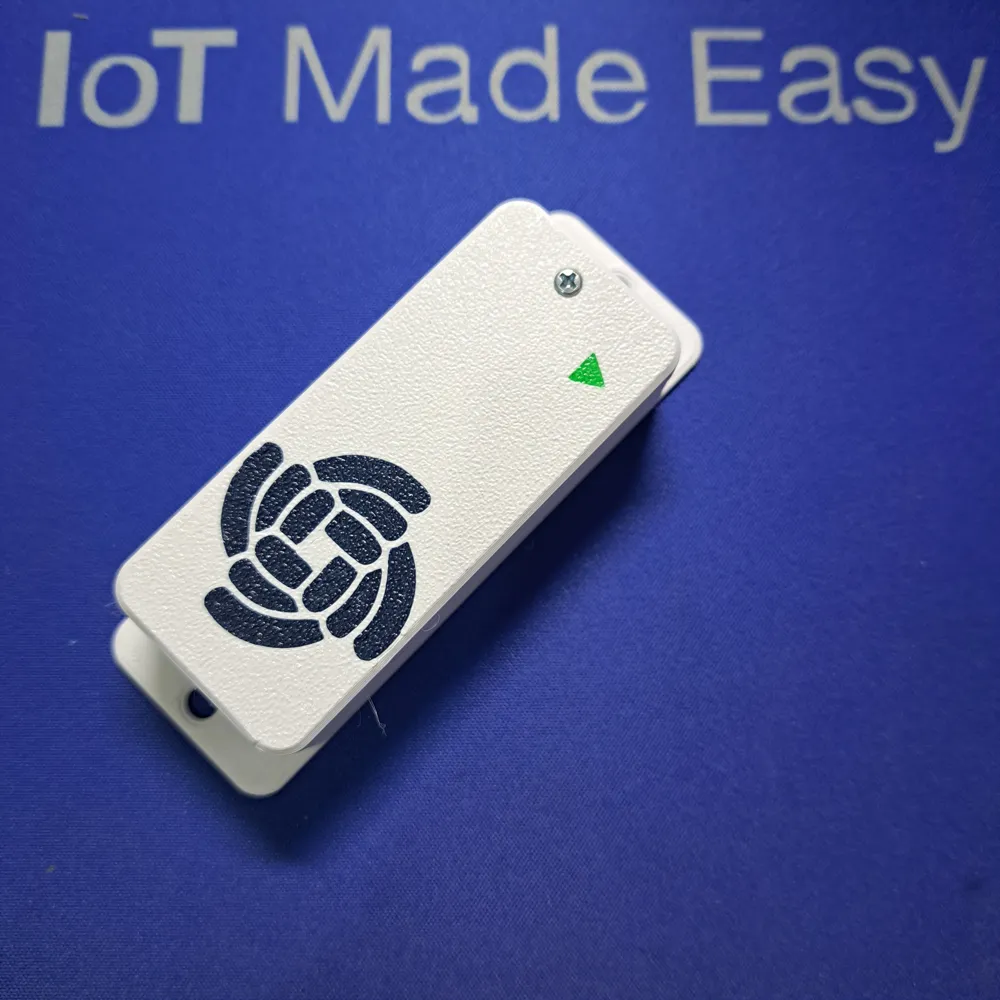
For this tutorial I chose the third option:
<< ADD REAL IMAGE>>
Hardware Used
| BSP Version | Module | Function |
|---|---|---|
| Open Source Arduino BSP | RAK4631 | WisBlock Core Module |
| RUI3 | RAK4631-R | WisBlock Core Module |
| RUI3 | RAK3372 | WisBlock Core Module |
| Any | RAK19003 | WisBlock Base Board |
| Any | or RAK19007 (for RAK3372) | WisBlock Base Board |
| Any | RAK13011 | WisBlock Magnetic Switch |
| Any | Optional RAK1901 | WisBlock Temperature and Humidity Sensor |
Software Used
1. IDE
Open Source Arduino BSP and PlatformIO
RUI3
- Arduino IDE (requires some file name changes and manual installation of libraries)
- RUI3 BSP for RAK4631 and RAK3372
2. LoRaWAN and BLE Communication
Open Source Arduino BSP and PlatformIO
Both BSP versions
📝 NOTE
When using PlatformIO, the required libraries are automatically installed. If the RUI3 version is used in the Arduino IDE, all libraries must be installed manually with the Arduino IDE Library Manager.
How Does the Application Work?
In both the open source and the RUI3 version, the WisBlock Core module is going into sleep mode after it connected to the LoRaWAN server.
There are two events that are waking up the WisBlock Core module:
- Door opening or closing event triggers an interrupt
- (optional) the module can wakeup in a configurable interval to send an <I am Alive> message to the LoRaWAN server.
Everything else is handled in the background by RUI3 or the WisBlock-API.
Check out the open source code and description on Github.
-------------------------------------------------------------------------------------------------------------------------------
Need a customization of one of my designs or have an idea for an enclosure, but cannot find something matching? Contact me.
License



Comment & Rating (0)