
Open Kiosk
Print Profile(1)

Description

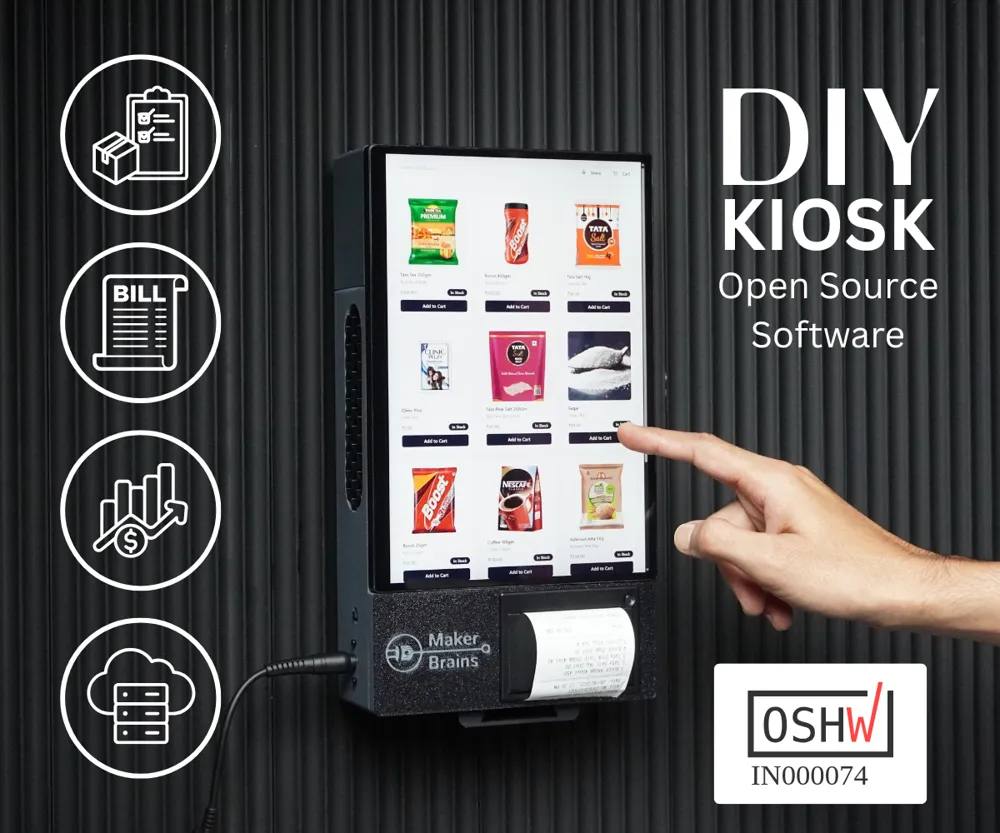
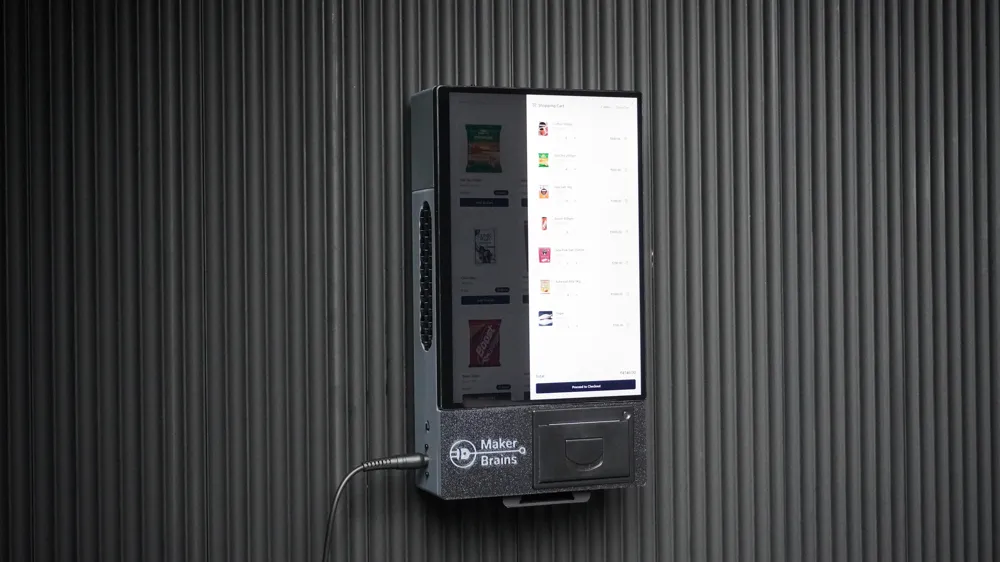
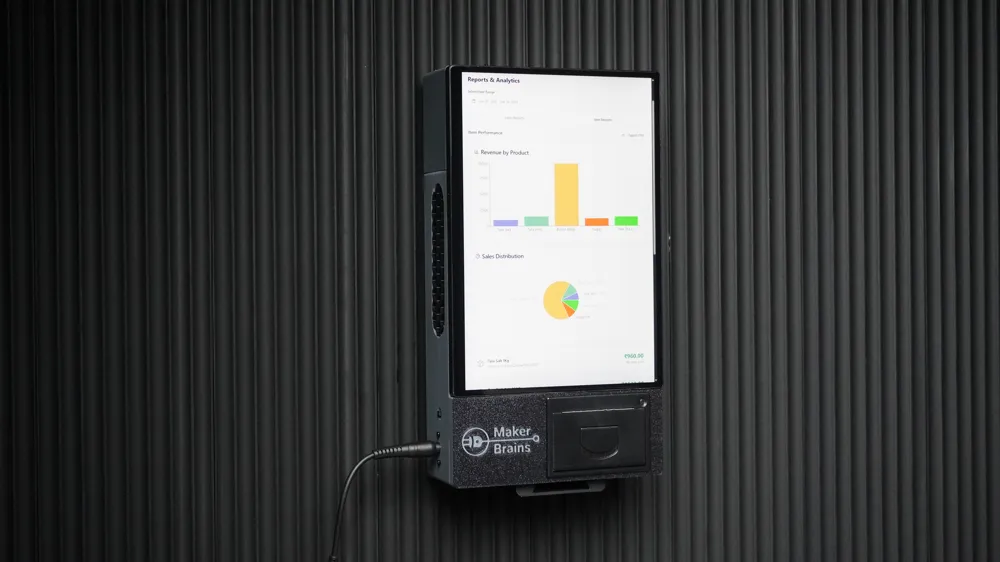
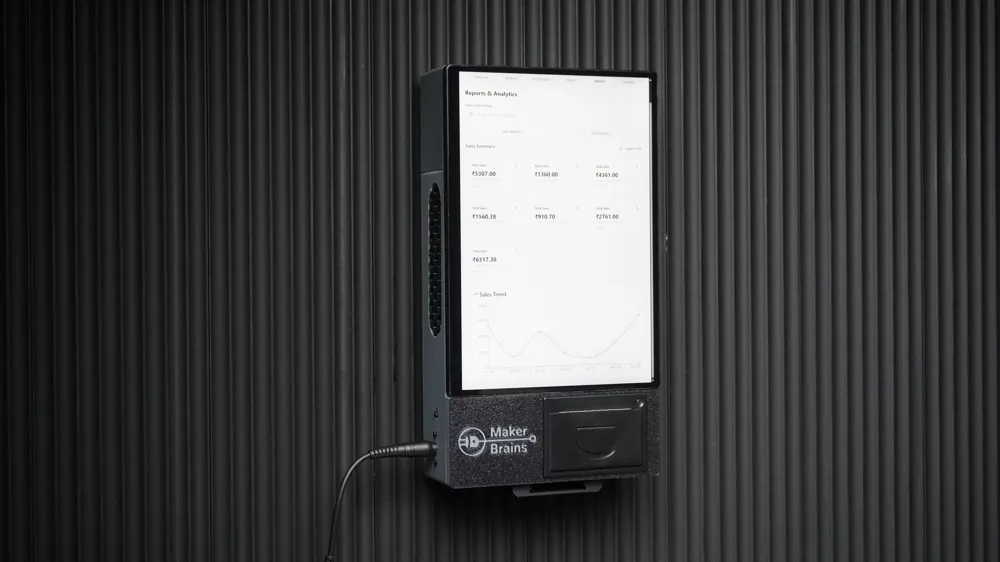
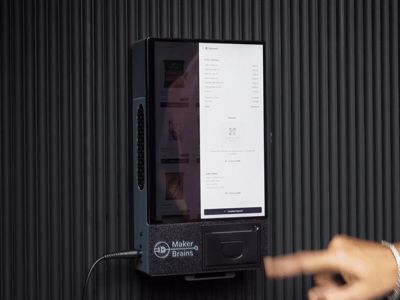
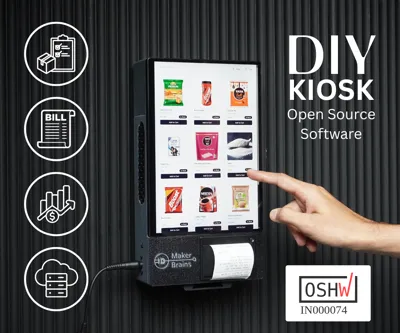
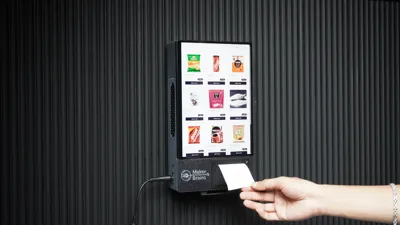
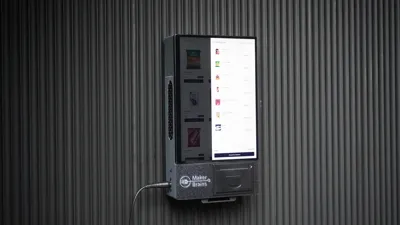
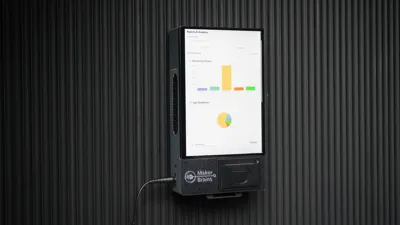
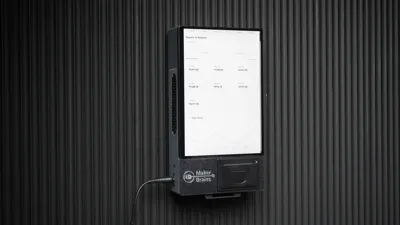
Open Kiosk: Build Your Own Smart POS System for Retail Stores
Are you a small business owner, market vendor, or pop-up shop operator looking for an affordable, professional, and open-source point-of-sale system?
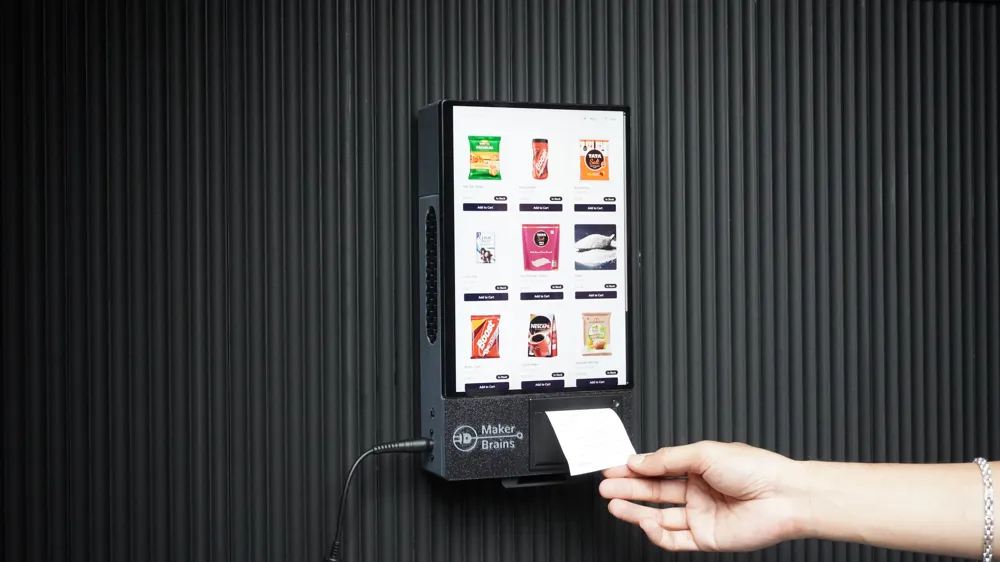
Look no further, Open Kiosk is here! This DIY project walks you through building a complete retail kiosk powered by modern web technologies and real hardware components, all without recurring fees or vendor lock-in.
With Open Kiosk, you can:
✅ Add and manage inventory
✅ Print thermal receipts
✅ Track sales and generate reports
✅ Use voice search
✅ Customize everything to suit your shop
It is powered by a free Firebase database (Limited to 50,000 reads/day, 20,000 writes/day, 1GB storage). The app is highly optimized, capable of storing over 10,000 products and 50,000+ order history entries within that 1GB limit.
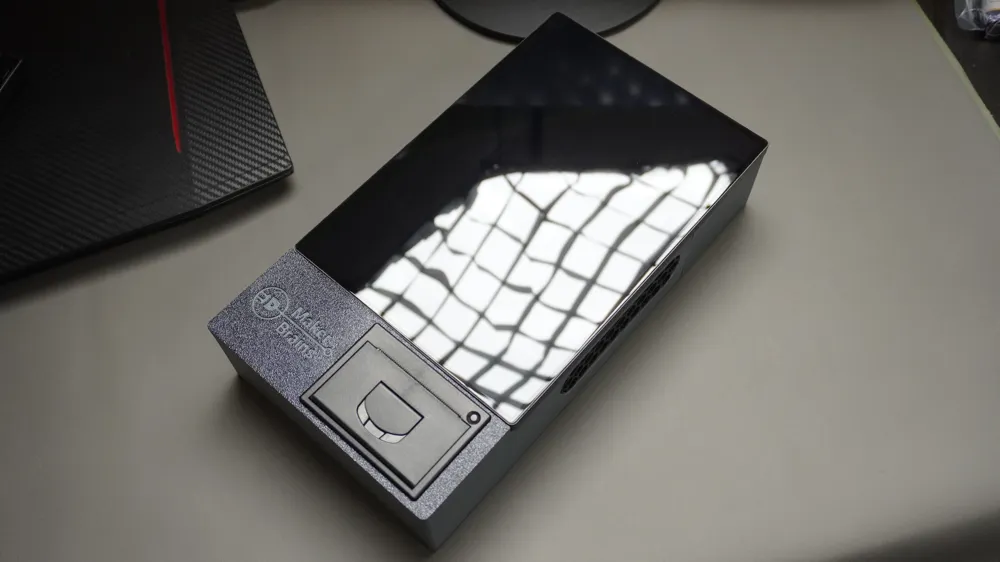
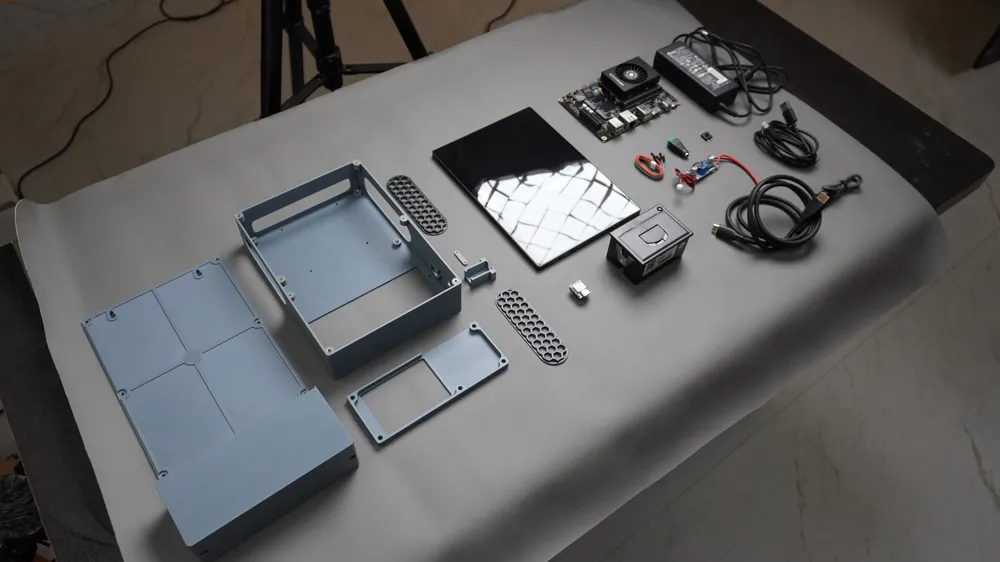
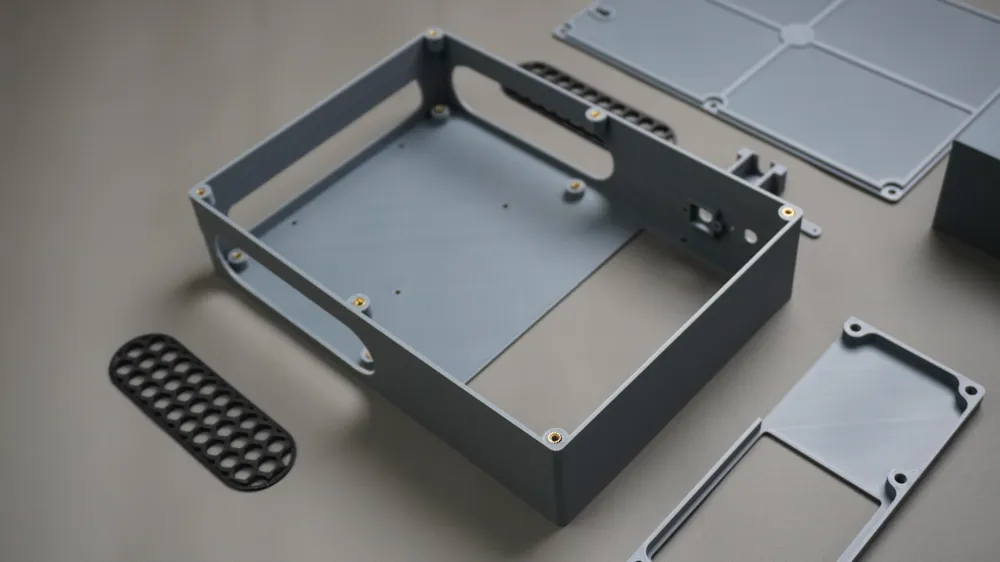
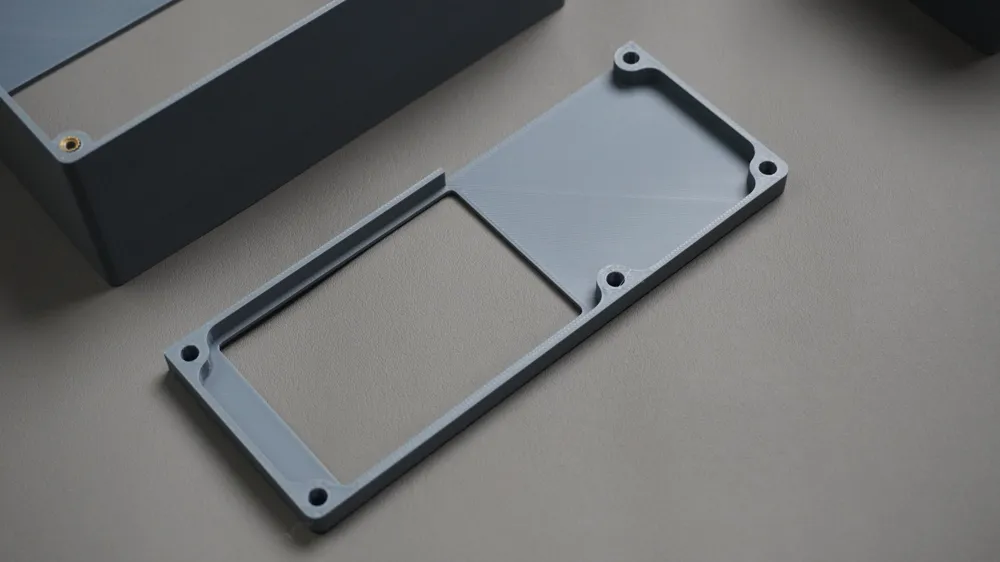
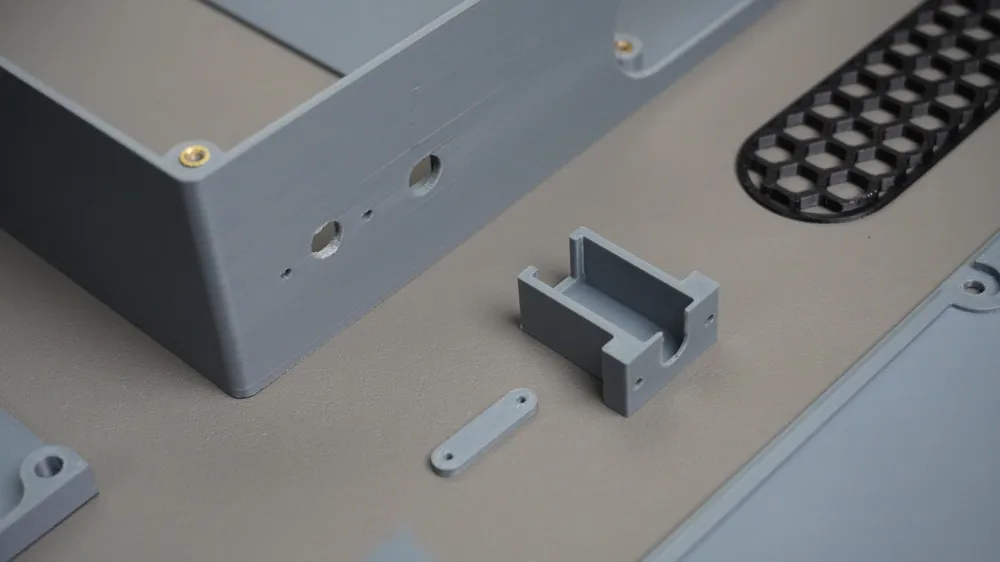
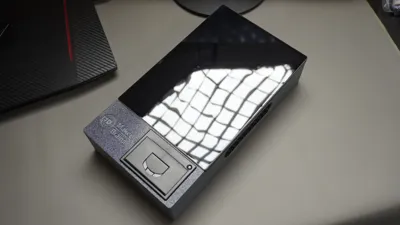
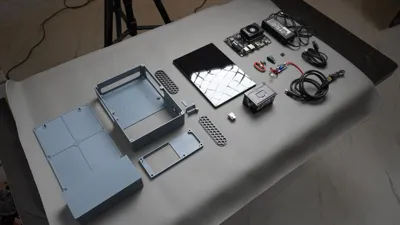
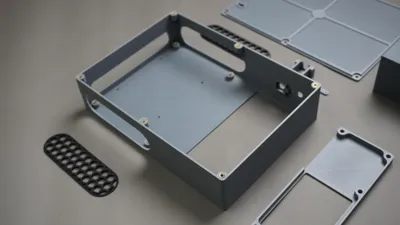
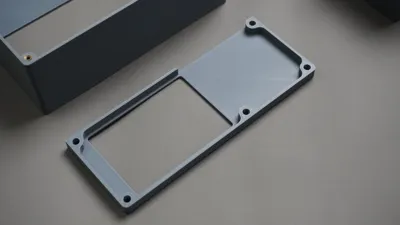
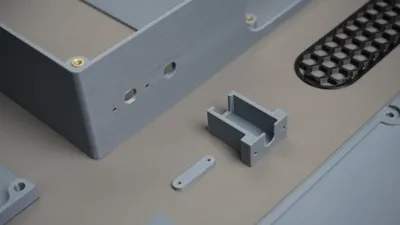
Whether you're setting up a boutique, food stall, or mobile kiosk, this project helps you create a reliable and sleek POS system using components like a LattePanda MU, ESP32, and a thermal printer, all housed in a compact 3D-printed enclosure.
🧰 What You'll Need
- 1x Latte Panda MU KIT
- 1x Thermal Printer
- 1x 10.5" Touch Screen
- 1x Xiao ESP32 S3
- 1x Push Button
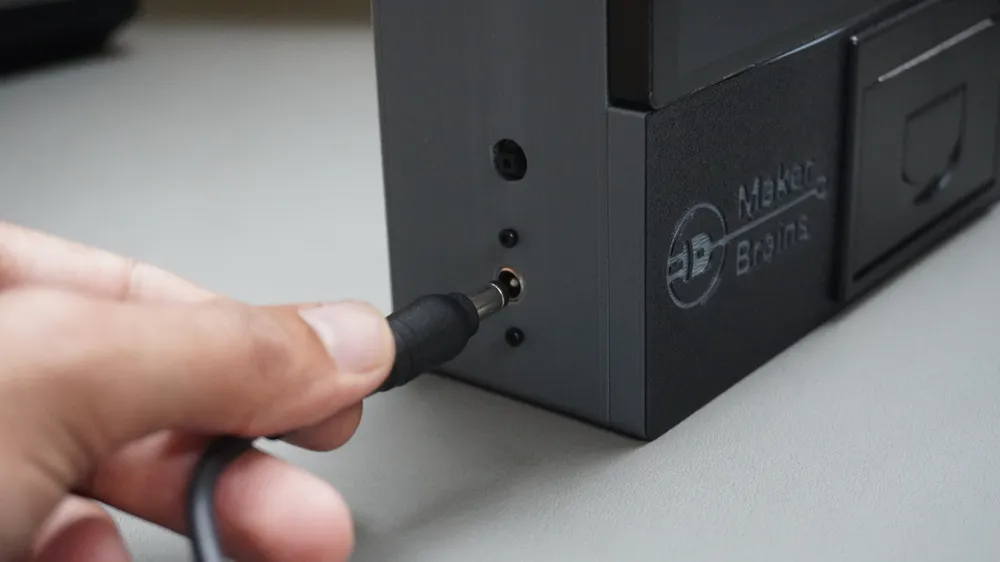
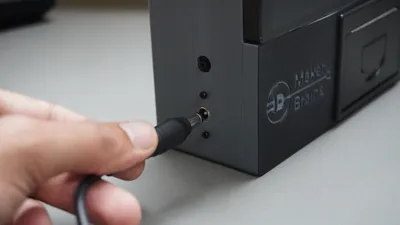
- 1x DC Female Connector
- 1x DC Male Connector
- 2x Type-c to Type-A Cable (1 included with screen)
1x Micro HDMI to HDMI (included with screen)
- 4x M2.5 6mm (Included with screen)
- 2x M3 16mm
- 15x M3 6mm
- 4x M2 6mm
- Bambu P1S 3D Printer
- Screwdriver Kit
- Soldering Station
- Heat Insert Solder Tip
Step-by-step build guide: Open Kiosk - Instructables
Do Support me by liking below video for Seeed Studio Interactive Sinage Contest:
Thank You ;)
License



Comment & Rating (0)