
Bookmark: Ibis in the Sunset
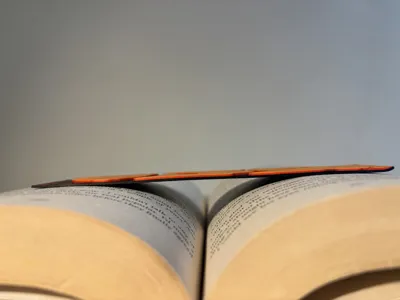
Print Profile(1)

Description
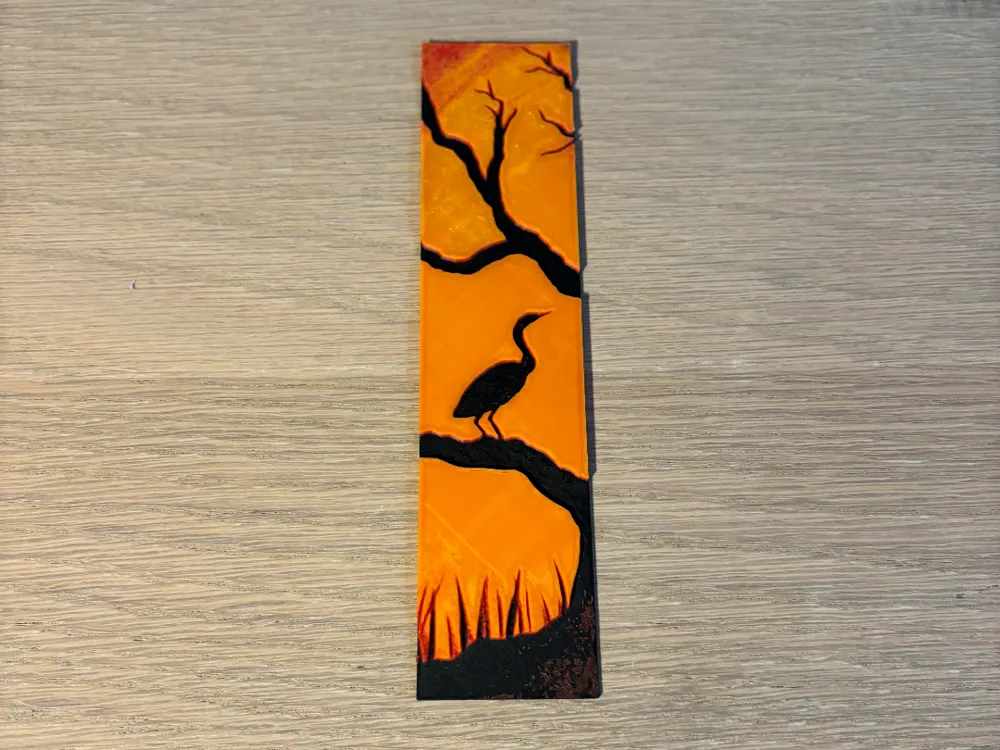
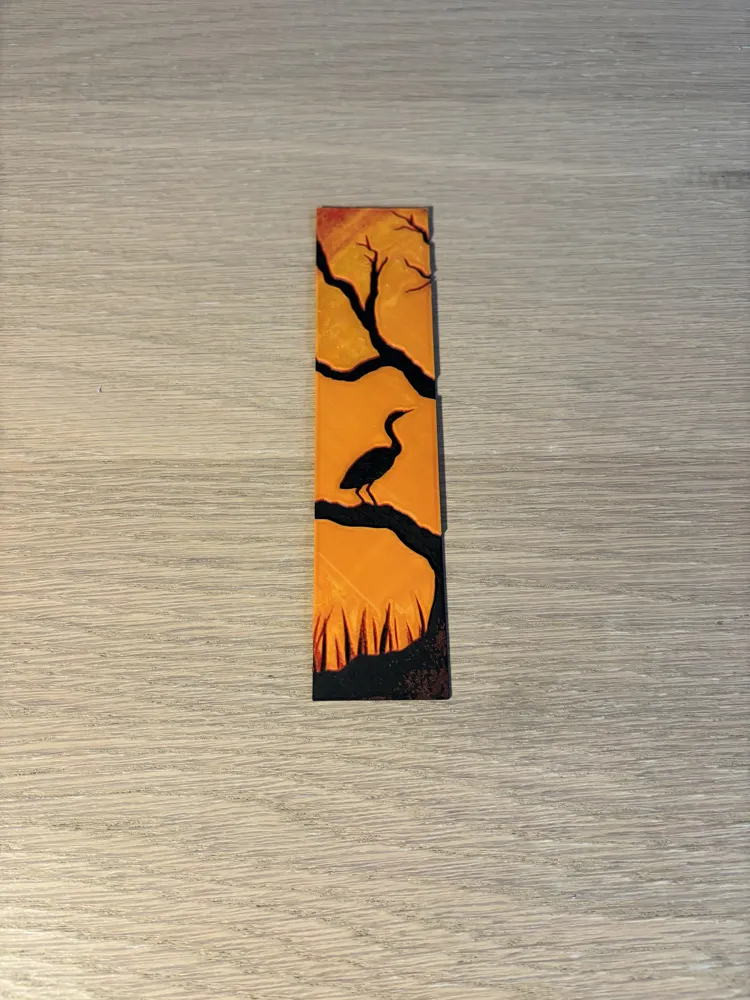
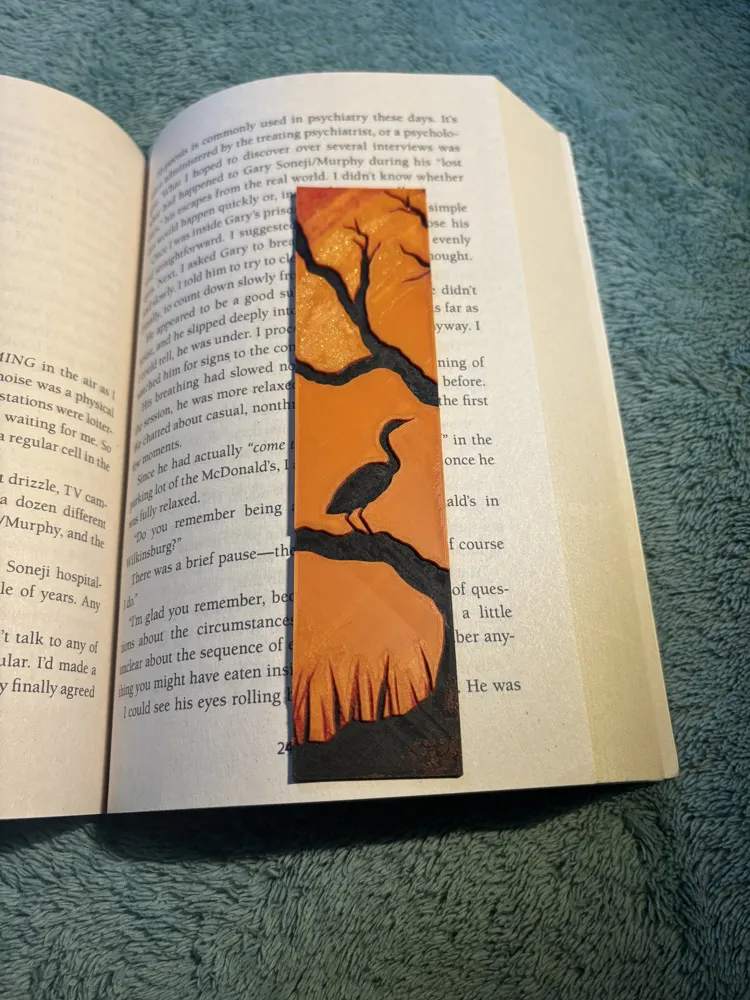
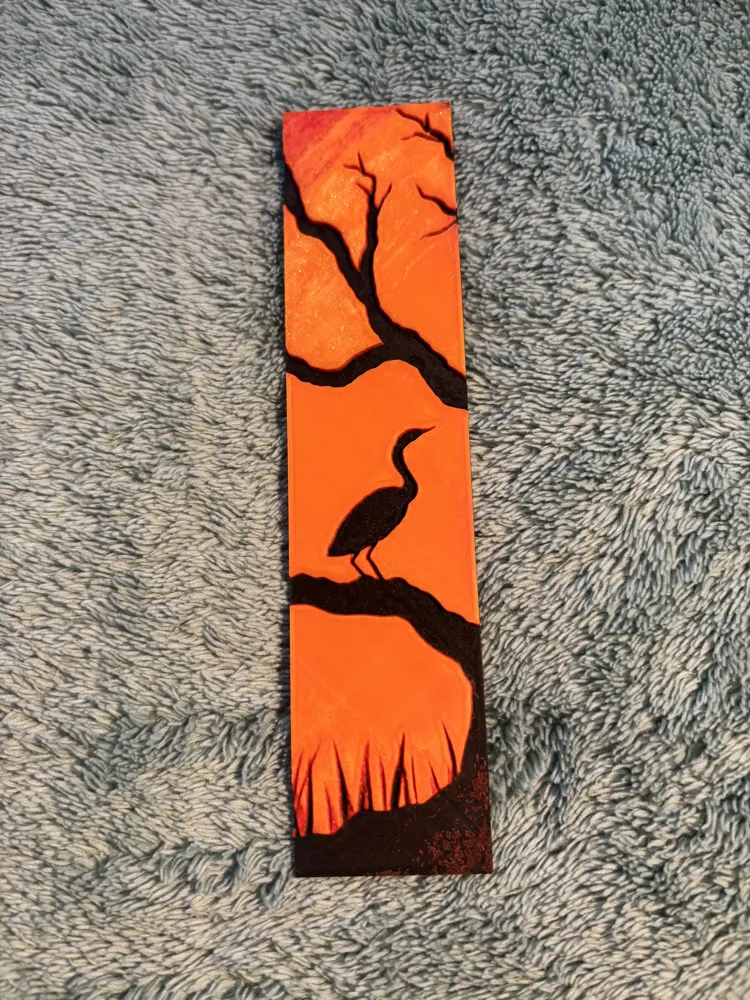
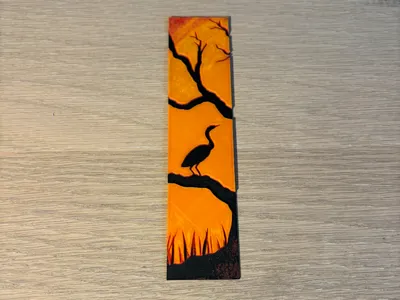
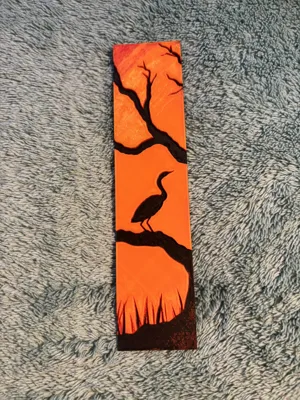
Silhouette Ibis Sunset Bookmark
📝 Description:
Bring the calm of twilight to your pages with this one-of-a-kind ibis bookmark. Featuring the elegant silhouette of an ibis perched on a gnarled tree branch, this design captures a peaceful moment in nature. The background glows with rich sunset hues deep orange fading into red—creating a dramatic contrast that brings the artwork to life. Perfect for lovers of birds, sunsets, and serene landscapes, this piece blends minimalist shapes with vivid colour for a truly eye-catching finish.
The design allows for printing with simple colour changes at each layer, which saves a lot of filament and DOES NOT REQUIRE AMS.
✨ Features:
- Hand-painted or print-friendly silhouette design
- Bold black ibis, tree, and grass against a vivid sunset gradient
- Textured background for a dynamic, handcrafted feel
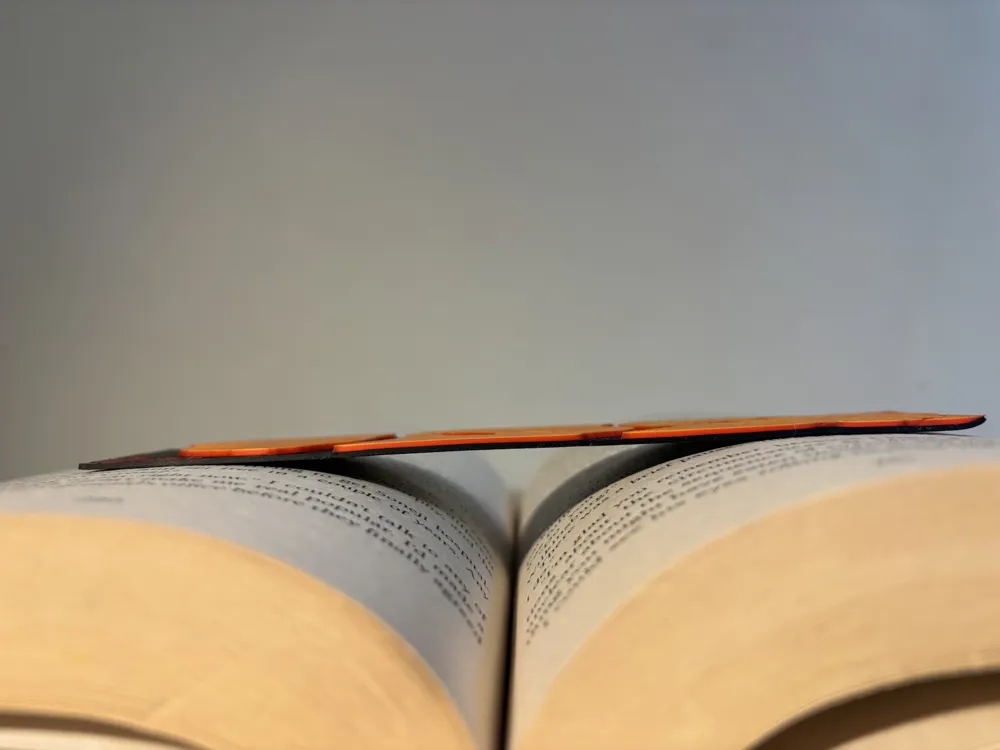
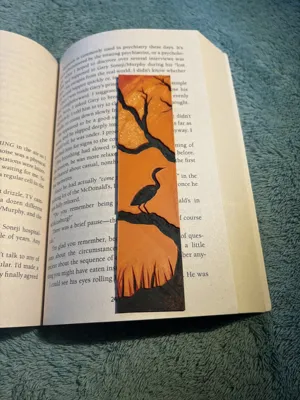
- Durable and lightweight—perfect for everyday reading
🎯 Ideal For:
- Bird lovers and wildlife enthusiasts
- Fans of peaceful, nature-themed art
- Bookworms who want a bookmark with personality
- Gifts for birthdays, holidays, or readers’ clubs
How to Print
Print using 0.4 nozzle
Print at 100% infill with a layer height of 0.04mm with a base layer of 0.16mm
The Model is 42.27x150mm in size
You may print at higher layer heights below the Min Depth of 0.8mm
The Max Depth is 2.7mm and the Actual Depth is 2.8mm
Filaments Used:
PLA BambuLab Matte Black Transmission Distance: 0.3
PLA BambuLab Matte Red Transmission Distance: 12
PLA BambuLab Basic Orange Transmission Distance: 7
PLA BambuLab Sparkle gold Transmission Distance: 5.5 (Yellow would also work)
Swap Instructions: Swap in slicer
Start with Black
At layer #12 (1.04mm) swap to Red
At layer #23 (1.92mm) swap to Orange
At layer #26 (2.16mm) swap to gold for the rest.
License



Comment & Rating (0)