
miniCITIES - FUTURAMA

Print Profile(8)


Bill of Materials
Description
Boost Me (for free)
I appreciate the boost; this keeps me motivated to create more for you!
I hope you enjoy my work, and Thank You
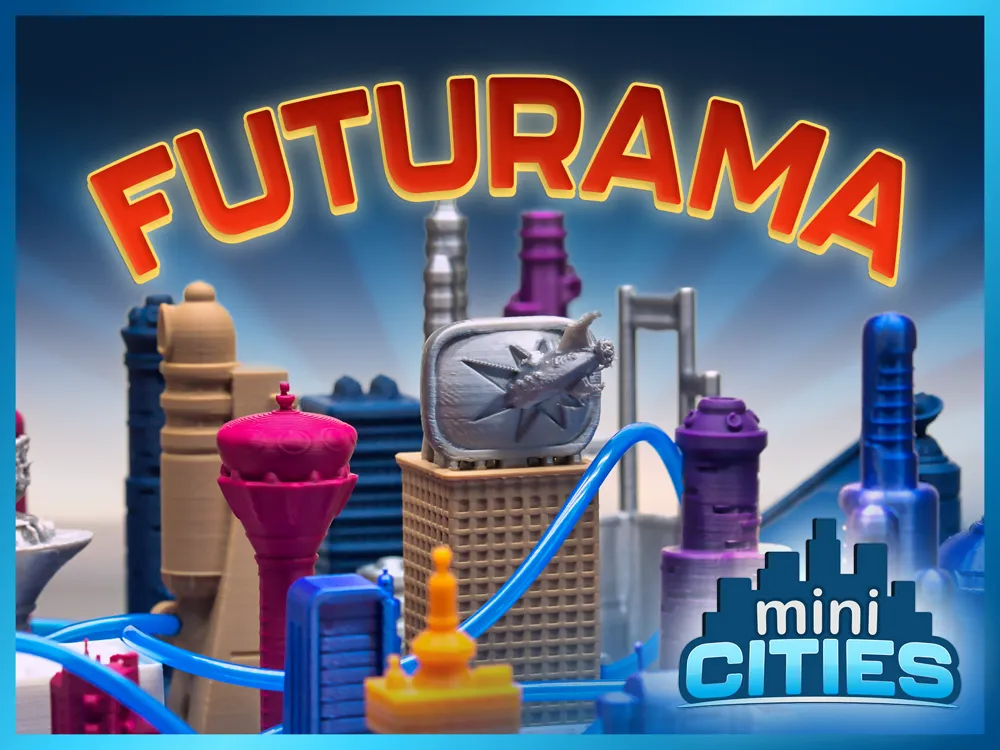
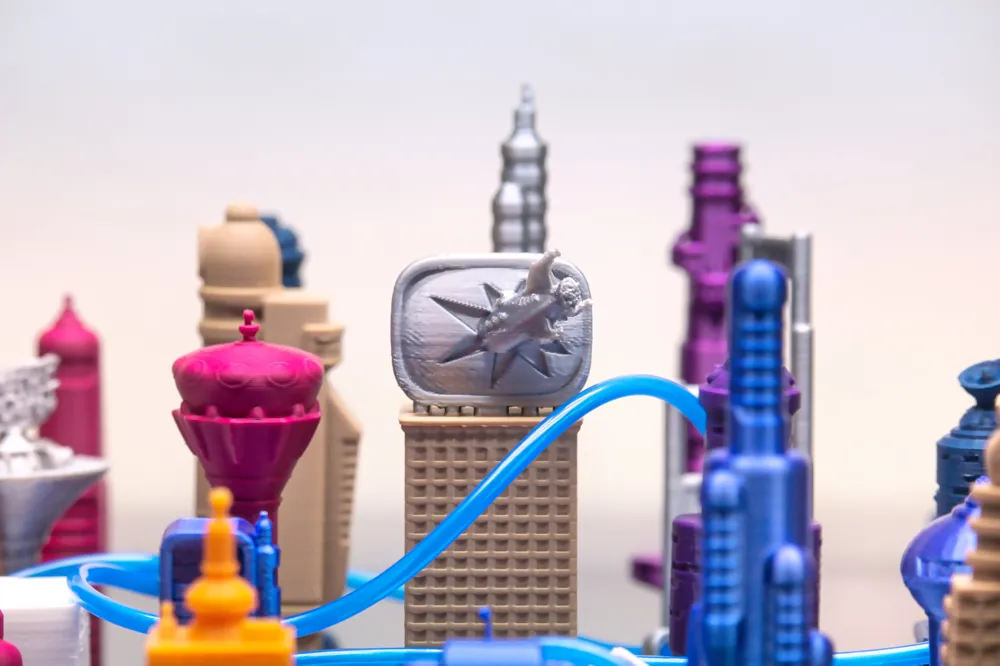
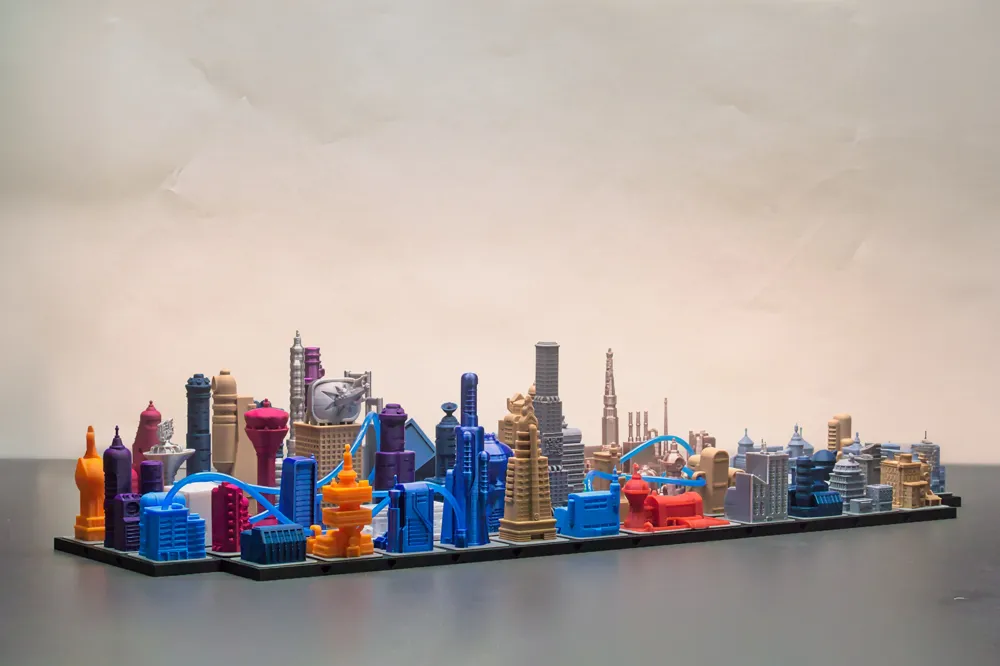
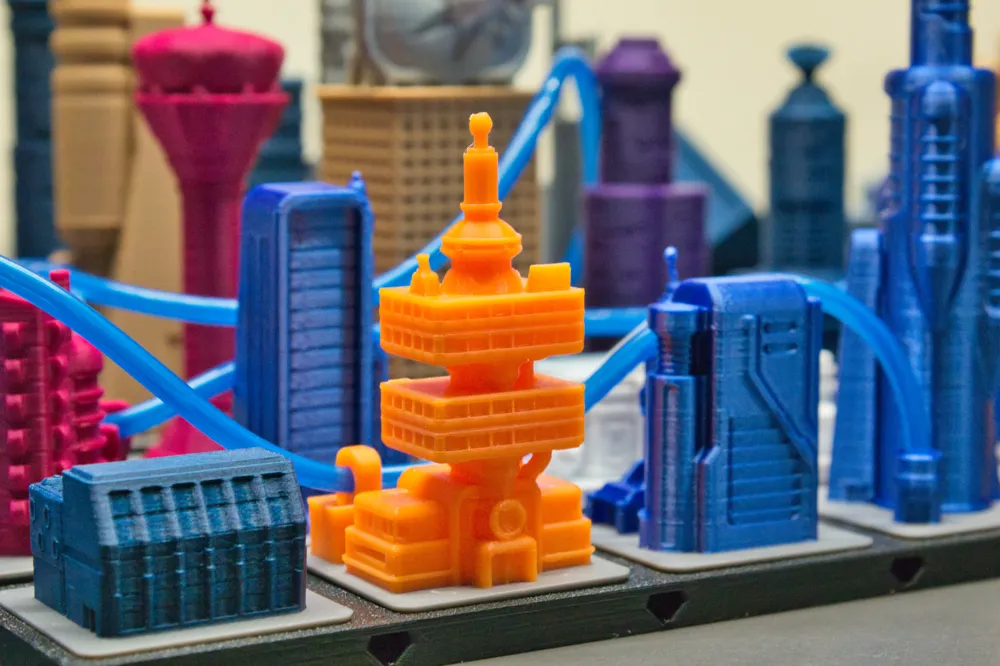
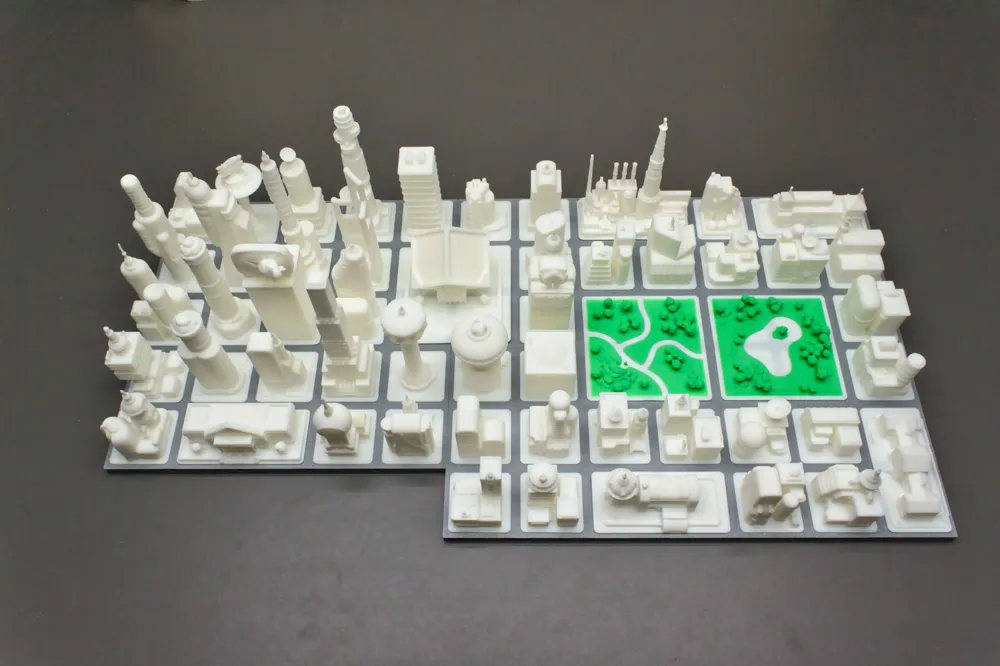
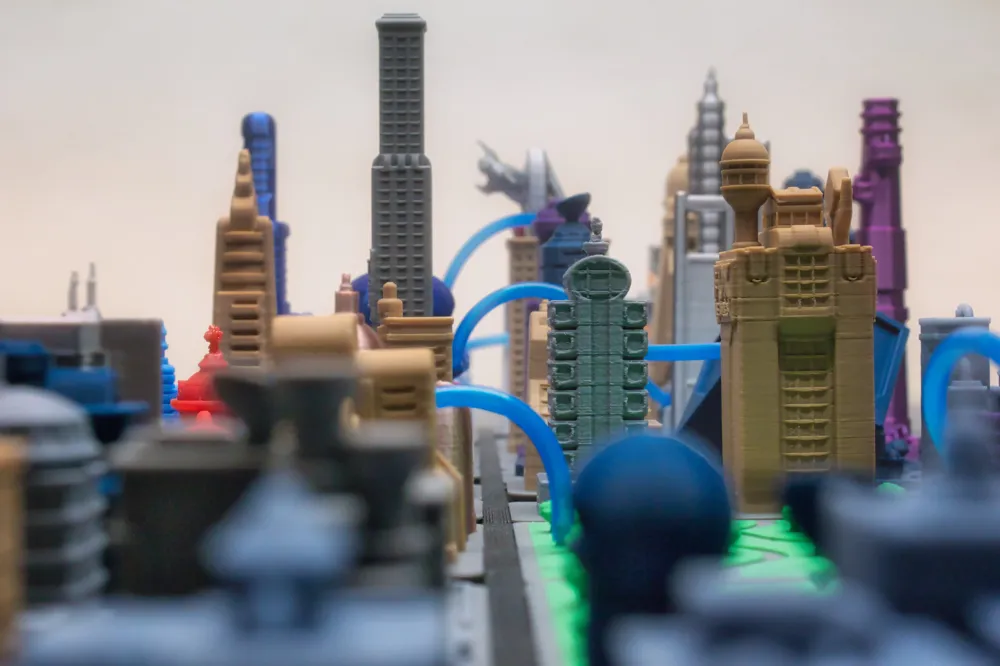
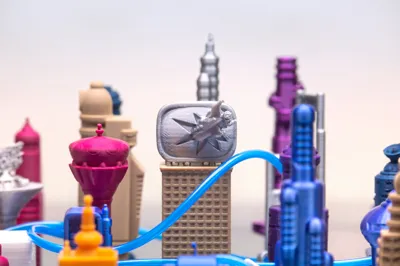
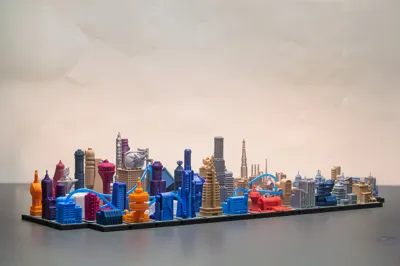
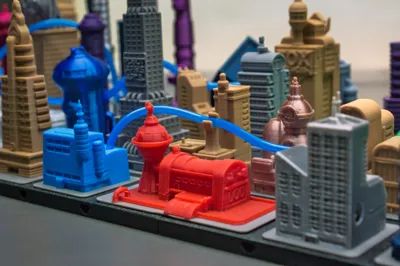
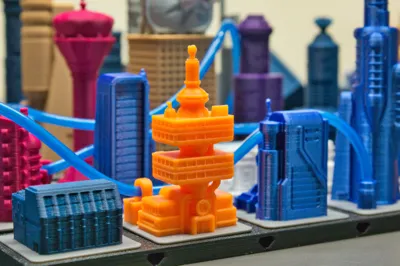
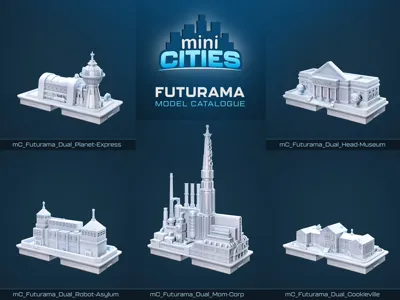
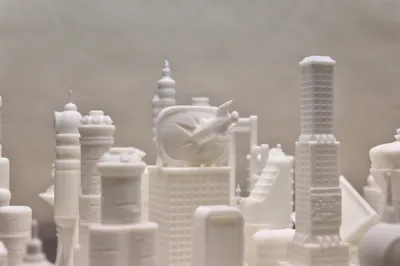
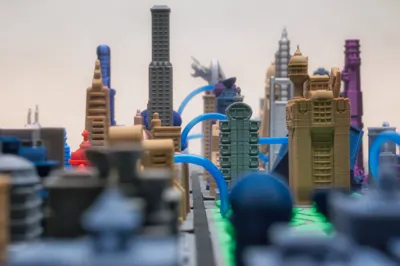
Recreate New New York with this Futurama-inspired miniCITIES expansion pack.
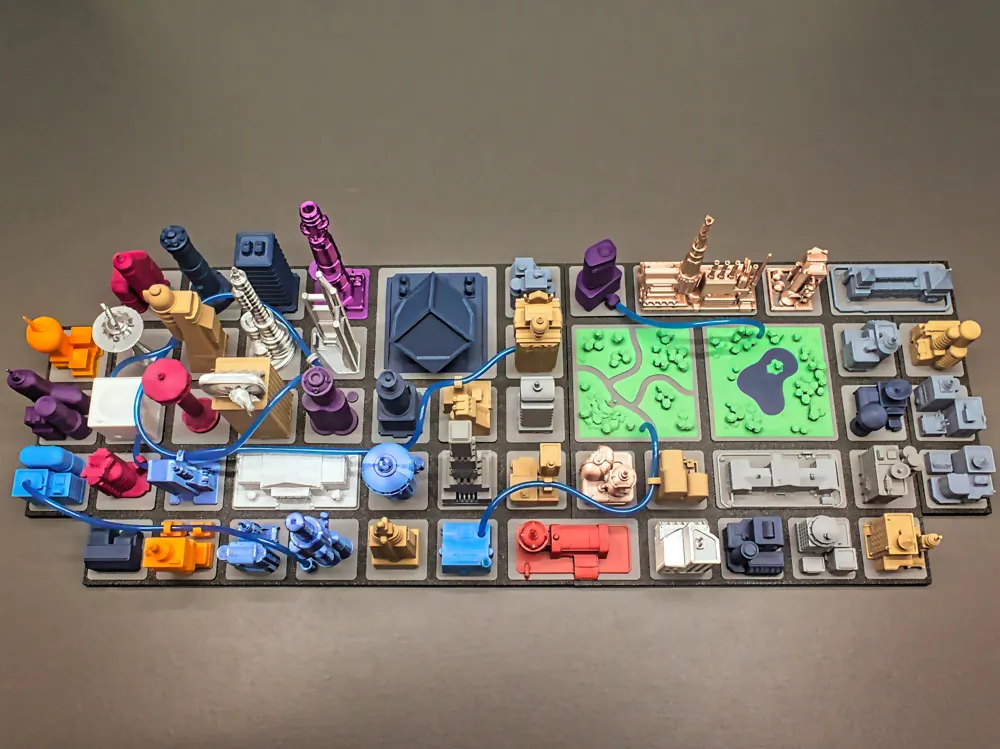
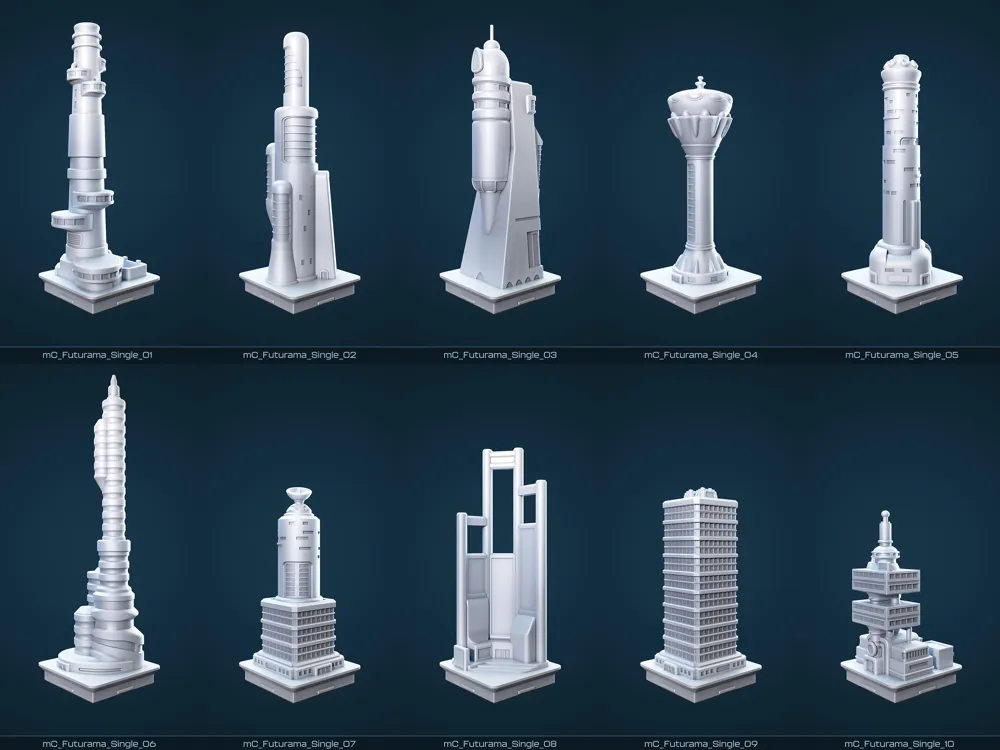
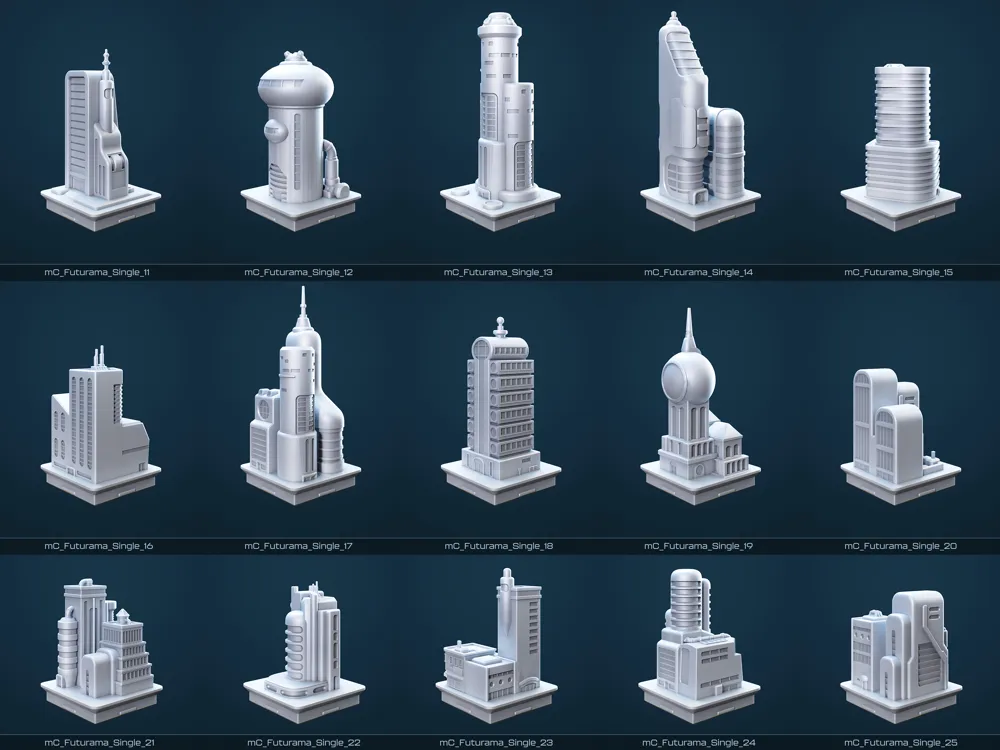
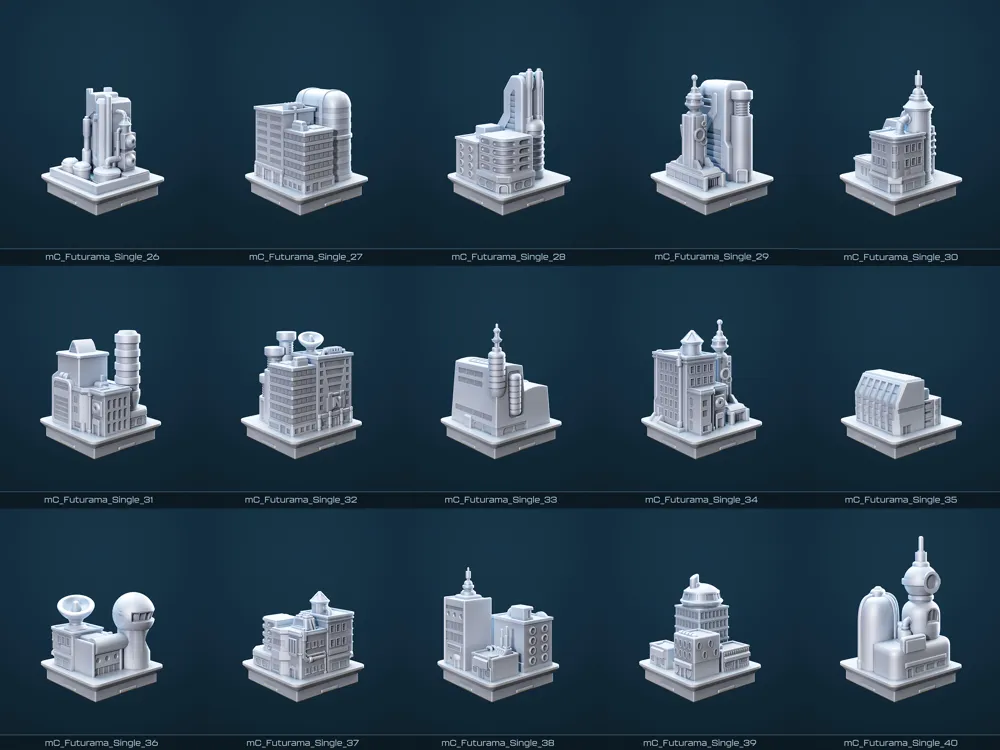
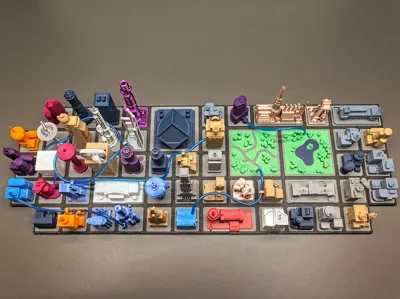
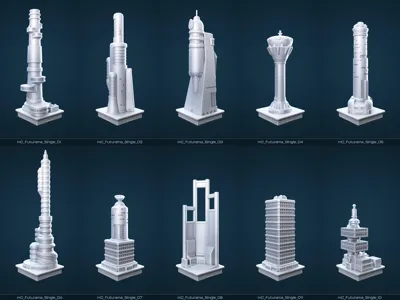
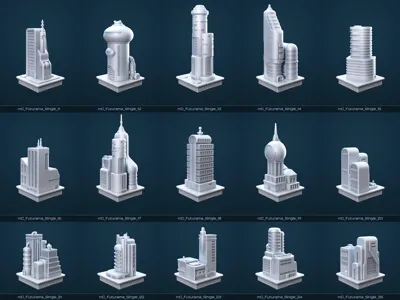
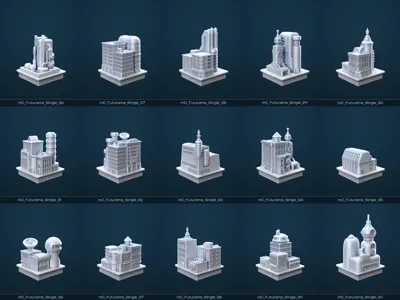
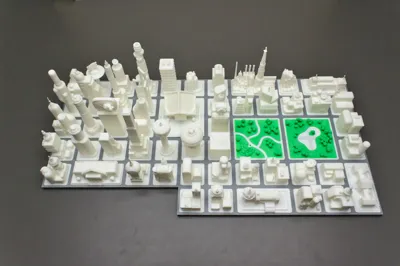
Featuring a curated mix of 84 unique buildings, this modular set lets you assemble:
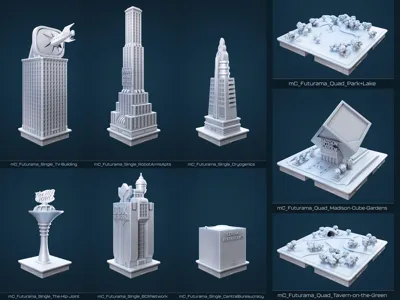
- 54 parts: single, dual, and quad tiles
- A total of 68 grid spaces for building a dynamic sci-fi cityscape
🛠️ Choose your build style:
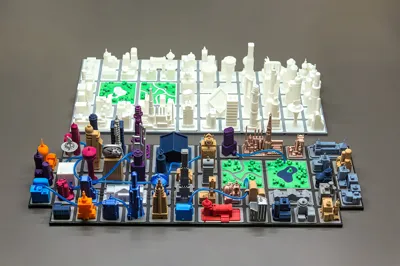
🔸 Standard version
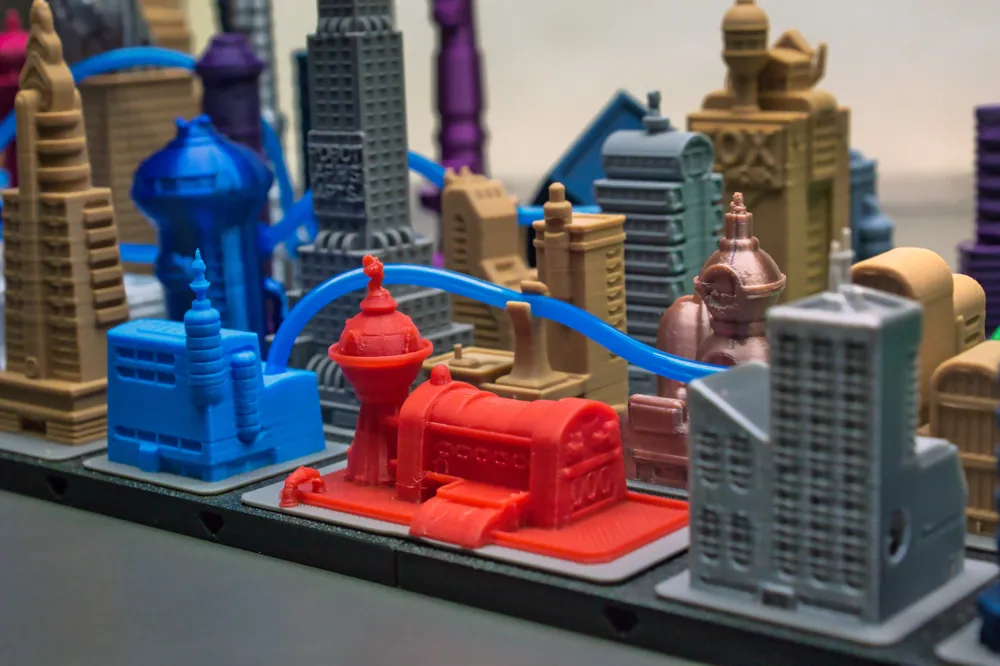
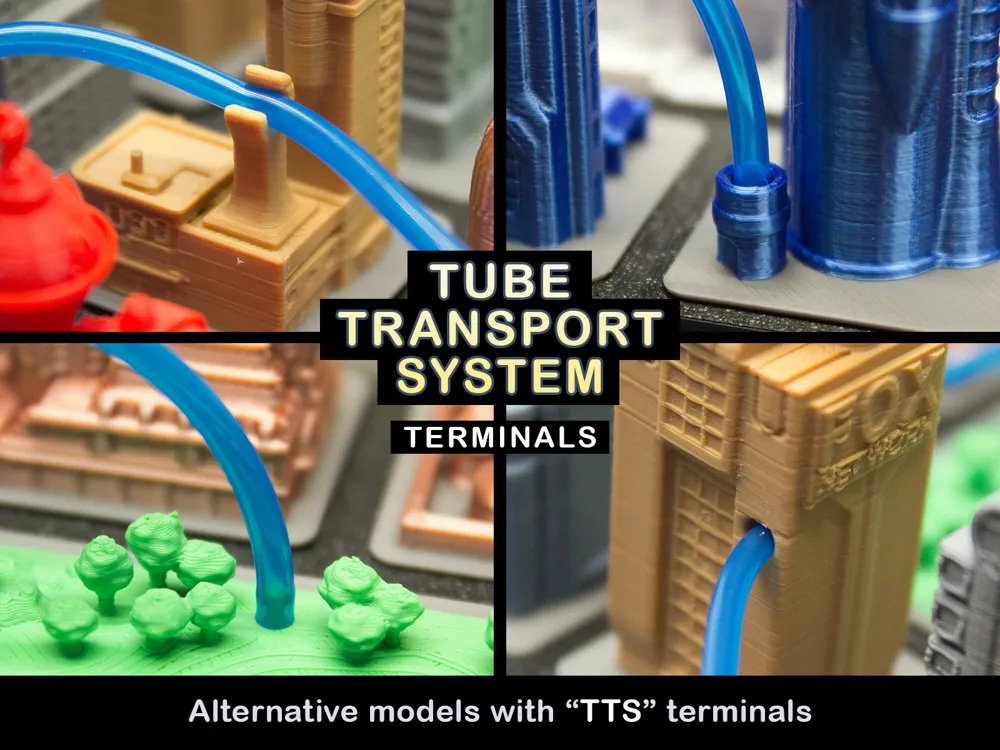
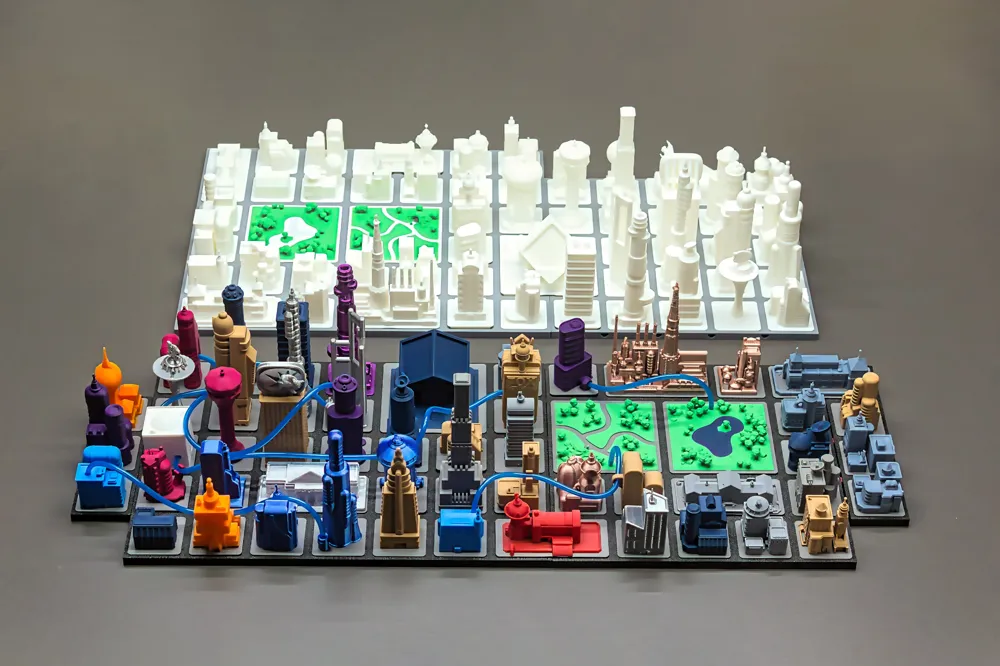
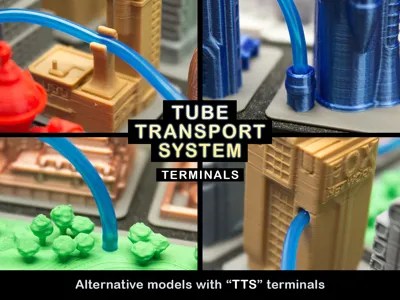
🔹 TTS version featuring the signature Tube Transport System
TTS-compatible models are labelled accordingly and supplied in the alternative print profiles.
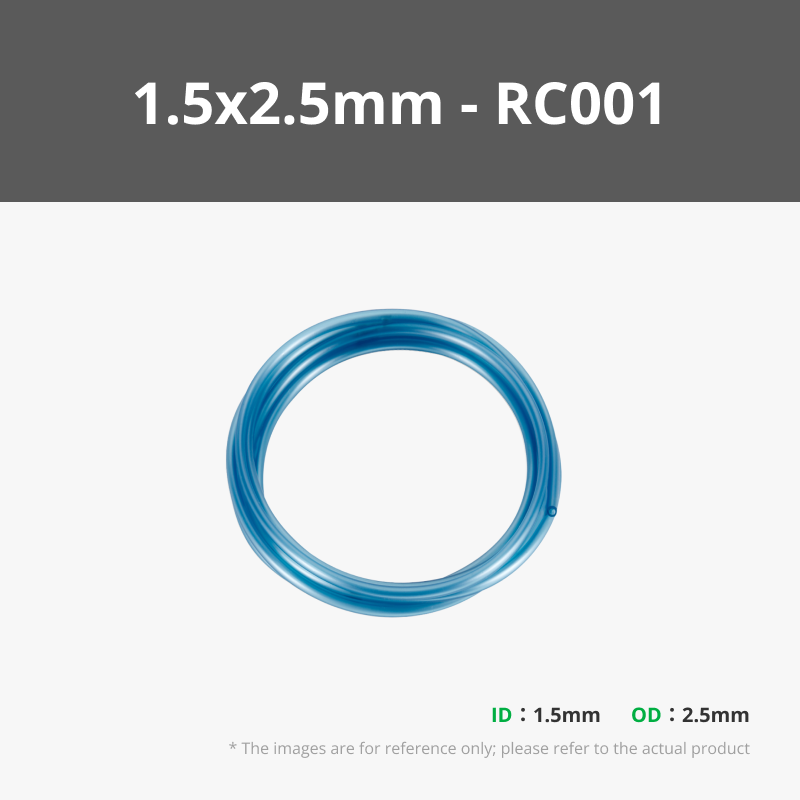
To use the TTS system, you'll need 1.5 x 2.5 mm translucent PU tubing, available from Maker Supply. Tubes can be trimmed to length and connected via integrated terminals embedded into the buildings.
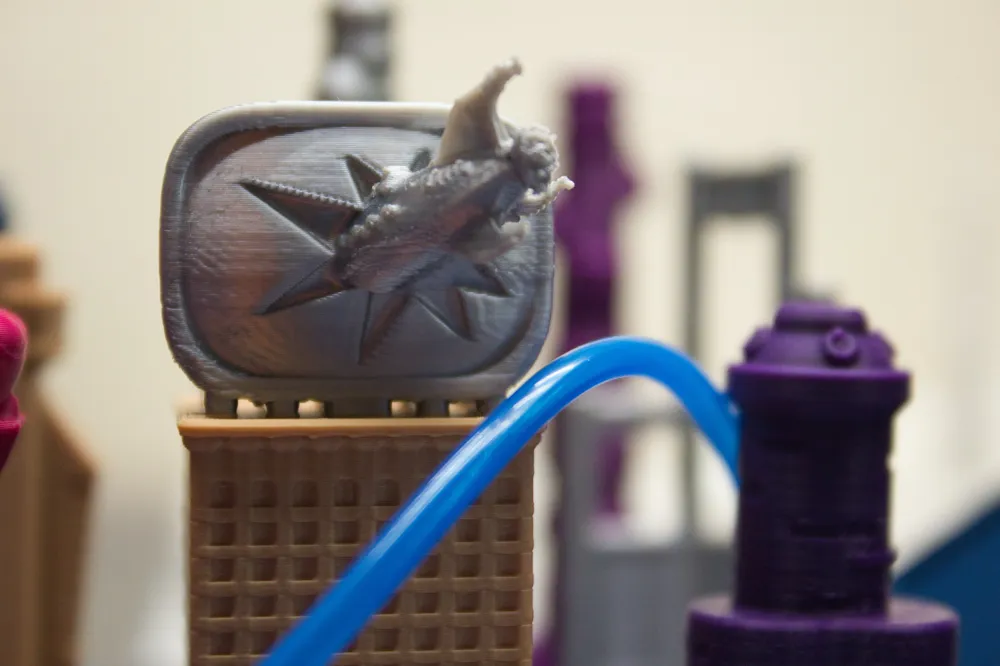
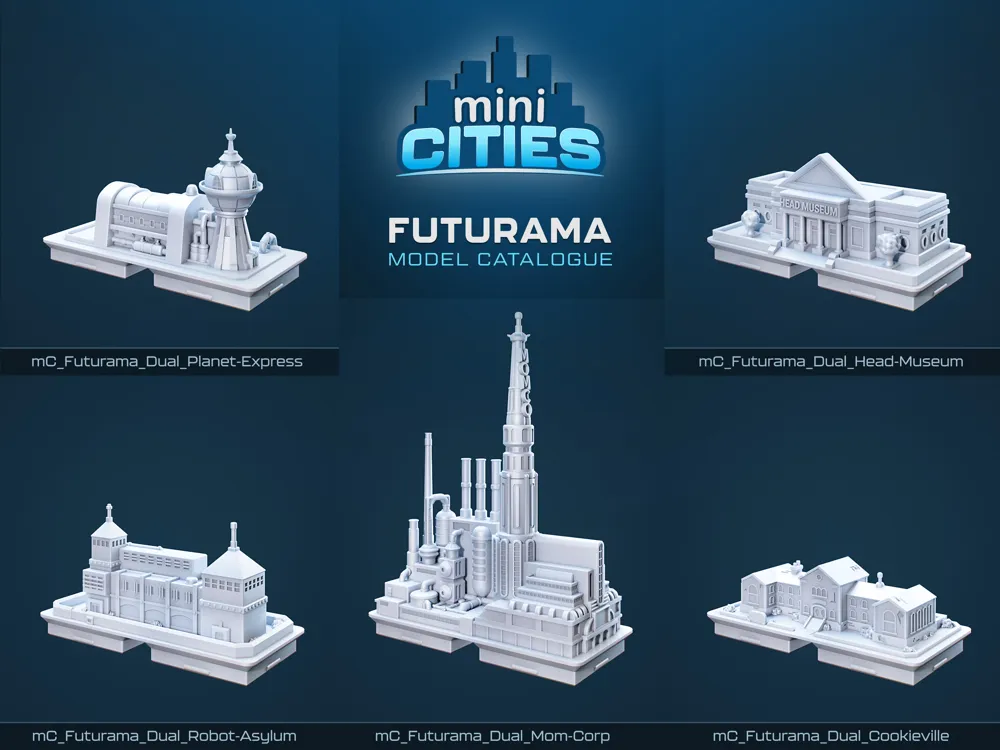
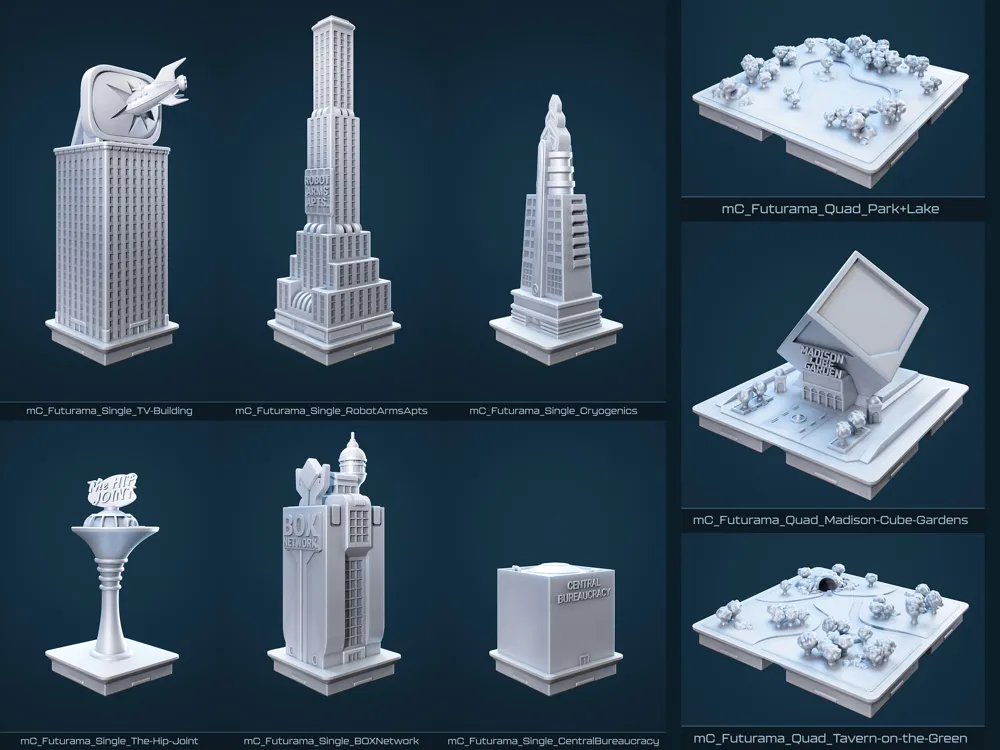
Includes Iconic Structures From the Series
| Planet Express | MomCorp |
| Robot Arms Apts. | Head Museum |
| Cookieville | Cryogenics Lab |
| Madison Cube Gardens | BOX Network |
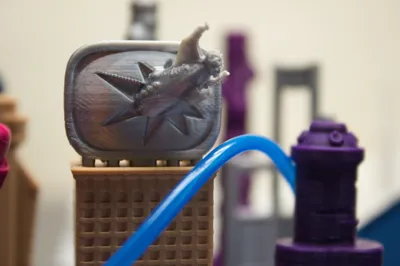
| Central Bureaucracy | TV Building |
| The Hip Joint | Napster |
| Robot Asylum | Tavern on the Green |
🛠️ Printing Tips & Guidelines
🧱 Support Usage
- TV Building: Requires supports - enabled in the provided print profile.
mC_Futurama_Single_10: Features integrated custom supports. This may trigger slicing warnings, but it prints correctly.
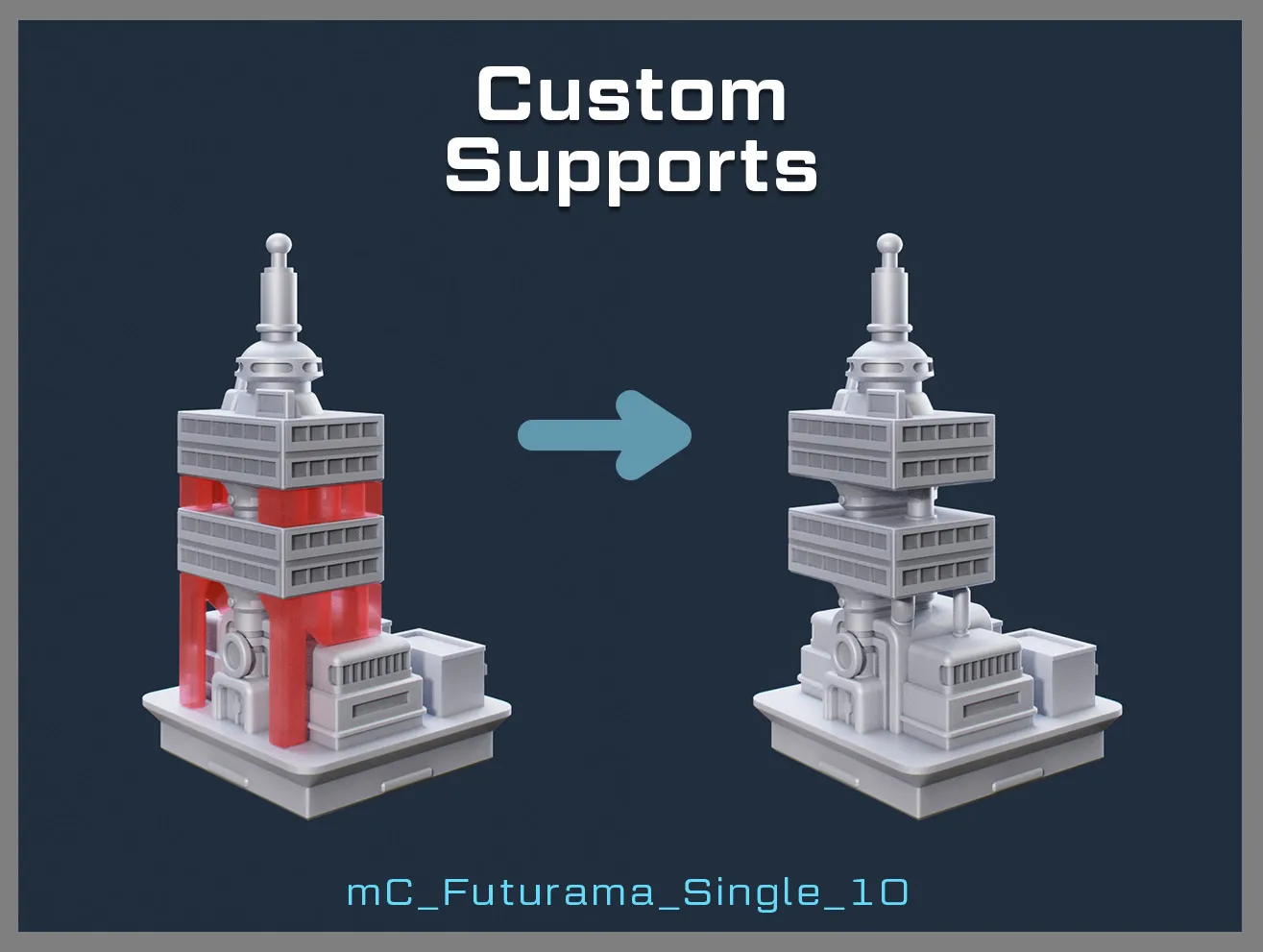
To remove support walls:
Gently pry them away using pliers. Take care not to damage the details between building levels.
🎨 Filament Suggestions
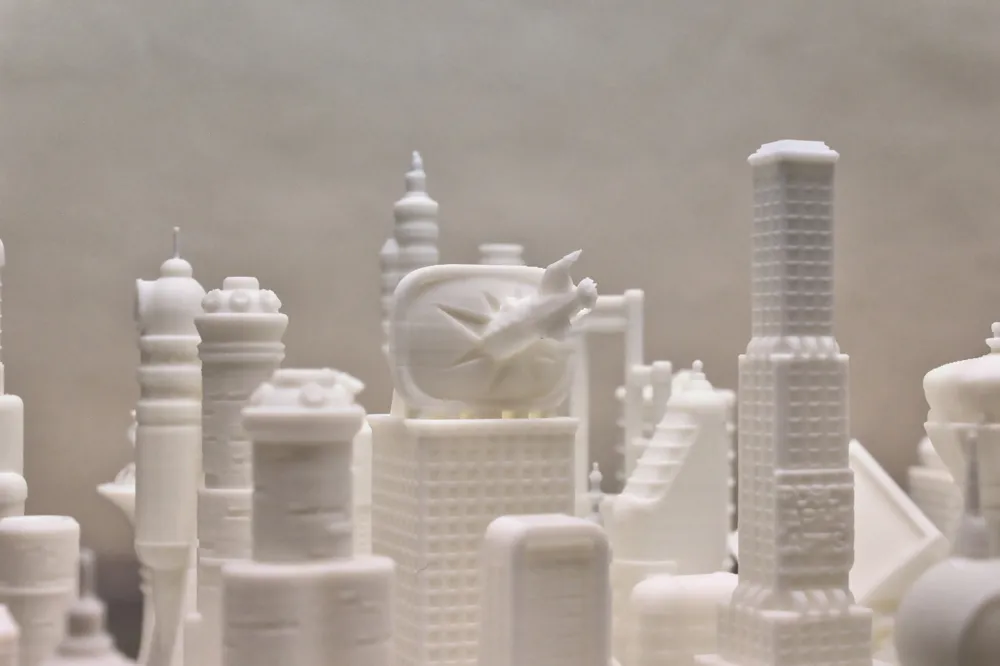
- PLA (basic and matte) works best, especially for revealing crisp architectural details.
- Silk PLA and PETG may struggle with fine geometry if the moisture content is high. Ensure filaments are dry before use.
📡 Handling Delicate Details
- Many models include fine antenna structures that are prone to snapping.
- Use care when removing prints from the bed or during post-processing.
🔥 Post-Processing Tips
- Apply gentle heat to clean up stringing and refine surface texture.
- Recommended tools: heat gun, hairdryer on low, or carefully controlled warm air.
🖌️ Base Colouring Technique
- Use a paint-by-layers range setting of 5.16
- Apply paint from the underside of the base
→ This method will perfectly colour only the base without bleed-through to the building.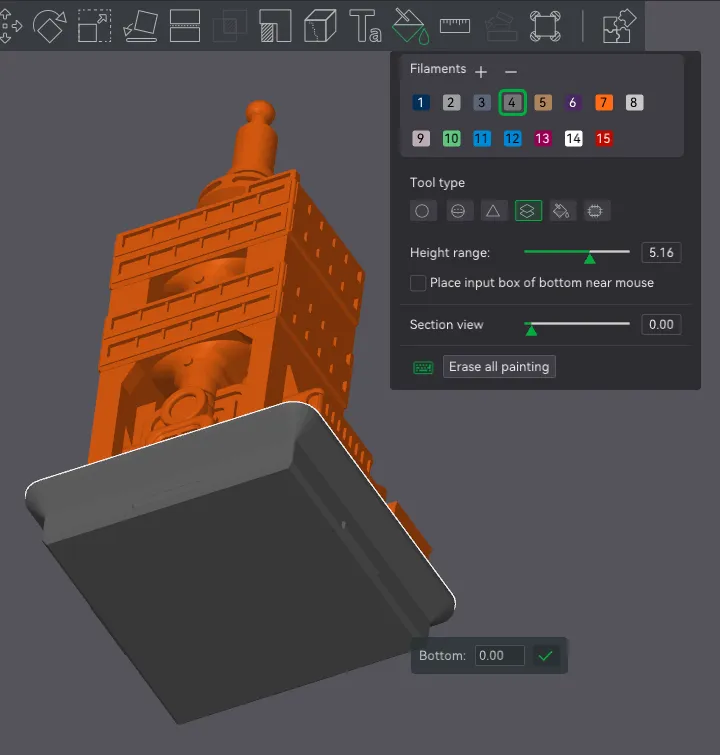
Thank you and enjoy!
Check out my other models in the series:
🔶miniCITIES - Metropolis - Where it all began, the original concept
🔷miniCITIES - Modern Architecture
License

You shall not share, sub-license, sell, rent, host, transfer, or distribute in any way the digital or 3D printed versions of this object, nor any other derivative work of this object in its digital or physical format (including - but not limited to - remixes of this object, and hosting on other digital platforms). The objects may not be used without permission in any way whatsoever in which you charge money, or collect fees.


Comment & Rating (144)