

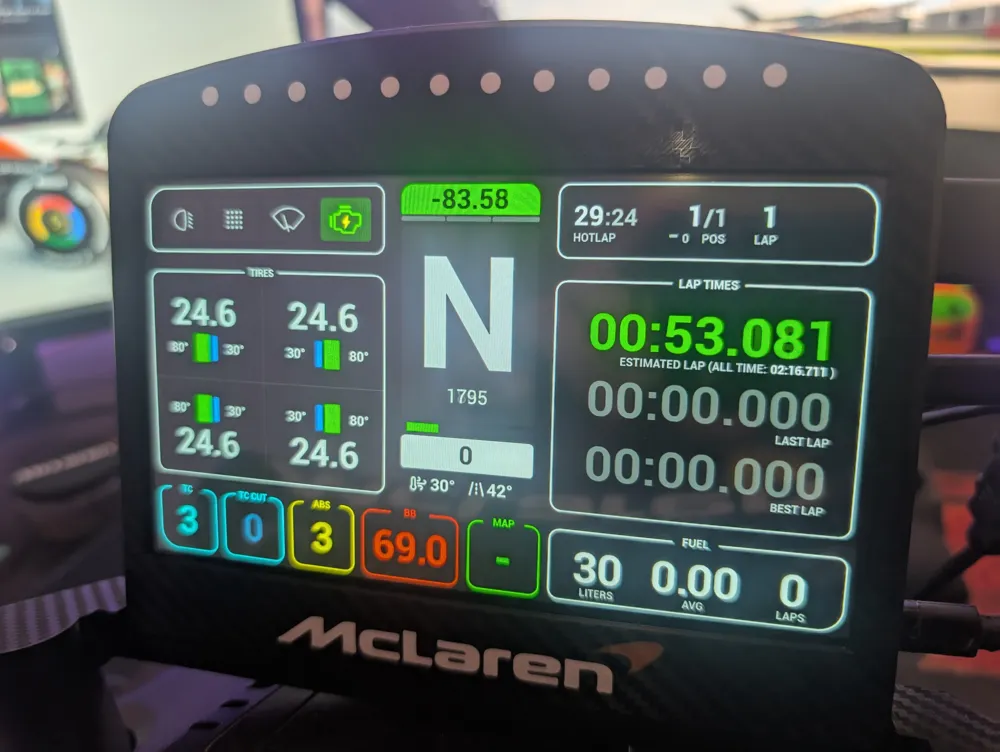
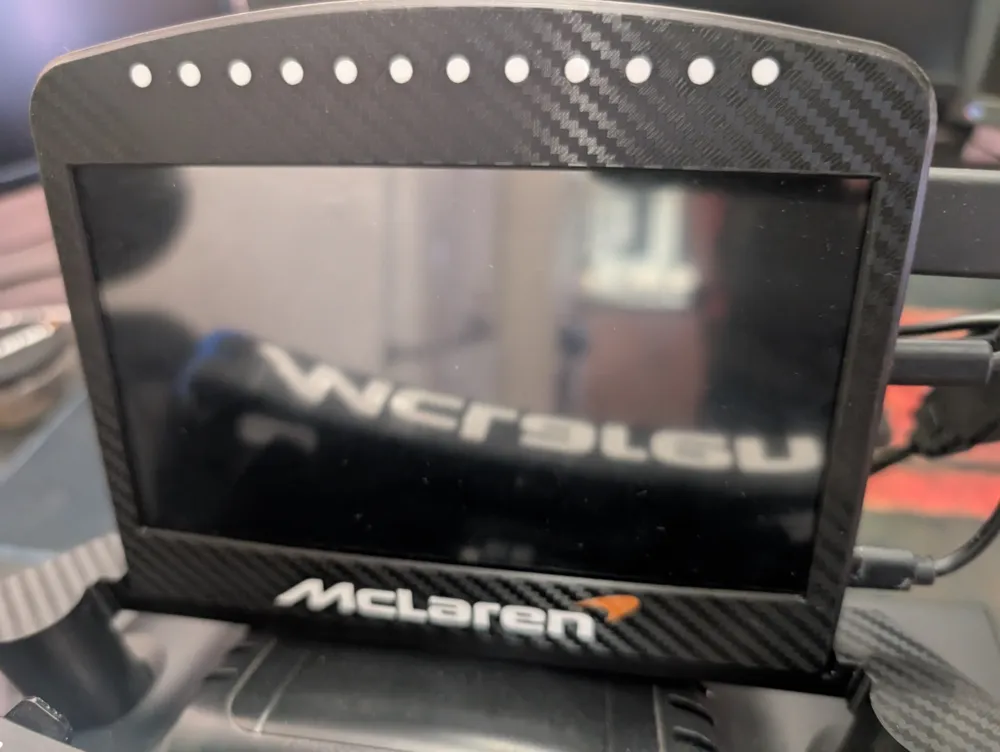
Logitech G29/G920/G923 7 inch DDU
Print Profile(1)

Description
Boost Me (for free)
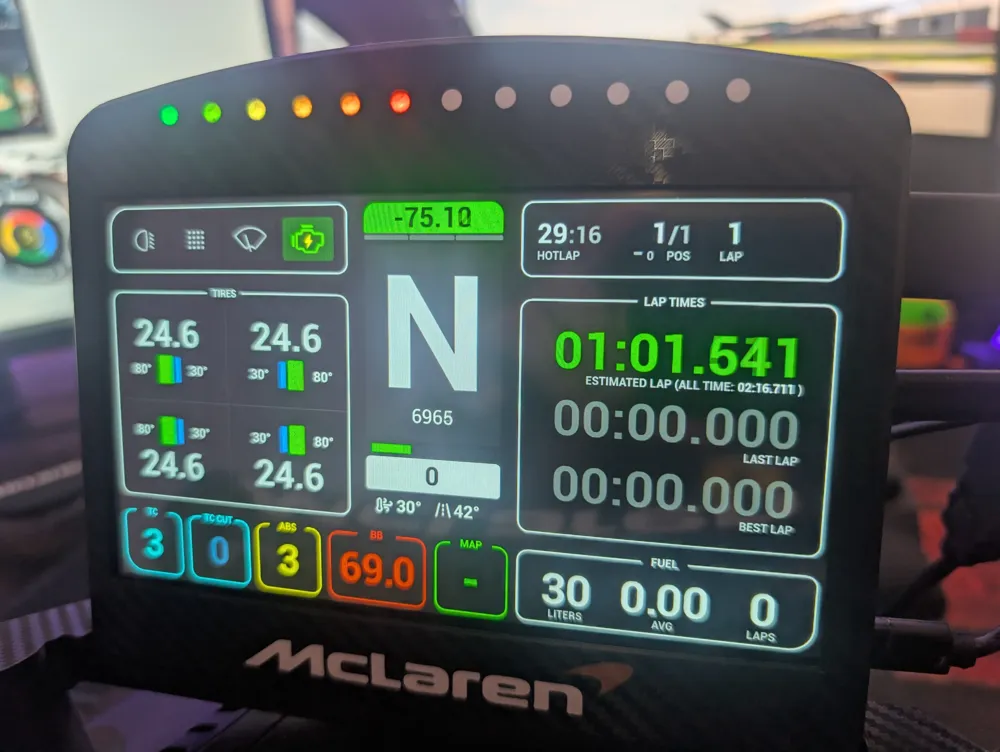
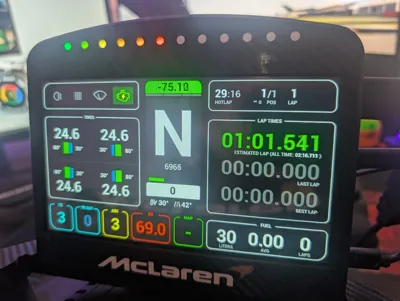
7 inch DDU for Logitech G29/G923/G920
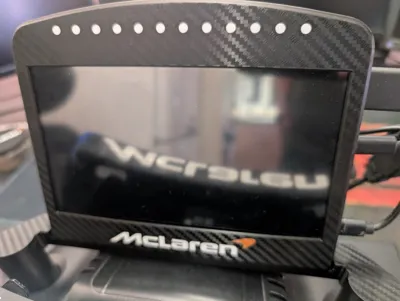
The print profile is dual colour (white dots where the LEDs are but can be printed in one colour. The LEDs still show through the black single layer.
BOM
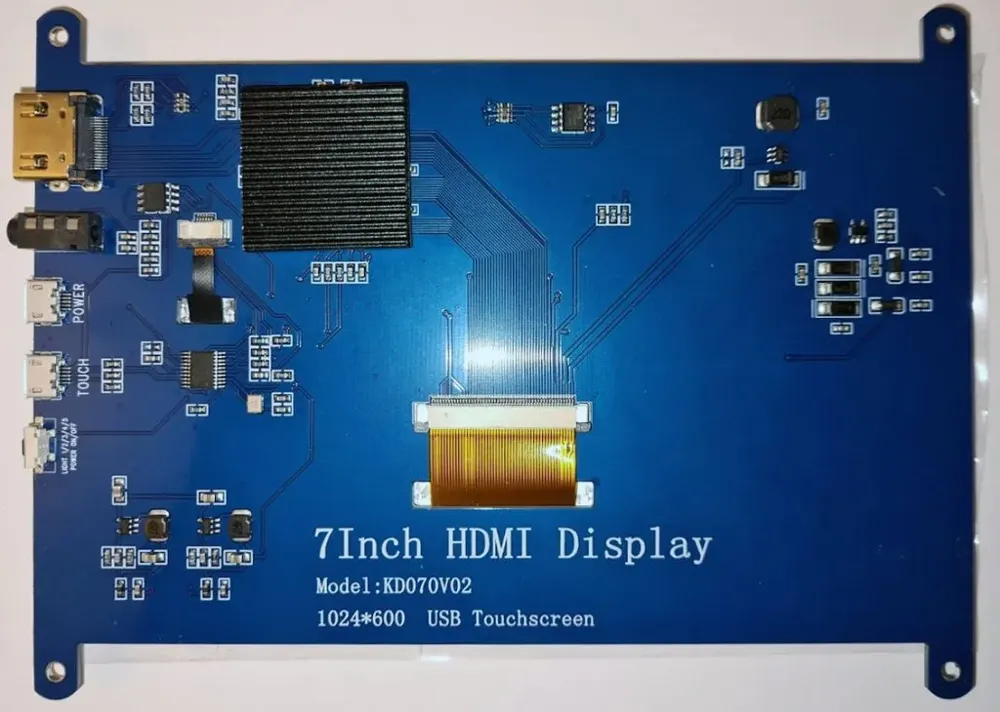
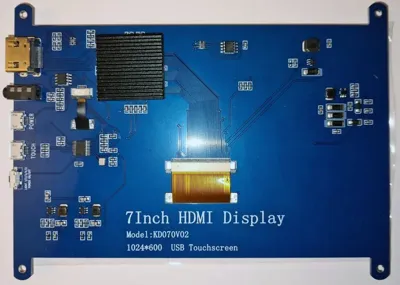
The screen is a KD070V02 7 inch HDMI LCD monitor I got on AliExpress (search for 1005006428560580).
Arduino Nano USB C
12 WS2812 LEDs (96 LED per meter led strip)
Hot glue to hold the LEDs in place
4 x 16mm M3 bolts
2 x 12mm M4 bolts
2 x m4 nuts
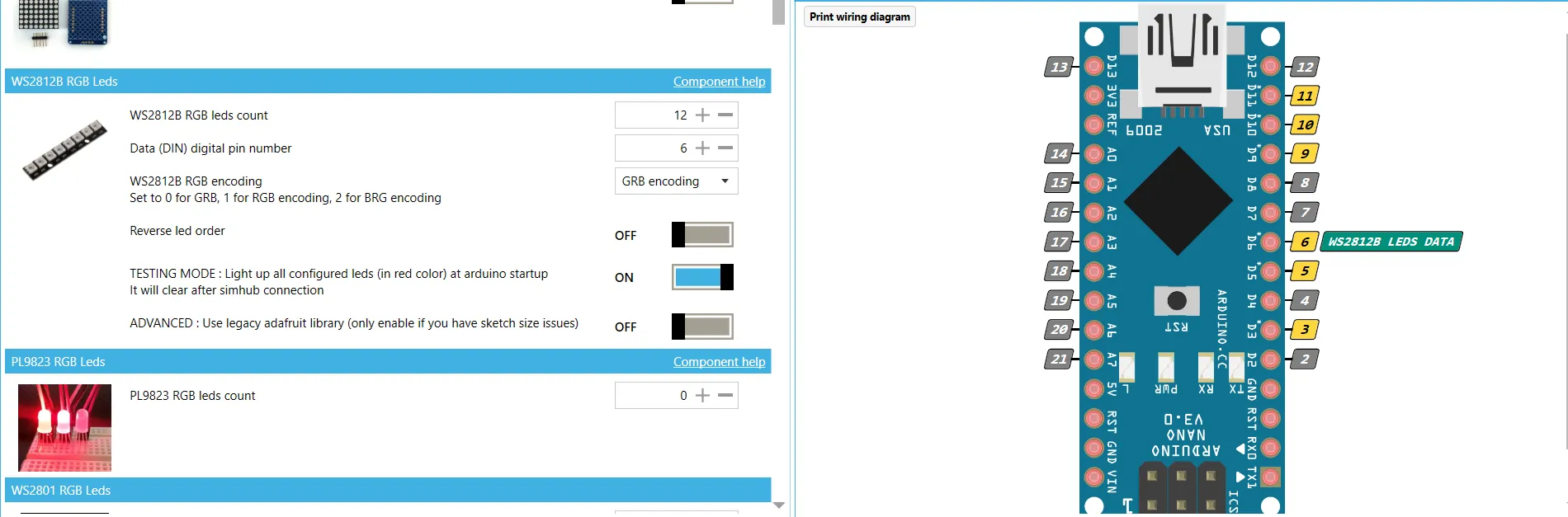
For wiring/arduino programming open Simhub and go to the Arduino section. Open the “My Hardware" tab and select the “open arduino setup tool”
Scroll down to WS2812 and enter 12 LEDs, select the data pin an wire up accordingly. 5v to 5v on the board, ground to ground and data to pin D6 (in this example). Use the testing mode which when the unit is turned on the lights will glow red. When it connects to simhub the lights turn off. It just makes things easier to see if it's working. When connecting the LEDs ensure to look on the strip for the direction. It'll have an arrow
Click on the “I understand…” disclaimer and "upload to arduino".
Bolt LCD front frame to mount using the M4 nuts and bolts, do this before the screen and LEDs are added as it will be much easier.
Add the LEDs in place (hot glue them). I printed a 1mm high rectangle just to keep them flat and glued it all as one piece.
Make sure the LEDs are installed in the correct orientation, the 1st LED will need to be on the left when looking at the front.
Add screen.
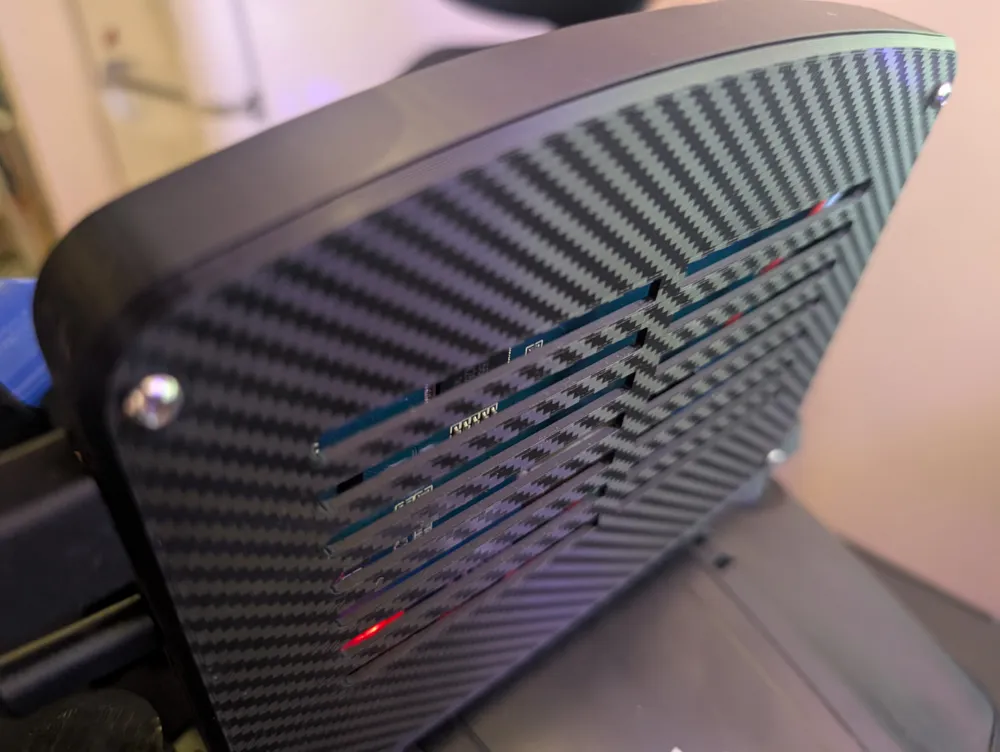
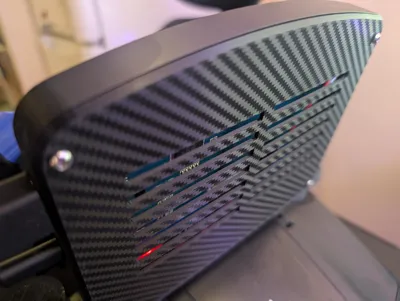
Add Arduino Nano into the slot on the back panel. I used a JST connector so I can separate the back and front but it's not necessary, just use enough wire.
Add back panel using the M3 bolts.
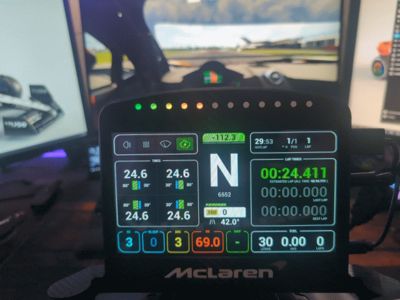
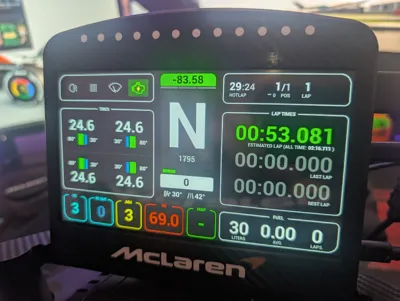
Set up your favourite dashboard (I'm using Lovely Dashboard) and your LEDs in simhub. Default is 16 LEDs so adjust the LED positions in simhub.
Requires a HDMI cable and 2 USB cables, one for power (micro) and one for connection to the Arduino (USB C). It's not as clean as a Vcore screen that uses 1 usb cable for everything but then it's a third of the price of a vcore screen.
Listed as a remix as I used Coolbruh's G29 mount and adapted it to my needs. The LCD casing is my own design.
This remix is based on

License



Comment & Rating (9)