Search models, users, collections, and posts

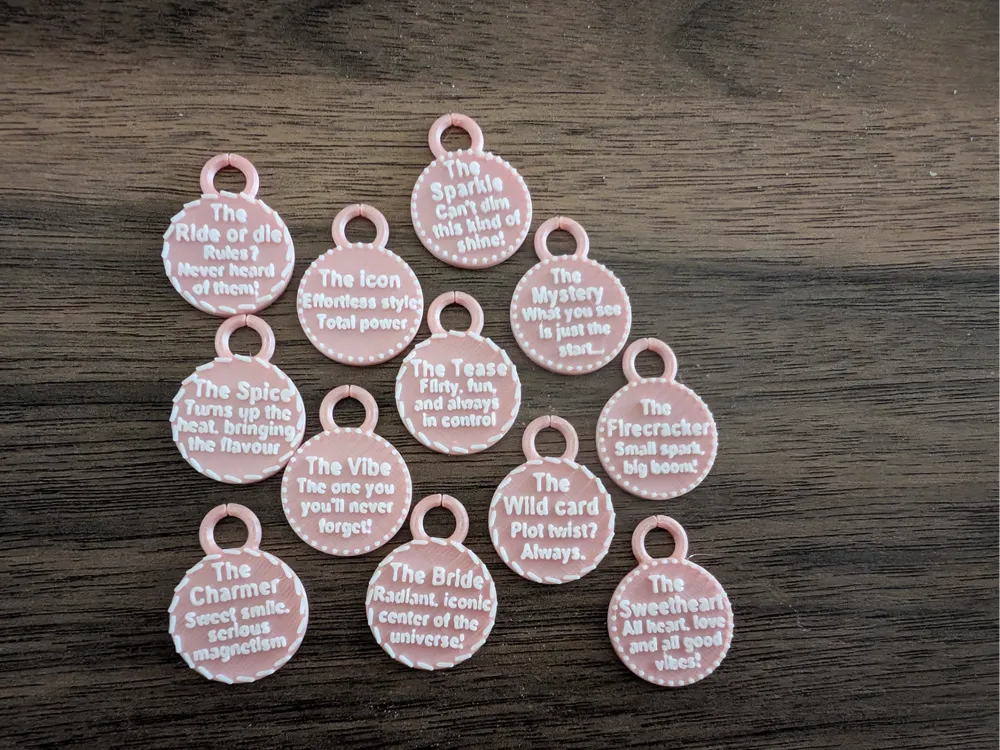
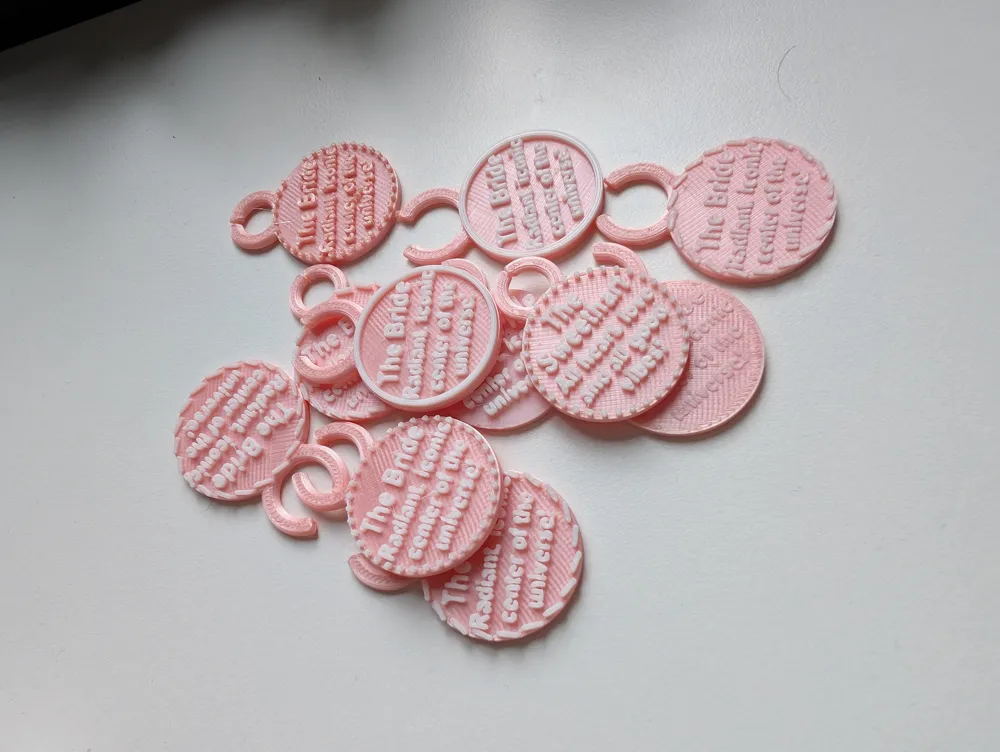
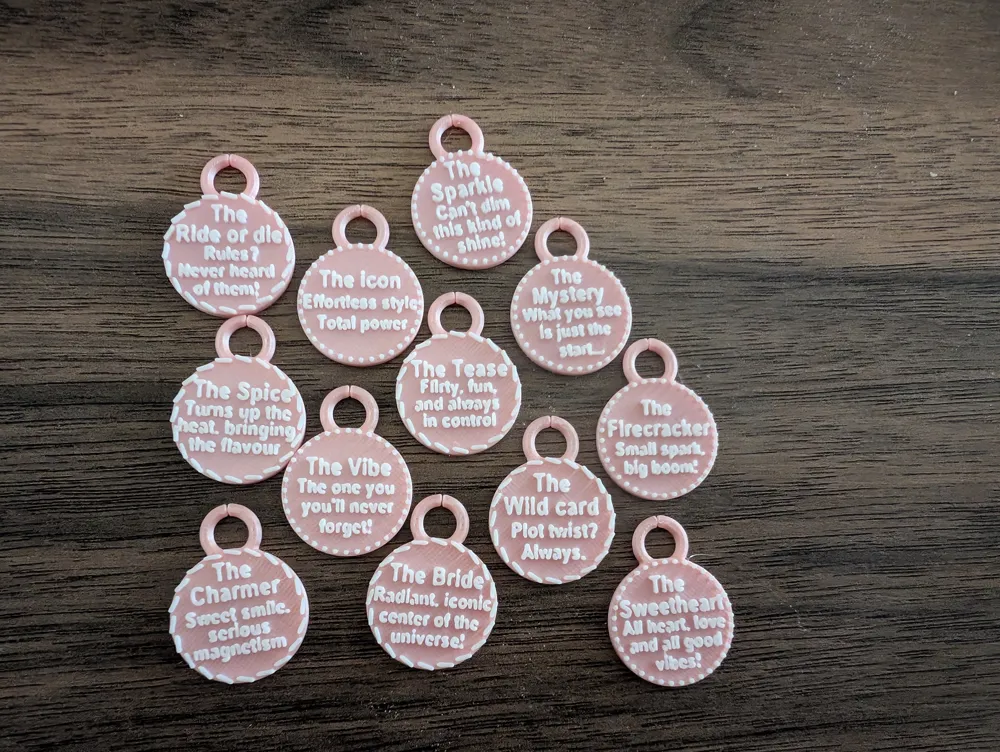
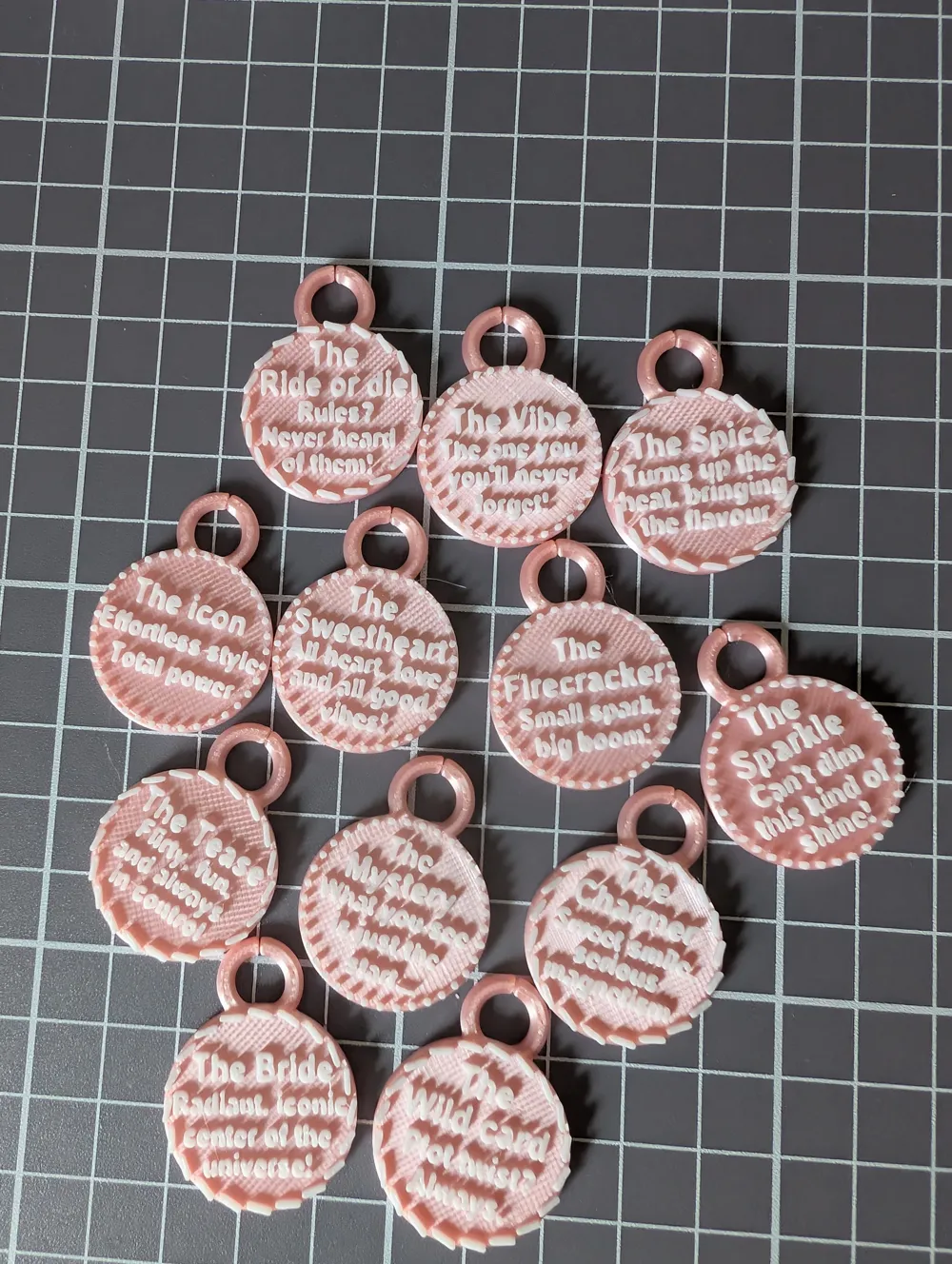
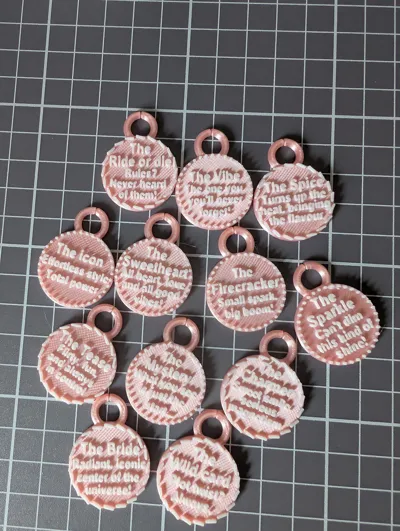
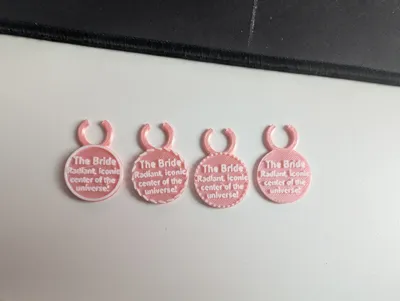
Glass charms for bachelorette party
IP Report
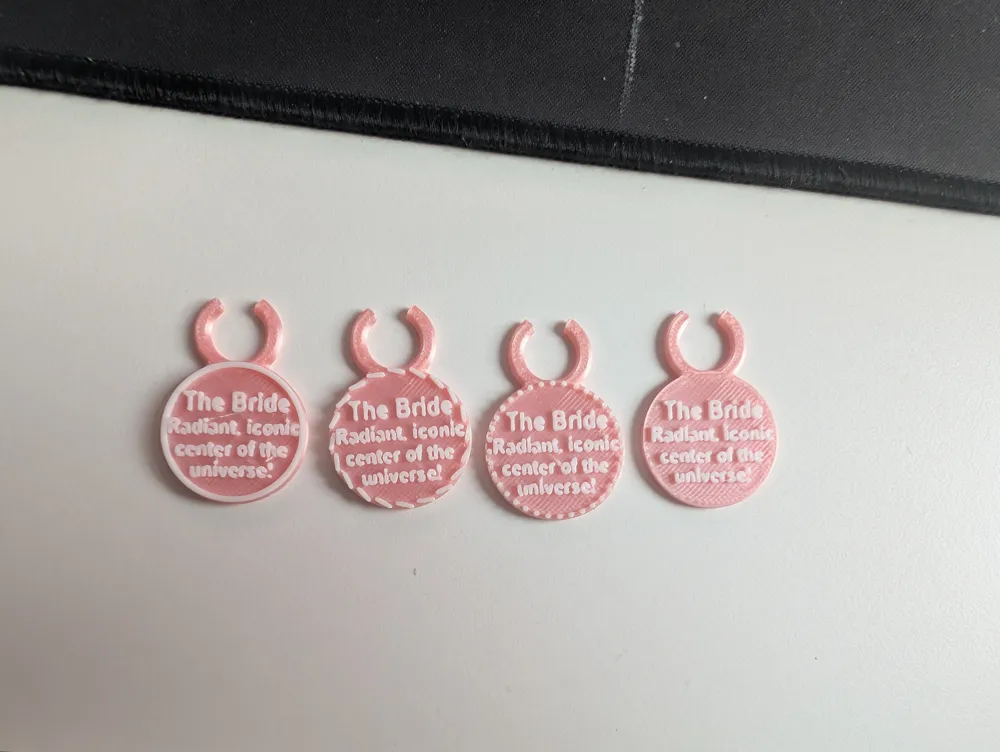
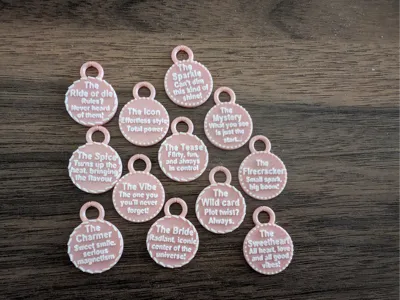
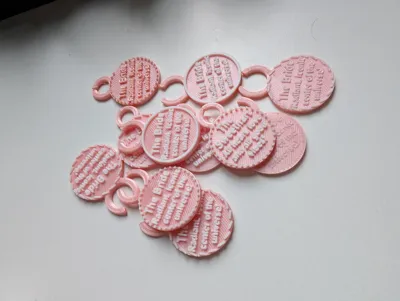
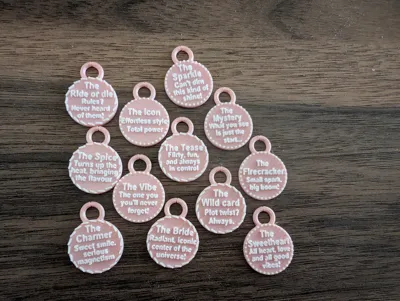
Print Profile(1)

0.2mm layer, 2 walls, 15% infill
Designer
1.8 h
2 plates
Open in Bambu Studio
Boost
31
86
7
1
33
26
Released
Description
So cute and fun to have!
If you want to change the text to another one you can:
- Click on “Objects”

Use the body of the shape you want (Copy and remove text)
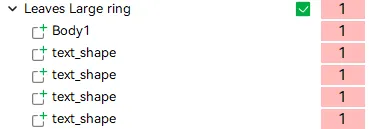
- Right-click on the body and “Center”.
- Right-click on the object with the desired text and click “Center”.
- Then center the plate of the charm bodies to match (if you want to use the larger ring body and have the text for the smaller body, move the smaller body Y=128.00).
- Remove the body you don't want to keep where the text was taken from.
If you don't have an AMS, you can just pause on the same spot as the color changes, then manually change color for the text!
Good luck!
License

This user content is licensed under a
Creative Commons Attribution-Noncommercial-NoDerivatives


Comment & Rating (7)