
Centauri Carbon runout sensor swivel extension
Print Profile(1)

Description
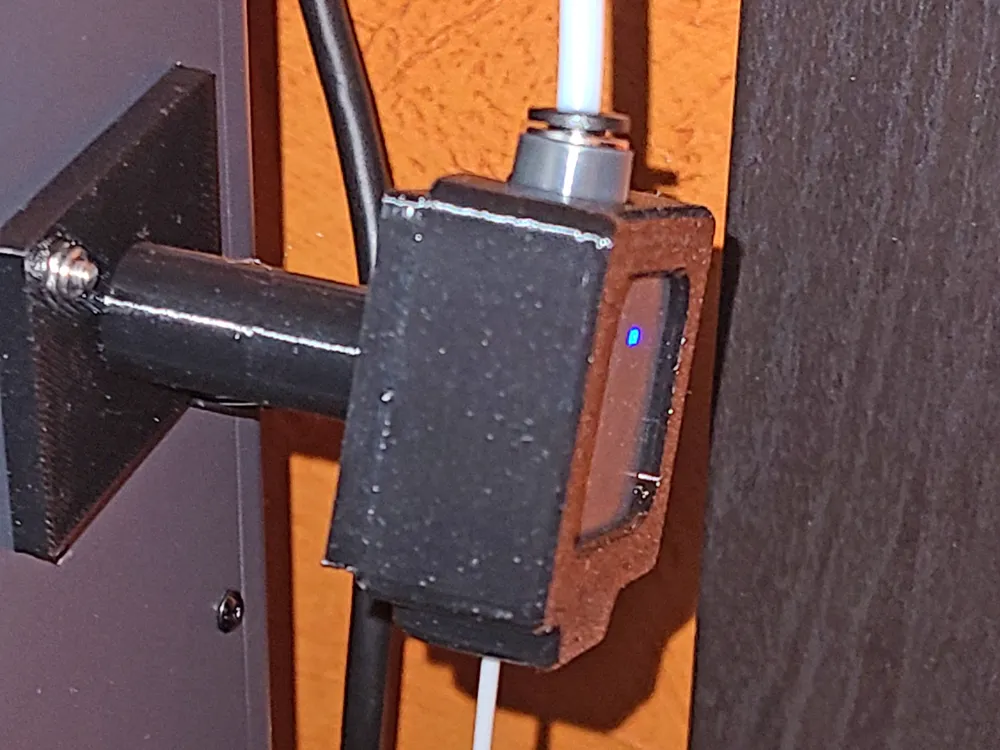
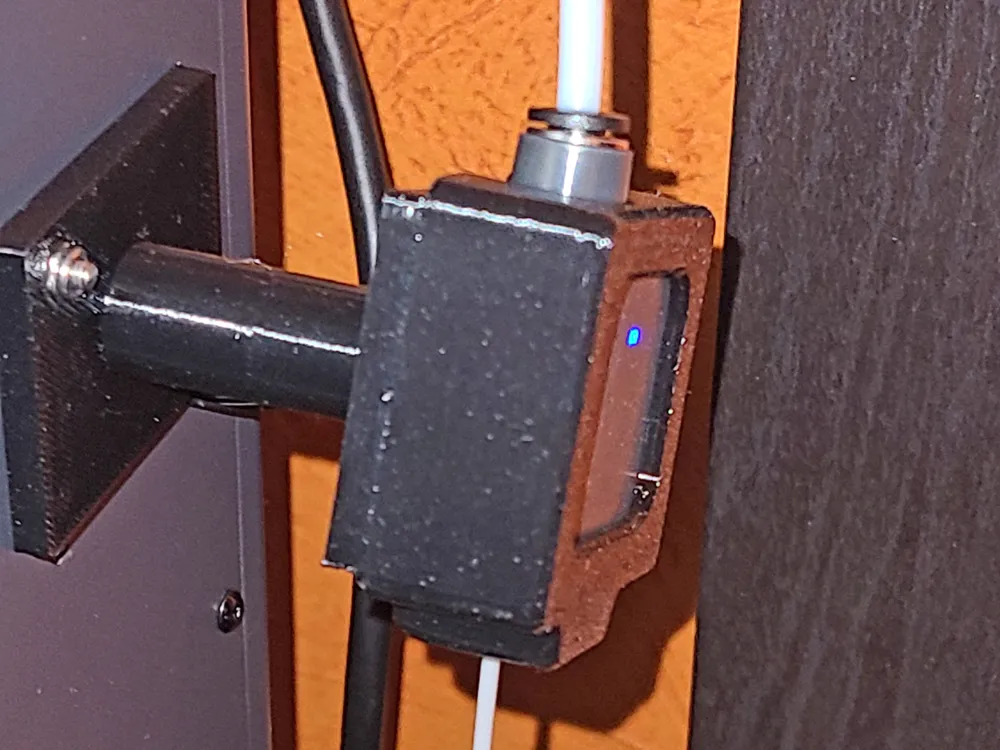
This swivel extension allows the filament to travel from the center of the spool up into the filament runout sensor without traveling at an angle. It also allows the runout sensor to swivel as needed.
Printed in Generic PETG with no supports.
You will need some parts for this to work correctly.
2 M3 8mm screws with locking nuts
1 M3 button head 10mm screw
1 M3 brass knurled brass insert
Start by removing the PTFE tube and unplug the wire from the sensor. Remove the factory bracket (one screw outside the case under the filament runout sensor). Remove the two screws holding the sensor to the bracket and attach the side with the longer spindle to the filament runout sensor. Using a soldering iron or specialty tool, seat the knurled brass insert into the long end of the spindle. Use your scraper tool or razor to make sure the top is flat after placement. Use the M3 10mm screw to attach both pieces. It should be tight, but not to the point that is doesn't move if you twist it by hand. Use the other two screws and lock nuts to attach to the printer and reattch PTFE tube. Ensure that enough of the wiring is loose from the combined cable braid inside and reattach the cable to the runout sensor. Enjoy tangle free printing!
This print works great with many of the runout sensor guides (as seen in my photos).
License

You shall not share, sub-license, sell, rent, host, transfer, or distribute in any way the digital or 3D printed versions of this object, nor any other derivative work of this object in its digital or physical format (including - but not limited to - remixes of this object, and hosting on other digital platforms). The objects may not be used without permission in any way whatsoever in which you charge money, or collect fees.


Comment & Rating (2)