
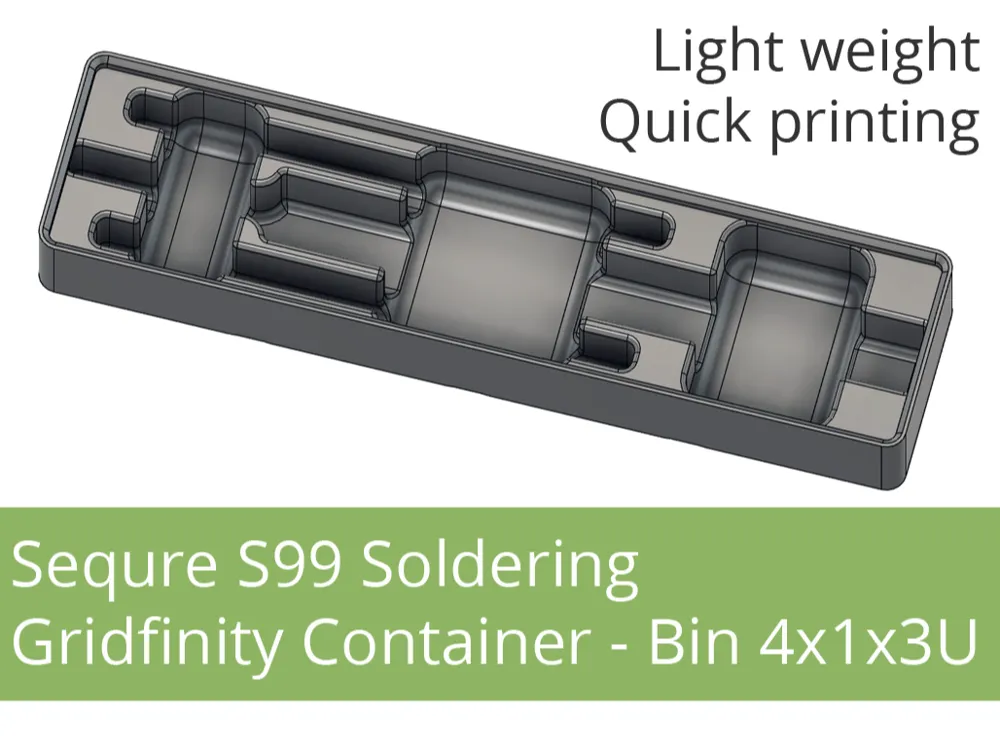
Sequre S99 Soldering Gridfinity Container 4x1x3U
Print Profile(2)


Description
NOTE: For most models, it is worth reading the description carefully, and for some it is even necessary.
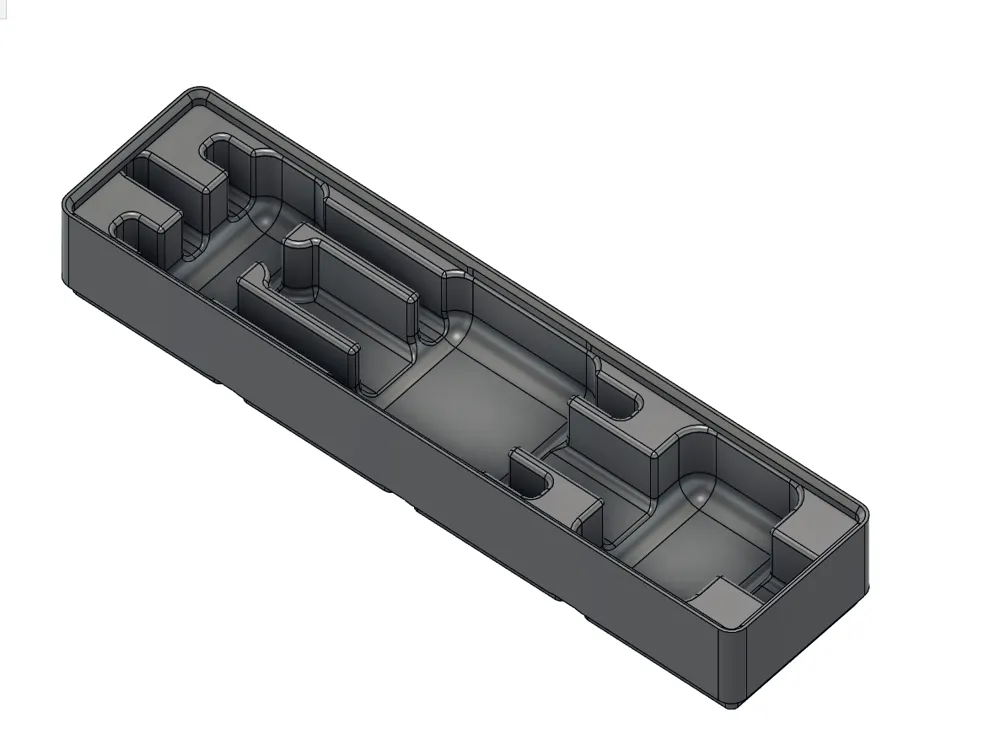
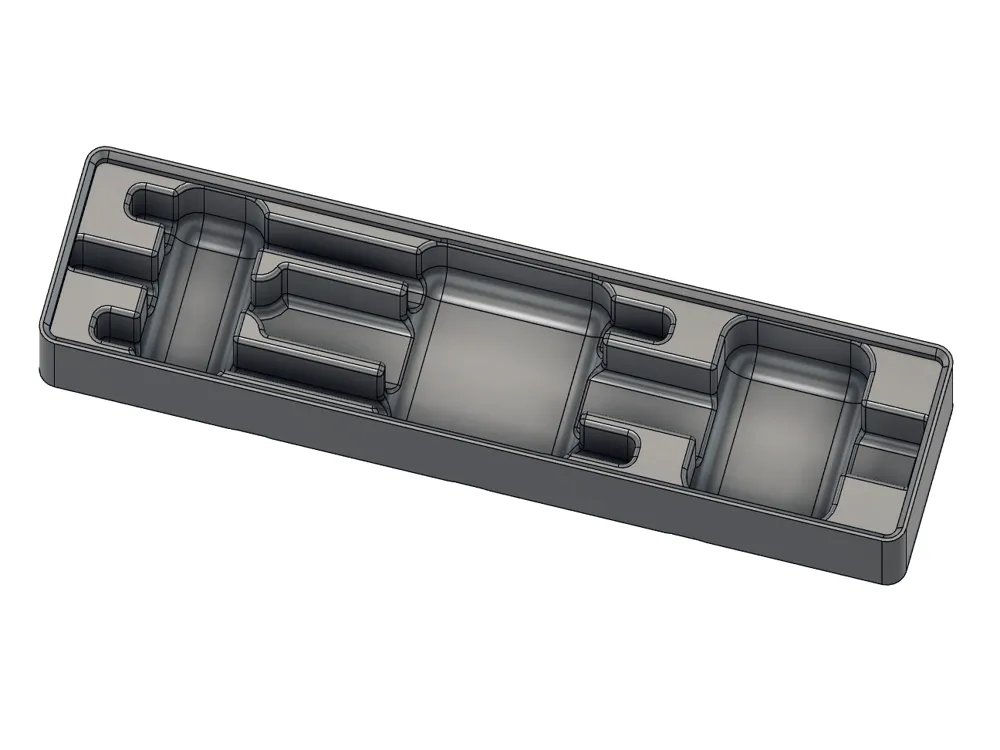
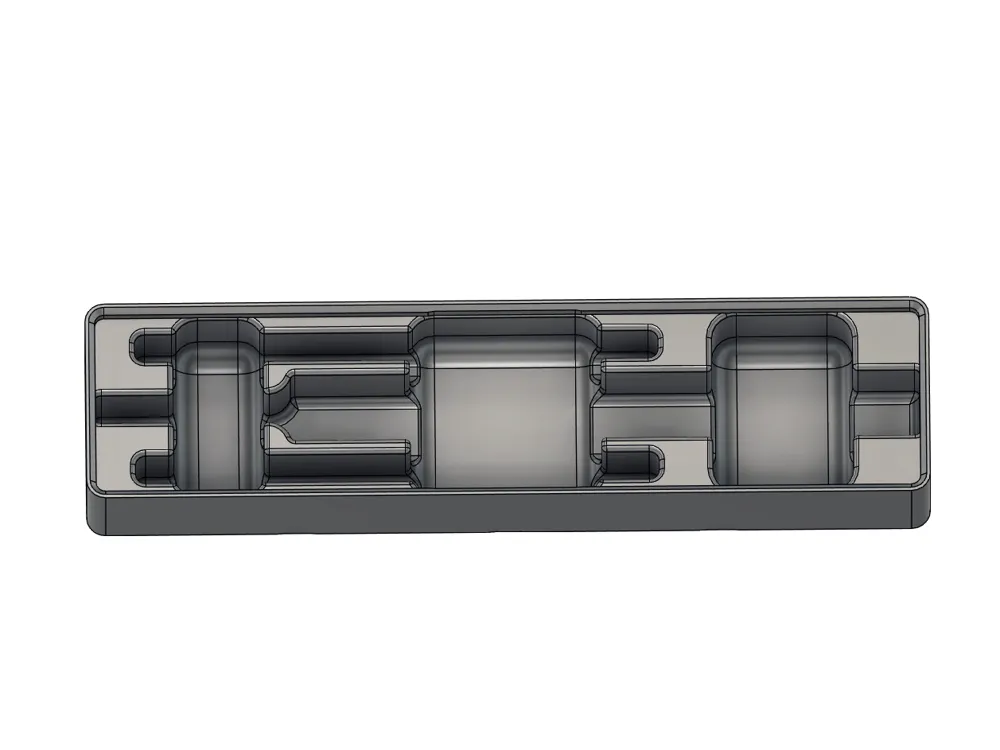
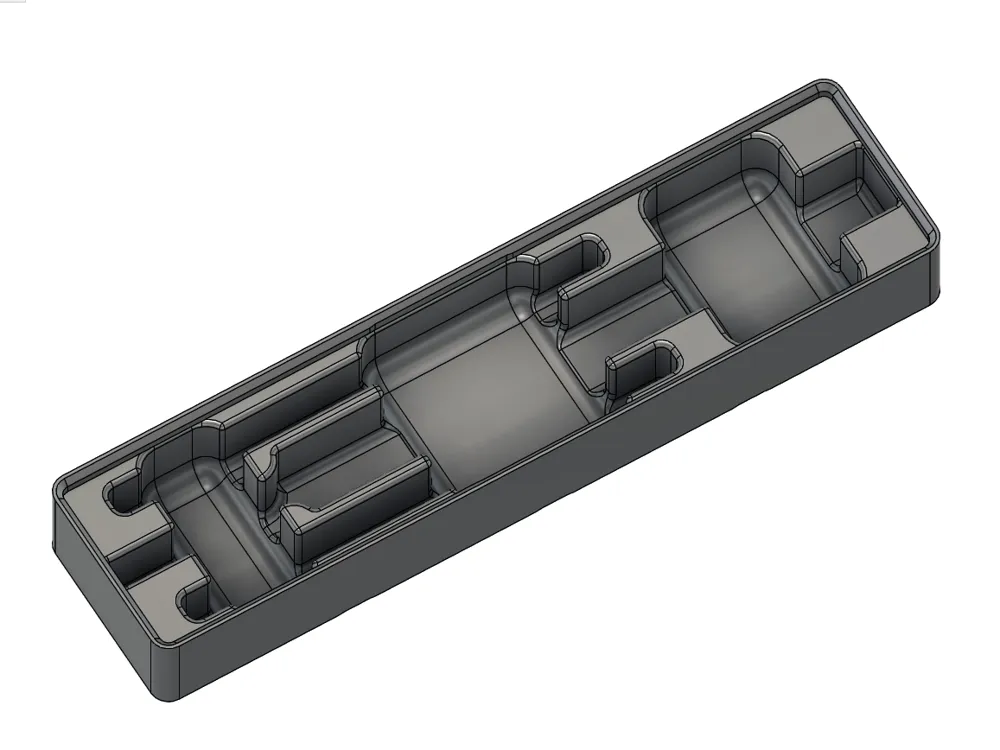
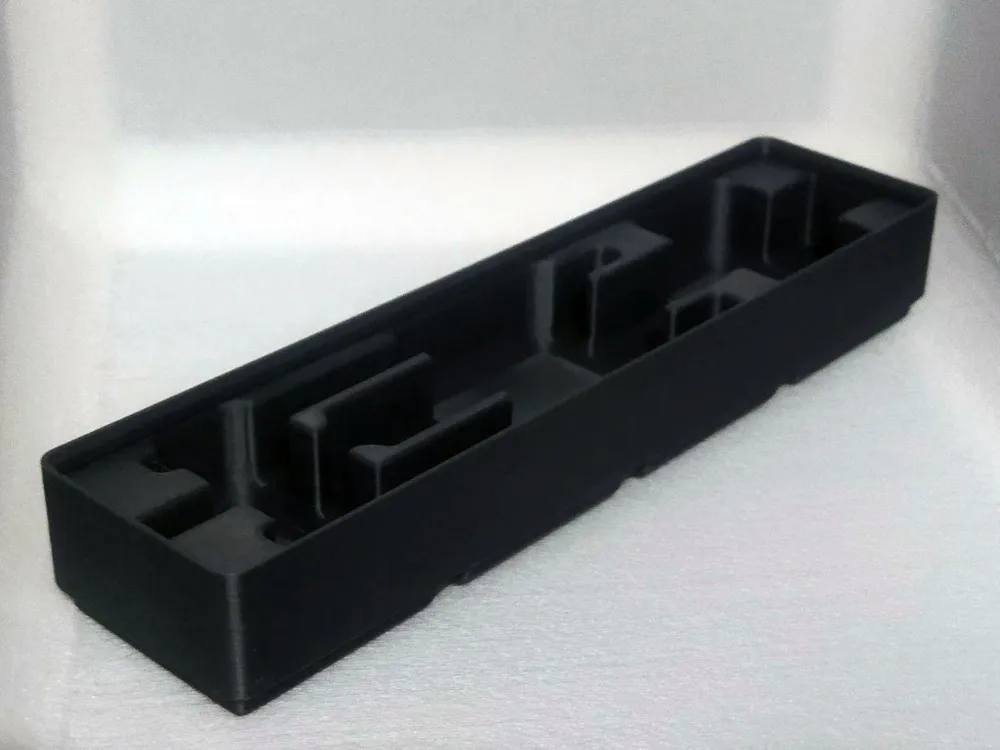
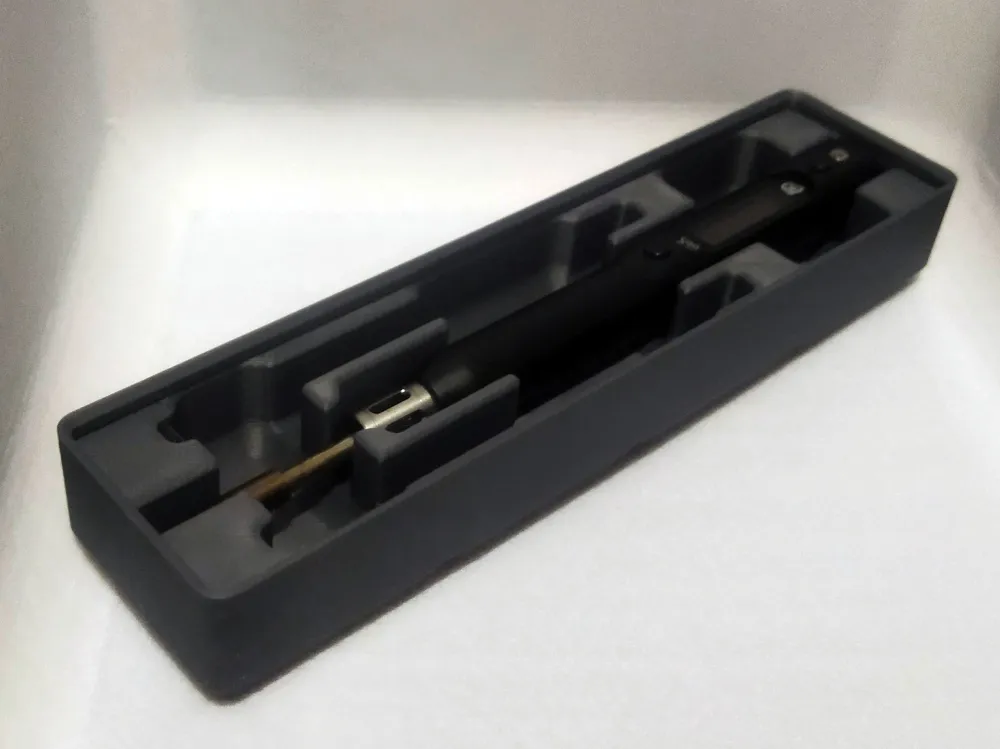
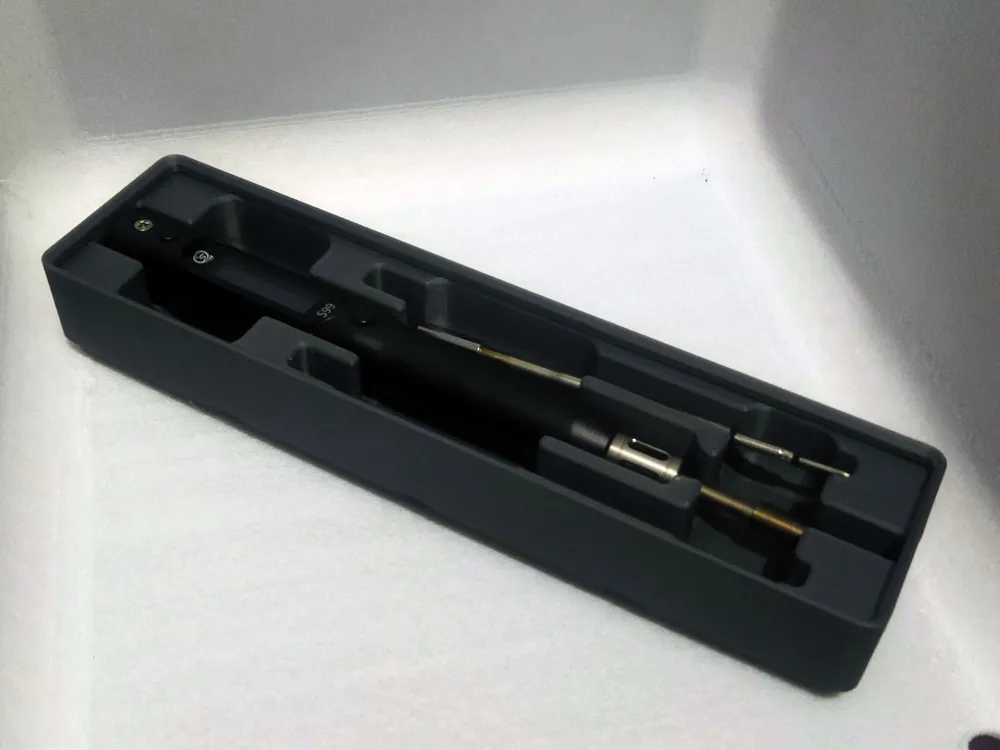
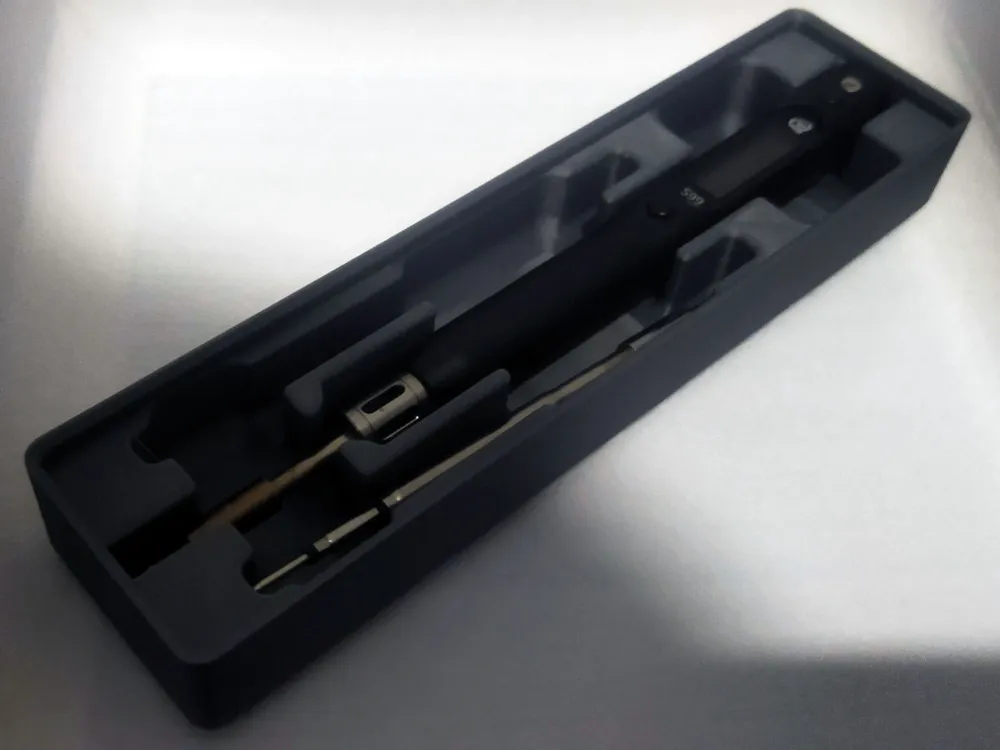
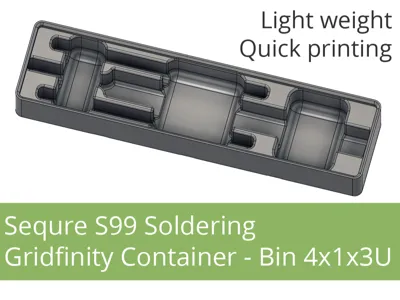
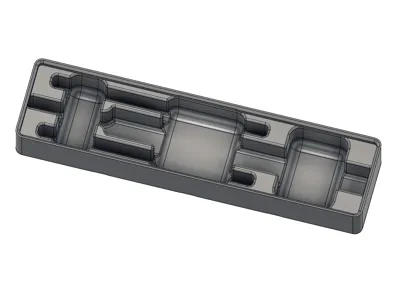
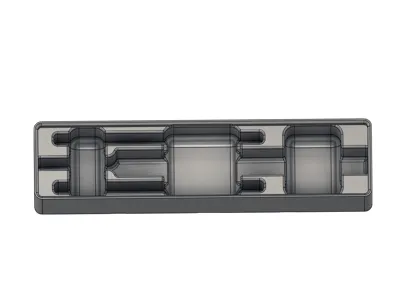
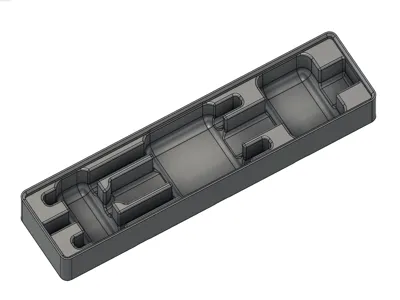
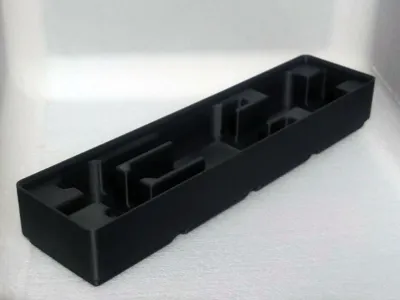
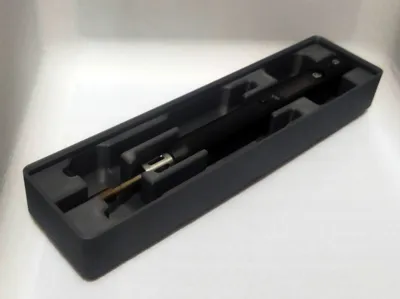
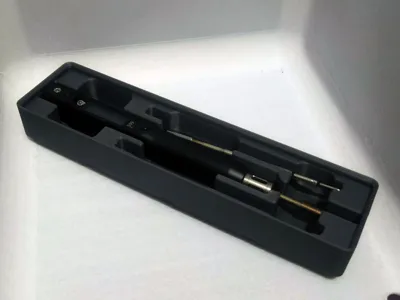
Gridfinity container (box/bin) 4x1x3U for the Sequre S99 soldering iron.
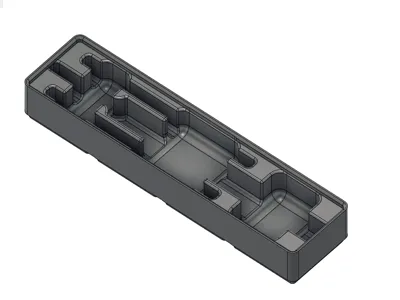
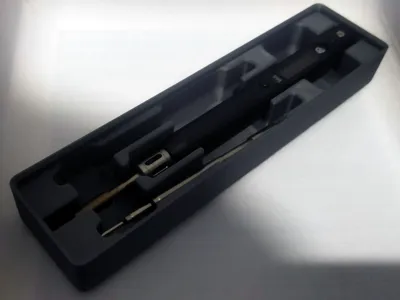
The main compartment fits a soldering iron with a standard soldering tip (total length max 163mm, i.e. Sequre S99 soldering iron + 100mm tip).
On the sides, there are two compartments for additional C245 soldering tips, up to 108 mm long (108 mm are standard, but I added extra because some are slightly longer, and even a soldering tip with silicone/TPU tip protection should fit).
Easy, fast, and good print? Choose PLA or PET-G. But there's also a ready-made profile for TPU, if you're looking for something softer. It takes much longer to print, but... I have both - PLA and TPU versions, and I think the TPU one is nicer ;-)
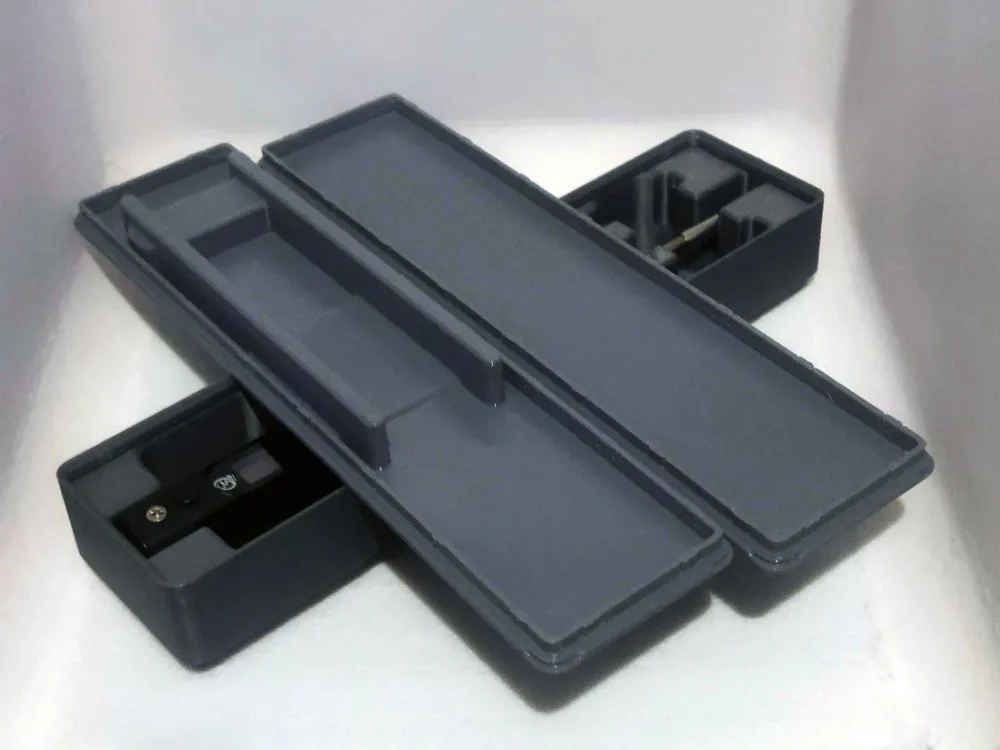
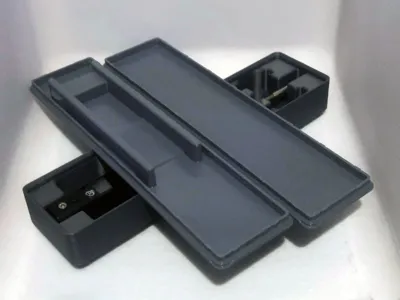
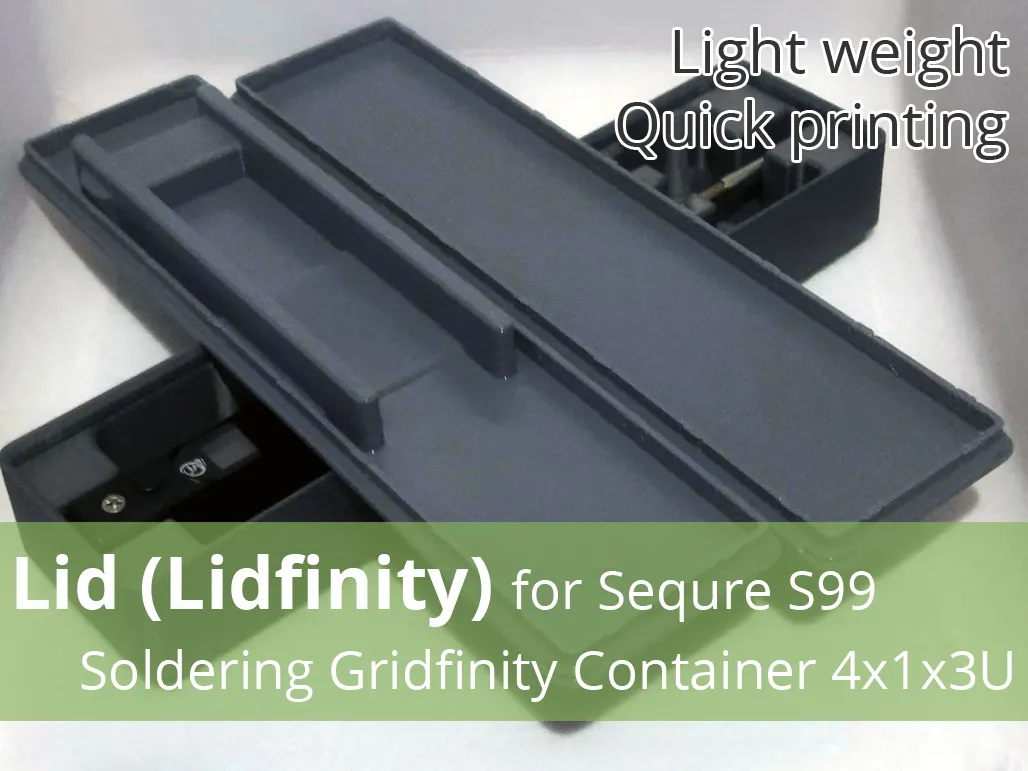
Maybe you need a lid?
Since the box has most of the standard Gridfinity features, it should fit standard Gridfinity container lids. But to ensure you're printing the right lid, we've prepared a dedicated model based on the Lidfinity design: Lid Lidfinity for Sequre S99 Soldering Gridfinity
Boost Me (for free)
If the model was useful - like and give a boost. It doesn't cost you anything, and for me it's information that it was worth it :-)
Filament in Print Profiles
The filament specified in print profiles is usually just a guideline. It simply must be there. But most often – unless the model description specifically states that a given element must be printed with a specific filament – you can easily change it to the type you want to print the model with. Of course, when making such a decision, it's worth considering not only the type of filament you have, but also what will actually be best for the given print (model, application).
You can change the material type as needed while creating the print (Bambu Studio, Bambu Handy).
License

You shall not share, sub-license, sell, rent, host, transfer, or distribute in any way the digital or 3D printed versions of this object, nor any other derivative work of this object in its digital or physical format (including - but not limited to - remixes of this object, and hosting on other digital platforms). The objects may not be used without permission in any way whatsoever in which you charge money, or collect fees.


Comment & Rating (5)