
Print Profile(4)




Description
Description / Overview
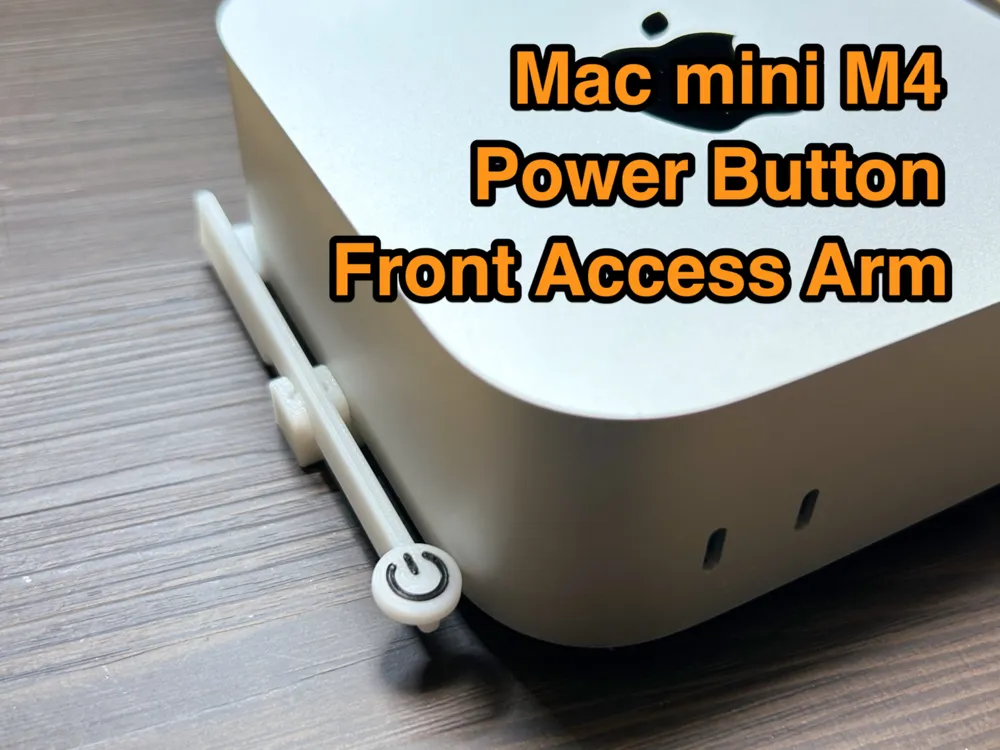
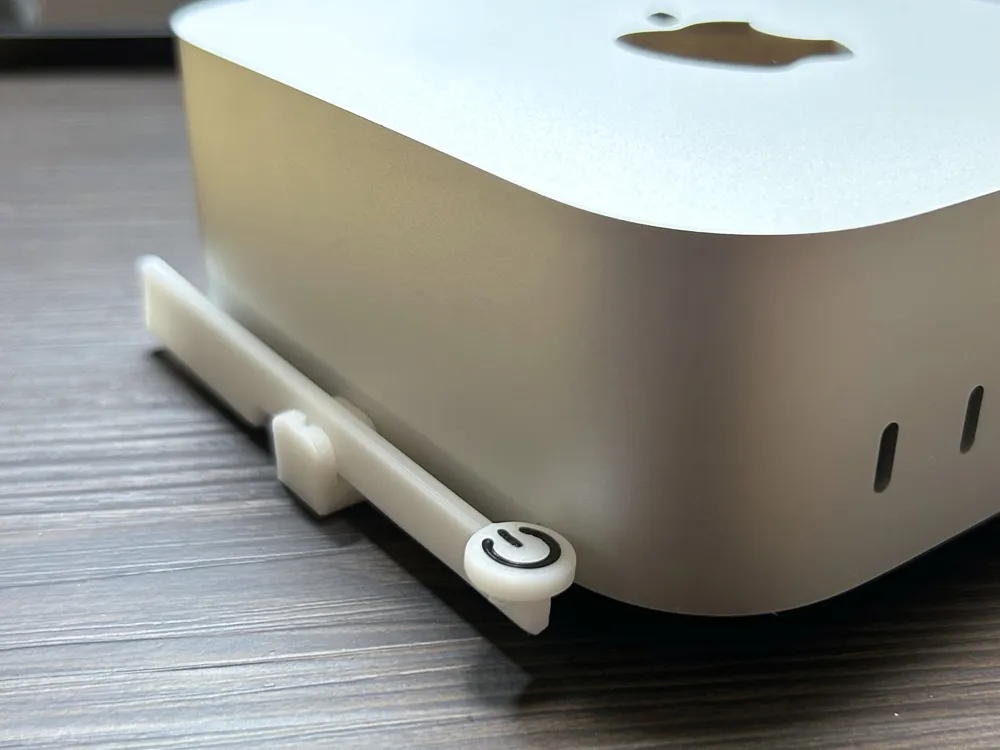
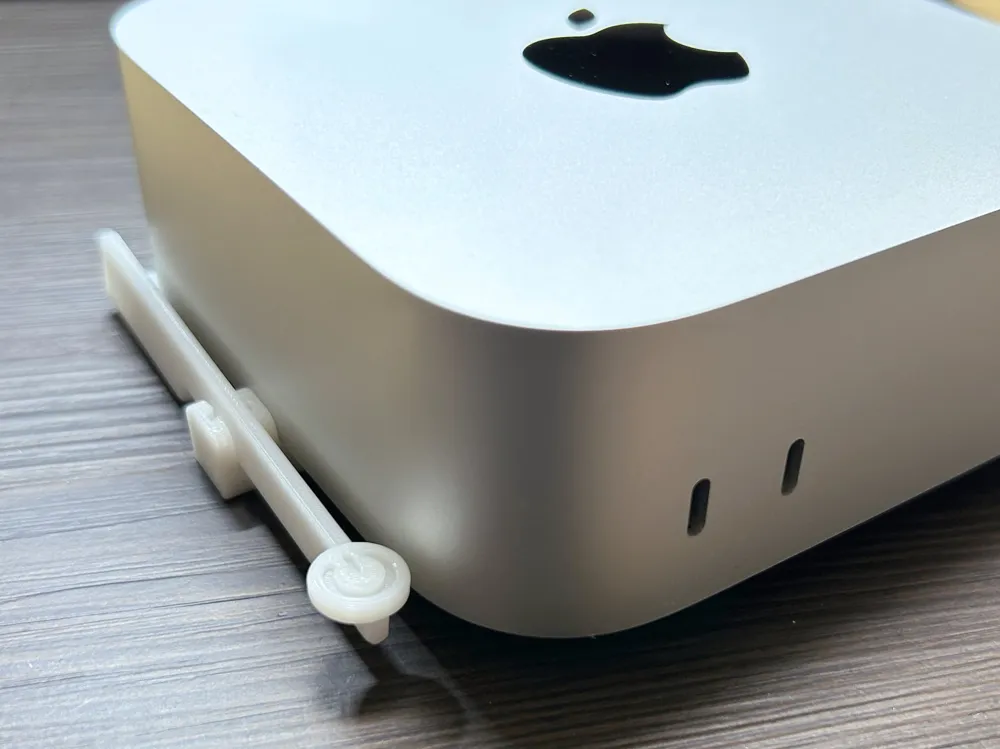
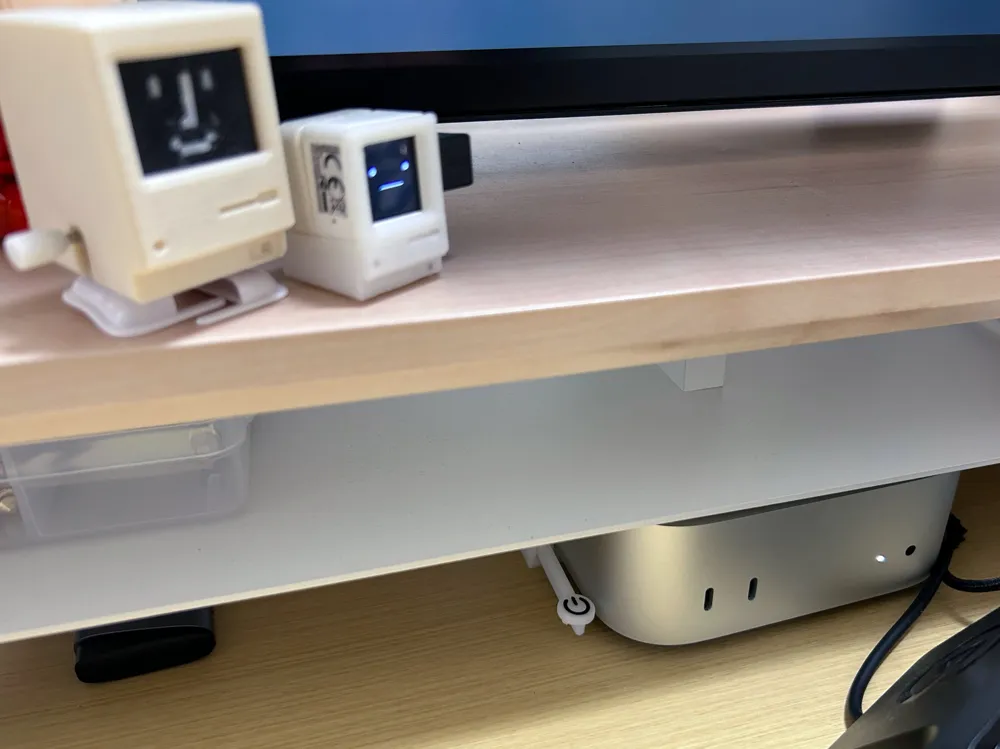
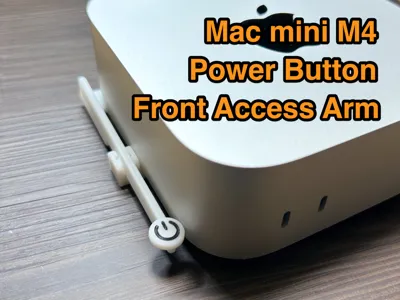
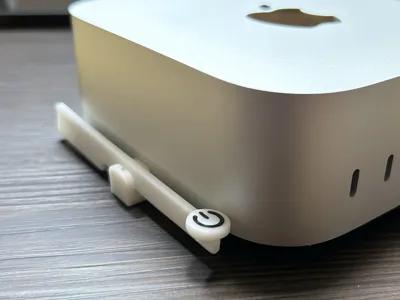
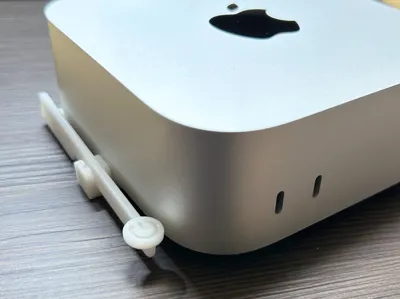
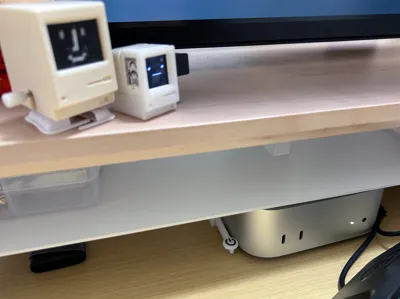
This is a 3D-printable access arm that lets you press the power button of the Mac mini M4 from the front side—perfect for setups where the Mac is stored inside a desk shelf or cabinet.
💡 Key Features:
- Designed for Mac mini M4 / Pro (2024)
- Press the rear power button from the front
- Ideal for desk shelf setups
- Mounts securely into the Mac mini’s vent hole — no adhesive or tape needed on the Mac itself
Print & Assembly Instructions
Please choice from two versions
- two color AMS model (power button color can be changed)
- mono color model (power button is by emboss)
//2026 Feb 25
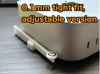
A model has been added "0.1mm tighter, adjustable version"
I received several comments about the arm wobbling, so I created a version set 0.1mm tighter.
If you need it even tighter, please move adjustor2.1_01.stl in the Objects tab of BambuStudio.
The claws can also be made thicker by moving adjustor2.1_02.stl and adjustor2.1_03.stl inward.
Boost Me (for free)
If this model is useful for you, please consider boosting it.
Your support helps me continue improving and sharing practical tools like this.
Thank you!
License



Comment & Rating (83)