
Seiko 6139-600x Bezel Alignment Press Die
Print Profile(1)

Description
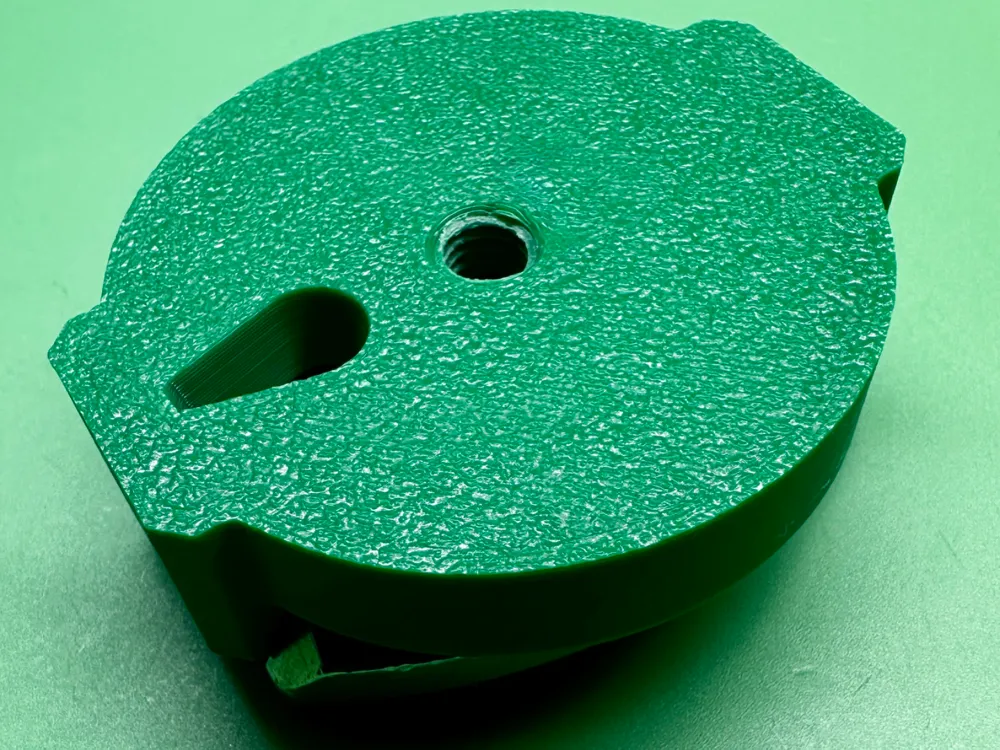
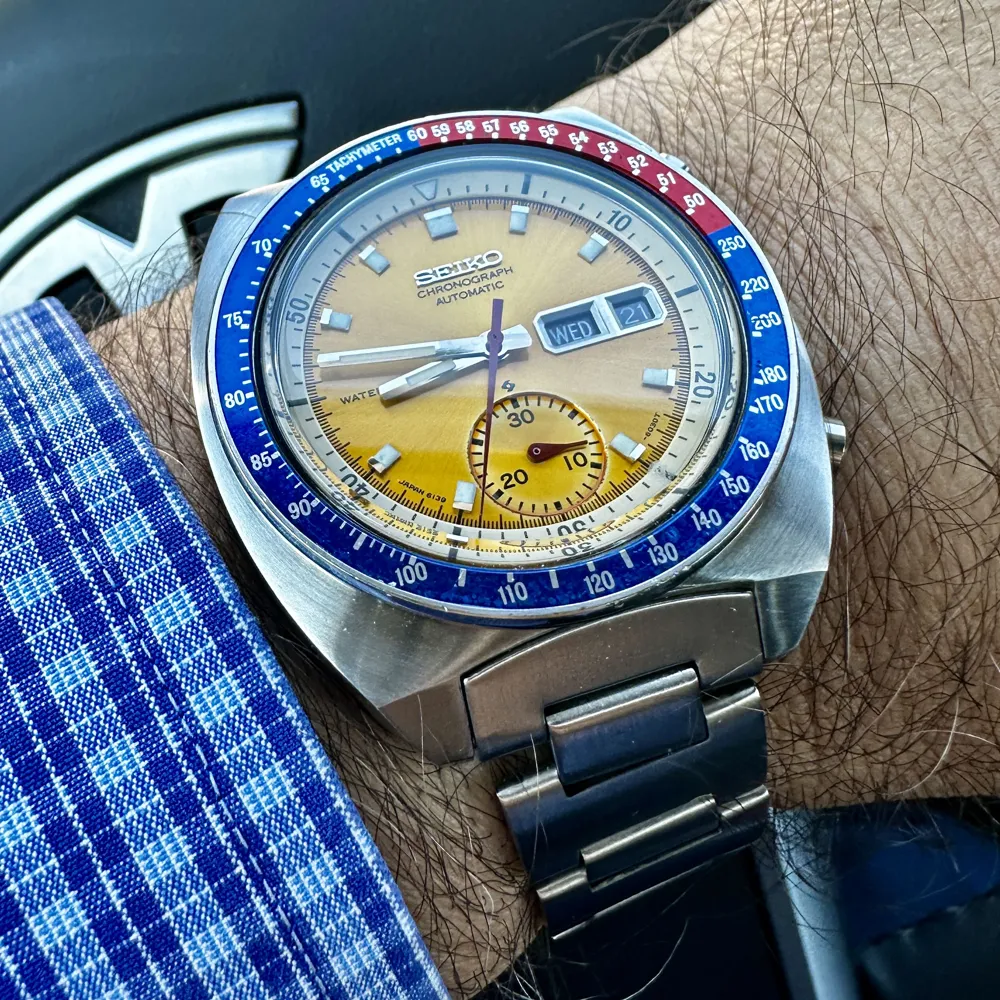
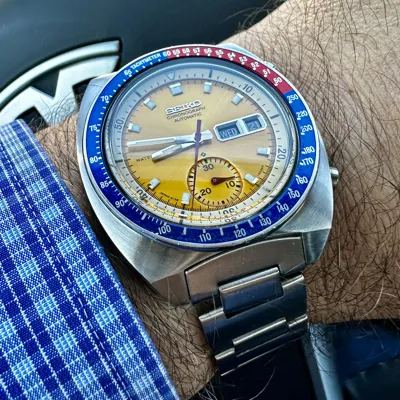
Anyone who has attempted to re-install a tachymeter bezel on a Seiko "SpeedTimer" 6139-600x or -603x has struggled a bit with getting the bezel back on correctly. It is difficult to align the bezel such that the split at 60, where it goes from blue to red, is perfectly centered on the 12 o'clock marker.
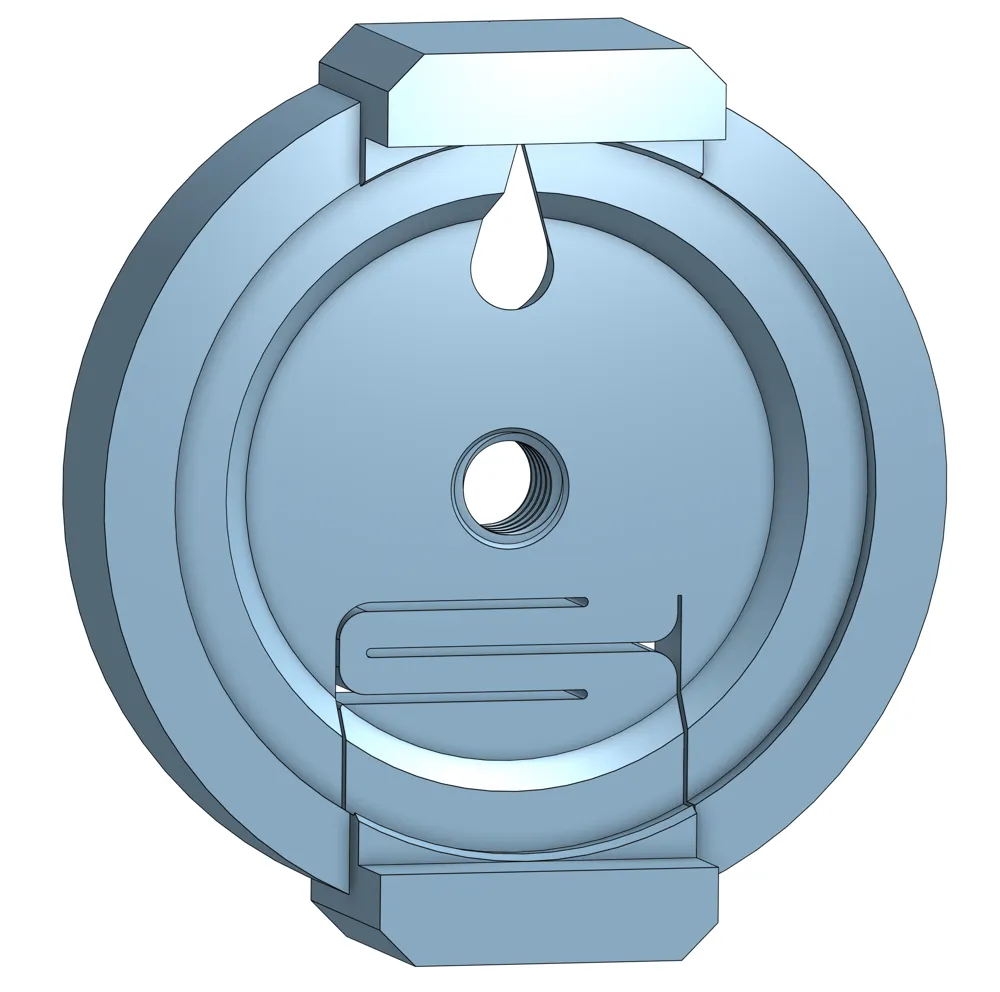
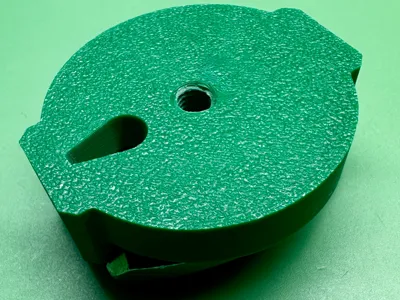
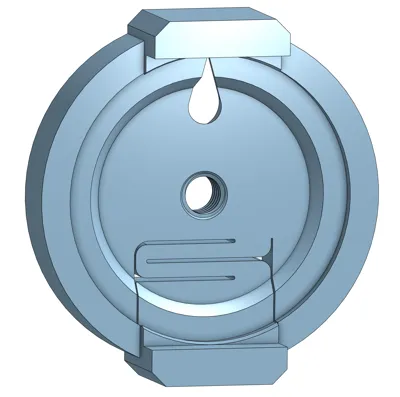
I used to put a piece of tape on the watch and mark it but that's a pain. You can't see the bezel once you have it loaded in your press and the bezel can move slightly as you are positioning the watch in the machine. I got the idea to make a die that holds the bezel lightly enough so you can rotate it into position but strongly enough so it will stay while you position the die. The die has alignment tabs that line up with the watch case lugs.
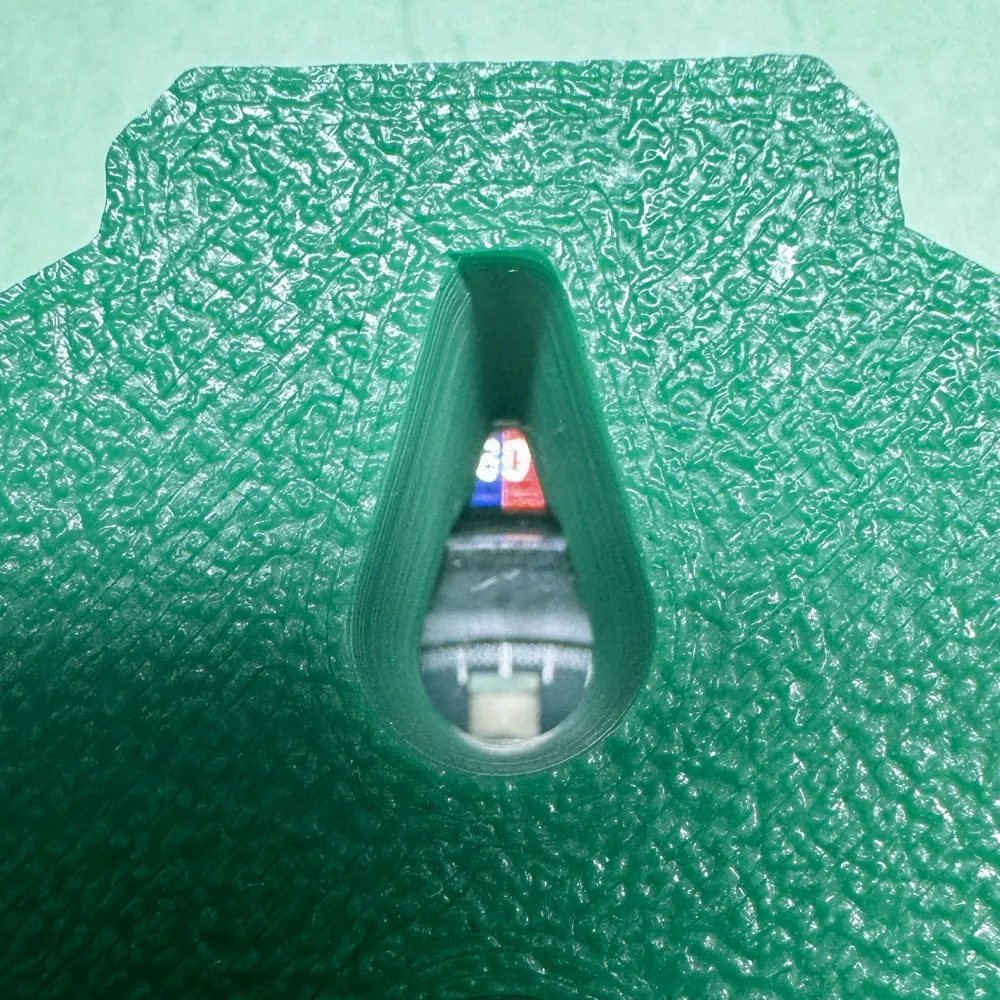
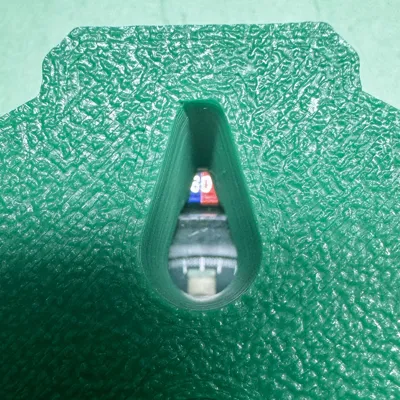
There is a tear-drop shaped window that allows you to see if you are aligned. You can see this while mounted in the press also.
There is an M6-1 thread in the center. Leave a comment for me if you would prefer a clearance hole or different thread, but you also can ignore the thread and just press it between two flat dies.
I added a spring feature that makes it easier to unmount the bezel. It holds it still but is also easy to unmount by just tugging on one of the lugs.
Enjoy!
License

You shall not share, sub-license, sell, rent, host, transfer, or distribute in any way the digital or 3D printed versions of this object, nor any other derivative work of this object in its digital or physical format (including - but not limited to - remixes of this object, and hosting on other digital platforms). The objects may not be used without permission in any way whatsoever in which you charge money, or collect fees.


Comment & Rating (4)