
SIM RACE - Racing Simulator wheel and pedals
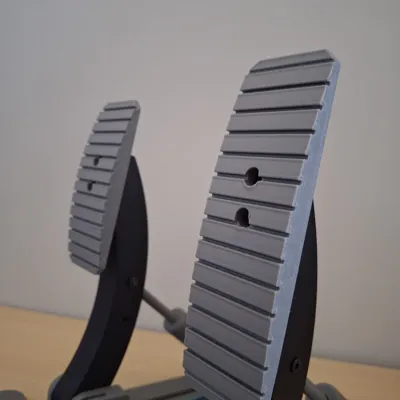
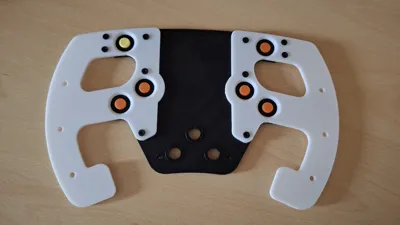
Print Profile(5)


Bill of Materials


- Buttons x 15: switch tactile 4.5 height
- Arduino Nano x 1: or equivalent
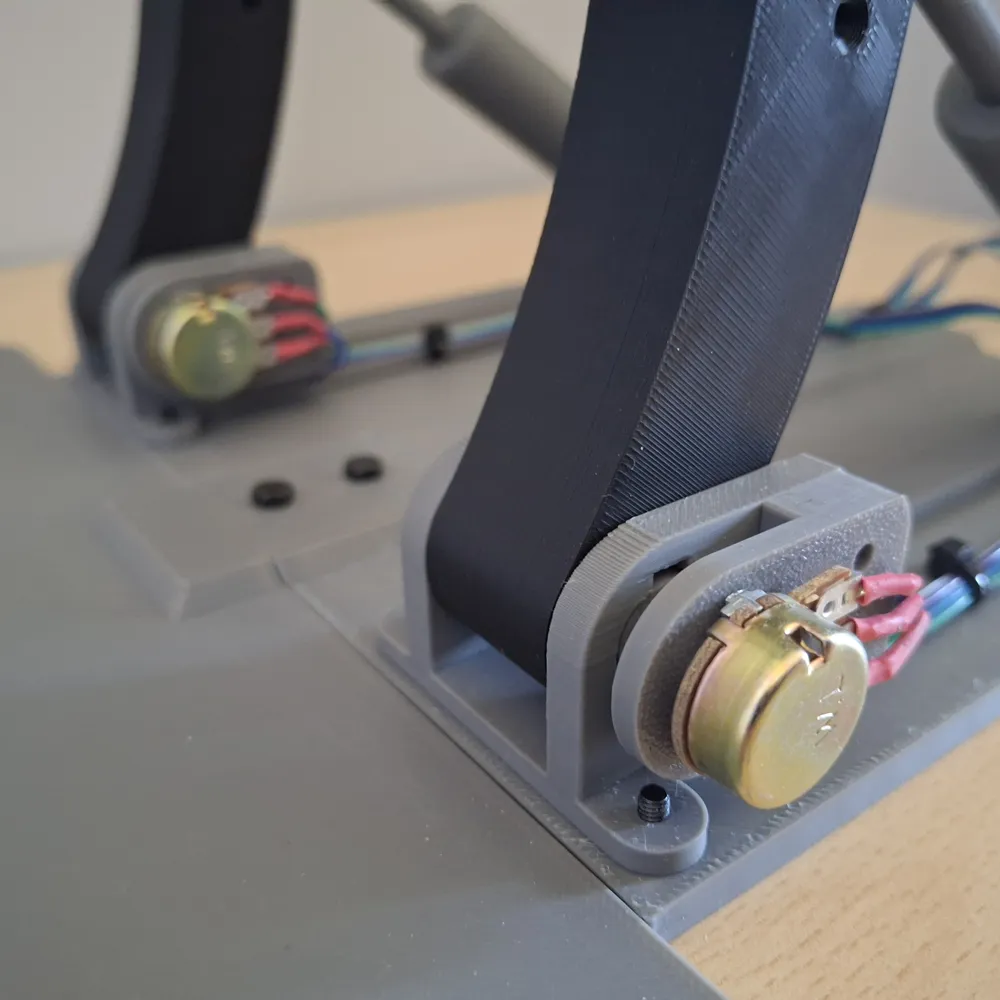
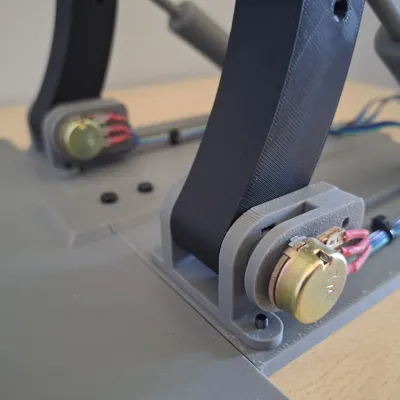
- Potentiometer x 3: 270 degress
- Wires x 1: 22 AWG (0.64mm)
- Threated Inserts x 50: 3M (in) 4,5/5M (out)
- Ball Bearing 30x42x7mm x 1: Link in description
Description
SIM RACE - Racing Simulator wheel and pedals
*** UPDATE 15/09/2025 (see below) ***
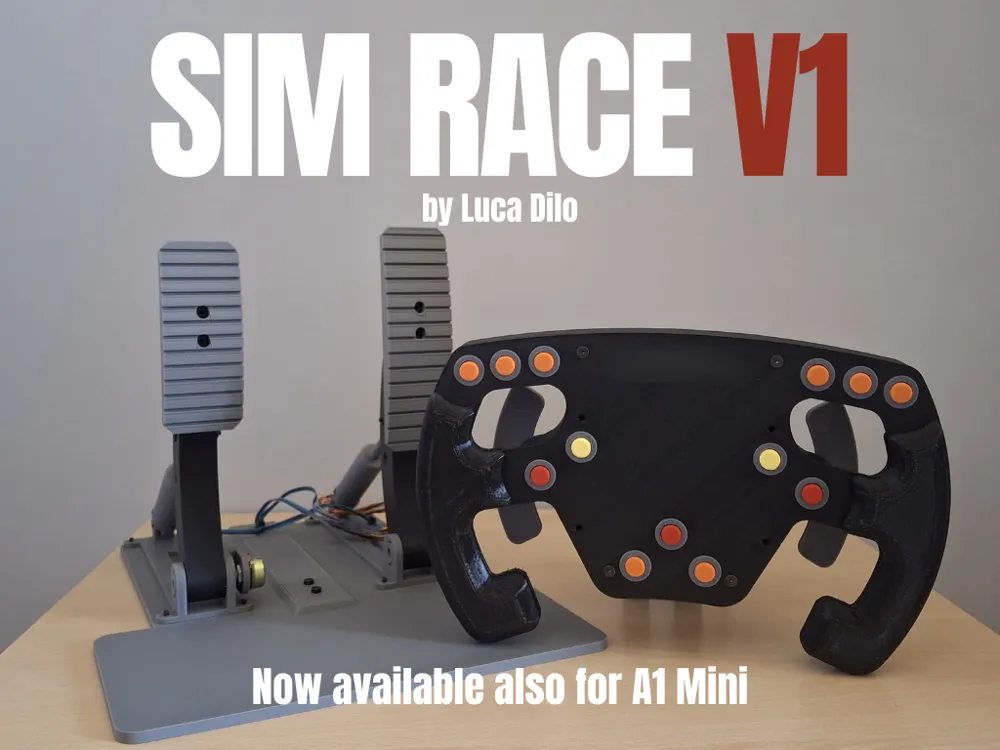

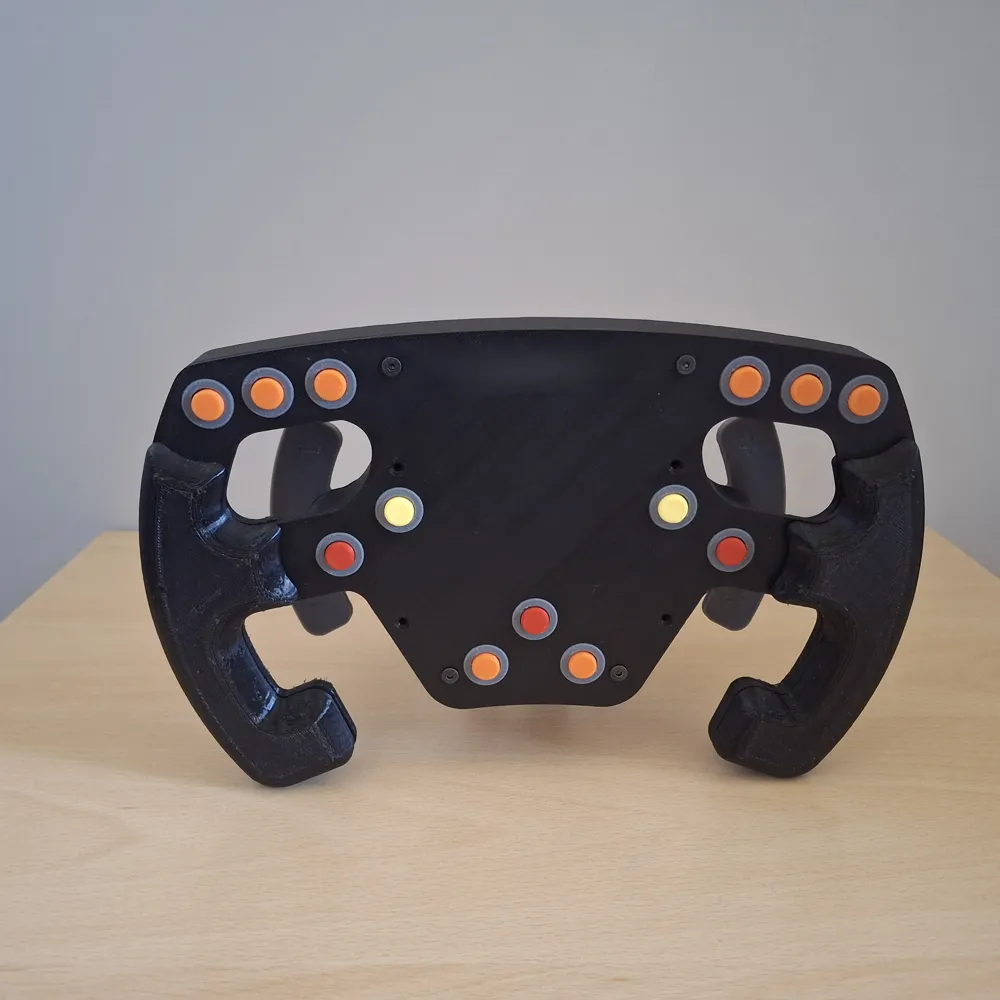
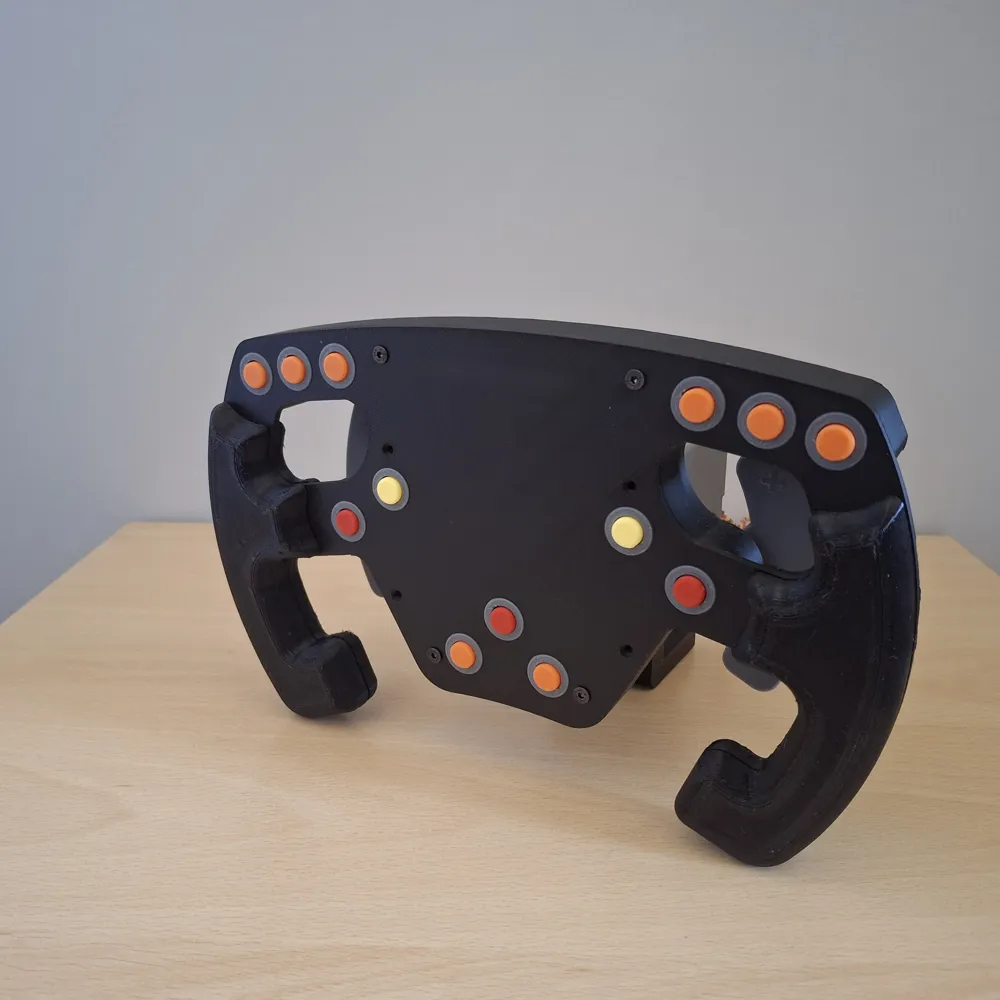
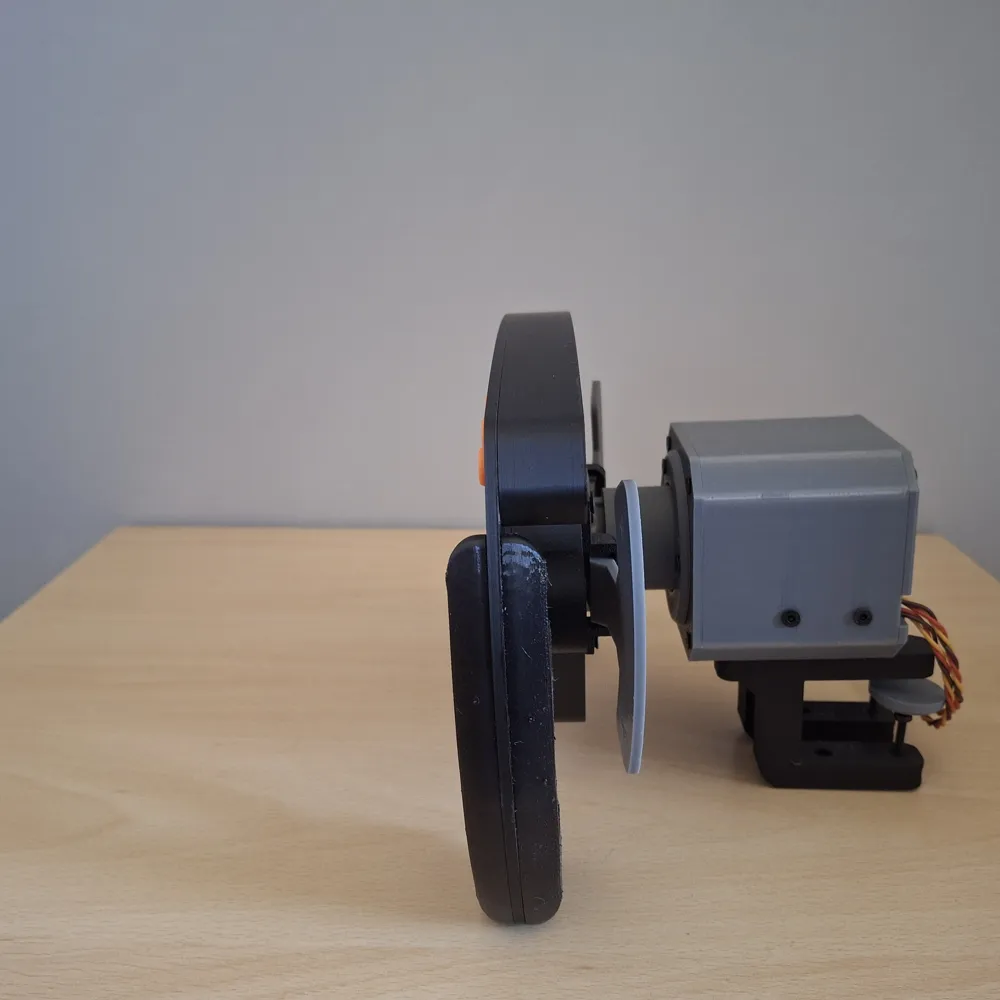
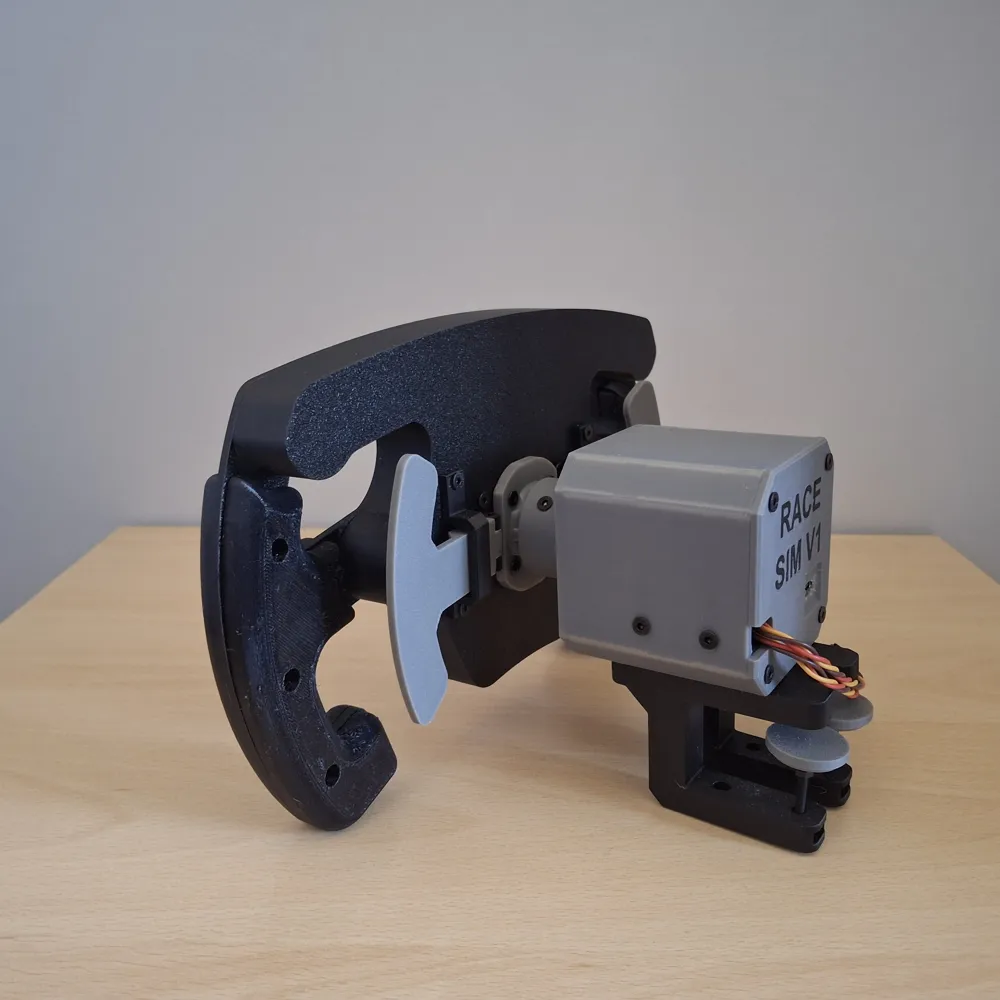
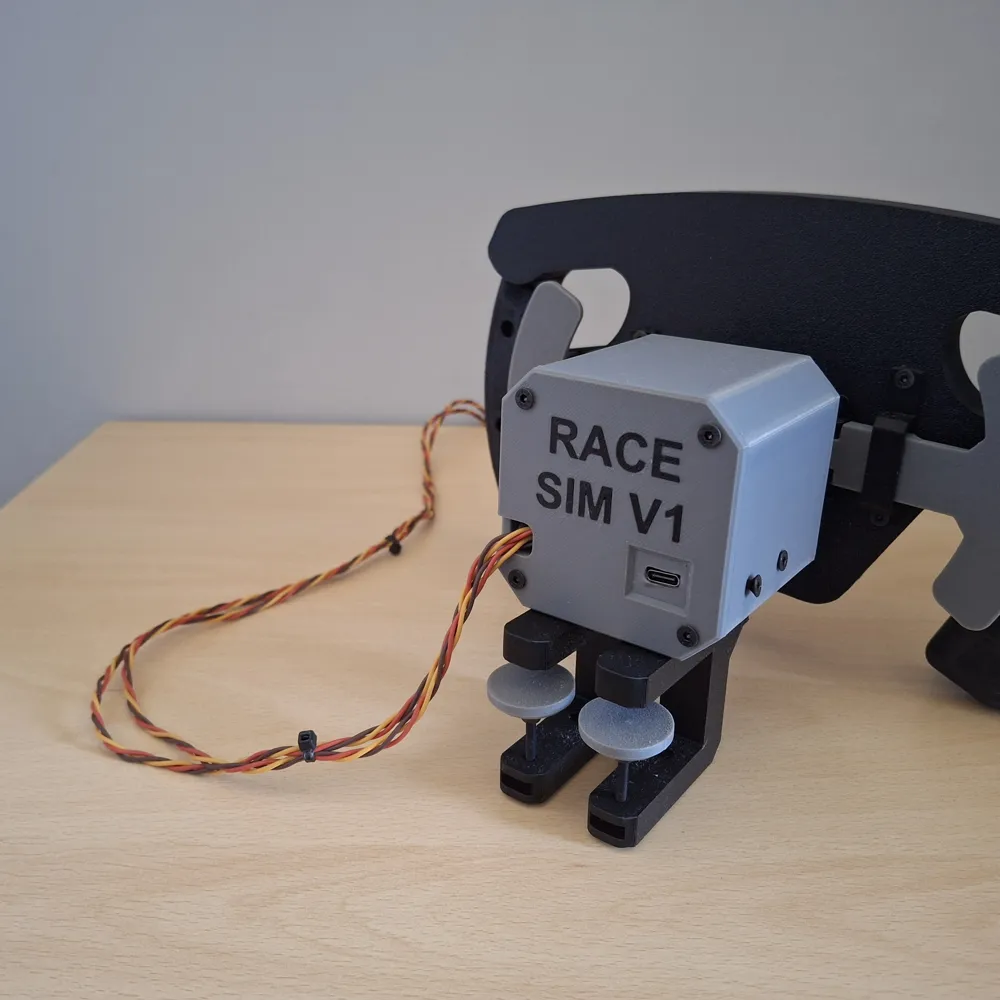
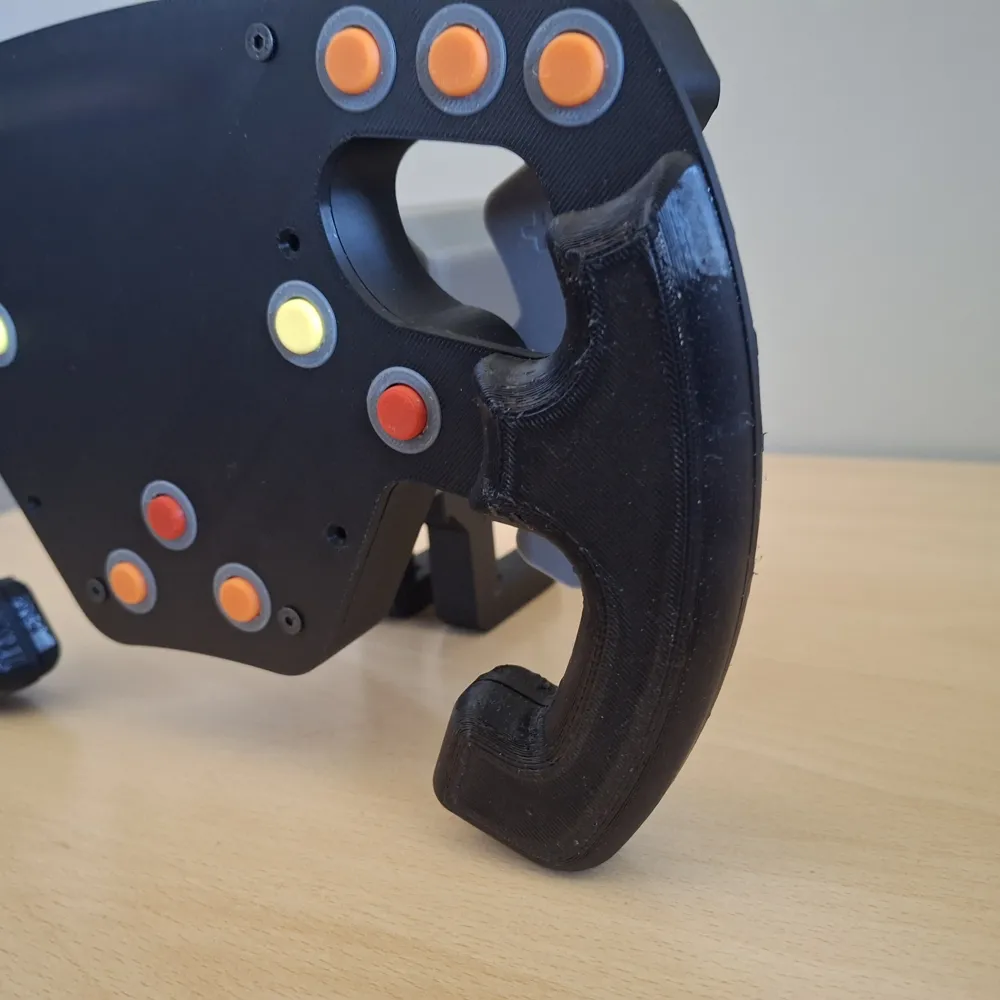
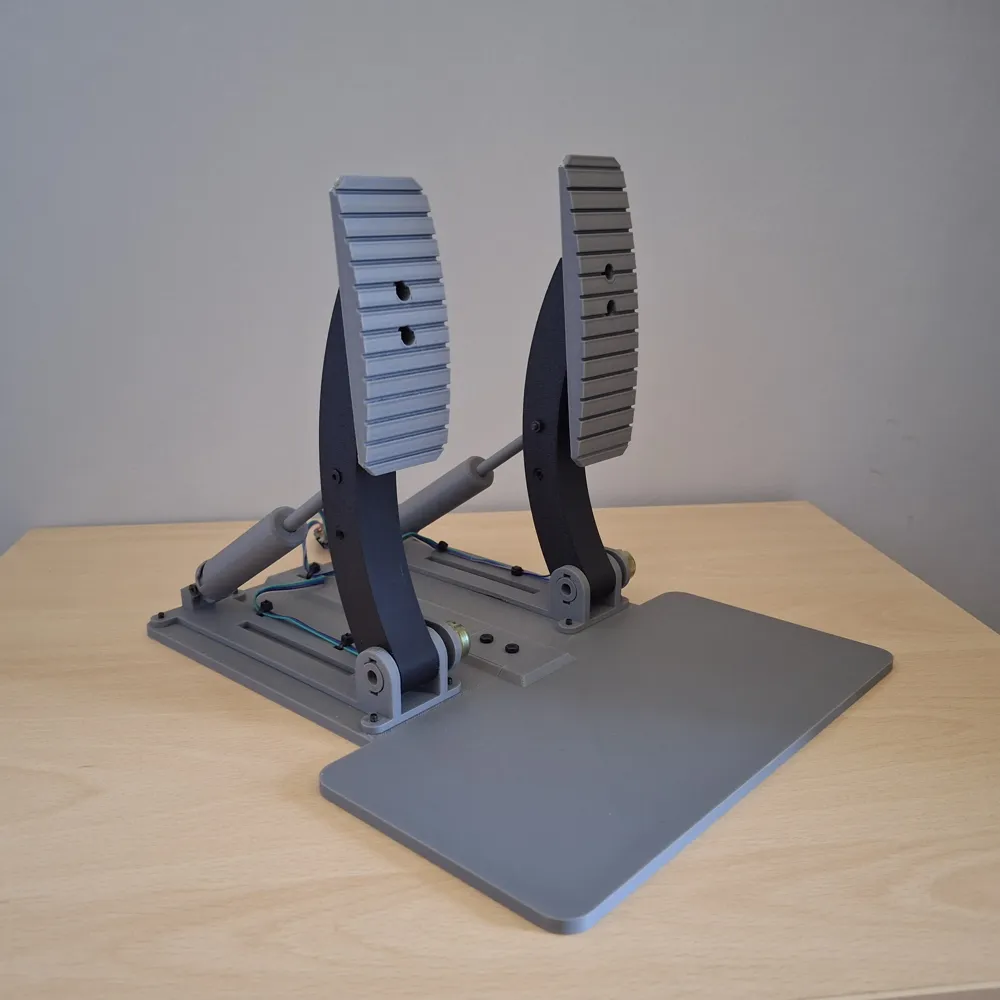
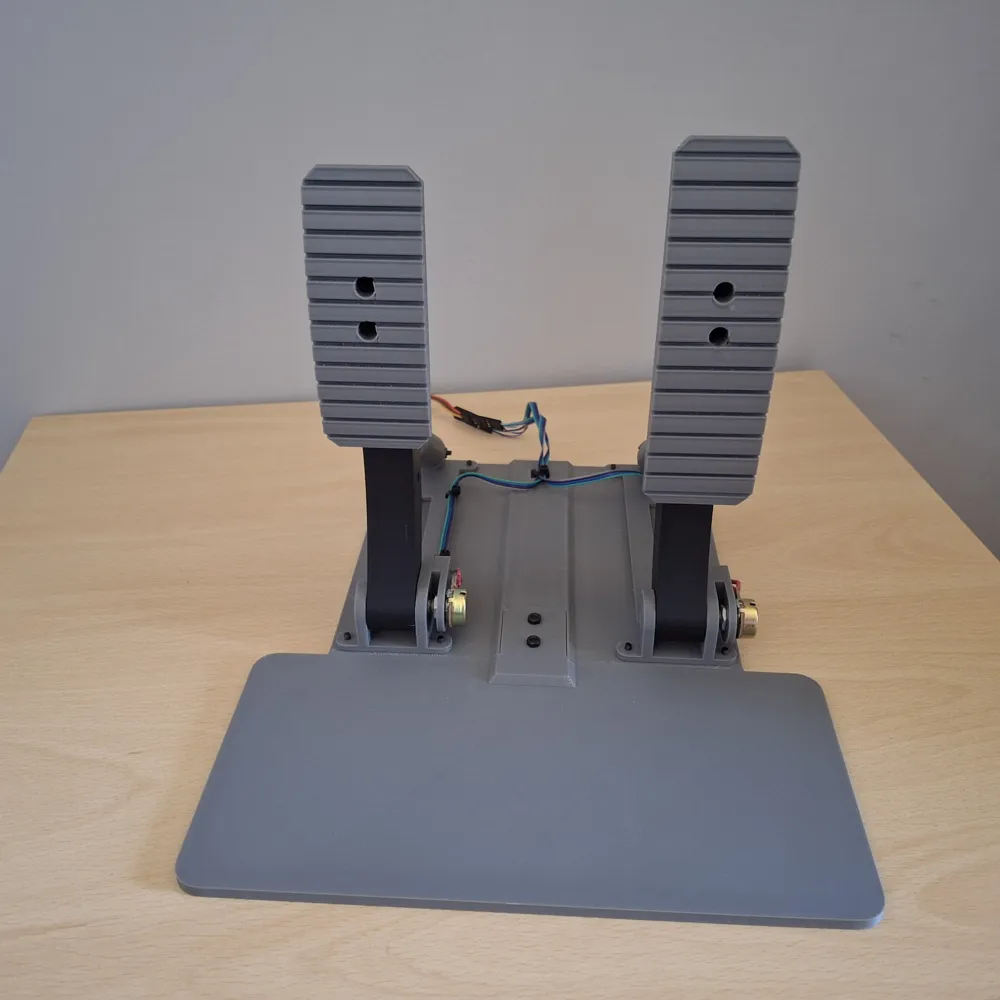
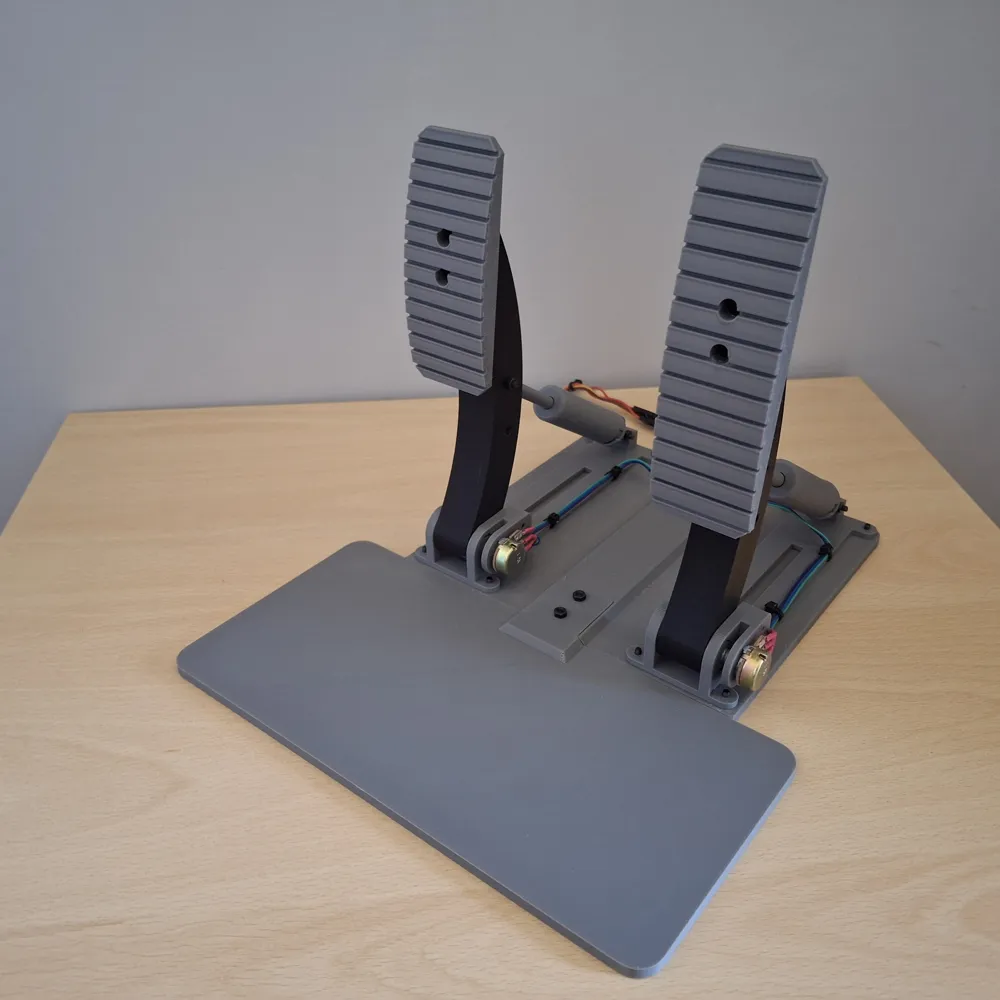
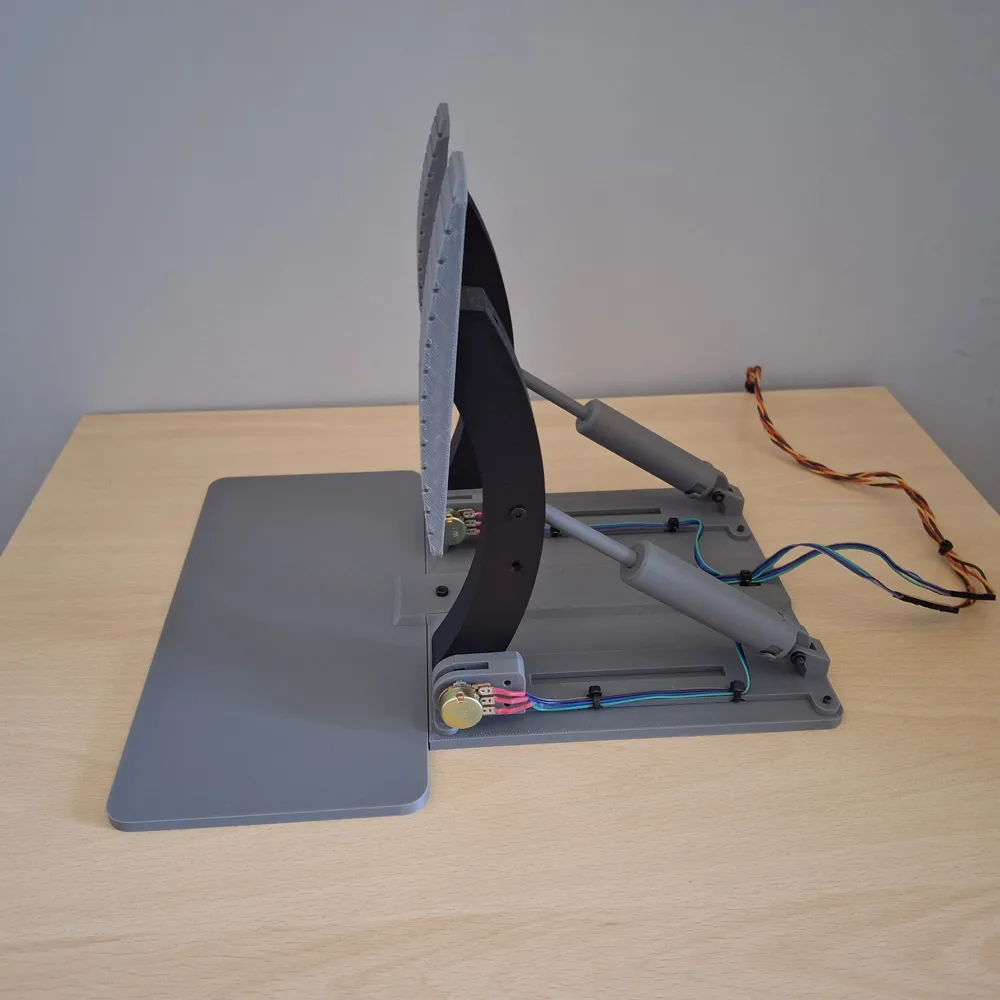
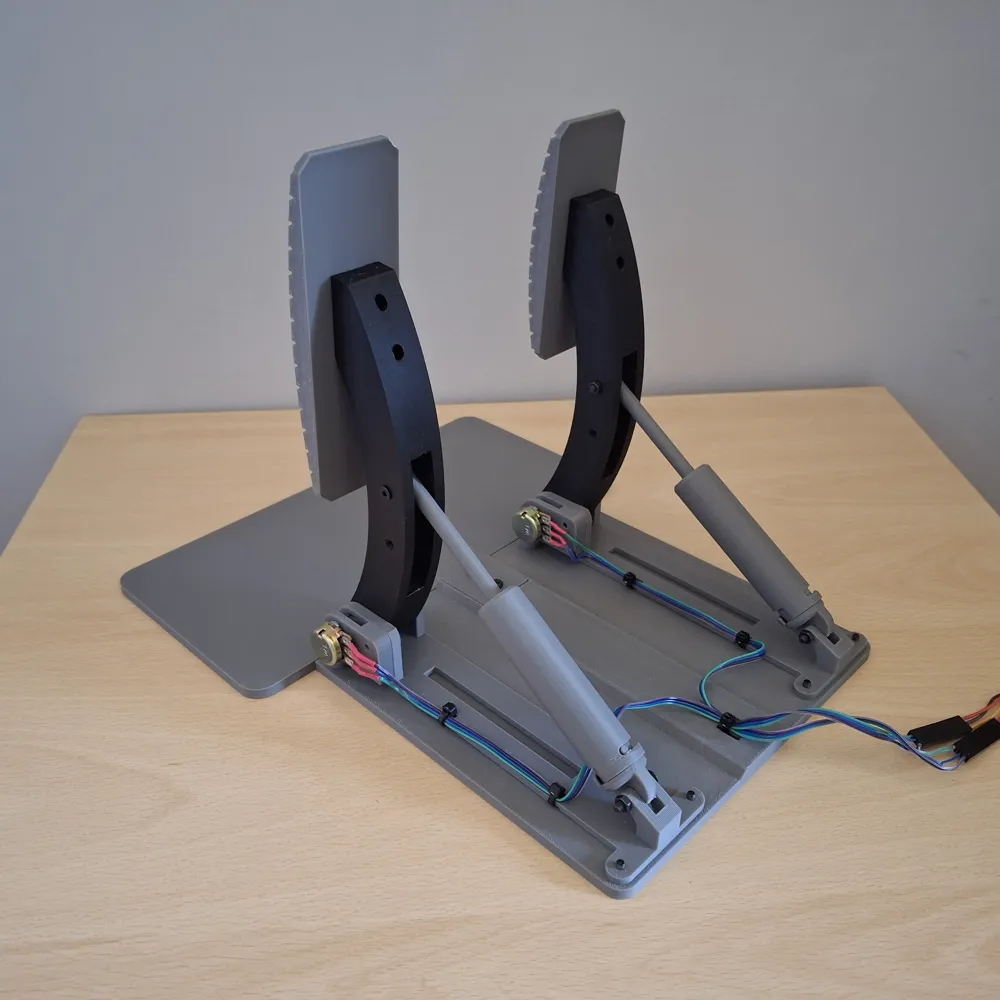
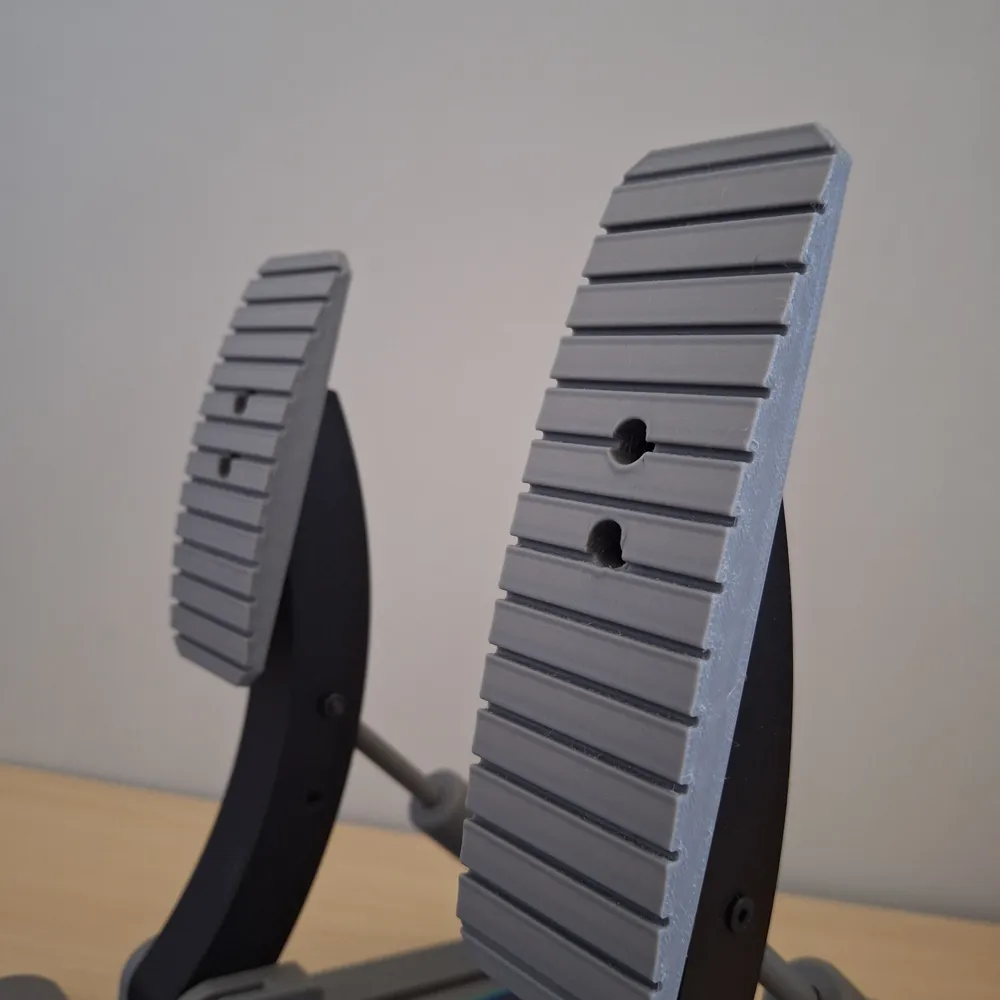
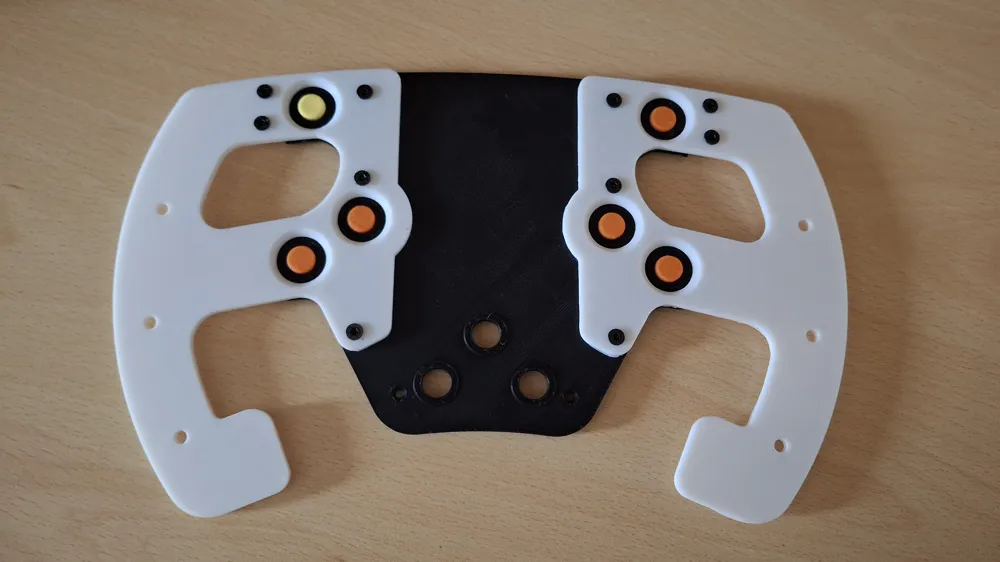
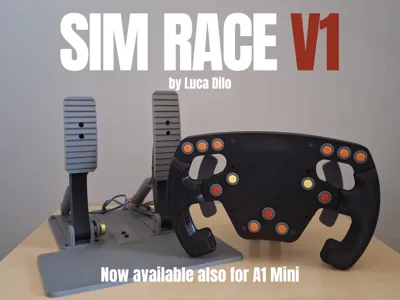
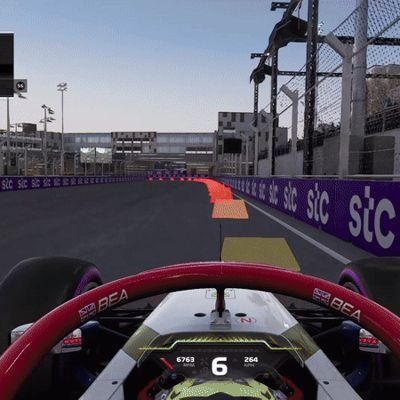
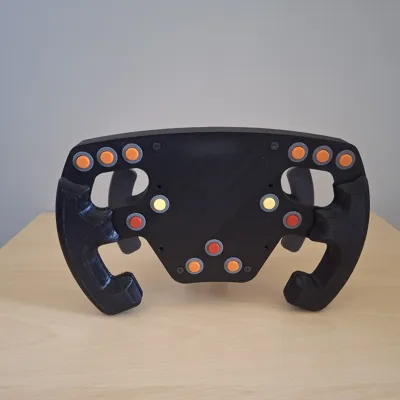
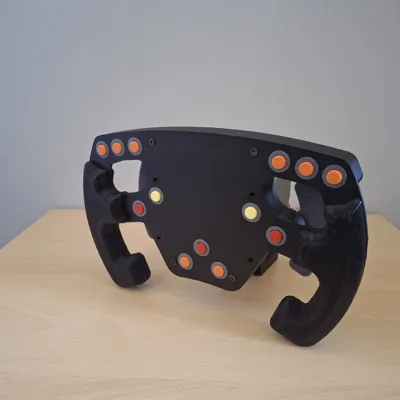
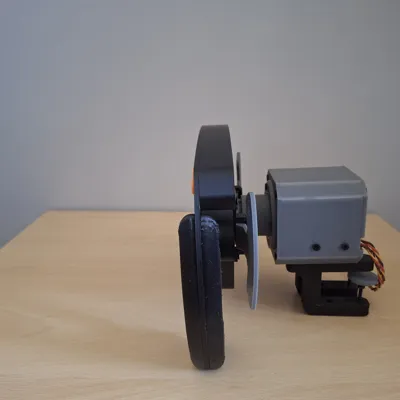
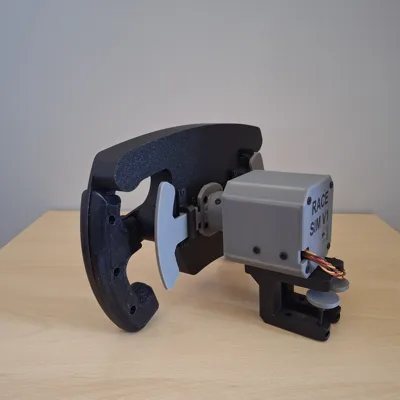
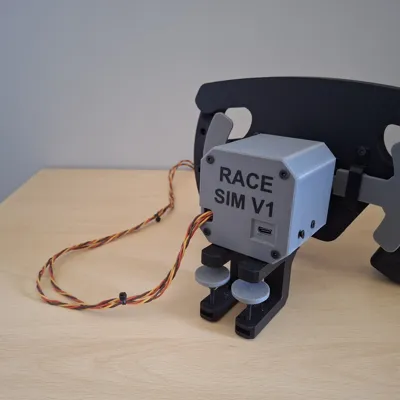
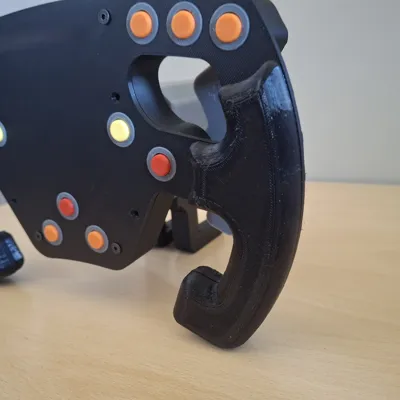
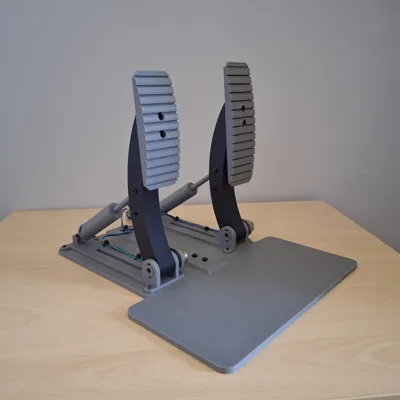
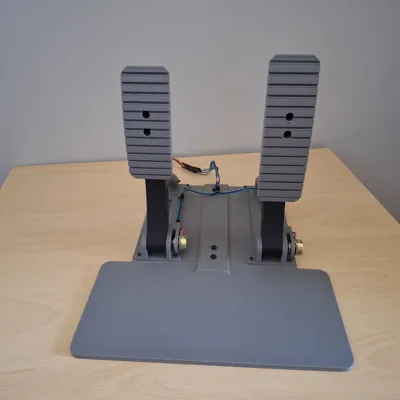
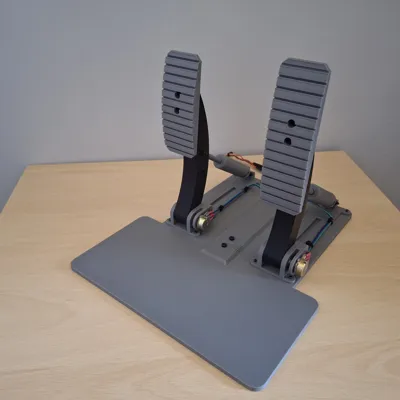
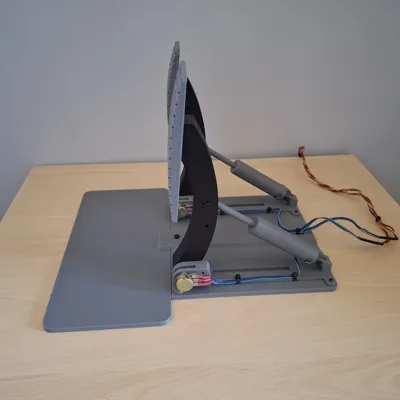
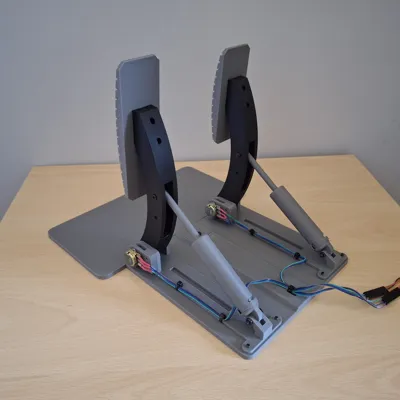
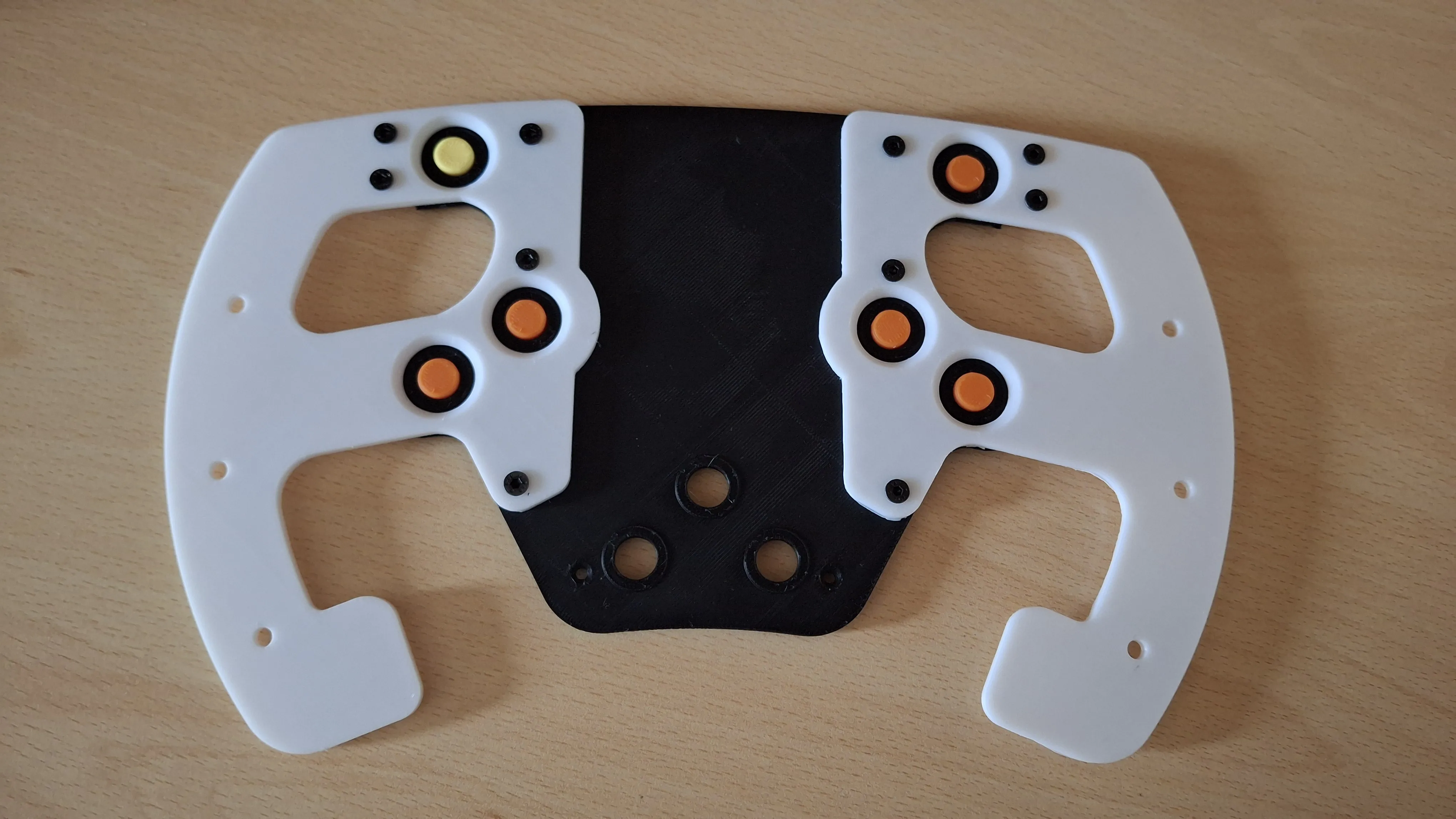
I can finally show it to you! My new project the SIM Race V1, a driving simulator with wheel and pedals with which you can enjoy different racing games as I did. I tested it with F1 2024 and Trackmania but since it emulates an xbox joystick python script side, you can play any racing game that supports the joystick...that is, all of them. In the “print profiles” section you will find two print profiles one for the wheel and one for the pedals.
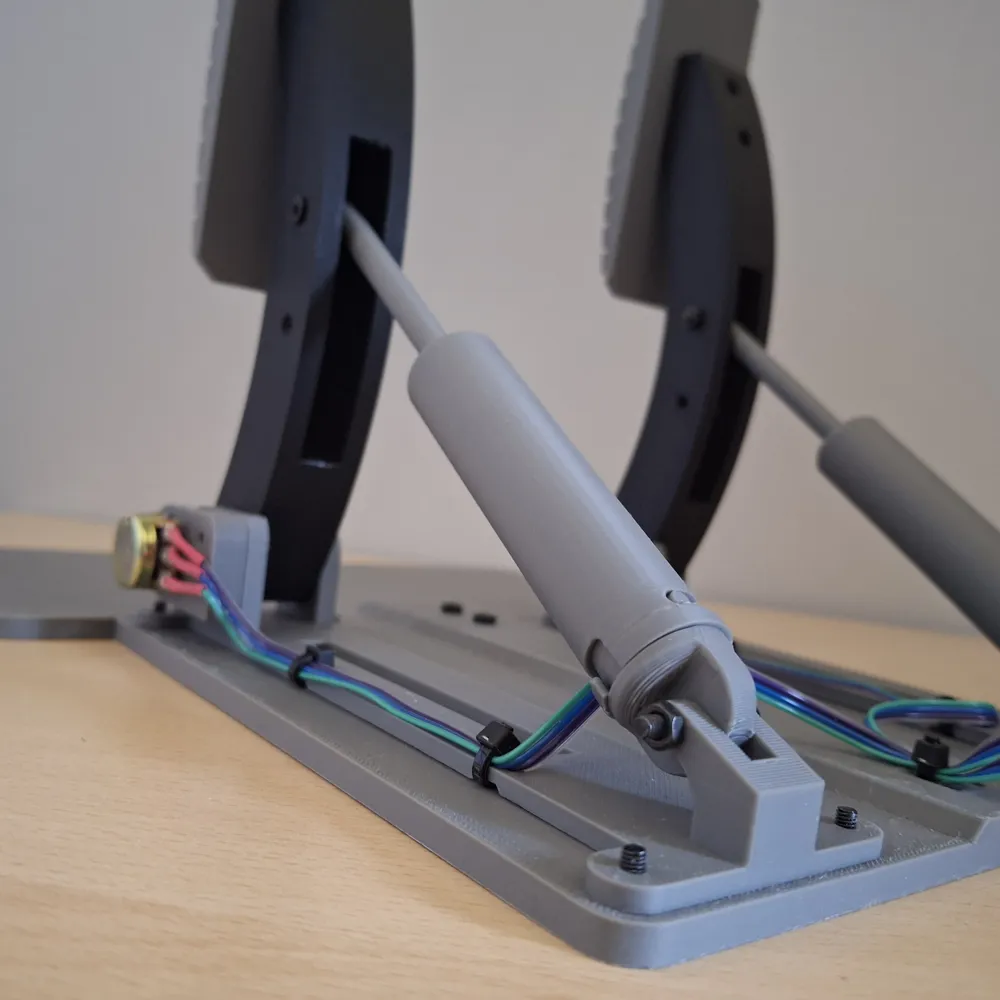
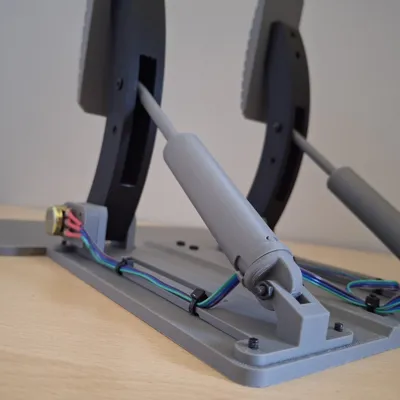
You will also need two of my Spring Pistons (download here).
Advance version with force feedback (🚀), display, joysticks and vibration soon available on my new Patreon page.
Below is the tutorial where I explain step by step how to make it. 🚀🚀
Boost Me (for free)
if you like it, boost me 🚀
Links to Components (BOM)
- Buttons (tactile switch 6x6x4.3mm)
- Arduino Nano (USB C)
- Potentiometers (1K Ohm)
- Wires
- Threated Inserts (M3, 5mm)
- Ball Bearing (30*42*7 mm)
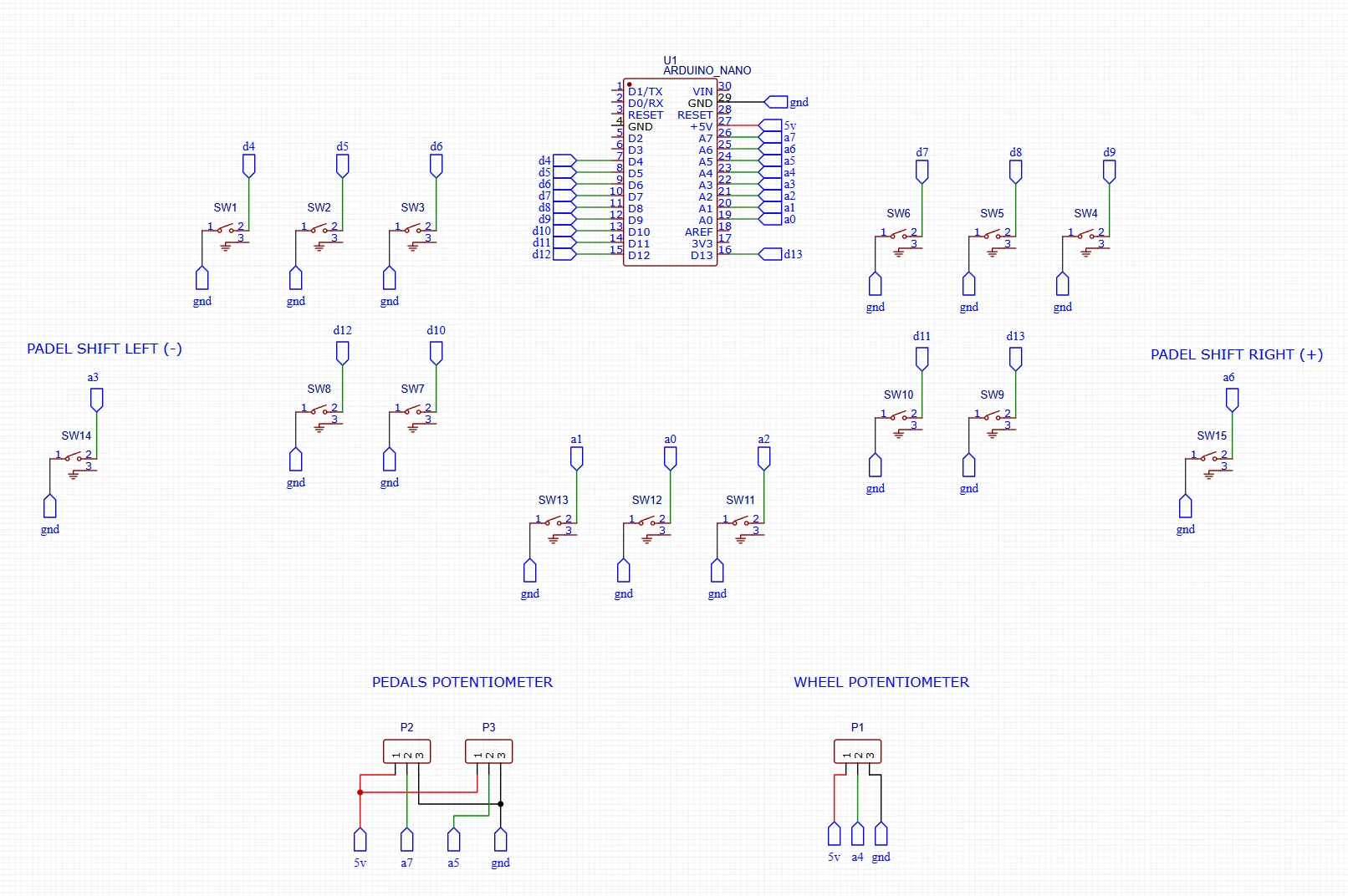
Electric Diagram
I have made these simple diagram with which you will better understand how to connect the various connections, in the video I may have swapped some pins but don't worry the buttons can be connected to any digital or analog pin of arduino nano, while for the encoders it is important that they are connected to analog pins or they will not work.
Remember that for any problems you can ask me here in the comments or join my discord where I can help you more directly and you can also have spoilers of my projects.
Programming code
Here you will find the repository where you can download all the scripts you need, follow the readme to install pyhton if you don't have it already and the necessary libraries (few) for any doubts or clarifications ask.
Conclusion
I hope you enjoy this project as much as I do, I realize it may seem complicated but I assure you that the fun you will have later in using it will be worth it. I am already working on improving the code by adding button binding with a very simple GUI (console deck style) for now you will have to do it directly from the arduino code.
Don't wait to let me know what you think in the comments and support the porgect if you like it by downloading and leaving like ❤️🚀
UPDATE 28/07/2025
- Added wheel's parts compatible with A1 Mini, you have to print the a1 mini print profile and the then other print profiles (removing big parts (wheel and wheel box)
- Added new electric diagrams
UPDATE 28/07/2025
- Added Encoder Brackets print profile
- Added 4x2mm round magnets to materials list
UPDATE 15/09/2025
- Added links for BOM components
License

You shall not share, sub-license, sell, rent, host, transfer, or distribute in any way the digital or 3D printed versions of this object, nor any other derivative work of this object in its digital or physical format (including - but not limited to - remixes of this object, and hosting on other digital platforms). The objects may not be used without permission in any way whatsoever in which you charge money, or collect fees.


Comment & Rating (173)