
LED Ring Light Frame (Fits AMS)
Print Profile(1)

Description
Description
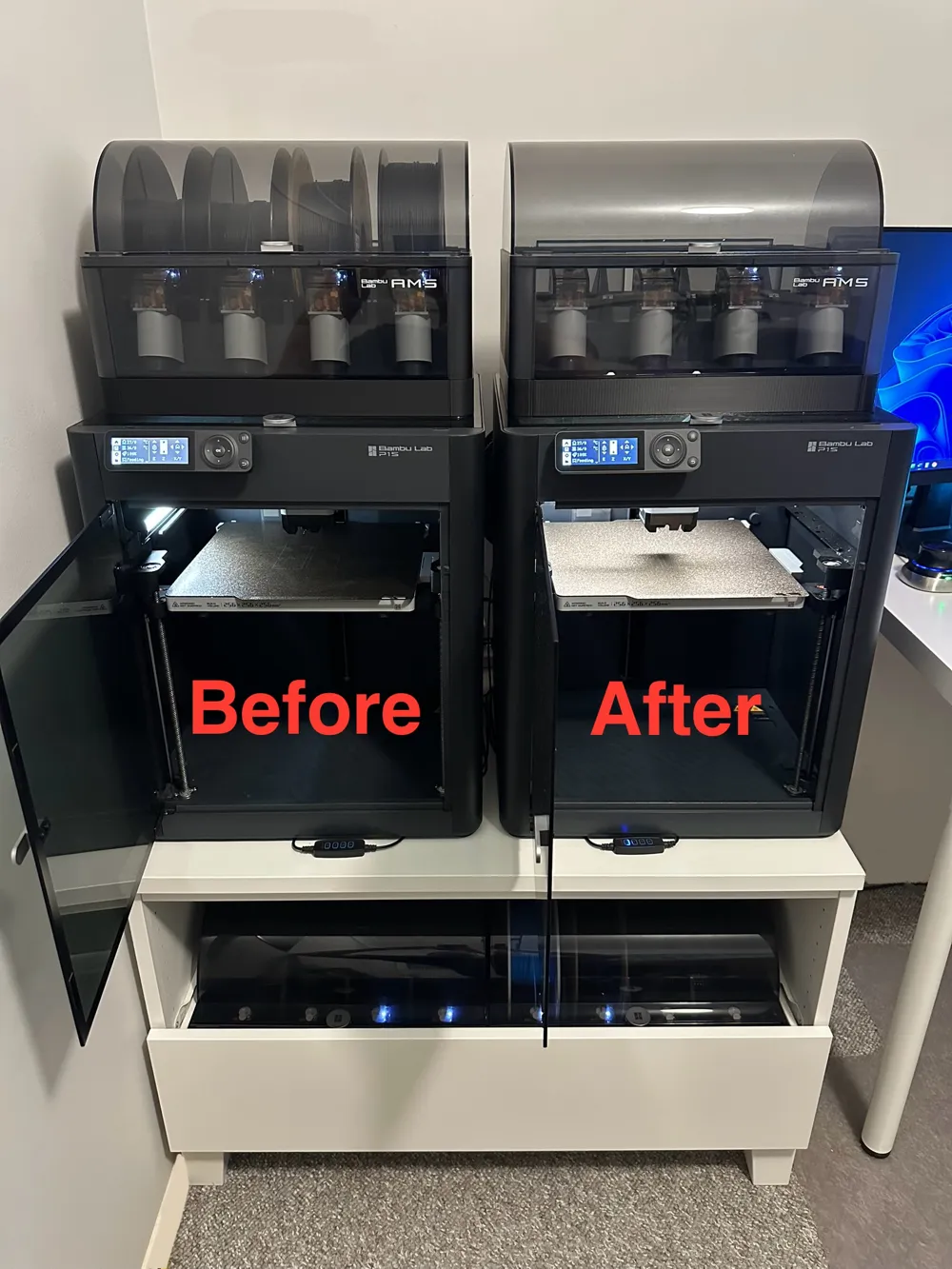
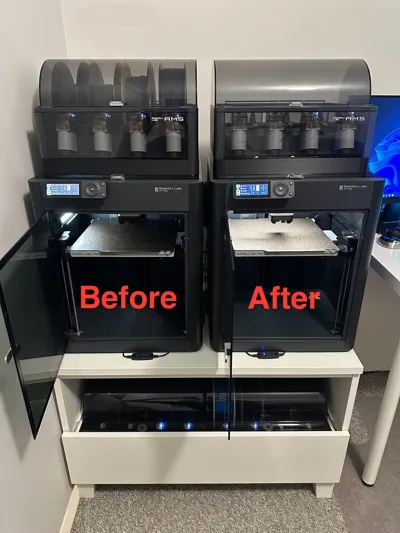
Enhance the lighting inside your Bambu Lab P1P, P1S, or X1 Carbon enclosure by installing a standard USB-powered LED ring light.
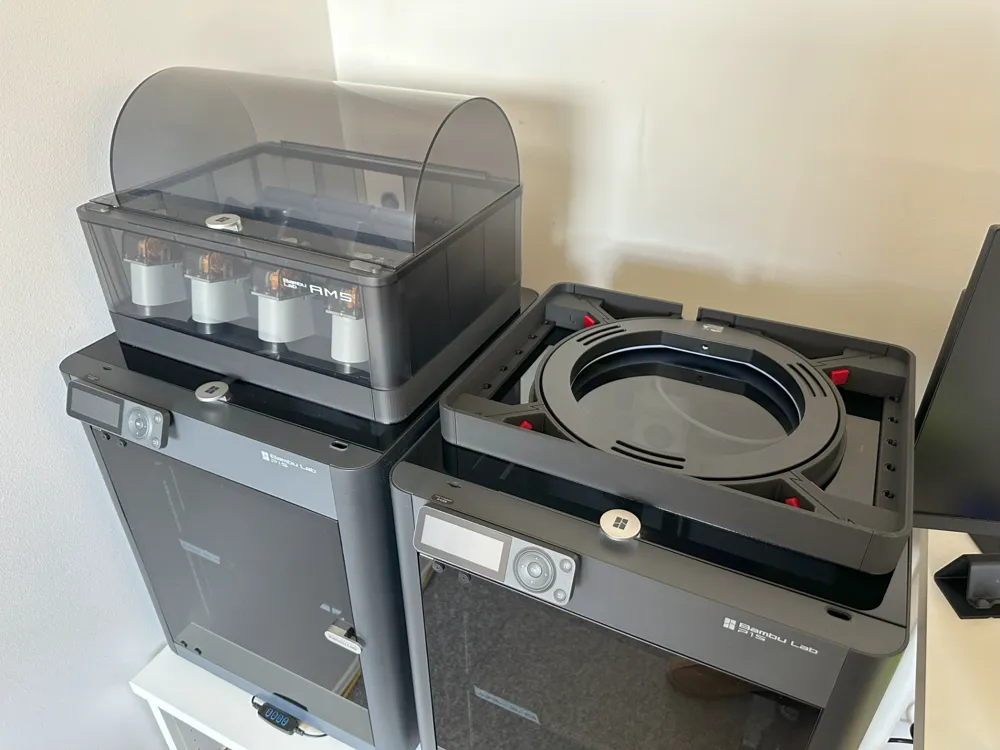
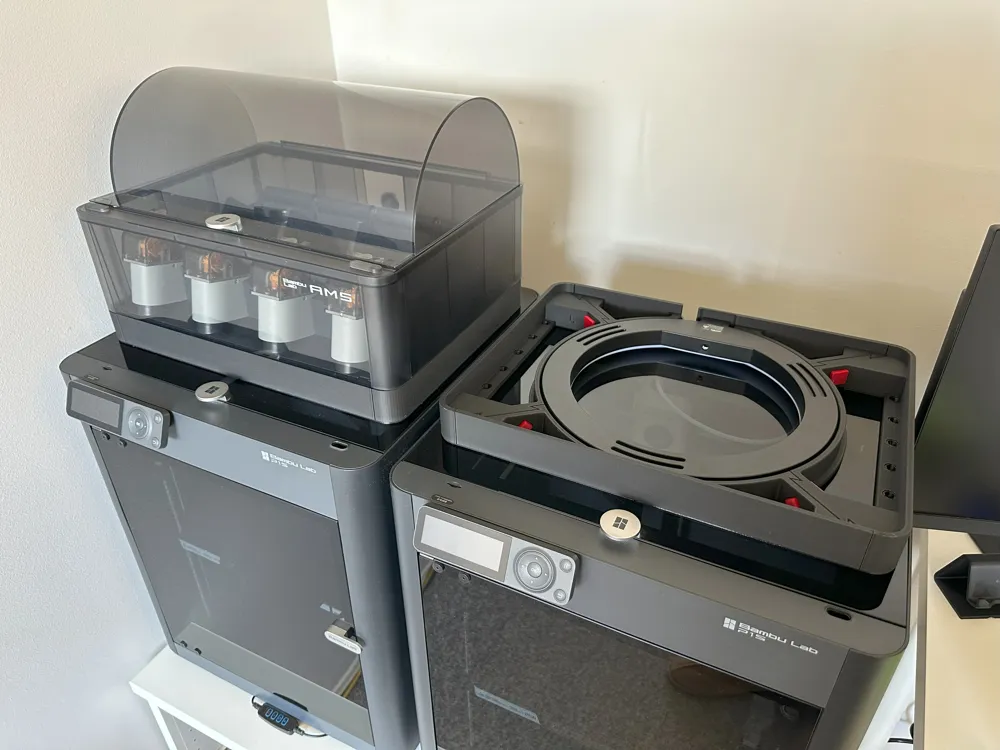
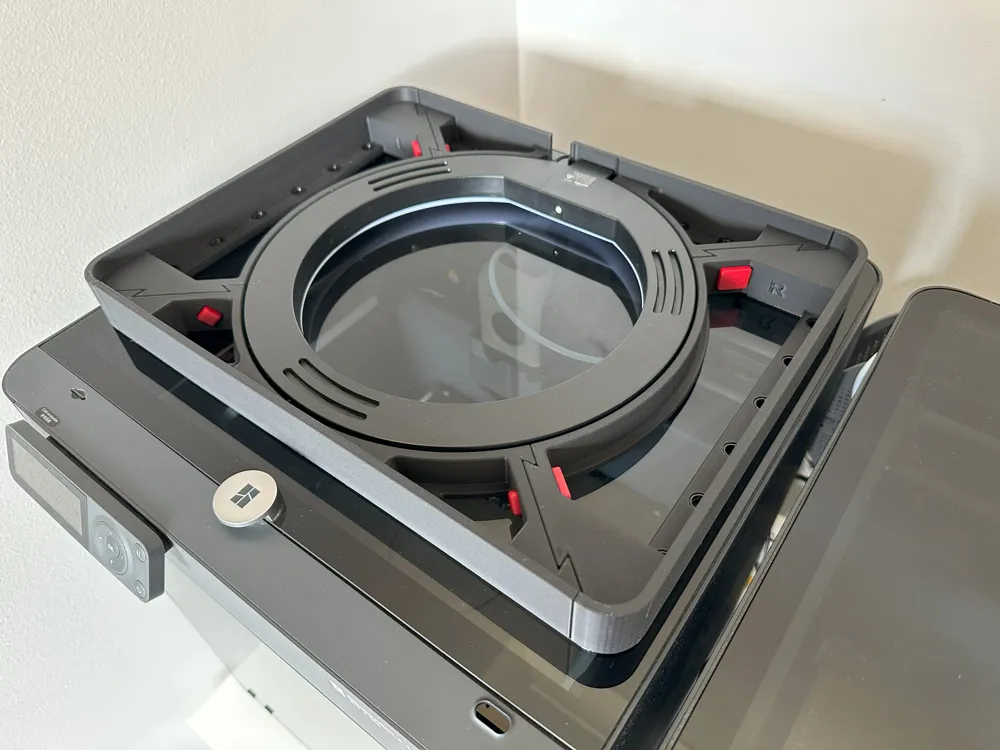
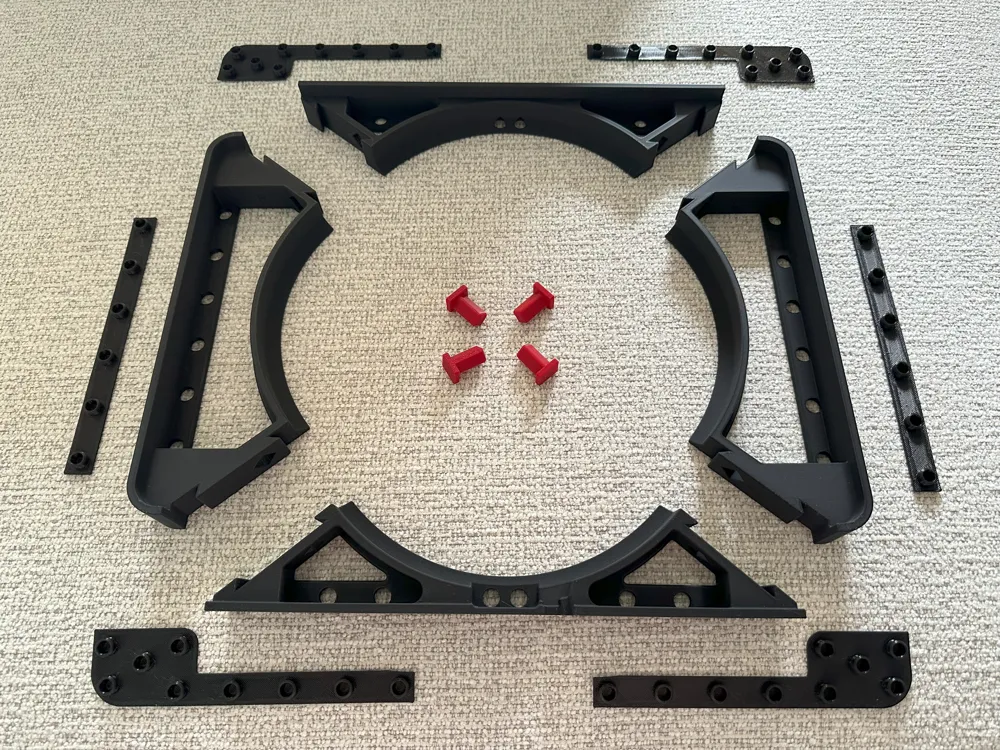
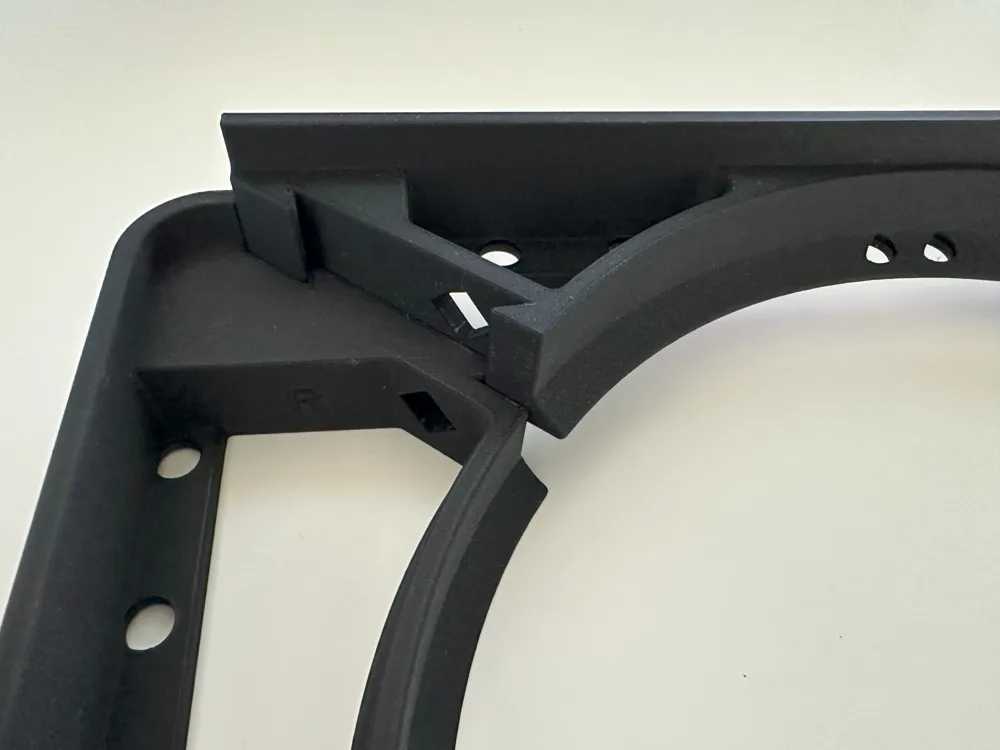
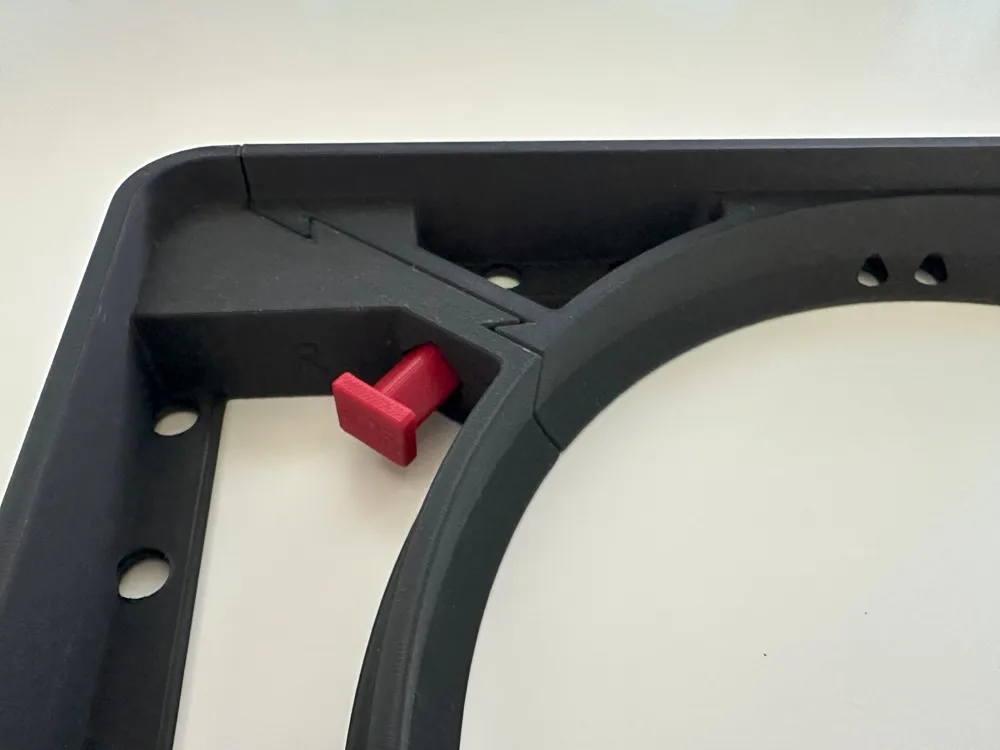
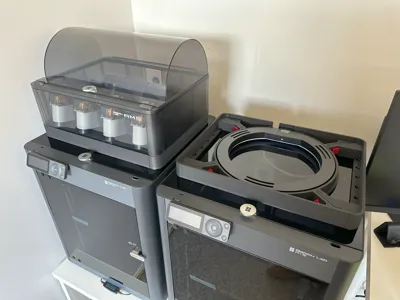
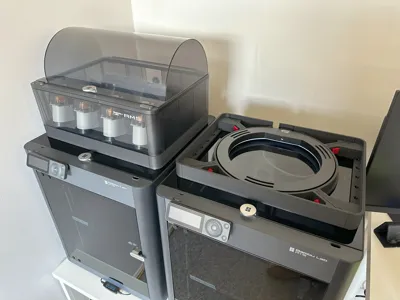
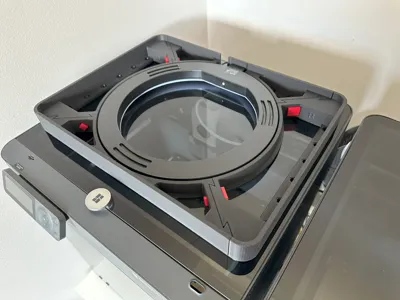
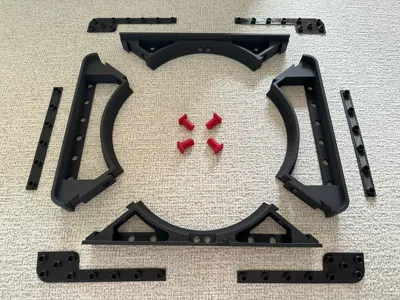
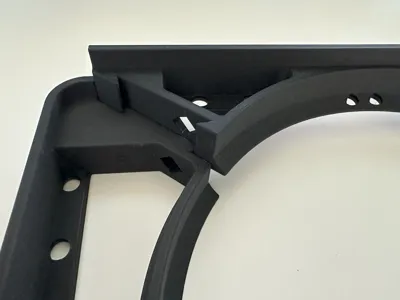
I’ve designed a frame to hold and conceal a LED ring light. The frame assembles using simple dovetail joints and dowels, without the need for tools, glue, cutting, drilling, or rewiring. The ring light is fully enclosed within the frame, which both contains the light and directs it onto the print area. The frame shares the same footprint as the AMS 1, allowing it to sit neatly beneath the AMS without interference. For a clean, factory-like look, I used matte black filament.
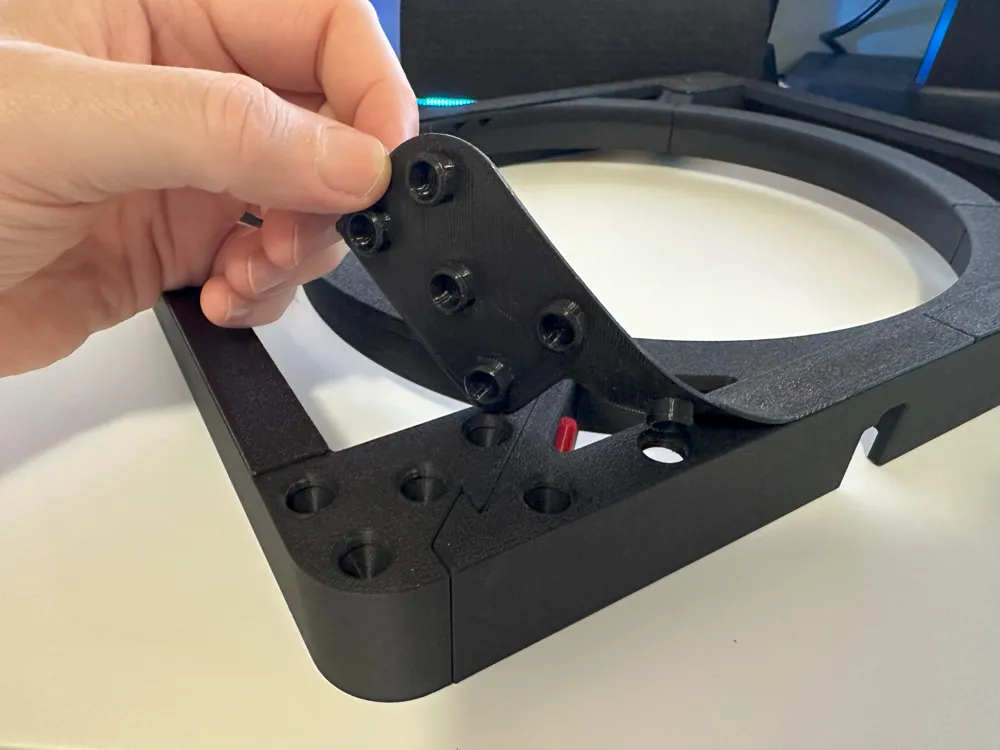
The base of the ring light frame is coupled with TPU which spreads the load of the AMS evenly onto the glass top. The TPU buffer provides a barrier from the heated glass lid, prevents scratches to the glass lid and stops the AMS from moving around.
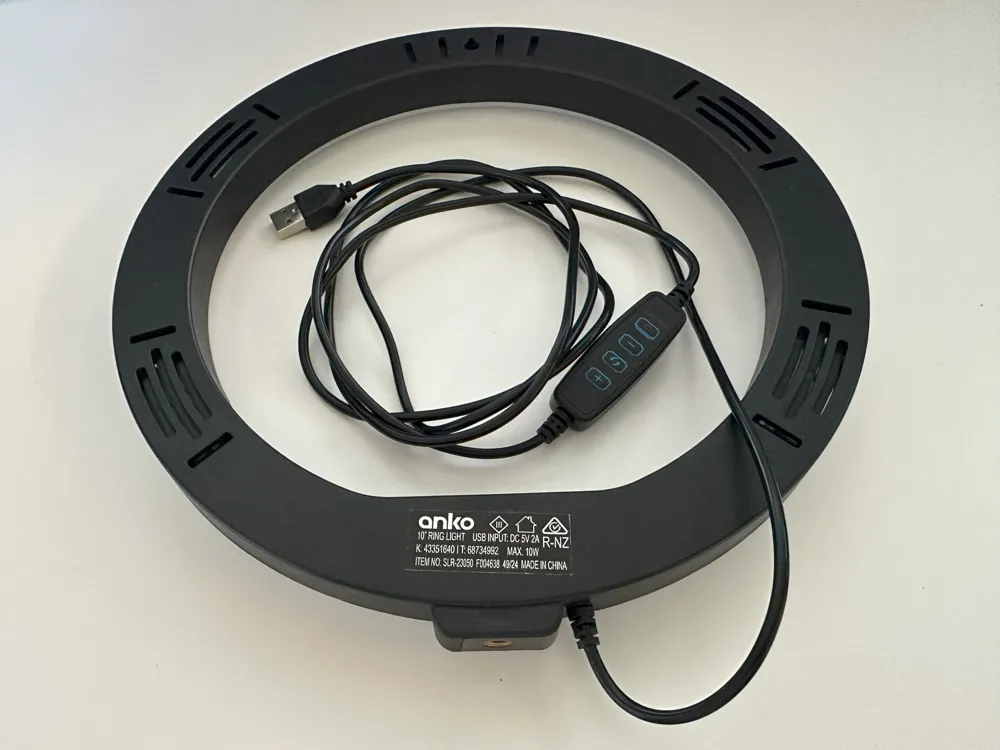
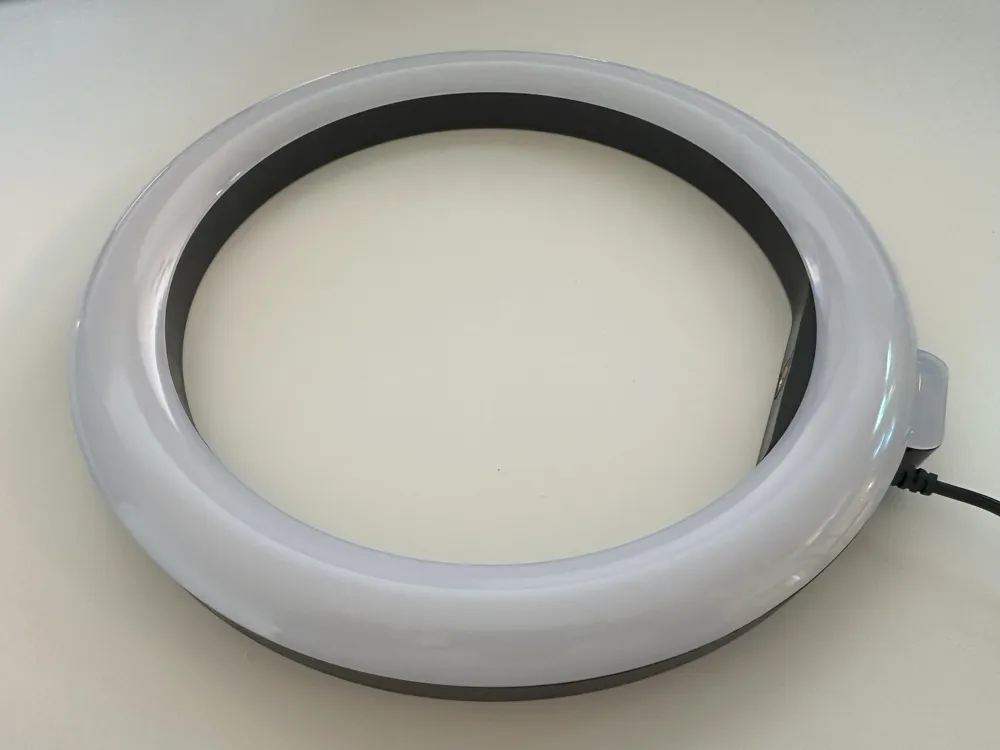
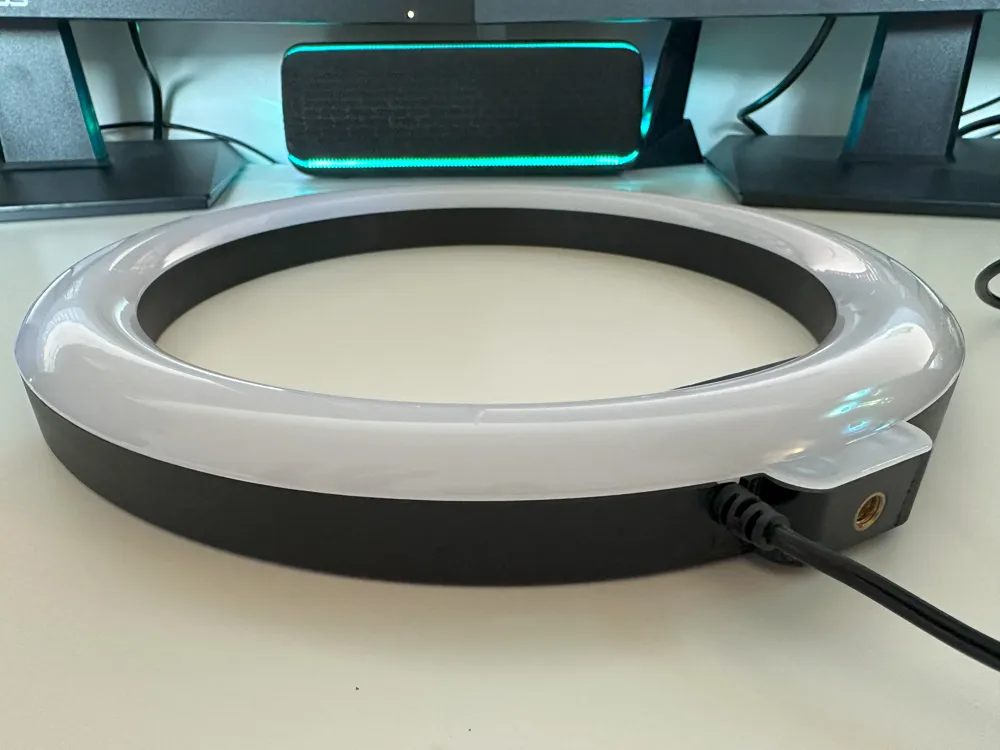
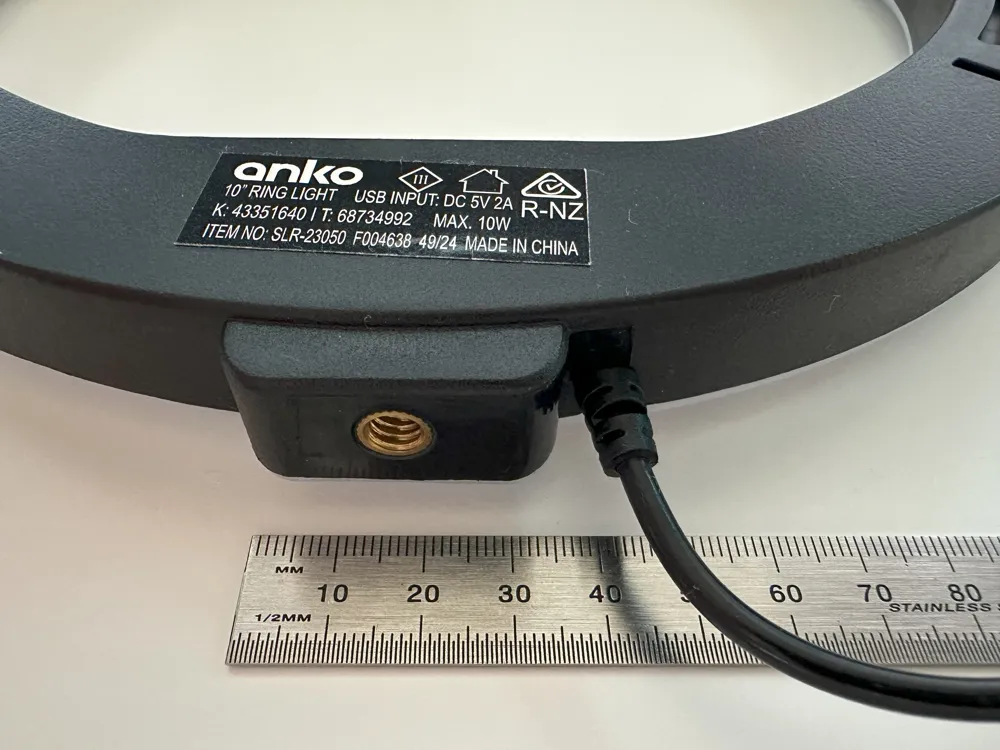
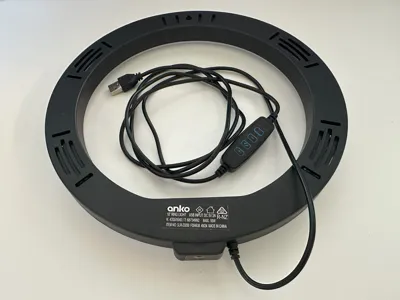
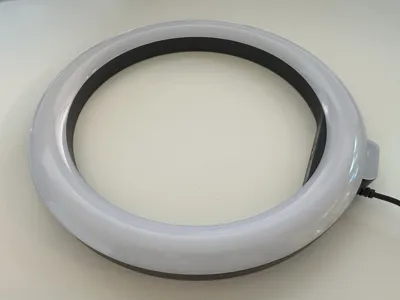
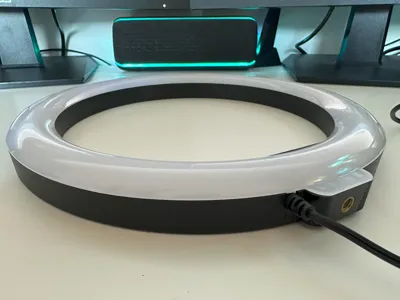
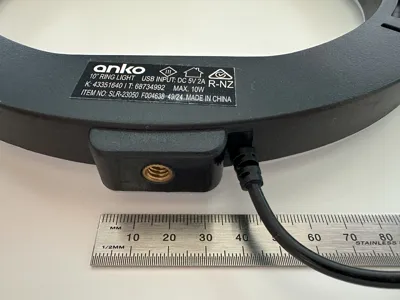
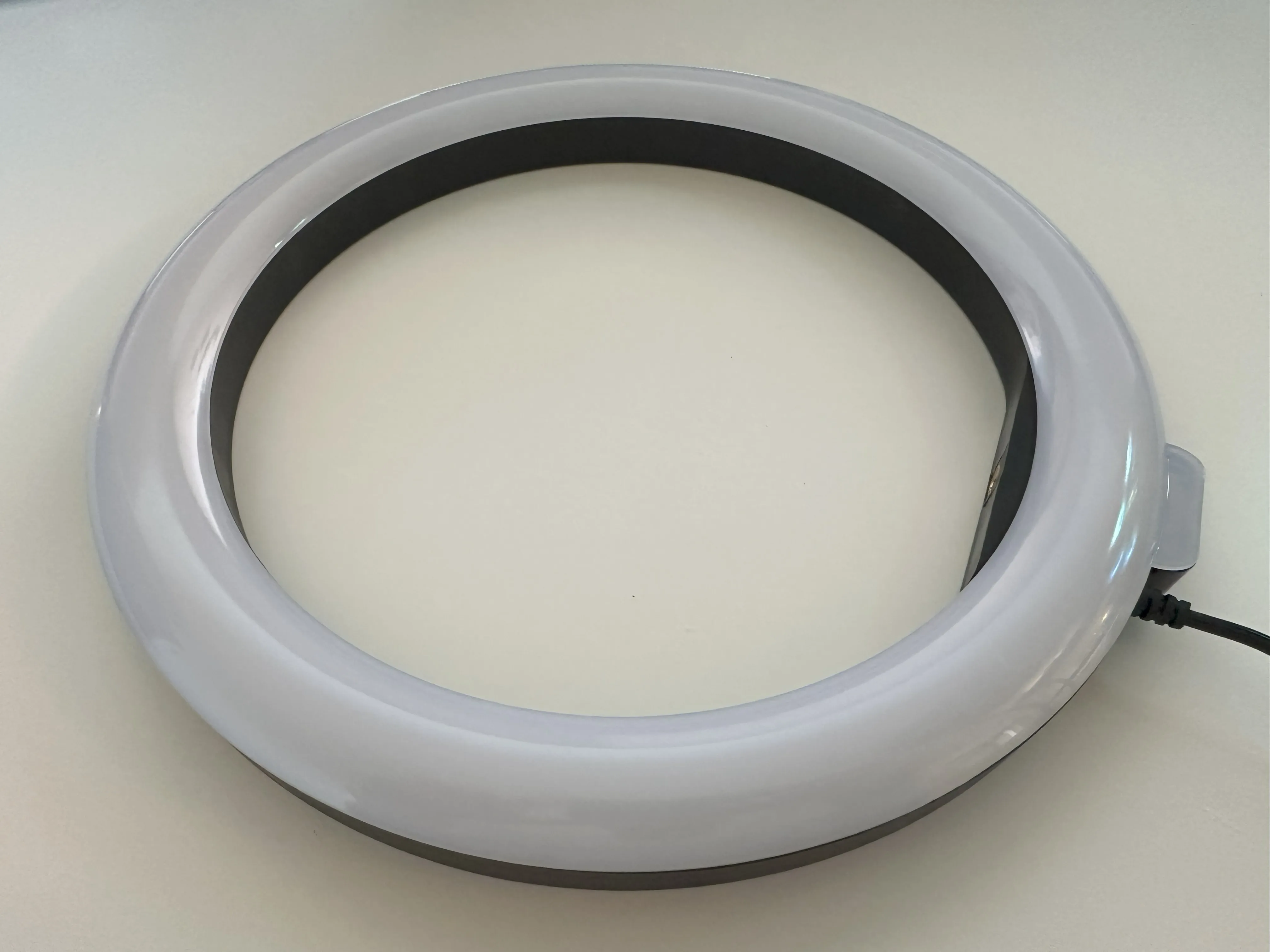
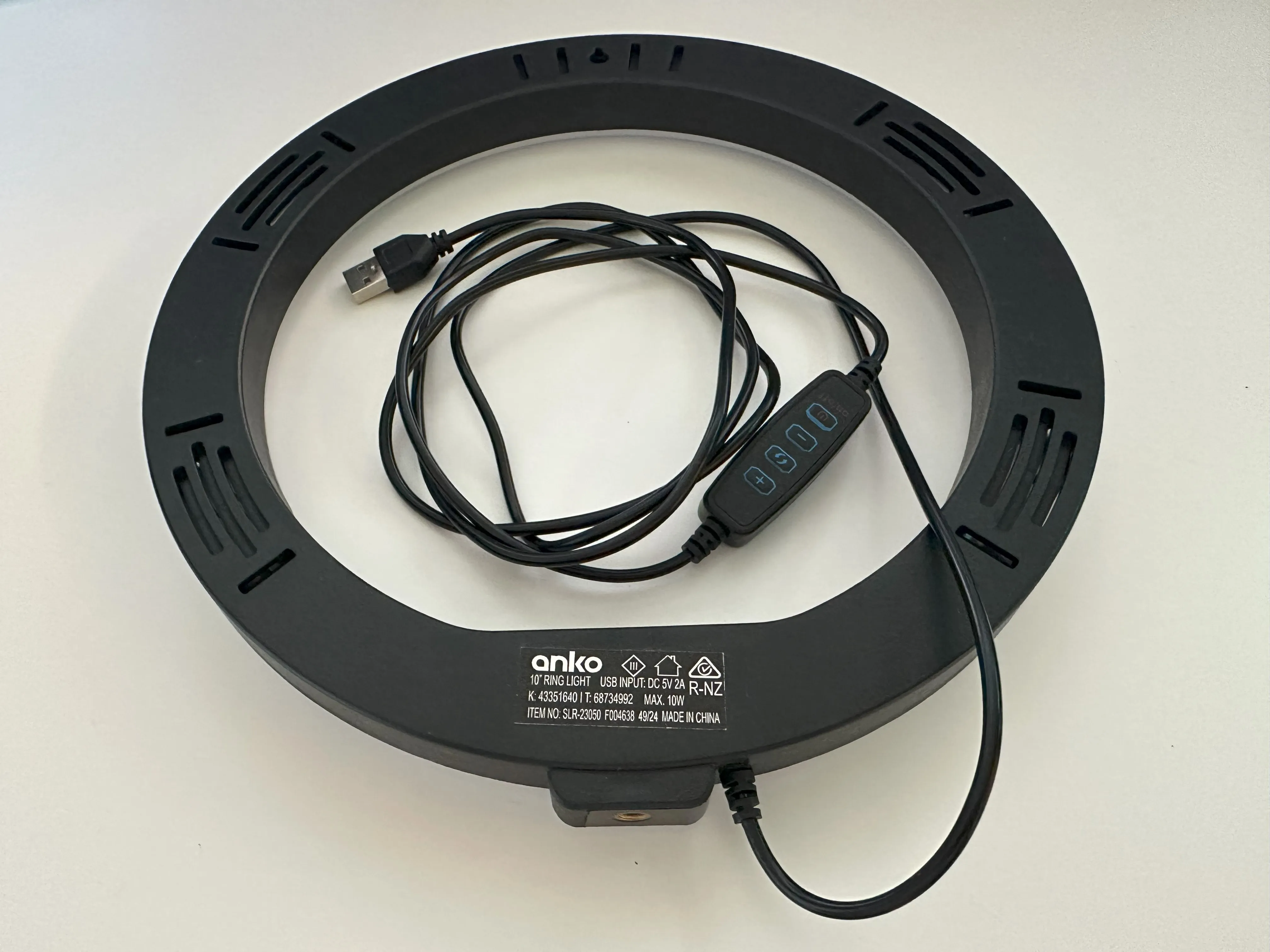
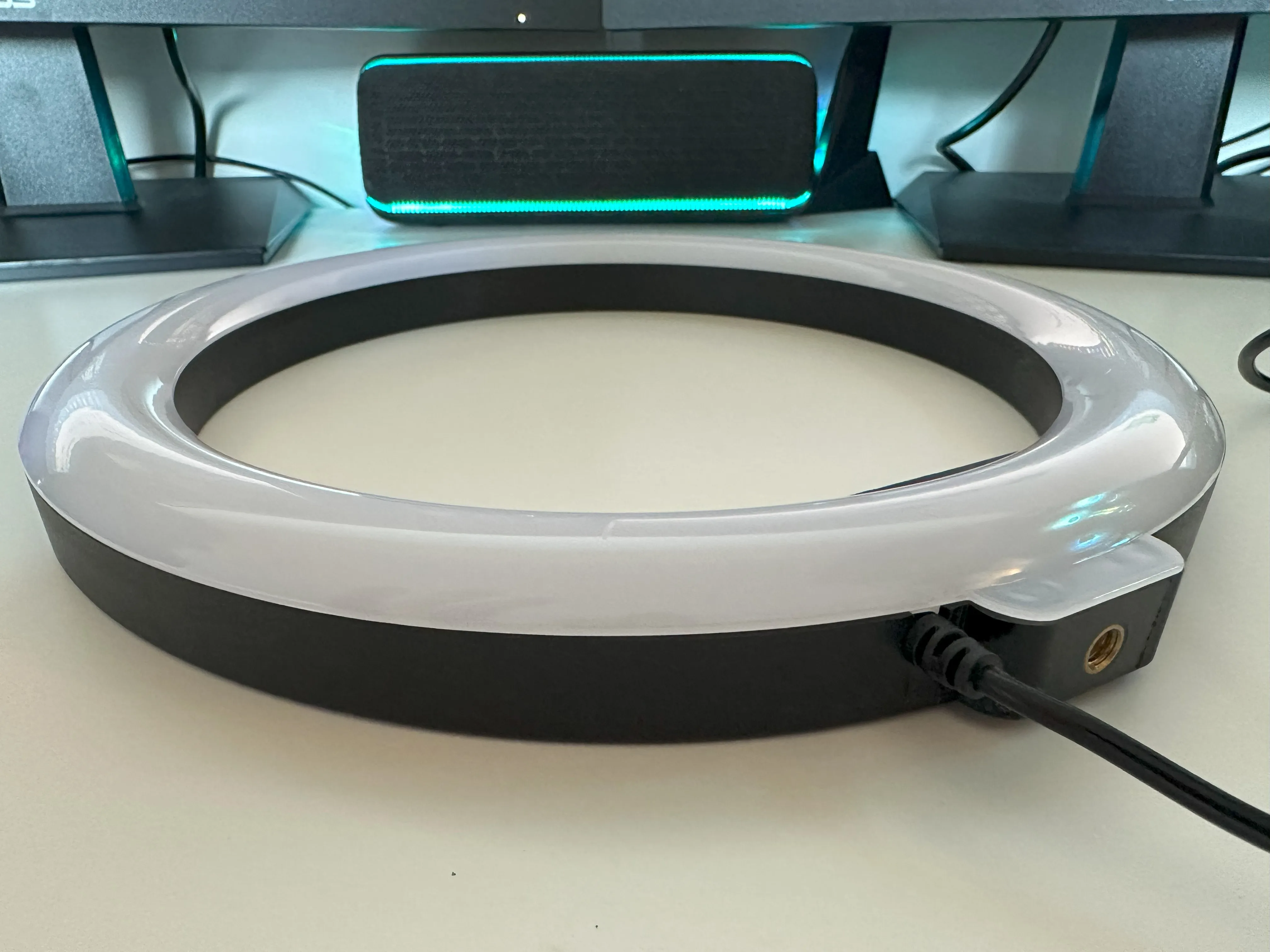
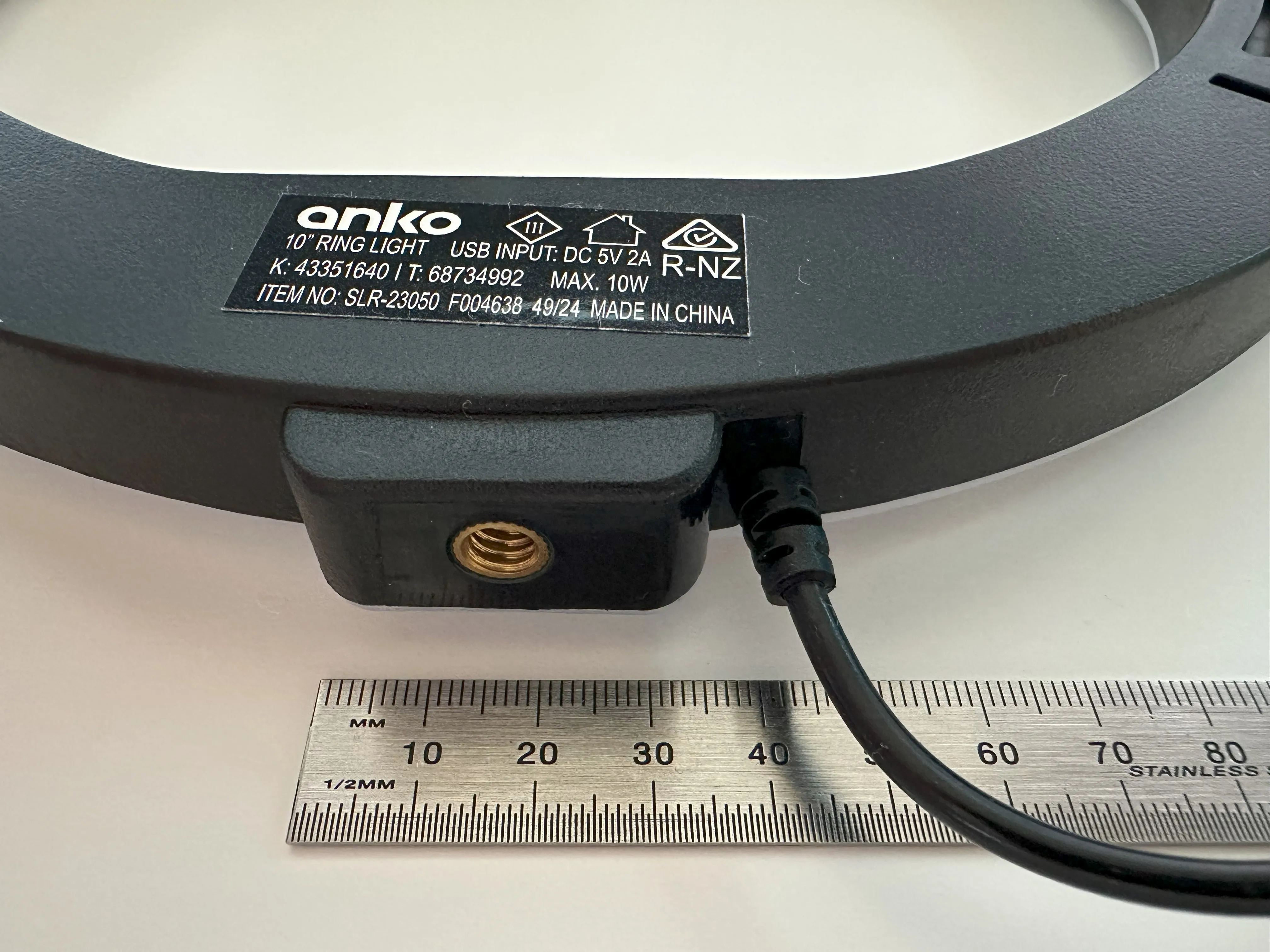
Please note; not all LED ring lights are the same size or shape, so please make sure you purchase one that fits this printed frame. I've provided reference photos and descriptions below to show the type of the ring light that this design was modelled around.
ASSEMBLY INSTRUCTIONS (PHOTOS)
(Tbh, instructions aren't really needed for this project)
Assemble the Frame:
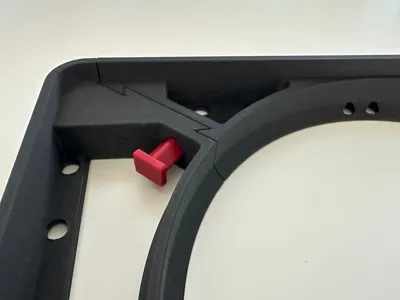
Slide the frame sections together and insert the securing dowels. The frames are marked "Left" and "Right," and the front and rear dovetails differ slightly in size to ensure they fit together in only one orientation.
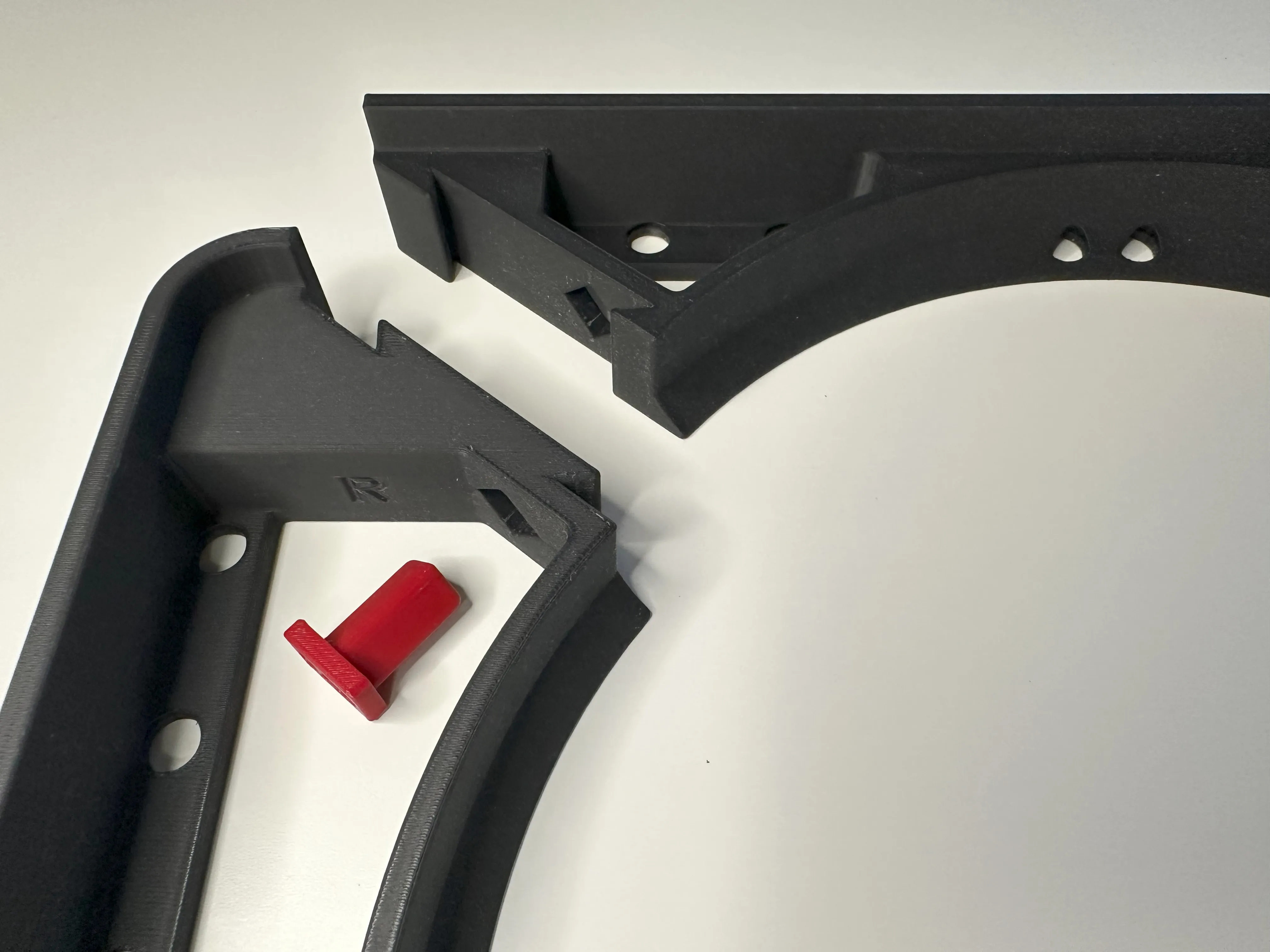
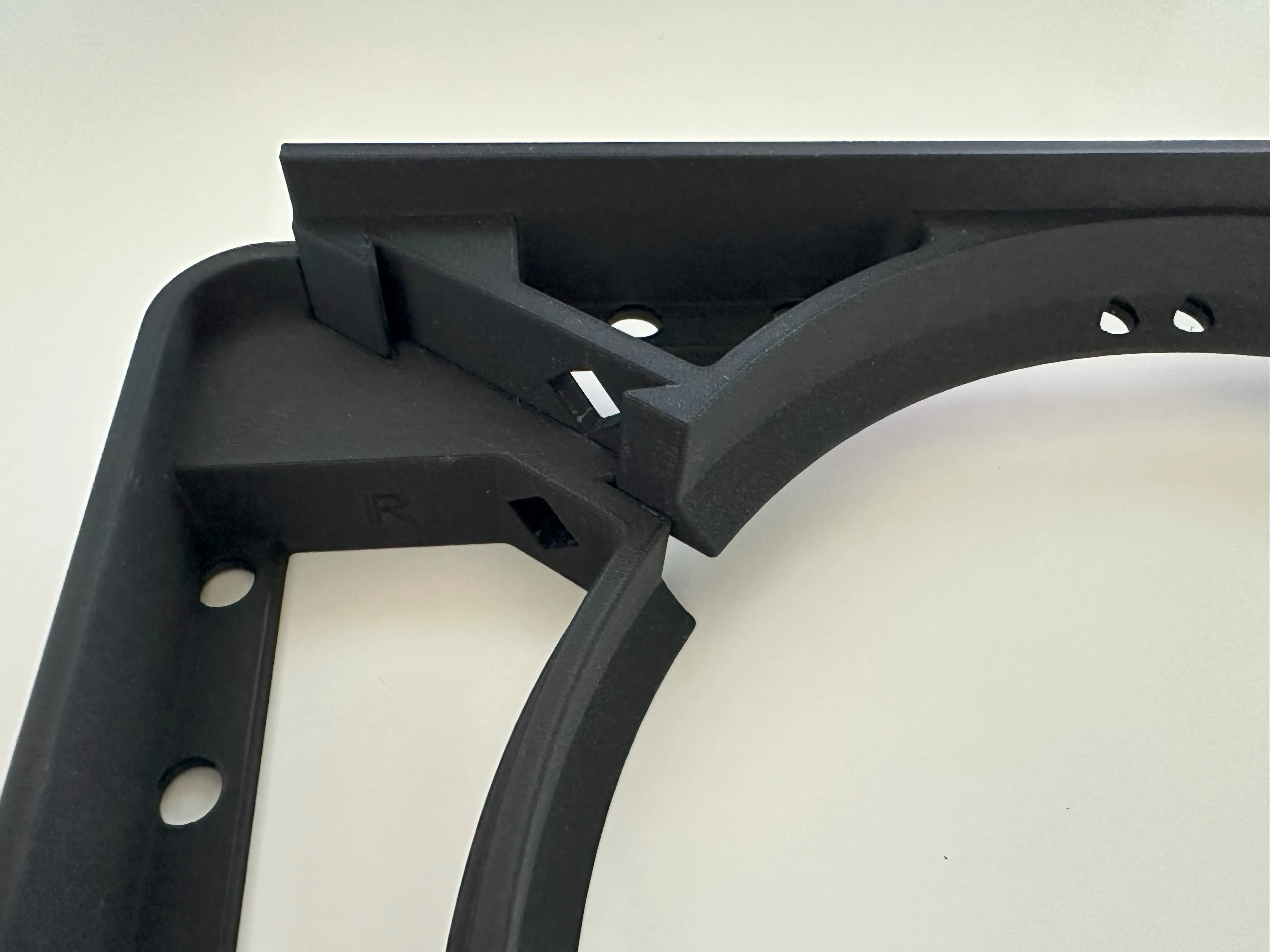
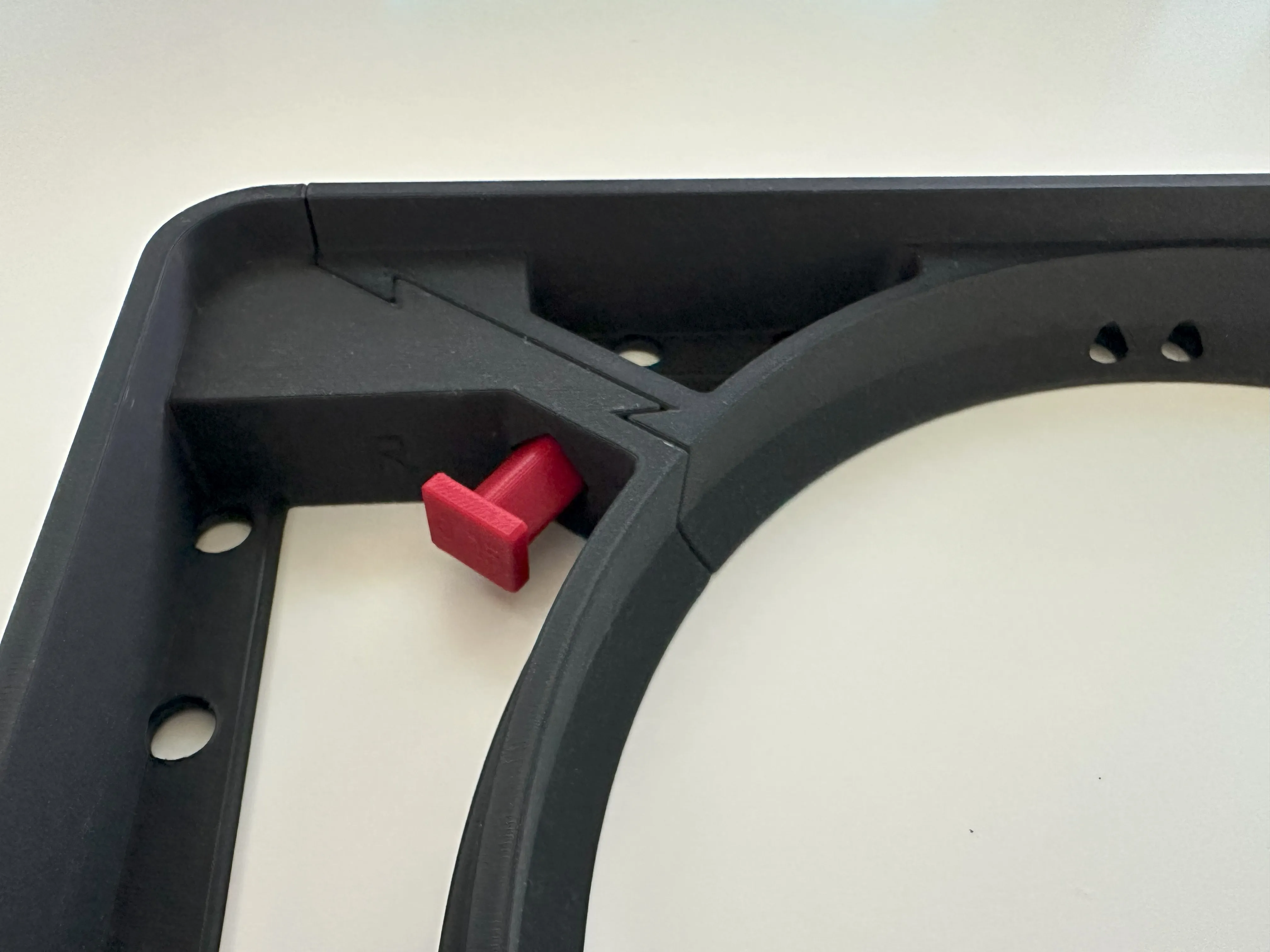
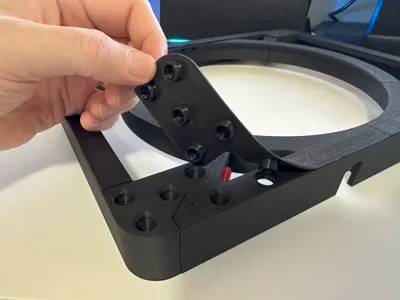
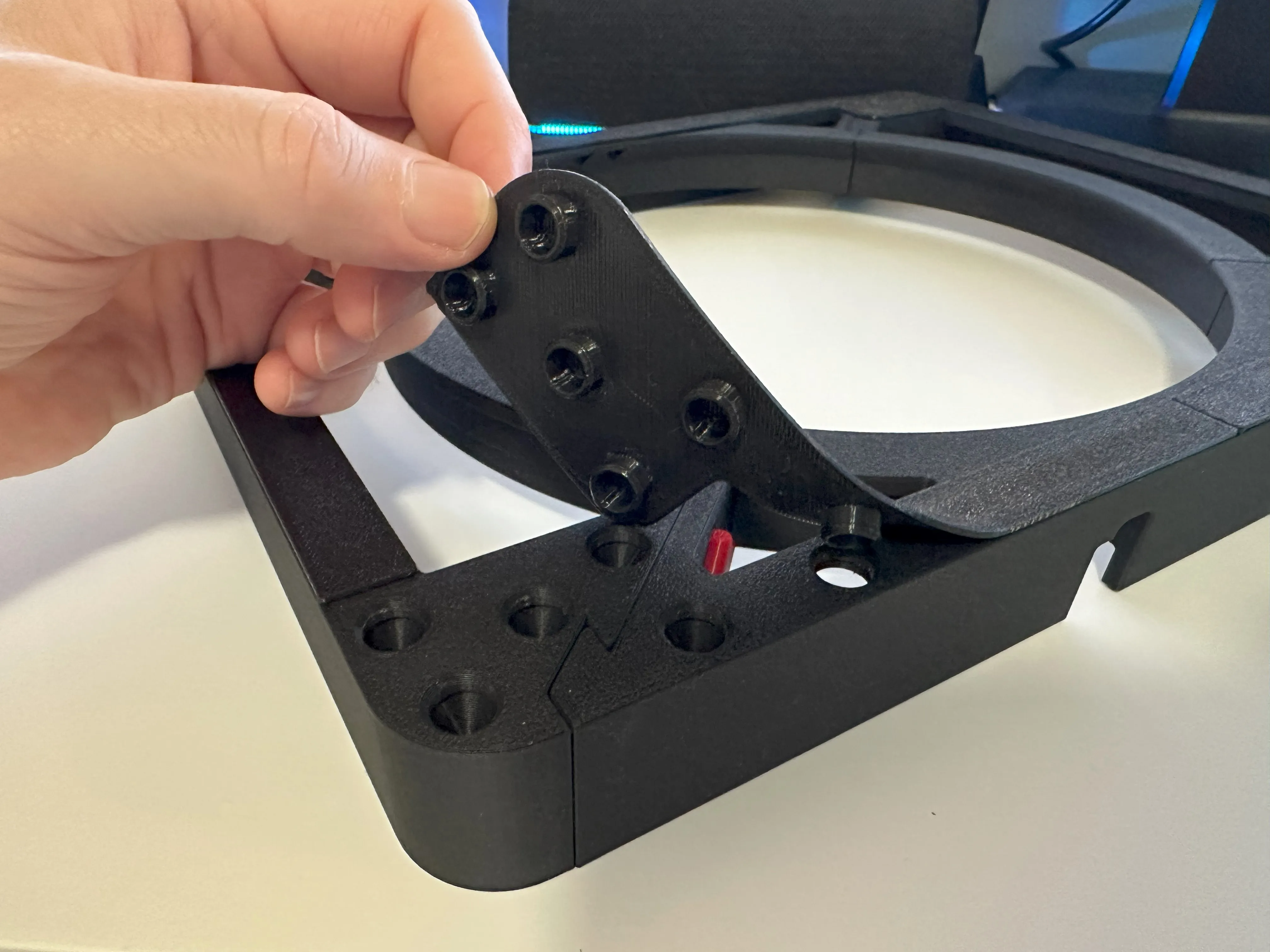
Attach the easy press-in fit TPU feet:
Simply press firmly until they clip into position, it's that simple.
Place the frame on top of your printer:
Position the ring light frame on top of your 3D printer. Insert the LED ring light into the frame. Route the ring light’s on/off switch to a convenient location (I’ve positioned mine at the bottom of the printer). Place the AMS 1 on top of the frame, and that’s it—you’re good to go!
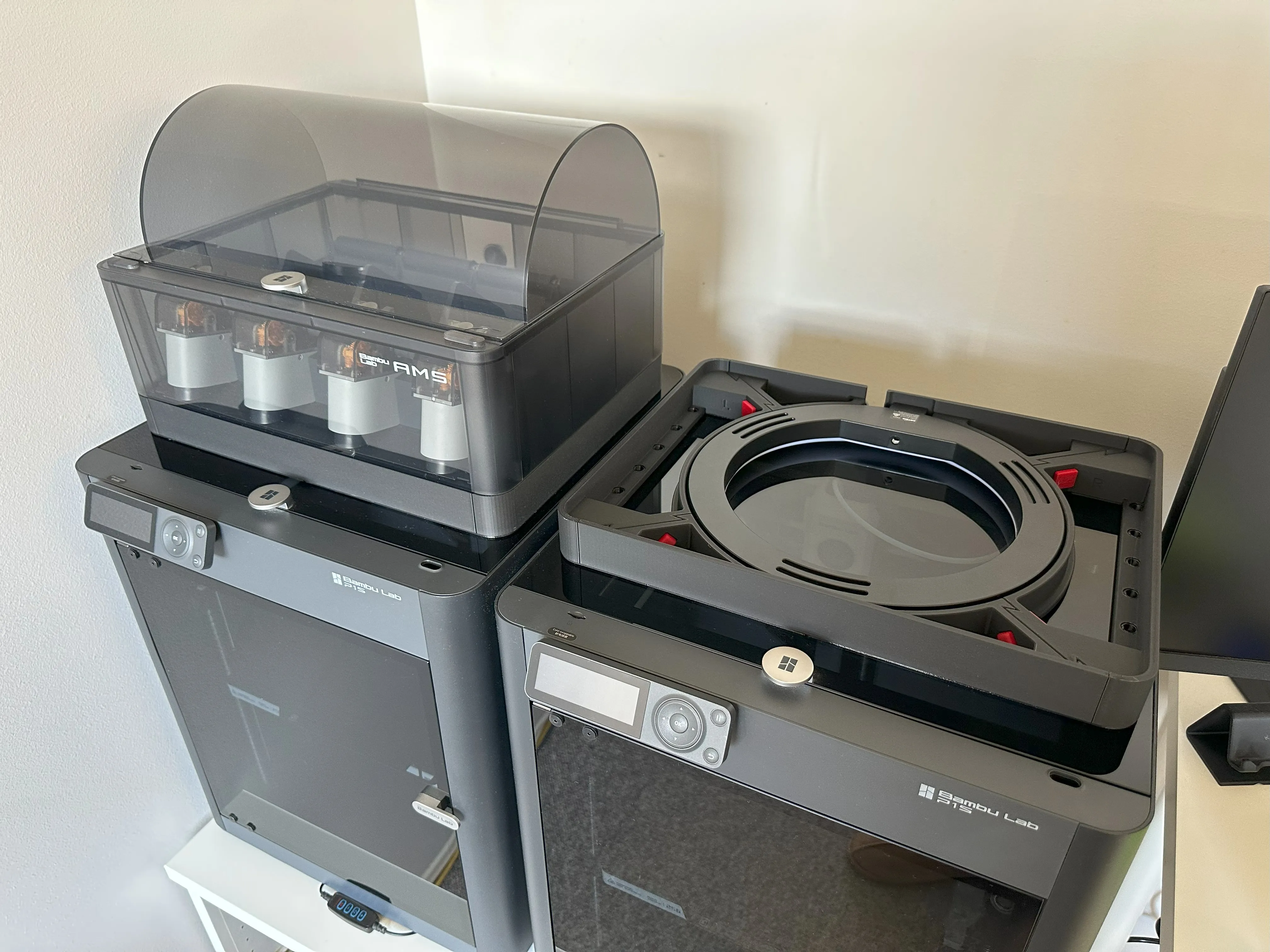
About the LED ring light:
You’ll need an LED ring light that is 10 inches in diameter, has a curved diffuser, and a tripod fixing point that looks like the one in the pictures below or use the one from the following link. https://www.kmart.com.au/product/10in.-ring-light-black-43351640/?srsltid=AfmBOoqdAFK1KNOYMYTJT7KU_6_Ictq5k49MnmDkJRWIxcyHRHHk6n1i
License

You shall not share, sub-license, sell, rent, host, transfer, or distribute in any way the digital or 3D printed versions of this object, nor any other derivative work of this object in its digital or physical format (including - but not limited to - remixes of this object, and hosting on other digital platforms). The objects may not be used without permission in any way whatsoever in which you charge money, or collect fees.


Comment & Rating (34)