Search models, users, collections, and posts

radius gauge

Print Profile(1)

All
X1 Carbon
H2D
A1
X1E
P1S
P1P
X1
H2D Pro
H2S
P2S
H2C
X2D
A2L

0.16mm layer, 2 walls, 15% infill
Designer
1.9 h
1 plate
5.0(5)

Open in Bambu Studio
Boost
30
82
9
0
115
58
Released 

Description

Content has been automatically translated.
Show original

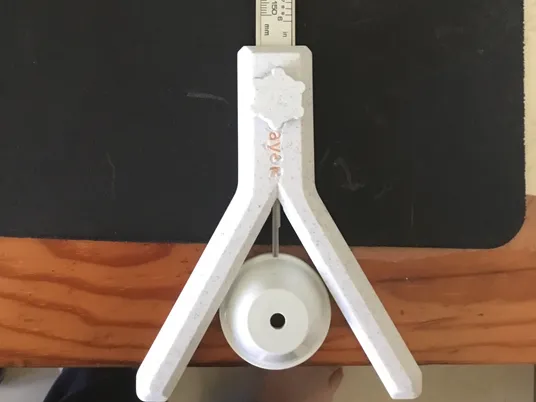
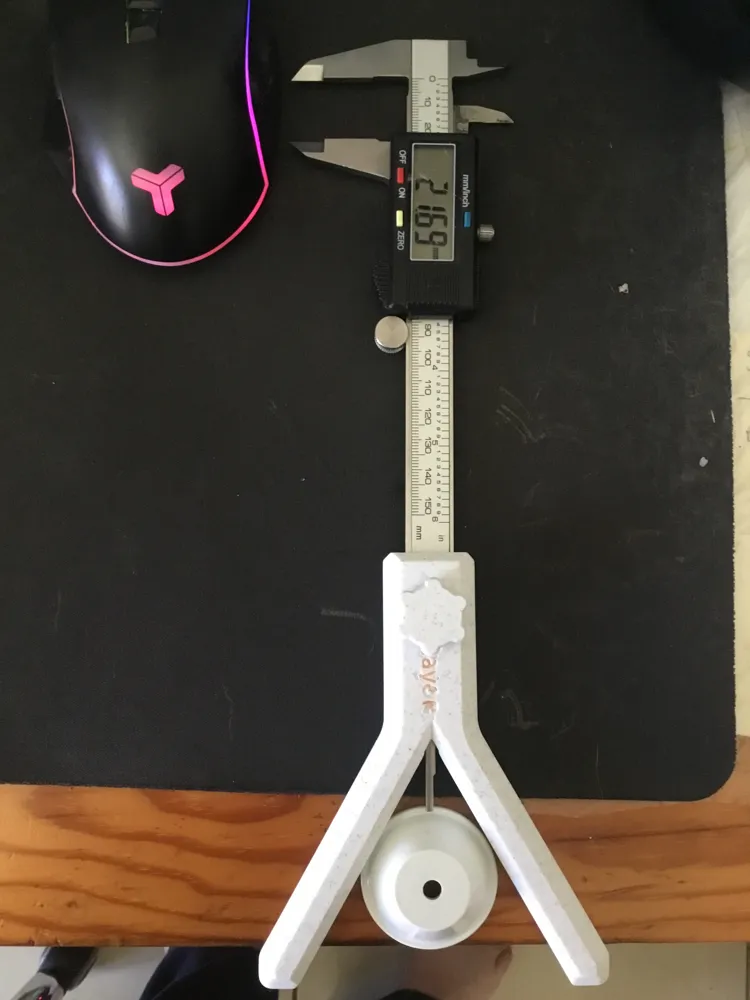
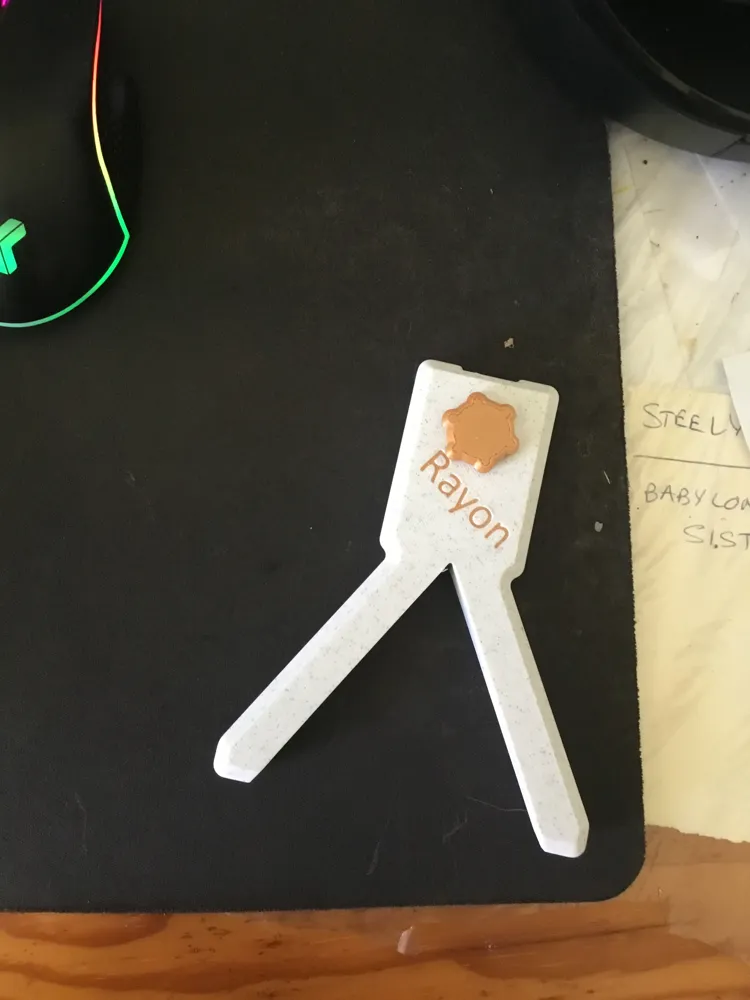
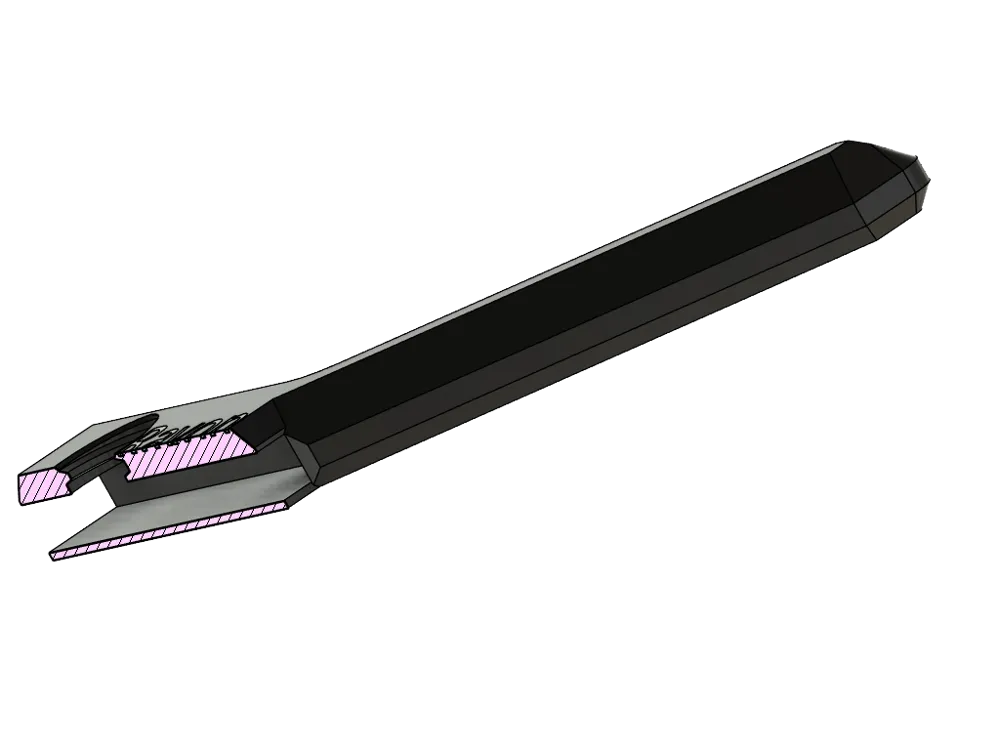
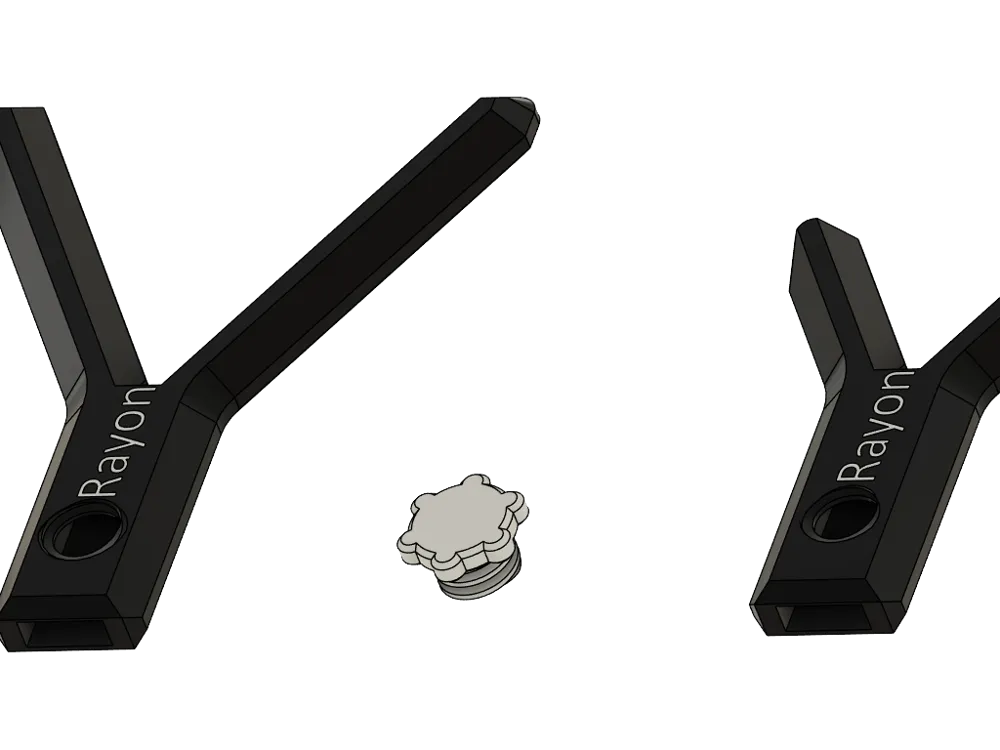
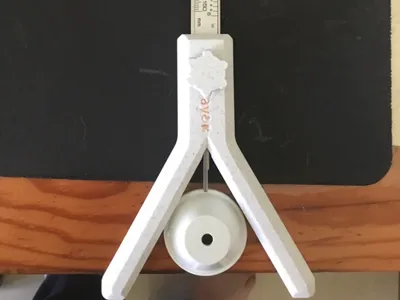
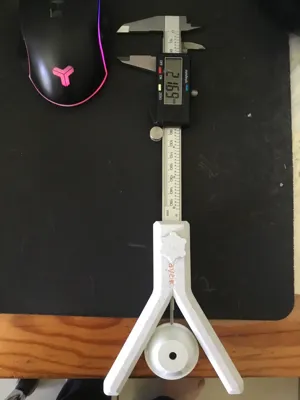
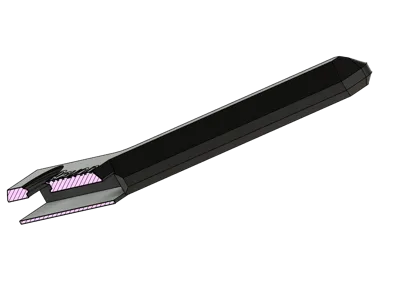
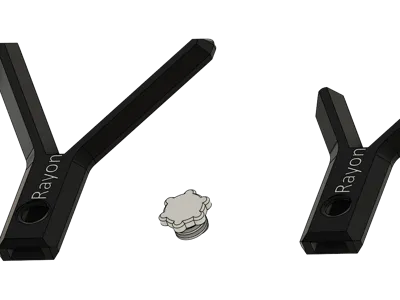
After calibrating your caliper (the bottom part), insert the gauge onto your tool and secure it with the printed screw.

The accuracy of the final measurement naturally depends on that of your machine, but you should find the value of the desired radius. Simply double this value to obtain the diameter!


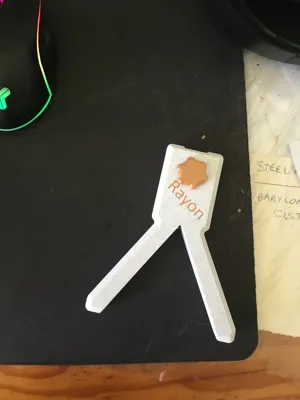
Tool usable up to a diameter of 100mm for the large model and 45mm for the small one

Comment & Rating (9)

(0/1000)

Print Profile
0.16mm layer, 2 walls, 15% infill
Great project. It works perfectly! Good profile
The profile uploader has replied
Show original
0
Reply
Thank you very much for your warm encouragement
Show original
0
Reply
do you have any recomendations on calibrating before use?
The designer has replied
0
Reply
Hello, yes, you need to calibrate the 0 of your caliper by placing the foot on a flat surface (often offset on the different brands I have tried)
Show original
1
Reply
Print Profile
0.16mm layer, 2 walls, 15% infill
The profile uploader has replied
0
Reply
merci!
0
Reply
Print Profile
0.16mm layer, 2 walls, 15% infill
0
Reply
Print Profile
0.16mm layer, 2 walls, 15% infill
0
Reply
Print Profile
0.16mm layer, 2 walls, 15% infill
0
Reply
No more