
HarvestSoon Toolbox Batch
Print Profile(2)

Description
*** Updated 25/6/2026 ***
Project development halted last summer, due to other commitments.
I have decided to restart from scratch, taking advantage of some lessons learnt since last year.
So here's a bare minimum update that can schedule print start time and has a pause between prints for you to remove the last printed object and continue.
The automated extraction is being reworked (along with the bumpers, so current ones are deprecated and kept for legacy reasons).
Project has been renamed to Toolbox Batch. Download at harvestsoon.xyz/toolbox
Also check out my other recently added project, Toolbox Craft, which upgrades your printer into a plotter / cutter / engraver.
*** Updated 3/8/2025 ***
About
Harvest Soon Automation let's you merge several plates into a single print project.
It will print each plate, removing the models from the bed after finishing printing and before proceeding with the next plate in the queue.
The Harvest Soon processor is a software processor (for Windows only at the moment) that integrates into Bambu Studio to send multiple plates along with clean up jobs to the printer, instead of a single plate that needs to be manually cleaned up after print.
This allows continously printing plates without need for human assistance to remove finished prints.
Or you can just send one print, and have the printer ready whenever you want to send a new one.
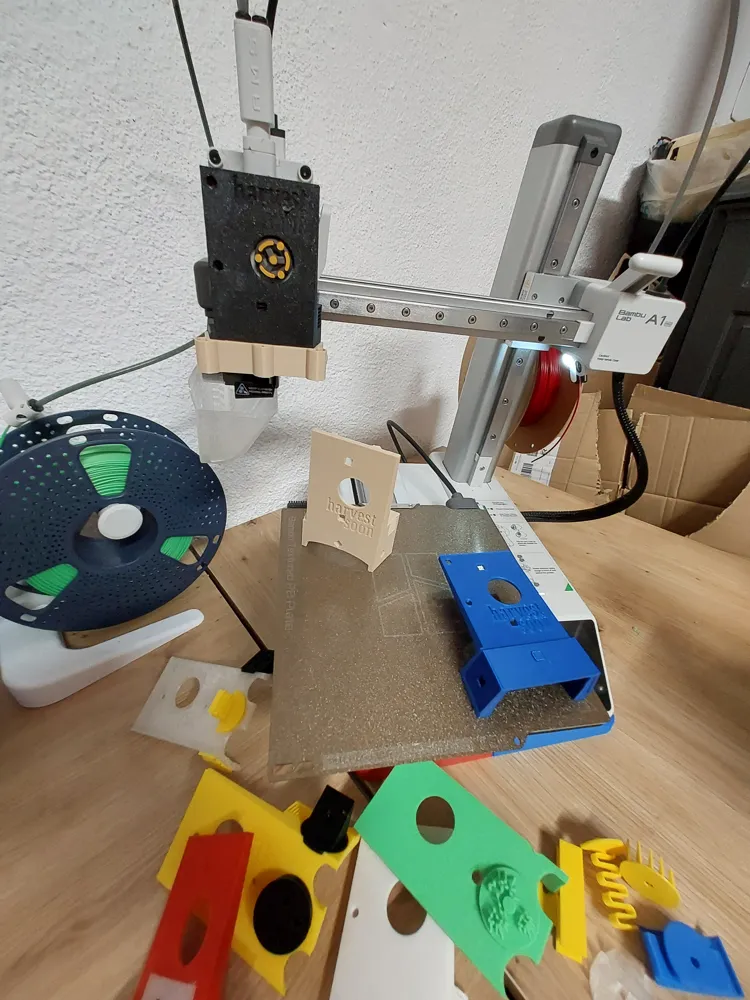
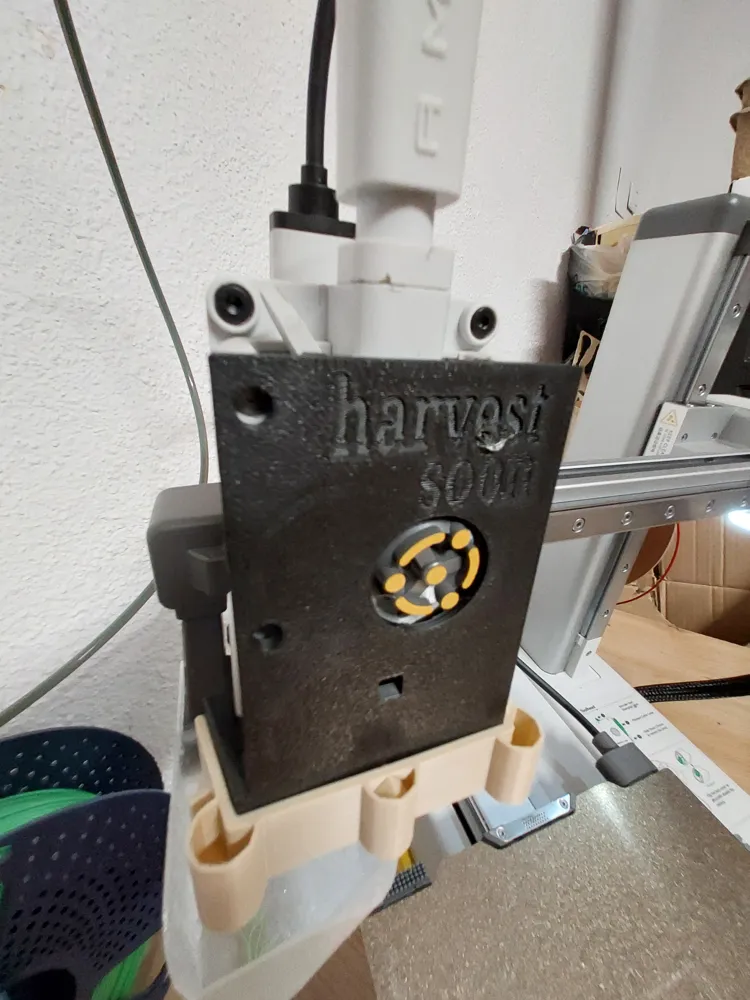
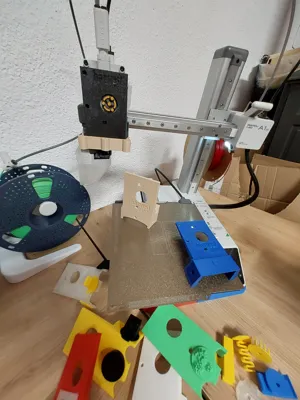
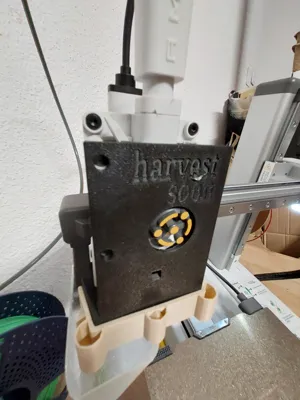
Along with the software comes the hardware kit: the tilted base and the front cover with exchangeable bumpers, ready to be printed!
*** WARNING *** This is a work in progress, focusing on the A1 mini (can be tweaked to work with other printers).
Use at your own risk! The main risk might be a too short cool down step for a given model, causing an extraction failure and possibly unnecessarily stressing the motors. Keep an eye on the printing process, particularly the extraction, and familiarize with the steps to ensure repeatable, error free, continuous printing.
Free to for personal use (but you are welcome to subscribe to support the project :)
If you would like to use my work for commercial purposes, you will need a monthly subscription
How
Download the latest version (Windows only for now) from harvestsoon.xyz and install in your preferred folder.
Note that you can execute the processor without parameters to display up to date help info.
Print the Front cover and bumper. You can skip the base for now, still very early version with design errors.
Open the Harvest Soon test project for a quick start or create a new project and follow these steps:
Add the following line to Global>Others>Post-Processing Scripts
"[YourInstallFolder]\harvestSoonProcessor.exe" printer=a1mini printRepeat=1 add
Select a plate to print (careful not to print in the margin where the clean up procedure starts) and click slice.
Review the window that will pop-up and press Enter to continue.
Select a new plate and repeat.
For the last plate, change the Post-Processing script to
"[YourInstallFolder]\harvestSoonProcessor.exe" printer=a1mini printRepeat=1 finish
Then click Print Plate to print all the queued plates.
You can execute harvestSoonProcessor.exe from the command line and review the full list of available parameters.
Visit harvestsoon.xyz for more information.
License

You shall not share, sub-license, sell, rent, host, transfer, or distribute in any way the digital or 3D printed versions of this object, nor any other derivative work of this object in its digital or physical format (including - but not limited to - remixes of this object, and hosting on other digital platforms). The objects may not be used without permission in any way whatsoever in which you charge money, or collect fees.


Comment & Rating (0)