Search models, users, collections, and posts

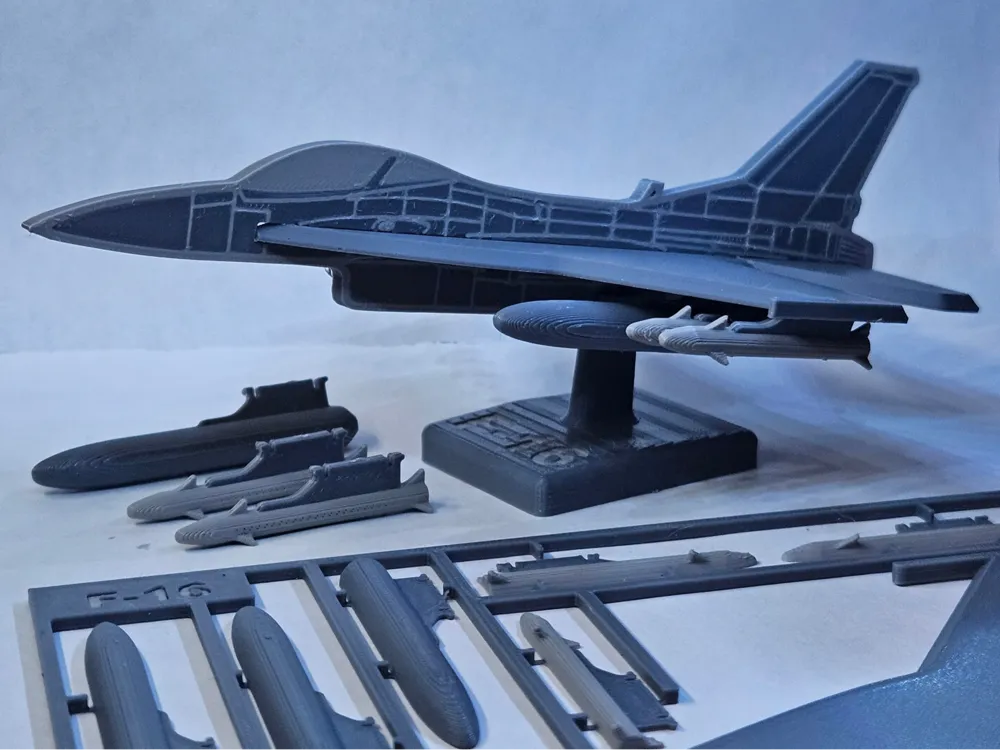
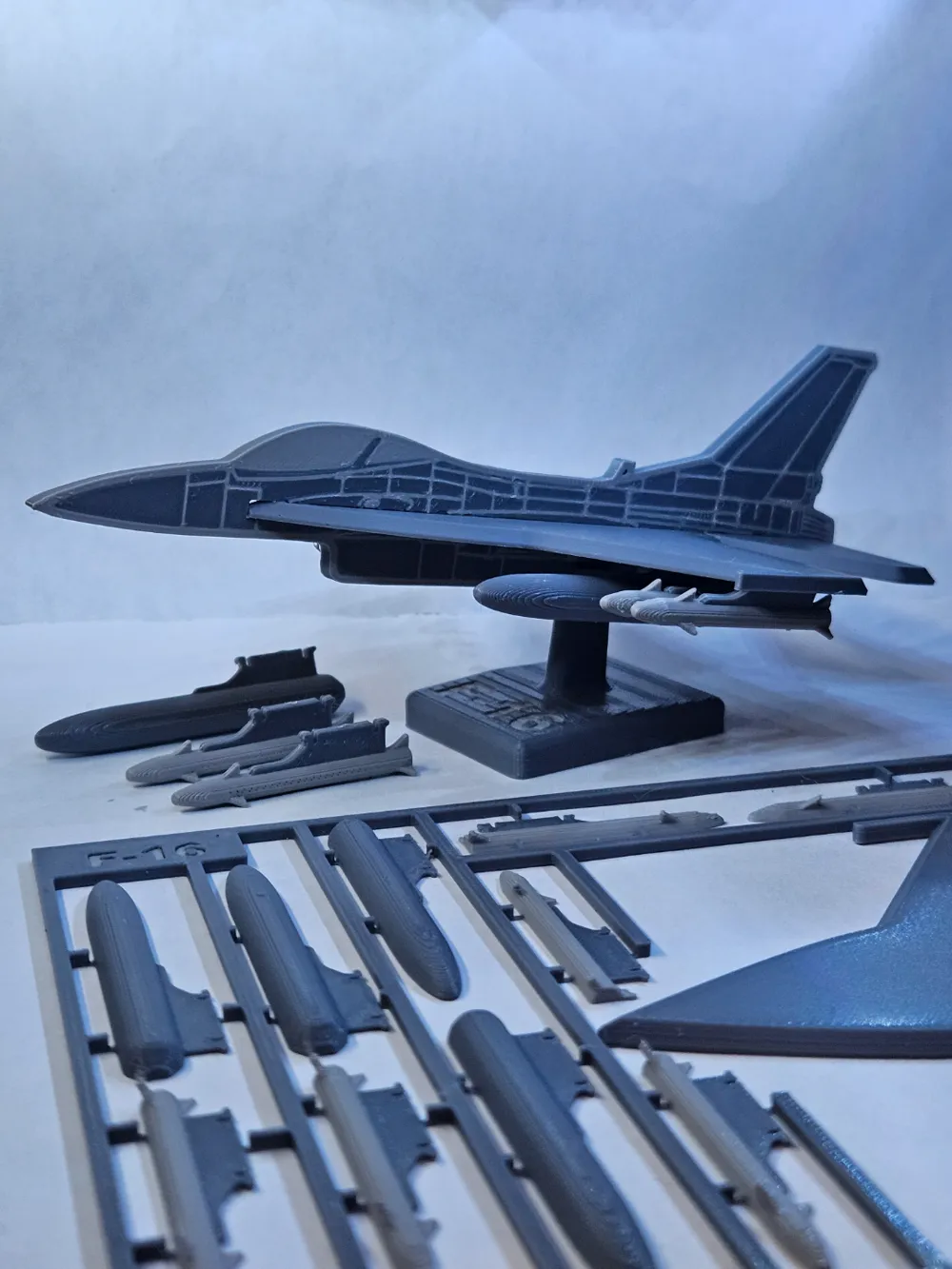
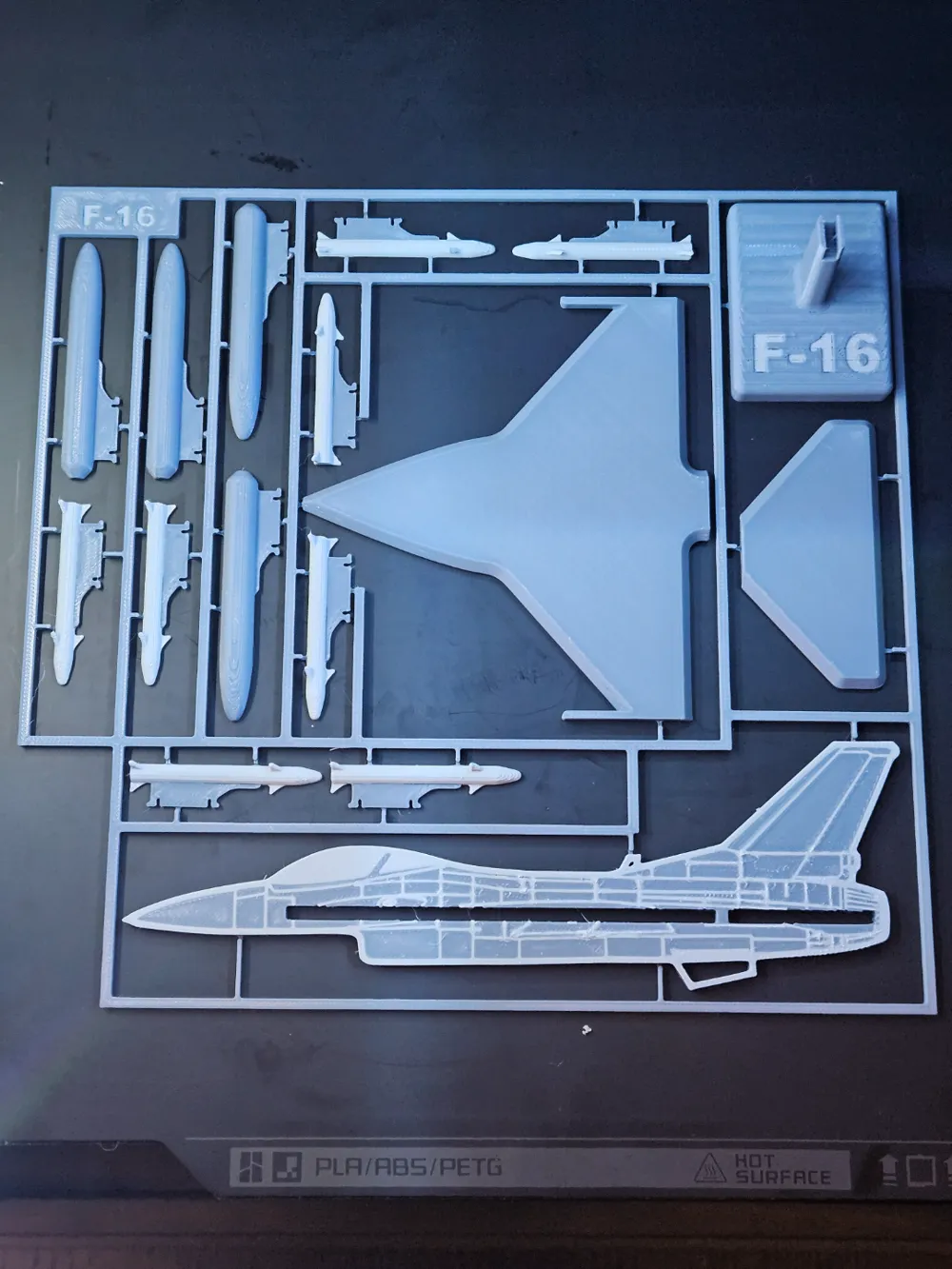
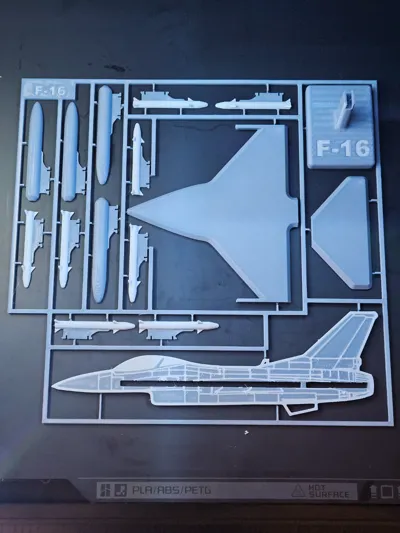
F16 Plane Kit Card 2D
IP Report

Print Profile(2)

Small Model Kit Card -- 0.16mm layer, 2 walls, 100% infill
Designer
3.6 h
1 plate

Large Model Pieces -- 0.16mm layer, 2 walls, 100% infill
Designer
4.9 h
1 plate
Open in Bambu Studio
Boost
617
1245
12
21
1.3 k
568
Released
Description

Boost Me (for free)
Like this model? Boost it! Boosts help the designer create new models.
Membership
Join the commercial membership to sell physical prints of this model
Join
Overview
F-16 kit card 2D
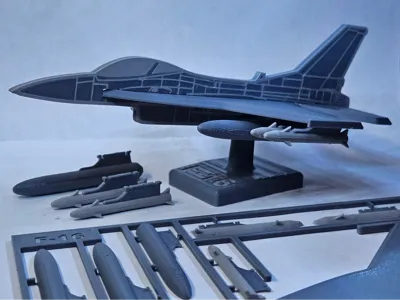
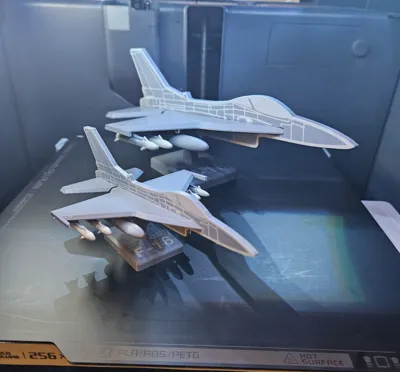
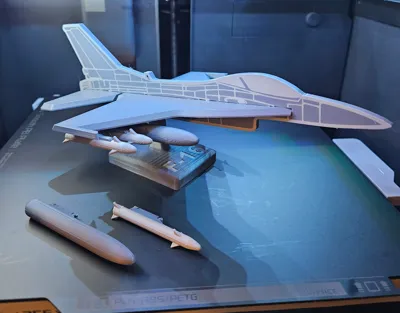
F-16 3D is now available→here! (Shown below)
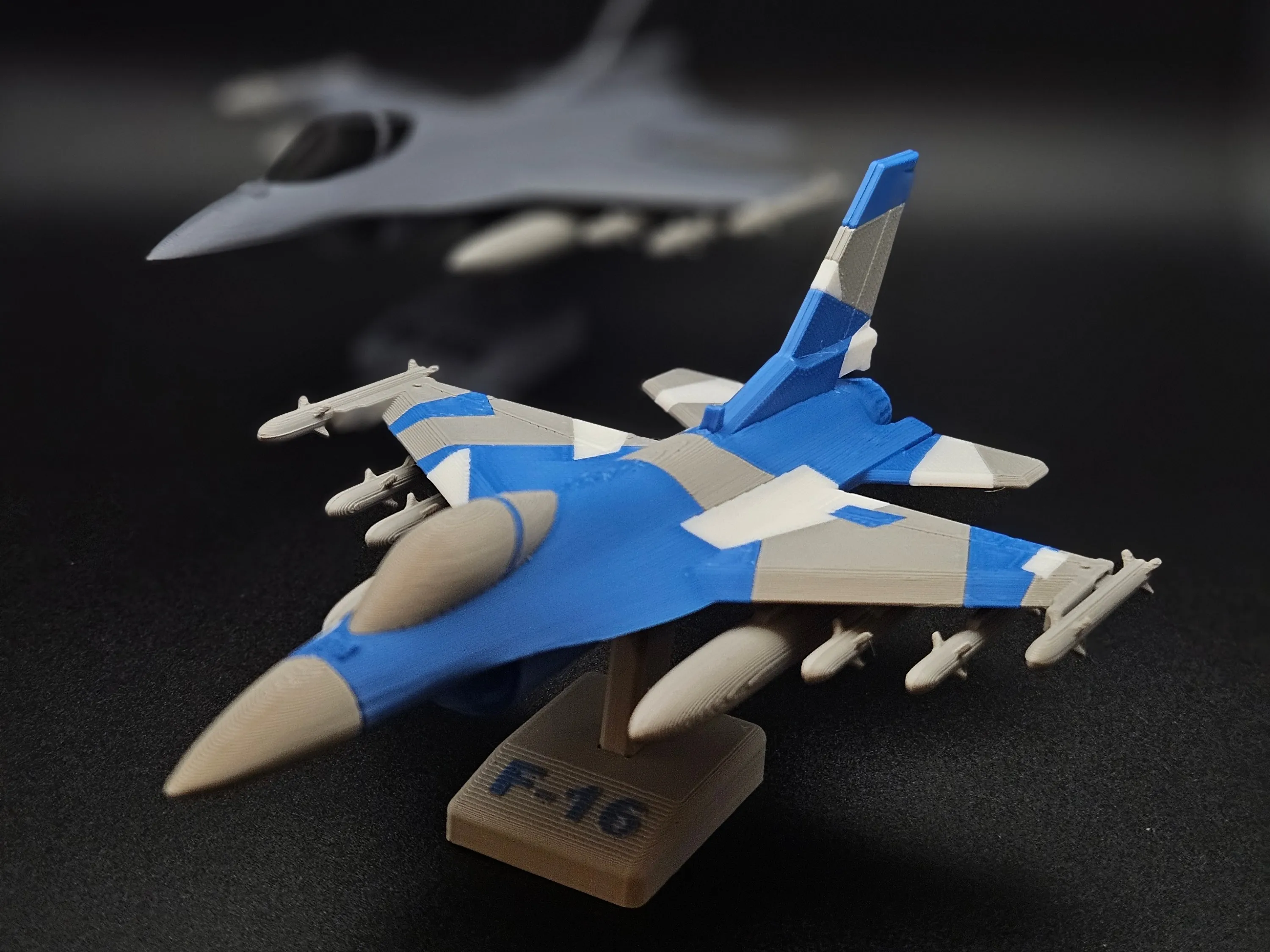
Check out the full airplane kit card collection → linked here!
Profiles
- Small Model Kit Card
- Small plane in a kit card ideal for gifting to others
- Small Model Pieces
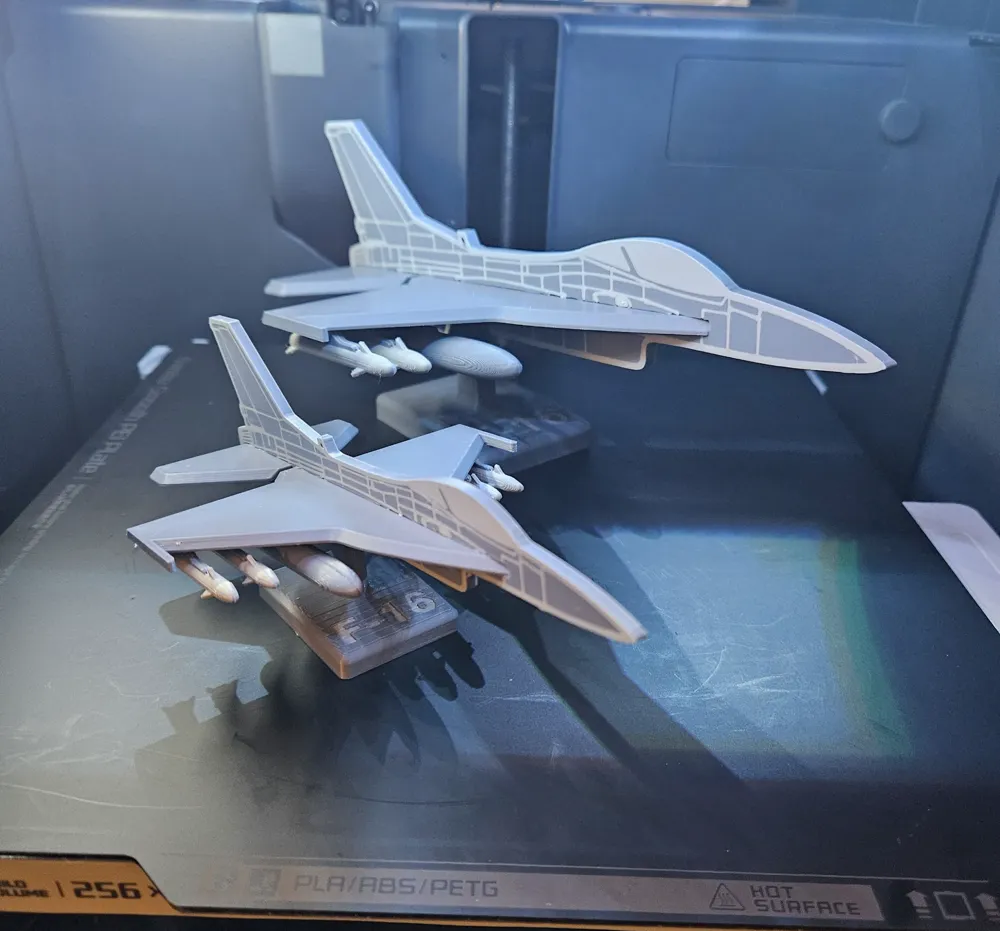
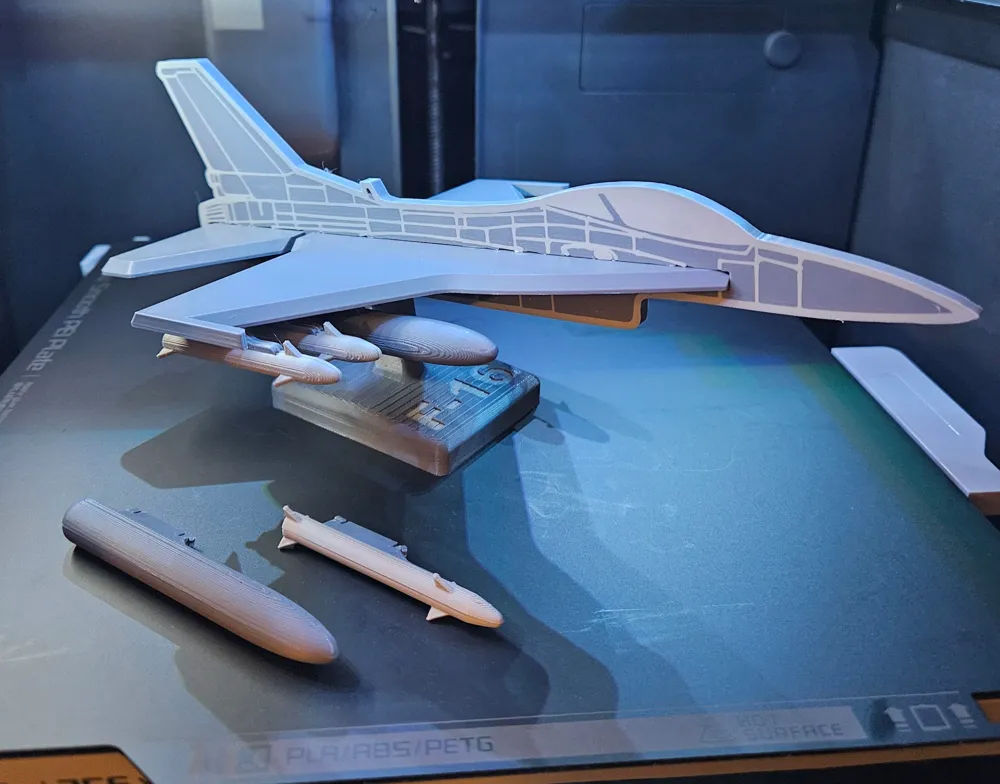
- Small plane without kit frame ideal for print & build
- Large Model Pieces
- 142% Scale to go BIG! Large plane without kit frame ideal for print & build
- Small Model Kit Card (A1 Mini)
- Add mini support for kit format
Filament
As shown:
- Esun PLA+ Gray
- Hatchbox Cool Gray
Tips
- Model requires close tolerances to ensure snug but not tight or loose fit
- Make sure the model cools to room temperature before assembly
- Ensure filament is properly calibrated with no excessive over extrusion
- Ensure good bed adhesion
- Make sure printer is fully calibrated
- Make sure print bed is clean & dry (soapy water is my favorite for cleaning - simple & works)
- Make sure filament is dry (wet filament can generate non-continuous flow that can cause bed adhesion issues)
- Cooling & Temps - make sure they are correct for your printer, build plate, and filament
Assembly
- Remove all pieces from the kit
- Debur as needed to smooth edges
- Glue tank together (optional but recommended)
- Glue missile together (optional but recommended)
- Let glue cure before proceeding to next step (optional but recommended)
- Insert wing into forward fuselage slot
- Insert tail into aft fuselage slot
- Insert tank pylon to wing
- Recommend aft end first, then press down softly on forward end. It will clip into place. (See gif below)

- Recommend aft end first, then press down softly on forward end. It will clip into place. (See gif below)
- Insert missile pylon to wing
- Recommend aft end first, then press down softly on forward end. It will clip into place. (See gif above)
- Place airplane onto stand
- Enjoy!
License
If you want to use this model commercially, please join my membership.
Join Now

This user content is licensed under a Standard Digital File License.
You shall not share, sub-license, sell, rent, host, transfer, or distribute in any way the digital or 3D printed versions of this object, nor any other derivative work of this object in its digital or physical format (including - but not limited to - remixes of this object, and hosting on other digital platforms). The objects may not be used without permission in any way whatsoever in which you charge money, or collect fees.


Comment & Rating (12)