
Optimal Settings for Printing Generic TPU95A
Print Profile(2)


Description
Boost Me (for free)
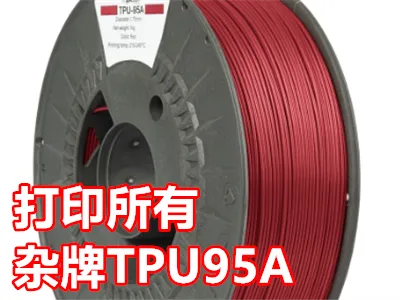
There are many unbranded TPU 95A filaments on the market. Almost every vendor claims they can be printed with Bambu Lab's default TPU 95A settings or using General TPU. In reality, Bambu Lab's TPU tuning is very different from these generic manufacturers.
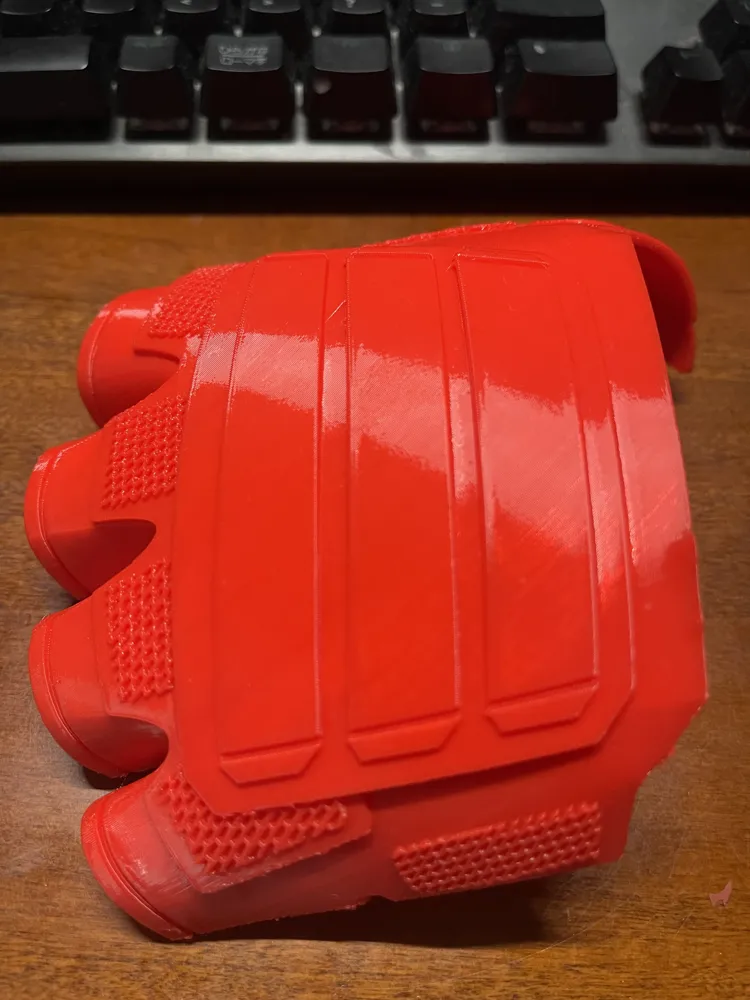
Here I'm providing the optimal settings for printing TPU 95, where print failure is highly unlikely. You can directly drag the model into your project for printing, or make fine adjustments.
The settings include reduced speed, which you can adjust yourself. You must dry the TPU before printing, otherwise the quality will be very poor.
You need to add supports yourself!
#Note!: These settings cannot be used for materials with a shore hardness of 90A or below. It's best not to use materials below 85A with the A1 (85A is also quite difficult). P1, X1, and H series can use any softness
License



Comment & Rating (20)