
Magic Trackpad+Touch ID using 100% layout Keyboard
Print Profile(1)

Description
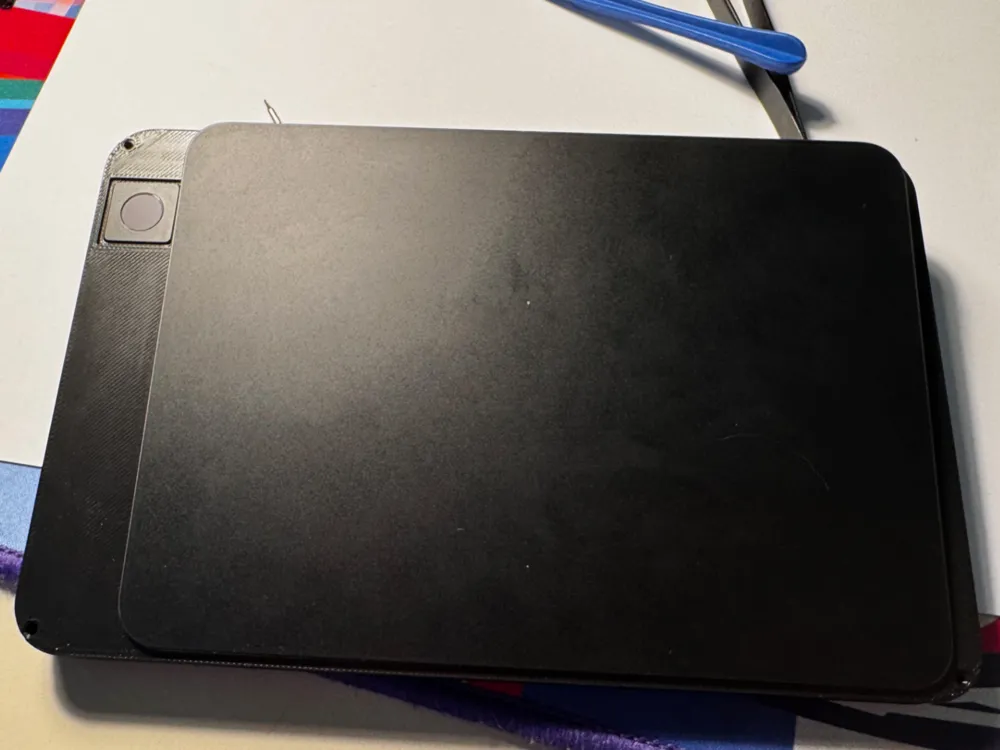
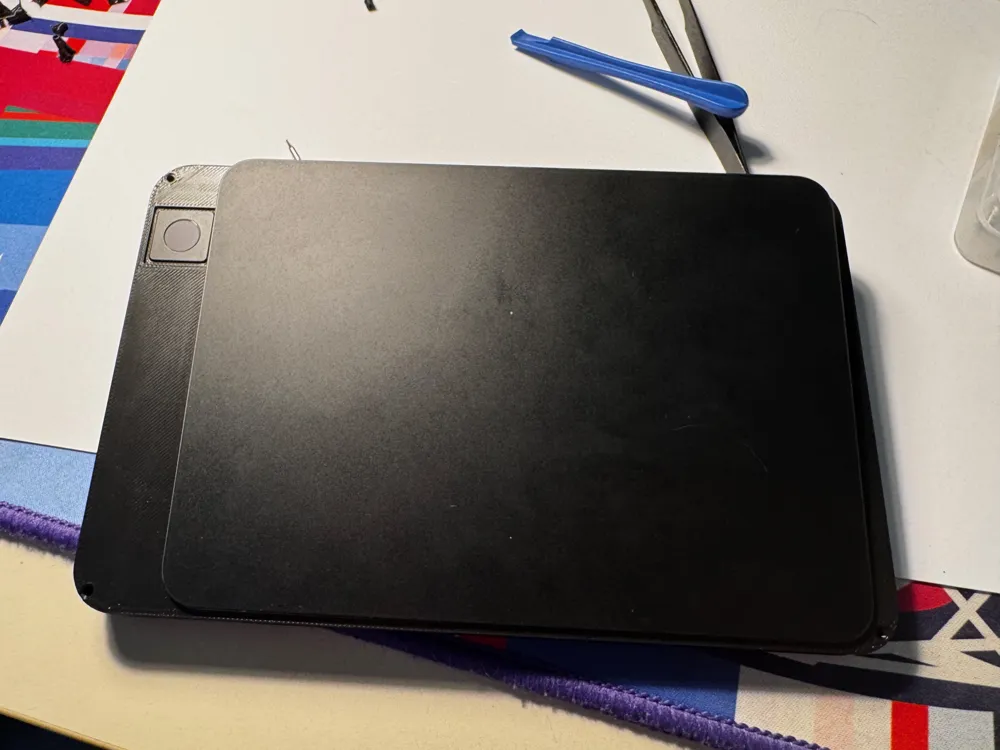
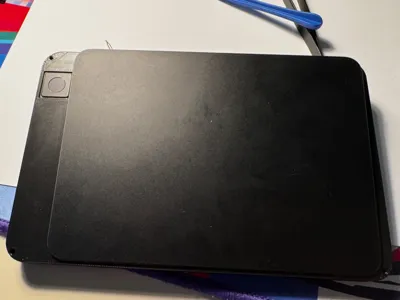
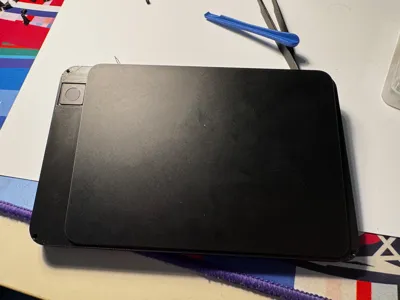
I didn't find a model combining the 100% layout Magic Keyboard with Touch ID and the Magic Trackpad so I decided to do it myself.
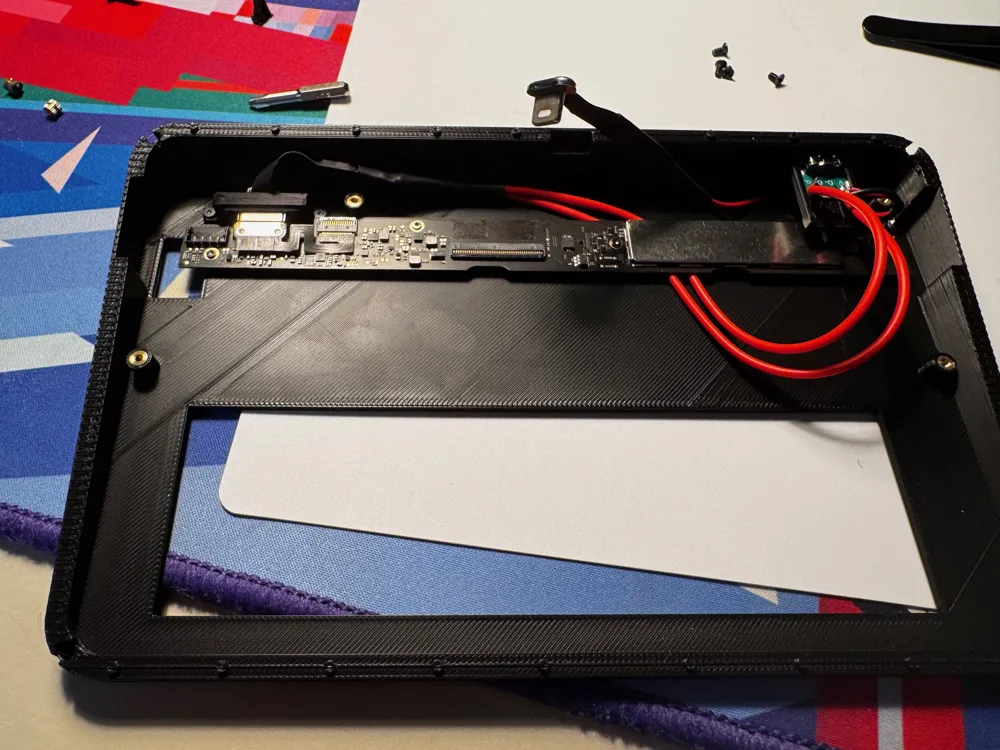
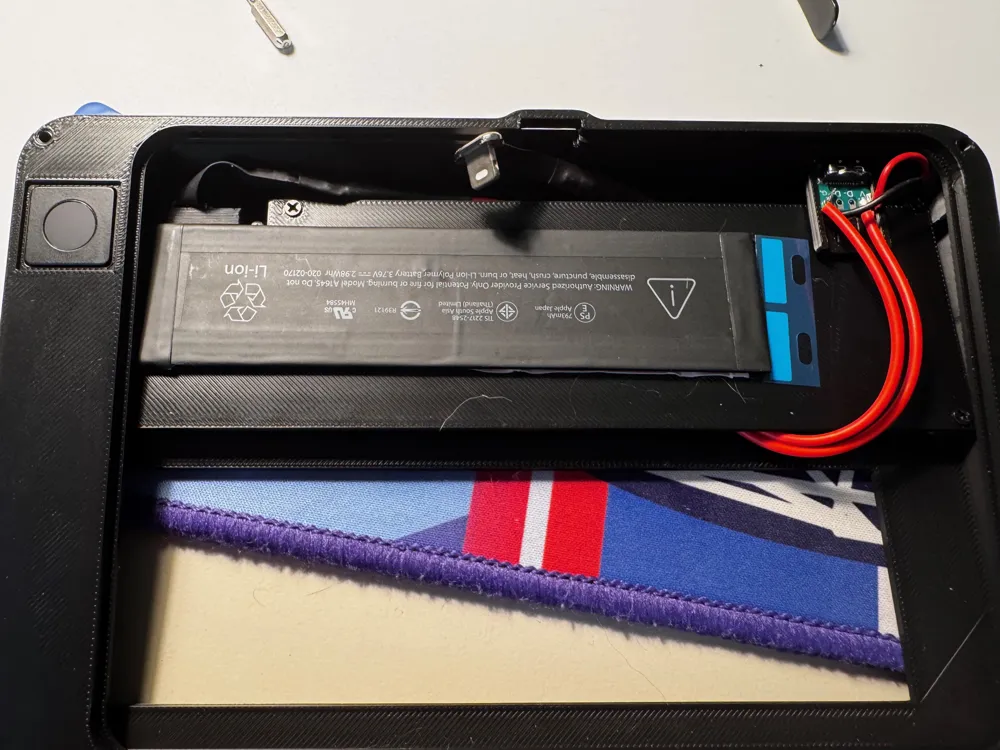
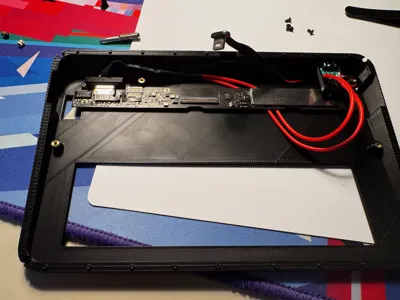
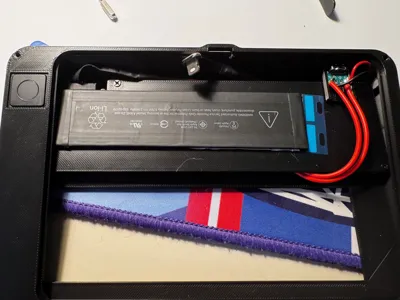
I've also converted them from lightning to USB-C - for this I've ordered 2 lightning flat ribbon cables from AliExpress they are power only.
The USB C connector that I used is also from AliExpress.
The 2 cables are soldered in parallel.
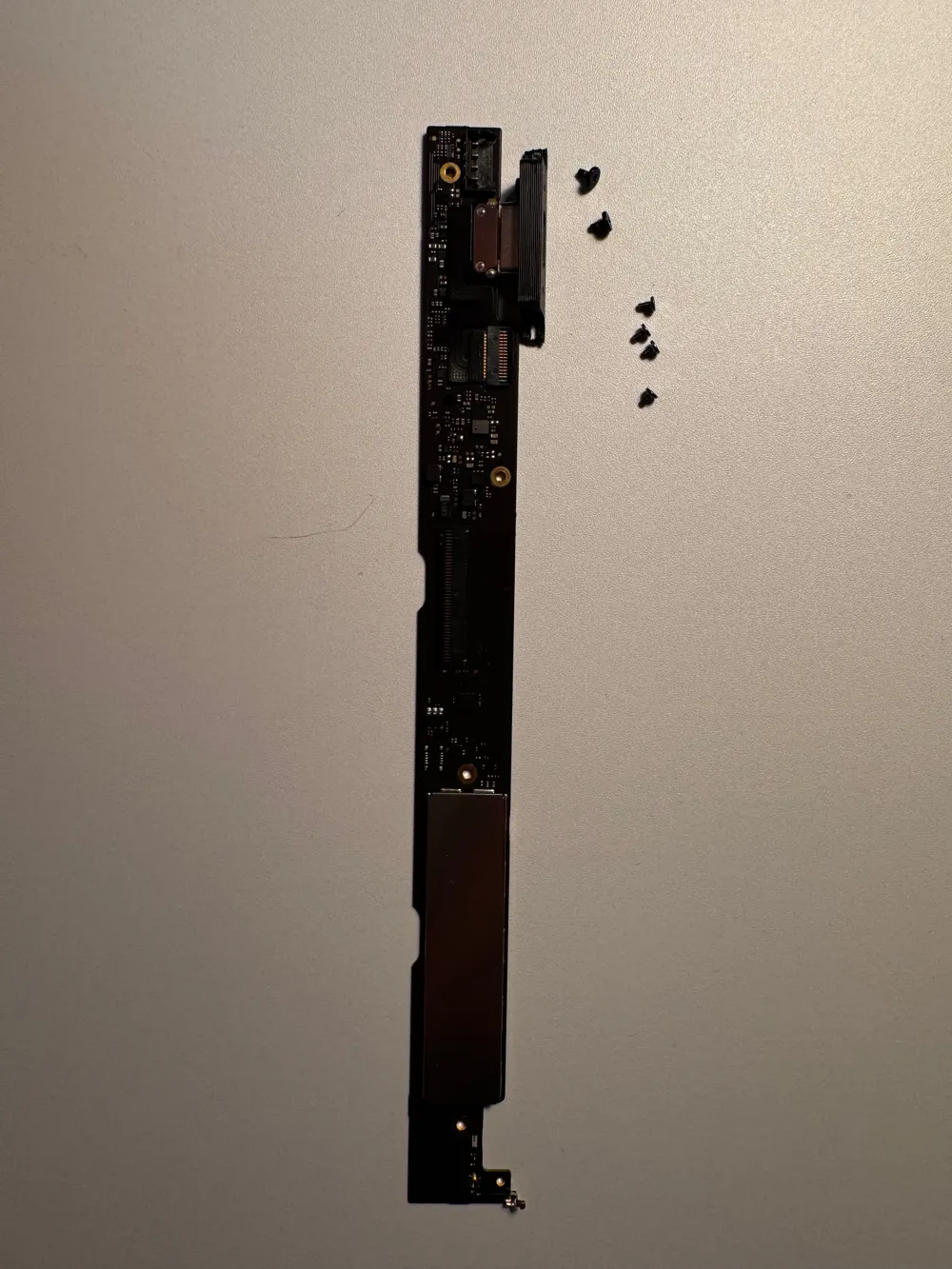
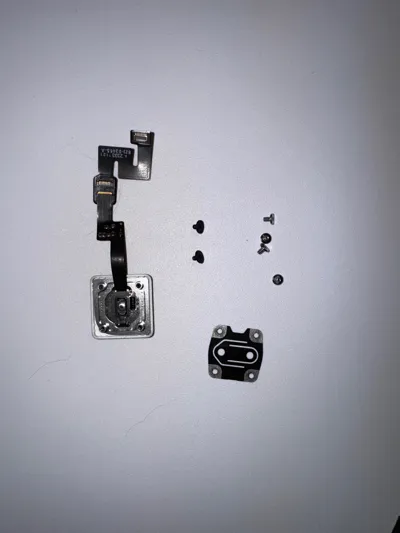
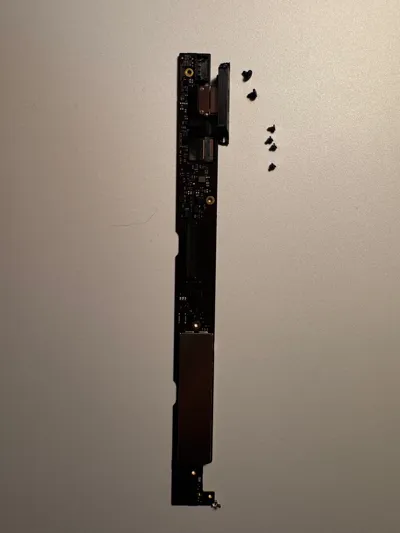
All of the screws used for the PCB/Port/Touch ID are from the Magic Keyboard.
- For the PCB I've used the 4 grey screws;
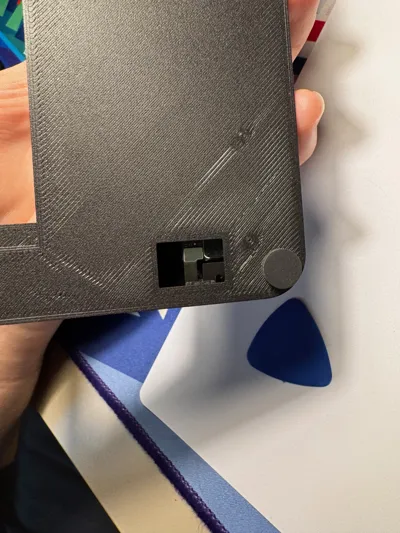
- For the lightning port I've used 2 black screws with a small head
- For screwing the lightning port shell into the case I've used 2 black screws with a big head
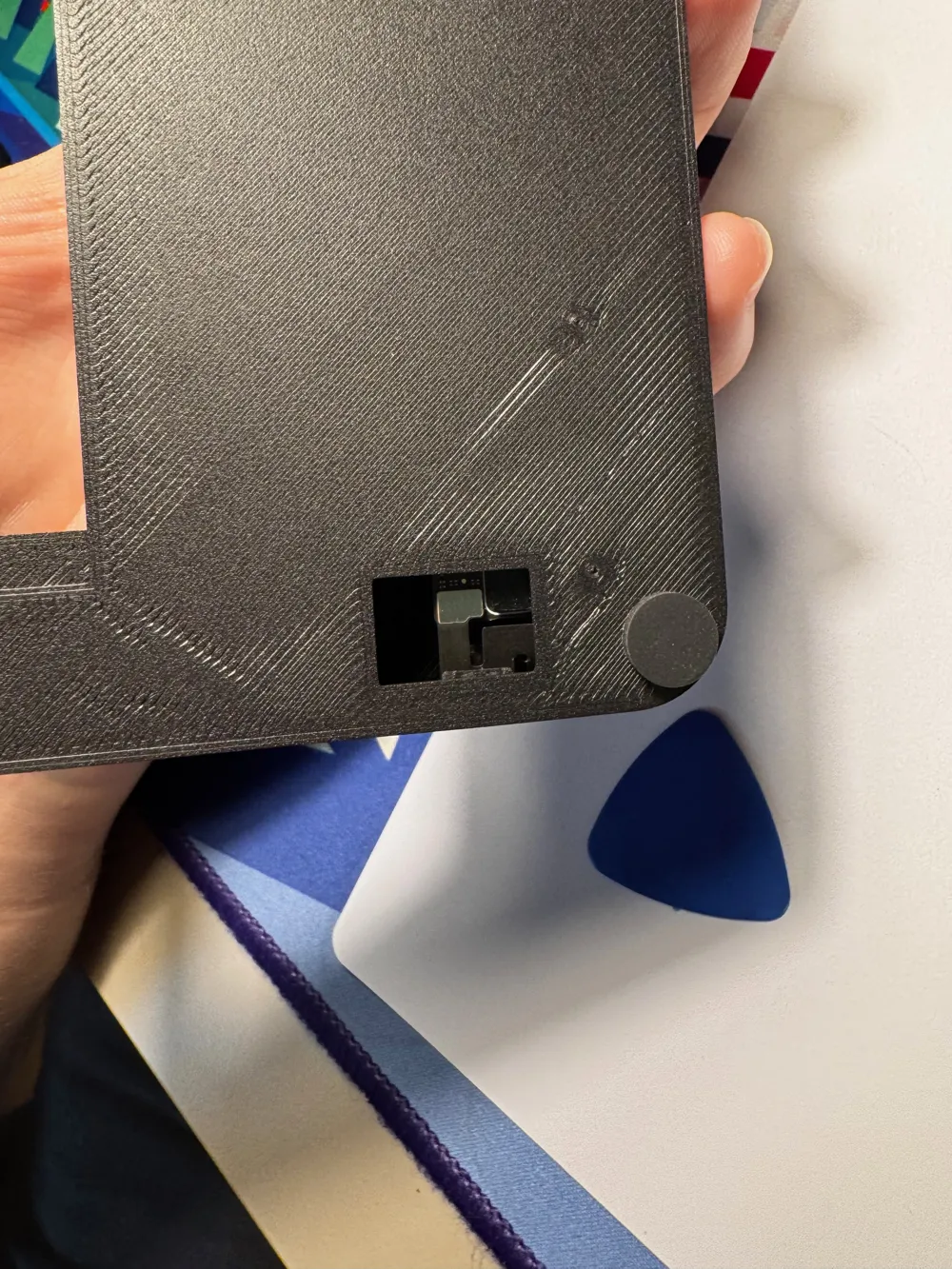
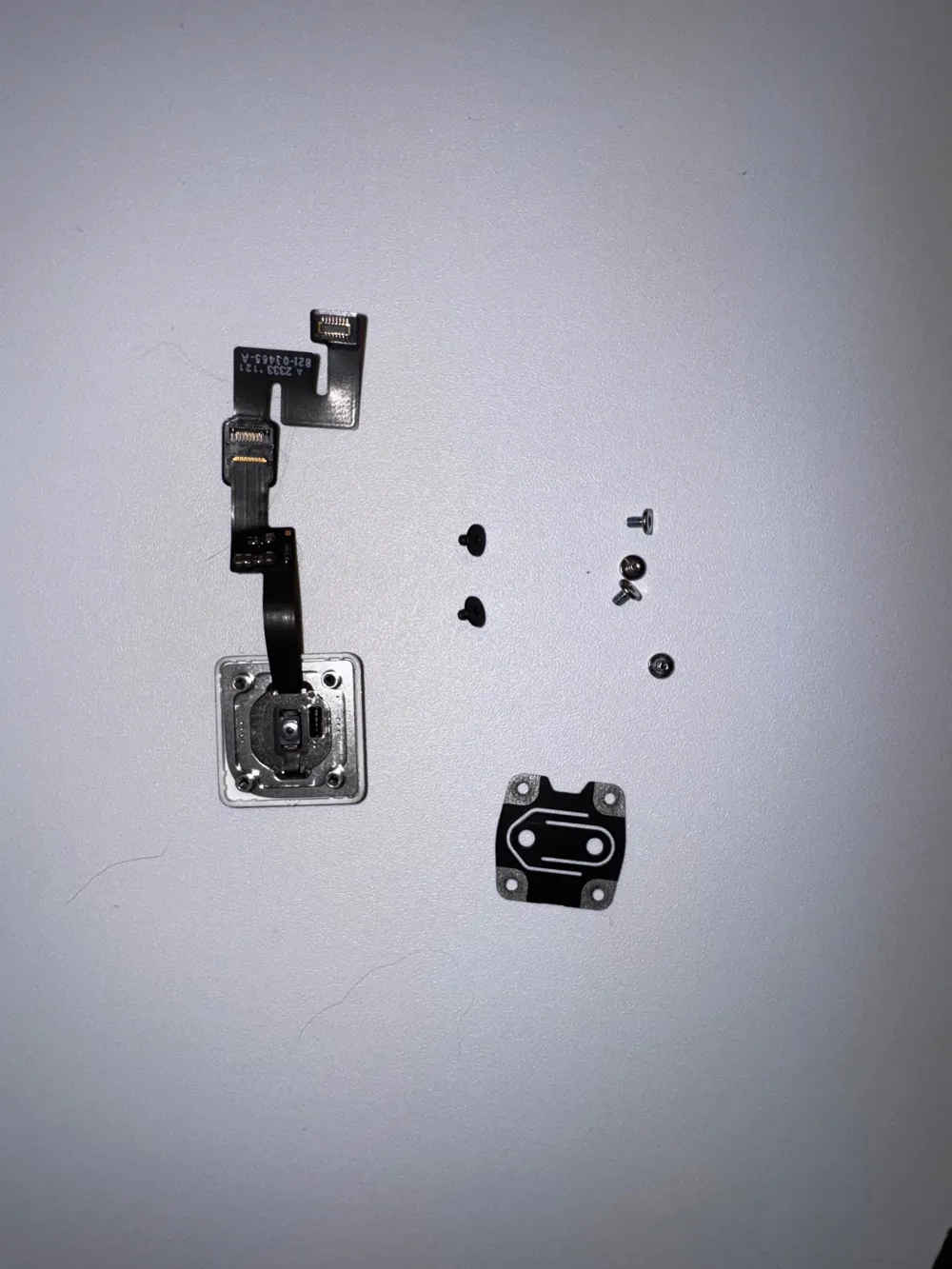
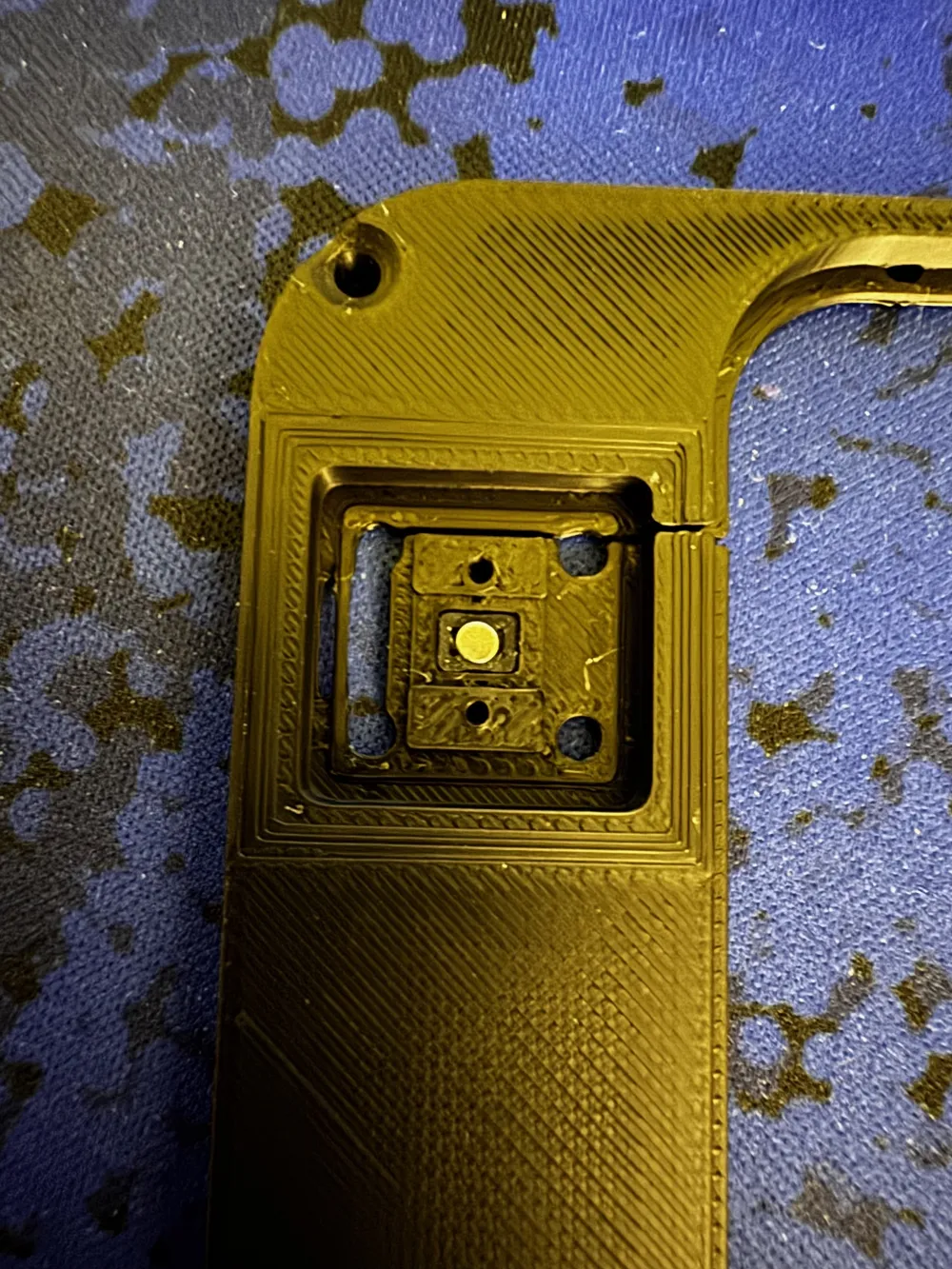
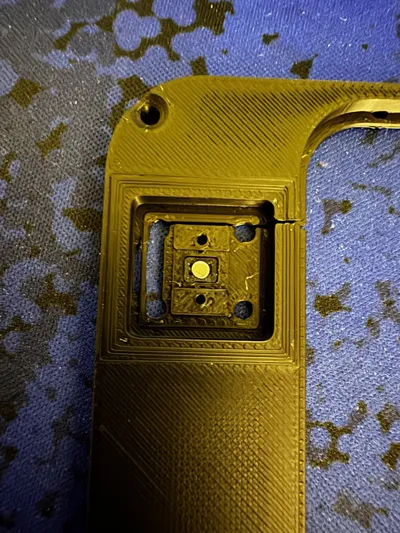
- For the Touch ID I've used the same screw and mechanism as in the original keyboard, 4 silver screws and 2 black screws with a big head. I've also transfered the small round metal piece used for the clicking mechanism of the Touch ID
You may not have to fully screw the 4 silver screws that hold the Touch ID module, the tolerances are very tight. Screw them tight enough that the clicking mechanism of the Touch ID module still works.
I've routed the cable for the Keyboard under the PCB, this depends on how long the wires are. The wires for the Magic Trackpad are looped around the USB-C Port as to not press on the battery when the Trackpad is on.
License



Comment & Rating (5)