
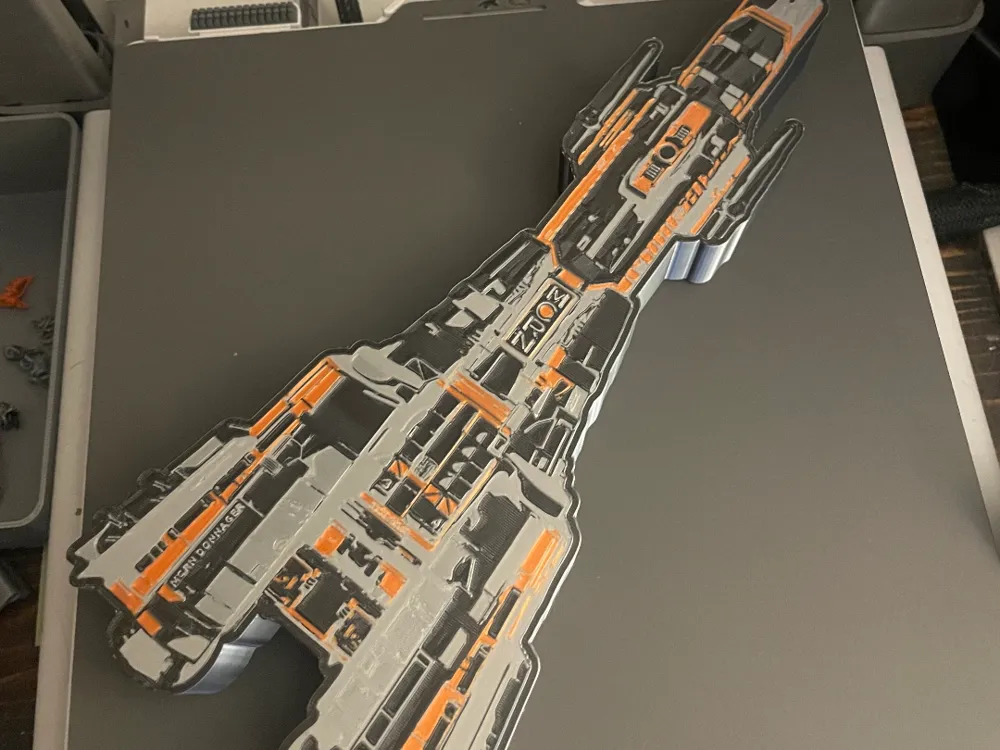
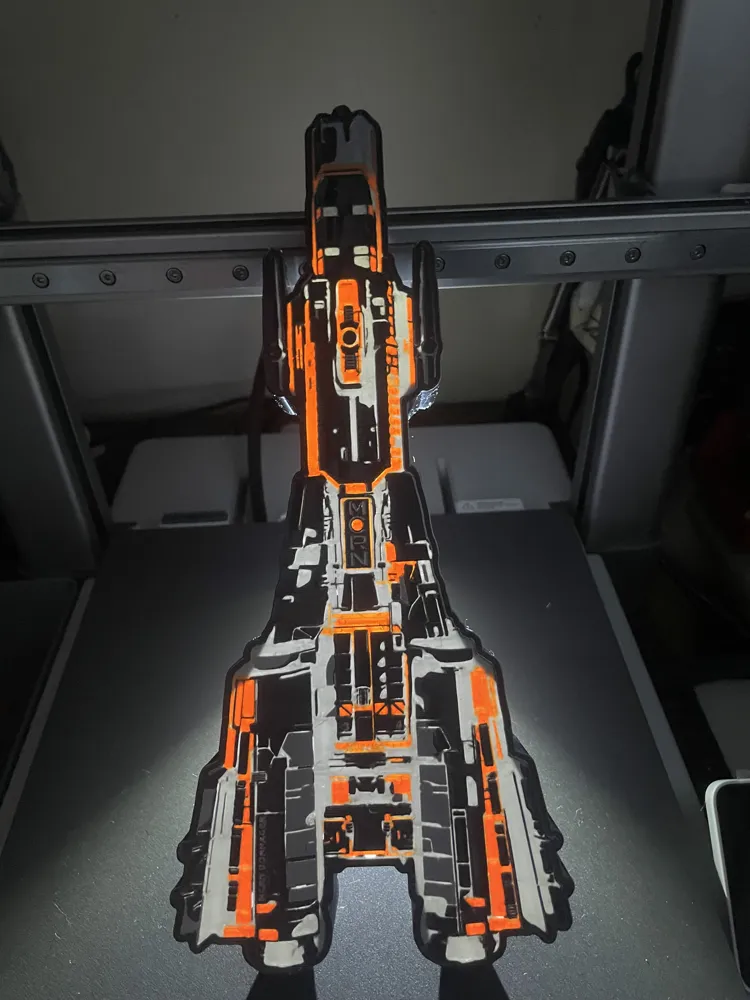
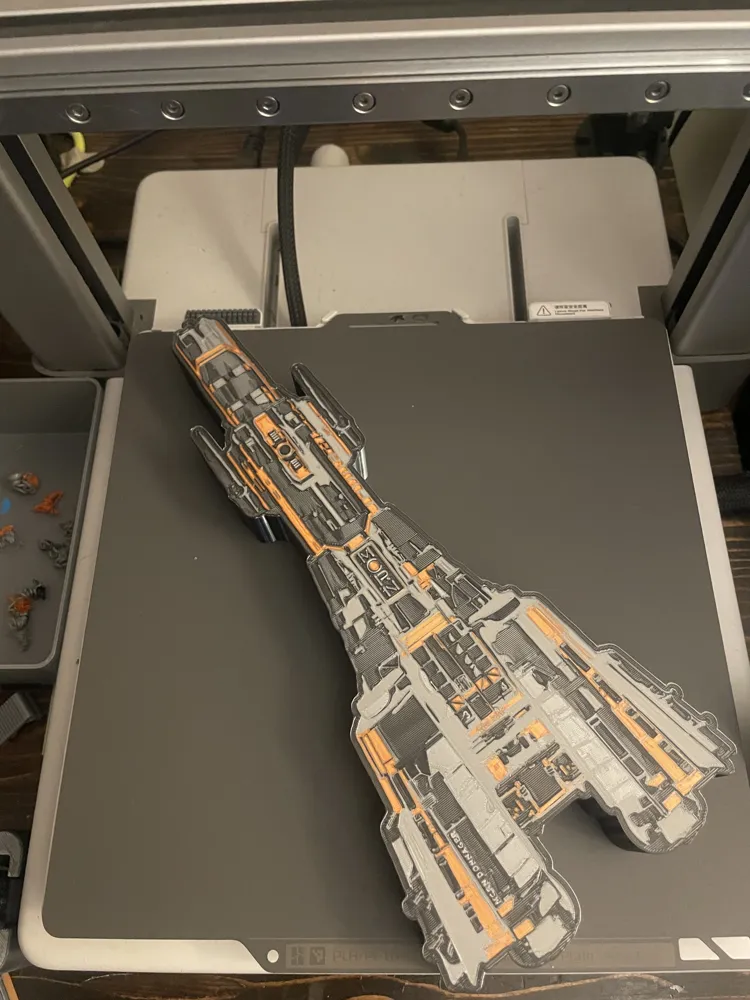
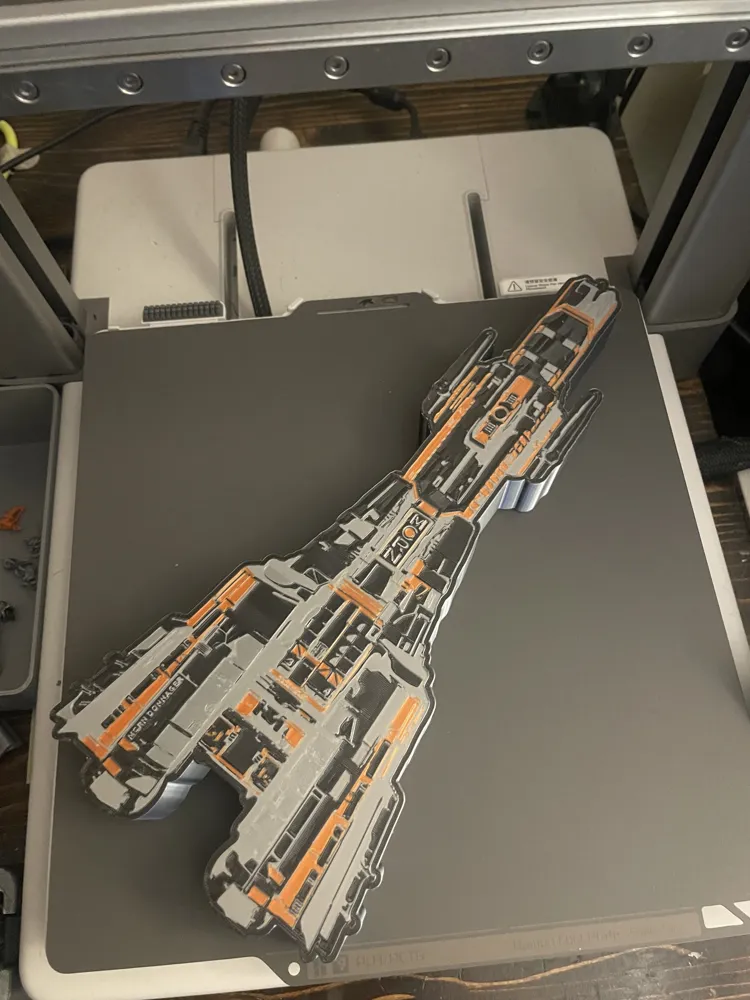
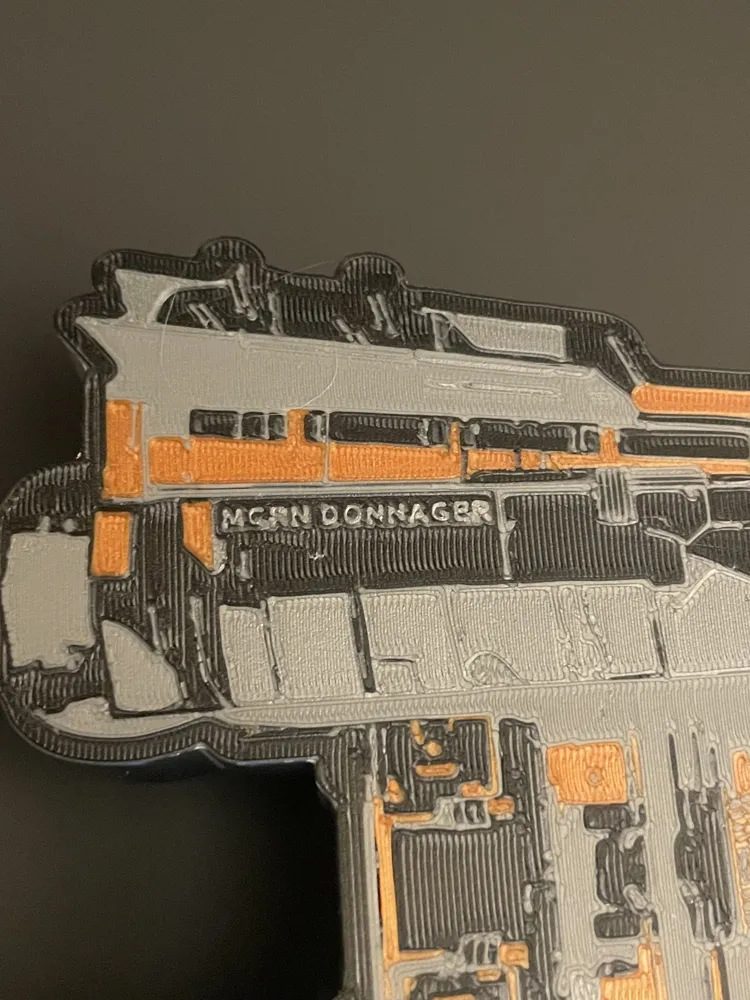
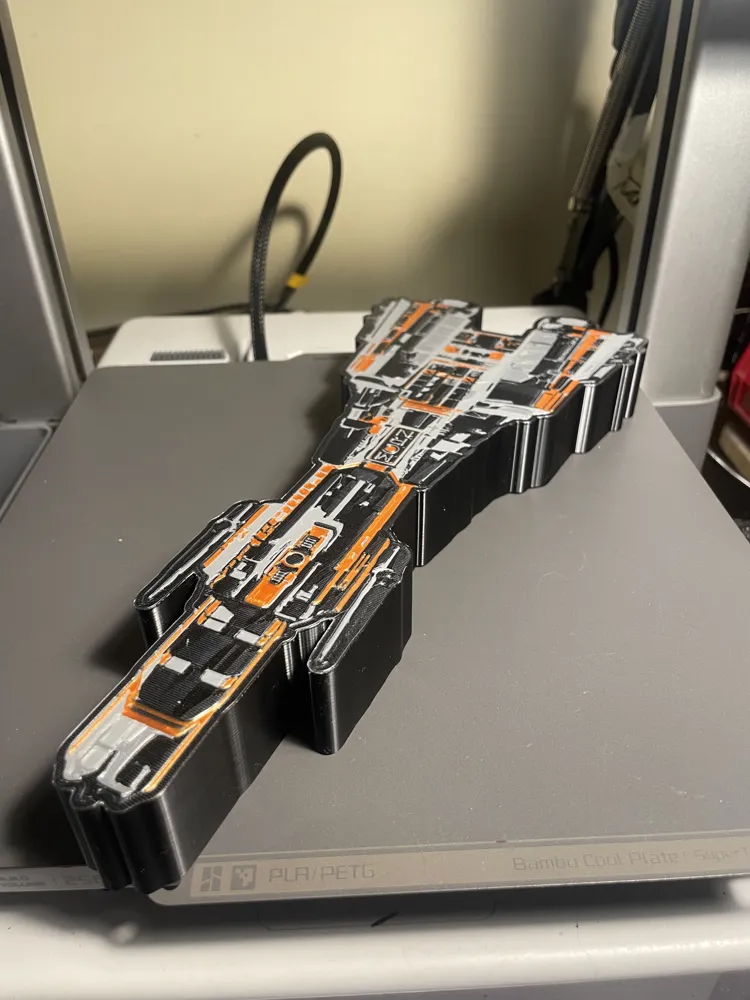
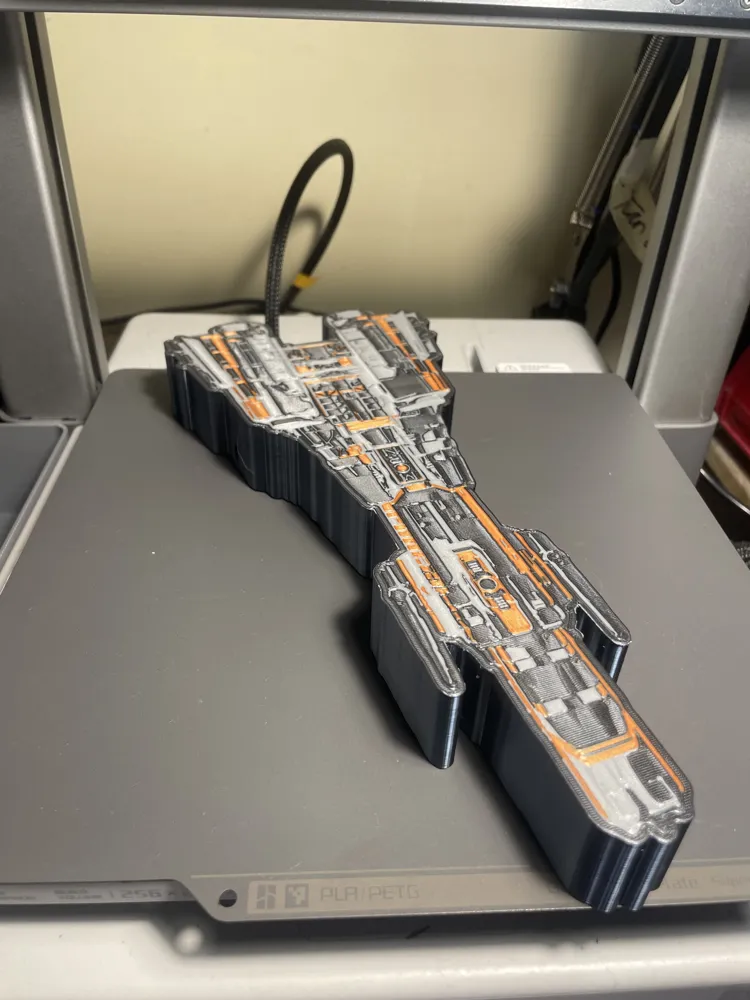
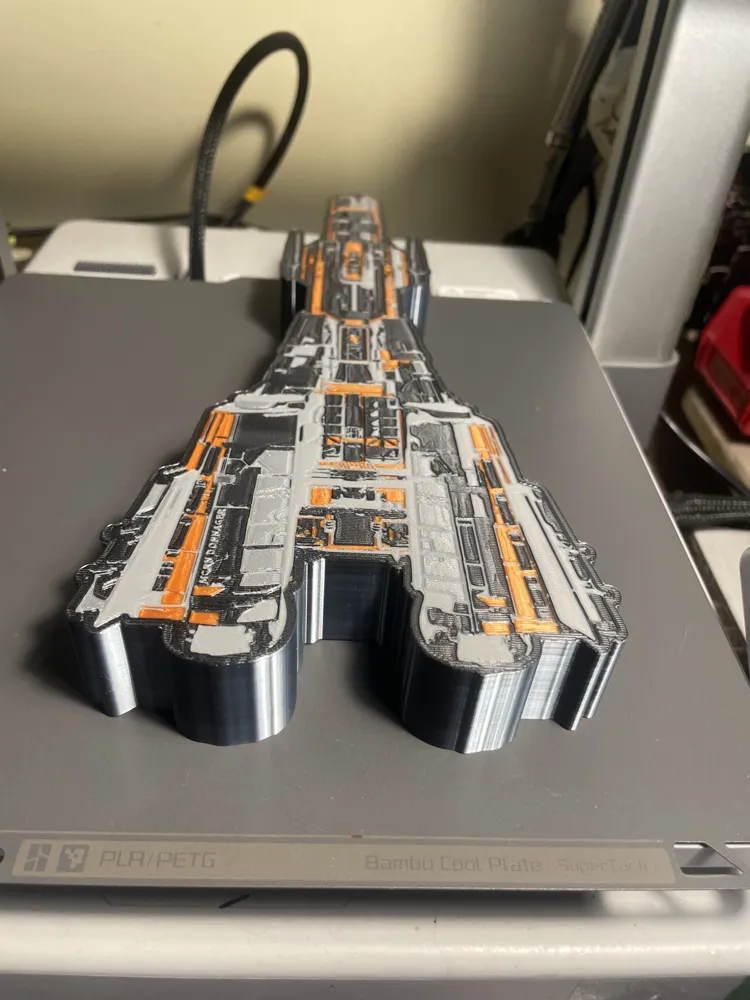
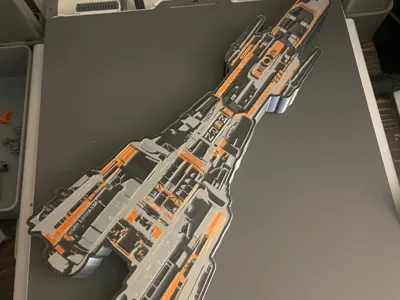
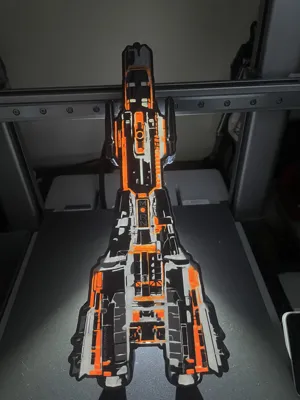
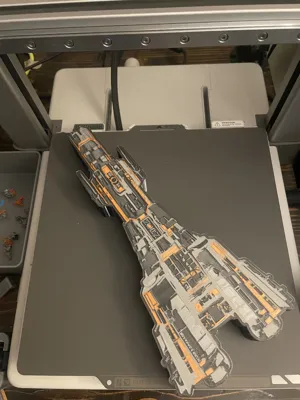
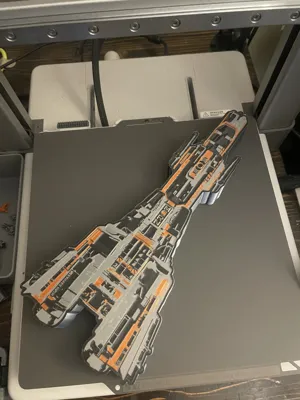
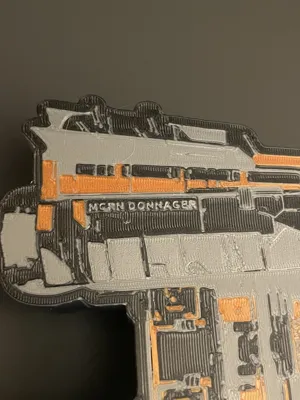
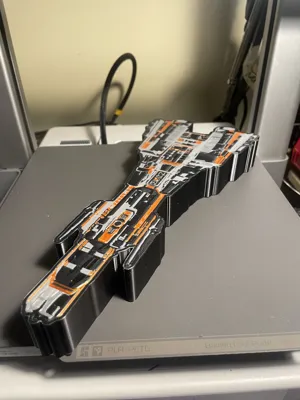
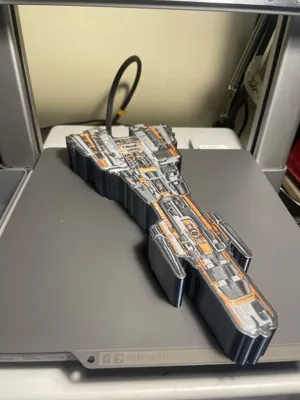
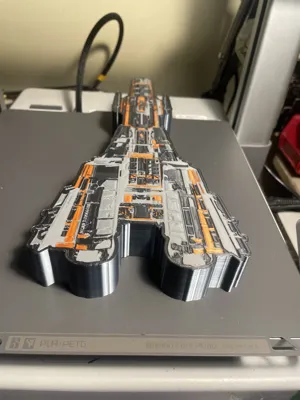
The Expanse MCRN Donnager (ship) Lightbox
Print Profile(1)

Description
Thank you for stopping by to check out this model - I hope you enjoy it!
Oye beltalowda!
From the books and TV series

Hundreds of years in the future, humanity has colonized the solar system, where Mars has become an independent military power. Tensions between Earth, Mars and the Outer Planets Alliance (OPA) have put them at the brink of war.
The Science Fiction novels are written by James S. A. Corey, the joint pen name of authors Daniel Abraham and Ty Franck.
How this was created & Colors used
I used the MakerLab Lightbox Maker to create this and used the default settings.
I used the AMS Lite which has only 4 spools to use.
However, there are many possibilities if desired, just select the main object, scroll through the list and color accordingly.
There are endless possibilities regarding colors and/or type of filament to use.
Note: Depending on the color(s) you choose, you may want to color ‘both’ sides, front and the back.
Lighting: I use an LED light strip, cut-to-fit to illuminate it.
Filament used
This time I wanted to try some silk filaments and it actually turned out quite nicely, there is lower light transmission through however I wanted it to look just as good if not better when not-lit.
- Inland Silk black silver (dual color) PLA
- Inland High Speed Silk Amber Gold (I picked this up the other day on sale, otherwise I would have used Copper Silk)
- Inland Silver PLA+ (not Silk, regular PLA+)
- Elegoo Silk Silver
FYI
*Be sure to clean your nozzle to avoid any unwanted blemishes that I may have on mine, which could simply be avoided by wiping the nozzle.
There is a negative rectangle to allow inserting a light strip.

Feel free to remove it, re-adjust or move it if you don't want it.
If you want to remove it, view the Objects list  and scroll through until you see an object named LED-Strip(horizontal)-pc(10.5x3.5).stl then delete it.
License



Comment & Rating (0)