
Zingo chip generator
Print Profile(1)

Description
Boost Me (for free)
If you appreciate my prints, please boost! It helps me buy more filament to print test models.
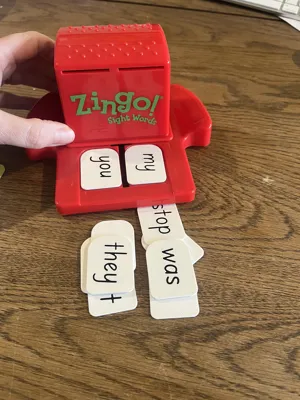
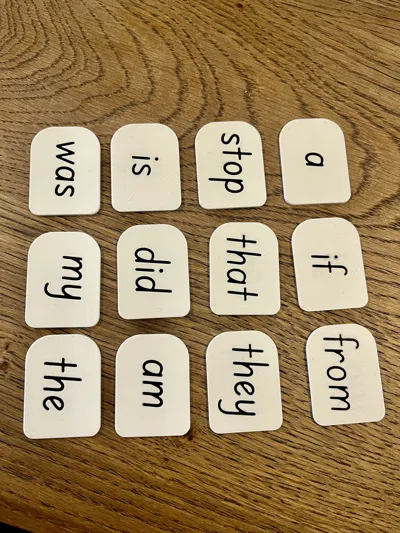
Custom Zingo Chips

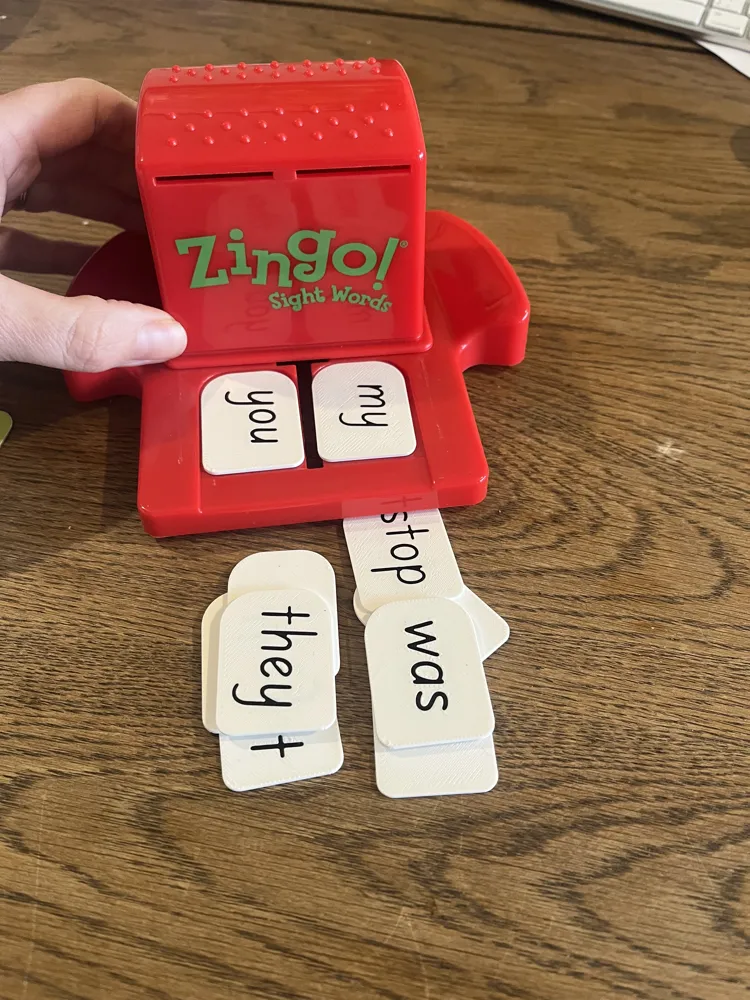
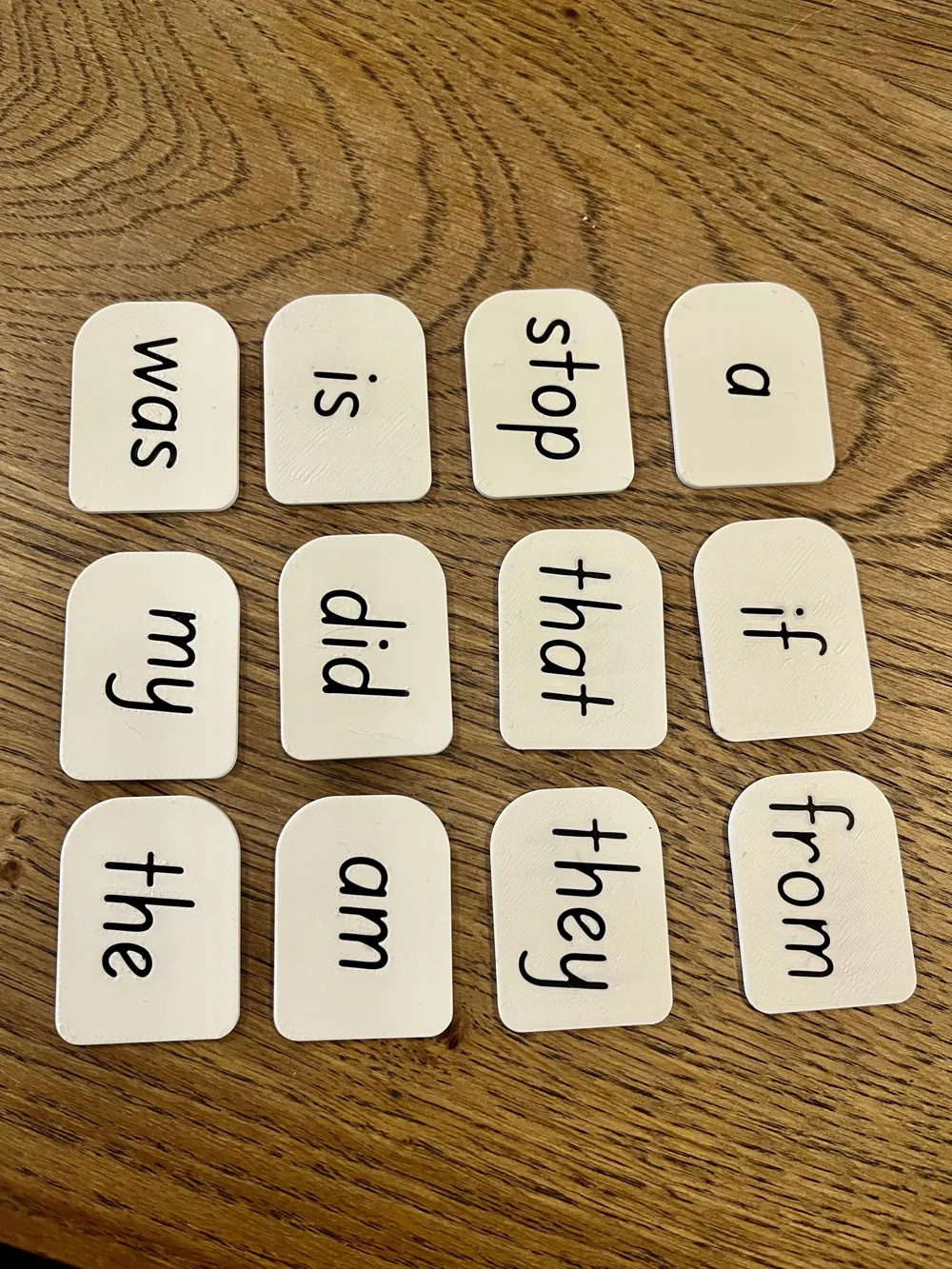
A fully-customisable OpenSCAD model for generating your own Zingo/Bingo-style chips. Perfect for classrooms, speech therapy, ESL, memory games, special-needs classrooms, and more. Chips fit perfectly in zingo dispensers. To use the customiser, you must use a computer and select ‘customize’ under the sample print profile.
Text can be mirrored on the bottom of zingo chip, just like the original chips in the game or you can input a separate list for the back of the chips. Separate colours for text on the back and front can be chosen as well.
To customise, you need to use the makerworld website and click ‘customize’, which opens the parametric model maker. Here is a quick video I made explaining it. Sorry, it was unscripted and I waffle a little!
Key Features
- Comma-Separated Word Input
Simply type your words separated by commas into the Customizer field (text_input). The script will generate your chips automatically. - Font Picker Integration
Choose from the MakerWorld extensive font library. - Adjustable Text Properties
- Size (font_size) & Depth (text_depth, insert_depth)
- Rotation selectable from 0°, 90°, 180°, or 270°
- Multi-Material Color Inlay
Engrave and then inset coloured filament for high-contrast text.
Use-Cases
- Custom Bingo/Zingo Games: Vocabulary, sight-words, math facts, or theme-based bingo.
- Speech Therapy & ESL: Targeted word drills, phonics practice, sentence building.
- Memory & Matching Games: Pairs, categories, or “odd one out.”
Printer Tip: For very small text sizes or intricate fonts, I recommend a 0.2 mm nozzle to ensure crisp, legible text inlays. Also, setting the print order to print the colour of the text first has best results for crisp text (as long as bed adhesion is good!)
License



Comment & Rating (17)