Search models, users, collections, and posts

Yoda Collapsing Lightsaber (No AMS)
Remixed by

Print Profile(3)

All
A1
X1 Carbon
H2D
X1E
A1 mini
P1P
X1
P1S
H2D Pro
H2S
P2S
H2C
X2D
A2L

Lightsaber Handle
Lightsaber Handle
Designer
3.9 h
2 plates
4.5(21)

Collapsing Blade (By Object, only A1)
Designer
2.2 h
2 plates
4.8(8)

Collapsing Blade
Collapsing Blade
Designer
2.6 h
5 plates
4.4(7)

Open in Bambu Studio
Boost
193
575
107
5
726
426
Released 

Description

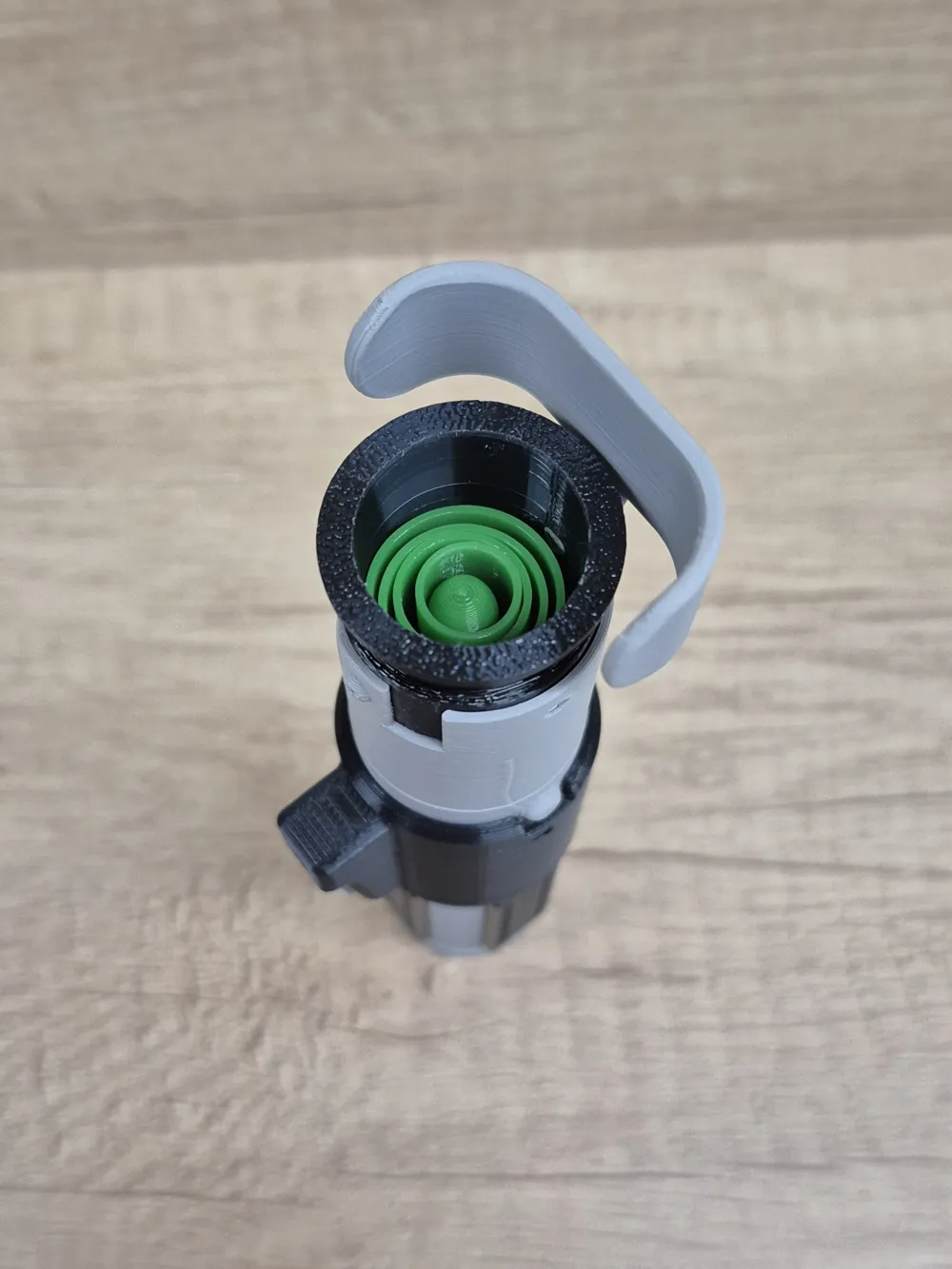
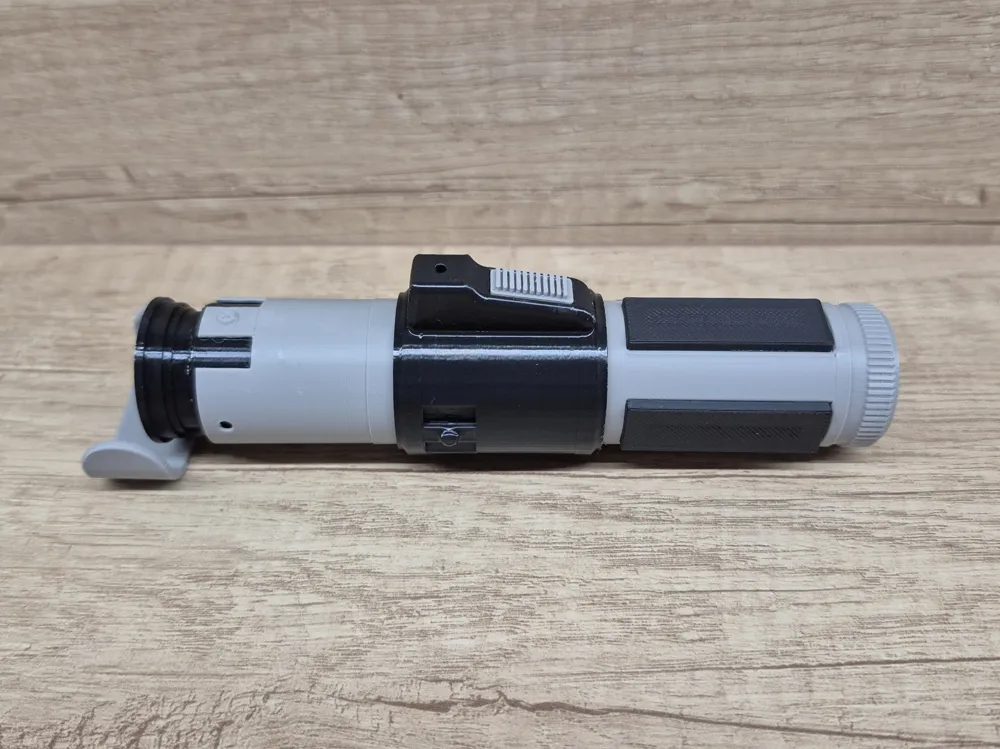
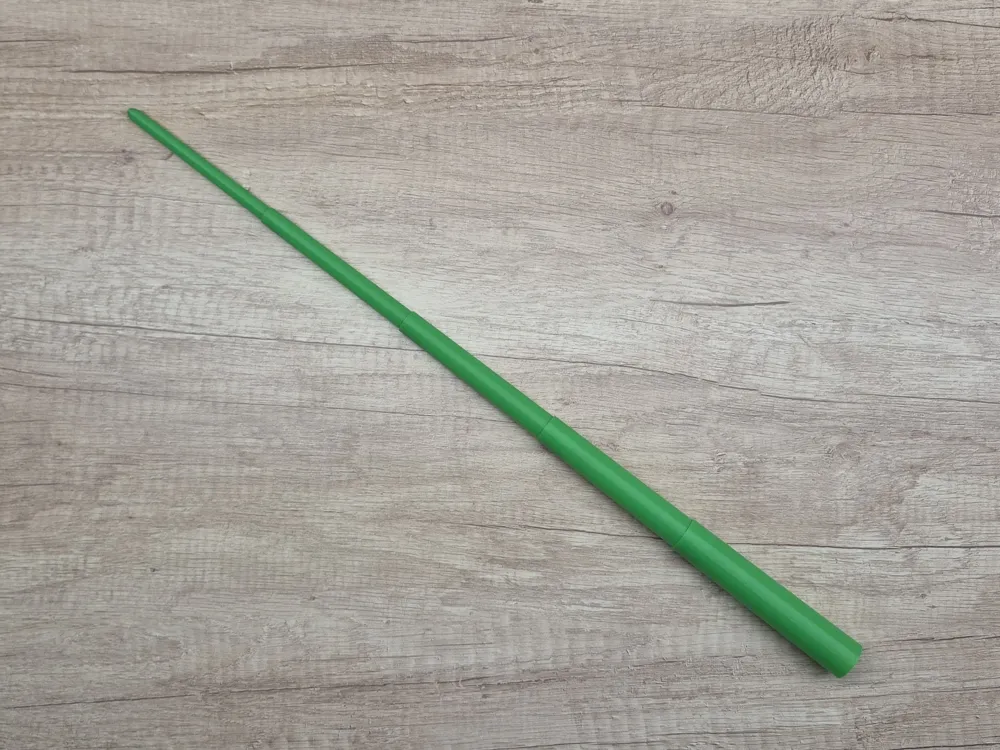
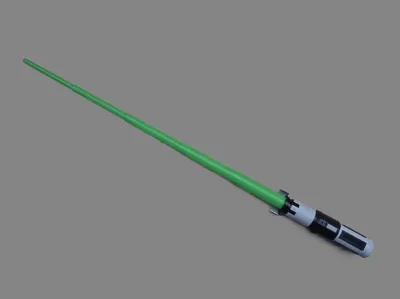
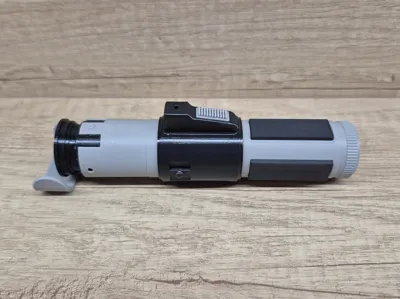
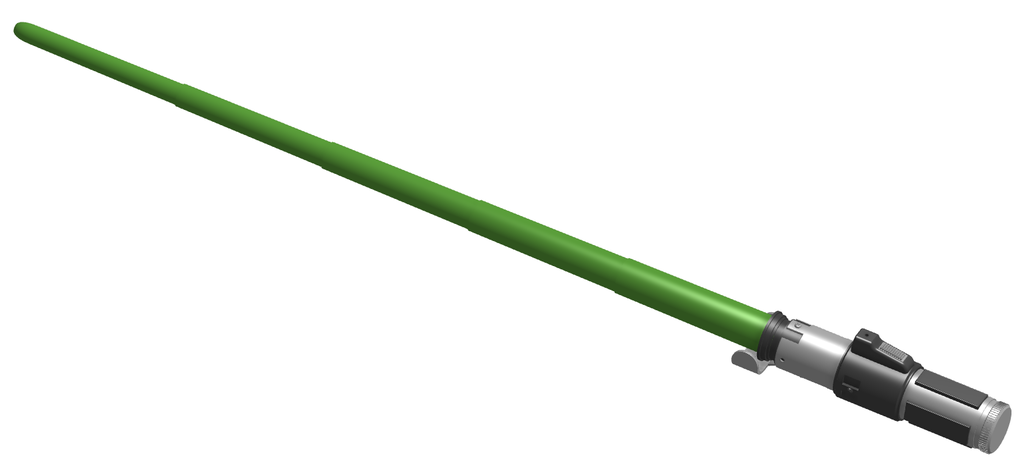
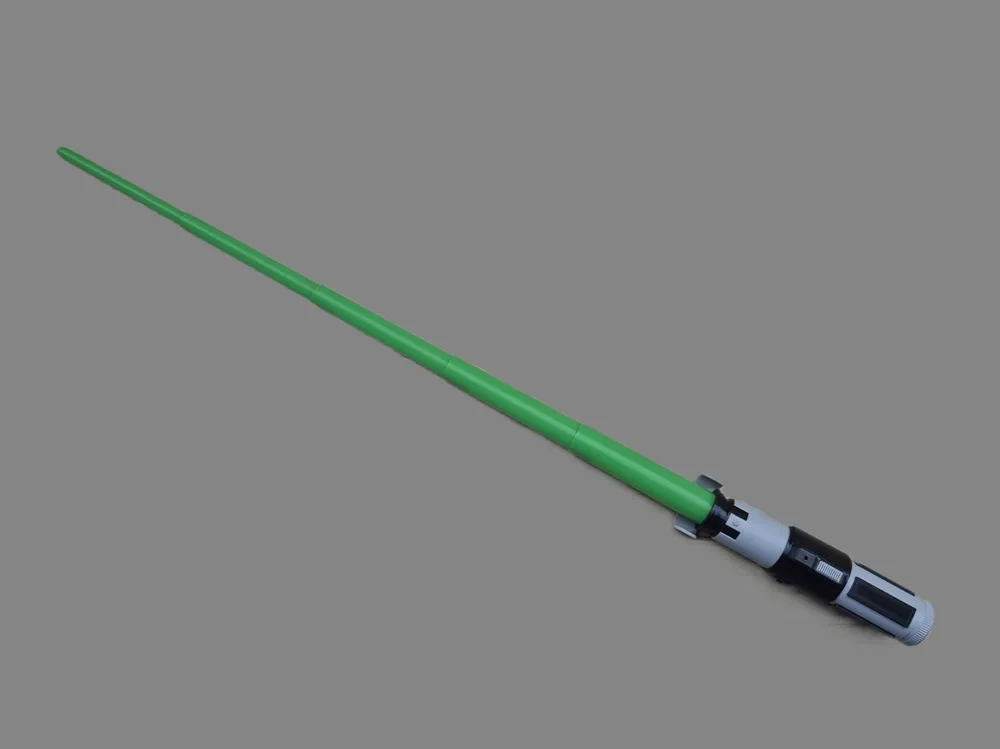
Print settings for the Yoda Lightsaber model with a modified blade: 

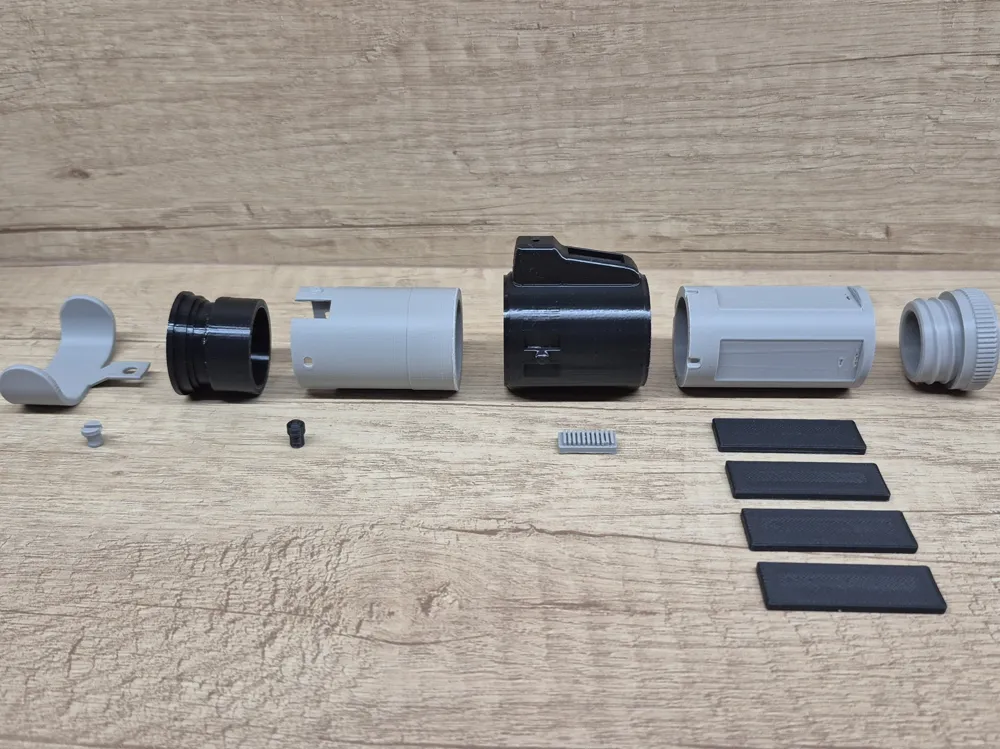
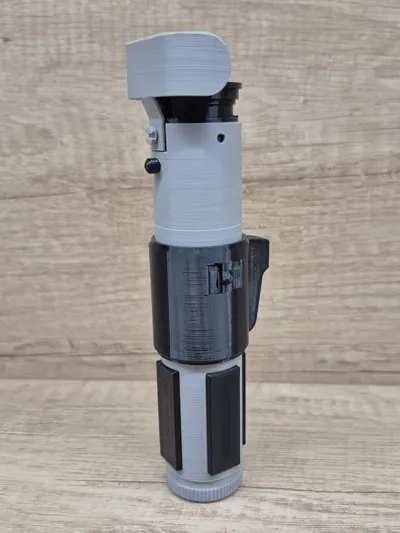
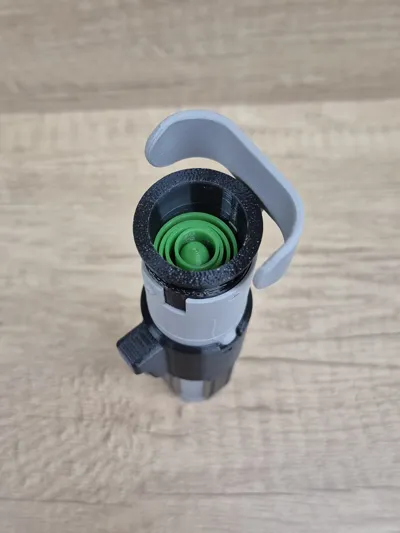
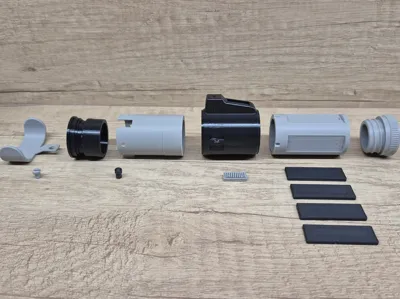
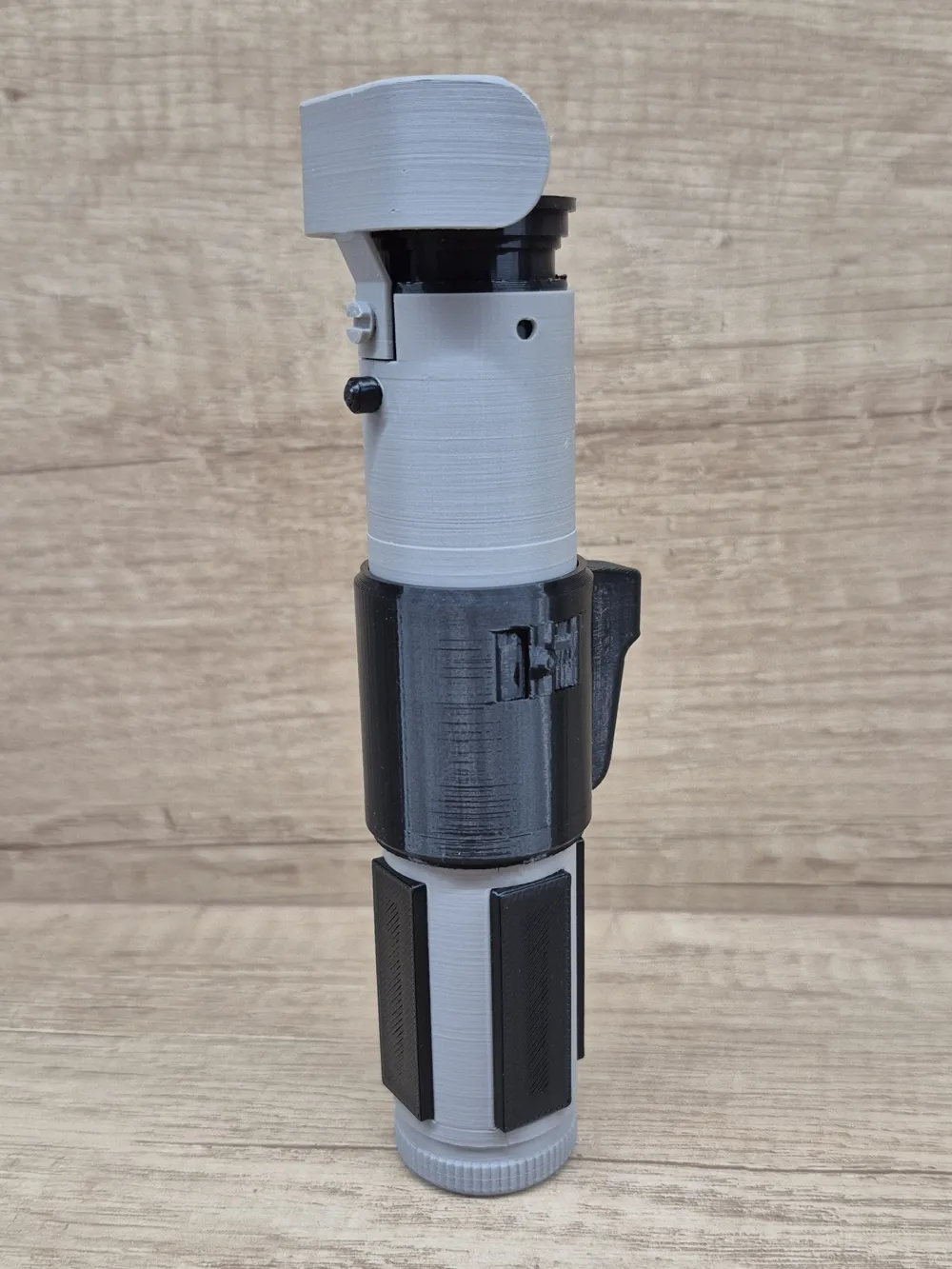
Split into multiple parts as in the original model, the handle allows printing without AMS and is easy to glue together afterward.

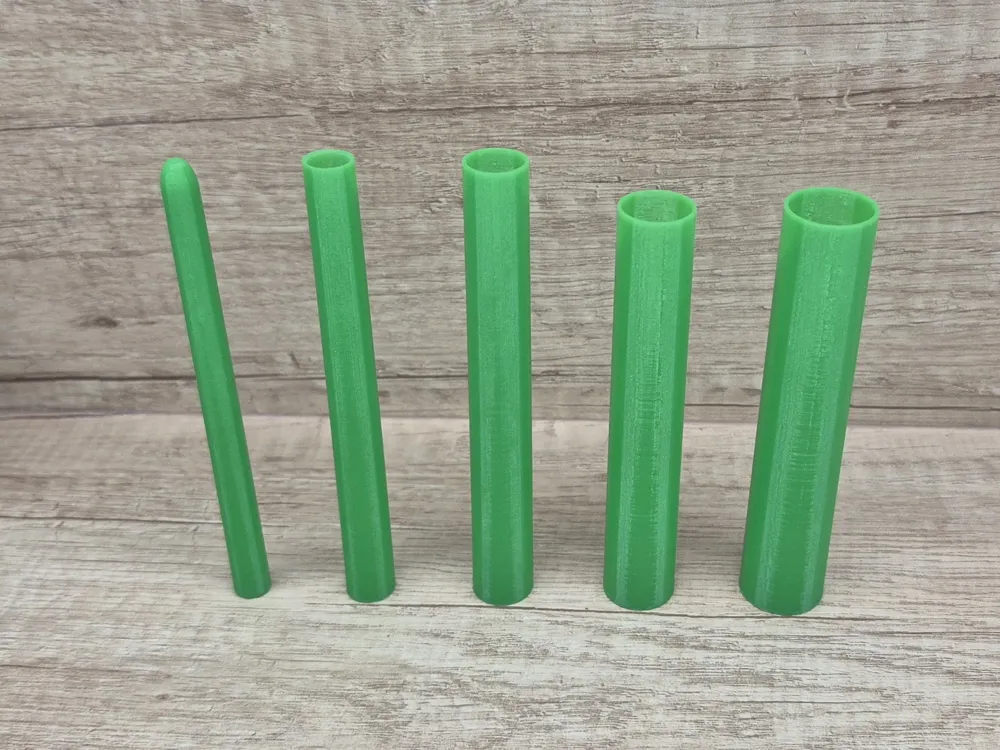
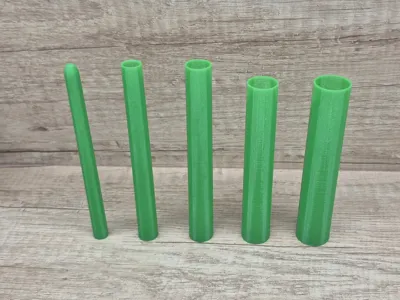
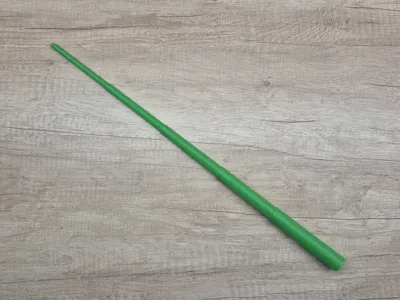
The blade is now stronger than the original thanks to thicker walls.

Retaining its original look and functionality, the model is more durable and easier to print.


To print the Blade, you need to switch to the 'All' tab in the print profiles. The print profile for the Collapsing Blade is currently set only for the A1 printer. The Blade should be printed in Vase mode with an extrusion width of 0.9 mm.

Comment & Rating (107)

(0/1000)

here’s the details
The designer has replied
0
Reply
Sorry to hear you’re having issues. From the pictures the print itself looks fine, it just needs to be assembled and glued correctly while keeping everything aligned. The model is designed with tolerances, so the joints are slightly looser to allow proper fitting. The top part is a bit fragile, I know that, but the original model isn’t mine. I just adapted it and made the blade stronger.
0
Reply
Print Profile
Lightsaber Handle
at home they loved it!!! we loved it
The profile uploader has replied
Show original
0
Reply
Nice print, thanks for the rating!
0
Reply
Boosted
Print Profile
Lightsaber Handle
Wow, it looks awesome
The profile uploader has replied
Show original
0
Reply
Thanks Good work
Show original
0
Reply
Boosted
Print Profile
Collapsing Blade (By Object, only A1)
Sehr schöner Druck.
The profile uploader has replied
0
Reply
Danke schön!
0
Reply
it printed perfectly would recommend it all sloted togethar with no problems, used some hot glue on the grip that’s on the side that prints separately, I printed it in matte white and then did a paint job with poscas,
The designer has replied
0
Reply
Great job! Looks awesome!
0
Reply
Print Profile
Lightsaber Handle
The profile uploader has replied
0
Reply
If I’m looking at it correctly, the issue is at the bridging area. But honestly I don’t understand where the mistake happened. Check the cooling settings for overhangs for your filament.
0
Reply
Print Profile
Lightsaber Handle
The profile uploader has replied
0
Reply
Thanks for the rating! Your print looks great!
0
Reply
Print Profile
Collapsing Blade (By Object, only A1)
The profile uploader has replied
0
Reply
Thank you!
0
Reply
how do you print the blade? I can’t see the file.
The designer has replied
0
Reply
it is a seperate print you go to print the handle and then swipe to the left and then click on it
(Edited)
0
Reply
Replying to @user_3545965334 :
thanks, do you know which file?
0
Reply
Replying to @user_648446485 :
You need to switch to the "All" tab in the print profiles — the print profile for the Collapsing Blade is set only for the A1 printer.
0
Reply
can I have the blades model
The designer has replied
0
Reply
To print the Blade, you need to switch to the 'All' tab in the print profiles. The print profile for the Collapsing Blade is currently set only for the A1 printer, and I’m not sure how to change it.
0
Reply
Replying to @tnt97 :
thanks
0
Reply
Replying to @tnt97 :
thanks
0
Reply

This remix is based on


License

This user content is licensed under a Standard Digital File License.

You shall not share, sub-license, sell, rent, host, transfer, or distribute in any way the digital or 3D printed versions of this object, nor any other derivative work of this object in its digital or physical format (including - but not limited to - remixes of this object, and hosting on other digital platforms). The objects may not be used without permission in any way whatsoever in which you charge money, or collect fees.