
Print Profile(1)


Bill of Materials


Description
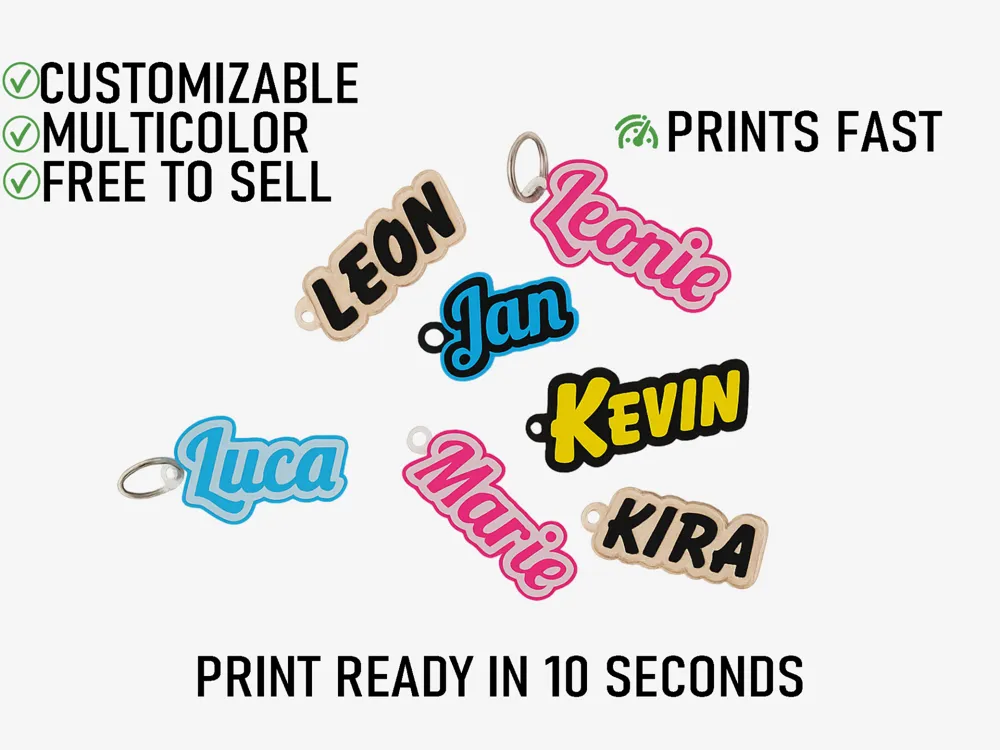
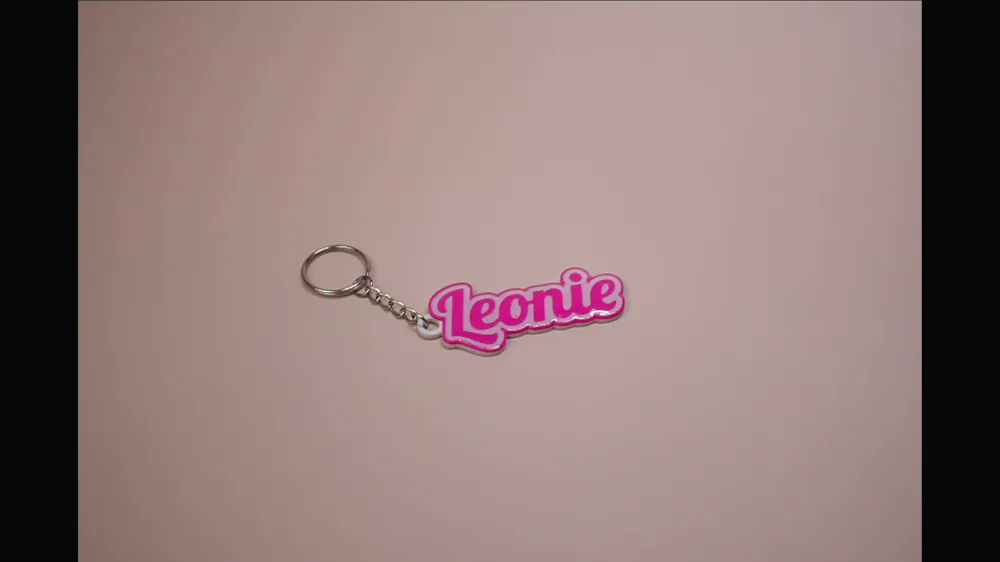
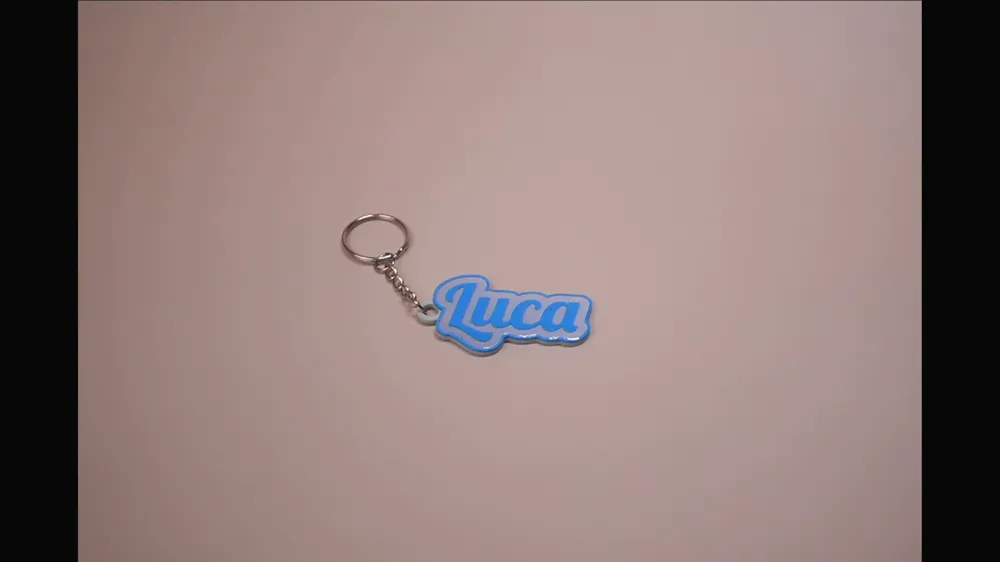
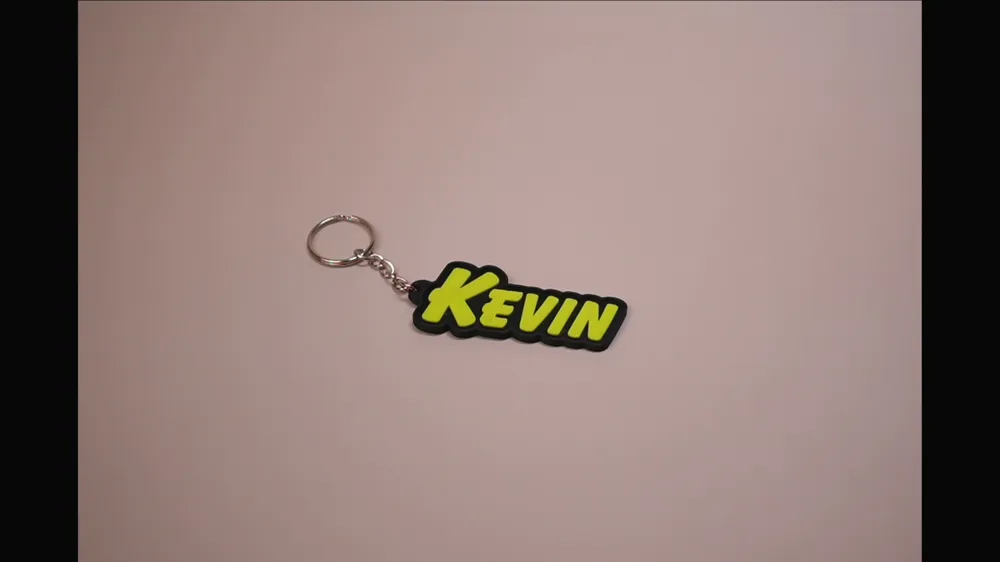
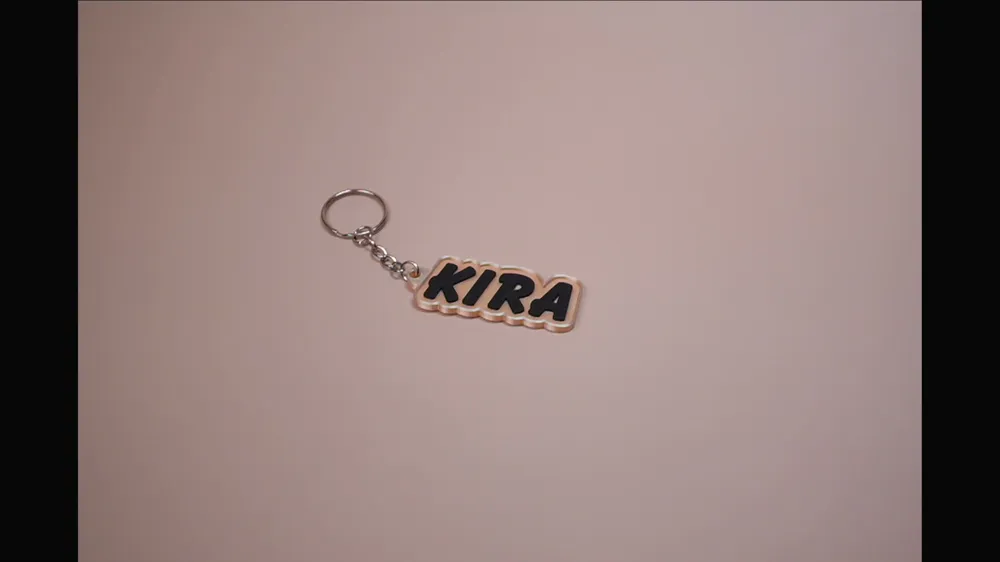
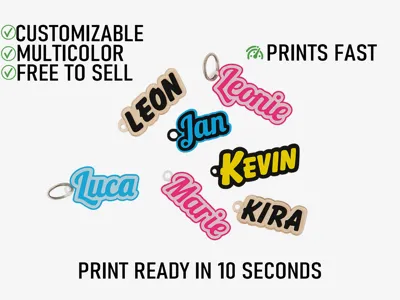
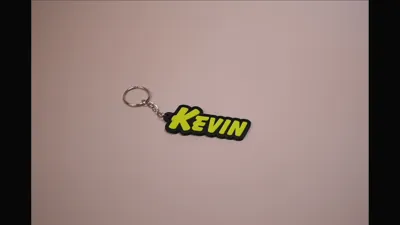
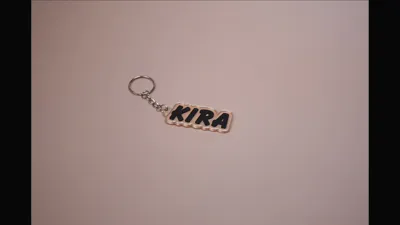
Customizable Name Keychain – Also for Commercial Use
Boost Me (for free)
Did you print the keychain? Show your result in the comments and leave a boost – this motivates me to further develop the model and release new designs!
This keychain can be personalized with an individual name in just a few clicks – directly in the MakerWorld Customizer, without any additional software. Whether as a personal gift, for friends and family, or for commercial use in markets, gift shops, and online retail – with the wide selection of fonts, you'll find the perfect style for any occasion
Multi-color Printing: The model is already colored in the slicer after download, select the correct filaments in the filament slots and start printing. An AMS or manual filament change is required for this. A picture guide can be found below
Update:
You can now generate multiple keychains simultaneously. Additionally, the different styles can now be switched much more easily via a dedicated selection menu, instead of having to adjust everything manually through individual parameters
The menu has been generally tidied up and made clearer, so that the most important options can be found more quickly
The old version can still be selected
If you have any questions, I am happy to help in the comments
Customizable Parameters:
- Name / Text
- Style: Standard, frameless, embedded, flat
- Font (50+ Fonts: Script, Display, Sans-Serif, Serif, Retro and much more)
- Ring size for the keyring
Suitable for:
- Personalized gifts & souvenirs
- DIY projects
- Commercial sale (markets, shops, online retail)
Instructions:
Step 1: Click on customize
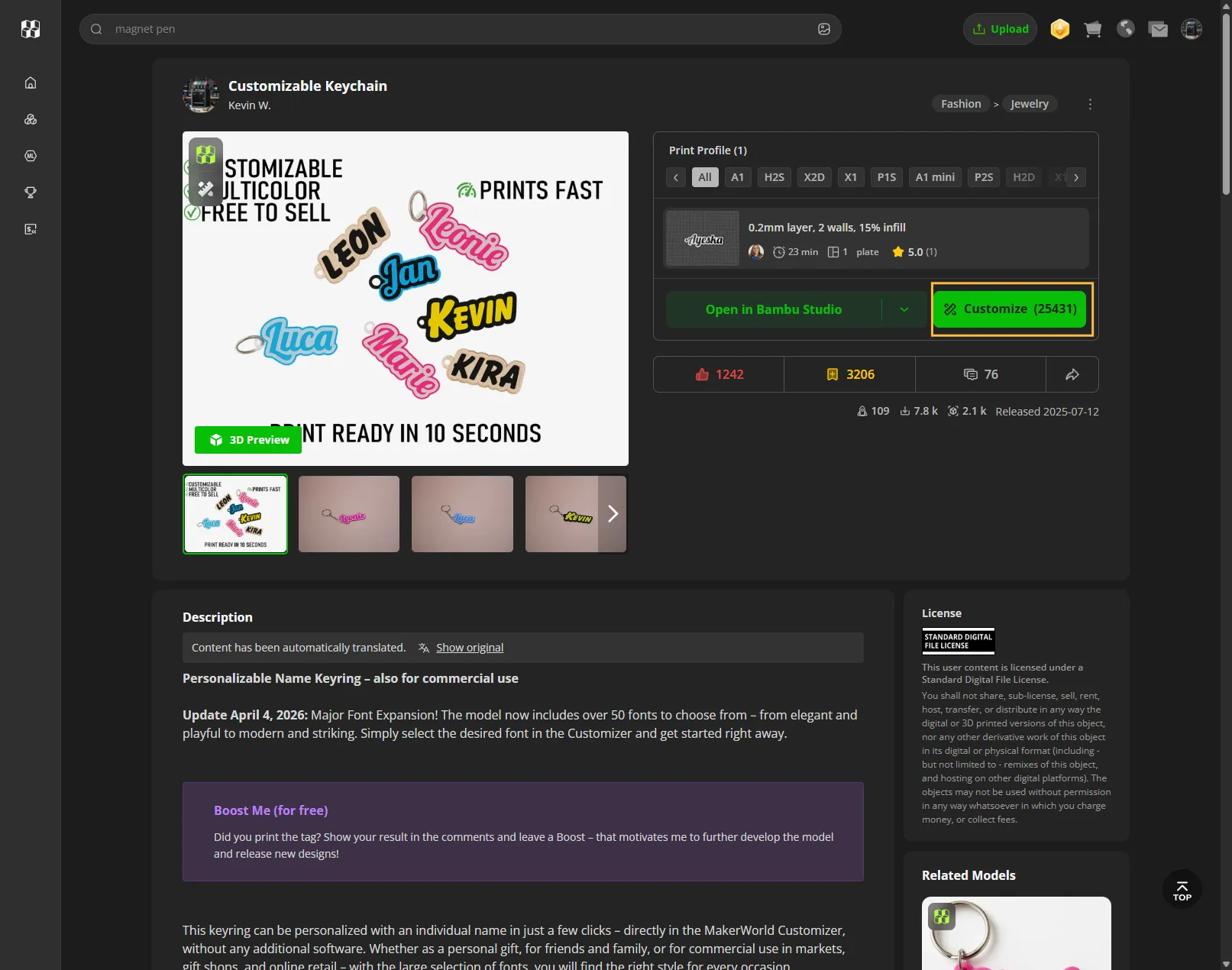
Step 2: Select customize again
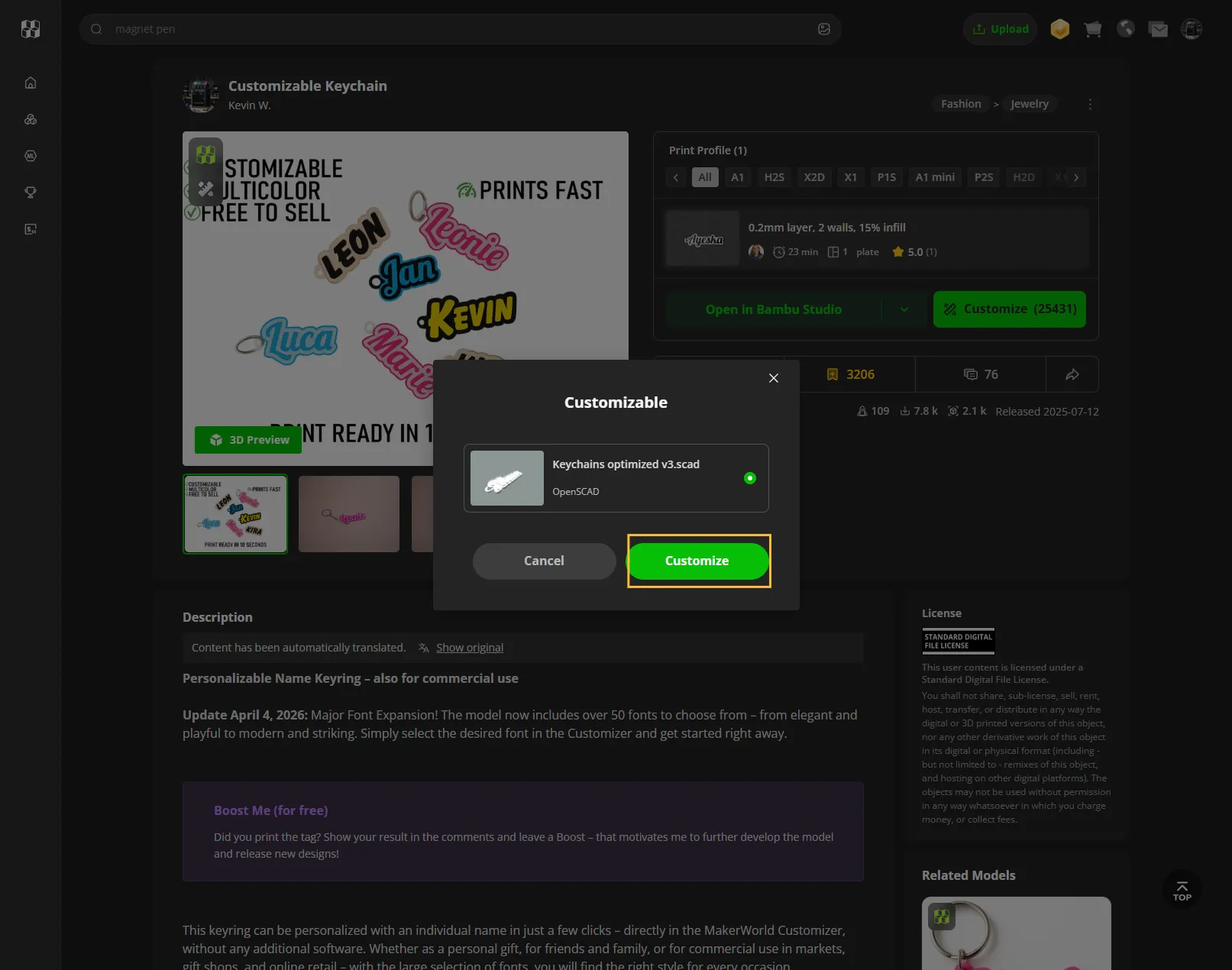
Step 3: Change the text to the desired name and choose your font
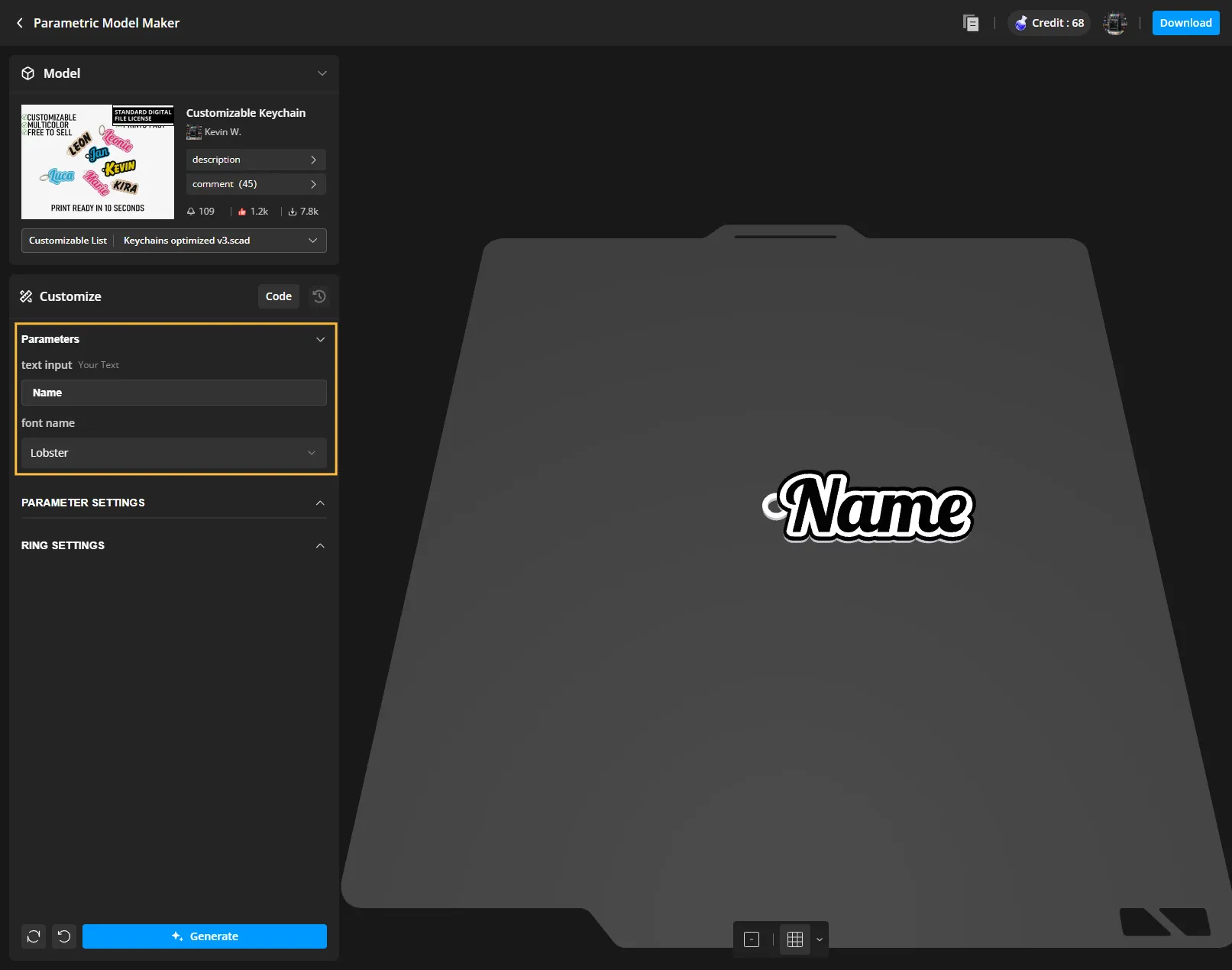
Step 4: Click on Generate
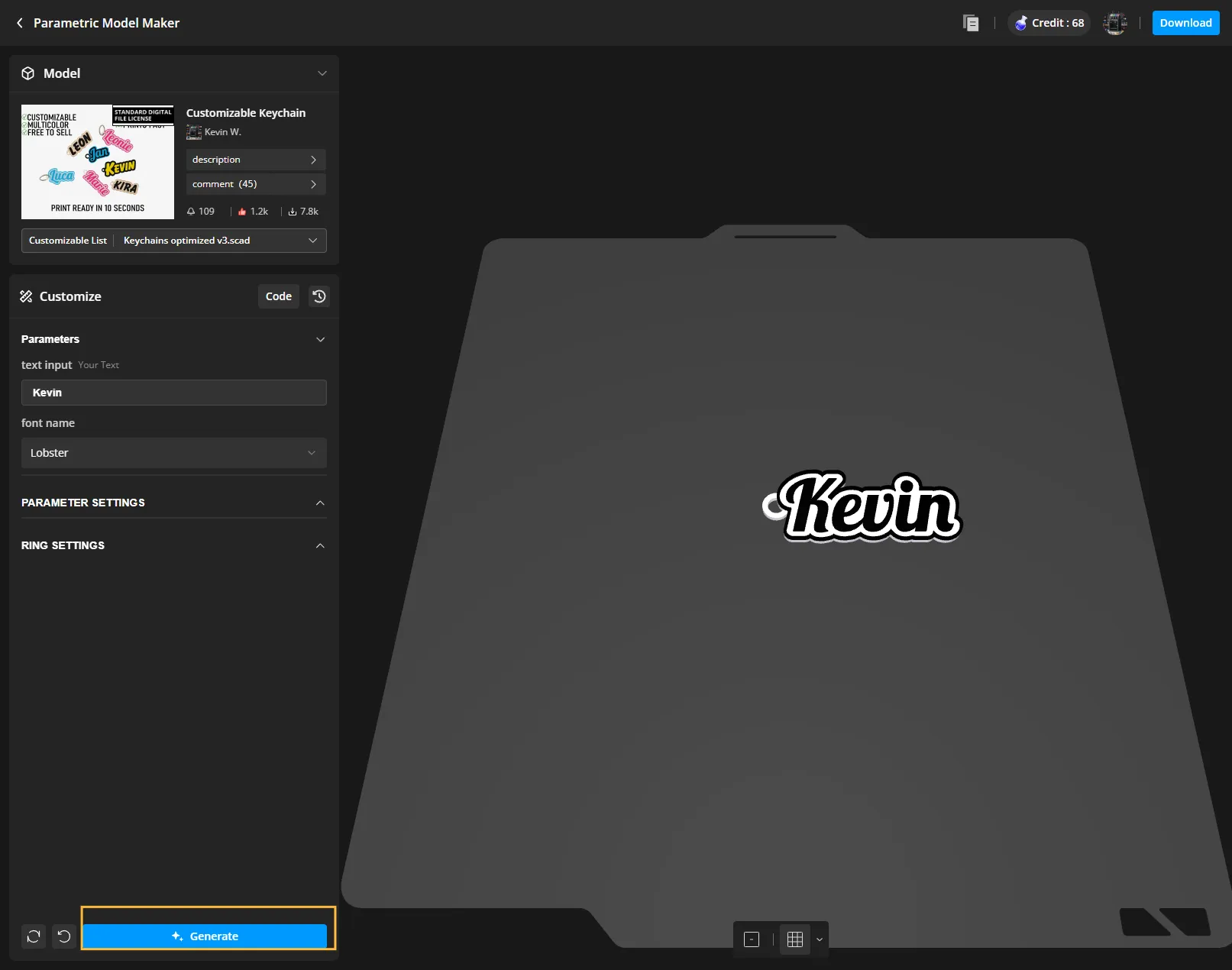
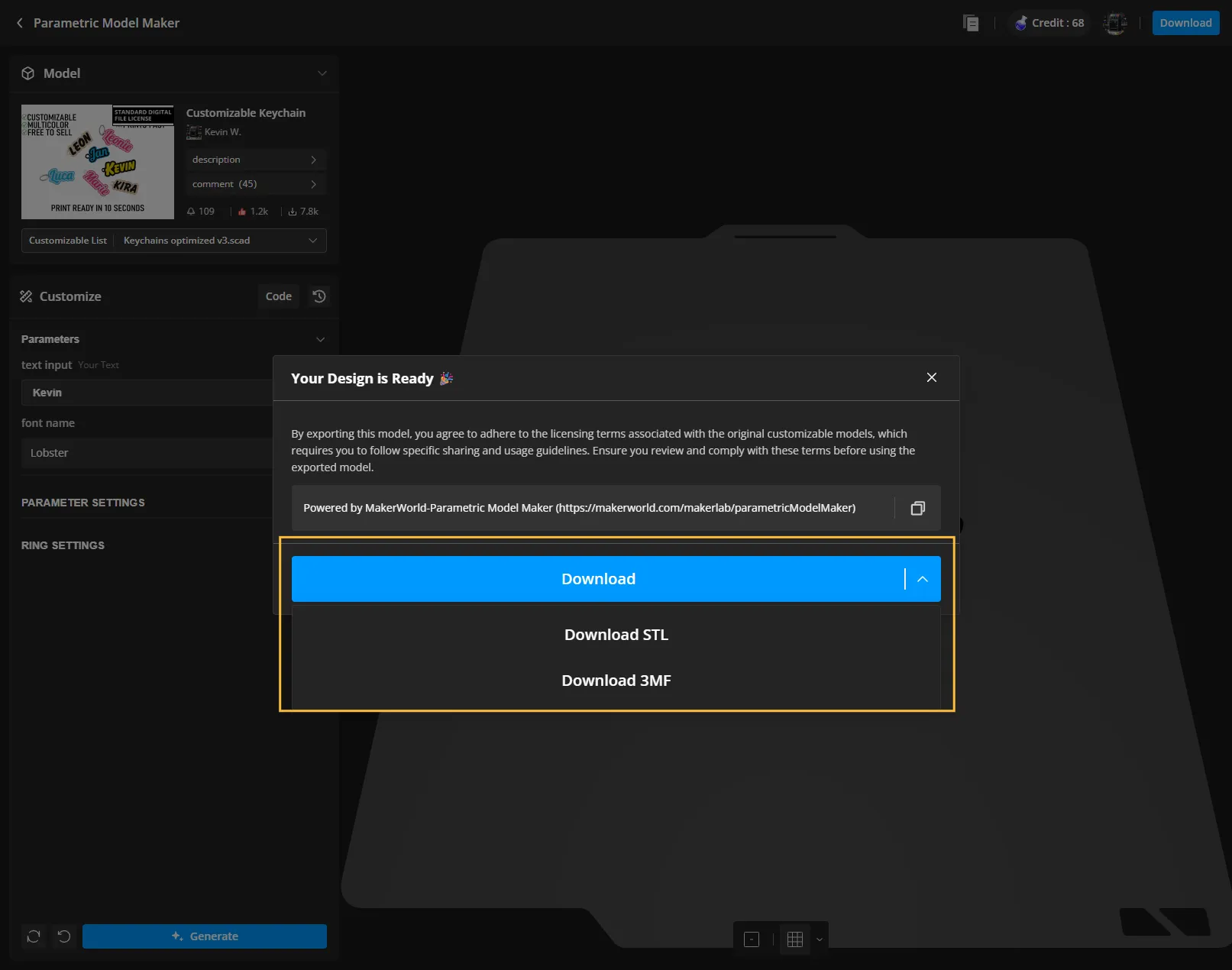
Step 5: Wait until your model is generated and click on Download
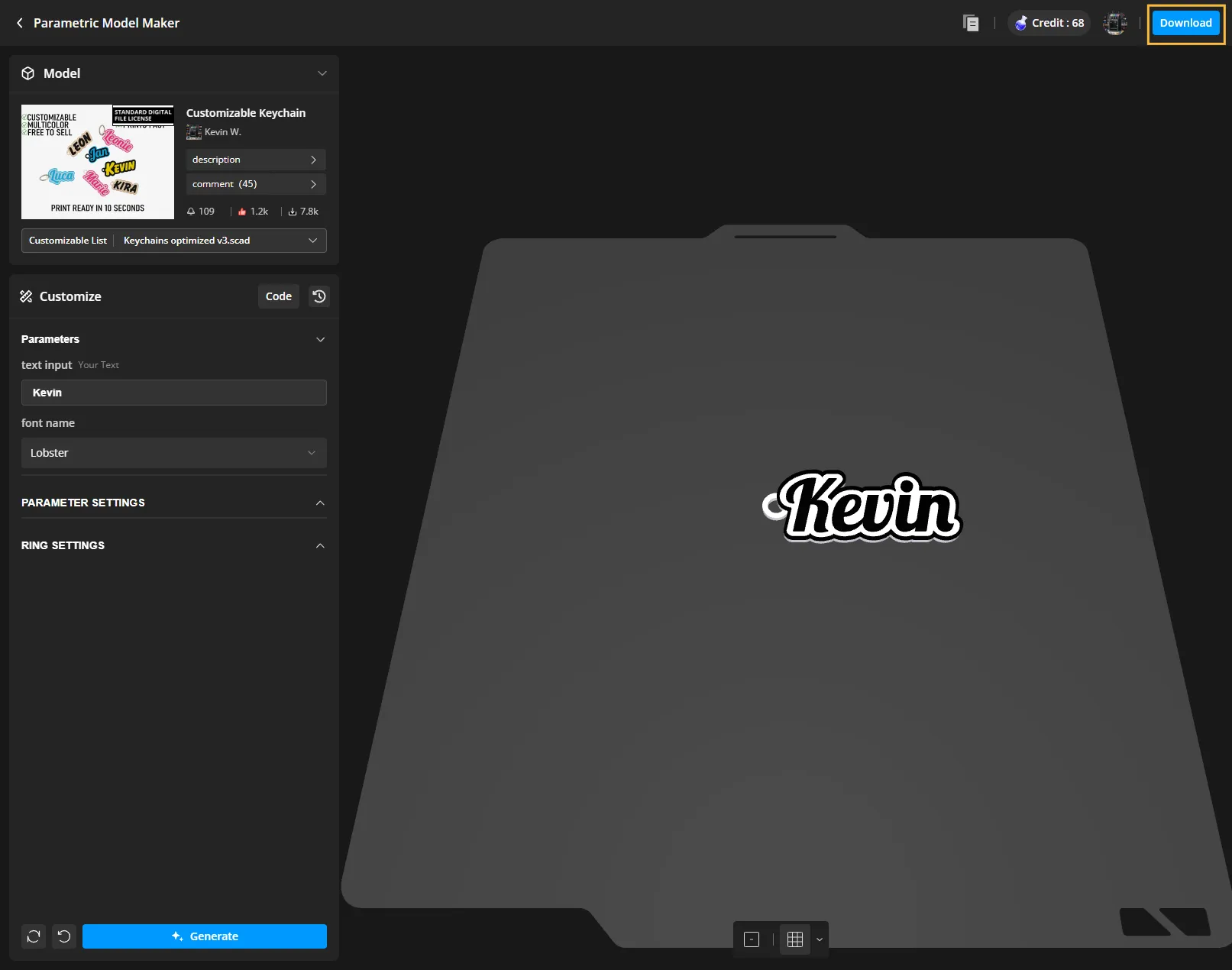
Step 6: Select your printer
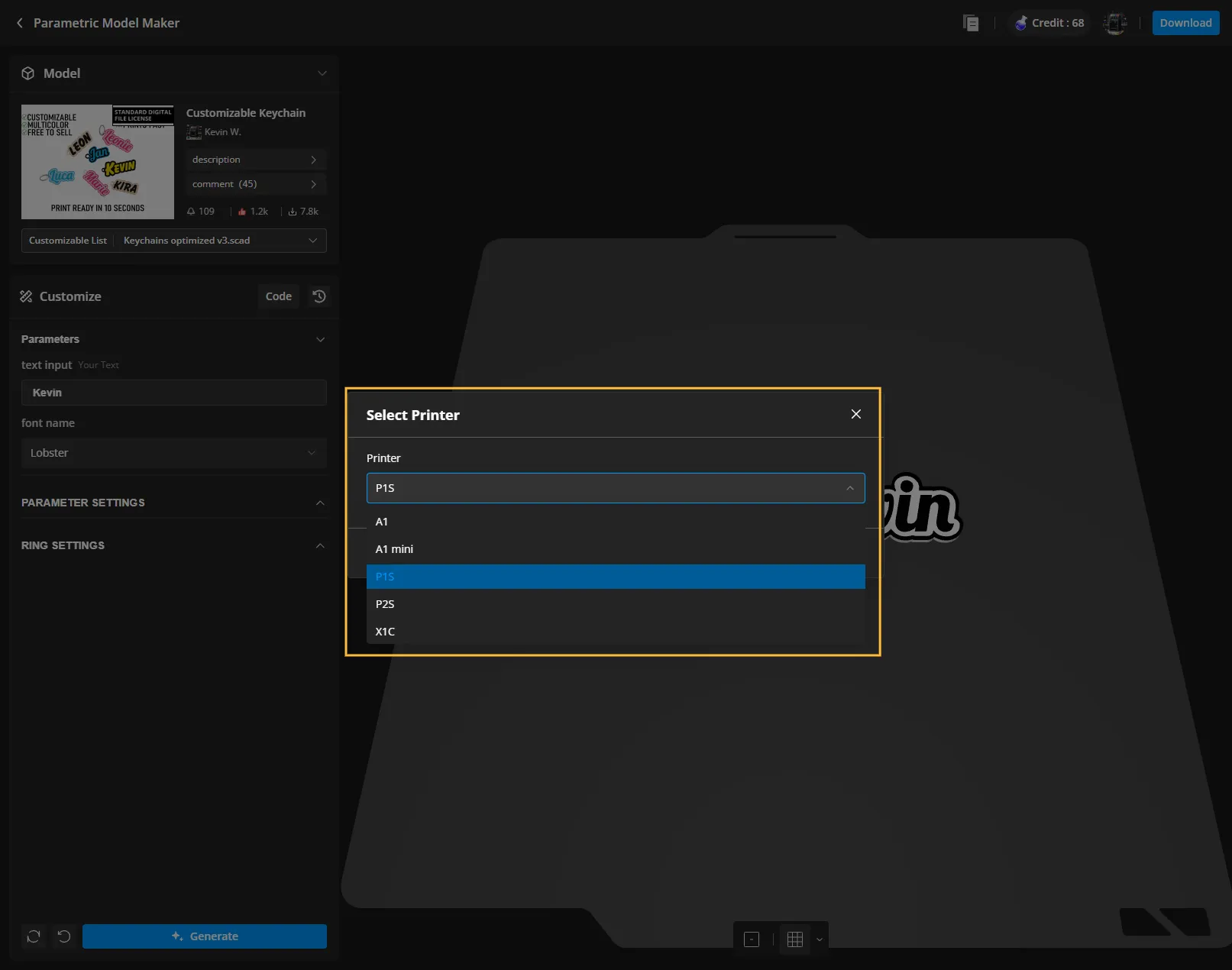
Step 7: Select 3MF
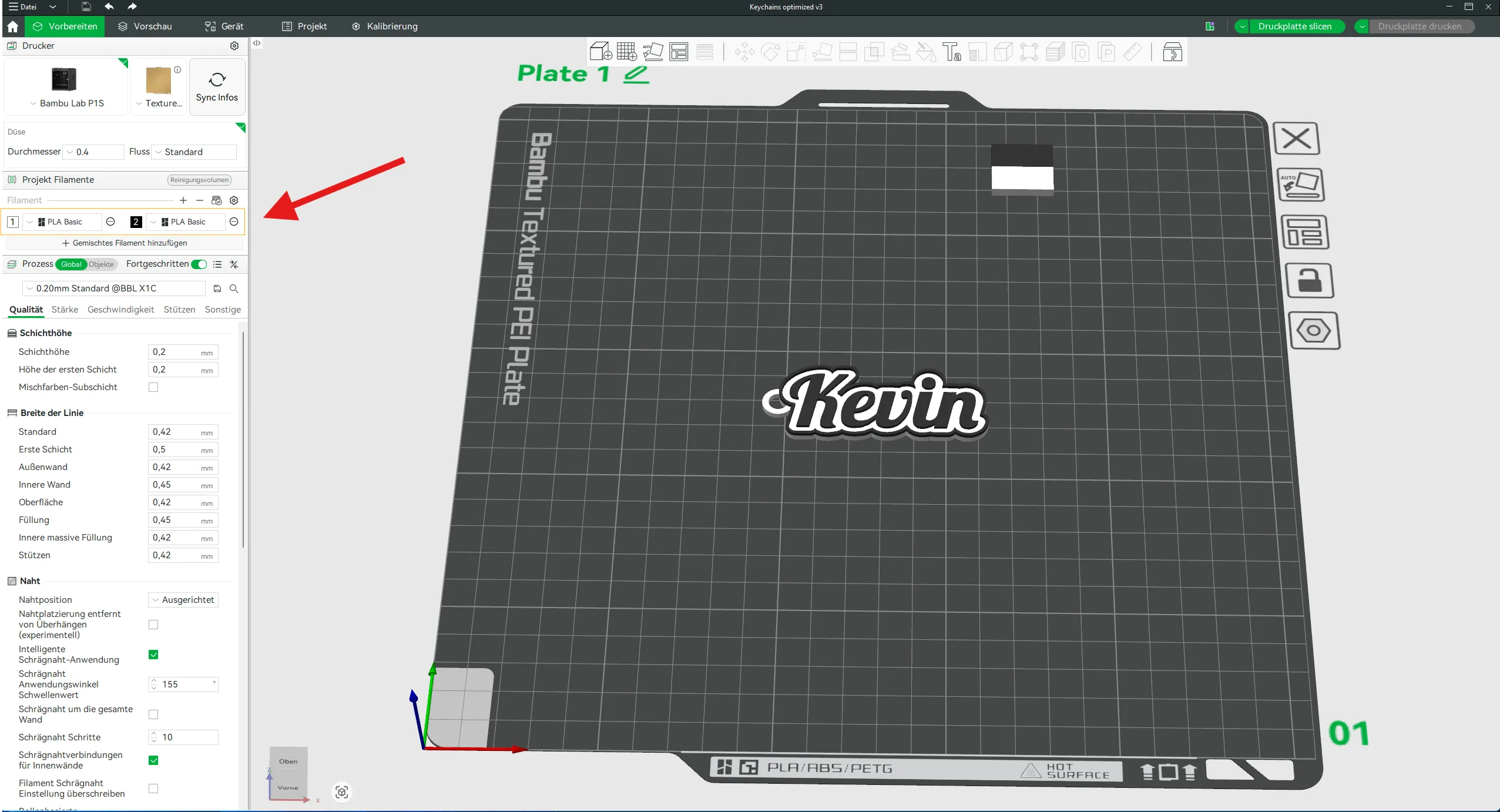
Step 8:
If you have an AMS: Assign the desired colors to the individual parts directly in the slicer
Without AMS: In the slicer, insert a pause after the last layer before the name. During this pause, you can manually change the filament and then resume printing
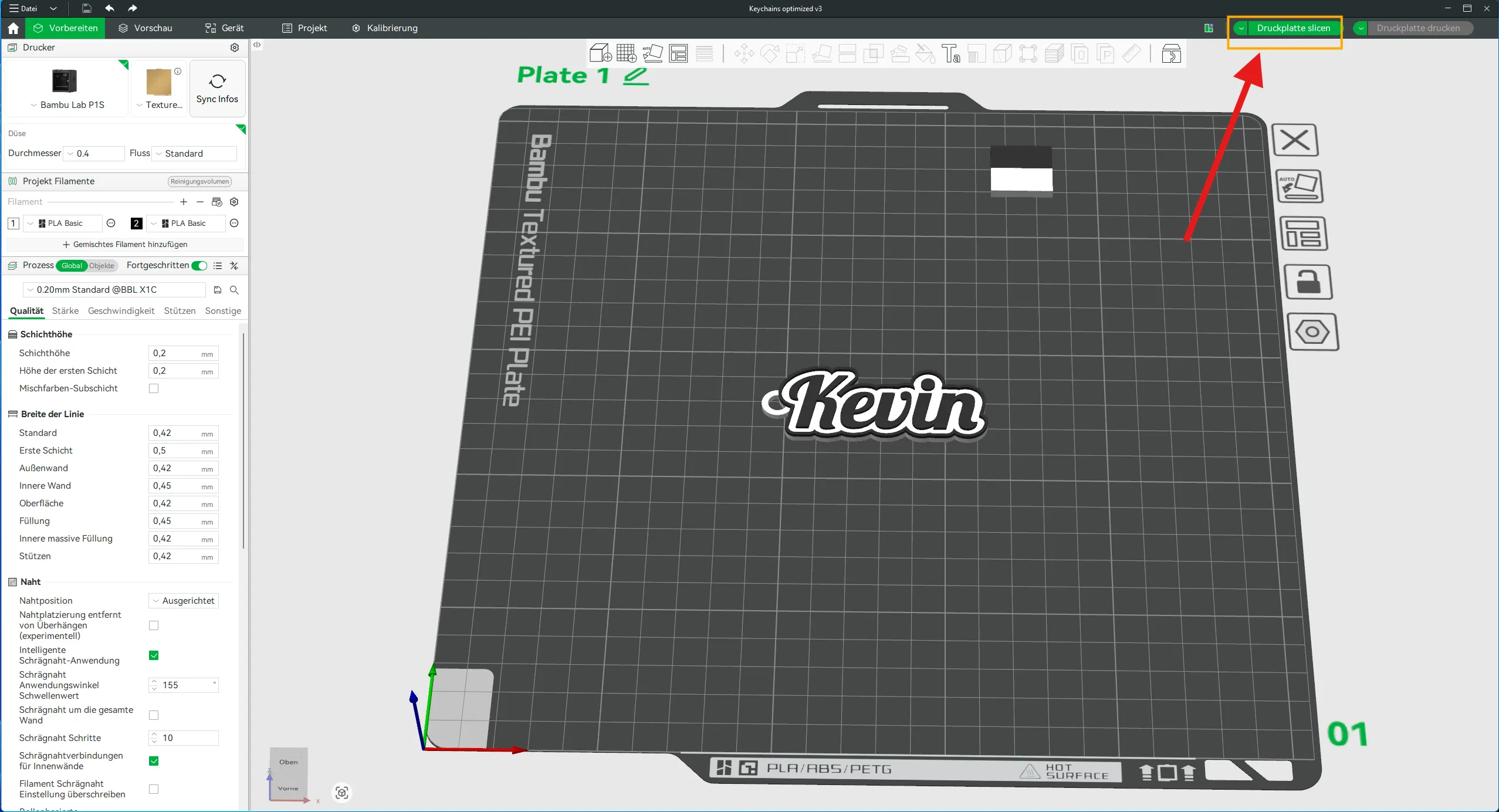
Step 9: Slice the model and print it, have fun with your keychain!
License

You shall not share, sub-license, sell, rent, host, transfer, or distribute in any way the digital or 3D printed versions of this object, nor any other derivative work of this object in its digital or physical format (including - but not limited to - remixes of this object, and hosting on other digital platforms). The objects may not be used without permission in any way whatsoever in which you charge money, or collect fees.


Comment & Rating (105)