
Mega Wrex Hueforge
Print Profile(1)

Description
Description
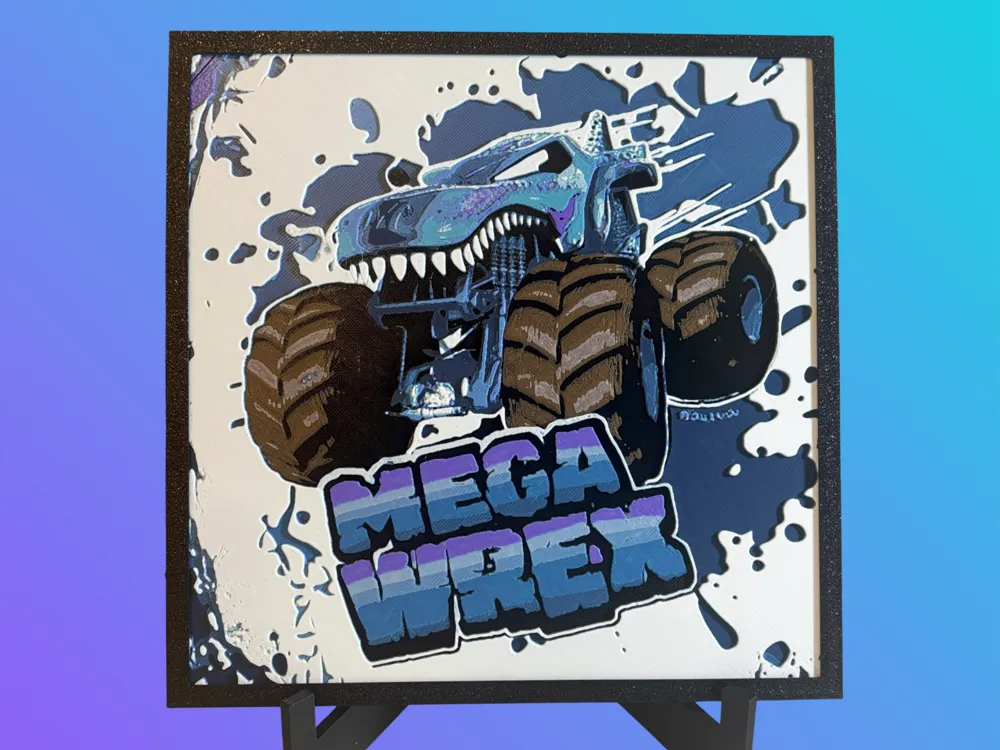
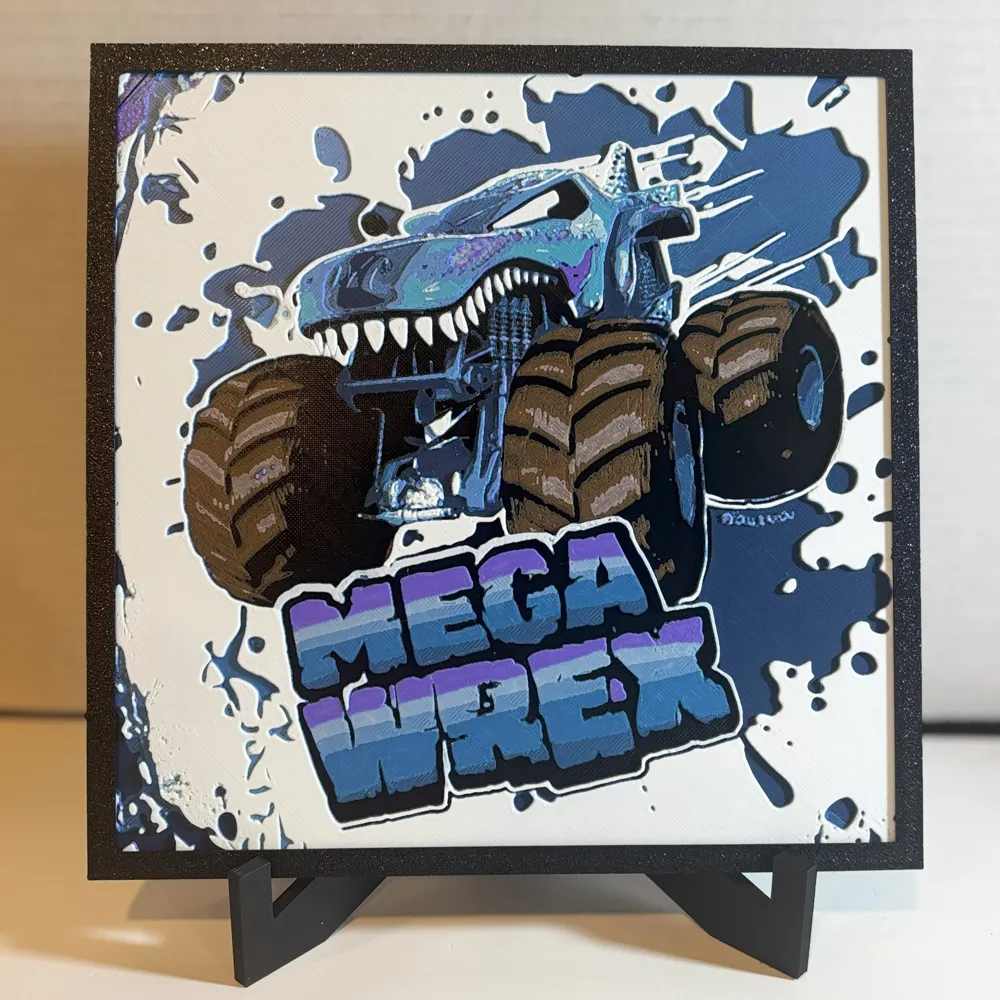
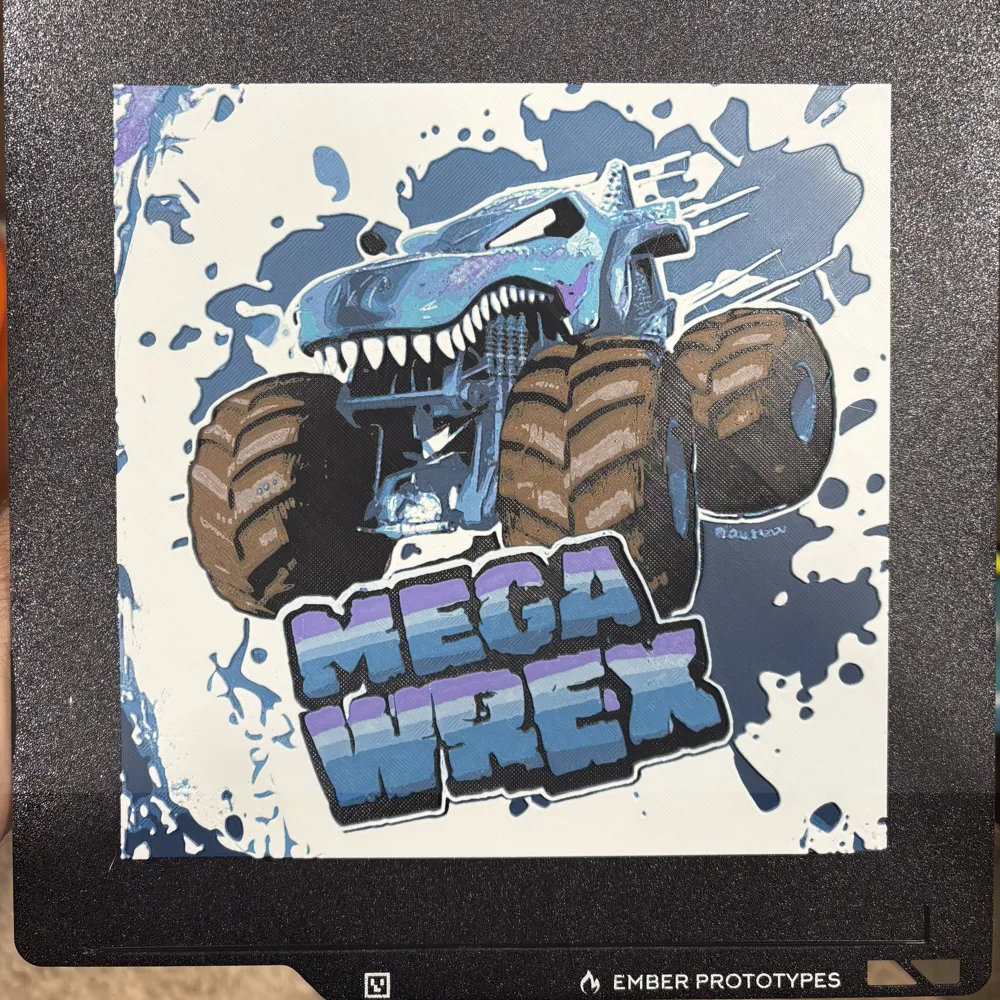
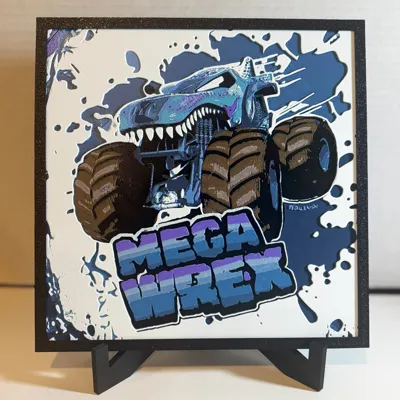
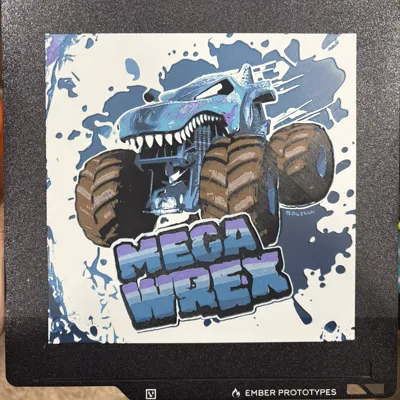
Mega Wrex monster truck displayed with a paint splatter background.
The frame shown is from @CanadianGamer - V3 - Slim & Square - Friction Fit Frame by Canadian Gamer - MakerWorld
In my print profile I have used a height range modifier (HRM), which means that the first 4 layers of the model will print with a 0.16 layer height, and switch to a 0.08 layer height for the details. If you use my uploaded print profile this will save you time on your print as the first 0.64mm is just to provide stability to the print for display. This means that the layer heights listed below in my printing instructions will not match my print profile but the mm heights will still match! Do not change the print profile to match or it will not look the same!
If you resize the model make sure you do NOT scale the Z axis or the print colours will not be in the same position
Printing Instructions
Print at 100% infill with a layer height of 0.08mm with a base layer of 0.16mm
Filaments Used:
PLA BambuLab Basic Black Transmission Distance: 0.1
PLA BambuLab Cocoa Brown Transmission Distance: 0.4
PLA BambuLab Basic Jade White Transmission Distance: 6
PLA BambuLab Matte Dark Blue Transmission Distance: 0.1
PLA BambuLab Cyan Transmission Distance: 2
PLA BambuLab Purple Transmission Distance: 1.8
PLA BambuLab Turquoise Transmission Distance: 1.3
PLA BambuLab Matte Ivory White Transmission Distance: 3.6
Swap Instructions:
Start with Black
At layer #8 (0.72mm) swap to Cocoa Brown
At layer #11 (0.96mm) swap to Jade White
At layer #12 (1.04mm) swap to Dark Blue
At layer #14 (1.2mm) swap to Cyan
At layer #16 (1.36mm) swap to Jade White
At layer #18 (1.52mm) swap to Purple
At layer #22 (1.84mm) swap to Turquoise
At layer #24 (2mm) swap to Ivory White for the rest.
License

You shall not share, sub-license, sell, rent, host, transfer, or distribute in any way the digital or 3D printed versions of this object, nor any other derivative work of this object in its digital or physical format (including - but not limited to - remixes of this object, and hosting on other digital platforms). The objects may not be used without permission in any way whatsoever in which you charge money, or collect fees.


Comment & Rating (2)