Search models, users, collections, and posts

Skadis Board Mount for Kallax Shelf (Vertical)
IP Report
Print Profile(3)

Profile A: Newer Kallax Models
Designer
1.2 h
1 plate

Profile C: Newer Kallax Models - Greater Tolerance
Designer
1.2 h
1 plate

Profile B: Older Kallax Models
Designer
1.9 h
1 plate
Open in Bambu Studio
Boost
2167
9201
228
42
2.3 k
1.7 k
Released
Description
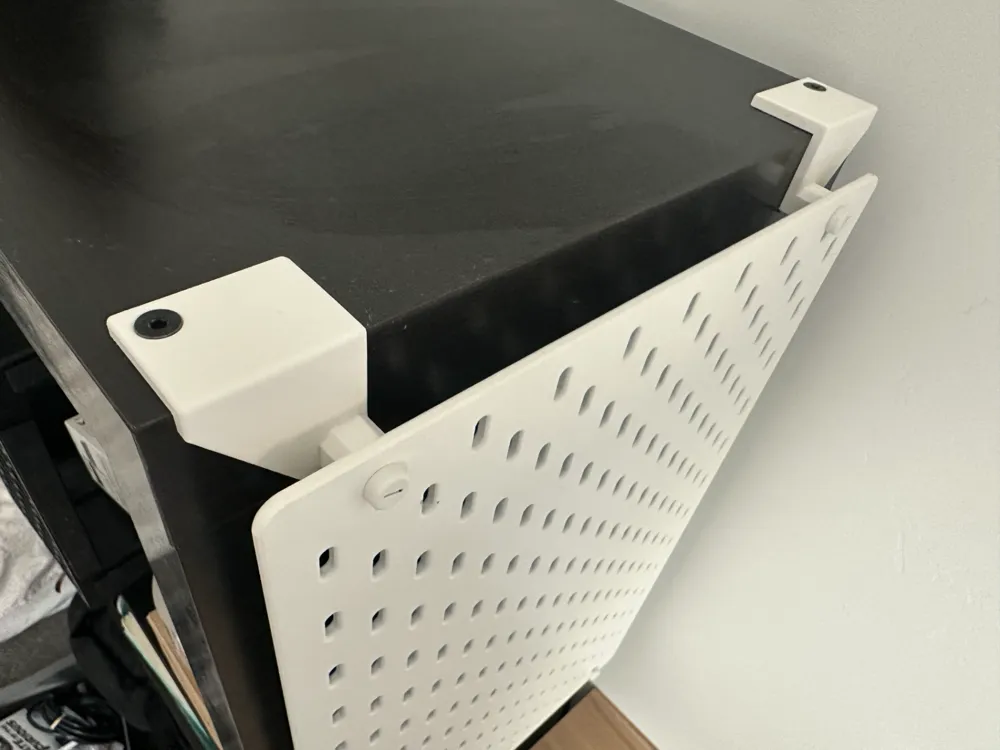
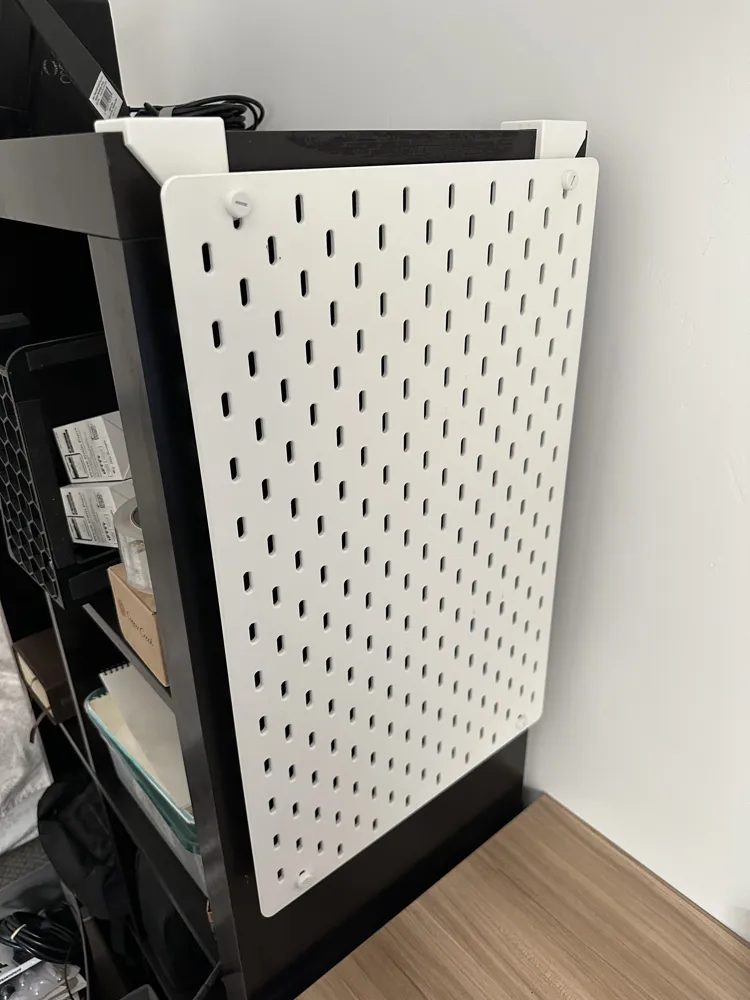
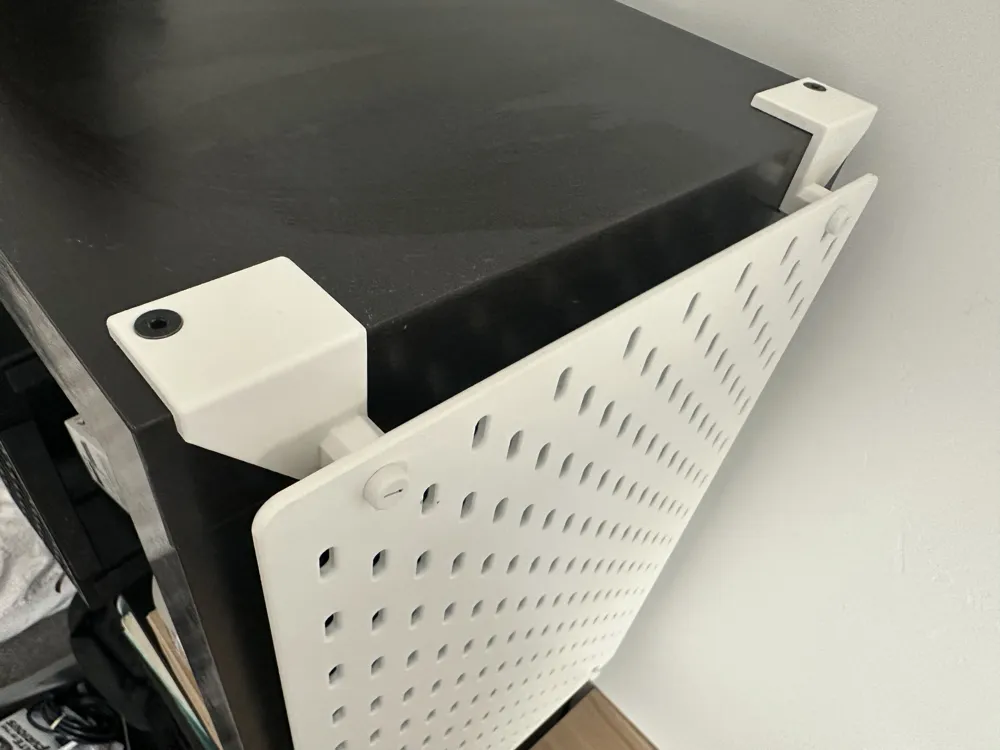
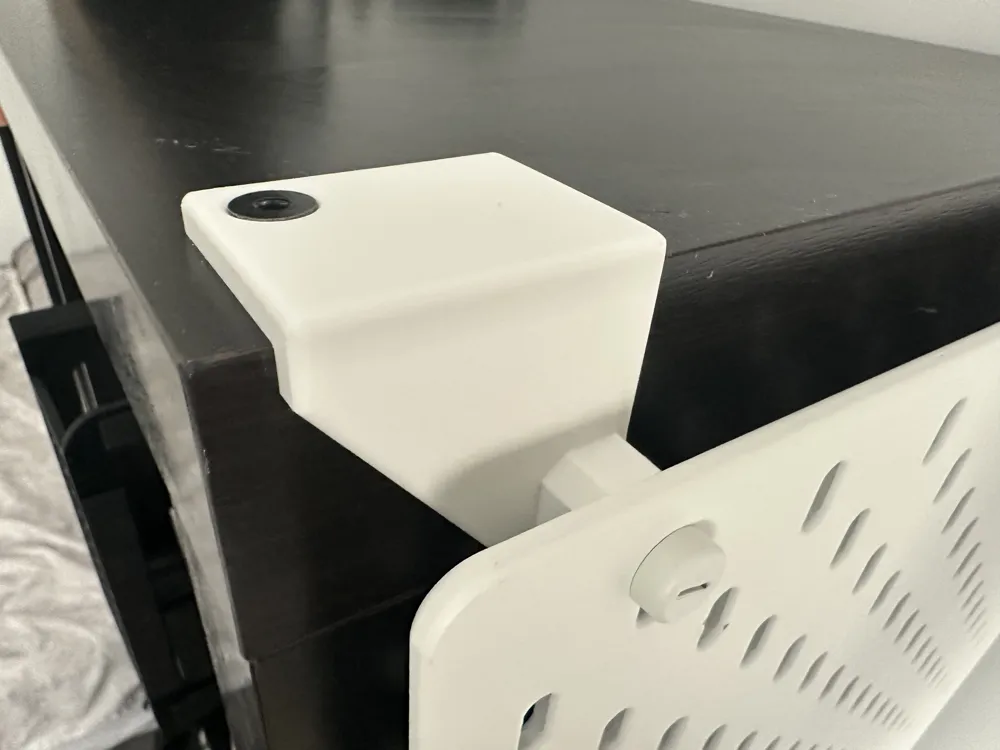
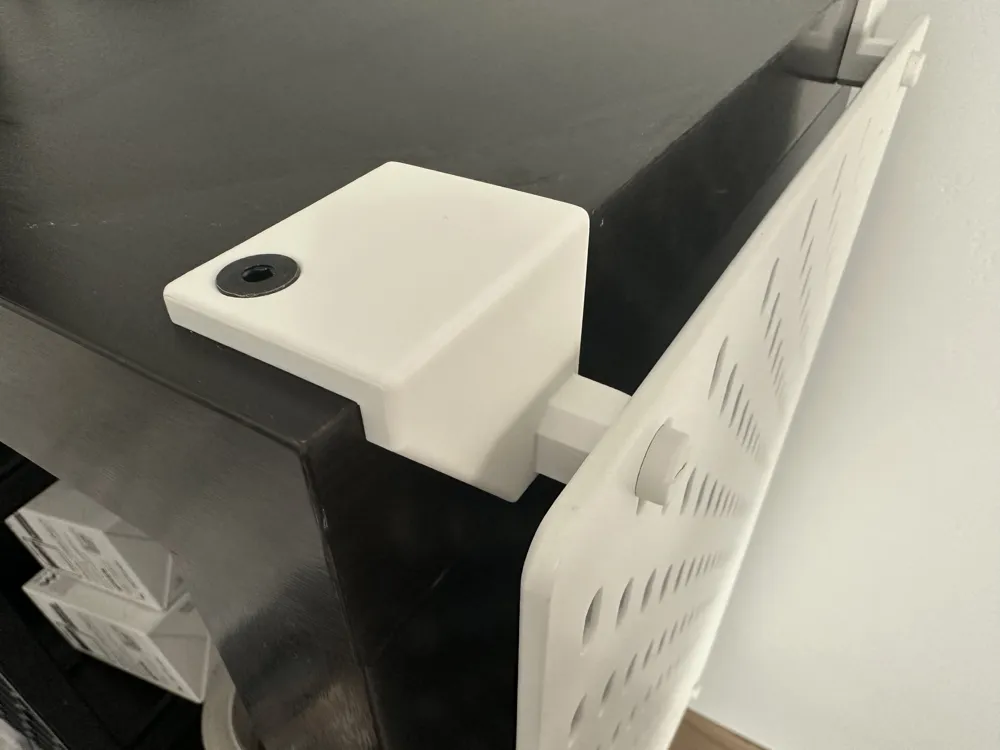
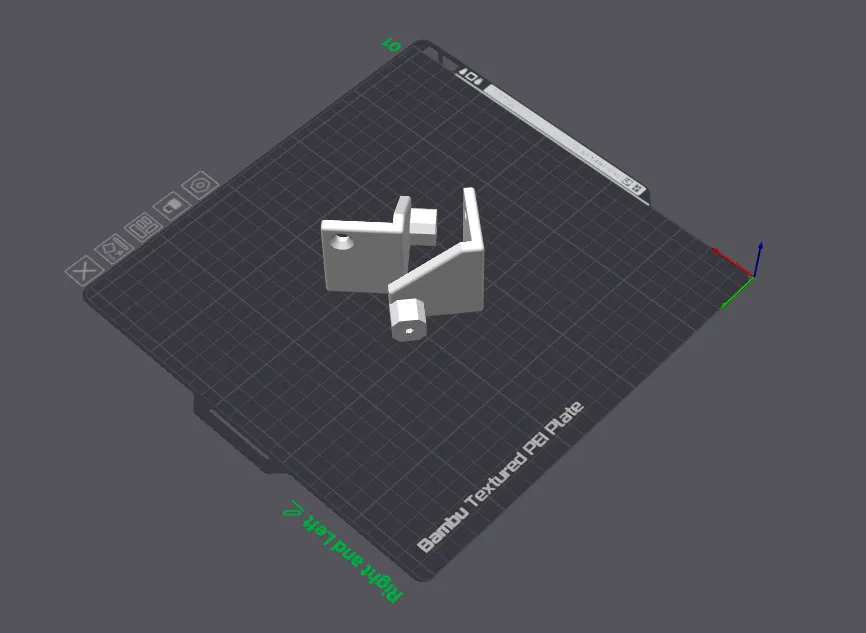
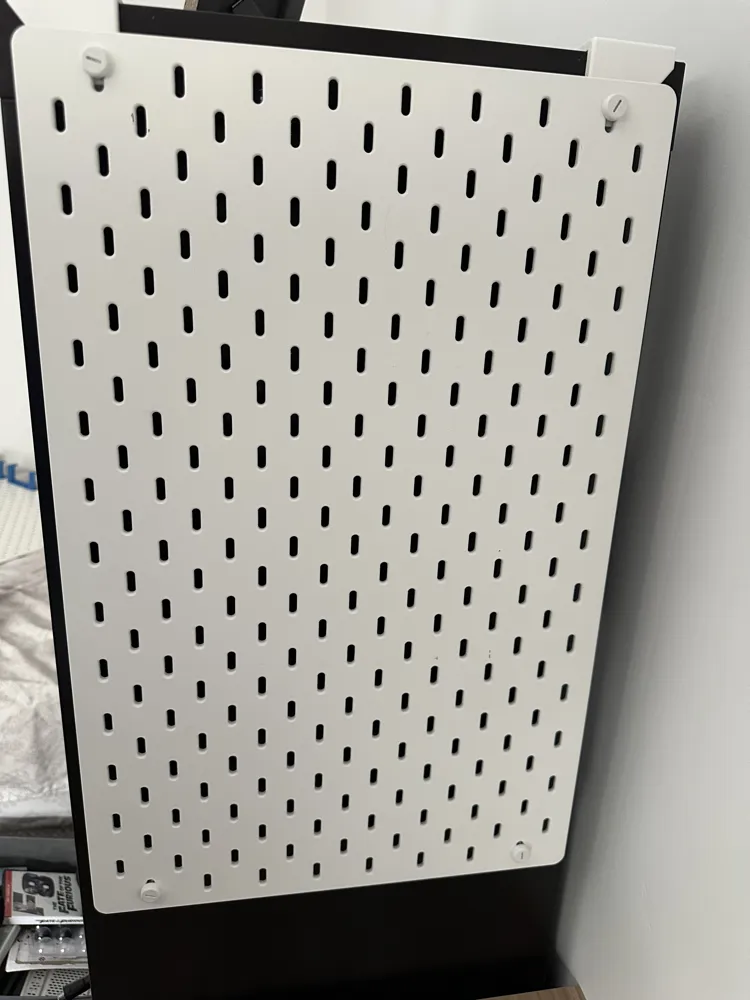
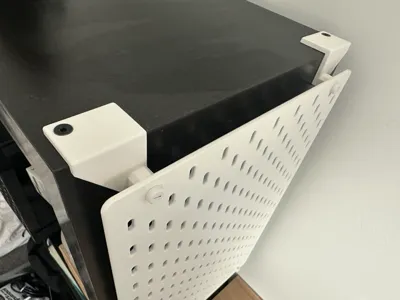
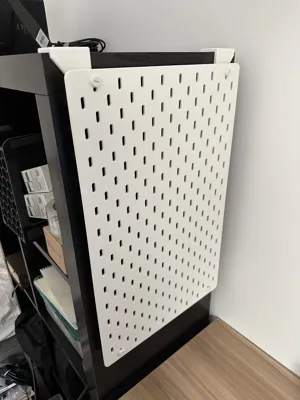
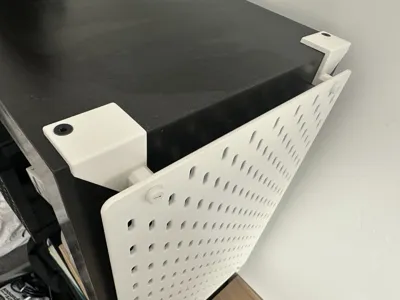
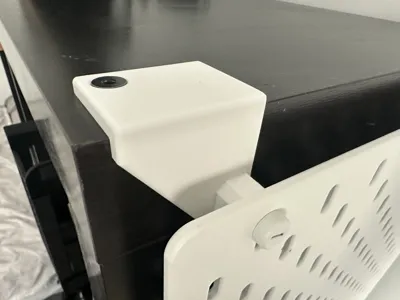
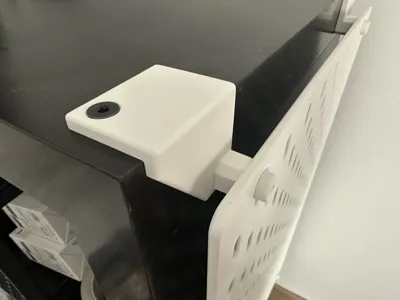
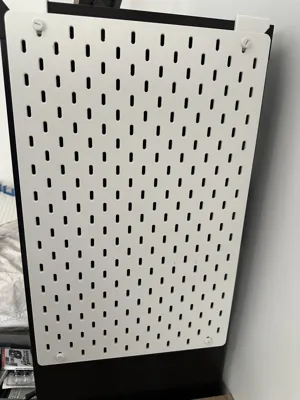
This is a pair of mounting brackets for the 14" x 22" version of the IKEA Skadis Pegboard. It mounts the pegboard to the long side of the IKEA Kallax shelf unit. These brackets only work if your Kallax shelf is in the vertical (portrait) position. It reuses all of the existing IKEA hardware that comes with the shelf and the pegboard, so you don't need to provide any additional screws or mounting hardware.
Installation Instructions
- Unscrew the two bolts off of the top of the Kallax shelf unit
- Place each of the two brackets over the holes left behind by the bolts
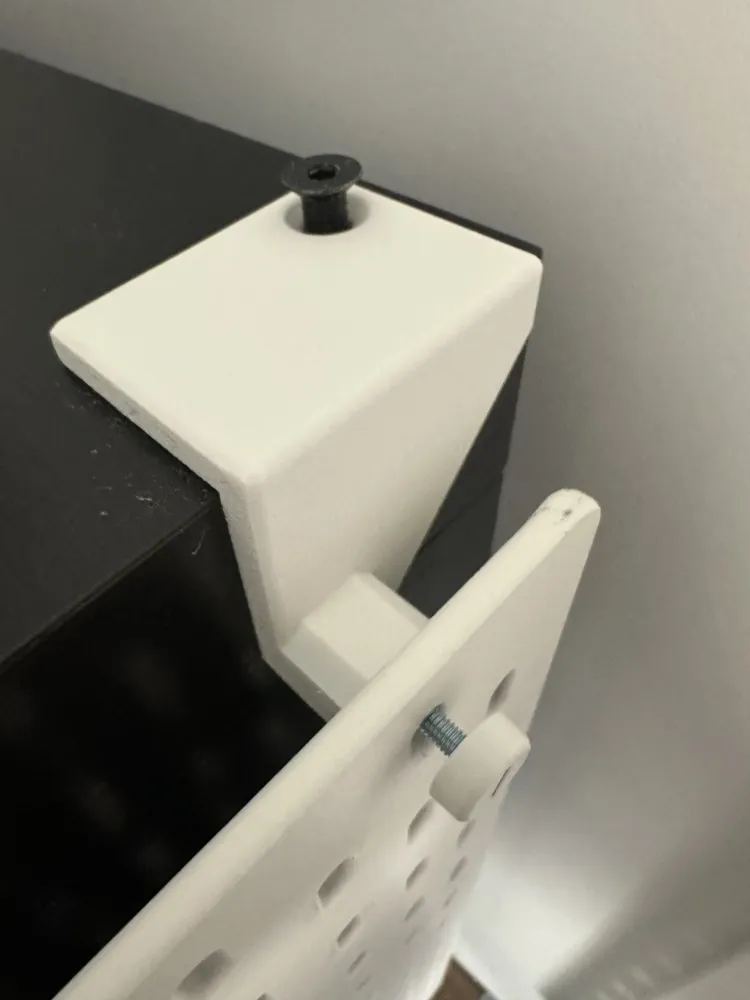
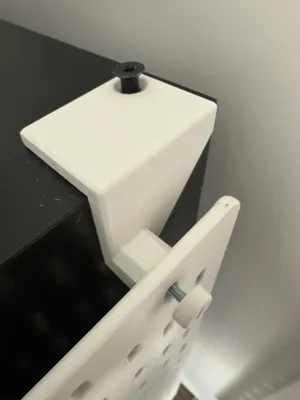
- Screw the bolts back into the Kallax unit through the top holes in the two brackets, securing the brackets in place
- Hold the skadis board in place, hovering over the top of the two forward-facing holes in the brackets
- Use the skadis bolts that were included in the skadis board packaging to screw the pegboard into the bracket
- Secure the pegboard by tightening the two skadis bolts using a flathead screwdriver.
Compatibility
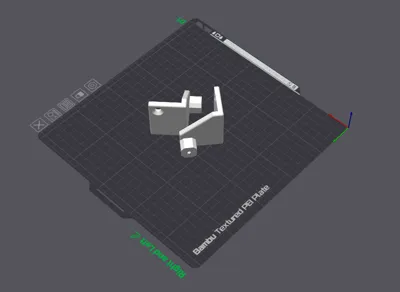
- There are three different print profiles for different versions of the Kallax shelf unit. It appears IKEA changed the bolt positions sometime around 2020, so be sure to pick the print profile that matches your Kallax. I've received feedback from other printers that sometimes the tolerance on newer models isn't exact so I added a 3rd profile (Profile C) which seems to have resolved their issues. I wish I had a one-size-fits-all solution, but unfortunately there is too much variation in Kallax models for that to be possible.
- These brackets only work if your Kallax unit is in the vertical/portrait position. This allows the Kallax bolts to be on the top of the unit so the brackets can attach to them. If your Kallax is in the horizontal/landscape position, you may want to try the IKEA Skadis-Kallax Side Mount Bracket by @AU3D.
Selecting Correct Print Profile
- Be sure to accurately measure the bolt position of your Kallax model to see which one you have:
- Profile A: Newer Models - bolt position is 20mm from both edges
- Profile B: Older Models - bolt position is 25mm from one edge and 20mm from the other edge
- Profile C: Newer Models (Extra Tolerance) - bolt position is 22mm from one edge and 20mm from the other
Remixes
If you are interested in modifying these brackets to fit any other need you might have for them, I have included the original STL and STEP files for you to use in any modeling software.
License

This user content is licensed under a
Creative Commons Attribution-Noncommercial-Share Alike


Comment & Rating (228)