
J-Pad
Print Profile(1)

Description
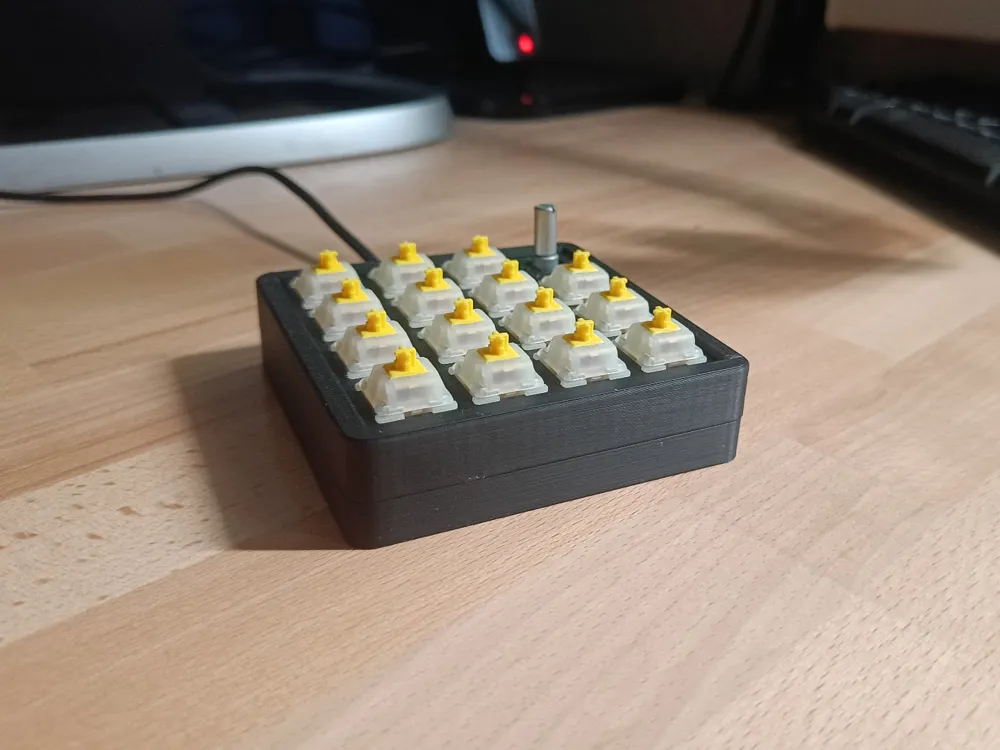
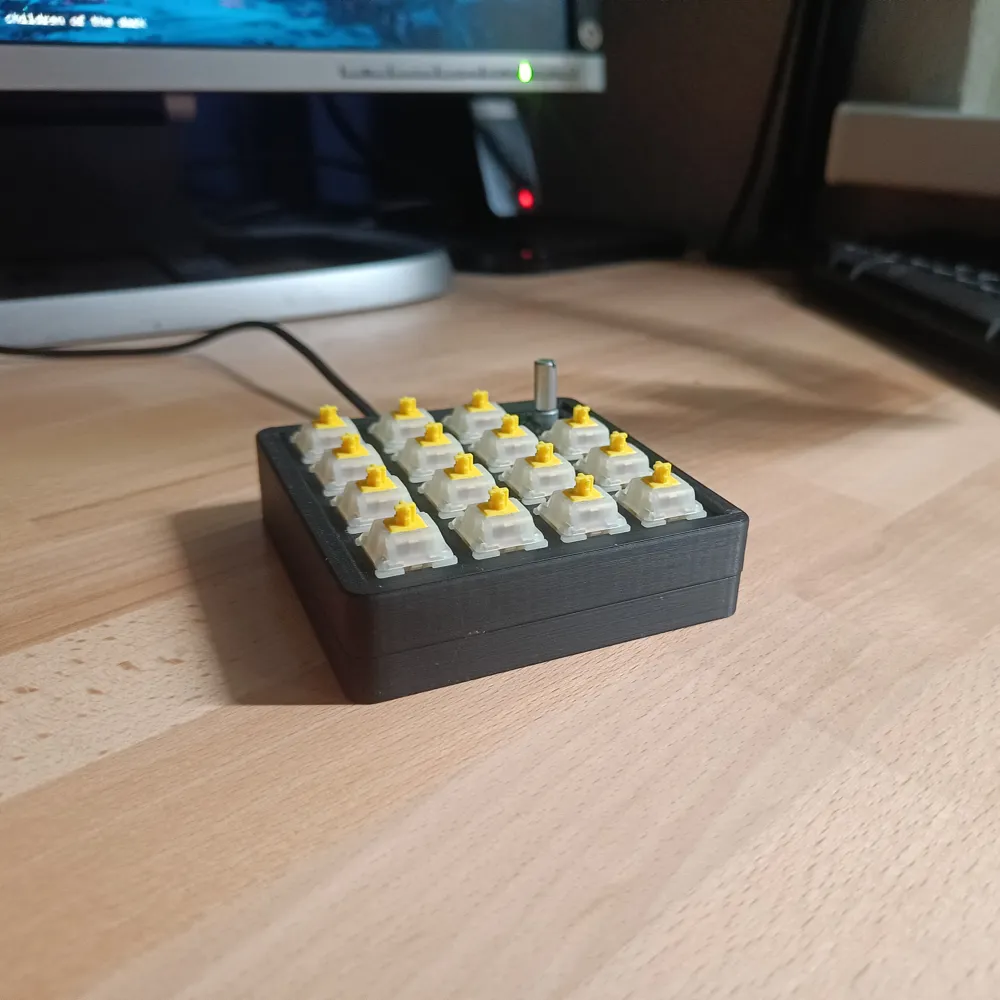
J-Pad
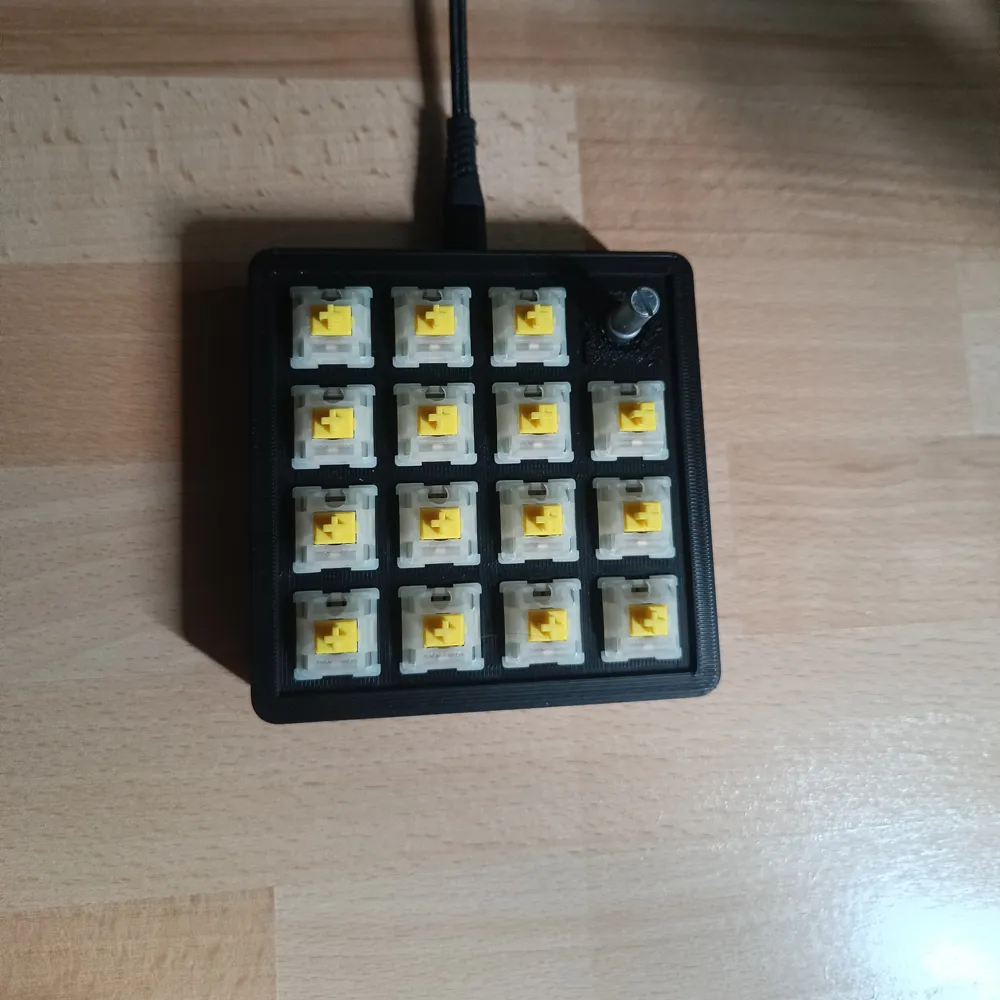
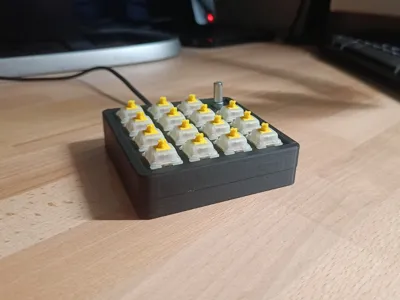
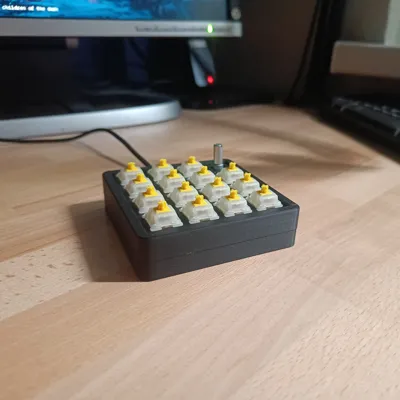
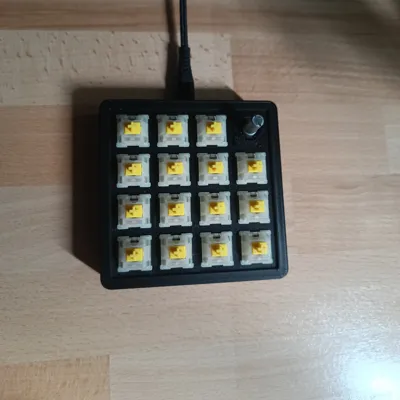
Boost your productivity and creativity with J-Pad - a fully customizable, 4x4 macropad featuring a rotary encoder!
J-Pad is designed for makers, creators, and anyone who wants to streamline their workflow. Whether you’re editing photos, coding, gaming, or automating repetitive tasks, J-Pad puts powerful shortcuts and controls right at your fingertips.
Why Choose J-Pad?
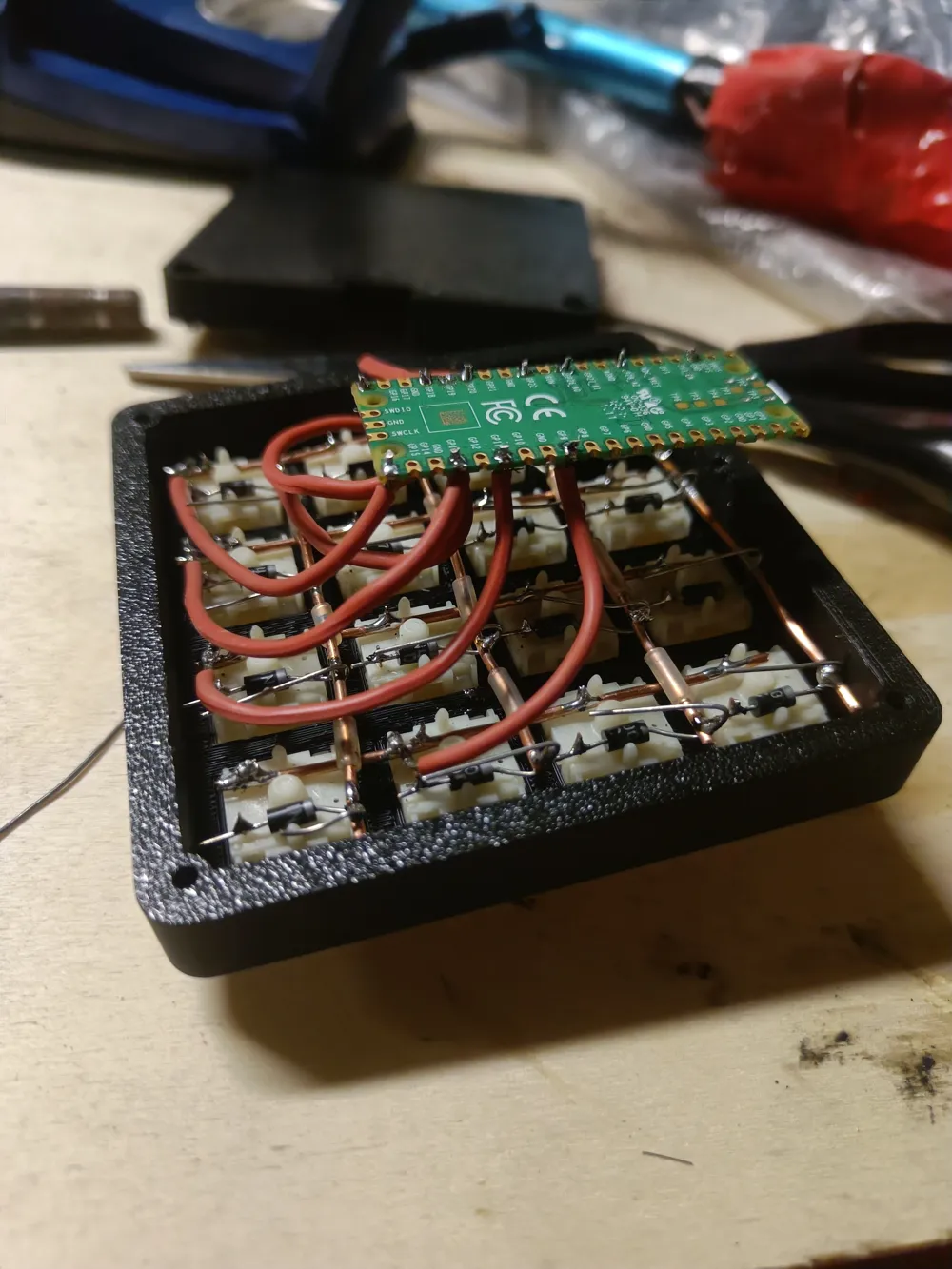
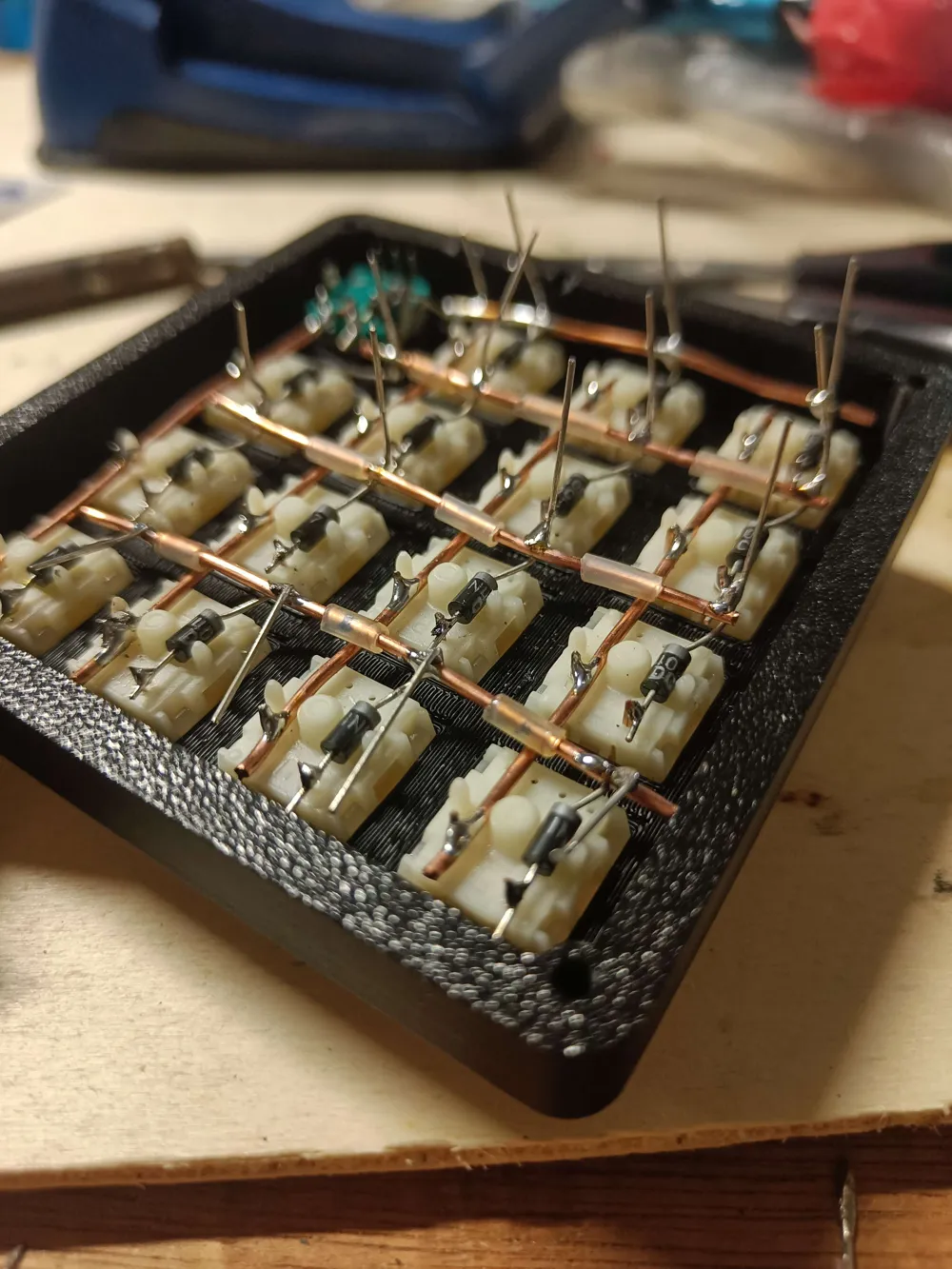
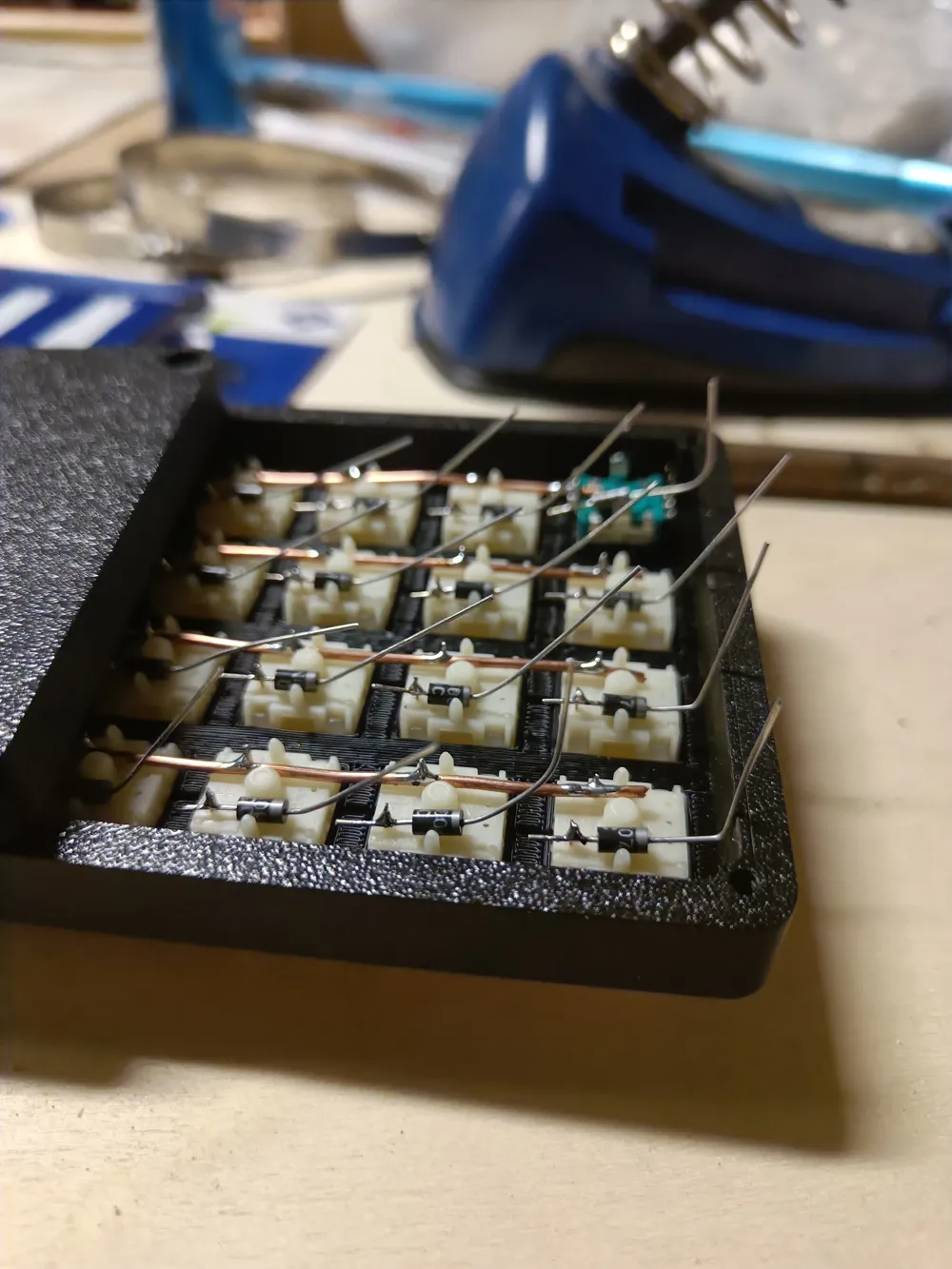
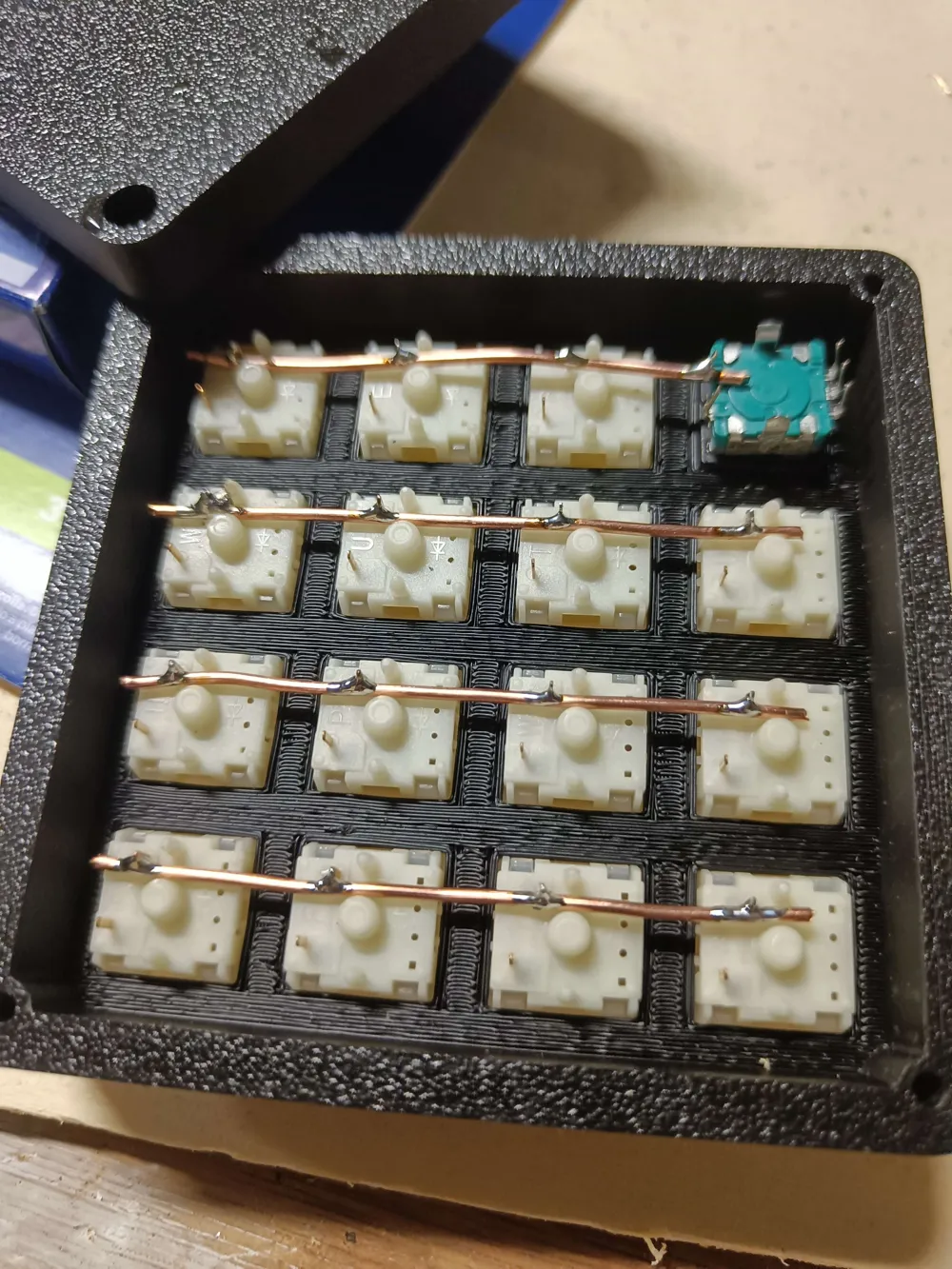
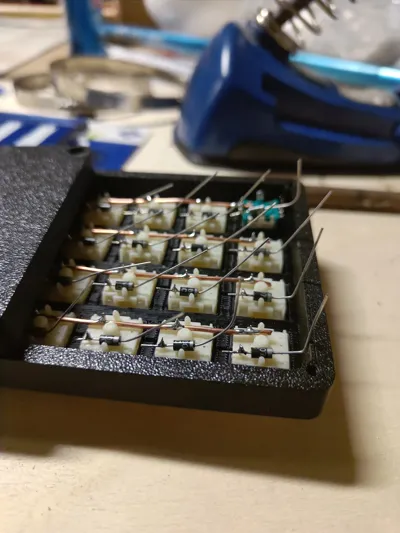
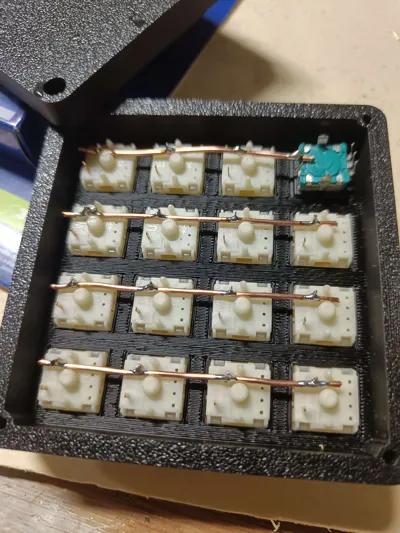
- 16-key layout: Handwired 4x4 matrix for maximum flexibility and custom macros.
- Rotary encoder: Instantly control volume, scrolling, or any function you choose.
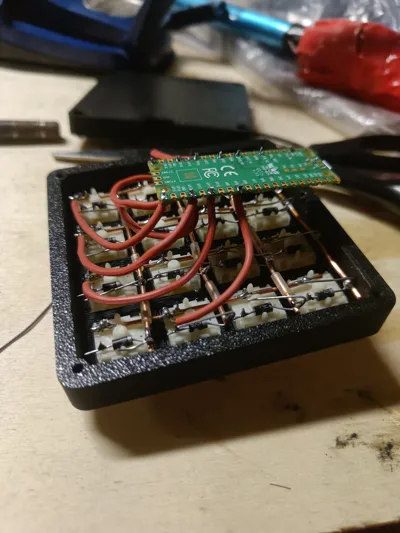
- Raspberry Pi Pico powered: Affordable, reliable, and easy to program.
- QMK firmware support: Unlock advanced features, layers, and endless customization.
- Open source: All hardware and software files are provided for you to build, modify, and share.
Perfect For:
- Creative software (Photoshop, Premiere, Blender, etc.)
- Gaming macros and hotkeys
- Data entry and spreadsheet shortcuts
- Media control and streaming
- Anyone looking to supercharge their desk setup!
What You’ll Need
- 1x Raspberry Pi Pico
- 15x Cherry MX compatible switches
- 1x Rotary encoder (EC11)
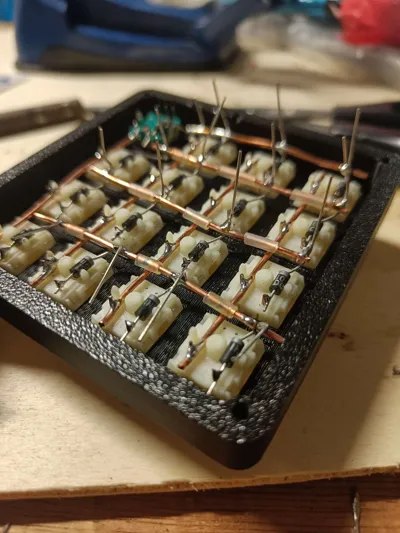
- 16x 1N4148 diodes
- 4x M3 10mm DIN 965 screws (or similar)
- Wire for handwiring
- 15x Keycaps (any profile)
- MX encoder adapter (Thingiverse link: https://www.thingiverse.com/thing:3770166)
- 3D printer or printing service (for the case)
- Soldering iron and basic hand tools
Assembly & Code Guide
Step-by-step assembly instructions, wiring diagrams, and code customization tips are all available in the hardware and code guide on GitHub.
https://github.com/J-a-c-c-o/J-Pad
License



Comment & Rating (3)