Search models, users, collections, and posts

ESPclock | Digital Clock

Print Profile(2)

All
P1S
H2S
P2S
H2D Pro
P1P
X1 Carbon
A1 mini
X1
H2D
X1E
A1
H2C
X2D
A2L

0.2mm layer, 2 walls, 25% infill
Designer
1.3 h
2 plates
5.0(2)

Tilted case - 0.2mm layer, 2 walls, 25% infill
Designer
1.4 h
2 plates
5.0(1)

Open in Bambu Studio
Boost
94
277
39
4
138
52
Released 

Description

Boost Me (for free)

If you liked the project, please consider leaving a boost!
This helps me a lot!

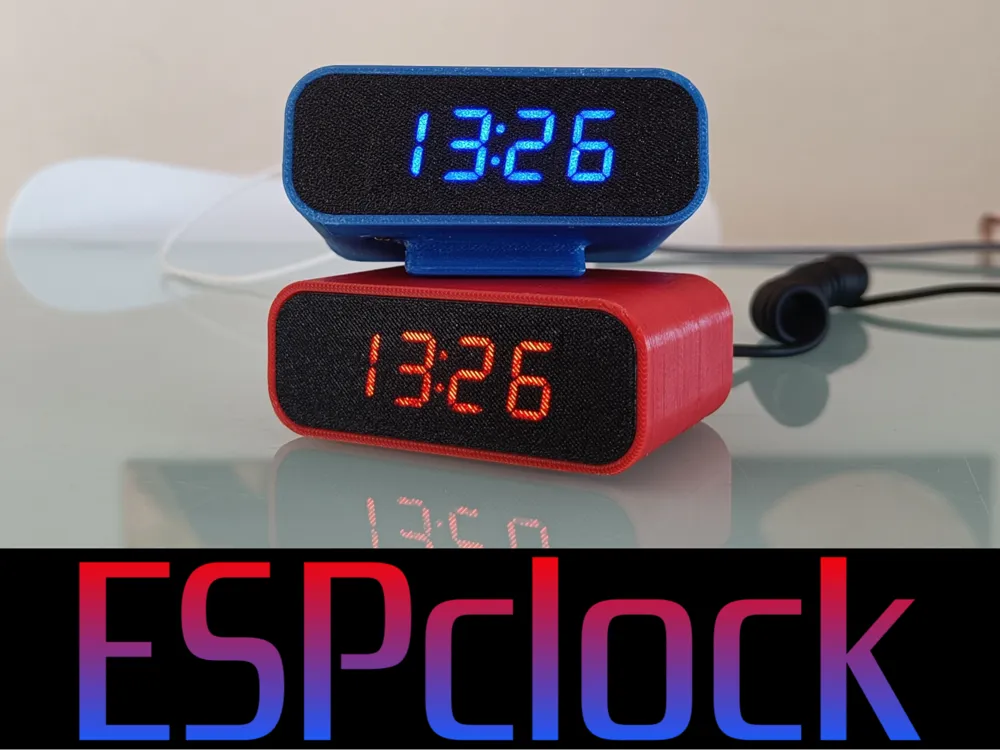
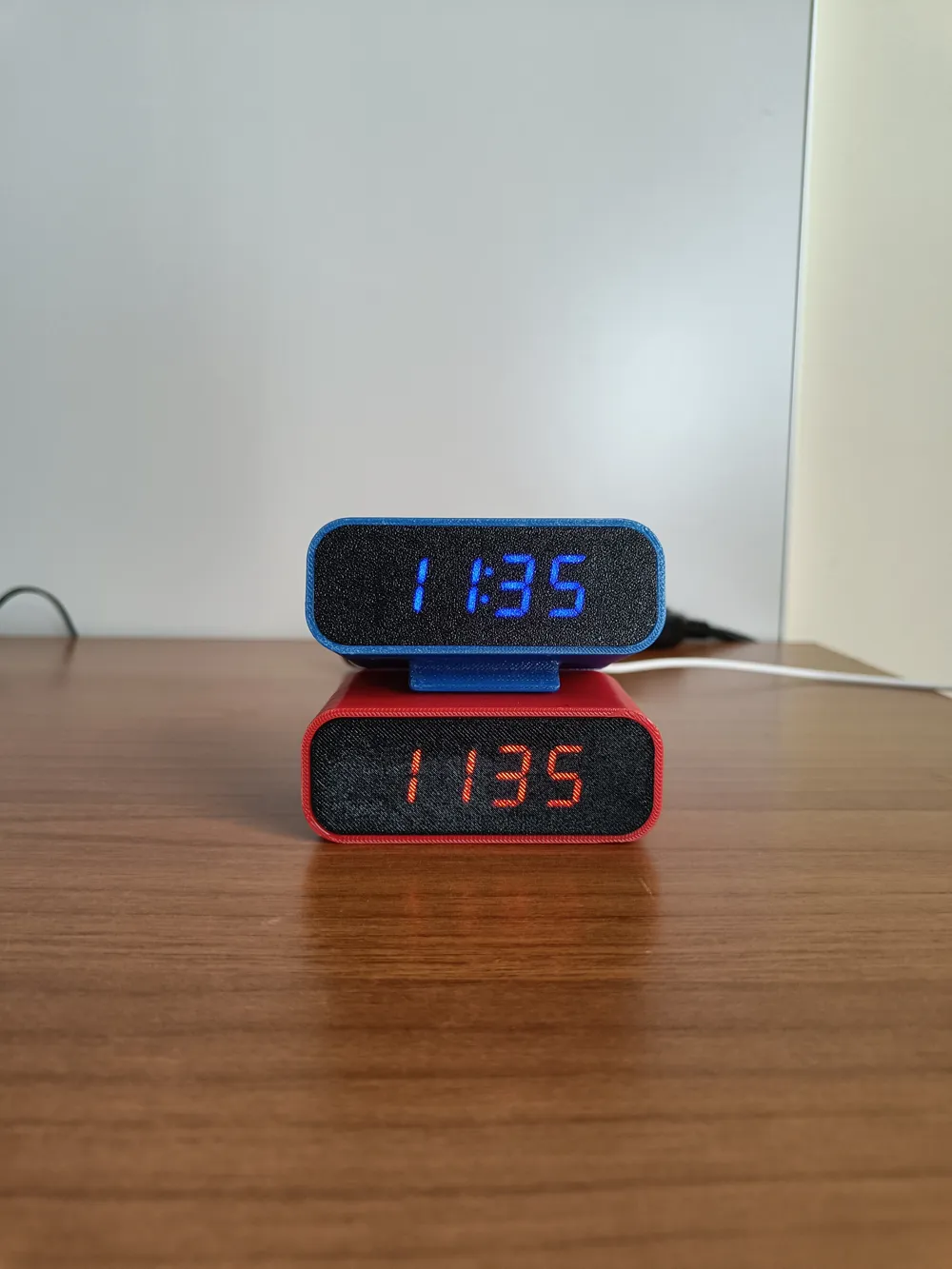
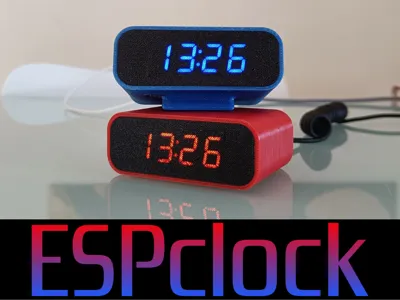
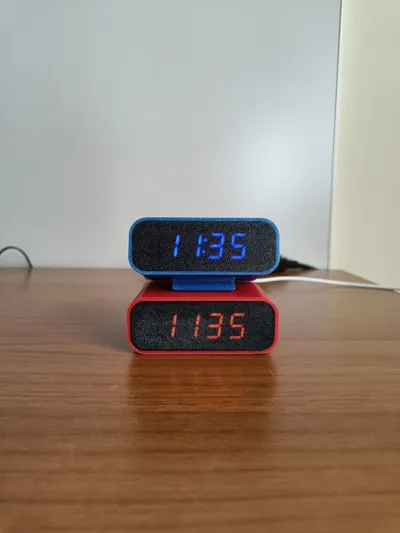
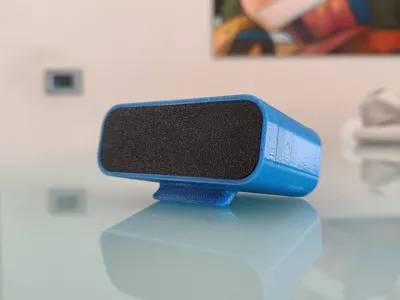
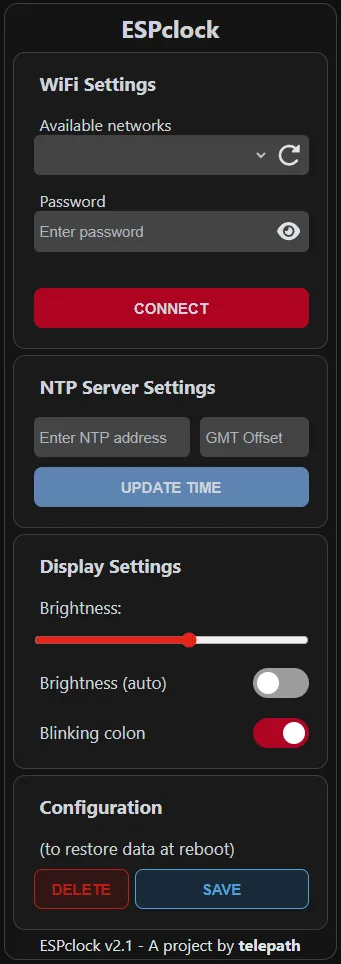
ESPclock is a credit card-sized DIY smart digital clock that connects to wifi and NTP servers to synchronize the time.


💻 INSTRUCTIONS + WIRING + FIRMWARE (current is v2.1) 

 https://github.com/telepath9/ESPclock


🟠 How to print

  • Layer width: 0.4
  • Layer height: 0.2
  • Perimeters (case): 3
  • Supports: no
  • Perimeters (lid): 1
  • Ironing: on topmost surface


🟡Tip for perfect Light Diffuser (on Orca slicer)

  • layer height: 0.2mm
  • Filament: PETG or other translucent filaments
  1.  select diffuser then right click on it 
  2.  Click Height range modifier → choose Range: from 0mm to 0.2mm 
  3.  Enable IRONING: on all solid layers (only applied to the diffuser)
  4.  Print. Done.


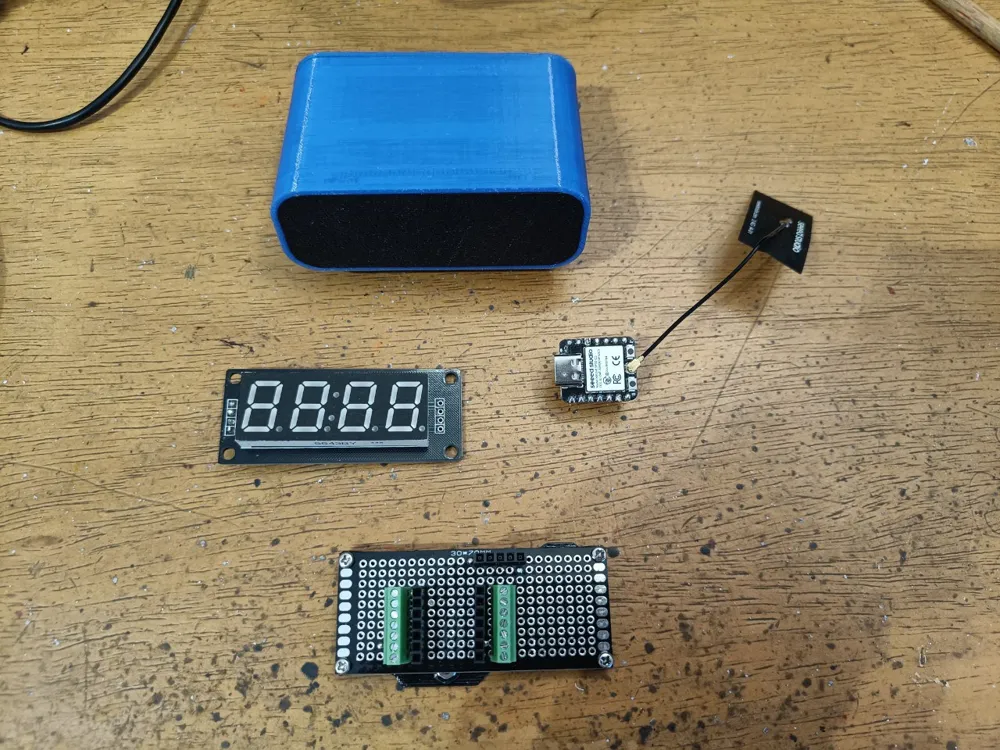
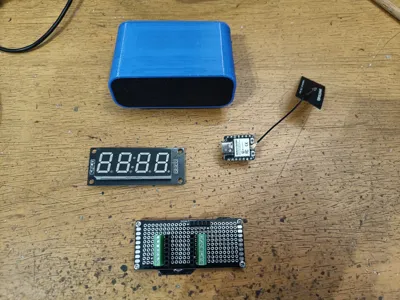
🔵 What you need 🛠


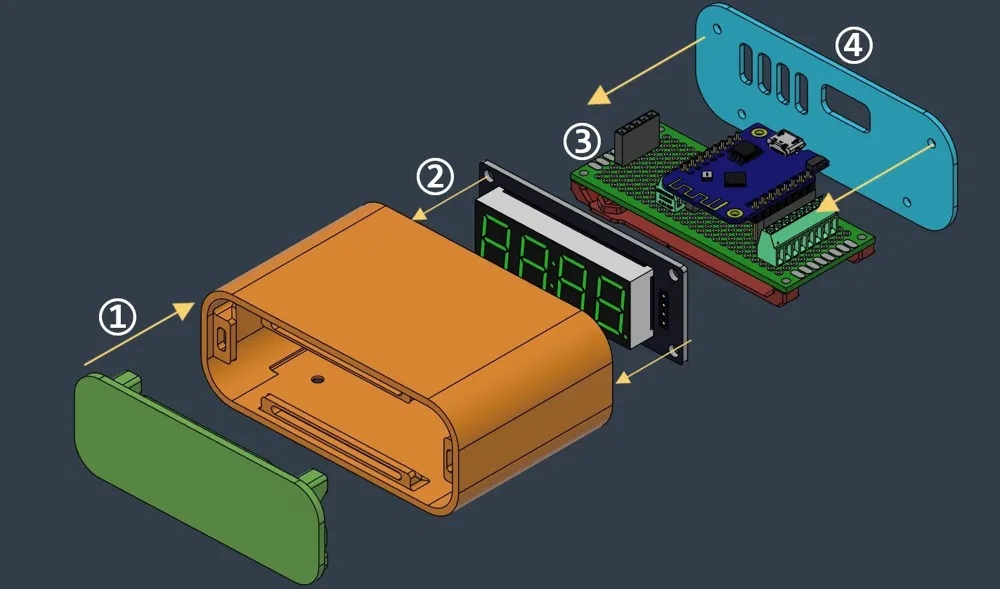
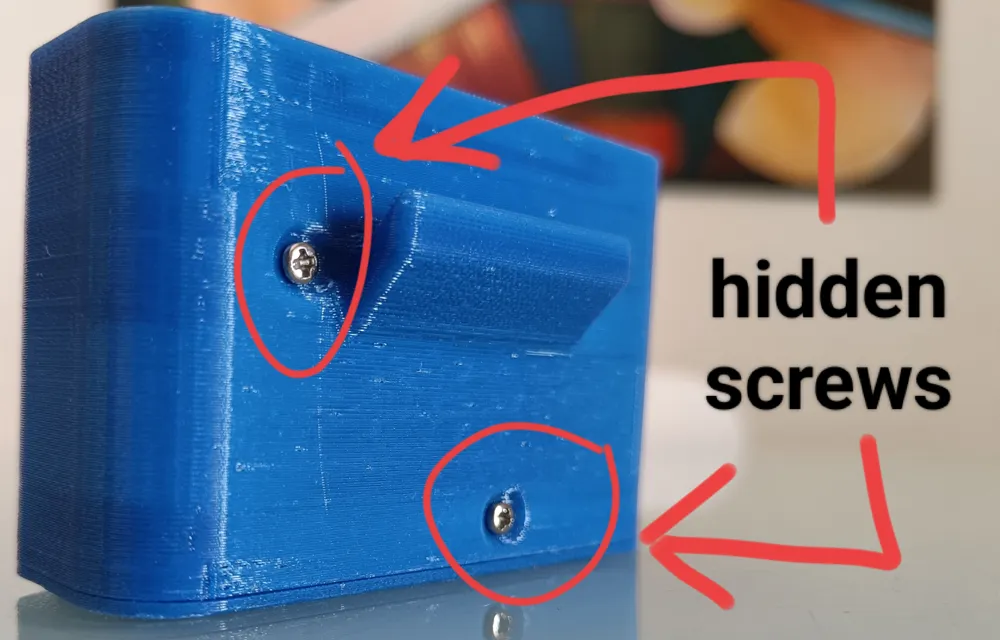
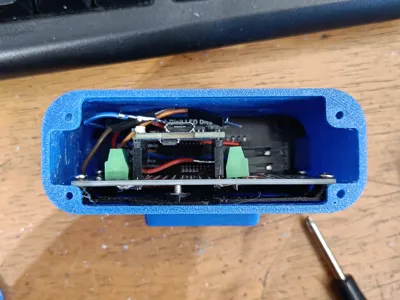
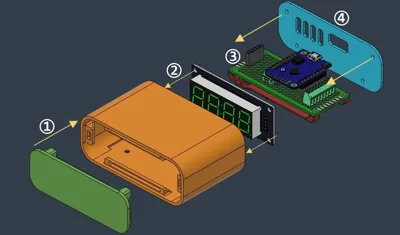
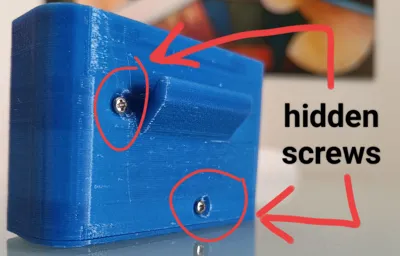
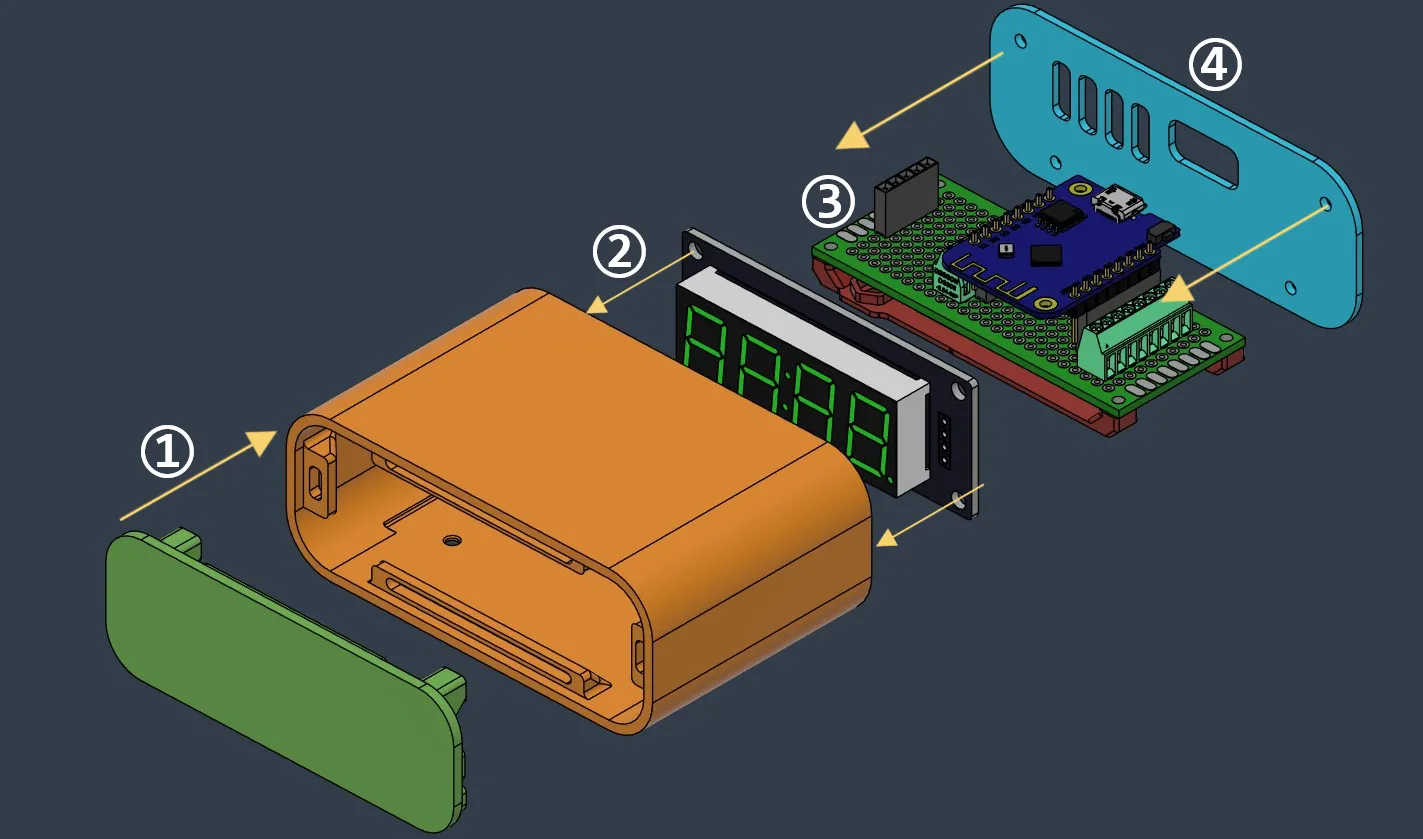
🪛 HOW TO ASSEMBLE ESPclock

Comment & Rating (39)

(0/1000)

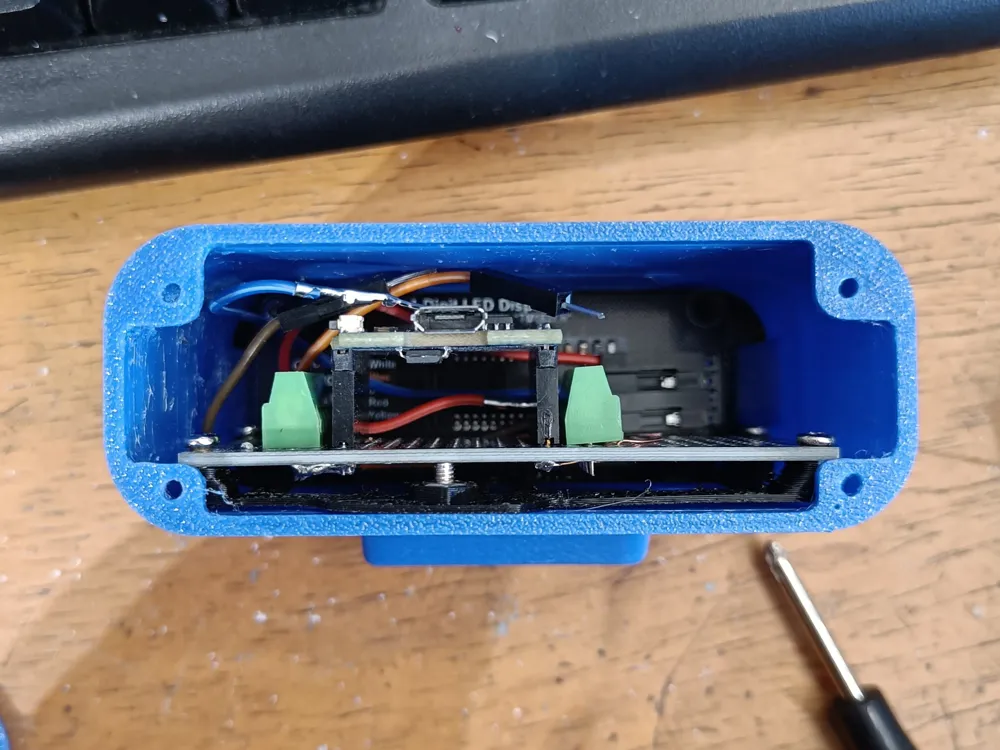
Thank you for working with me on my GitHub issues! (I was downloading the code zip file from the top of the page versus the release code on the right side, lower down on the page) Here’s a few pictures of my build. Since there are so few connections, I just wired point to point. and added some ribs to the inside the case so that D1 mini just slides into position. Much easier to assemble and lower parts count. I still need to modify the back plate for the new position of the USB connector. the ribs are located such that the display can still be inserted at an angle.
The designer has replied
designer
1
Reply
The rib for the board has a ramp at the beginning to clear the switch and another component on the board. The ribs are actually deeper further into the case. Still enough room to clear wires soldered to the pads.
0
Reply
Thank you, it came out very good!! Also you did a better wiring than mine, which is a bit of a mess :-)
0
Reply
here is the back plate modified for how I have the ESP8266 arranged.
designer
1
Reply
I am unable to build the project for the ESP8266. I installed vscode, platformio, built and uploaded the filesystem image but whenever I try and perform the 'general - build' I get errors about not finding the dependencies ESPAsyncTCP.h, ESPAsyncWebServer.h, tm652.h, etc. Where do I get these dependencies and where do I install them?
The designer has replied
0
Reply
Okay let's start from the beginning: after extracting the zip file, you get a parent folder with inside all of the others sub-folders (src, data,...). Then on vscode click "open new folder", and select (don't open!) the parent folder i mentioned before. Then confirm and vscode should display all of the parent's subfolders on the left. If so, repeat the build and upload process. Actually you don't need to know where are placed the libraries because pioarduino already knows where they are. Let me know if there are any other issues
0
Reply
Replying to @telepath :
Still having problems. I start VSCode, clicked on 'open folder', chose the ESP-Clock-main. VSCode shows all the folders. There is no 'Build' or 'Upload' option on that screen. I click on the PIOArduino extension which takes me to that screen but I am told there is no Platform.io project. See screenshots
0
Reply
Replying to @Dave805 :
You must click on "pick a folder" then select the parent folder, then all of the options should show up. Bad thing of pioarduino is that is a bit confusing at first time 😅
(Edited)
0
Reply
Print Profile
Tilted case - 0.2mm layer, 2 walls, 25% infill
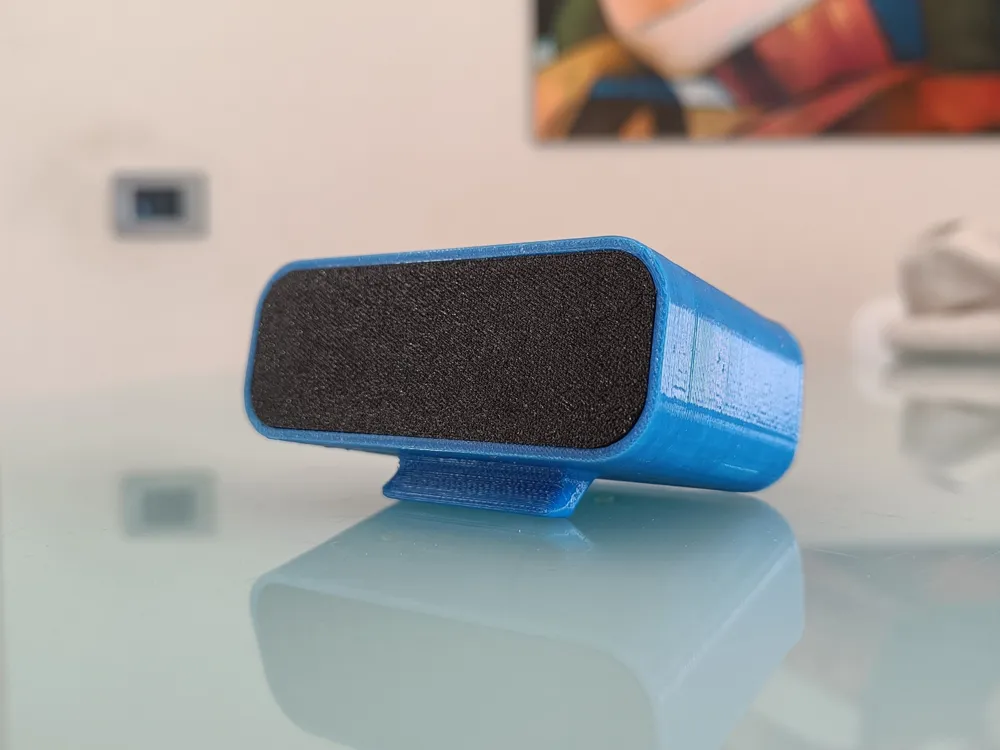
This small ESP32-style clock with stand is a very nice and compact design. The print quality is great, and the stand makes it stable and perfect for placing on a desk or shelf. Everything fits together well and looks clean once assembled. I modified the model to better suit my setup. I adjusted the housing to fit a 18650 battery, added a USB-C charging port, and reduced the size of the rear ventilation openings for a cleaner appearance. Instead of using an ESP32 clock, I installed a low-cost clock module from AliExpress with a temperature display, which works perfectly inside this case. Overall, it’s a very practical and flexible design that can easily be customized for different electronics and power options. Highly recommended for small DIY clock projects.
The profile uploader has replied
profile
2
Reply
Woah, very nice build!! I consider it as a well done mod (or hack) 😎 I like the changes you made, especially the fact that, adding a battery, you made its appearance cleaner since there are no power cables. Thank you!
(Edited)
0
Reply
Thanks for this model, it looks really great! Will there be a version for the D1 Mini esp32?
The designer has replied
designer
1
Reply
Thank you! At the moment, i'm planning to make a version for the xiao esp32-c3 since i ordered some. But i can provide pinouts for different esp32 boards, including yours. I don't think there will be compatibility issues
0
Reply
the D1 mini esp32 is a little bigger module and it just can't fit in this case (~5 mm longer module than the esp8266 version)
0
Reply
Replying to @SilveRousePL :
I thought that the two boards shared the same form factor. But since it's not like this, i'll look for a 3d model of the d1 mini esp32 and make the proper updates to the case
1
Reply
what we need for brightness auto in the new firmware? good project thank you, you can use your fritzbox as NTP Server is the option ON... ;)
(Edited)
The designer has replied
Show original
designer
1
Reply
Thank you! Brightness auto is already enabled in the firmware. If you want to to add your custom hours/brightness values, in the .cpp code you must check at the handler with "/br_auto" route and in the only one switch-case present in the code
0
Reply
Replying to @telepath :
Oh, it's in the code, yes, I've already seen it... I thought you had enabled it via a photosensor ;) I have a clock here that has such a small lux sensor (example: https://www.roboter-bausatz.de/projekte/lichtsensor-fotowiderstand-mit-arduino-auslesen?srsltid=AfmBOoqMRnR1nJARKdRXKfWtXqycBmWnibFZCN2M2TqBz0pwCm2gtgI-)
(Edited)
0
Reply
Replying to @kral84 :
Yes, at the beginning i wanted to implement this feature with a photoresistor, but then i found out that i was out of this kind of sensors! So I went for a software-only solution. Sooner or later i will test it, and if it's better than the previous, replace it
(Edited)
1
Reply
Boosted
Just had another midnight power outage that reset my clocks. I woke up this morning and thought "this is dumb. I should make a clock with an ESP that gets time from the Internet". Then I thought "This is dumb. Someone smarter than me has already done that. I should check Maker World." And here we are. Perfect solution for the problem and I love the simple case with no need to mess with buttons or anything. After the initial setup, it just works!
The designer has replied
designer
1
Reply
@comridor I'm very glad that you found it useful, thank you!! By the way, would you mind to post a pic of the build?
(Edited)
0
Reply
Boosted
Replying to @telepath :
Sure! I have the case printed, but waiting for electronics to show up. Turns out I did not have the LED display. Decided to make two, as well. When I get them built, I'll post photos.
designer
1
Reply
Cool project and print, but needs a few more things. Auto brightness and alarms! Boosted 'cause I have some to spare :)
The designer has replied
designer
1
Reply
Thank you, very appreciated!! The alarm feature will be added in future, but the auto brightness is already implemented, it just works with time slots instead of relying on a photoresistor (maybe i will implement it too one day)
0
Reply
I just wonder, if i can use bigger screen ? I mean, just bigger numbers.
The designer has replied
0
Reply
Print Profile
0.2mm layer, 2 walls, 25% infill
The profile uploader has replied
profile
1
Reply
Thank you!!
0
Reply
Print Profile
0.2mm layer, 2 walls, 25% infill
profile
1
Reply

License

This user content is licensed under a Standard Digital File License.

You shall not share, sub-license, sell, rent, host, transfer, or distribute in any way the digital or 3D printed versions of this object, nor any other derivative work of this object in its digital or physical format (including - but not limited to - remixes of this object, and hosting on other digital platforms). The objects may not be used without permission in any way whatsoever in which you charge money, or collect fees.