Search models, users, collections, and posts

Badge Board: Gamify Your Road Trip (No AMS Req'd)
GIF

Print Profile(2)

All
A1 mini
X1
X1 Carbon
X1E
H2D
P1S
P1P
A1
H2D Pro
H2S
P2S
H2C
X2D
A2L

AMS - Board, Badges & Letters
Designer
3.6 h
3 plates
5.0(2)

No AMS - Pause for Manual Filament Swap
Designer
3.5 h
3 plates

Open in Bambu Studio
Boost
45
179
13
2
31
22
Released 

Description

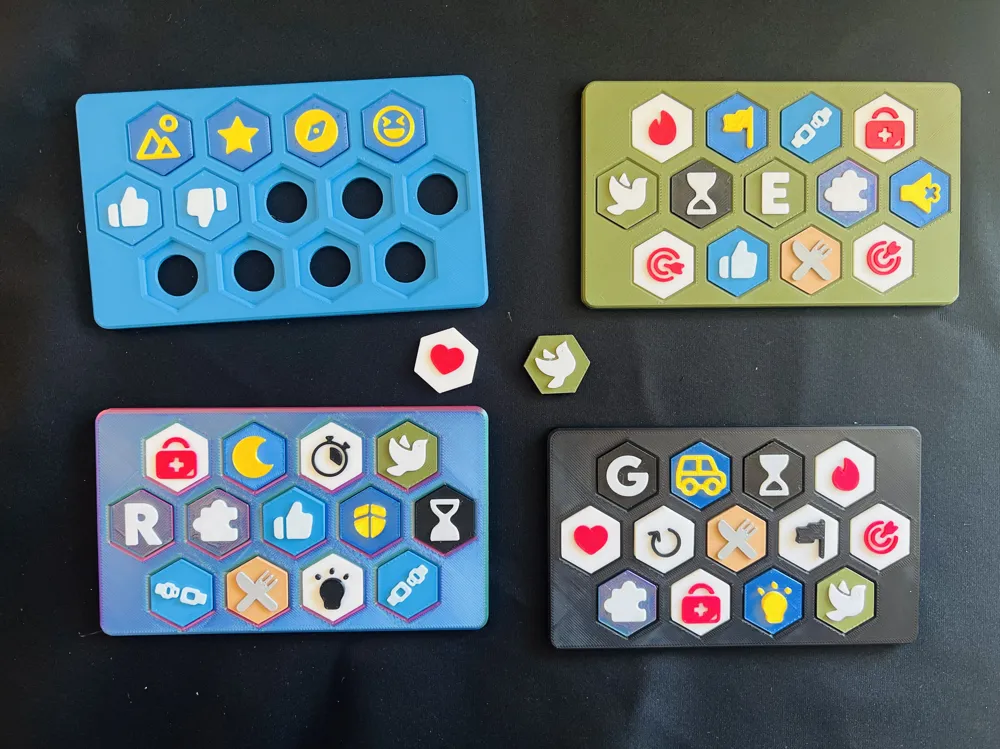
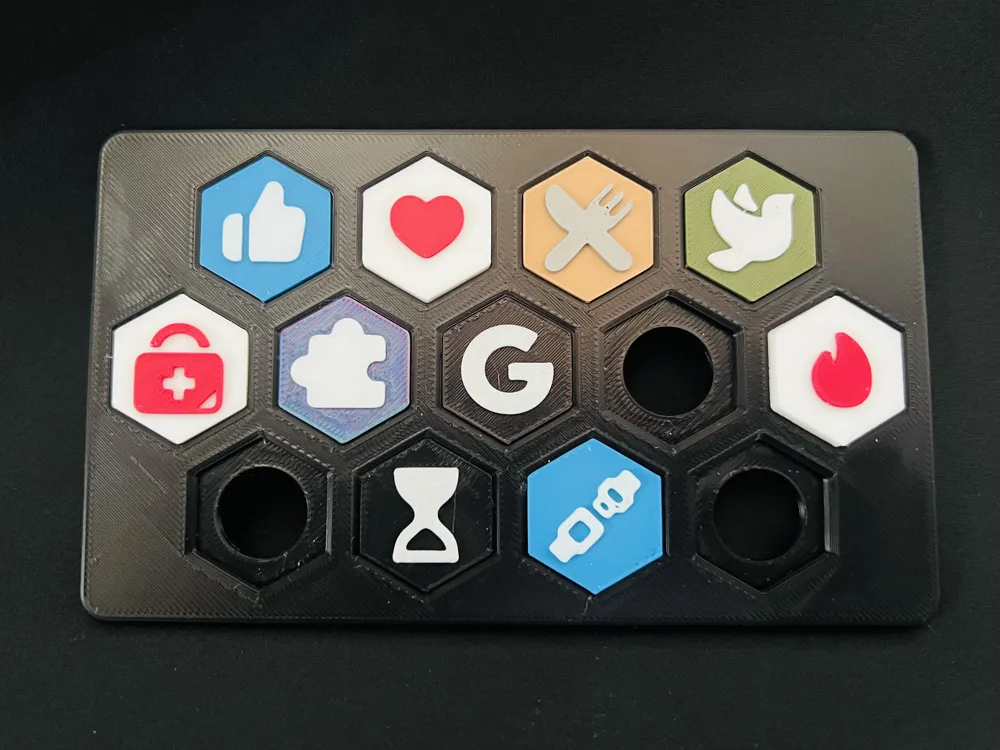
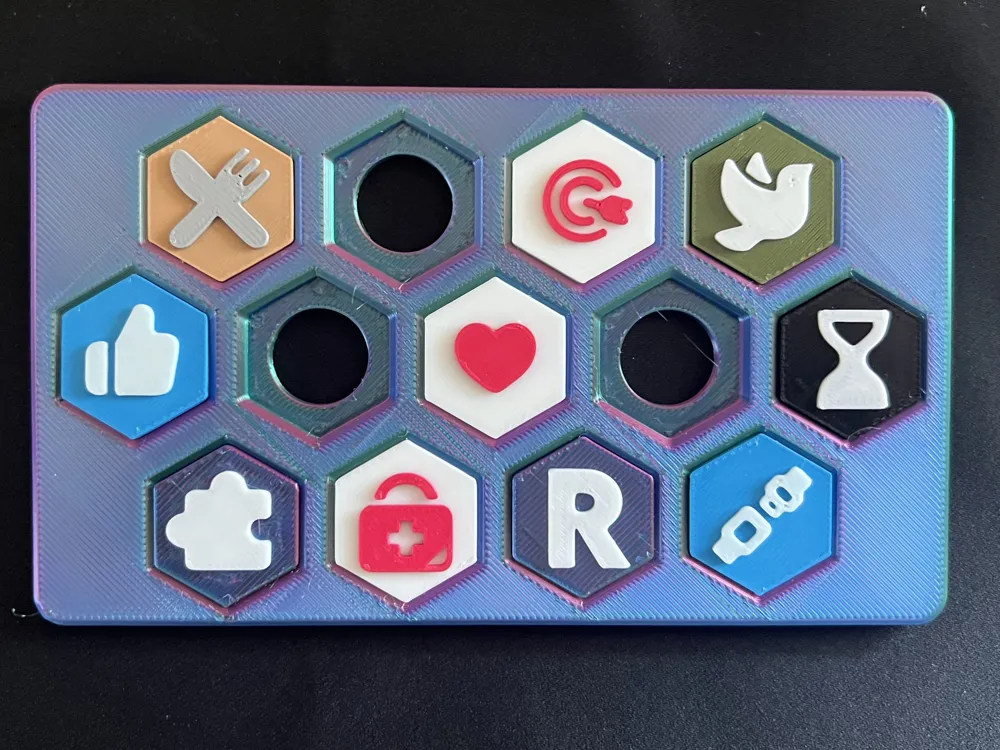
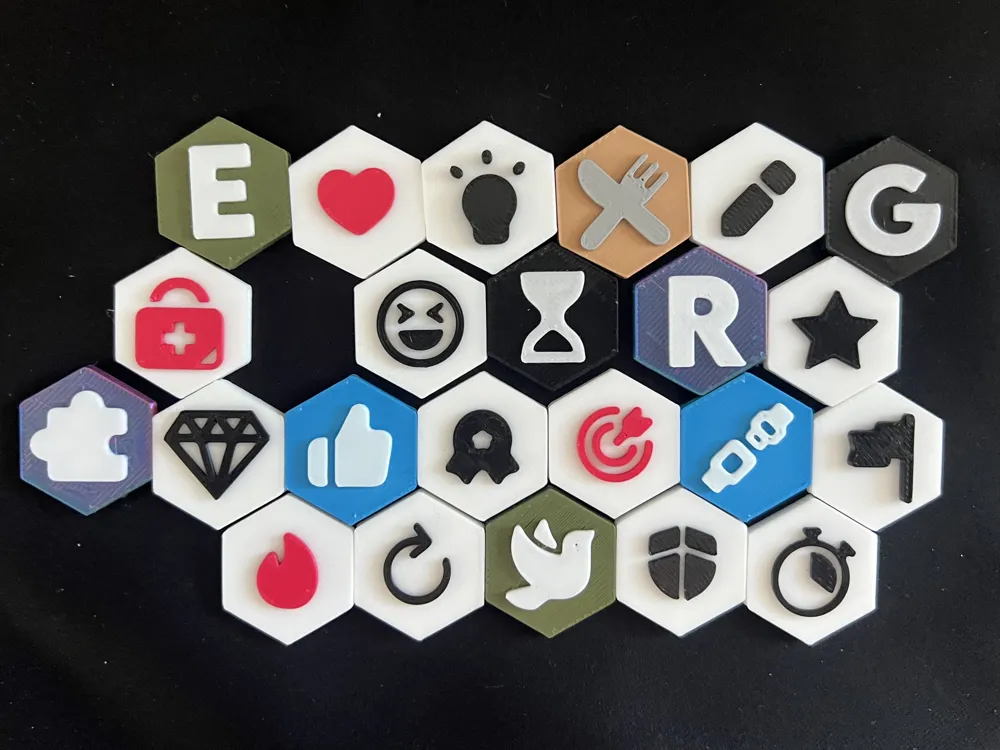
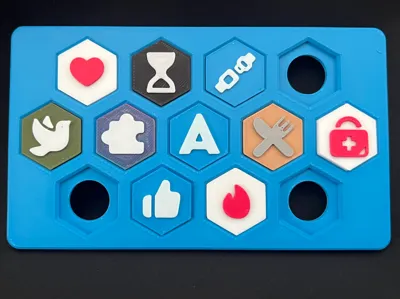
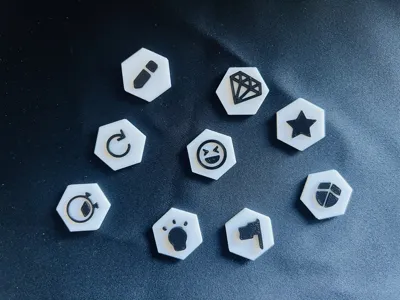
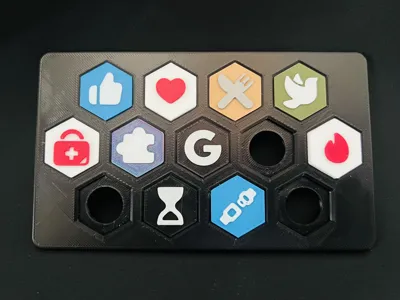
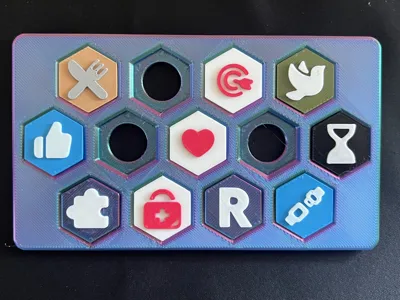
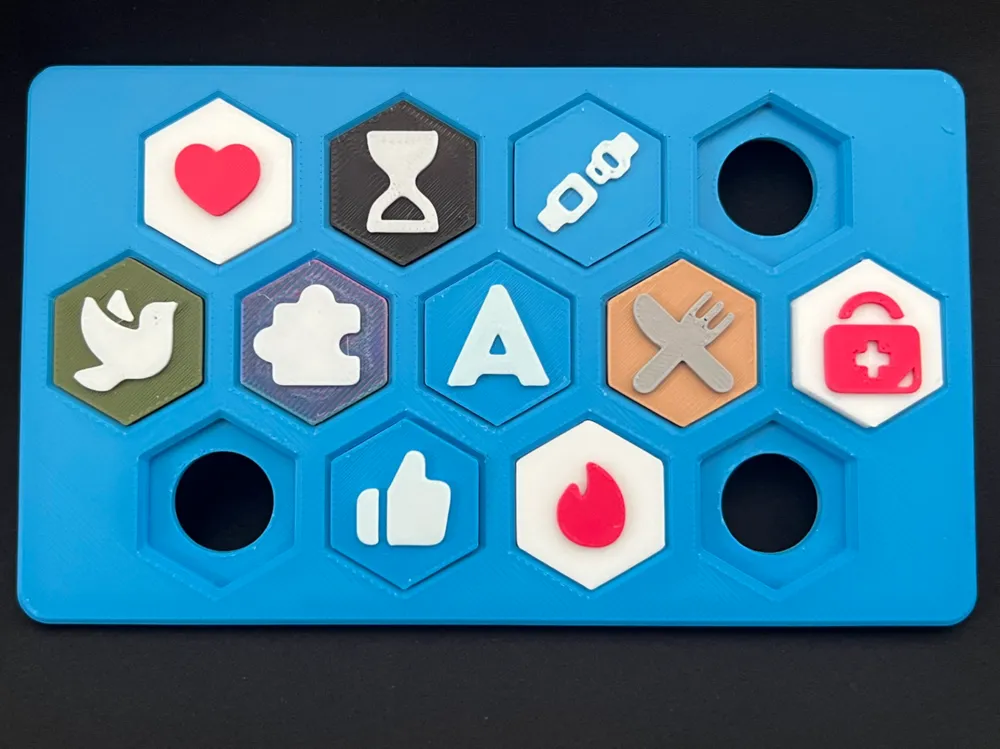

Make every mile count with the Badge Board, a reward system that turns your kids’ positive road trip behavior into collectible fun. Designed for parents who want to encourage patience, kindness, and helpfulness on long drives, this board holds thirteen custom-fit badges that snap in with a satisfying click–and can be easily popped out from the back when it’s time to trade, celebrate, or reset. Parents can set goals and give ideas for how kids can earn badges, and everyone can enjoy a more pleasant road trip experience!


Boost Me (for free)

If you enjoyed this design, a boost would mean a ton 🚀 Thanks for your support!


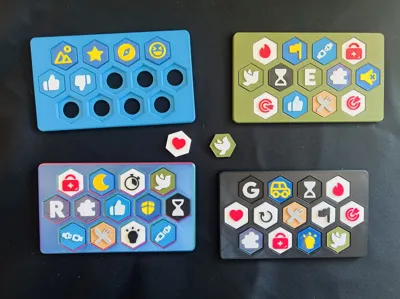
Each board (28g) and badge (~1g!) prints flat and support-free, and you can fit two full boards on a single A1 Mini build plate, making it ideal for multi-kid families or multi-stage trips.

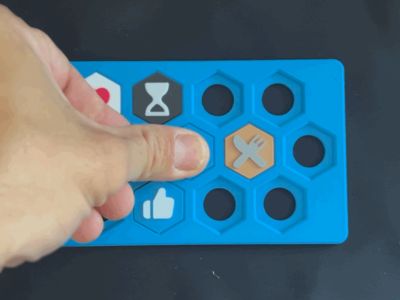
  • Snap-fit perfection: Badges lock firmly into place and yet are easy to remove by sipmly popping out from behind. The snap fit is incredibly satisfying and clicks easily thanks to a chamfered edge. Rounded board edges to keep things smooth and safe.
  • Modular + portable: Compact enough for seat-back organizers or lap trays. Endless combinations for your trip.
  • Fully customizable: Create colorful, layered badge boards with or without AMS as there is a NO AMS profile for a single manual color swaps.
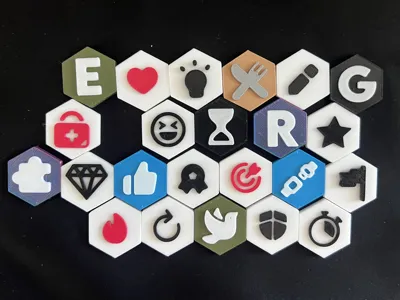
  • Print Only What You Want: You can delete badges that you don't need and keep only the letters you want. By customizing your choices you can easily fit everything onto a single plate (AMS users only). Keep plates separate if you want to optimize for filament usage.
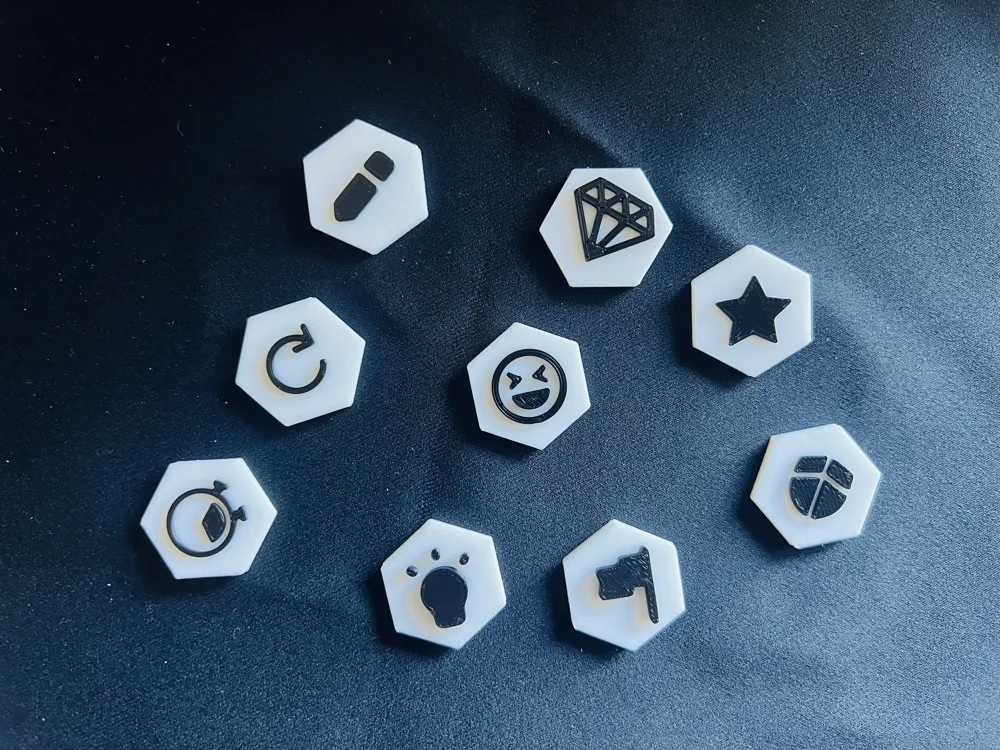
  • Add Your Own Flair: Use the blank badge on plate two to customize and add your own icons through your CAD of choice (Badge creation guide is coming soon!) 

Whether you’re rewarding “Seatbelt Stars”, “No Whine Warriors” or “Snack Sharers,” the Badge Board makes travel more fun for everyone.

Comment & Rating (13)

(0/1000)

When we edited the badges to print a bunch of the same one they no longer snap into the board, they just fall out. Any suggestions on what we might need to do to fix them?
The designer has replied
0
Reply
Oh no, that's disappointing! So you copied and pasted one badge on the plate and did a bunch of the same? or you designed your own badges? What material did you use? Do other badges fit into the board? In my experience, using Silk can lead to a bit softer badge and not click quite as well. Is there any possibility a badge got accidentally resized and then duplicated? If you could share a picture maybe I can make more suggestions too.
0
Reply
I copied and pasted one of each badge to a new plate 20x and they all seem to just be a tad too small. We created a bunch of the boards for a church group and wanted to do a variety of color combos for the badges. Could it be the boards are the problem? We used the auto option to print two per plate without editing the file. We are using Bambi Lab PLA. We did print a first set with no edits and that did work fine. What pictures would be helpful? Thanks for the reply and suggestions.
0
Reply
Replying to @user_330510822 :
That’s really strange. I’m sorry to hear that. it could be the board or the badge. if you happen to have calipers you could try to measure the badge and the hole in the board. pictures could help, but my guess is that something was accidentally resized somehow. At this point if you have all the boards printed, I would try to resize the badges and make them slightly larger, or if you have more badges the shrink the boards and reprint those. perhaps adjust to 110% size of badges are too small or 90% of boards are too big, then see how that fits, then proceed from there. sorry this didn’t work as it should have for you without any effort.
(Edited)
0
Reply
I don't understand it at all? If they see flames, then they get a flame batch? What is the hours glass?
The designer has replied
0
Reply
Sorry for the confusion! Some of them can be whatever you want them to be (like a “fire idea” or “hot tip” for the flame). I would use the hour glass for moments of being patient or doing a good job waiting for something. I tried to find symbols that could be used for lots of different moments, but you could also make your own or only print the ones that you would use 😀
0
Reply
Ahh got it! 😅 I totally misunderstood. I thought it was like, if you see a red car. If you see a bridge. Like something physical. The you get a batch.
0
Reply
Replying to @user_369670500 :
you could do it that way too! it’s completely up to you how you use it. thanks for asking and wanting to know more about the project. I’d give you a badge if I could 😂
1
Reply
Print Profile
AMS - Board, Badges & Letters
awesome
(Edited)
The profile uploader has replied
0
Reply
🙌🏻🎉
0
Reply
Print Profile
AMS - Board, Badges & Letters
The profile uploader has replied
0
Reply
Thanks for the rating! Enjoy your board 😊
0
Reply
🙌🏻🎉
0
Reply
No more

License

This user content is licensed under a Standard Digital File License.

You shall not share, sub-license, sell, rent, host, transfer, or distribute in any way the digital or 3D printed versions of this object, nor any other derivative work of this object in its digital or physical format (including - but not limited to - remixes of this object, and hosting on other digital platforms). The objects may not be used without permission in any way whatsoever in which you charge money, or collect fees.